Softpedia
 

WINDOWS CATEGORIES:


GLOBAL PAGES >>
SOFTPEDIA REVIEWS >>
MEET THE EDITORS >>
WEEK'S BEST
  • Sticky Password FR...
  • Parallels Workstat...
  • ESET NOD32 Antivir...
  • BitDefender Total ...
  • WinPatrol 24.6.201...
  • PerfectDisk Free D...
  • Adobe Photoshop CS...
  • PerfectDisk Profes...
  • Windows 8 Consumer...
  • Atlantis Word Proc...
  • Home > Windows > Internet > WebCam
     Report malware

    Wirecast 4.1.2

    download button

    Downloads: 17,088  View global page  Tell us about an update
    User Rating:
    Rated by:
    Good (3.0/5)
    42 user(s)
    Developer:

    License / Price:

    Size / OS:

    Last Updated:

    Category:

    Demo / USD 449.00 buy button
    37.7 MB / Windows XP / Vista / Vista64 / 7 / 7 x64
    [view history]
    C: \ Internet \ WebCam

     Read user reviews (0)  Send to friend   Follow (2 users)

    Wirecast description

    Broadcast live your images and your own internet show.

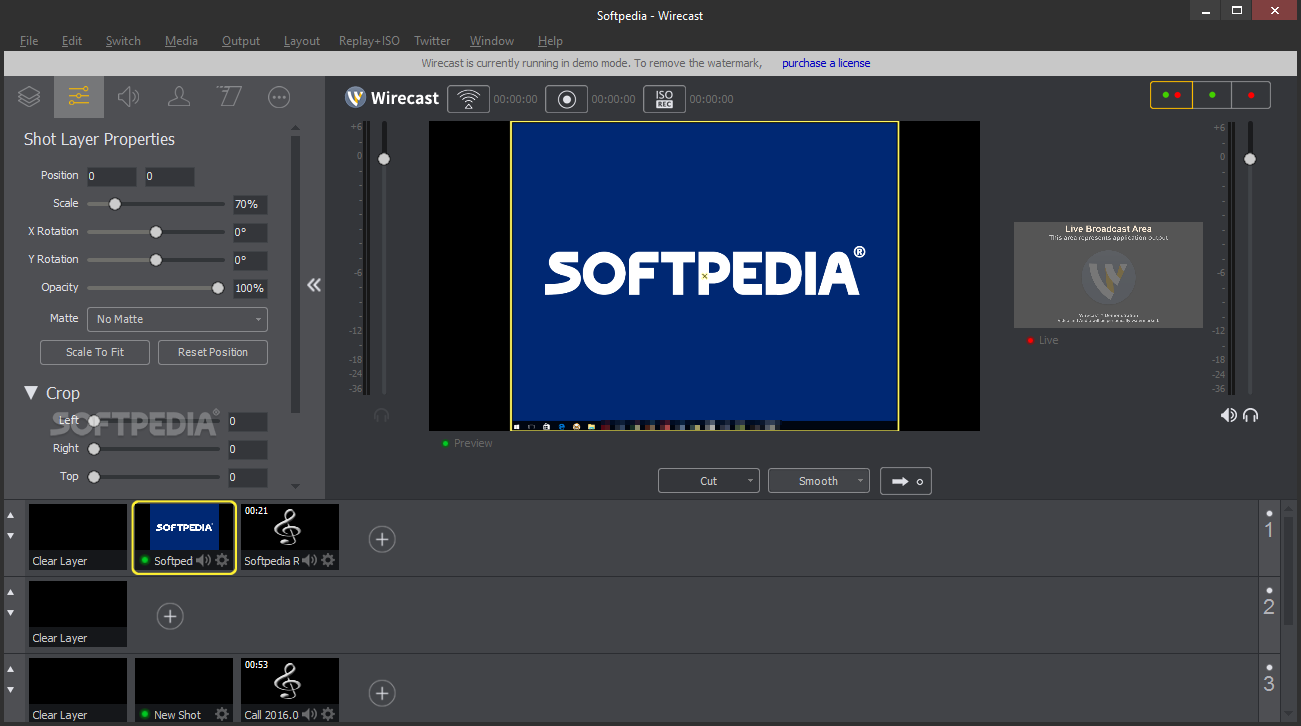
    Wirecast is an application that makes it easy to create dynamic webcasts. It has been designed for building detailed multimedia broadcasts with many cameras, images, titles and movies etc. Traditionally such solutions have required expensive dedicated hardware and been out of reach to most users.

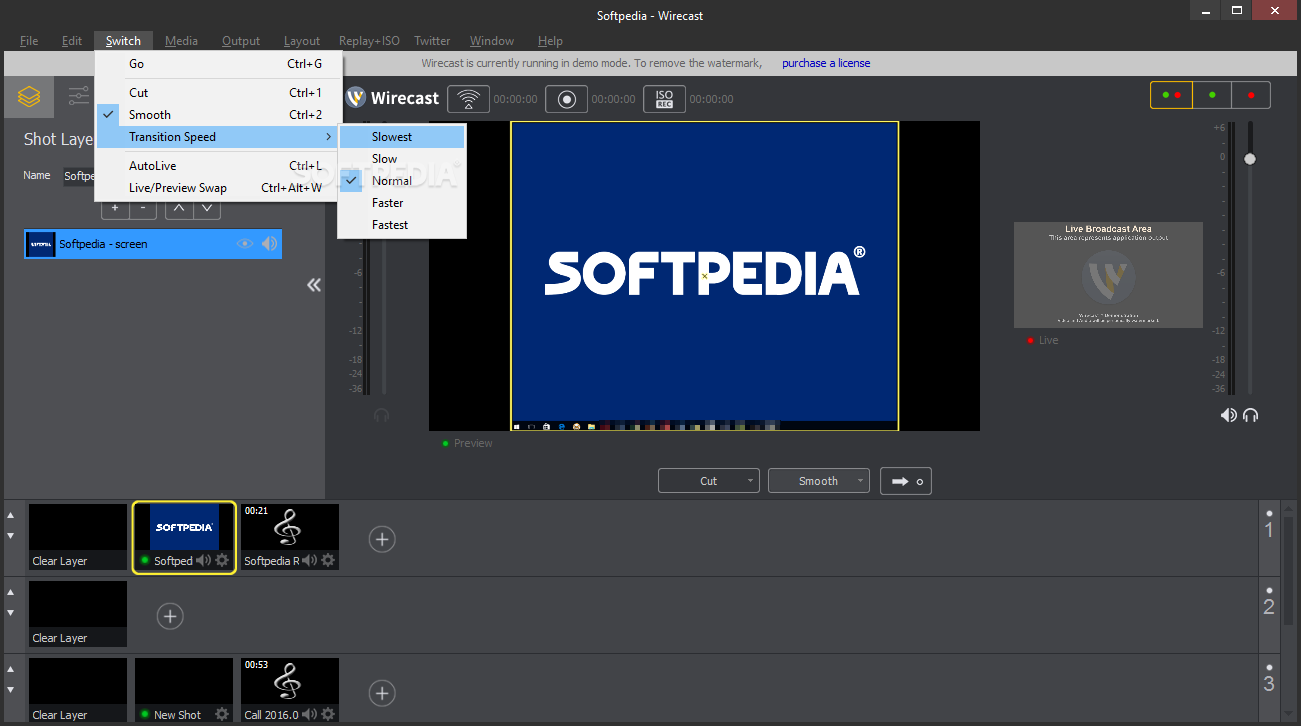
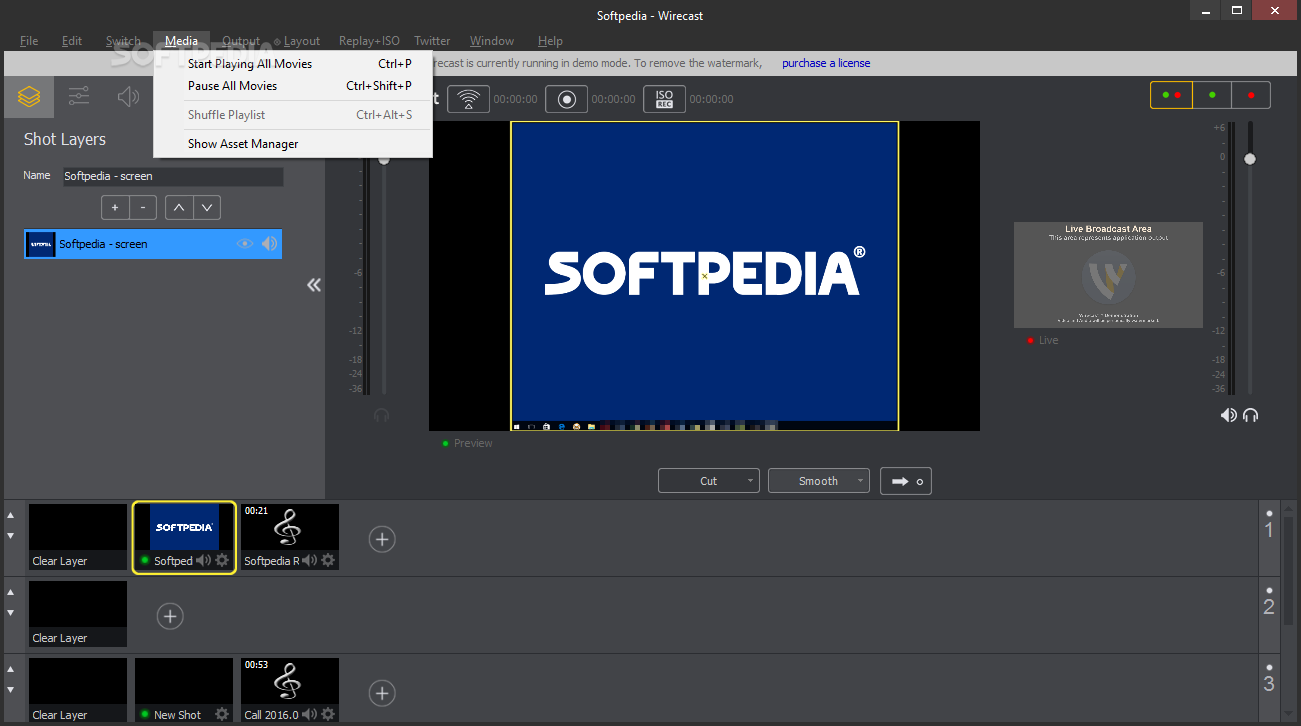
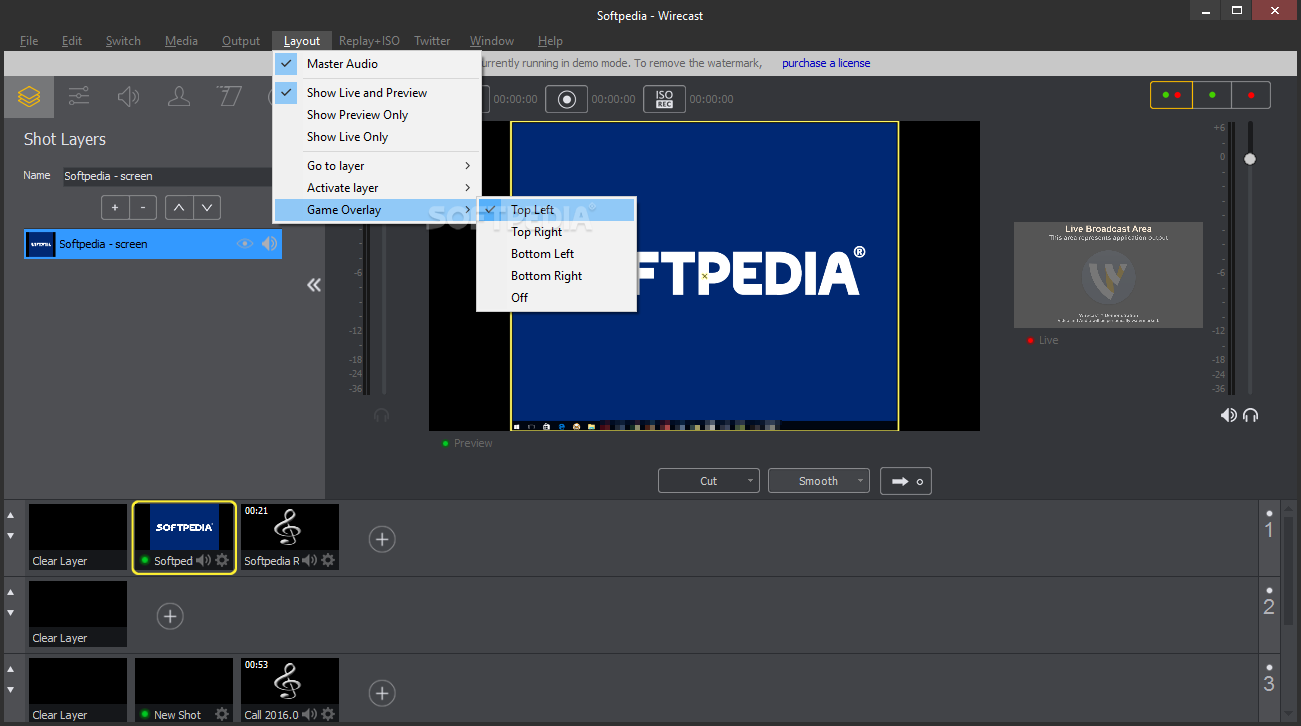
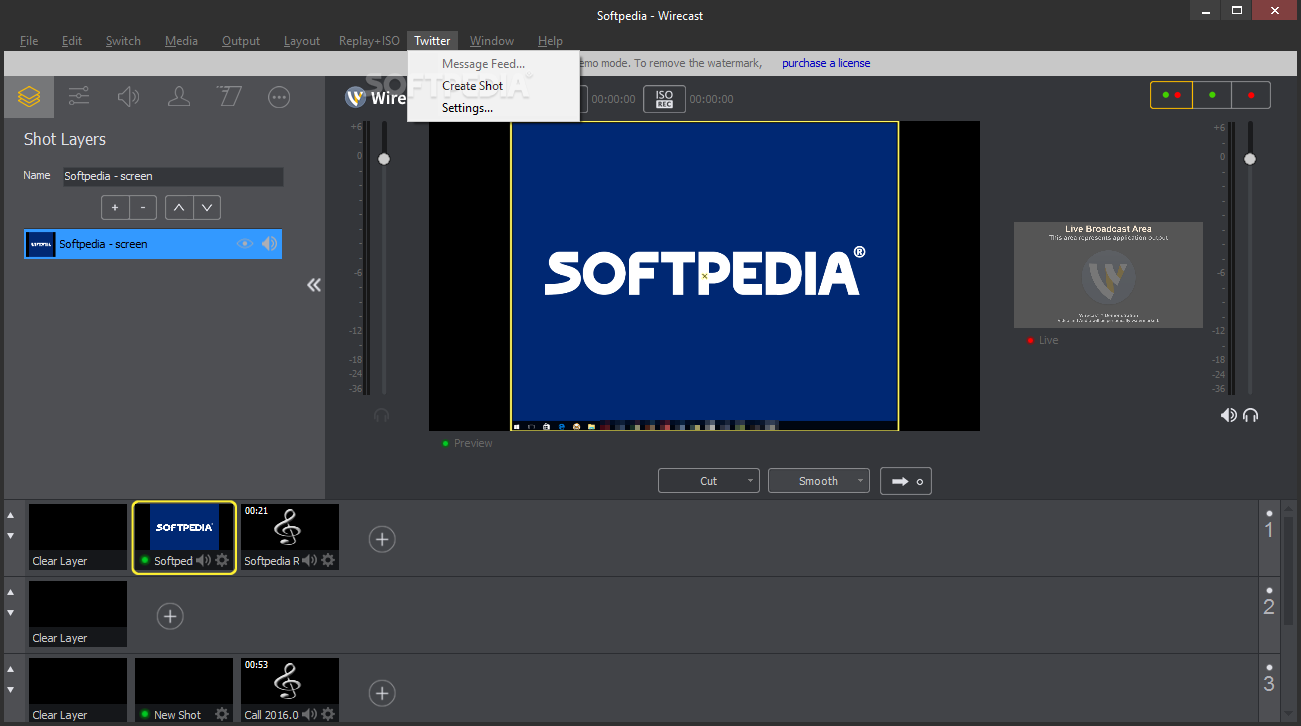
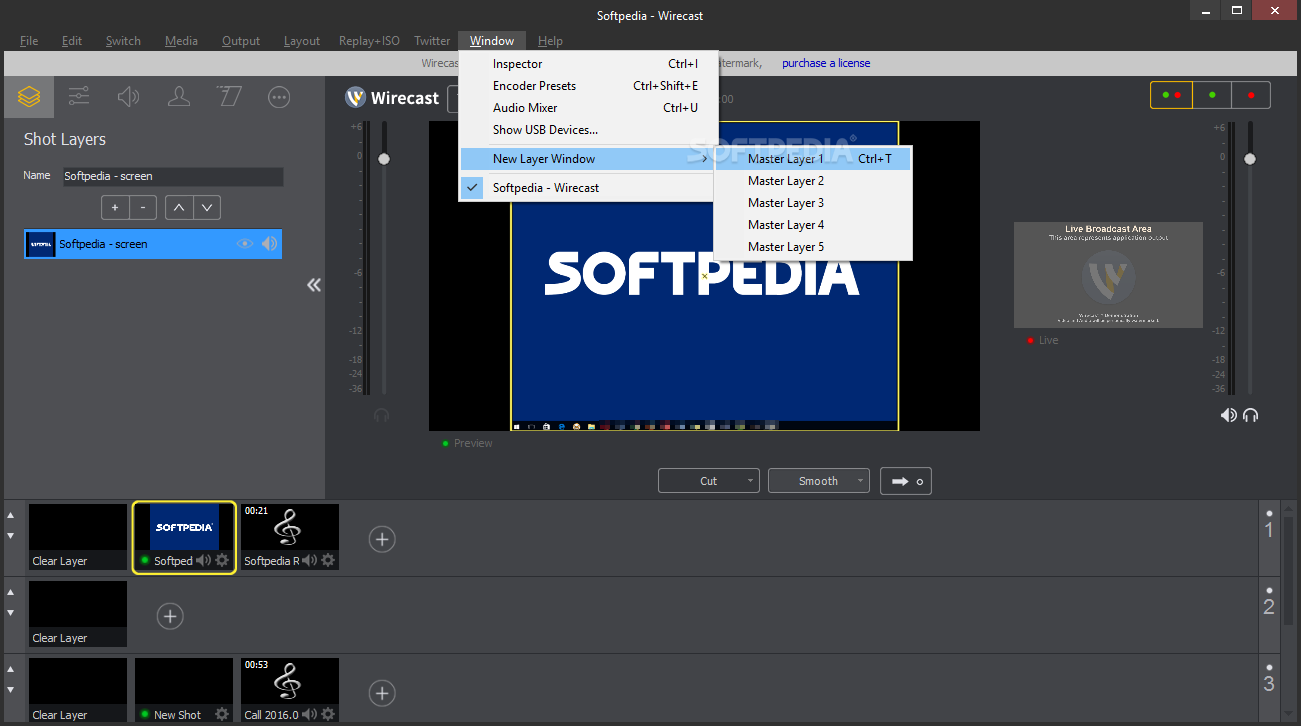
    Wirecast featurea a new concept of "shots" that groups up your selected cameras, graphical overlays, movies and titles into one object. Once you have built your list of shots, you can transition the broadcast between them with a single mouse click.

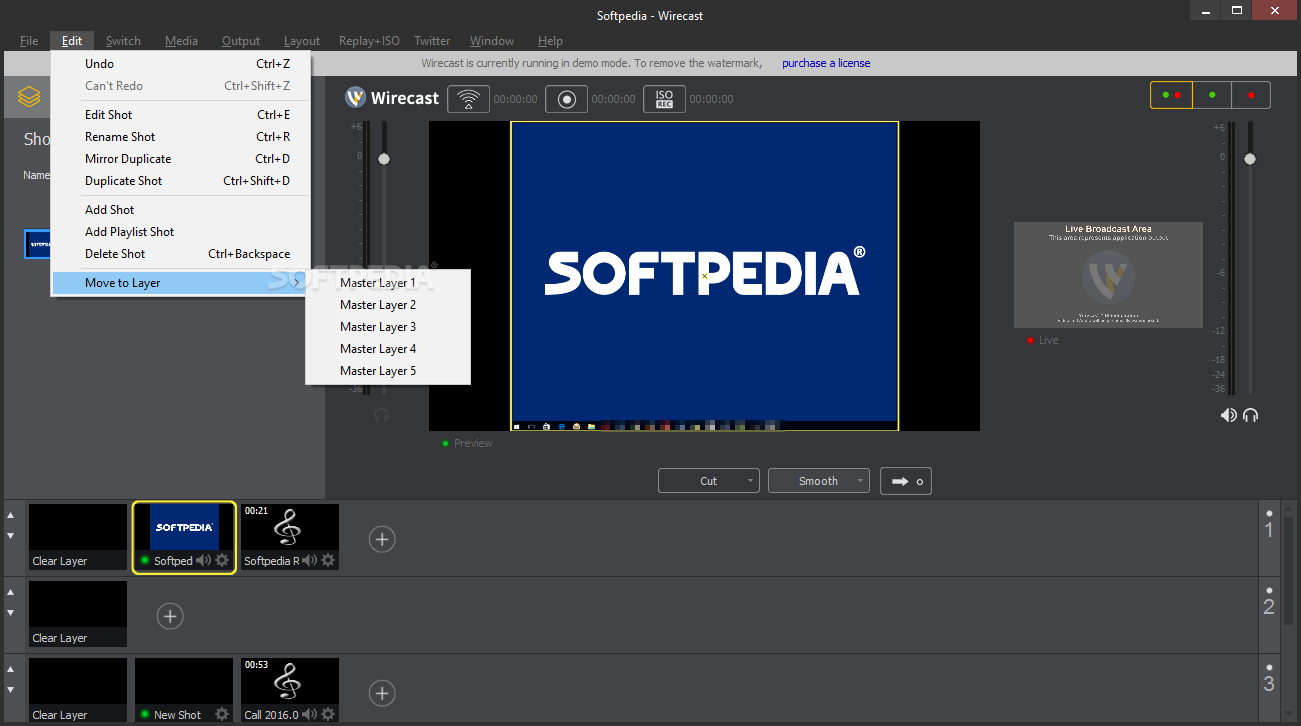
    Controlling your broadcast in real-time is easy. With Wirecast's multiple layer support, it's simple to place a background music track or a company logo over your webcast, while changing between the cameras you want your viewers to see.

    Wirecast takes advantage of the QuickTime Streaming architecture (and Windows Media on the Windows platform) for broadcasting. Using QuickTime, you can unicast or multicast to your clients. When you want to scale your webcast up, you simply send your broadcast to a Darwin or QuickTime Streaming Server. Your viewers can then watch your webcast through QuickTime Player or embedded directly into a webpage.

    Windows Media supports both a push and pull model, viewers can either connect directly to your machine using the "pull" method or when you need to scale up you can "push" your broadcast to a Windows Media Server. Viewers will connect either through Windows Media Player or directly inside a webpage.

    Here are some key features of "Wirecast":

    Sources:
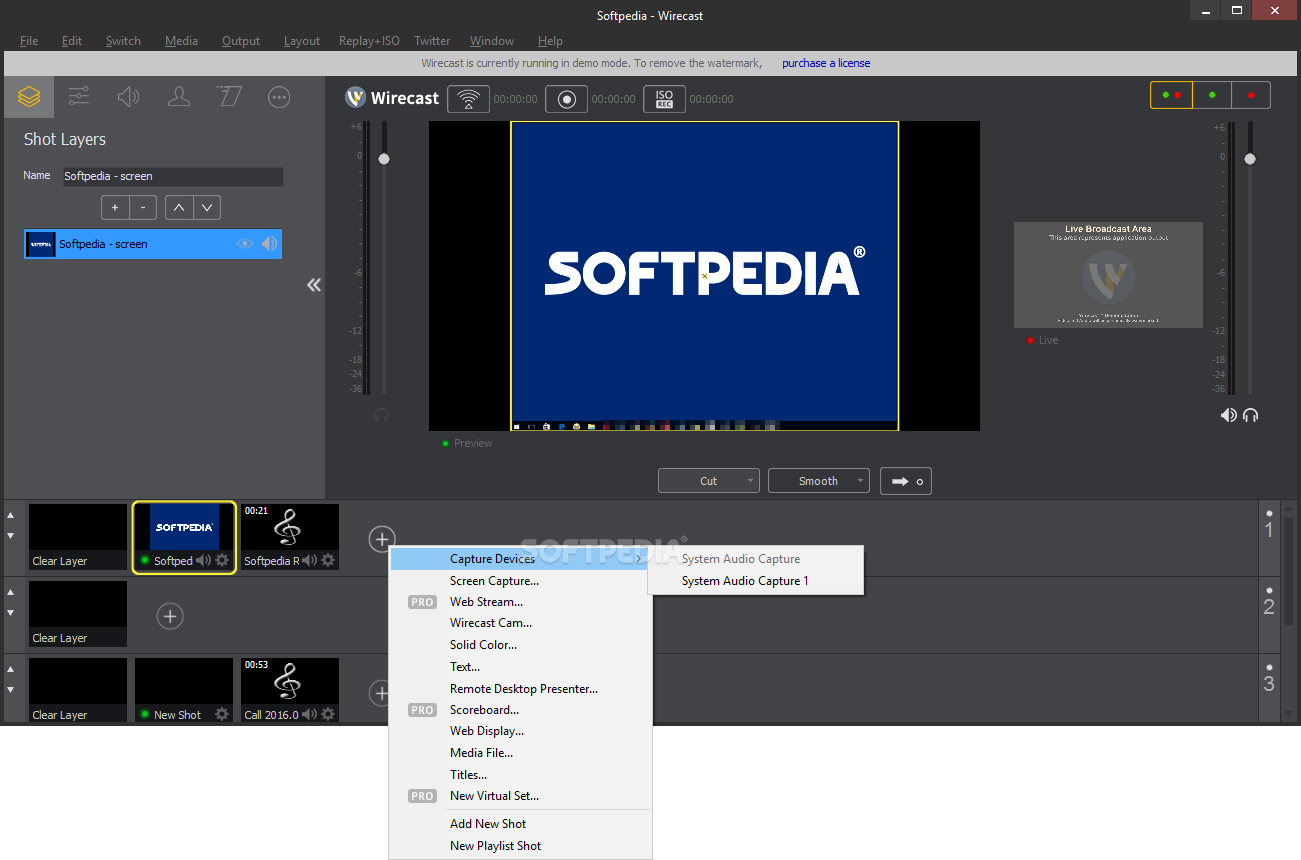
    · Support for multiple cameras (DV/HDV*,SDI) and inputs (USB, Firewire, SDI, HDMI)
    · Unlimited number of input devices
    · Add additional media: audio, video, graphics
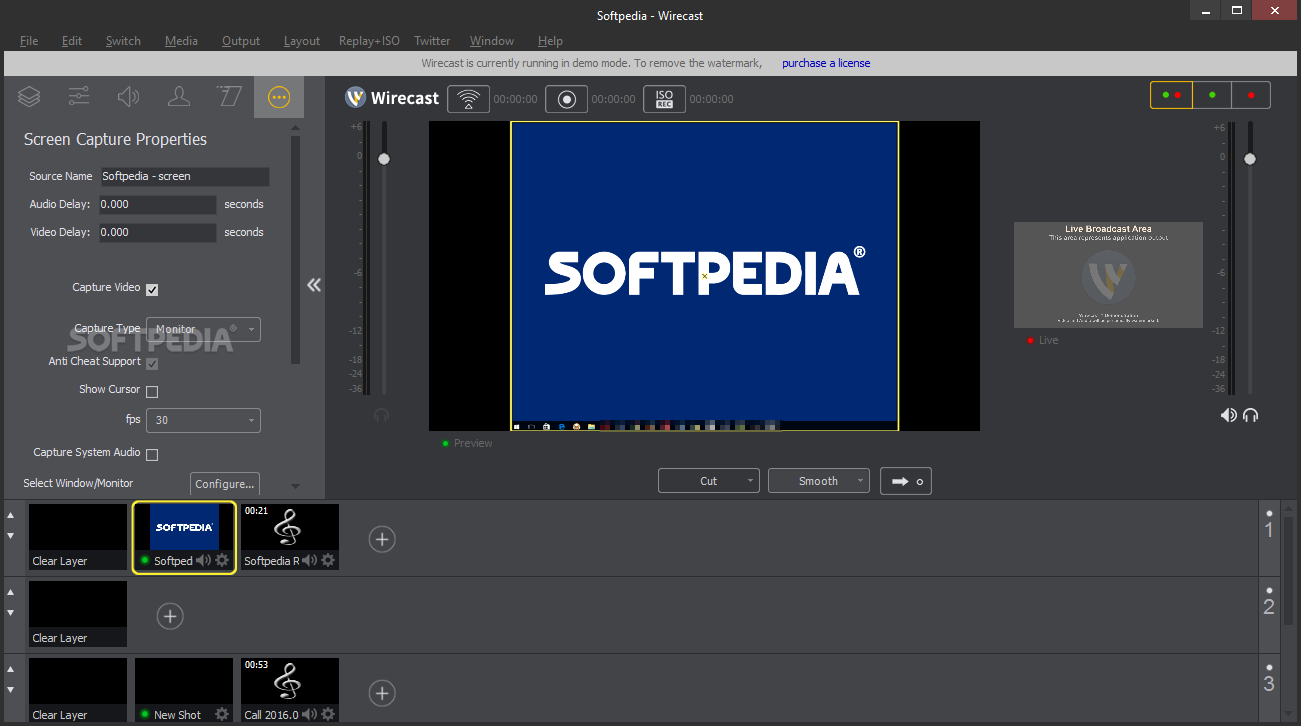
    · Broadcast your computer desktop using built-in Wirecast Desktop Presenter
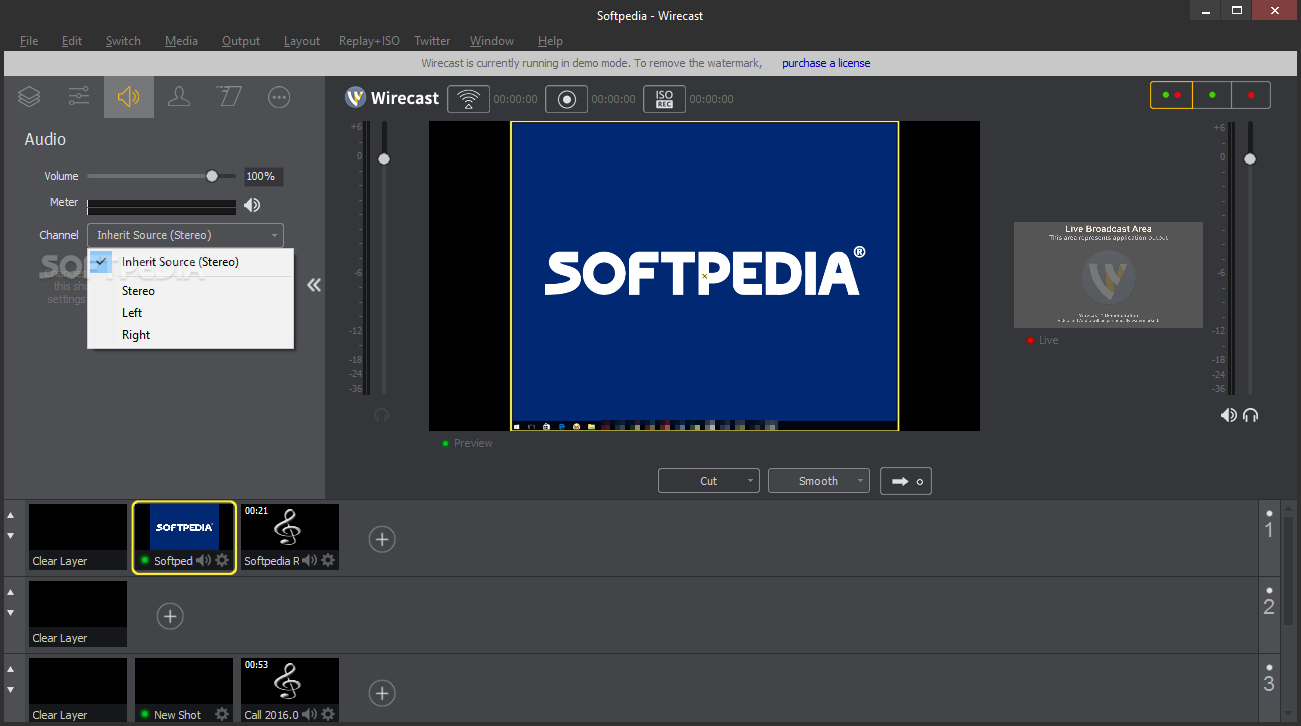
    · Includes audio support
    · Improved integration for Blackmagic capture cards (Intensity Pro, Decklink SDI, Decklink Duo, Decklink Studio, Decklink HD Extreme 3D and Intensity Shuttle)
    · Improved integration for Viewcast Osprey capture cards (240e, 450e & 700e) (Windows version only)
    · Integration with Matrox Multi-Ingest capture card (Mac version only)
    · Integration with LiveU video-over-cellular transmission backpack

    Production tools:
    · User definable multiple layers; up to 35 layers of live compositing
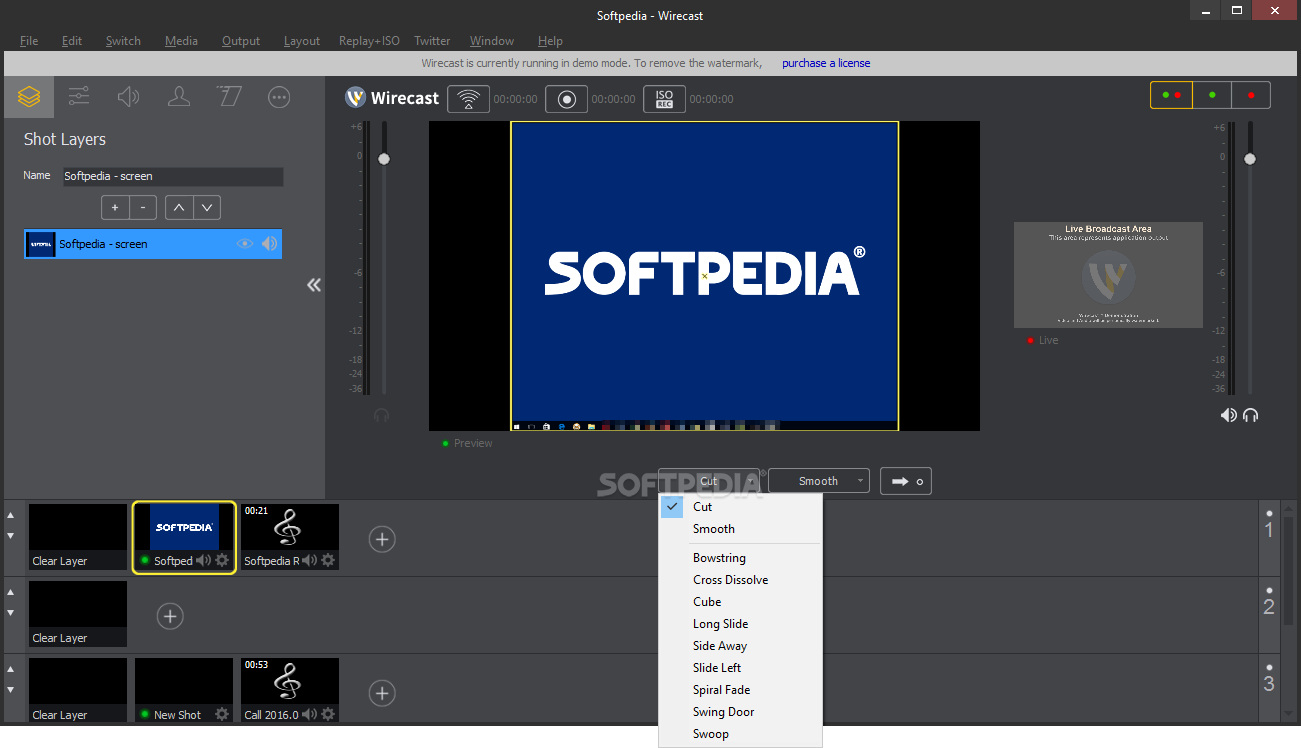
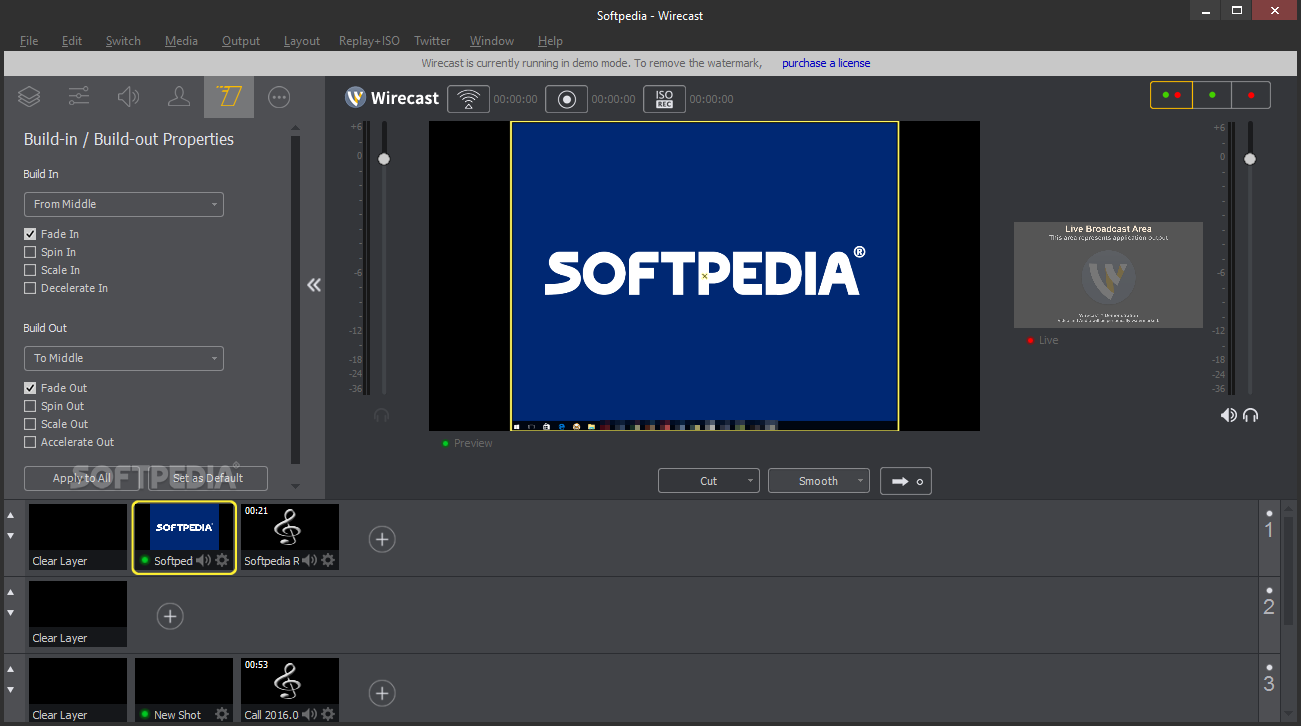
    · Support for a variety of configurable transitions
    · More than 30 built-in titles (lower thirds)
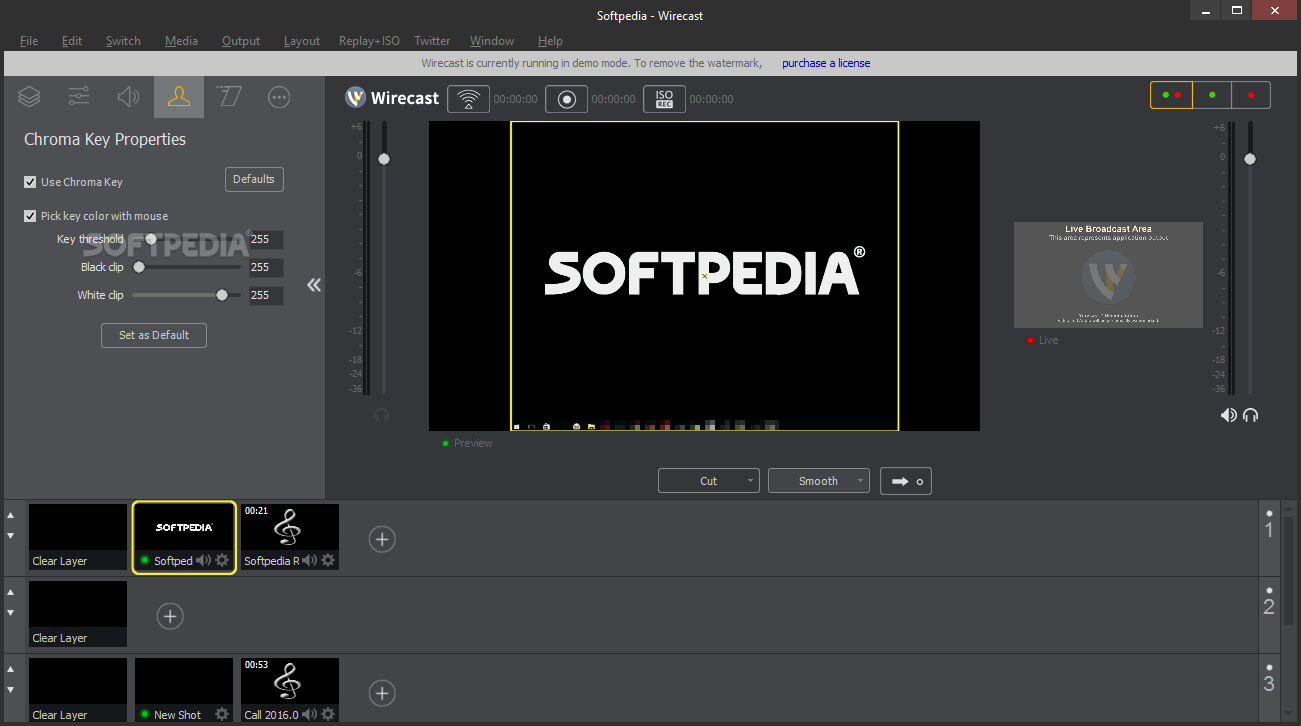
    · Chroma key

    Video Formats (ouput):
    · Windows Media (WMV)
    · Flash 8 On2 (VP6)
    · Flash 9 with Main Concept H.264
    · QuickTime

    · Audio Formats (output): All supported formats

    Destinations:
    · QT, Flash, Windows Media streaming servers
    · Streaming services: Ustream, justin.tv, Livestream, Stickam.com, Sermon.net, Brightcove, Akamai, Limelight, BitGravity, Wowza and more…
    · Record to disk
    · Broadcast to external monitor

    User Interface:
    · Shot Inspector
    · Source Inspector
    · Destination Editor

    Requirements:

    · DirectX 9.0c
    · Apple QuickTime 7.5 or better
    · Windows 7 processor: 2.3 GHz 32- or 64-bit
    · Windows Vista processor: 2.3 GHz 32-bit (x86)
    · Windows XP, SP2 processor: 2.1 GHz 32-bit (x86)
    · Windows 7, Windows Vista: 1 GB RAM
    · Windows XP, SP2: 512 MB RAM
    · 200 MB free disk space (for install), more for recording
    · 32 MB PCI-Express graphics card with 3D acceleration (GeForce or Radeon class card recommended)
    · GeForce 5200, Radeon 9600 or better for Chroma Key
    · Sufficient Upload Speed (300kbps for low quality, 700kbps for good, 1.3 mb and up for HD)

    Limitations:

    · Watermark on the broadcasted image

    What's New in This Release: [ read full changelog ]

    · Broadcast live interviews via chat with new audio support in Wirecast Desktop Presenter
    · LiveU video-over-cellular transmission backpack integration enables remote broadcasting
    · Teradek Cube integration makes any camera wireless
    New capture card integration:
    · - Matrox Multi-Ingest capture card integration enables 4 simultaneous HD-SDI inputs
    · - Integrated support for Viewcast Osprey capture cards
    · Support for more IP cameras

     Softpedia guarantees that Wirecast 4.1.2 is 100% CLEAN, which means it does not contain any form of malware, including spyware, viruses, trojans and backdoors. [read more >]


    TAGS:

    create dynamic webcast | build multimedia broadcast | multiple layer | Wirecast | broadcast | webcast


    HTML code for linking to this page:


    Go to top

    WindowsGamesDriversMacLinuxScriptsMobileHandheldNews

    SUBMIT PROGRAM   |   ADVERTISE   |   GET HELP   |   SEND US FEEDBACK   |   RSS FEEDS   |   UPDATE YOUR SOFTWARE   |   ROMANIAN FORUM