
User-friendly program that helps you extract tracks from audio CDs, convert files to MP3, WAV, OGG or WMA format, as well as normalize volume. #CD ripper #MP3 converter #MP3 encoder #Conversion #Converter #Rip
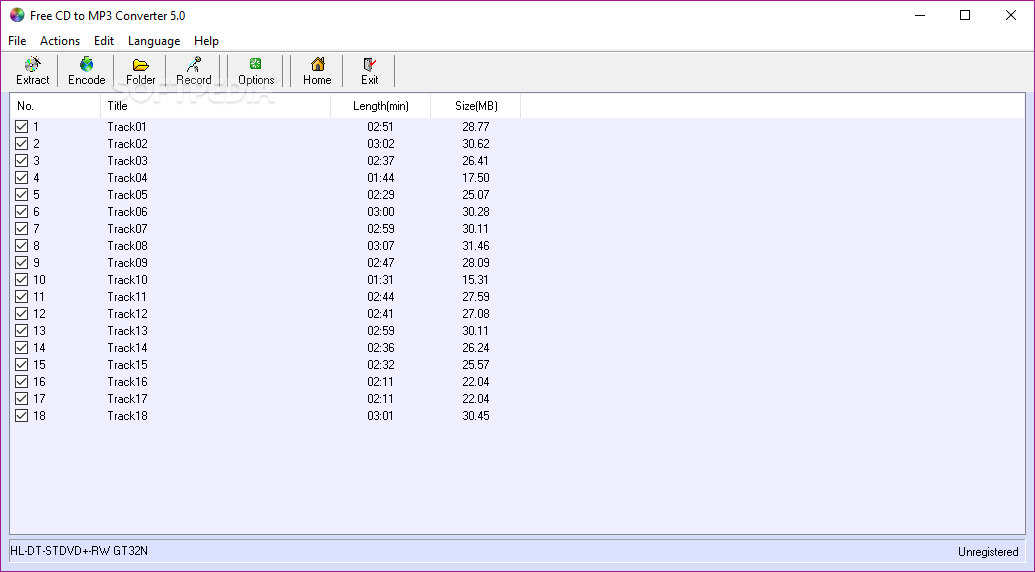
Free CD to MP3 Converter is a compact application that allows you to rip the content of an audio CD and convert audio tracks to a more versatile audio format, such as MP3, WAV, OGG or WMA files.
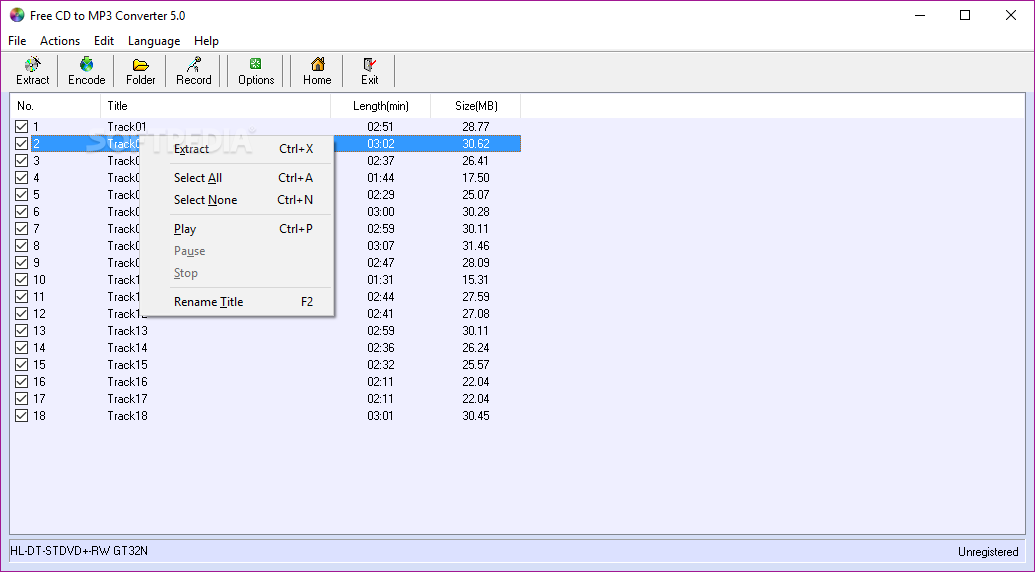
The interface of the program is quite easy to use and understand and it allows you to perform most operations with just a few clicks.
The program can convert WAV files to another format, as it has support for WAV, OGG and WMA files. Although it may seem pointless to convert a WAV file into another WAV file this process aims to change the file parameters such as the number of channels or the sample rate of the original.
The result of this process is optimization of the file for certain devices or balancing the sound quality.
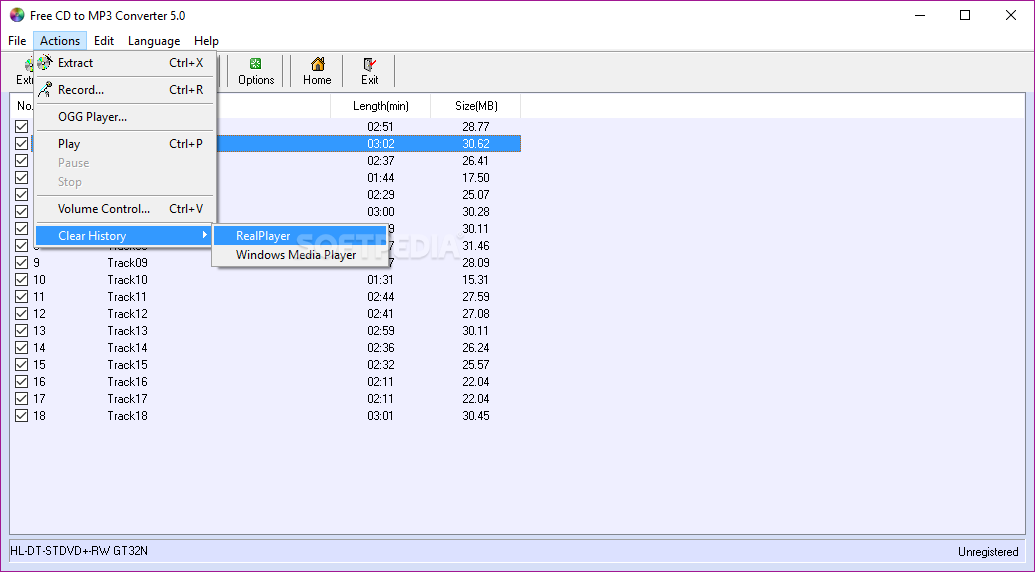
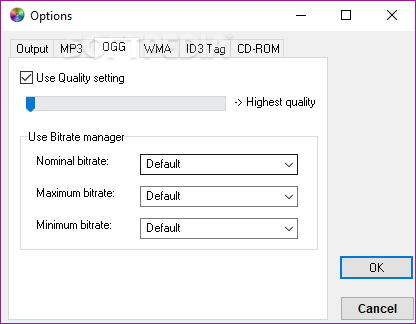
You can use this software utility in order to record sounds from the computer's microphone or line in. The controls are basic and the output file can be either MP3 or WAV. If you want to listen to an OGG file after the conversion you can use the built-in OGG player.
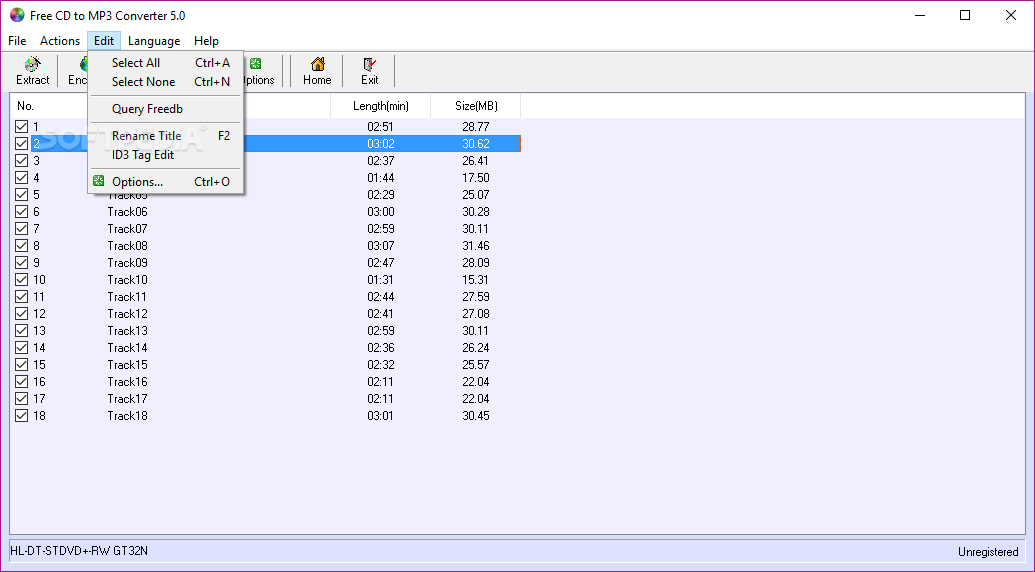
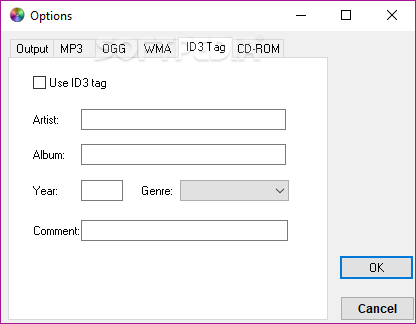
The application includes other interesting features such as the ID3 tag editor that allows you to change the ID3 information for MP3 files. However, the editor includes only basic information, such as the title, the artist, the album, the year and the genre. These fields are enough for most users since they are the most frequently used by media players.
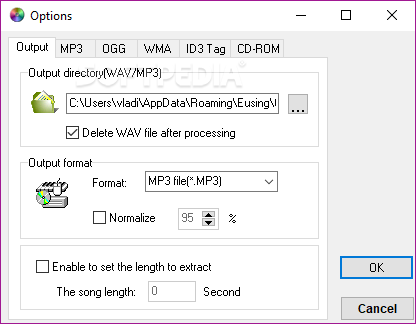
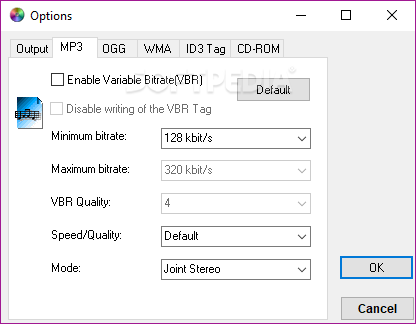
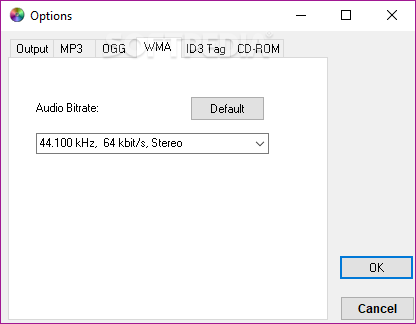
When extracting tracks from an audio disc you can activate the normalization function that brings the volume of every track to the same level. Advanced users can also adjust the conversion settings by changing the bitrate or the number of channels.
When you convert the tracks to MP3 the conversion time can be adjusted by decreasing the sound quality. In our case, with default settings, it took about 10 seconds to convert a 3 minute track. The resource usage is insignificant so you do not have to stop your normal activity when you need to rip a CD.
Download Hubs
Free CD to MP3 Converter is part of these download collections: Rip CD to MP3
What's new in Free CD to MP3 Converter 5.3 Build 20231012:
- Changed the default CDDB Server from freedb.org to gnudb.org.
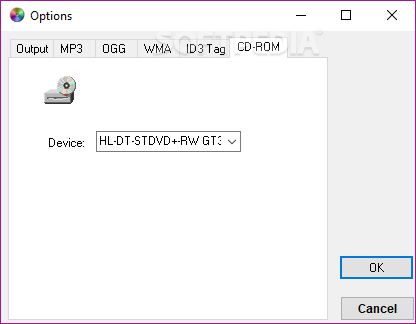
- Added a control to recognize CD-ROM.
- Minor tweaks and fixes.
Free CD to MP3 Converter 5.3 Build 20231012
add to watchlist add to download basket send us an update REPORT- runs on:
-
Windows NT
Windows ME
Windows 9X
Windows 11
Windows 10 32/64 bit
Windows 2003
Windows 8 32/64 bit
Windows 7 32/64 bit
Windows Vista 32/64 bit
Windows XP 32/64 bit
Windows 2K - file size:
- 2.4 MB
- filename:
- cdtomp3freeware.exe
- main category:
- Multimedia
- developer:
- visit homepage
Bitdefender Antivirus Free

7-Zip

Zoom Client

IrfanView

paint.net

4k Video Downloader

Microsoft Teams

calibre

Windows Sandbox Launcher

ShareX

- calibre
- Windows Sandbox Launcher
- ShareX
- Bitdefender Antivirus Free
- 7-Zip
- Zoom Client
- IrfanView
- paint.net
- 4k Video Downloader
- Microsoft Teams