
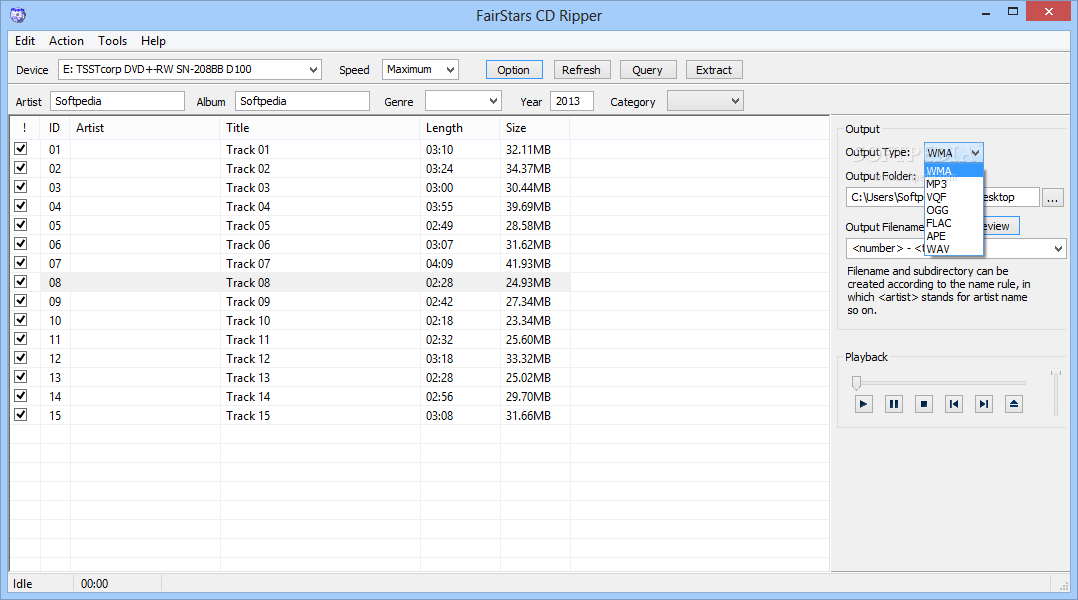
A useful and efficient software solution that can quickly rip CDs to WMA, MP3, OGG, VQF, FLAC, APE and WAV formats, while also supporting ID3 tags. #Rip CD #CD ripper #Audio extractor #Ripper #Rip #Extractor

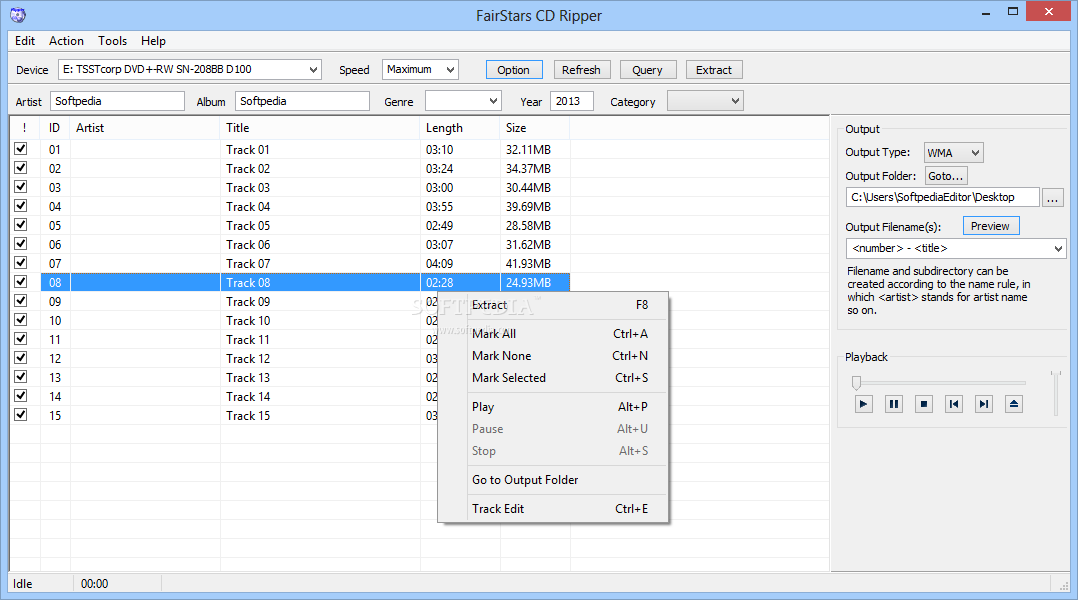
FairStars CD Ripper is a software which enables you to rip tracks from an audio CD and convert them to several formats, including WMA, MP3, OGG, FLAC and WAV.
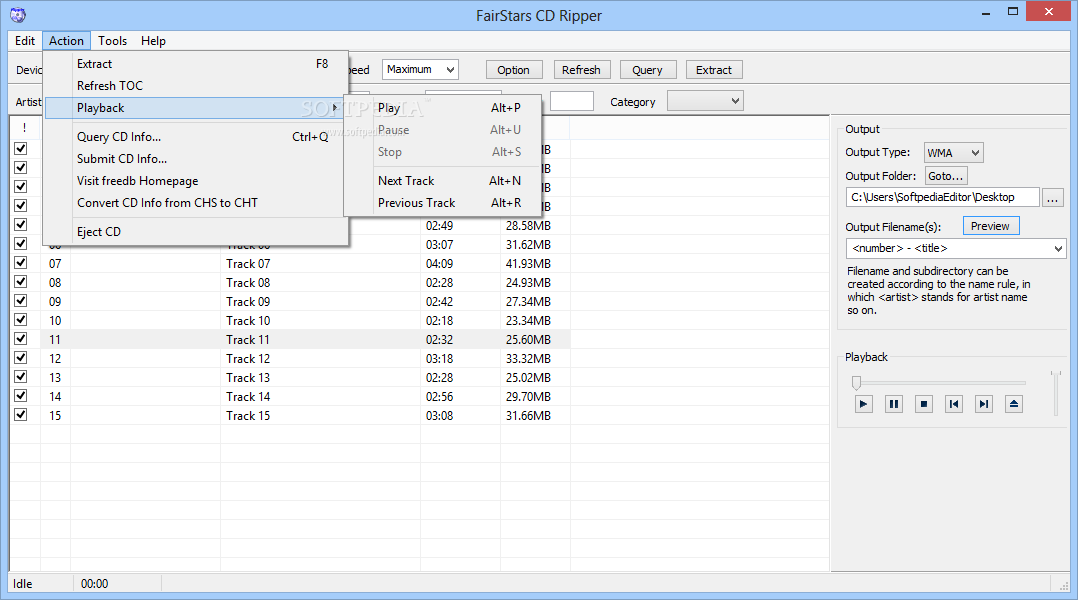
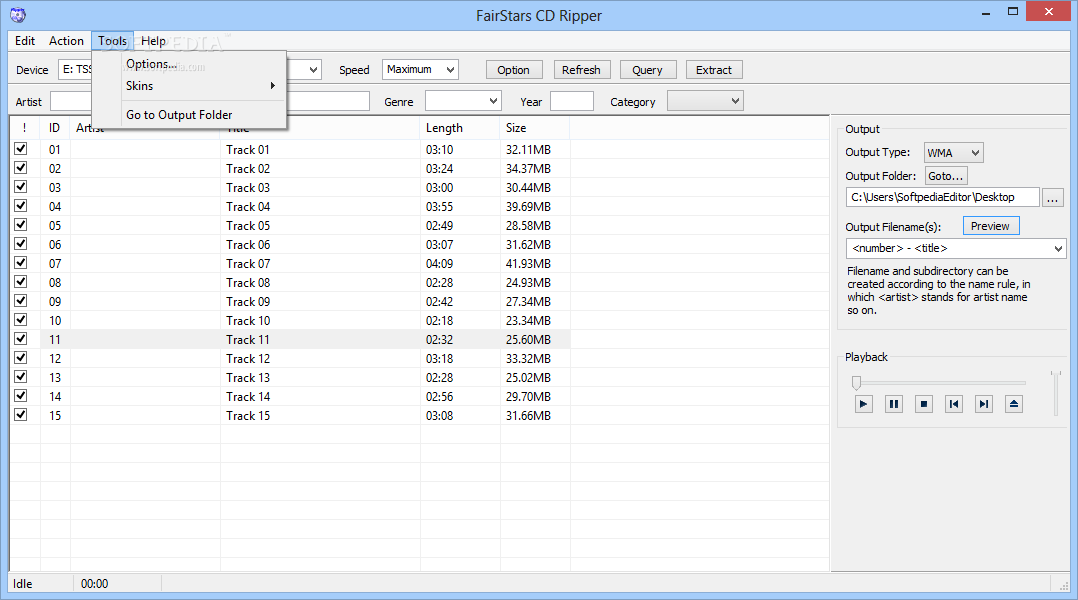
The interface of the application is clean and pretty easy to work with. The list of audio tracks is automatically displayed if the CD is inserted into the computer.
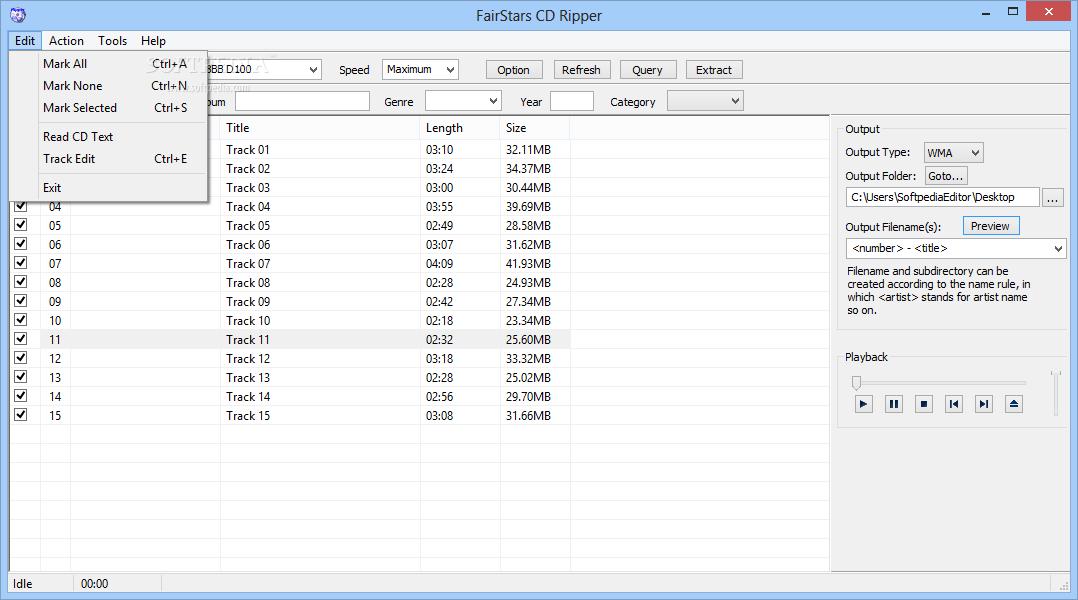
You can check out the ID, artist, title, length and size of each track, as well as edit these fields.
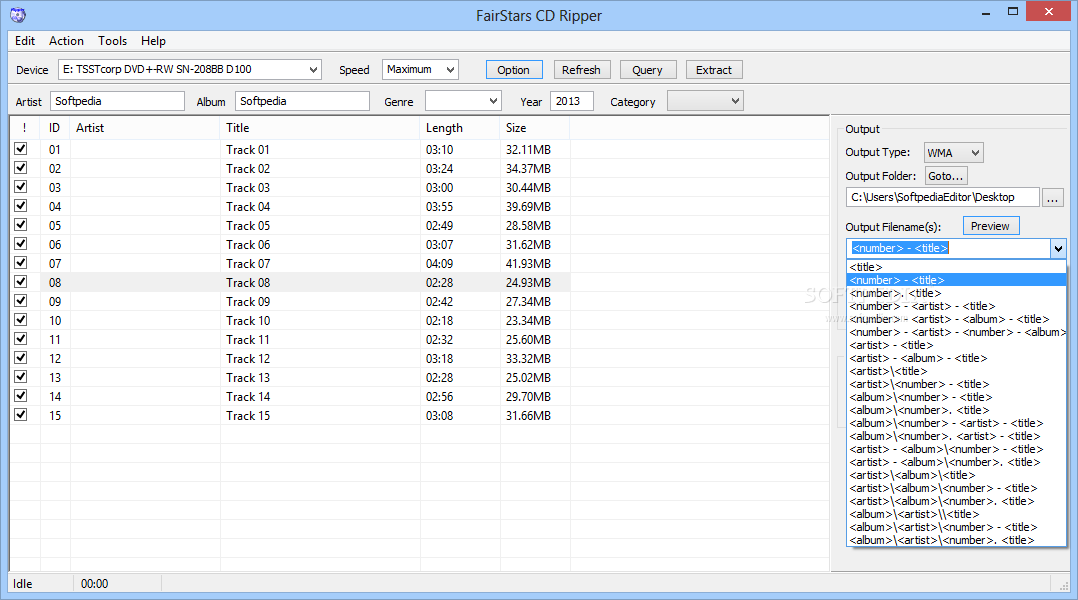
But you can also specify the output format, destination and file name before initiating the ripping procedure.
You can preview tracks, select the device and speed, refresh the list, check out CD information (e.g. track frame offsets, disc length), change the interface skin, and others.
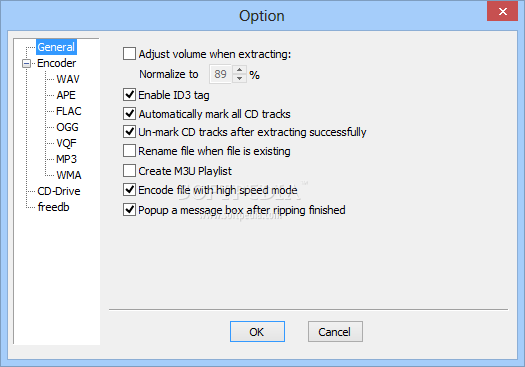
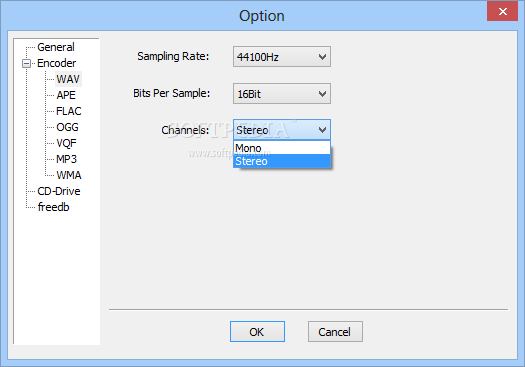
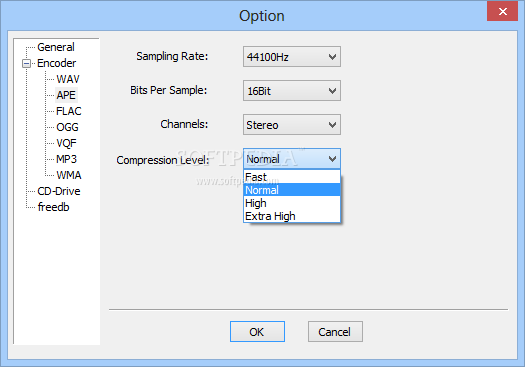
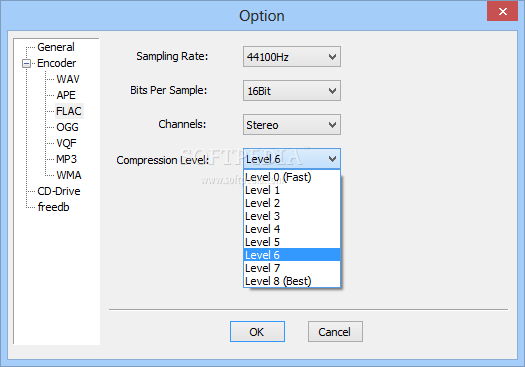
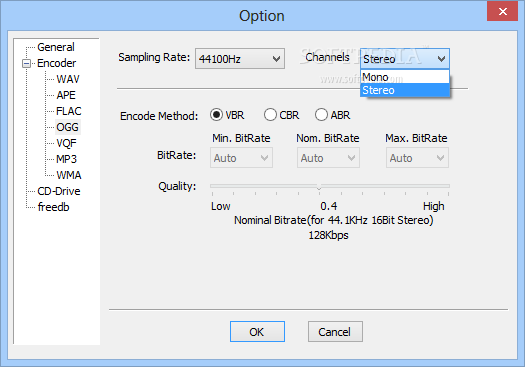
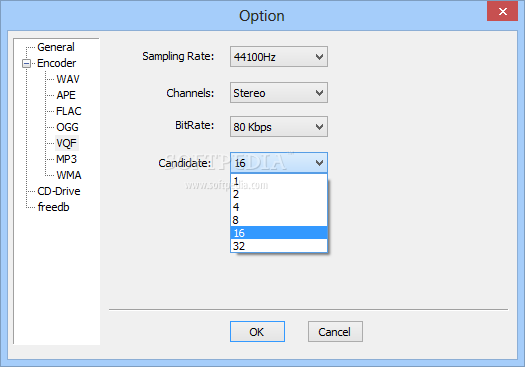
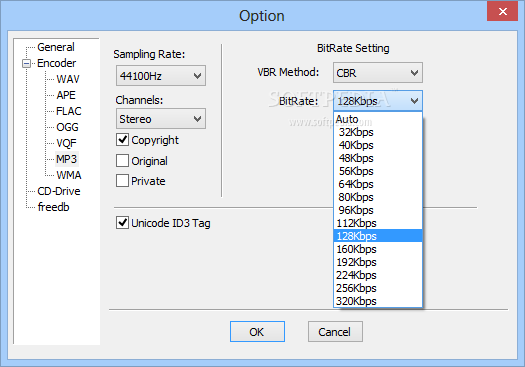
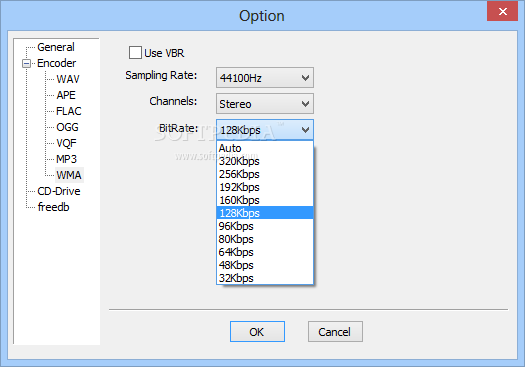
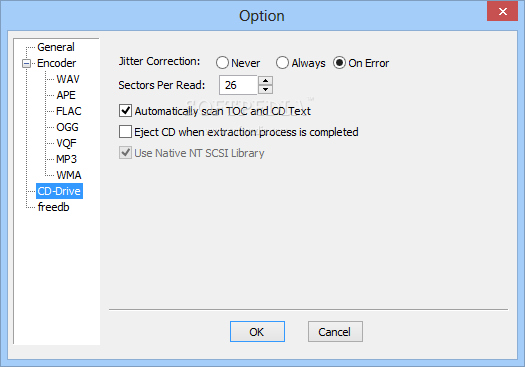
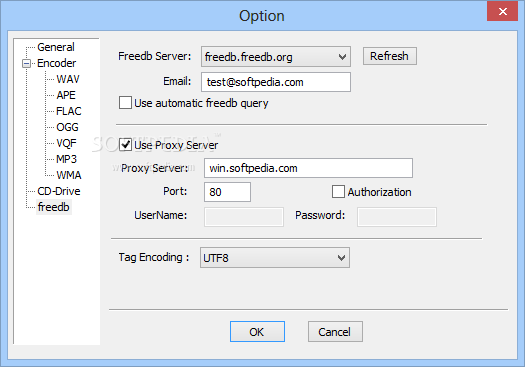
In the "Options" area, you can enable the program to adjust the volume when extracting, rename files if they already exist, disable ID3 tags and to create an M3U playlist, as well as configure audio settings for each aforementioned format (e.g. sampling rate, bits per sample, channels, compression level), and more.
During the conversion process, you can observe the source and output destination along with a progress bar for the current and total tasks, as well as enable FairStars CD Ripper to run in the background.
The CD ripper requires a low-to-moderate amount of system resources, includes a well-written help file with snapshots for novices and quickly finishes a conversion task. No errors have popped up during our tests and FairStars CD Ripper did not freeze or crash. The sound quality is maintained at an excellent level in the output files. We highly recommend FairStars CD Ripper to all users.
What's new in FairStars CD Ripper 2.01:
- Corrects an error that the freedb-Query not working.
FairStars CD Ripper 2.01
add to watchlist add to download basket send us an update REPORT- runs on:
-
Windows 10 32/64 bit
Windows 2008
Windows 2003
Windows 8 32/64 bit
Windows 7
Windows Vista
Windows XP
Windows 2K - file size:
- 3.3 MB
- filename:
- fscdripper_setup.exe
- main category:
- Multimedia
- developer:
- visit homepage
calibre

4k Video Downloader

IrfanView

7-Zip

Zoom Client

Bitdefender Antivirus Free

Microsoft Teams

Context Menu Manager

Windows Sandbox Launcher

ShareX

- Context Menu Manager
- Windows Sandbox Launcher
- ShareX
- calibre
- 4k Video Downloader
- IrfanView
- 7-Zip
- Zoom Client
- Bitdefender Antivirus Free
- Microsoft Teams
