
Convert your favorite DC tracks to various file formats that you can play on the computer or other devices using this straightforward tool. #Extract CD #CD ripper #Edit tag #Ripper #Converter #Tagger

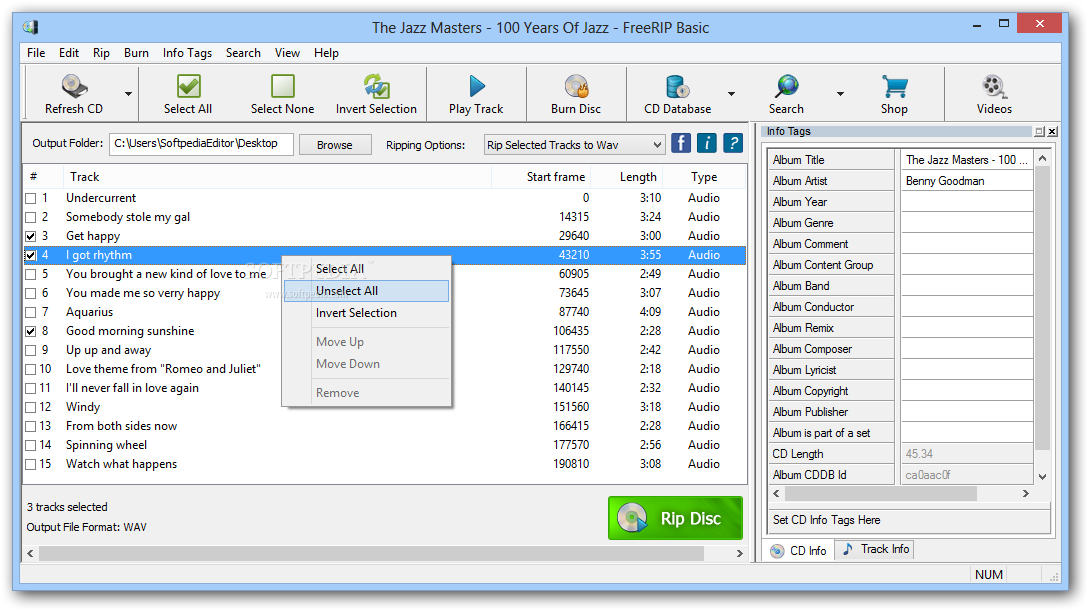
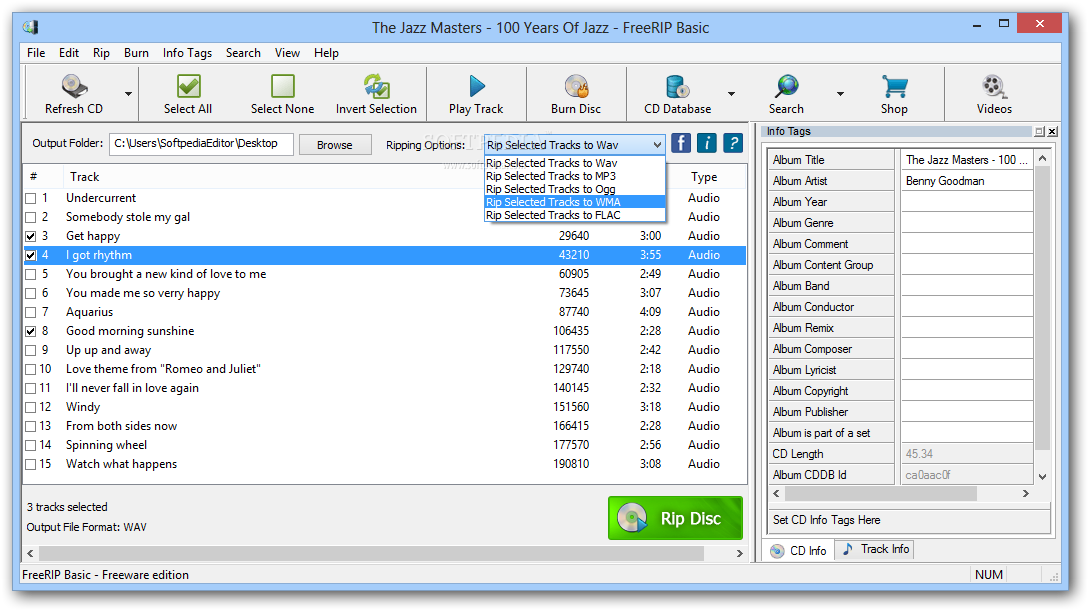
FreeRIP is a powerful application that allows you to convert CD audio tracks to various popular formats, including MP3, WMA, WAV, OGG and FLAC.
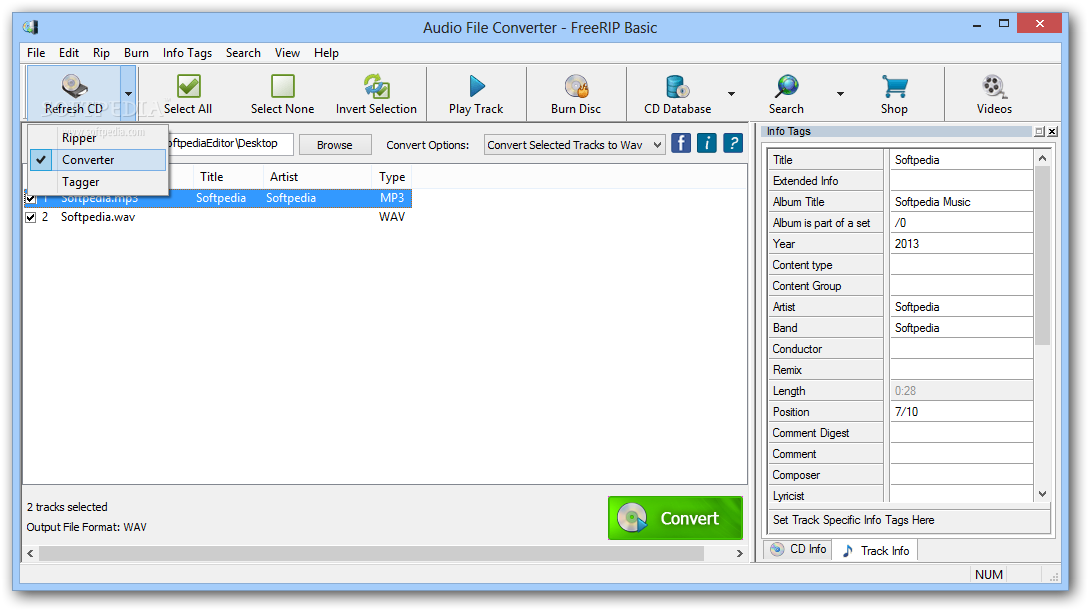
In plain English, this Windows freebie is a pure CD ripper that also provides a bunch of other utilities to enhance the whole process.
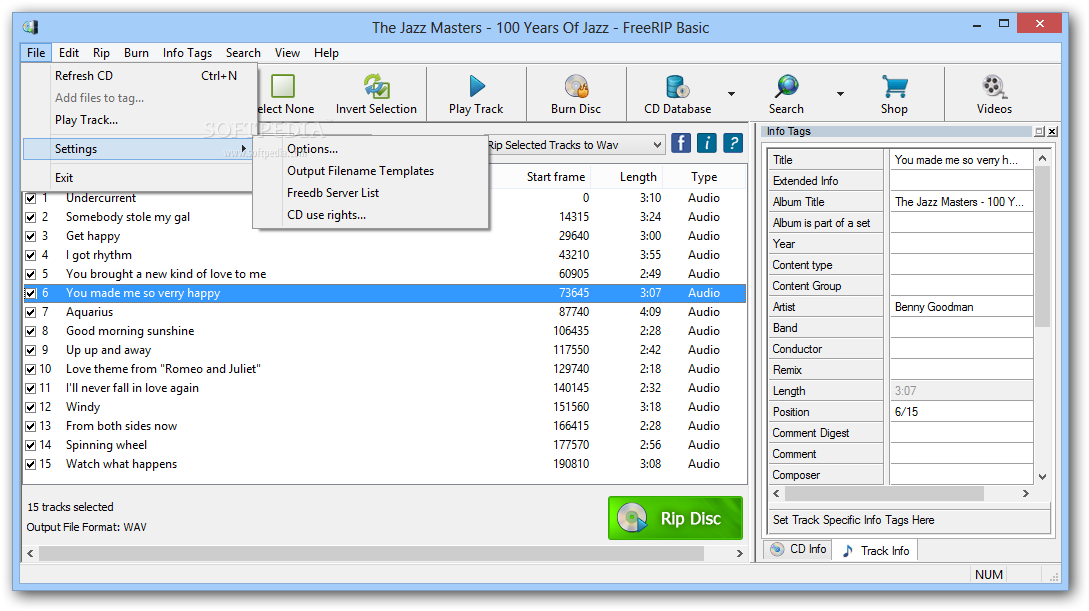
And the first thing you should notice after launching the program for the first time is the well-organized interface, although it gets a bit more complicated as you discover all its features.
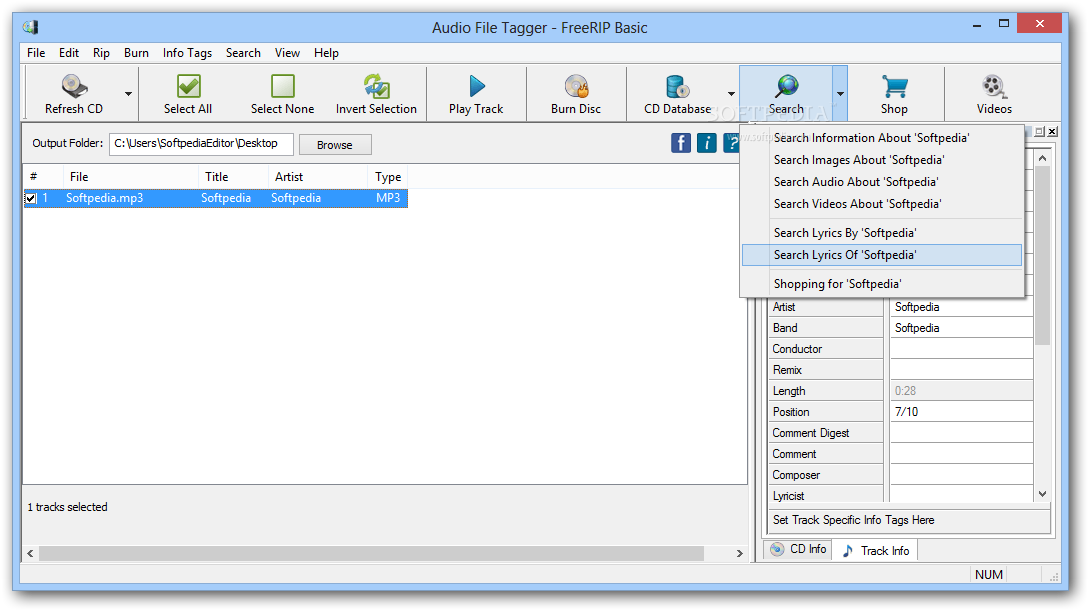
The main window is being used to display the available tracks, along with information concerning the start frame, length and type, but also to let you select the songs to convert. A separate panel is aimed at info tags because yes, FreeRIP lets you edit tags as well, so you can easily input album title, artists, year, genre and all the other details.
What’s more, the application includes support for online CD databases to retrieve information automatically, but also an audio player to preview your songs before converting them.
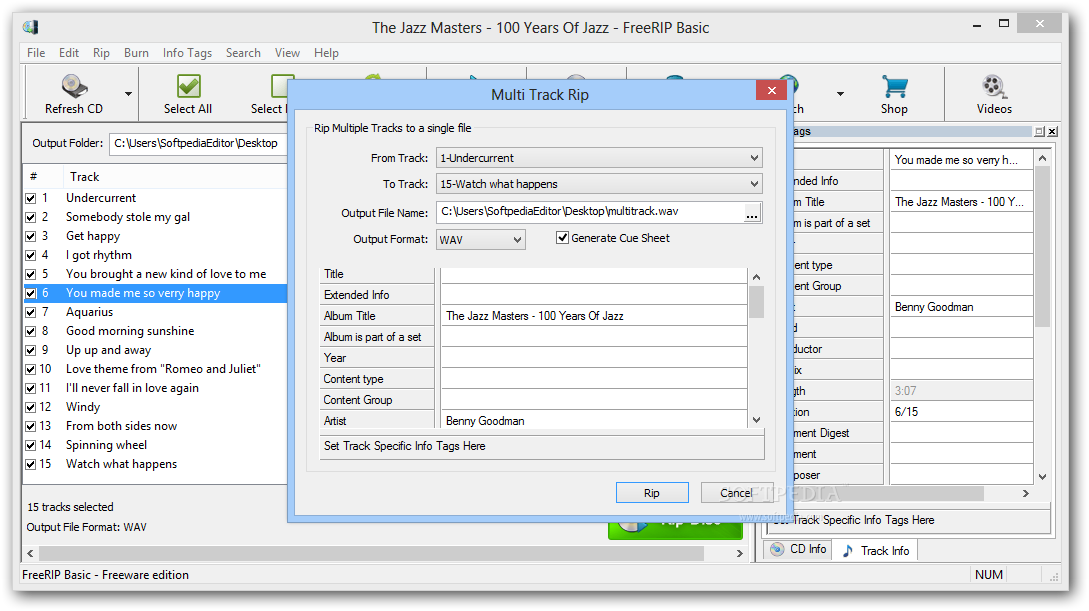
FreeRIP supports multi-track ripping, which is actually a dedicated feature that can rip multiple tracks to a single file. There are separate options to pick the start and the end tracks, the output file name, output format and tags.
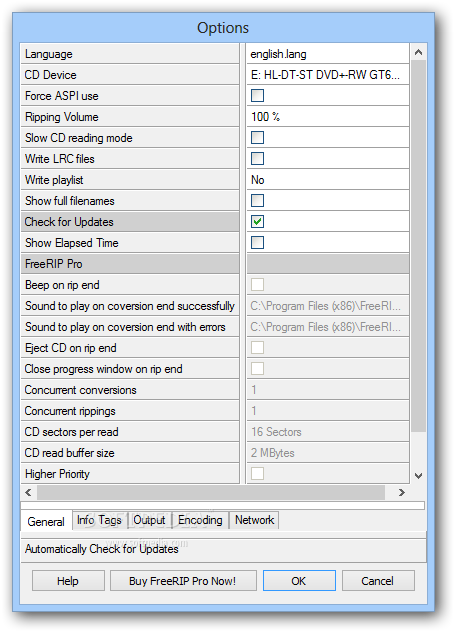
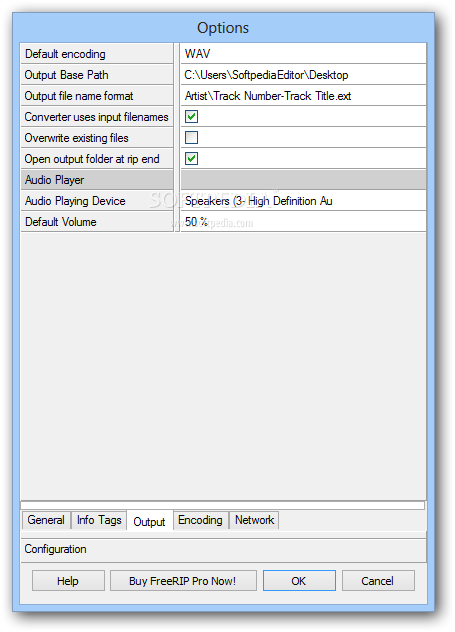
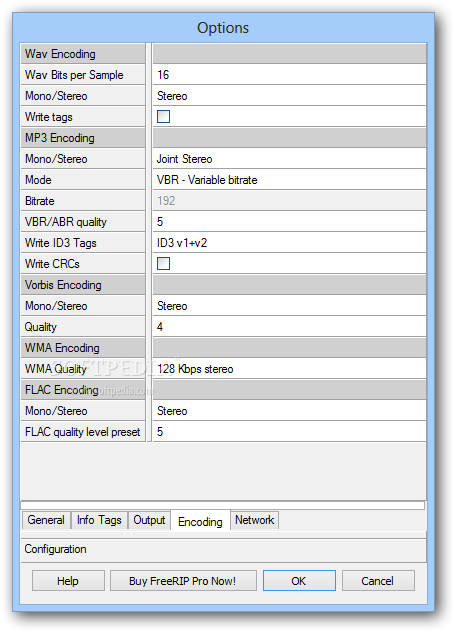
There are several settings to play with, so you can adjust info tags, encoding and network settings, as well as the output format and its parameters.
The ripping process doesn’t take much time and FreeRIP proved to be stable and reliable during our testing, running flawlessly regardless of the Windows version installed on your system.
FreeRIP is a handy piece of software that comes with a freeware license and provides a well-organized interface to target both beginners and more experienced users.
Download Hubs
FreeRIP is part of these download collections: Rip CD to MP3, Rip Audio CD
FreeRIP 5.7.1.5
add to watchlist add to download basket send us an update REPORT- runs on:
-
Windows 10 32/64 bit
Windows 8 32/64 bit
Windows 7 32/64 bit - file size:
- 1.9 MB
- filename:
- setup-freeripmp3-no.exe

- main category:
- Multimedia
- developer:
- visit homepage
Microsoft Teams

4k Video Downloader

paint.net

Bitdefender Antivirus Free

7-Zip

calibre

Zoom Client

ShareX

Windows Sandbox Launcher

IrfanView

- ShareX
- Windows Sandbox Launcher
- IrfanView
- Microsoft Teams
- 4k Video Downloader
- paint.net
- Bitdefender Antivirus Free
- 7-Zip
- calibre
- Zoom Client