|
|
|
User Rating: Rated by: |
Good (3.8/5) 116 user(s) |
|
|
|
|
Softpedia Editor's Review for Windows Essentials Codec Pack
|
With Windows Essentials Codec Pack you should be able to play 99% of all movies and music files that you download
Written by Bogdan Popa on February 15th, 2012
The Windows codec market is crowded enough to make it hard on you to pick a favorite. In fact, it’s difficult to choose the one that’s the most efficient, as all of them claim to benefit from the greatest features, although some do nothing than to slow down the operating system and lead to poor quality when it comes to audio or video files.
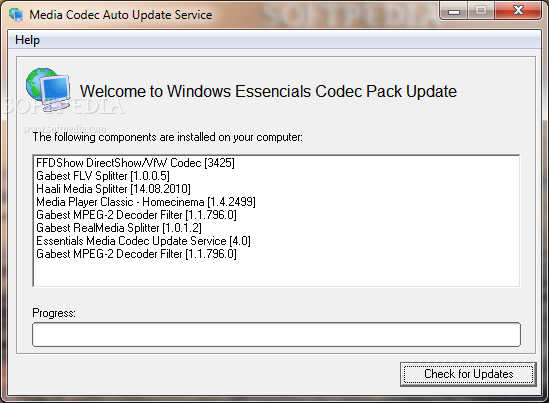
Windows Essentials Codec Pack or WECP for short includes a rich collection of video and audio codecs, filters and splitters ready to prepare your computer for any media format. Just like its name suggests, this suite is actually a pack of the essential codecs you need to play audio and video files on a Windows computer.
The installation process however comprises a toolbar that the software does not need to function properly and attempts to change the homepage and the default search engine for the web browsers installed on your computer. However, you can decline the offer if you don't want any third party components on your system.
With Windows Essentials Codec Pack on your system, you are prepared to play audio CDs, DVDs, (S)VCDs and XCDs, aswell as any of the following file types: 3GP, AAC, AC3, APE, AVI, DivX, 3ivx, DAT, h.264, x264, AVC, DTS, Nero Digital, FLV, FLAC, HD-MOV, MPEG-1, MPEG-2, MPC, M4A, MP3, MP4, MO3, MOD, MKV/MKA, MTM, OFR, TTA, OGG/OGM, S3M, Vorbis, VOB, WavPack, ATRAC3, XviD, XM, WV and UMX, to name the most important ones.
Windows Essentials Codec Pack also installs Media Player Classic, a reliable media player that supports a wide range of audio and video formats.
Developers claim that after installing this pack you should be able to run 99 percent of multimedia files, but as far as we’re concerned, it could go as high as 100 percent. During our testing, everything worked like a breeze and we could open every multimedia file we had on our computers.
All in all, Windows Essentials Codec Pack indeed includes the essential tools you need to open multimedia files, so if you’re in search for a powerful codec solution, be sure to write down this one on your list.
|
Windows Essentials Codec Pack description
|
Here are some key features of "Windows Essentials Codec Pack":
· APE Source Filter: DirectShow audio decoder filter used to decode Monkey's Audio files (APE files)
· AC3 Filter: DirectShow audio decoder and processor filter used to decode audio tracks in movies (DVD, MPEG4 and others)
· AVI Splitter: Replacement for DirectShow's default Audio Video Interleave (AVI) Splitter (It can open many broken files and can reindex when needed)
· CDDA Reader Filter: DirectShow audio decoder capable of reading Audio CDs
· CDXA Reader Filter: DirectShow video decoder capable of reading (S)VCDs and XCDs
· CoreAAC Filter: Advanced Audio Coding (AAC) DirectShow audio decoder capable of reading AAC files
· CoreFlac Decoder: DirectShow audio decoder for the Flac audio codec
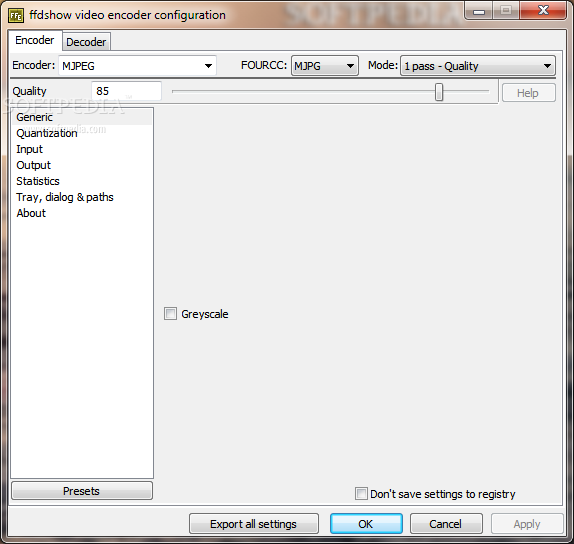
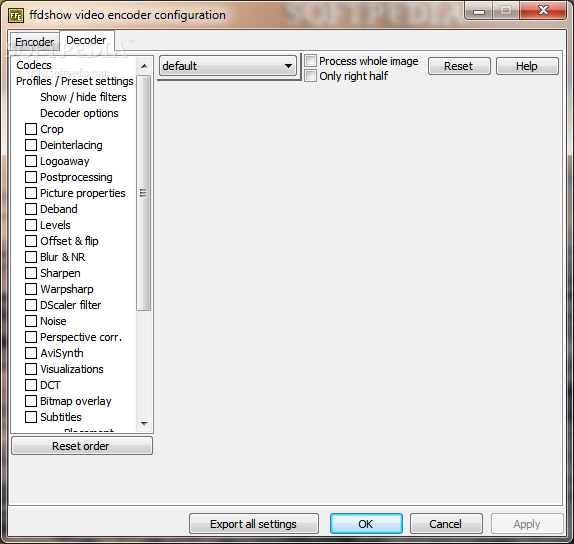
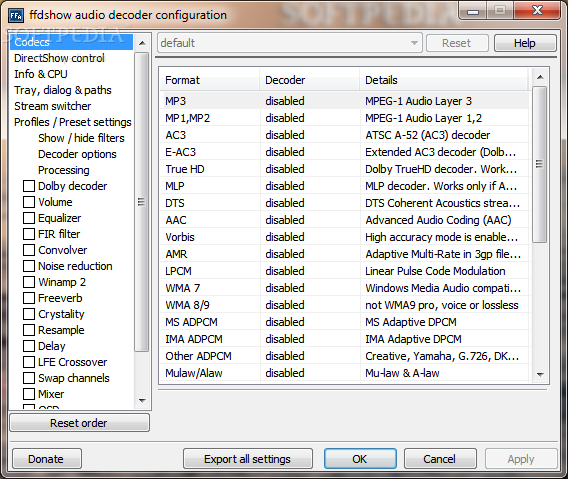
· FFDShow: DirectShow decoding filter for decompressing DivX, XviD, H.264, FLV1, WMV, MPEG-1 and MPEG-2, MPEG-4 and various other audio and video formats. It uses libavcodec from ffmpeg project for video decompression, postprocessing code from mplayer to enhance visual quality of low bitrate movies, and is based on original DirectShow filter from XviD, which is GPL'ed educational implementation of MPEG4 encoder
· FLV Splitter: Capable of splitting Flash Video files (FLV) and decoding On2 VP62 Video streams (notable users of the FLV format include Google Video, Reuters.com, Yahoo! Video and MySpace.
· OGG Splitter: DirectShow OGG Splitter capable of splitting OGG and OGM file(s) and enables to play / create .ogm wrapped video
· GPL MPEG-1/2 Decoder: DirectShow MPEG decoder filter can be used to play MPEG-1 and MPEG-2 streams
· MOD Source Filter: DirectShow filter decoder capable of decoding Tracker files (MO3, IT, XM, S3M, MTM, MOD and UMX)
· MPEG Splitter: DirectShow splitter capable of splitting MPEG1/MPEG2 files (MP(E)G, VOB, DAT, TS, TP, etc.
· MPV Decoder: DirectShow decoder capable of decoding MPEG1/MPEG2 Video streams, and DVDs
· MPA Splitter: DirectShow Splitter capable of splitting MPEG Audio files (MP3) and MPEG4 Audio files (AAC)
· MPC Source Filter: DirectShow decoder filter capable of decoding MusePack Audio files (MPC).
· MP4 Splitter: DirectShow Splitter capable of splitting MP4, M4A, 3GP and HD-MOV files
· Matroska Splitter: DirectShow splitter capable of splitting Matroska files (MKV and MKA)
· Media Player Classic: an open source media player that looks just like Windows Media Player, but has many additional features. It has a built in DVD player with real-time zoom, support for AVI subtitles, QuickTime and RealVideo support
· OFR Source Filter: DirectShow filter decoder capable of decoding OptimFROG Audio files (OFR)
· RealMedia Splitter: DirectShow splitter that allows you to play RealNetworks audio/video files.
· SHOUTcast Source Filter: DirectShow decoder filter capable of handling internet radio stations streams (http://www.shoutcast.com)
· WV Splitter / Decoder: DirectShow WV Splitter and decoder capable of splitting and decoding WavPack Audio files (WV)
· VobSub Filter: DirectShow Vob Subtitles filter capable of displaying (embedded) Subtitle files (SRT, SUB, IDX, etc)
Requirements:
· Internet Connection
What's New in This Release: [ read full changelog ]
· Added a 64-bit version
· New H.264 decoder
· Improved subtitle rendering
· Support for DTS-HD and Dolby TrueHD bitstreaming
Users are advised to pay attention while installing this ad-supported application:
· Offers to change the homepage for web browsers installed in the system
· Offers to change the default search engine for web browsers installed in the system
· Offers to download or install software or components (Babylon Toolbar, Dealply) that the program does not require to fully function
|
|
|