
An application that allows you to convert audio files between different formats and which offers an easy-to-use, wizard-styled interface. #Audio converter #Extract audio #Mp3 converter #Converter #Encode #Editor

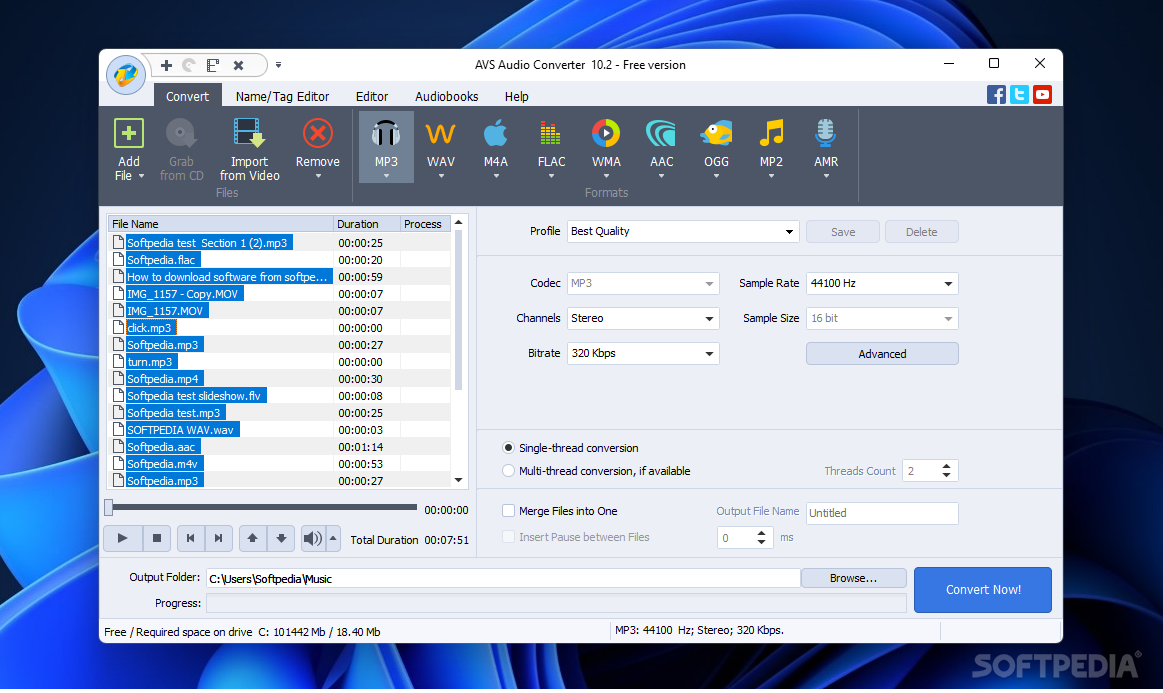
AVS Audio Converter is a complete audio solution for most conversion tasks. On top of that, it's packed with several editing tasks that might come in handy for professional or creative souls.
When it comes to converting audio files, most users look for the handy batch feature. Changing the format of a single file can be done with online tools very easily, but if you wish to convert an unlimited number of items, such applications are superior. Add your files one by one or drop an entire folder in, saving some time and manual labor.
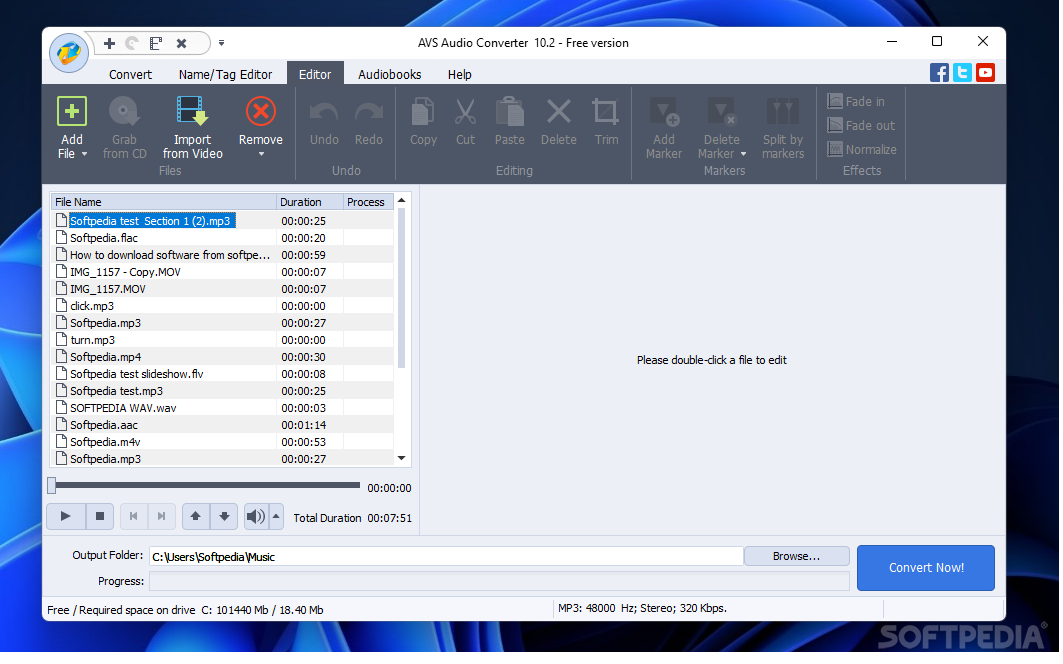
The preview is where the files reside is equipped with a compact media player, so you can double-check your tracks if you're not sure what's what. Moreover, you can import audio bits directly from video files, if you have no other way of splitting them apart.
Once the list is populated with all the items you need to convert, the toolbar is where your attention must be focused. MP3, WAV, FLAC, WMA, AAC, OGG, MP2, and AMR are offered as output formats.
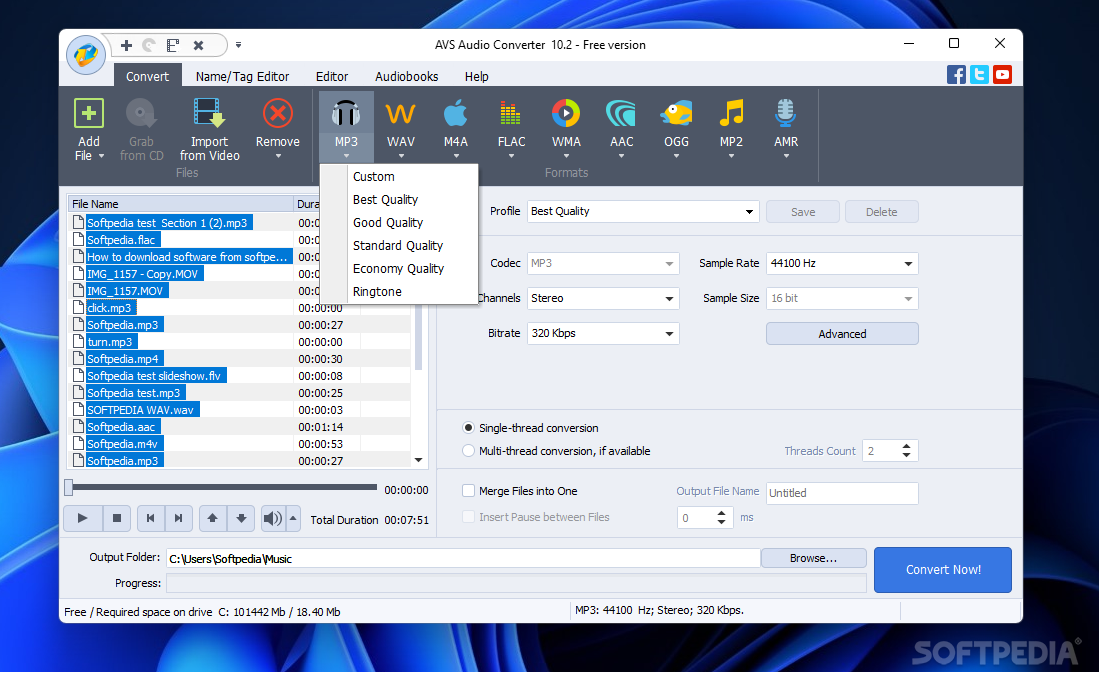
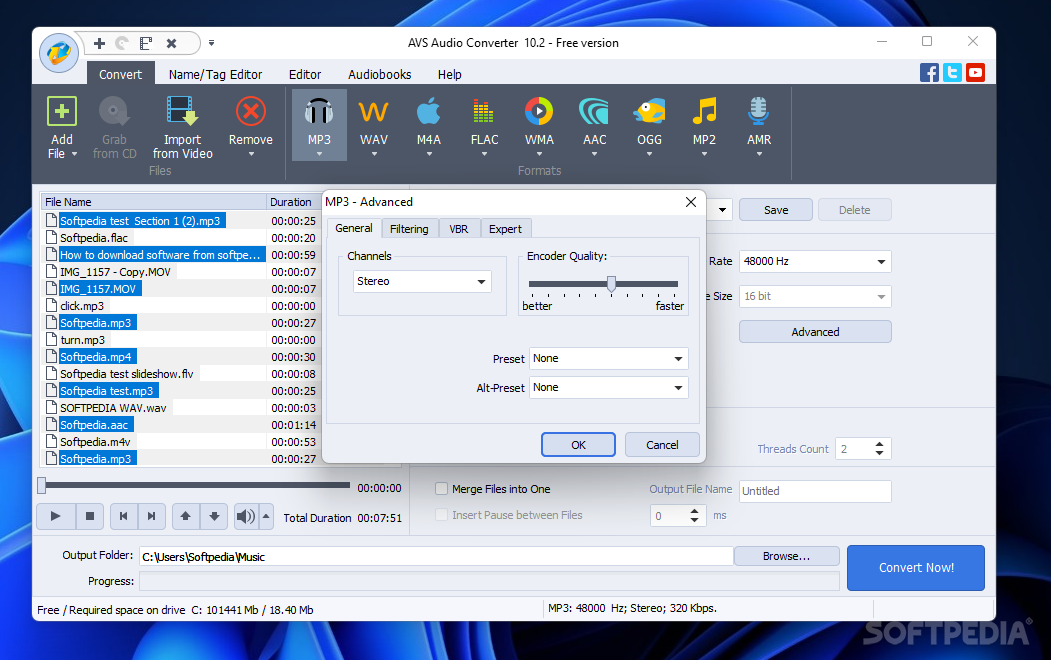
Each file type has a small combo menu from where their quality can be set. There are a handful of quality presets like Good, Standard, Economy, or Best to decide on the run, but if you want more flexibility, you should customize the quality yourself.
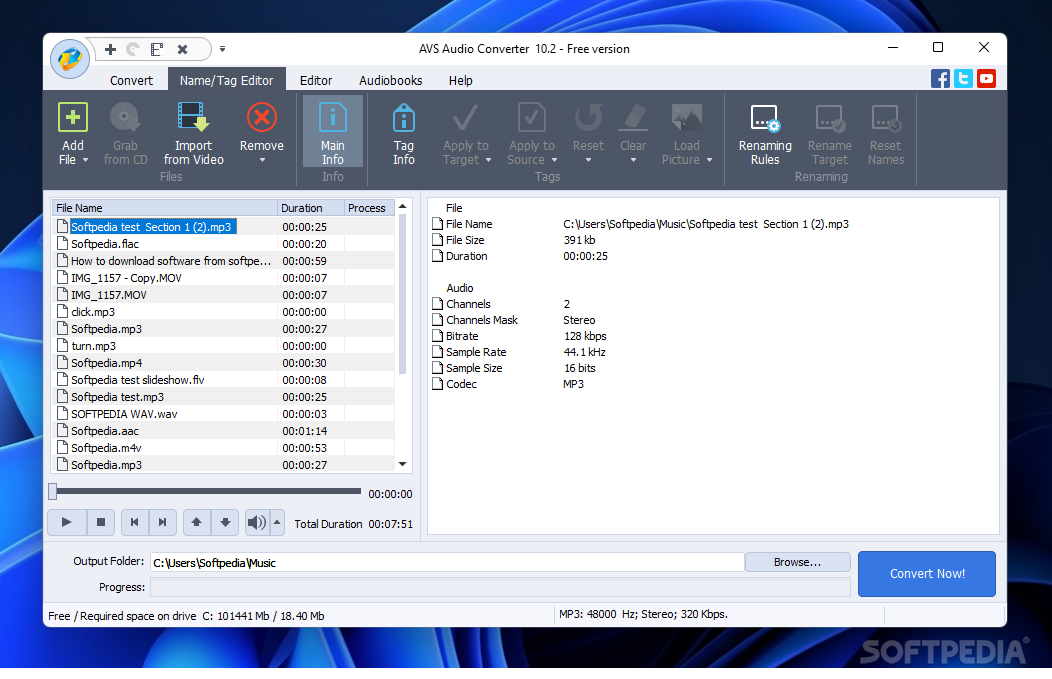
AVS Audio Converter's priority is conversion, but some editing options might improve your overall experience. For example, one can change the metadata for any loaded file. You can cut, trim, split files by markers or apply effects like fade in/out and normalize.
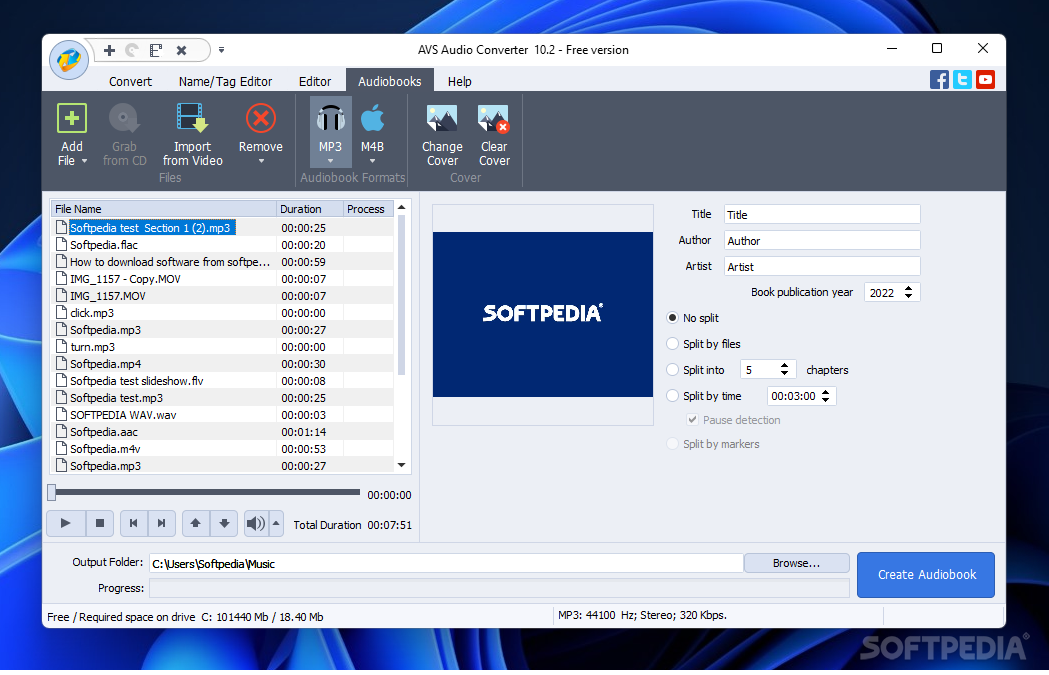
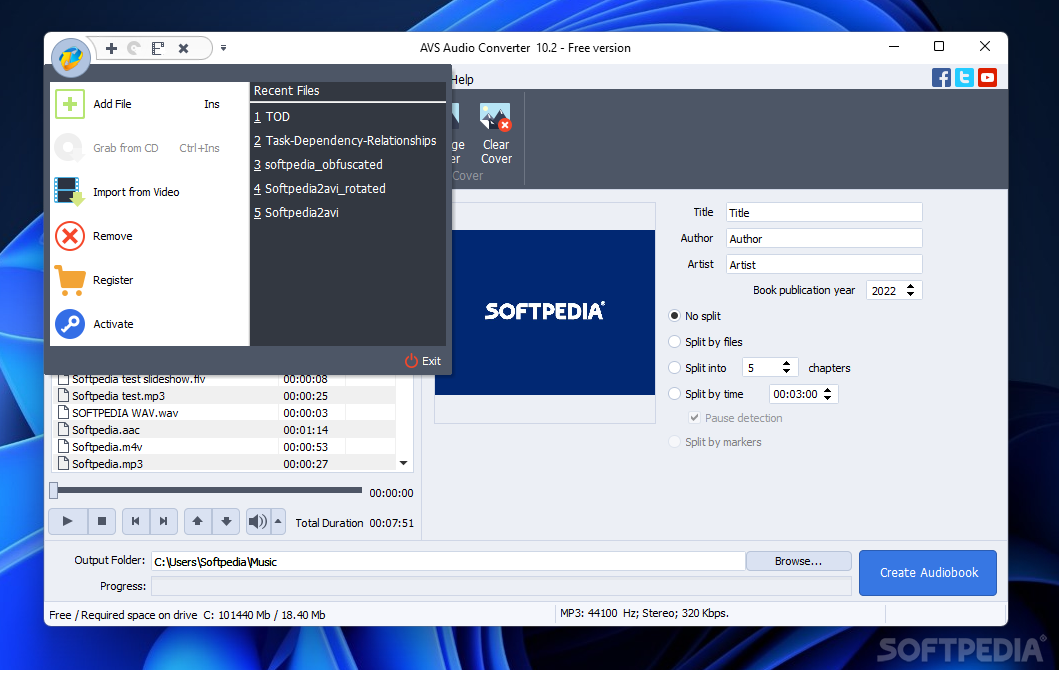
Audiobook creation is also included, as has its own entry on the toolbar. This process requires more than one file to be queued up, of course. From there, you can add a title, author and artist, a publication year, and the chapters you wish to split the book into. Select a cover and hit create to generate the audiobook.
AVS Audio Converter is not the best converter out there, but it can be the best one for you. If you are happy with the supported formats and the editing capabilities, this application will fit you like a glove.
Download Hubs
AVS Audio Converter is part of these download collections: Convert MP3 to WAV, Play VOX, Open VOX, Convert VOX
AVS Audio Converter 10.4.4 Build 641
add to watchlist add to download basket send us an update REPORT- runs on:
-
Windows 11
Windows 10 32/64 bit
Windows 8 32/64 bit
Windows 7 32/64 bit
Windows Vista 32/64 bit
Windows XP 32/64 bit - file size:
- 49.5 MB
- filename:
- AVSAudioConverter.exe
- main category:
- Multimedia
- developer:
- visit homepage
Context Menu Manager

ShareX

7-Zip

Bitdefender Antivirus Free

calibre

Zoom Client

Windows Sandbox Launcher

Microsoft Teams

4k Video Downloader

IrfanView

- Microsoft Teams
- 4k Video Downloader
- IrfanView
- Context Menu Manager
- ShareX
- 7-Zip
- Bitdefender Antivirus Free
- calibre
- Zoom Client
- Windows Sandbox Launcher