
Convert between multiple audio formats, such as MP3, AAC, OGG, WAV or M4A, thanks to this user-friendly and reliable software solution. #Music converter #Audio converter #Convert audio #Convert #Converter #Conversion

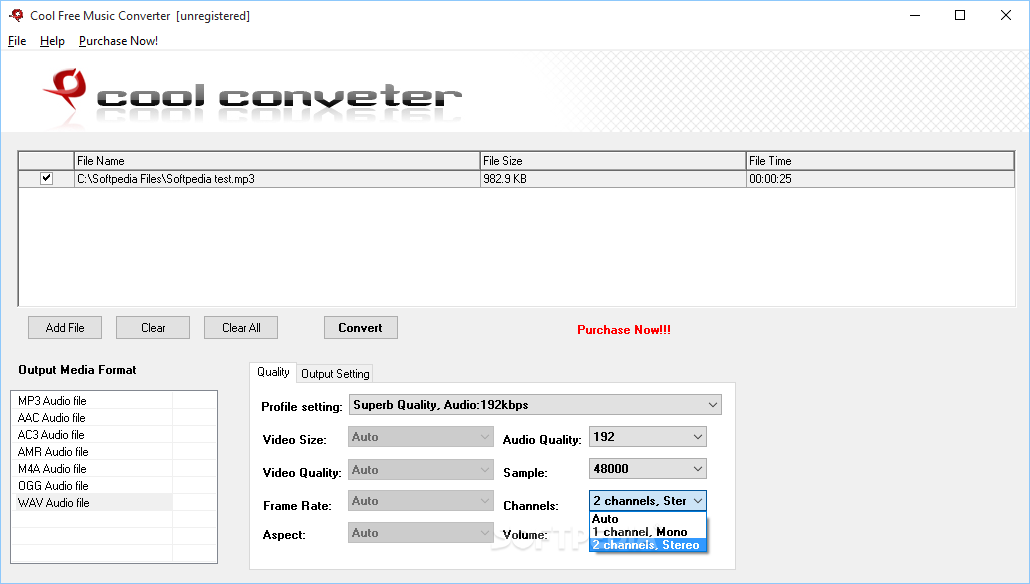
Cool Free Music Converter is a tool that allows you to encode audio tracks into MP3, AAC, AC3, AMR, M4A, OGG and WAV formats.
The user interface of the program is clean and intuitive. You can add a file by using the file browser or the "drag and drop" method, then view its source path, size and length.
Once you have selected a preferred output format, you can configure settings which revolve around the profile, video size, quality, frame rate and aspect, as well as audio quality, sample frequency rate, channels and volume.
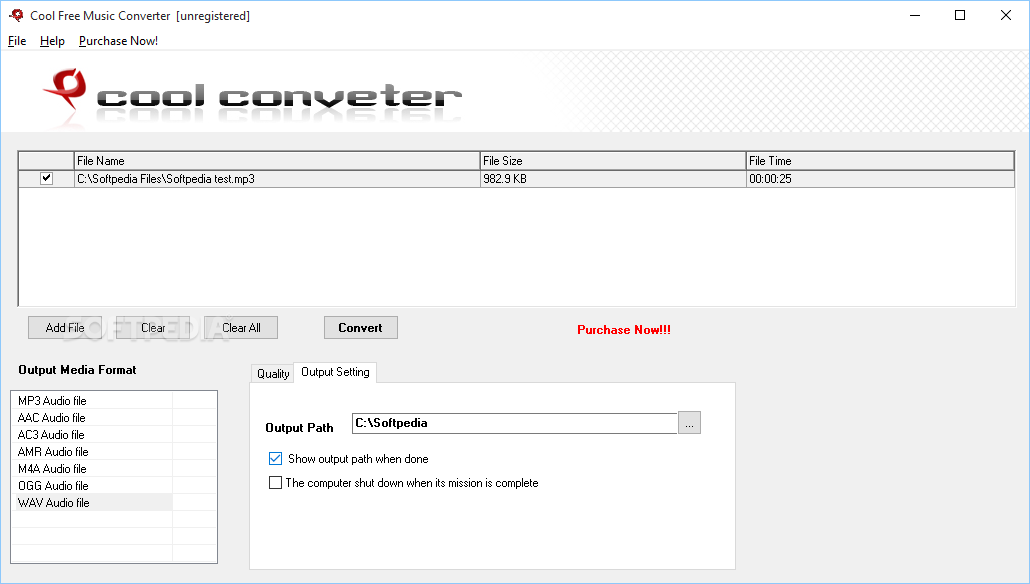
You can check the option to show the output destination or shut down the computer once a task has been completed.
You can also clear the queue in order to add a different file. As soon as the conversion has been initialized, you can view a progress bar, but you cannot check out elapsed time or estimated time remaining.
The program uses a very low quantity of CPU and system memory, finishes a task in a short amount of time (it depends on the type of output format you have selected) and doesn't require installations of any third-party software (i.e. codecs).
However, Cool Free Music Converter doesn't include a help file. This application is extremely easy to use, even by beginners, and we strongly recommend it if you want the quickest way to convert audio files.
Cool Free Music Converter 6.0
add to watchlist add to download basket send us an update REPORT- runs on:
- Windows All
- file size:
- 17.5 MB
- filename:
- coolconverter-free-music-converter.exe
- main category:
- Multimedia
- developer:
- visit homepage
Zoom Client

IrfanView

Bitdefender Antivirus Free

7-Zip

4k Video Downloader

Windows Sandbox Launcher

ShareX

Microsoft Teams

paint.net

calibre

- Microsoft Teams
- paint.net
- calibre
- Zoom Client
- IrfanView
- Bitdefender Antivirus Free
- 7-Zip
- 4k Video Downloader
- Windows Sandbox Launcher
- ShareX