
A simple and easy to use software solution that enables you to batch convert AAC, M4A, AMR, WAV, APE, FLAC, OGG, VQF, MP3, WMA formats quickly. #Audio converter #Audio conversion #MP3 to WAV #MP32WAV #WAV2AAC #FLAC2MP3

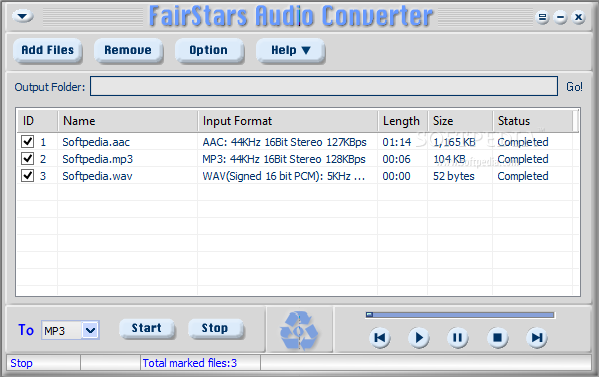
FairStars Audio Converter is a program that you can use to encode sound files of various formats, including AAC, WAV, MP3, WMA and FLAC.
The interface of the application is user-friendly. You can import audio tracks into the queue by using either the file browser or "drag and drop" method. Batch processing is supported.
In the list you can check out the ID number, name, input format, length, size and status of each file.
But you can also preview songs, pause and stop them, as well as navigate back and forth within the tracks.
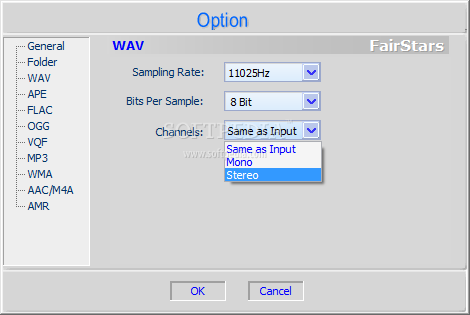
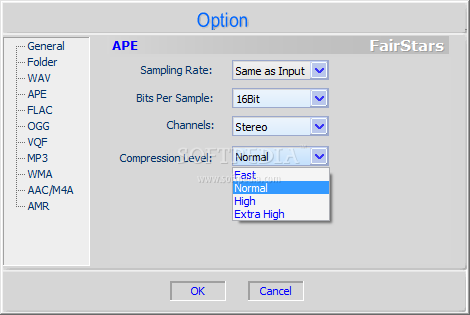
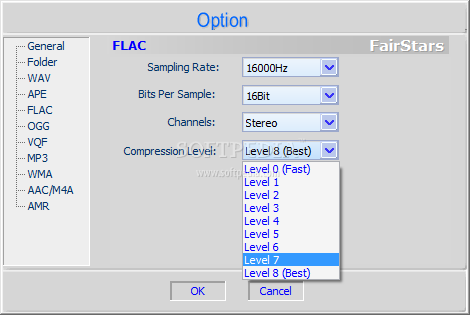
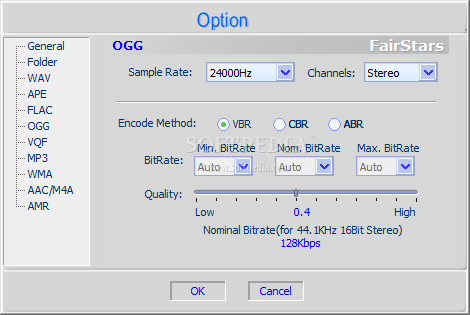
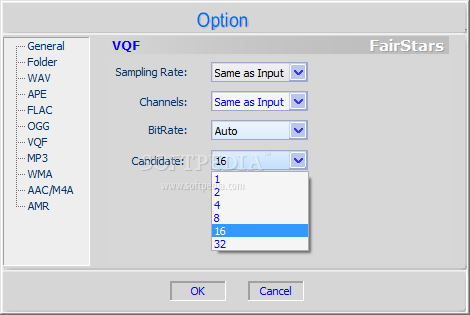
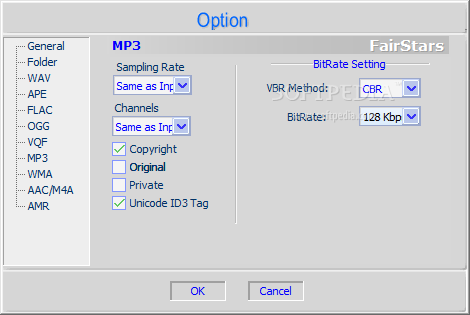
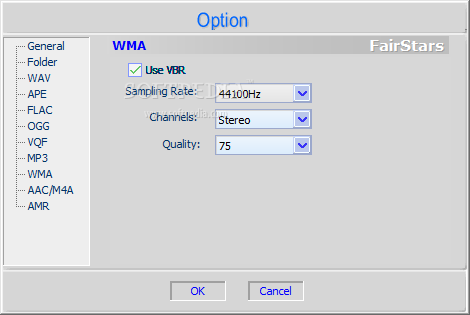
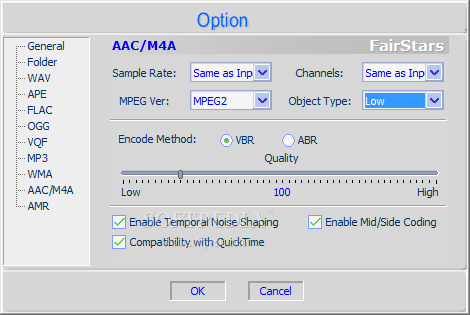
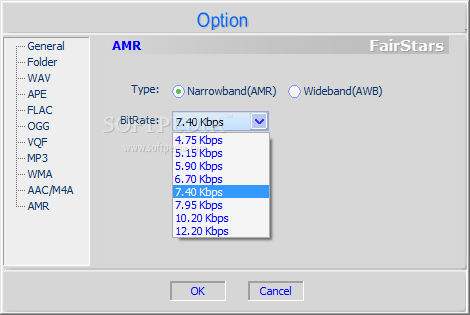
You can configure audio settings for each format when it comes to the sampling rate, bits per sample, channels, compression level, encode method, quality, VBR and others.
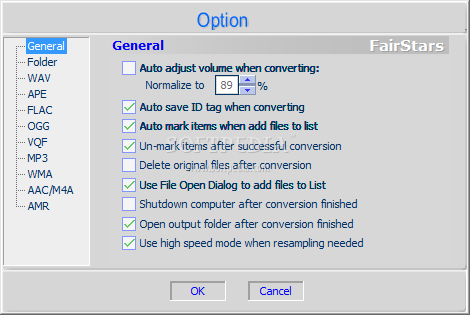
You can enable FairStars Audio Converter to automatically adjust the volume and to save ID3 tags when converting, unmark items after a successful conversion, shut down the computer when all tasks are completed, open the output folder when the encoding job is done, to use high speed mode when resampling is needed, and more.
The audio converter takes up a low-to-moderate amount of CPU and system memory, includes a step-by-step tutorial with snapshots and quickly finishes a conversion task without freezing, crashing or popping up errors. The sound quality is well maintained. The interface could use some improvements, since it's outdated. Otherwise, we haven't encountered any issues during our tests and strongly recommend FairStars Audio Converter to all users.
FairStars Audio Converter is a reliable application which helps you find the right format for you and convert to it. The interface quickly gets you familiar with the set of features, letting you process various audio files with custom quality settings.
Download Hubs
FairStars Audio Converter is part of these download collections: Play AWB, Convert AIFC, Open AWB, Convert RMJ
What's new in FairStars Audio Converter 2.20:
- Corrects an error for MP3 Encoder, and corrects a resample error.
FairStars Audio Converter 2.20
add to watchlist add to download basket send us an update REPORT- runs on:
-
Windows 10 32/64 bit
Windows 2008
Windows 2003
Windows 8 32/64 bit
Windows 7 32/64 bit
Windows Vista 32/64 bit
Windows XP
Windows 2K - file size:
- 3.4 MB
- filename:
- fsaconv_setup.exe
- main category:
- Multimedia
- developer:
- visit homepage
4k Video Downloader

Windows Sandbox Launcher

calibre

paint.net

Bitdefender Antivirus Free

ShareX

Zoom Client

Microsoft Teams

7-Zip

IrfanView

- Microsoft Teams
- 7-Zip
- IrfanView
- 4k Video Downloader
- Windows Sandbox Launcher
- calibre
- paint.net
- Bitdefender Antivirus Free
- ShareX
- Zoom Client