
Converting multiple audio files is made easy by this app, capable of encoding into multiple formats, all within a functional, no-nonsense interface. #Audio converter #MP3 converter #WMA converter #Converter #MP32WAV #MP32OGG

Converting audio files is a process that can be rather cumbersome. Essentially, when you're encoding an audio file into another format, there's a lot that can go wrong in the process, affecting the new format quality.
Because of this, apps for such a task exist. Especially when you want to re-encode multiple files, going through them efficiently can't be done if the app isn't optimized for it. More than that, you also need to ensure you get the best quality out of the converted audio file, so how do you find suitable software?
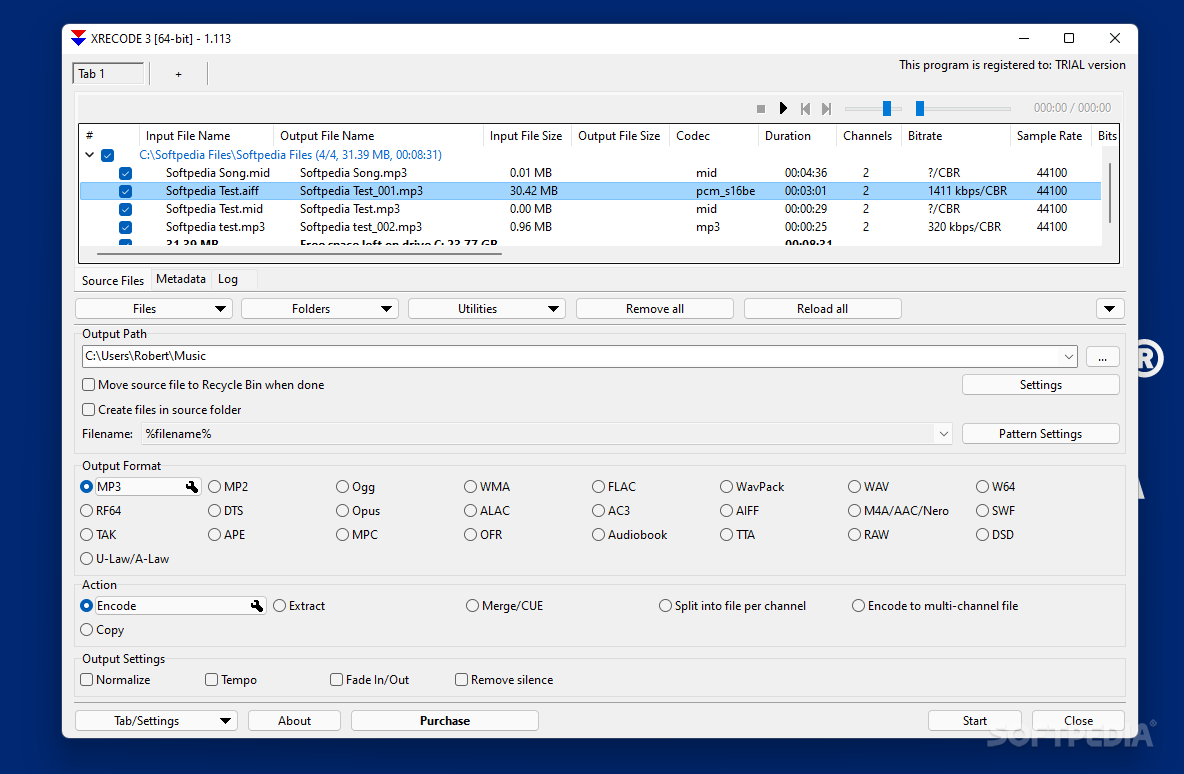
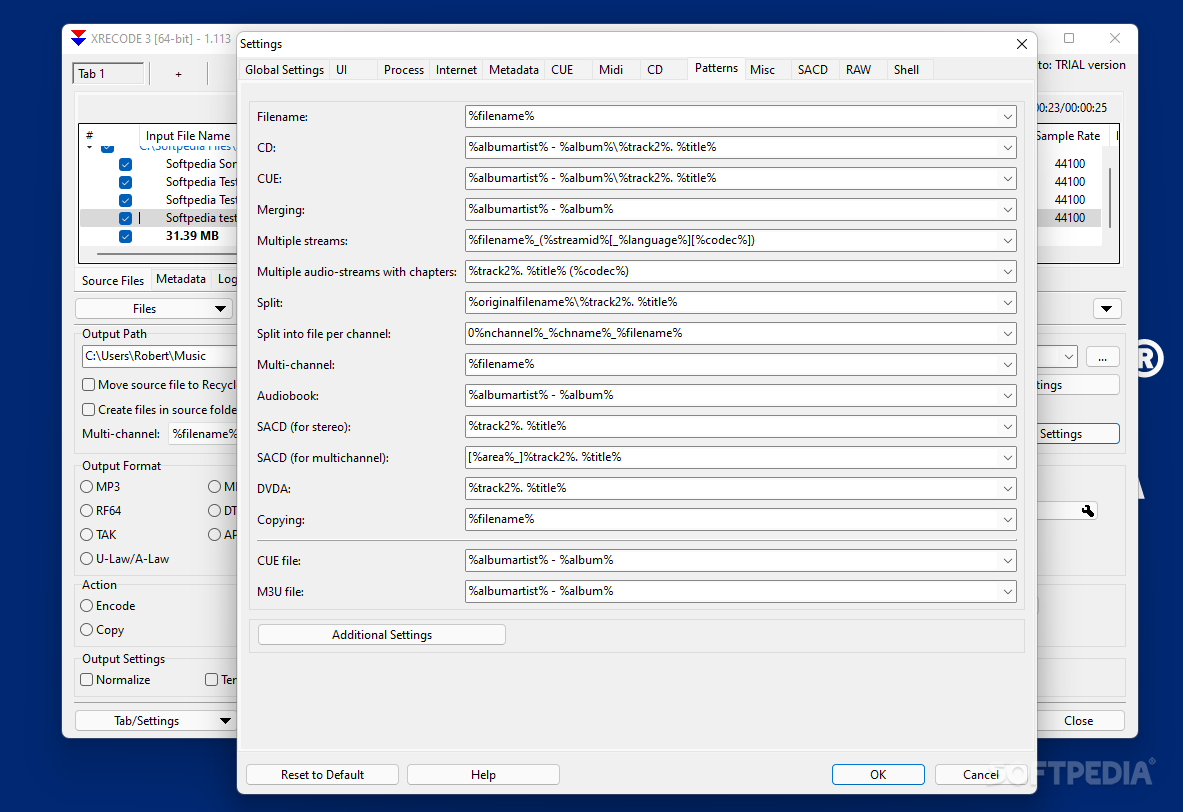
XRECODE3 features enough formats to allow you to convert songs and audio recordings for most anything, doing so under a functional, simple interface, able to convert batches of tracks, and more.
The app may not seem like much upon first boot-up. It's got an interface that can easily be misconstrued as something difficult to use and too power-user-oriented, but upon navigating through it for a bit, it's all a very intuitive, easy-to-understand layout.
Users can add the audio via the "Files" and "Folders" tab, both allowing the selection of multiple elements. This communicates to you that converting multiple tracks at once is an important feature of this app, the tab layout serving to further this.
The "Output Format" section has to do with the conversion itself: you can pick between 25 options, of which popular audio extensions, such as .mp3, .wav, and .ogg, are present. The capability to convert into FLAC, the lossless solution, is also available.
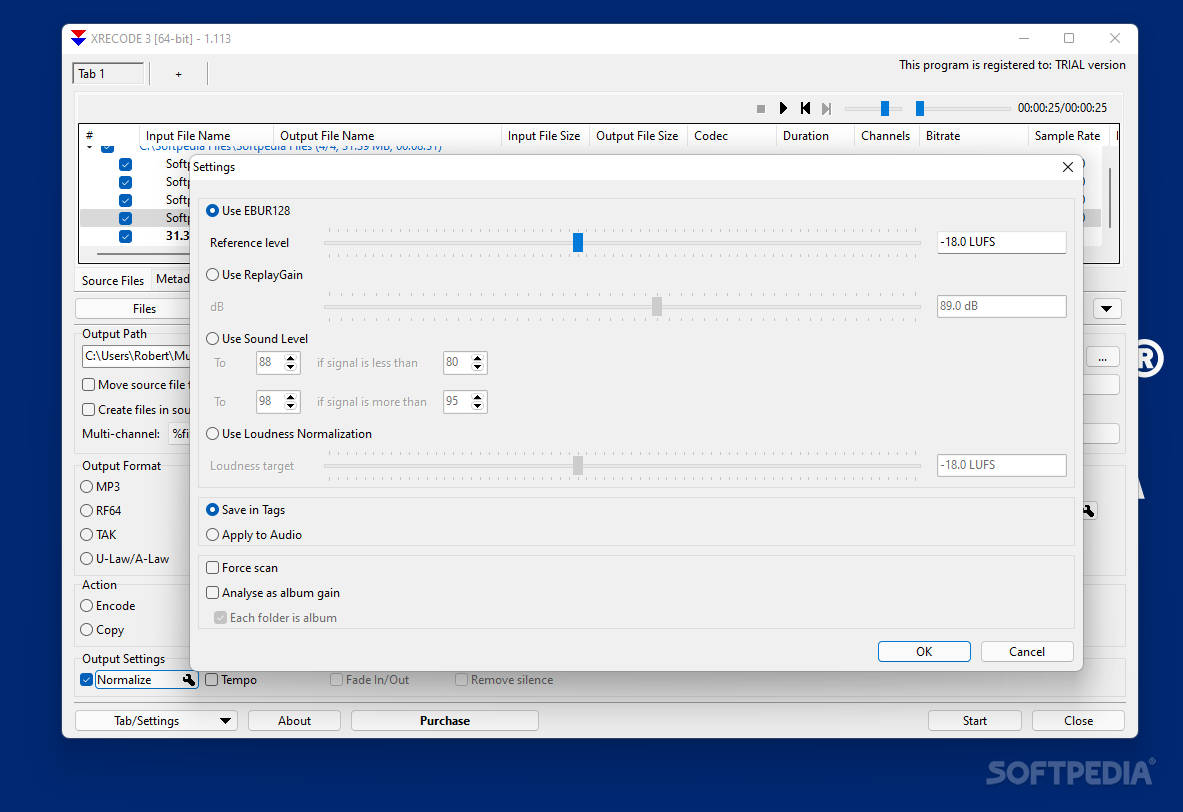
Upon clicking the little wrench icon beside the chosen extension under the "Output Format" menu, users get the ability to customize the settings for the converted format. For instance, the menu for an MP3 conversion allows you to change the bitrate type and value, as well as make adjustments to the audio channels.
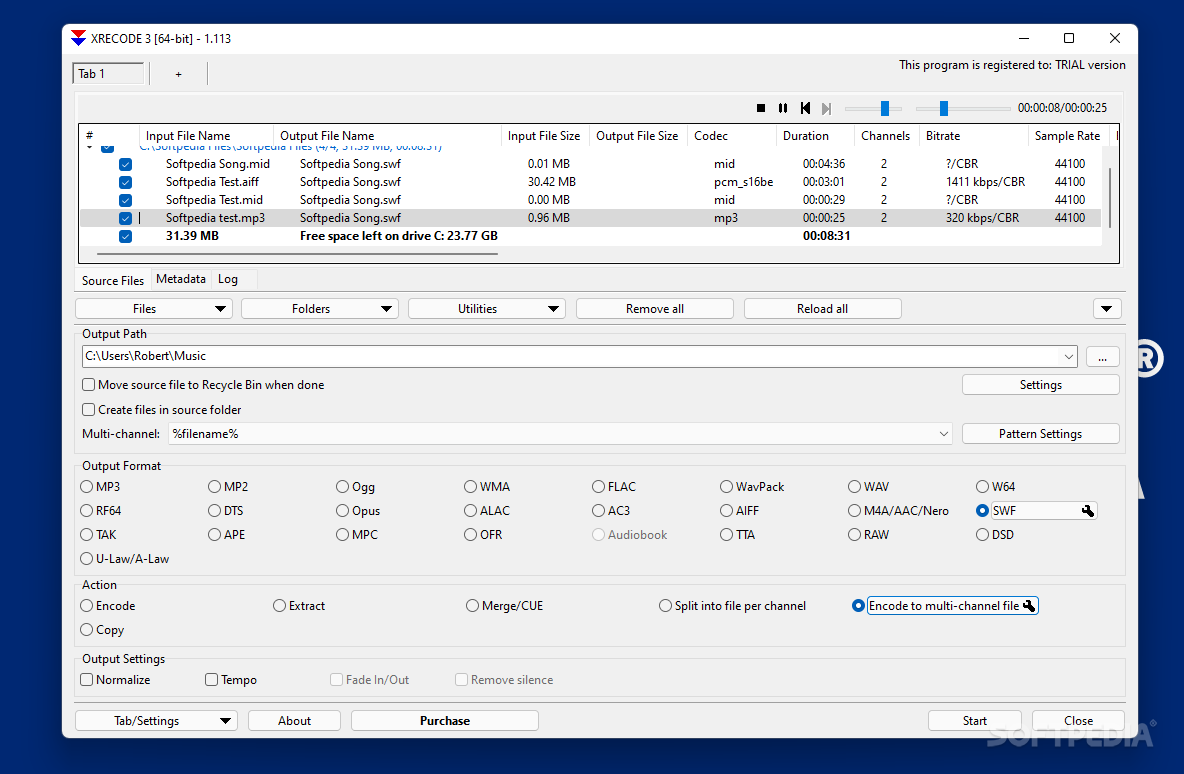
While affording the possibility to change the metadata of any audio track, XRECODE also permits you to choose between several encoding types, such as multi-channel, per-channel, merging, and more.
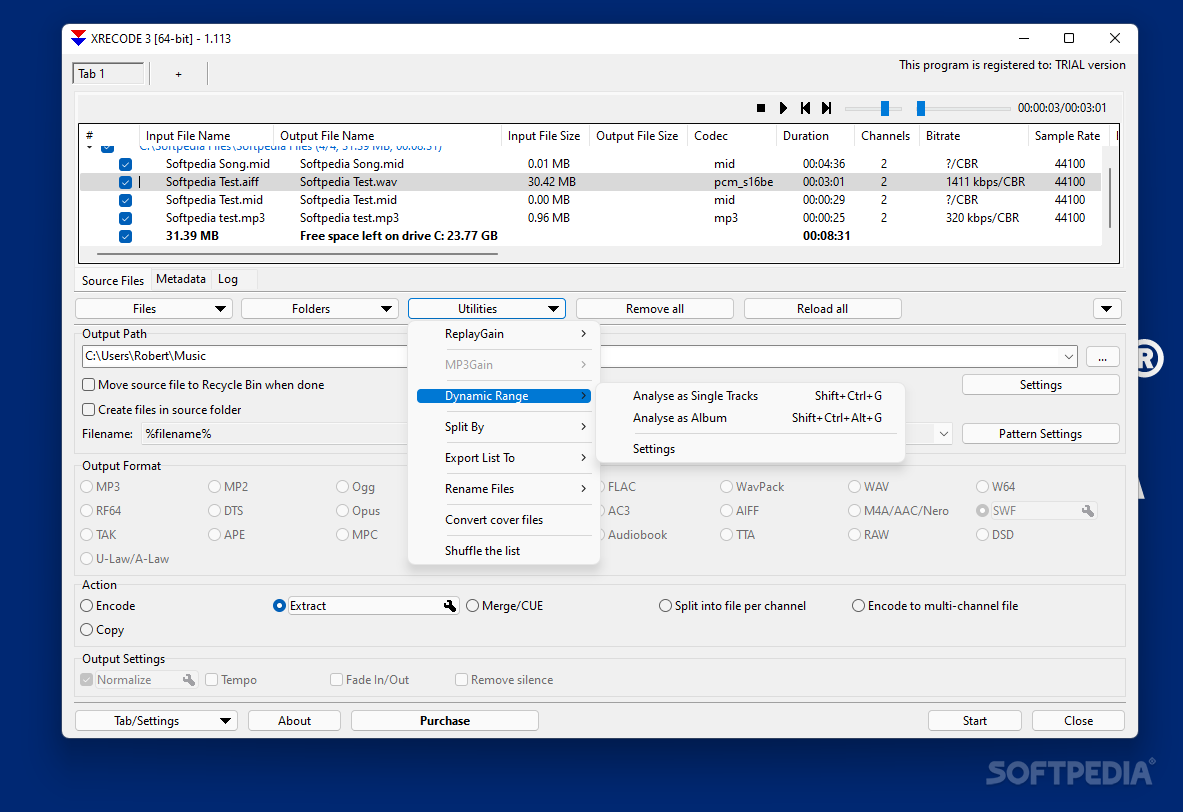
The "Utilities" menu also houses a dynamic range appraisal, able to show you values such as peak decibels, among others. "ReplayGain" works similarly.
This is quite the full-featured app, its ease of use being boosted by the functional design and quick conversion capabilities.
Download Hubs
XRECODE3 is part of these download collections: Convert FLAC to MP3, Tag Editors, Convert MP3, Add Audio Metadata
What's new in XRECODE3 1.147:
- FIX: fixed handling of some DVDA iso files.
- NEW: added manual command line support for other than lame.exe mp3 encoder.
XRECODE3 1.147
add to watchlist add to download basket send us an update REPORT- portable version
- xrecode III Portable
- runs on:
-
Windows 11
Windows 10 32/64 bit - file size:
- 21.7 MB
- filename:
- setup_xrecode3_win_32bit_1.147.exe
- main category:
- Multimedia
- developer:
- visit homepage
Context Menu Manager

Zoom Client

Bitdefender Antivirus Free

calibre

7-Zip

ShareX

4k Video Downloader

Windows Sandbox Launcher

IrfanView

Microsoft Teams

- Windows Sandbox Launcher
- IrfanView
- Microsoft Teams
- Context Menu Manager
- Zoom Client
- Bitdefender Antivirus Free
- calibre
- 7-Zip
- ShareX
- 4k Video Downloader