
A simple application designed to provide users with professional-grade tools such as MP3 editor, audio recorder, batch converter, and CD ripper. #Edit MP3 #Audio recorder #Rip CD #Editor #Converter #Recorder

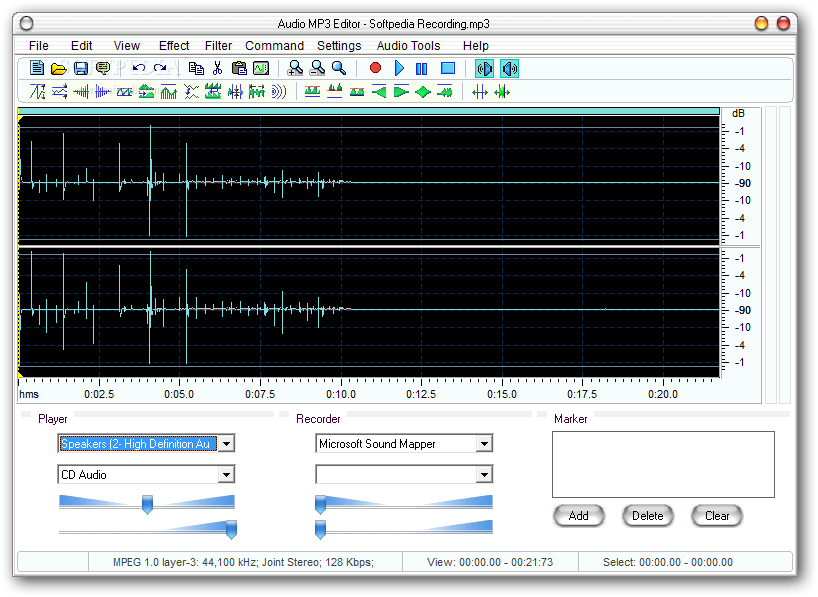
Creating or modifying audio files can be a difficult job if you don’t use the right tools. Audio MP3 Editor is a small tool that was created to perform this type of actions with great ease.
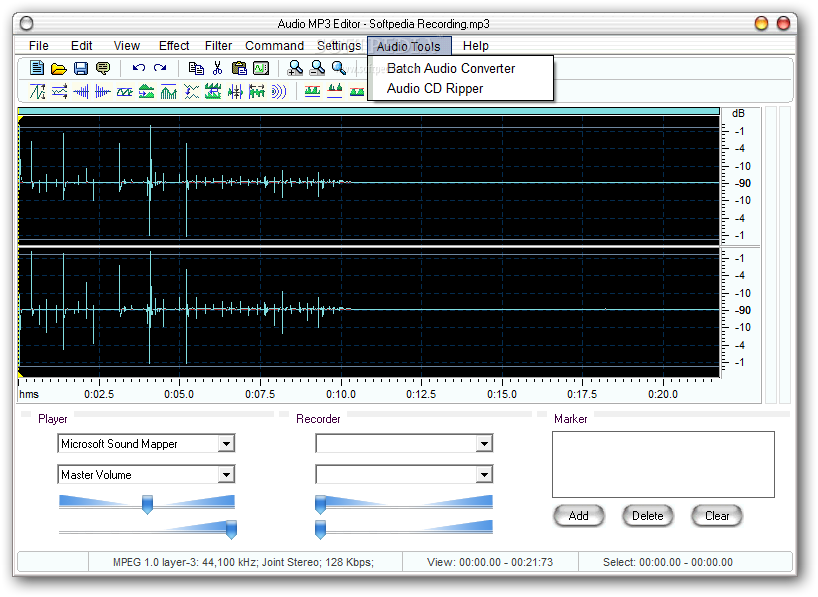
The program has a simple interface that hosts all the necessary features.
As mentioned, the app can perform several tasks. For instance, it can edit MP3 files, record audio files, convert between file formats and rip CDs.
Thus, when you want to edit a music file, whether it’s a track made by someone else or one you recorded yourself, you can use the numerous features that are made available with this app. For instance, once the song is loaded, you can see a graphical representation of the sound wave.
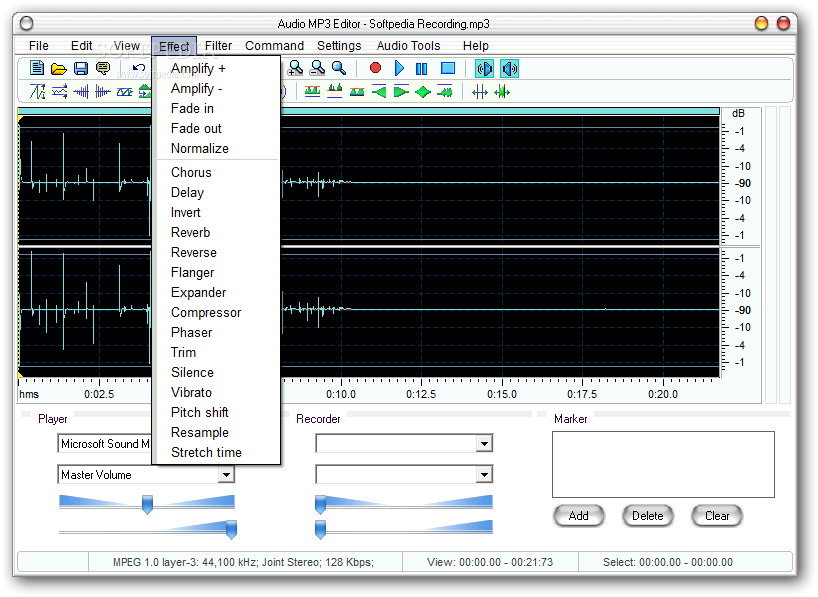
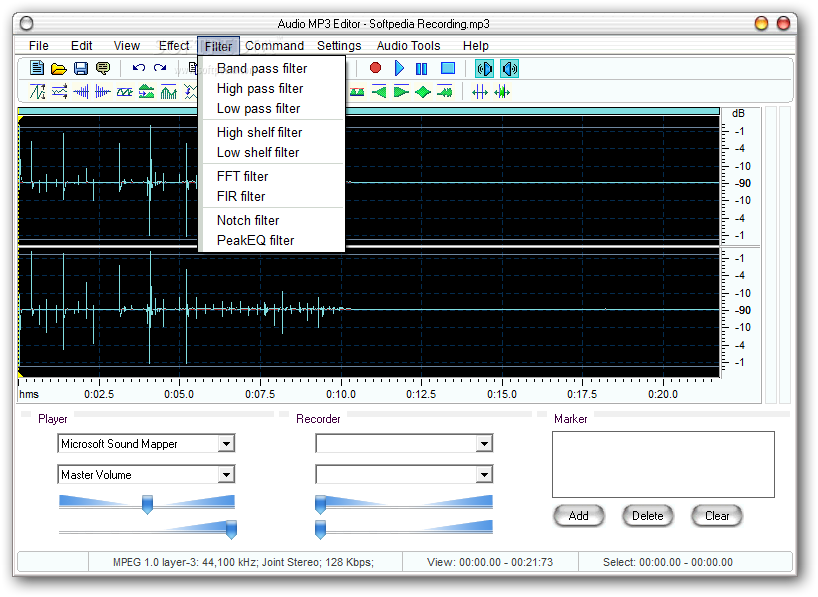
The program can be used to increase or decrease amplifications, to add fade and fade out areas, to normalize the sound volume and to add delays into the song. It’s possible to add silence areas and to invert or revert areas of the track.
The app can be used to play the tracks before saving them to the computer.
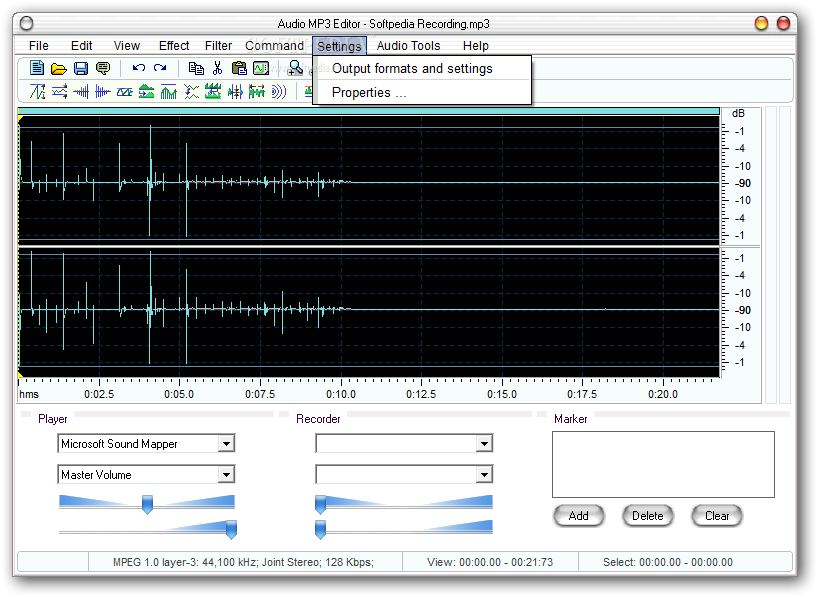
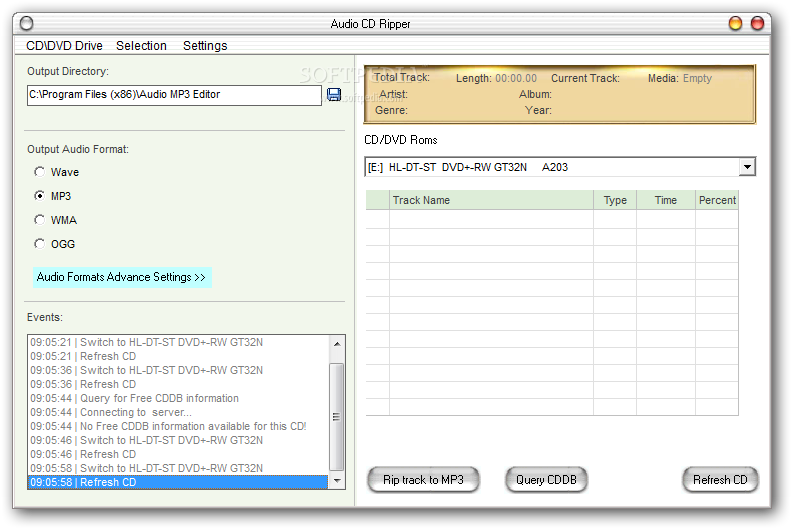
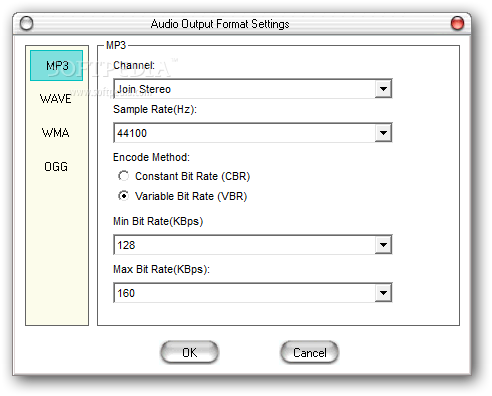
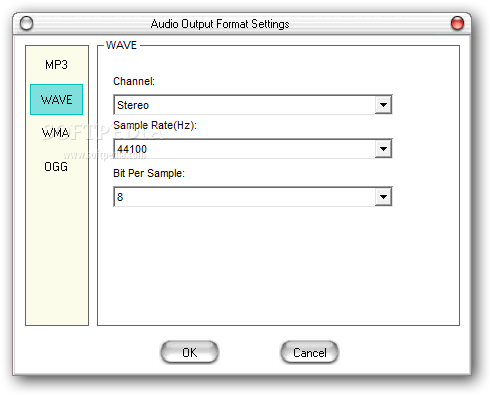
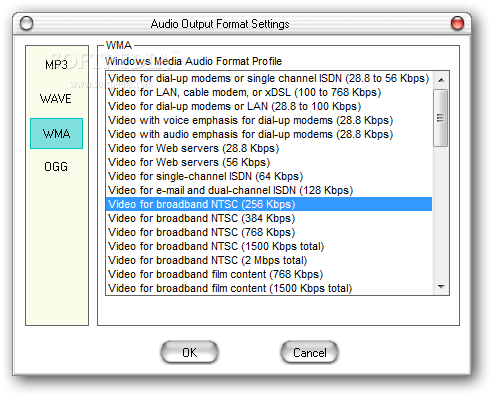
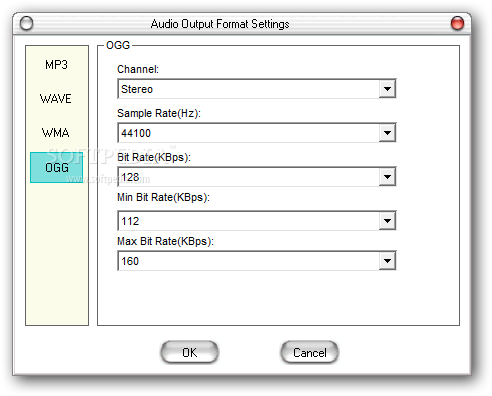
As mentioned, the program also comes with a batch converter that enables you to change the format of the songs between several types, such as Wave, MP3, WMA and OGG. It’s also possible to rip the music from an audio CD.
Audio MP3 Editor is a great tool that can be very helpful if you often work with this type of files. Inexperienced individuals should find it quite easy to handle, thanks to the intuitive layout.
Audio Mp3 Editor 6.50
add to watchlist add to download basket send us an update REPORT- runs on:
- Windows All
- file size:
- 7.6 MB
- filename:
- ameditor_setup.exe




- main category:
- Multimedia
- developer:
- visit homepage
IrfanView

calibre

4k Video Downloader

Context Menu Manager

Bitdefender Antivirus Free

Windows Sandbox Launcher

Microsoft Teams

7-Zip

ShareX

Zoom Client

- 7-Zip
- ShareX
- Zoom Client
- IrfanView
- calibre
- 4k Video Downloader
- Context Menu Manager
- Bitdefender Antivirus Free
- Windows Sandbox Launcher
- Microsoft Teams