
Arguably the best feature-rich and open-source audio editor and recorder with support for multiple tracks, effects, analyzers, generators and other tools. #Audio editor #Sound recorder #Audio mixer #Recorder #Editor #Playback

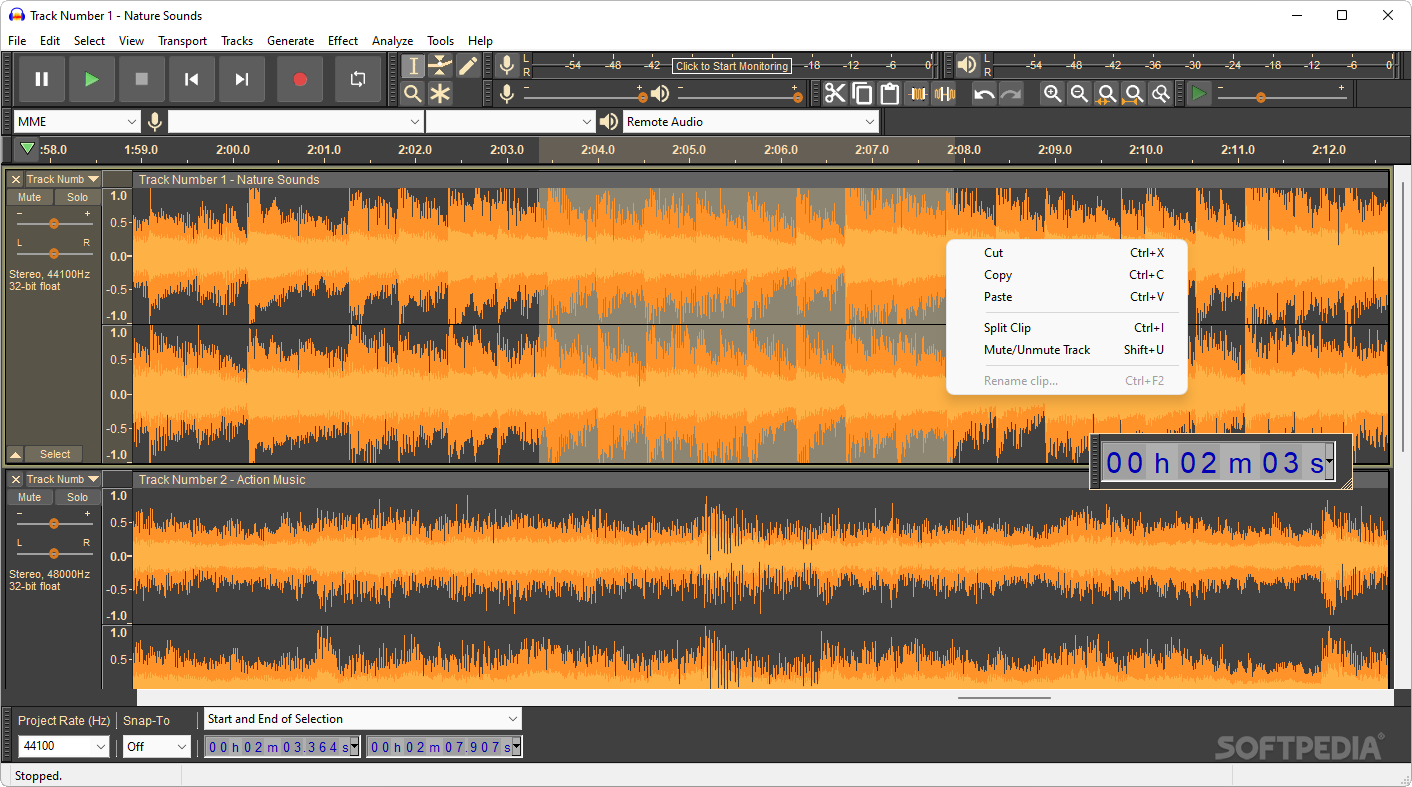
For any audio-related operations, ranging from recording, splitting, splicing and distorting to adjusting a track’s reverb, equalizer, pitch, tempo and speed, you cannot go wrong with one of the most popular sound file editor available.
Thanks to its open-source license and focus on respecting the user’s privacy, Audacity is not only an impressively stacked package of tools but can also be, in the vast majority of situations, the only program a person would need in order to work on their personal or even business projects concerning audio files.
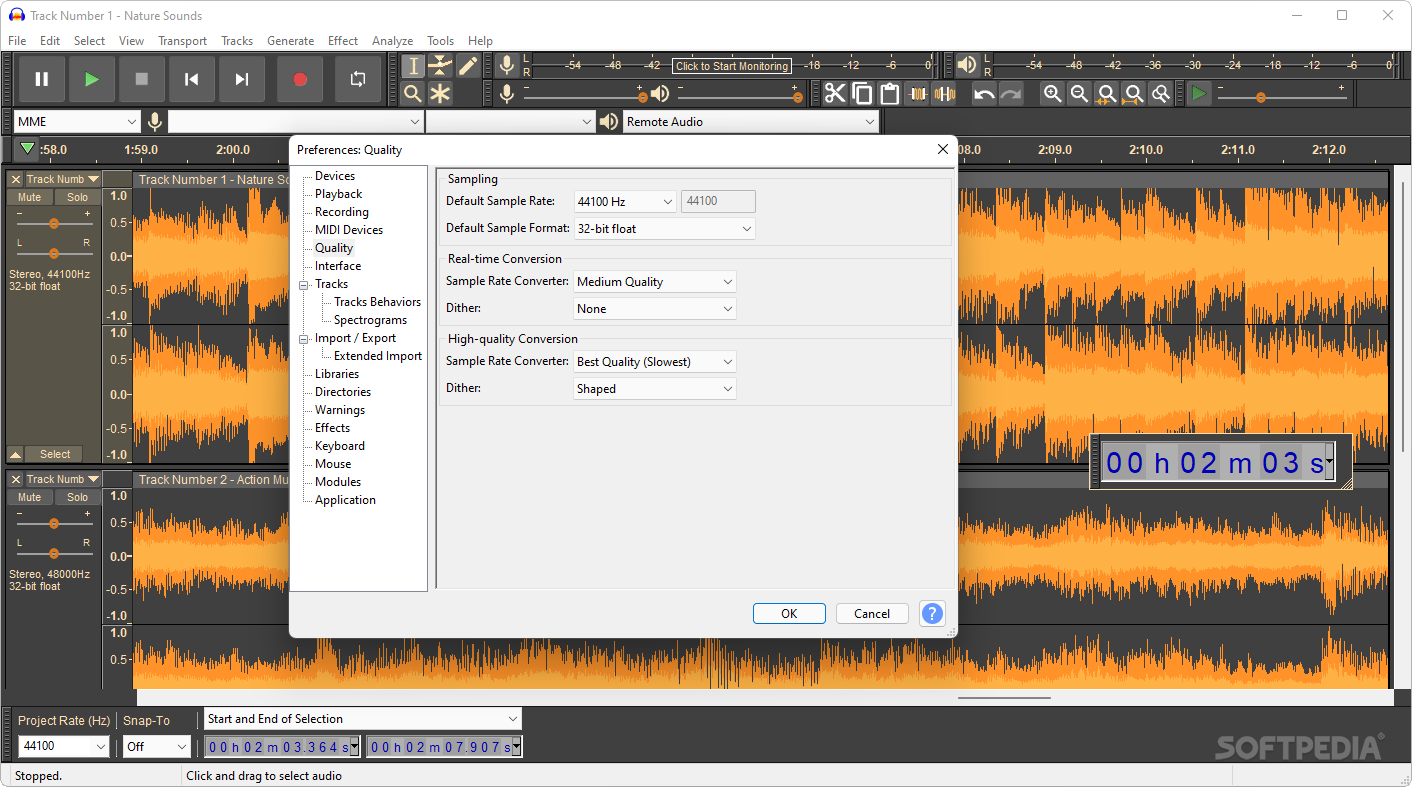
In terms of the interface, users will not encounter any issues when navigating the app thanks to its straightforward design that lays out every command which would need to be accessed on the top ribbon.
Customization is another one of the many strong points the app provides the user with, since almost all the elements listed on its main page can be hidden, snapped to the top or bottom borders or dragged and arranged anywhere on the application’s window in order to fit any kind of workflow or screen size for maximum productivity.
Themes are also supported by the app for a better styling integration with the operating system, varying from the classic color palette with some skeuomorphic elements to the dark, light and high contrast theming categories for ease-of-use. Users who prefer a wider range of options will rejoice at the sight of many community-powered repositories with free custom themes, such as AuThREPO.
Chances are that any modifications you want to apply to the audio files of your choice can be found within the extensive list of commands that the application provides. Dragging and dropping into the main window places the files on the timeline where most of the editing takes place. Copying, pasting, splitting, muting, combining and rearranging tracks can be done using either the mouse or customizable macros and shortcuts for enhancing one’s workflow.
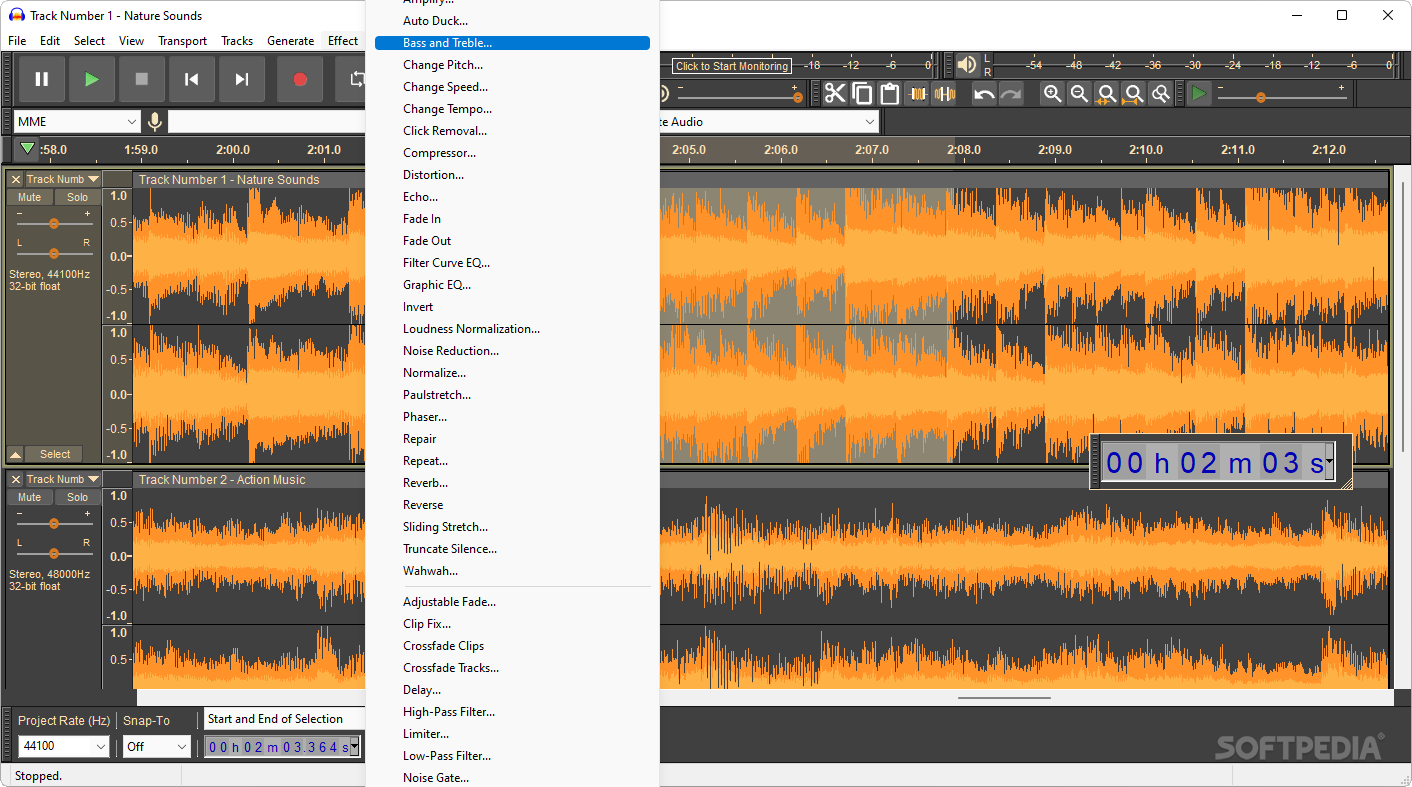
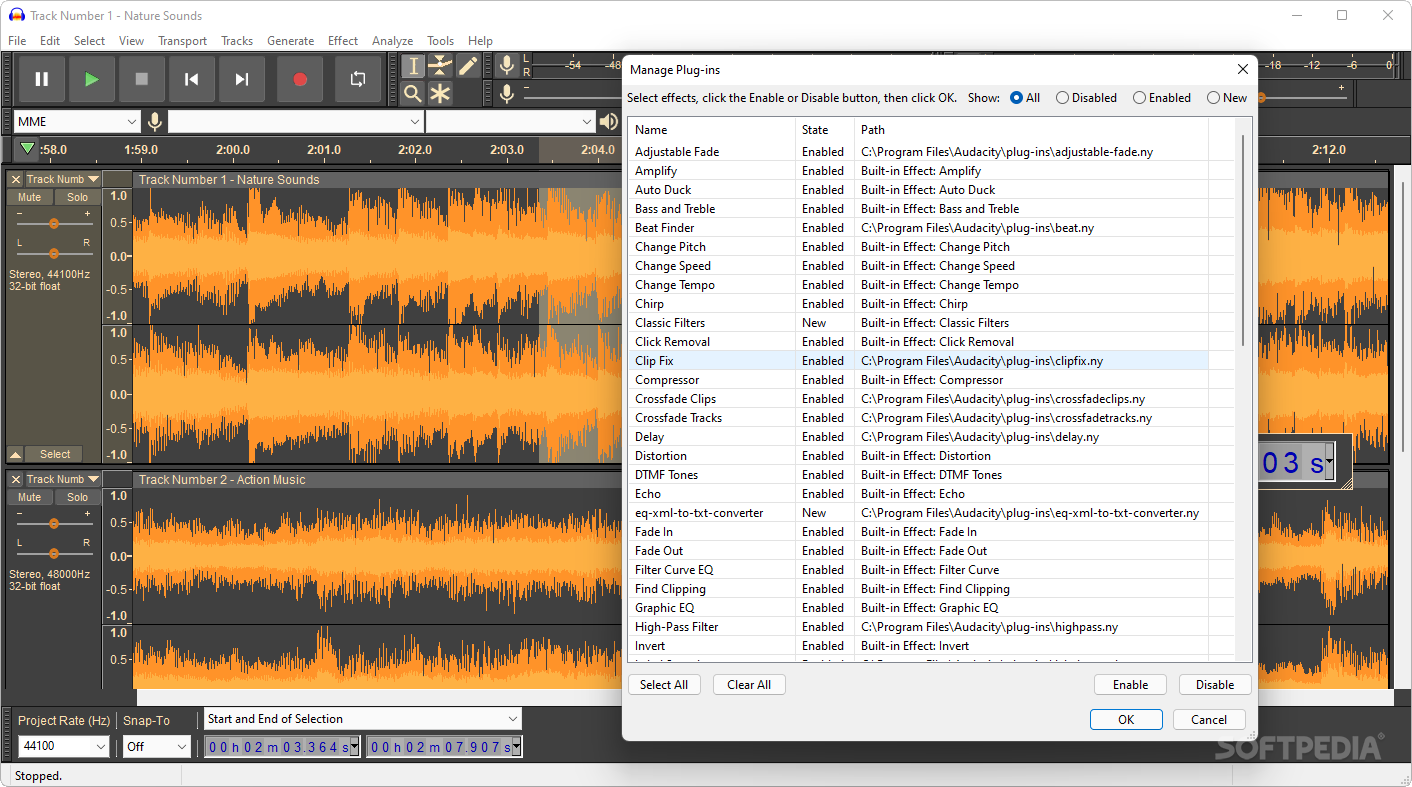
Effects such as fading, normalizing, delaying, vocoding and echoing are available for applying, while the user also has the option of setting the playback level, volume, speed and devices. Plugins can be easily enabled and disabled according to the user’s liking.
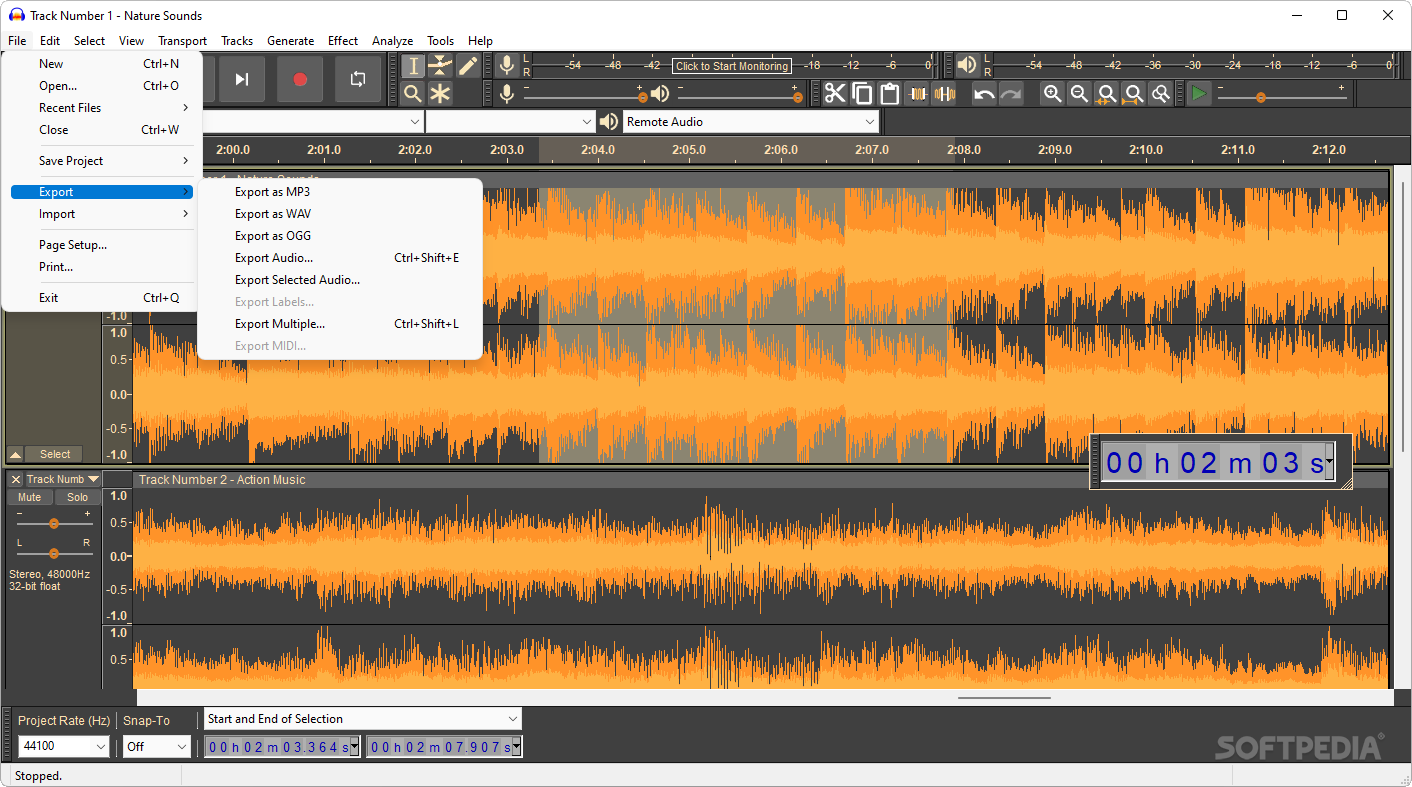
Editing projects are saved in audacity’s proprietary aup3 format, and files can be saved in a wide variety of audio types – a list of formats that can be expanded by installing the optional FFmpeg library.
In conclusion, Audacity will likely remain one of the best alternatives to proprietary sound editing suites, thanks to its privacy-friendly and customizable design, able to modify various audio files with its exhaustive toolset.
Download Hubs
Audacity is part of these download collections: Edit MP3, Open VST, Play VST, Edit FLAC
What's new in Audacity 3.5.1:
- This is a hotfix release. It fixes the following bugs:
- #6322 Fixed a crash on launch on macOS 11 and older.
- #6324 Fixed the update notification looking for alpha versions instead of release versions.
Audacity 3.5.1
 Softpedia Editor's Pick
add to watchlist
add to download basket
send us an update
REPORT
Softpedia Editor's Pick
add to watchlist
add to download basket
send us an update
REPORT
- portable version
- Portable Audacity
- runs on:
-
Windows 11
Windows 10 32/64 bit - file size:
- 13.8 MB
- filename:
- audacity-win-3.5.1-32bit.exe
- main category:
- Multimedia
- developer:
- visit homepage
calibre

Zoom Client

Bitdefender Antivirus Free

IrfanView

Context Menu Manager

ShareX

Windows Sandbox Launcher

7-Zip

4k Video Downloader

Microsoft Teams

- 7-Zip
- 4k Video Downloader
- Microsoft Teams
- calibre
- Zoom Client
- Bitdefender Antivirus Free
- IrfanView
- Context Menu Manager
- ShareX
- Windows Sandbox Launcher