
Edit your audio as simply or as thoroughly as you'd like in this software application, which appeals to casual users just as much as it does to the experienced. #Song Editor #Audio Converter #Audio Analyzer #Mixer #Editor #Converter

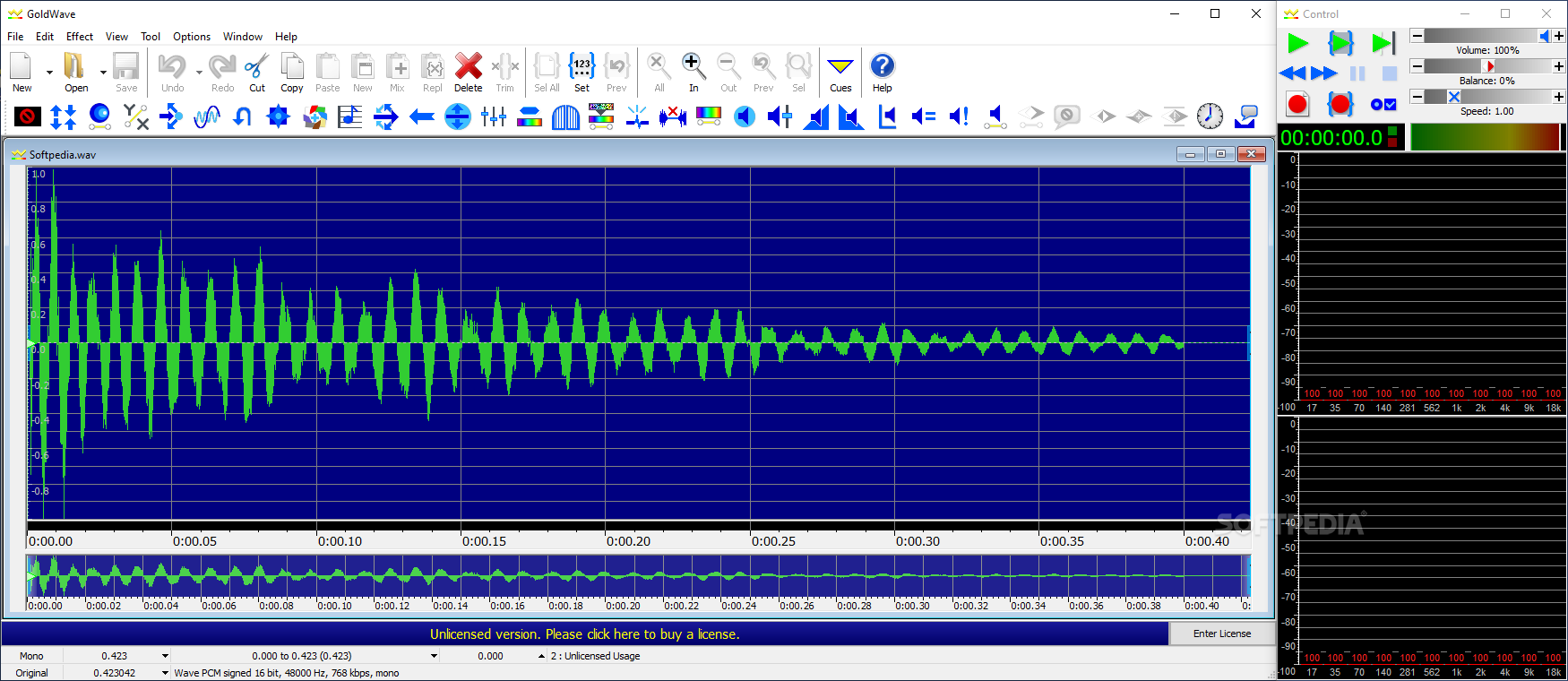
Audio manipulation is work that requires adequate software to handle. Such software isn't exactly easy to find, precisely because it's not that simple to develop. We all know of FL Studio, Ableton, and Audacity, and while the last example is the definition of well-made, free-to-use, and open-source software, it may lack some functions that would be of interest to more discerning users.
If you're looking for a full-fledged program to edit your audio in, you might want to consider GoldWave. It offers a multitude of functions you can use to tweak any audio file you wish without requiring much fuss.
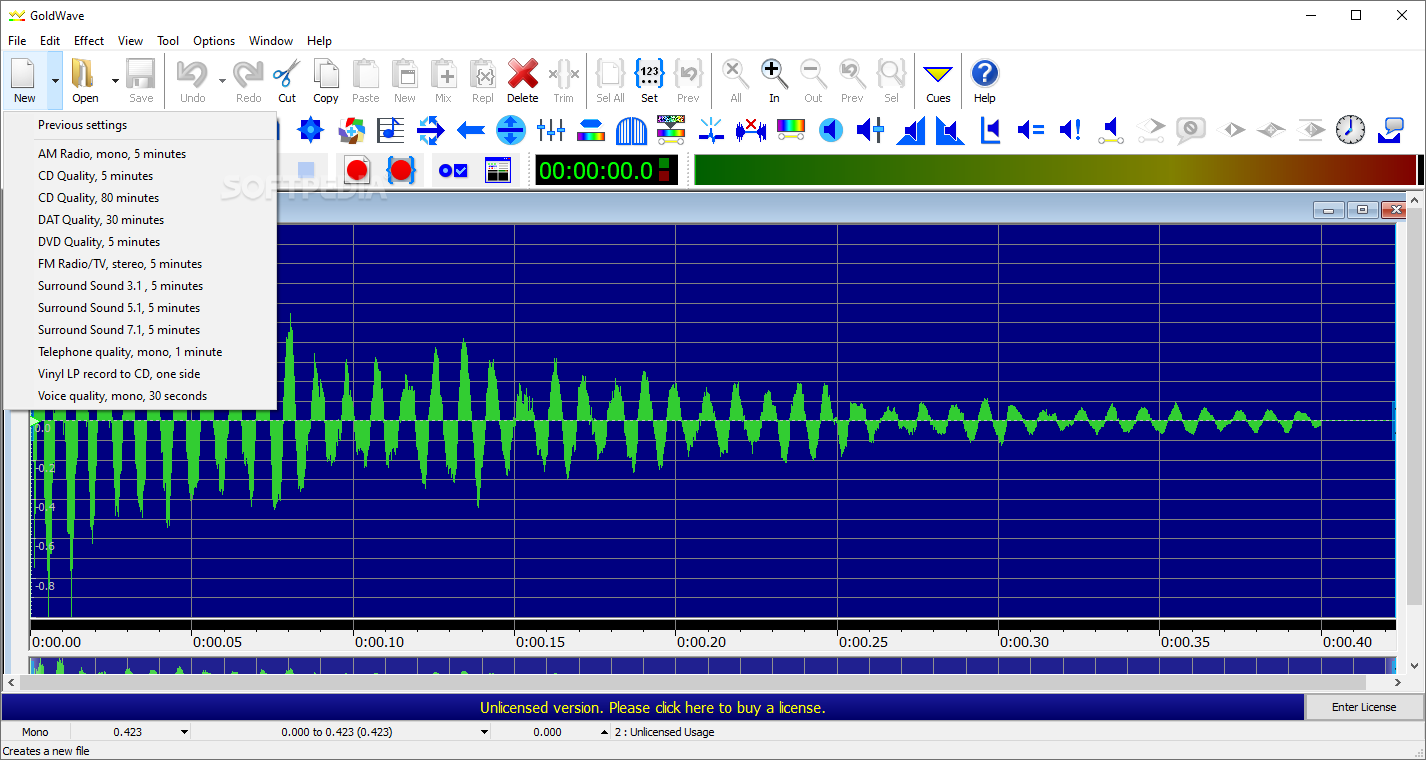
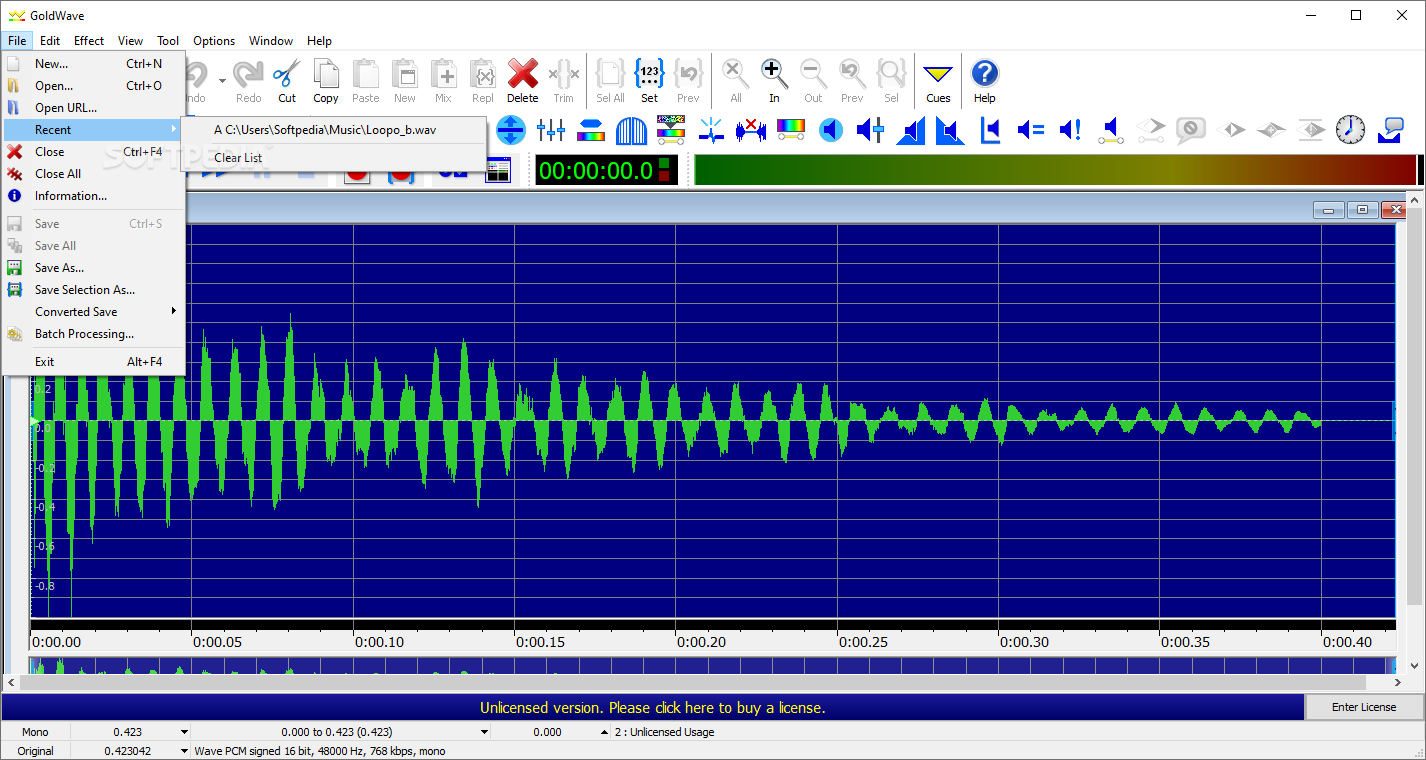
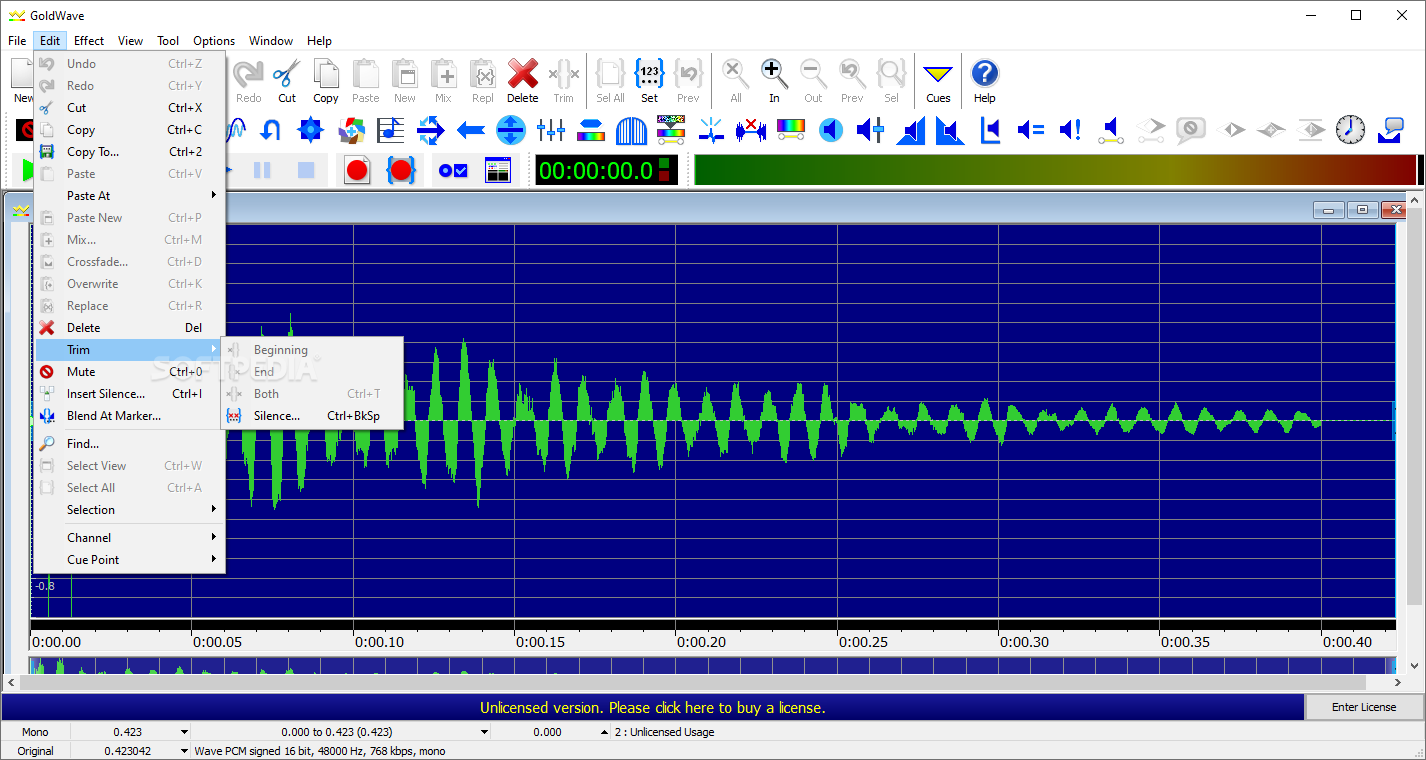
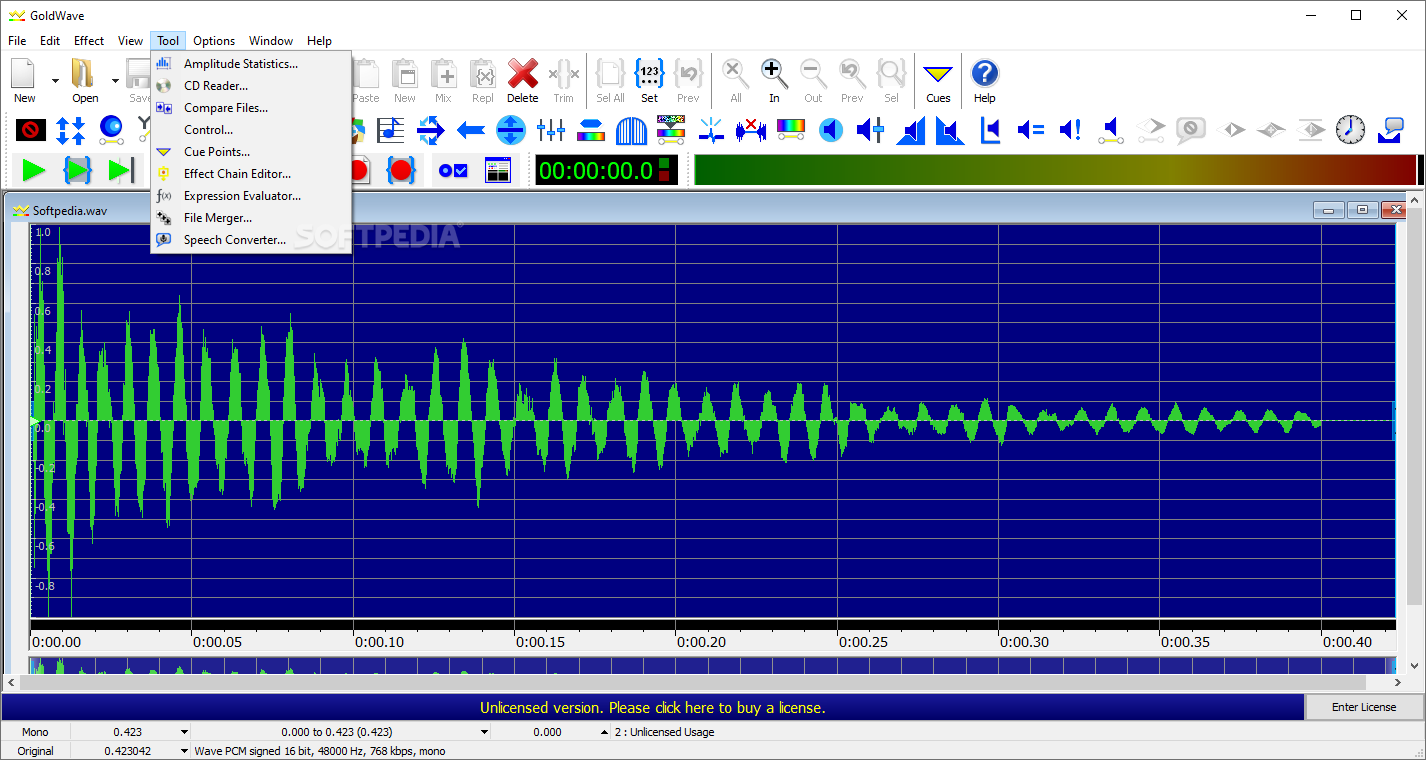
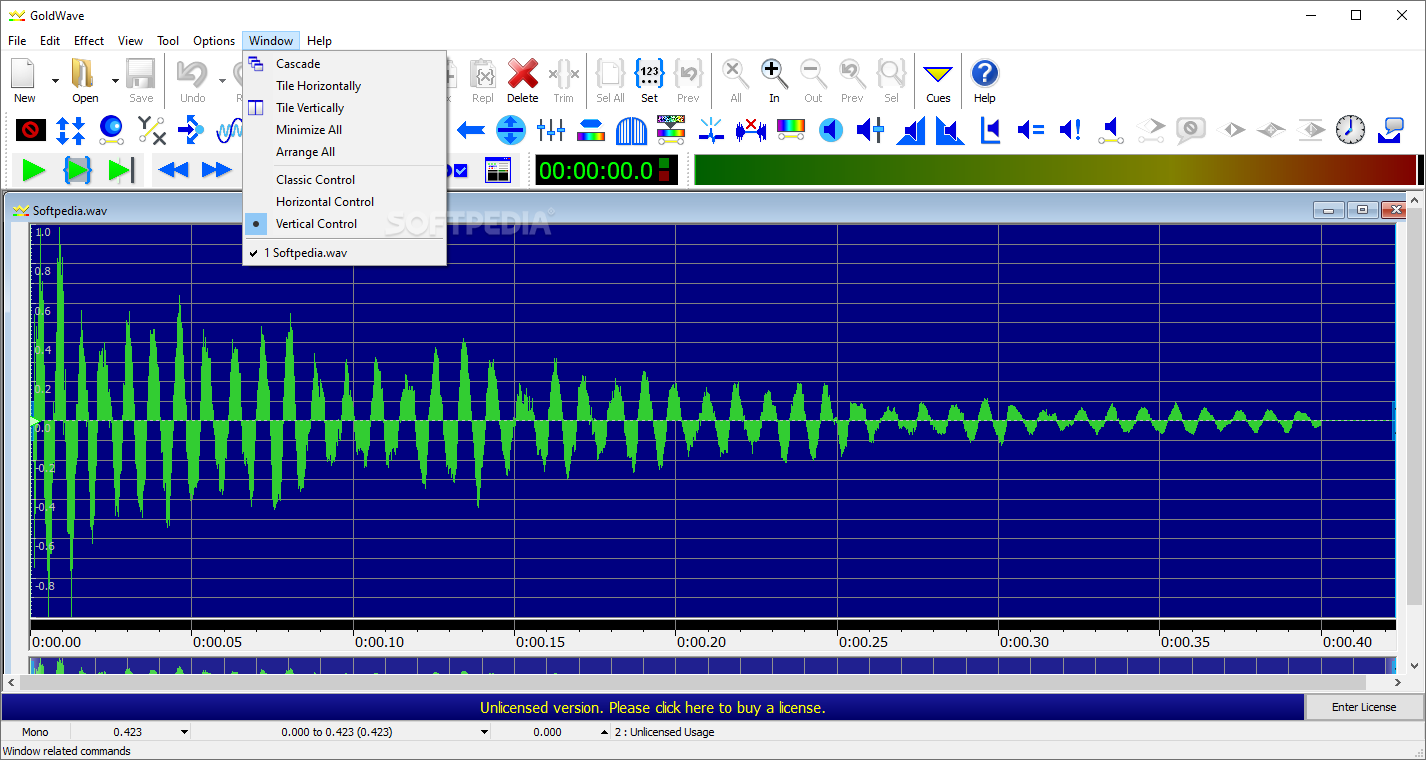
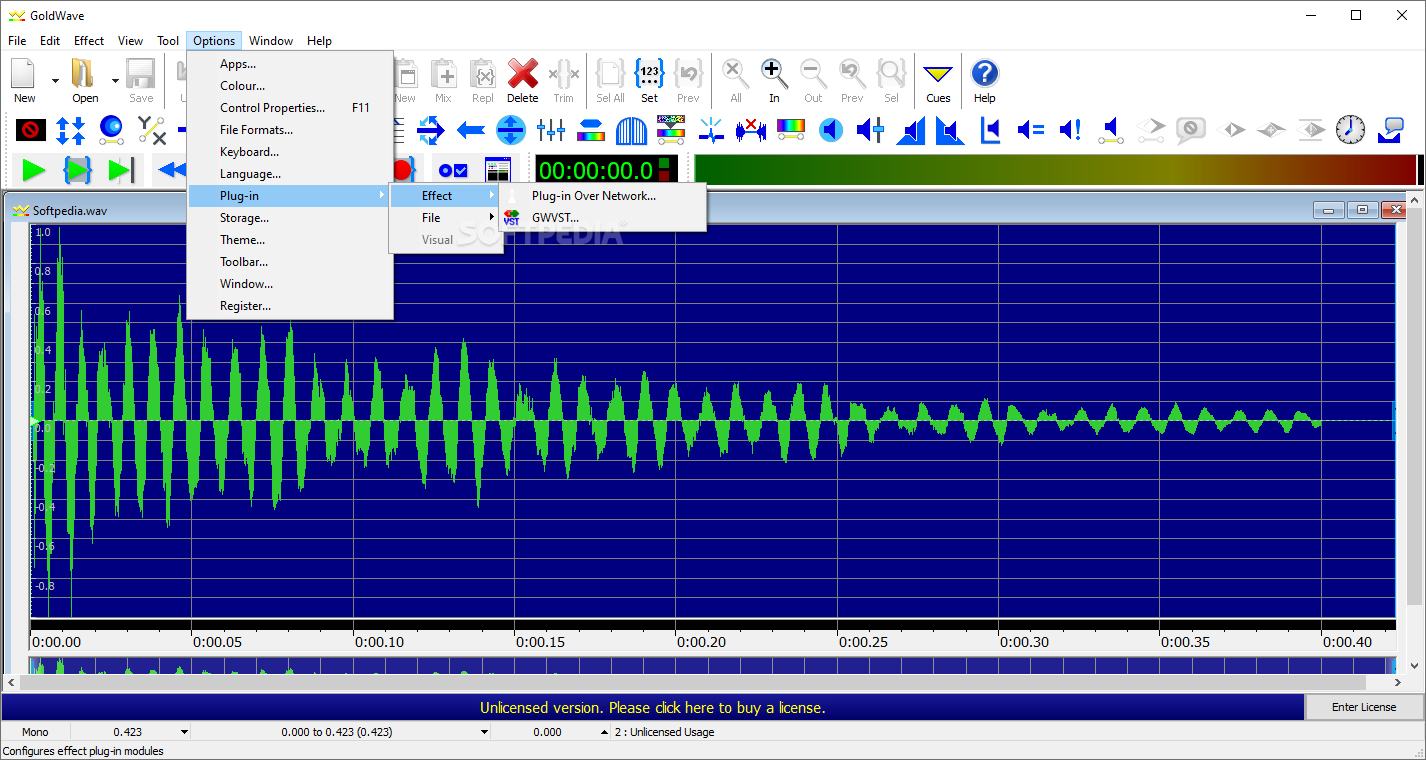
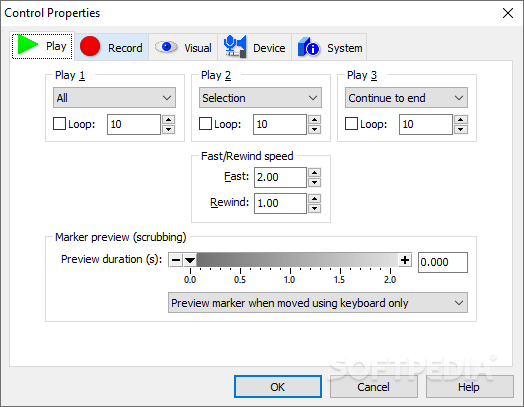
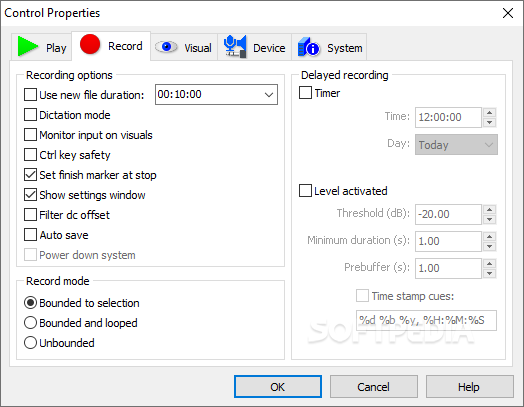
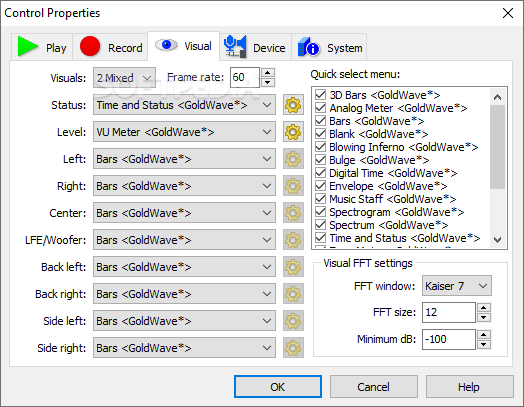
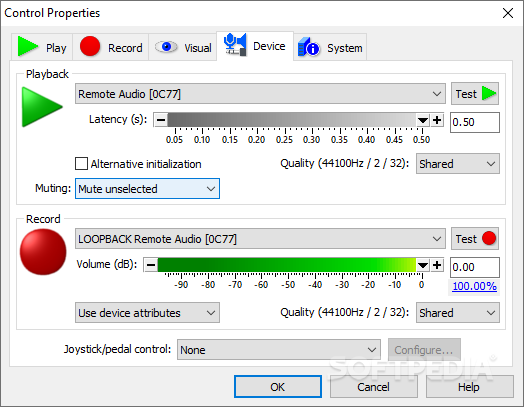
It's easy to get into the program: installing is business-as-usual, and upon booting it up, its functional interface will greet you. Granted, it might seem a bit busy at first: there are many icons in the top bar, each corresponding to specific functions, with even more of them being nested in menus and submenus.
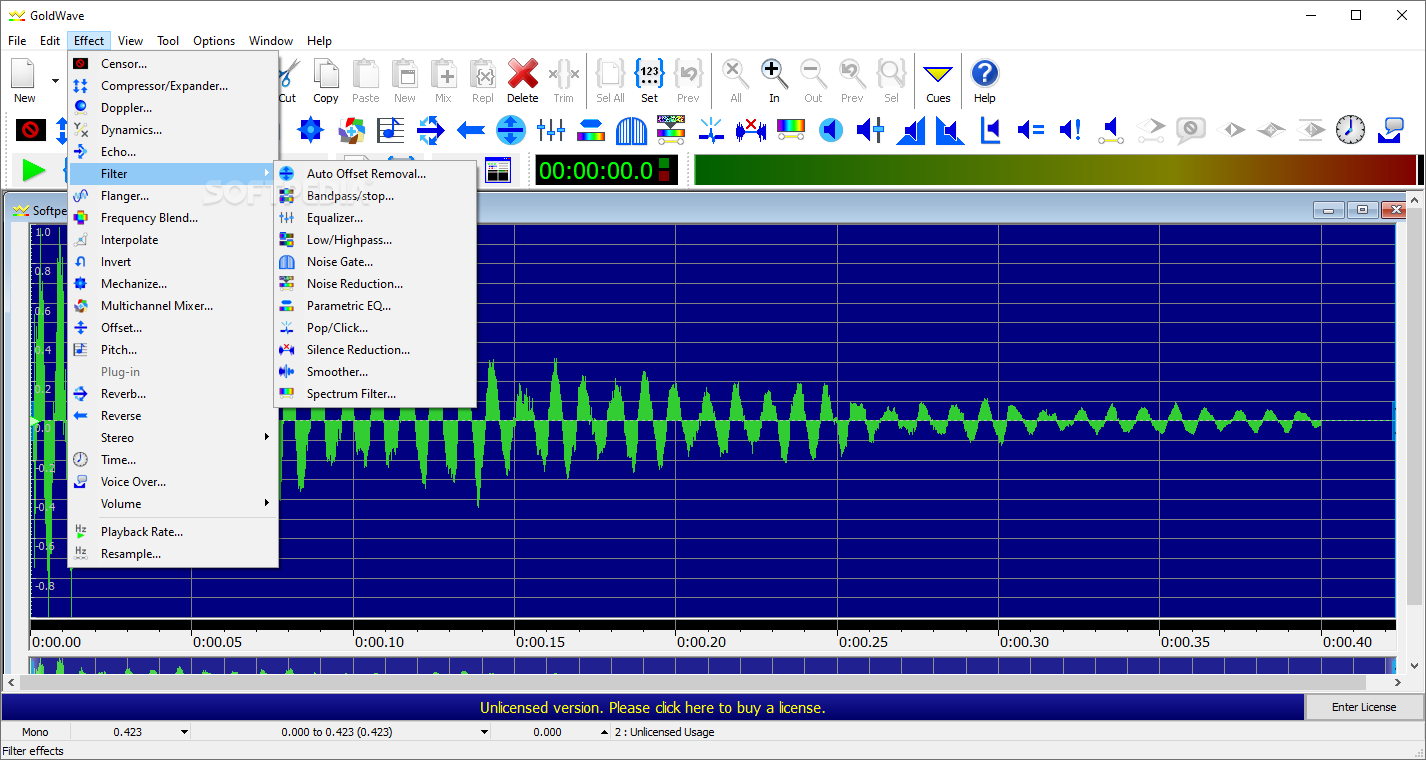
With that out of the way, a bit of time is all it takes to get attuned to how the program operates. Add your audio, glance over at the adjustments you can make, and experiment away. Even if you don't know what most of the effects and filters do — such as frequency blending, interpolating, compressors and expanders, spectrum filters, and so on — it's best to try each of them and learn of how they can contribute to your audio.
The app lends itself to many audio-editing duties: whether it is mastering a song or polishing a podcast recording. You can introduce a Noise Gate to reduce background noise, Pop/Click to further dispense with unnecessary sounds, as well as a Smoother and Equalizer to ensure that the recording's sound is at a constant level.
GoldWave is a perfectly capable piece of software to handle your audio work: do keep in mind that the Free tier only allows for up to 150 commands per session, so use them thoughtfully.
Download Hubs
GoldWave is part of these download collections: Edit MP3, Edit FLAC, Edit AIFF, Edit WAV
What's new in GoldWave 6.80:
- "Skip beginning" option in Split File
- Very long name support in FLAC plug-in
- Resizable Multi Device Recorder window
- Several fixes and improvements
GoldWave 6.80
add to watchlist add to download basket send us an update REPORT- runs on:
-
Windows 11
Windows 10 32/64 bit
Windows 8 32/64 bit
Windows 7 32/64 bit - file size:
- 15.7 MB
- filename:
- gwave570.exe

- main category:
- Multimedia
- developer:
- visit homepage
7-Zip

Bitdefender Antivirus Free

Microsoft Teams

Zoom Client

ShareX

4k Video Downloader

calibre

paint.net

Windows Sandbox Launcher

IrfanView

- paint.net
- Windows Sandbox Launcher
- IrfanView
- 7-Zip
- Bitdefender Antivirus Free
- Microsoft Teams
- Zoom Client
- ShareX
- 4k Video Downloader
- calibre