
Straightforward tool which provides users with a simple means of cutting, combining, converting and managing songs, as well as riping audio CDs. #MP3 editor #Convert MP3 #CD ripper #Ripper #Edit #Editor


MP3 Workshop is a tool which helps you cut, join and rip MP3 files from a CD, as well as convert an audio file from one format to another.
The setup process is quite typical and runs seamlessly, without offering you to download products you do not actually need or make changes to your web browser. The user interface may seem blunt at first glance, yet it is quite straightforward.
It consists of a few tabs and some buttons, which basically make navigating the app easy, for both power and novice users.
In the first section you can create new projects in which to add several MP3 files, in order to use them in other tasks of listen to them with the help of the built-in playback controls. You can also edit tags and view information on each uploaded item (e.g. size, total time, name).
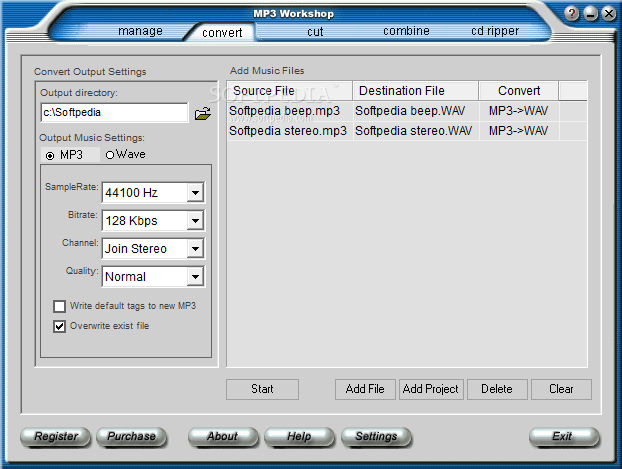
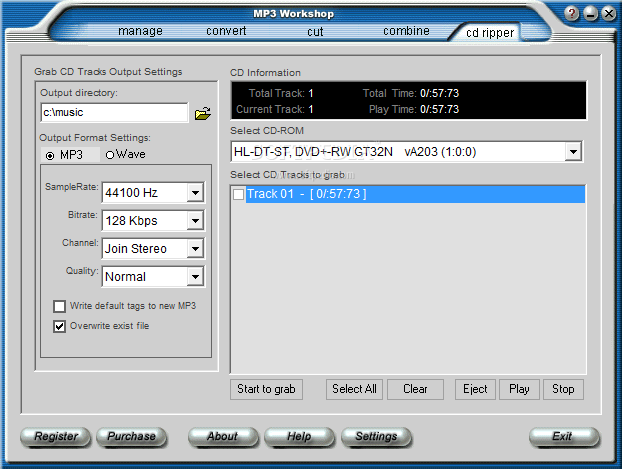
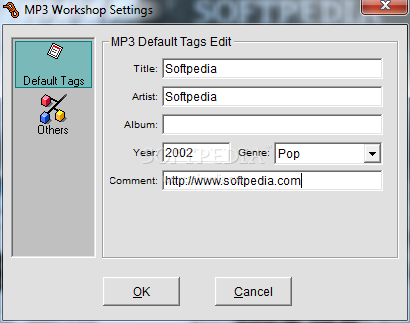
You can convert MP3 files to a WAV format or the other way around, as well as cut and combine files, extract the audio contents from a CD with ease, while setting sample rate frequency, bitrate, channel, and quality. It is also possible to enable the software to write default tags to new MP3s and overwrite existing files.
A task is completed in a very short amount of time, depending on the size, format type, and the output sound quality is great.
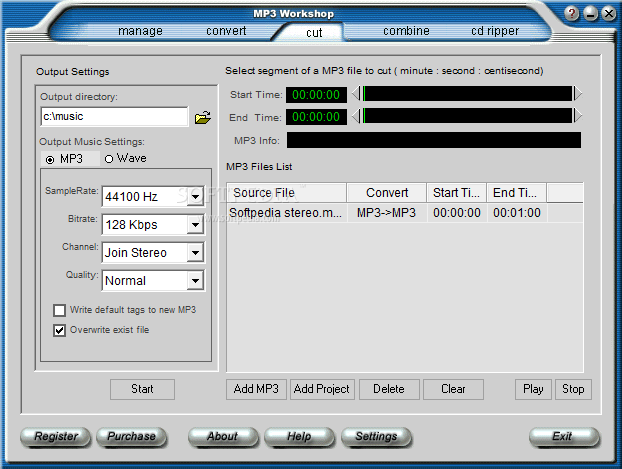
However, MP3 Workshop also has some downsides. It crashed a few times during our tests, and it froze once when trying to edit MP3 tags. When using the cut feature, even if you add a single file to the list, make sure you select it before attempting to set the start and end point. Otherwise, you cannot view time.
Also, it is not possible to change the name of a cut item. They will have the same name as the source file, so their output directory cannot be the same as the source. The same goes for the Convert function.
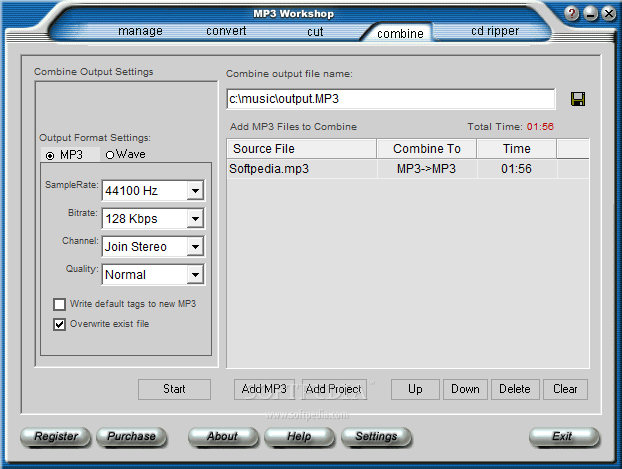
We tried creating a MP3 with a different quality (i.e. by adding a single file to the Combine list), but we could not tell the difference between voice and radio quality, and so on.
In conclusion, MP3 Workshop is a good tool for converting, cutting, combining and ripping audio files from a CD, but it definitely needs some improvements. On the other hand, it uses a low amount of system resources, and it completes a job in no time.
Download Hubs
MP3 Workshop is part of these download collections: Edit MP3, Rip CD to MP3, Rip Audio CD, Edit WAV
MP3 Workshop 4.80
add to watchlist add to download basket send us an update REPORT- runs on:
- Windows All
- file size:
- 2.5 MB
- filename:
- ezmp3.exe
- main category:
- Multimedia
- developer:
- visit homepage
ShareX

calibre

Bitdefender Antivirus Free

IrfanView

7-Zip

4k Video Downloader

Zoom Client

Microsoft Teams

Windows Sandbox Launcher

Context Menu Manager

- Microsoft Teams
- Windows Sandbox Launcher
- Context Menu Manager
- ShareX
- calibre
- Bitdefender Antivirus Free
- IrfanView
- 7-Zip
- 4k Video Downloader
- Zoom Client