Softpedia
 

WINDOWS CATEGORIES:


GLOBAL PAGES >>
SOFTPEDIA REVIEWS >>
MEET THE EDITORS >>

WEEK'S BEST

  • DAEMON Tools Pro (...
  • FlashFXP [ DISCOUN...
  • PowerISO 4.9
  • WebcamMax [DISCOUN...
  • Zemana AntiLogger ...
  • System Mechanic Pr...
  • Glary Utilities Pr...
  • All My Movies [DIS...
  • Ad-Aware Internet ...
  • Atlantis Word Proc...
  • Home > Windows > Multimedia > Audio > Audio Editors/Recorders
     Report malware

    Reason 6.0.2

    download button

    Part of the Audio Editors download hub
    Downloads: 91,604  View global page  Tell us about an update
    User Rating:
    Rated by:
    Good (3.9/5)
    111 user(s)
    Developer:

    License / Price:

    Size / OS:

    Last Updated:

    Category:

    Demo / EUR 405.00 buy button
    3,348.5 MB / Windows XP / Vista / 7
    [view history]
    C: \ Multimedia \ Audio \ Audio Editors/Recorders

     Read user reviews (0)  Send to friend   Follow (4 users)

    EDITOR'S RATING

    Softpedia Editor's Review for Reason

    Helps you along in creative process, and is the music software that never gets in your way

    Written by Alexandru Teodorovici on November 3rd, 2011

    If you are looking for a professional and complete package that's designed for music creation and editing, than you can put your search on hold and analyze what Reason has to offer. If you're a beat maker, song writer, or just passionate about music then this could be the right tool for you.

    You will have to pay a hefty price if you want to create music and edit other audio files than the demos included in the package. Note that, in order to use Reason you need a certain amount of musical knowledge and composition skills. If this isn't the case, then you need to arm yourself with patience.

    Although the program has a more than respectable size, it doesn't take very long before you get it onto the system.

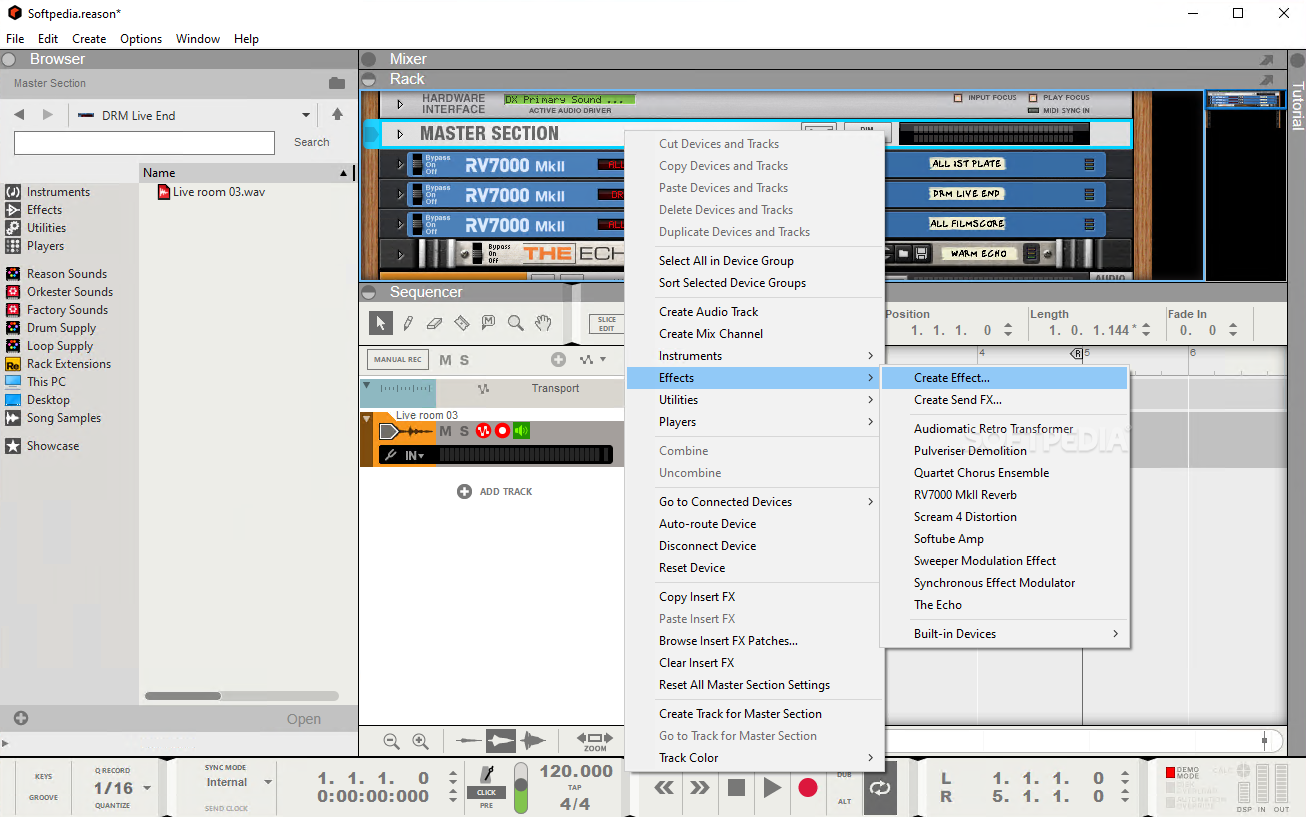
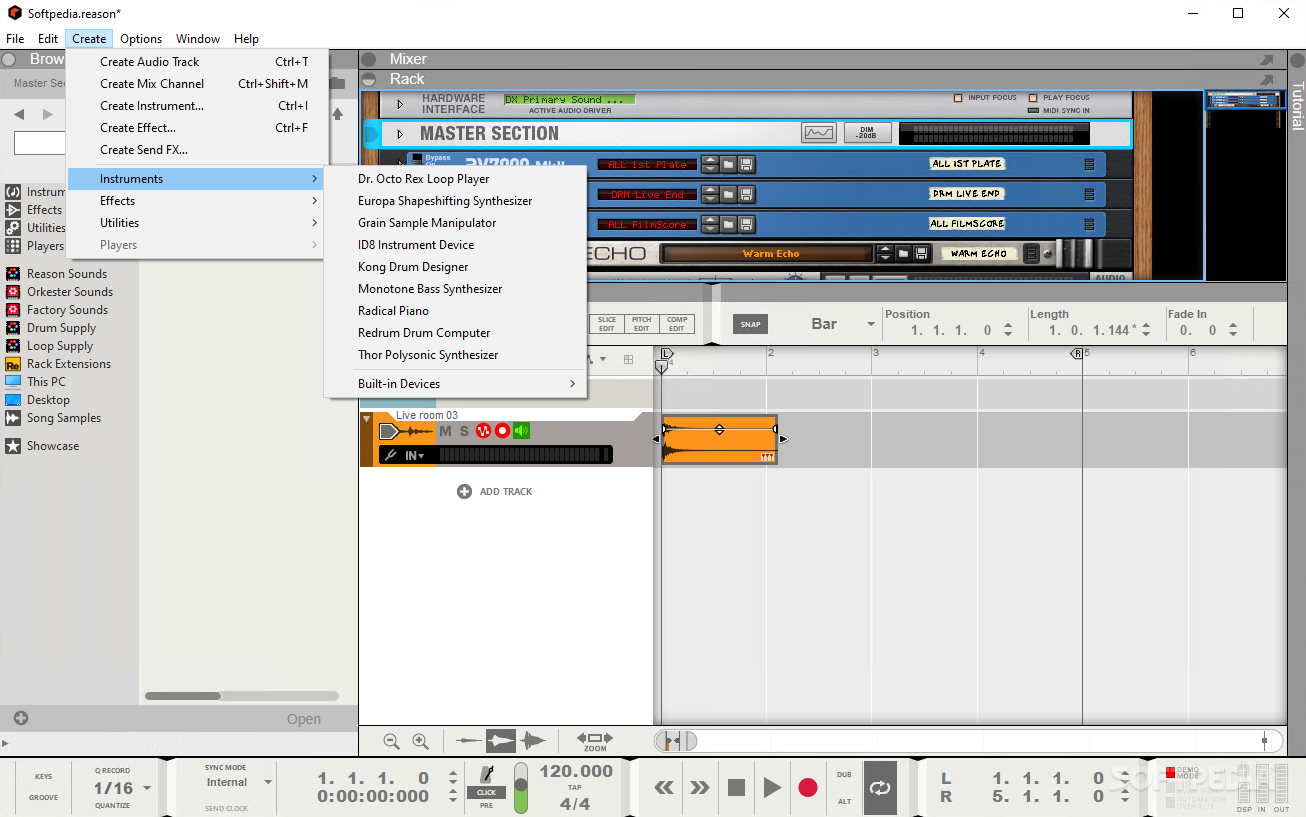
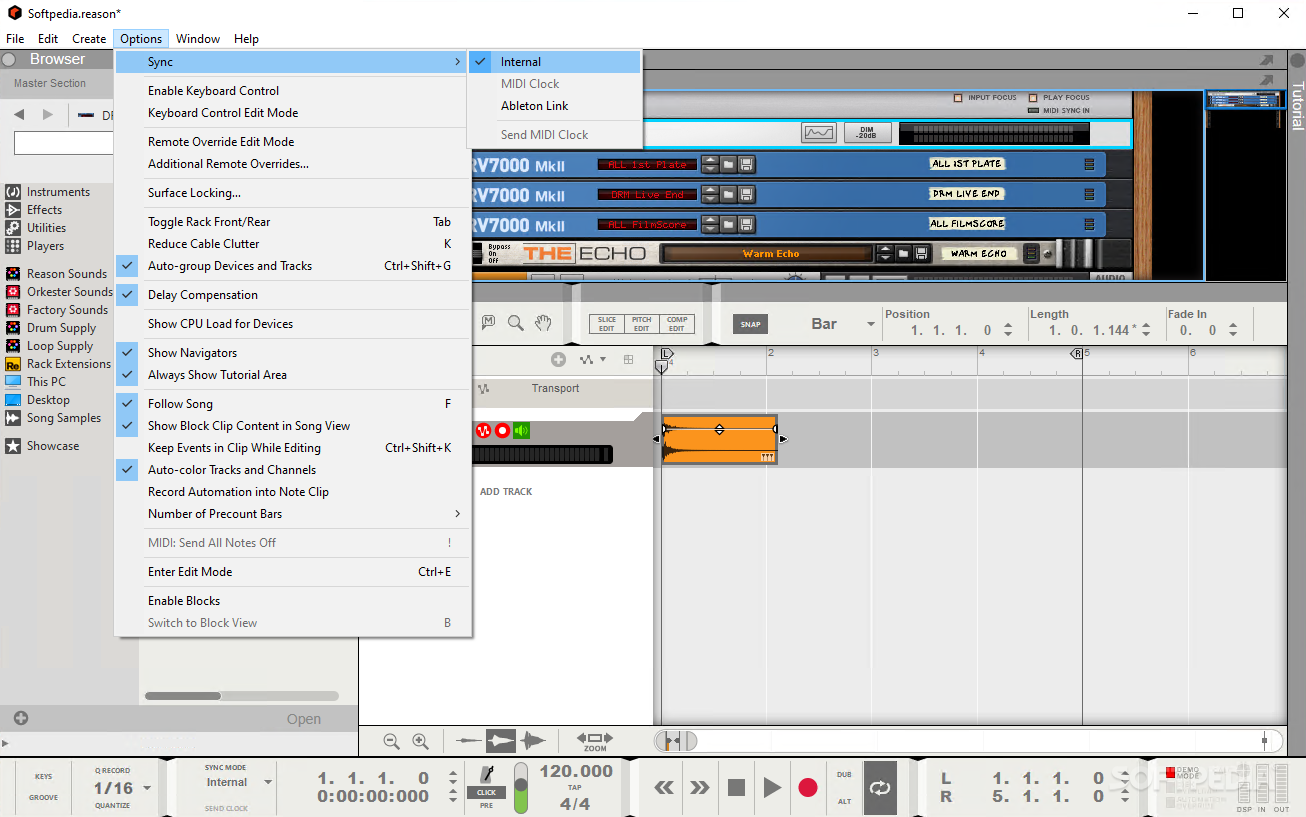
    The software is basically split into three main windows. The Rack window offers you all the instruments that allow you to create a song. Instruments such as the NN-XT, Mallstrom, Thor or Redrum can be accessed from here.

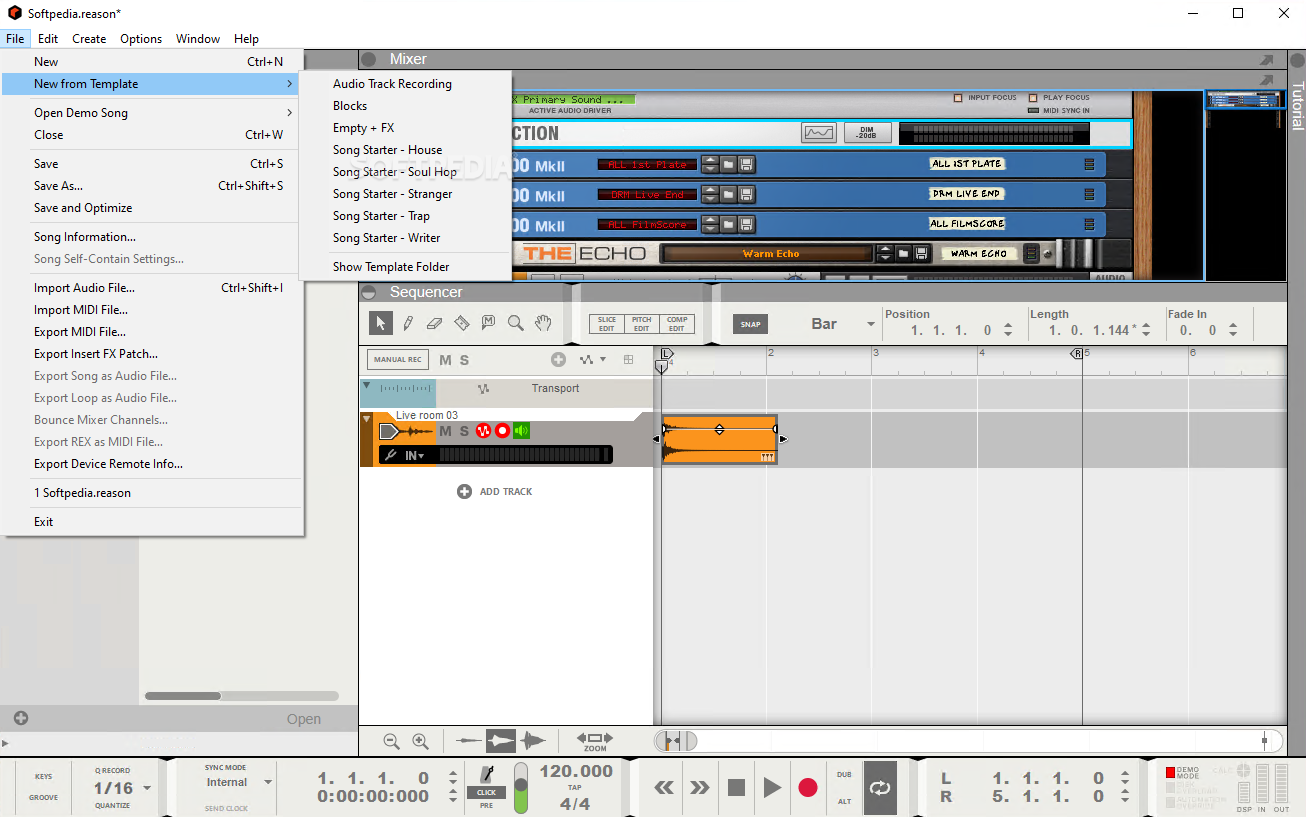
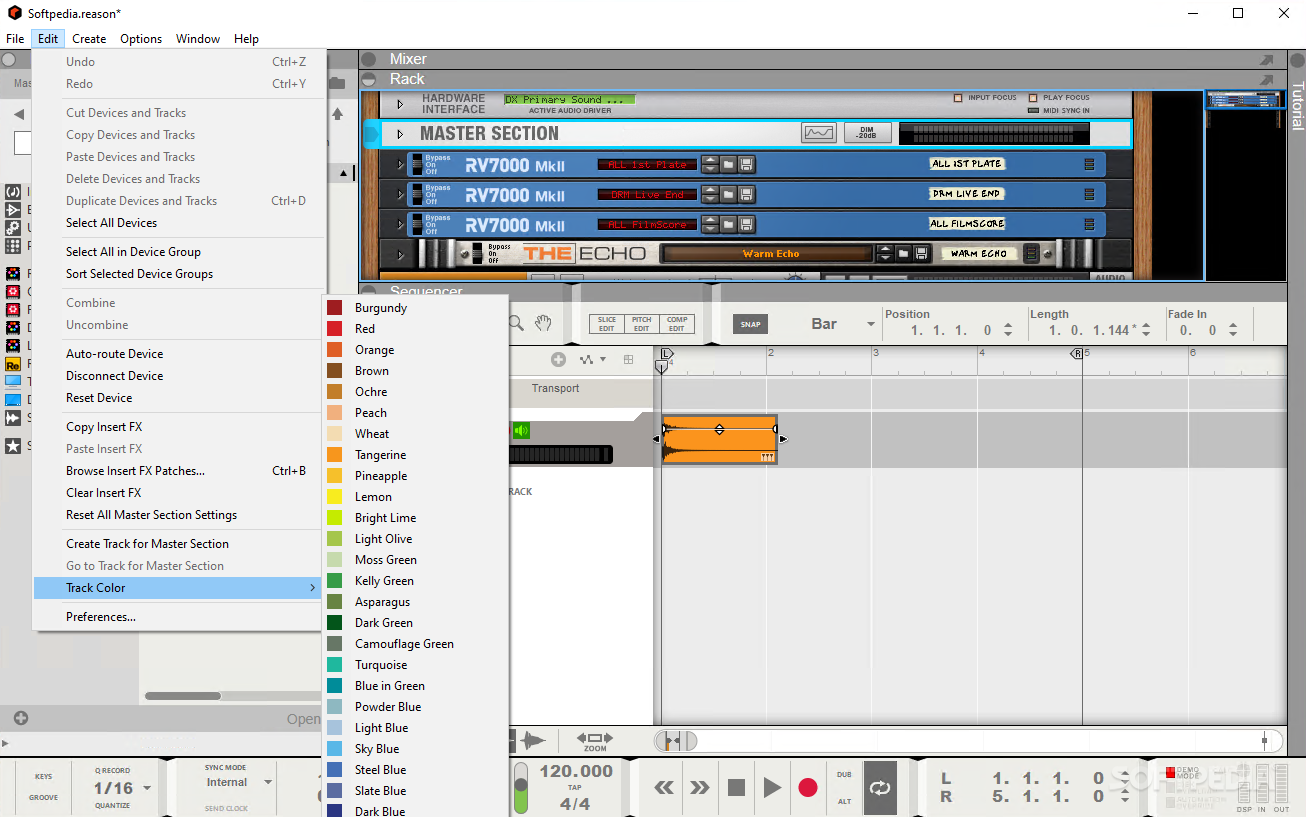
    The Sequence Area is where you'll be able to see the current state of your song. You'll be able to manage all the notes, tones and pauses from here. Furthermore, this is the place where you can add a little pizzazz to your songs through sound effects.

    The Main Mixer window is where you can adjust all your volume levels. You will be able to adjust the precise volume intensity for every channel and note you desire from this panel.

    Besides these three main windows you should know that Reason offers a multitude of effects and tools that can make your music sound delightful. You can add reverb, with the help of the RV7000 tool, echo, with “The Echo”, or use the Pulversier to create and apply a multitude of other effects. And this are just a few of the tools included in the package.

    Before moving one let us not forget about the ReGrooveMixer that is supposed to make your music sound less mechanic, by trying to insert the human factor into the equation.

    Reason is a very complex tool that can help you create beautiful music, but it is not meant for the faint of heart, as it does require a certain amount of practice before it can be used efficiently.

    Reason description

    Here are some key features of "Reason":

    · Buttons, knobs, faders and flashing LEDs – Reason's interface looks and feels like an instrument.

    · In Reason, the sequencer and instruments are designed by the same people. With its total integration, no configuration or connections are needed - they are part of the same package and all the parts work seamlessly with each other.

    · You build your rack as you work on your song. Create instruments and effects and route them any way you want to. Add, delete, replace and tweak. Your rack is what you want it to be.

    · Flip the rack over to access the backside with all the cables and connectors. Here you can manually route anything to anything, just like in a real studio. Or simply leave it to Reason to automatically connect all your instruments and effects, unlike a real studio.

    · Each cable plugs into exactly two holes, just like most real cables do. Only in Reason, you don't even have to crawl around the back side, unless you want to of course.

    · If it looks like a button, it is a button. If you see a handle, it's for dragging. All controls in Reason look and feel natural to work with and integrate with your favorite hardware controller.

    · What you see is really what you get. Reason offers everything at face value. No hidden screens, sub-menus or windows to flip through. The sequencer collects all notes and automation for each track, clearly laid out and easy to work with.

    · Easy to get started with and as deep as you want it to be. Many devices have macro controls for ease of use. If you want, open them up and explore and tweak all its components within.

    Requirements:

    · Intel Pentium 4 / AMD Opteron or better (multiple cores highly recommended)
    · 1GB RAM
    · DVD drive
    · 3 GB free hard disk space
    · Monitor with 1024x768 resolution or larger
    · A 16 bit Windows compatible audio card, preferably with an ASIO driver
    · A MIDI interface and a MIDI keyboard recommended

    Limitations:

    · Demo mode allows you to record and save your songs
    · Will not open any files other than demo songs
    · Will not export songs to audio (only MIDI)

    What's New in This Release: [ read full changelog ]

    · Viewing the sequencer area by pressing F7 would always reset keyboard focus to the track list, with confusing results. Now the keyboard focus setting is properly remembered.
    · If you changed settings in the Tool window when there was no open song document, the program could crash.
    · The output of the RV-7 "Large Hall" algorithm was in mono.
    · Copy command (Copy to clipboard) could cause an "Unknown Exception" error message.
    · A few remote codecs (including Behringer BCR/BCF, Korg Kontrol49 and mikroKontrol) were not properly replaced when Reason 6 was installed over an existing Reason 5 installation, which made them stop working under Windows 64. Now they are replaced by the new version at installation.
    · If Reason received MIDI Clock while in ReWire mode, the program could crash.
    · With some HID devices (e.g. Tablet input devices of certain brands) connected, Reason couldn't launch properly.
    · Bounce Mixer Channels would cause Reason to hang if the program was i...

     Softpedia guarantees that Reason 6.0.2 is 100% CLEAN, which means it does not contain any form of malware, including spyware, viruses, trojans and backdoors. [read more >]


    TAGS:

    virtual studio | create music | sound editor | music | sound | studio


    HTML code for linking to this page:


    Go to top

    WindowsGamesDriversMacLinuxScriptsMobileHandheldNews

    SUBMIT PROGRAM   |   ADVERTISE   |   GET HELP   |   SEND US FEEDBACK   |   RSS FEEDS   |   UPDATE YOUR SOFTWARE   |   ROMANIAN FORUM