
Comprehensive program for writing, playing, printing and publishing music notations, with impressive import and export capabilities and many customizable features. #Music notation #Music notes #Write music notes #Music #Notes #Notation

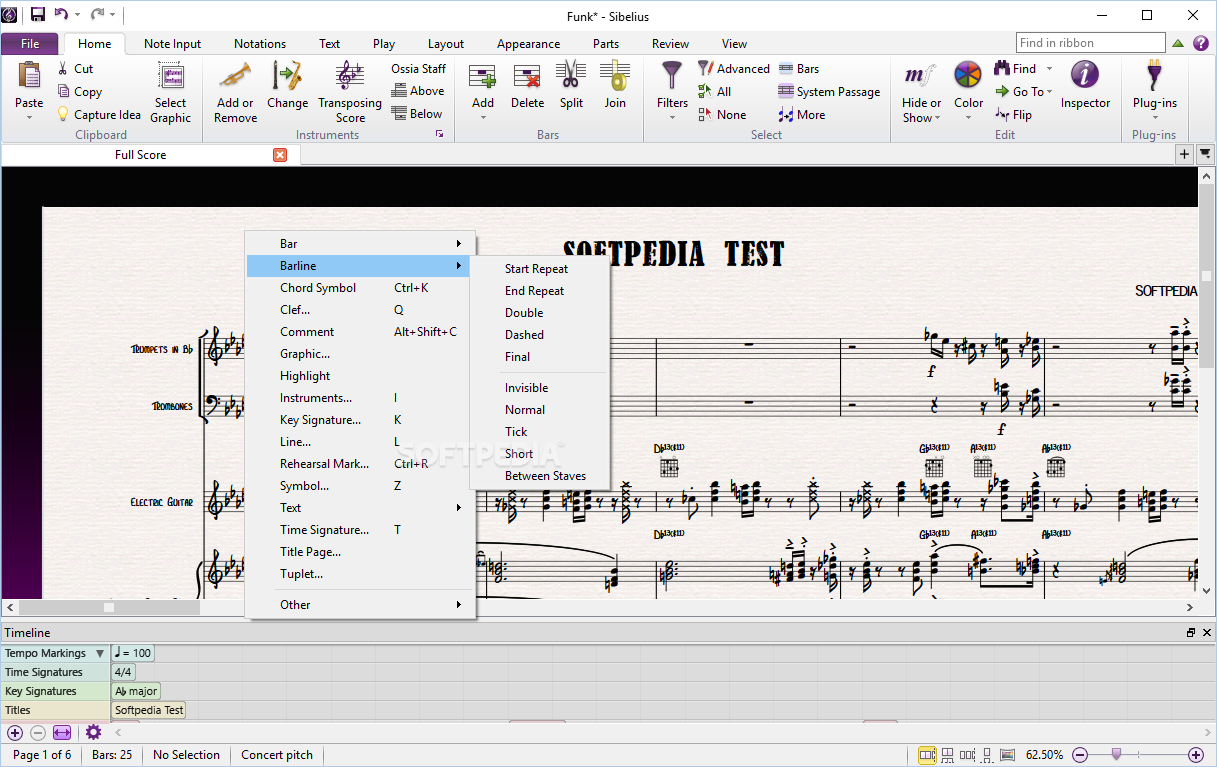
Avid Sibelius is a software application designed for creating, manipulating and sharing music notations. It is mainly developed for composers, arrangers and publishers.
When you first initiate the program, you can watch a few videos to get familiarized with the Sibelius platform (whether you have used a similar software before or not), view tutorials and some reference guides.
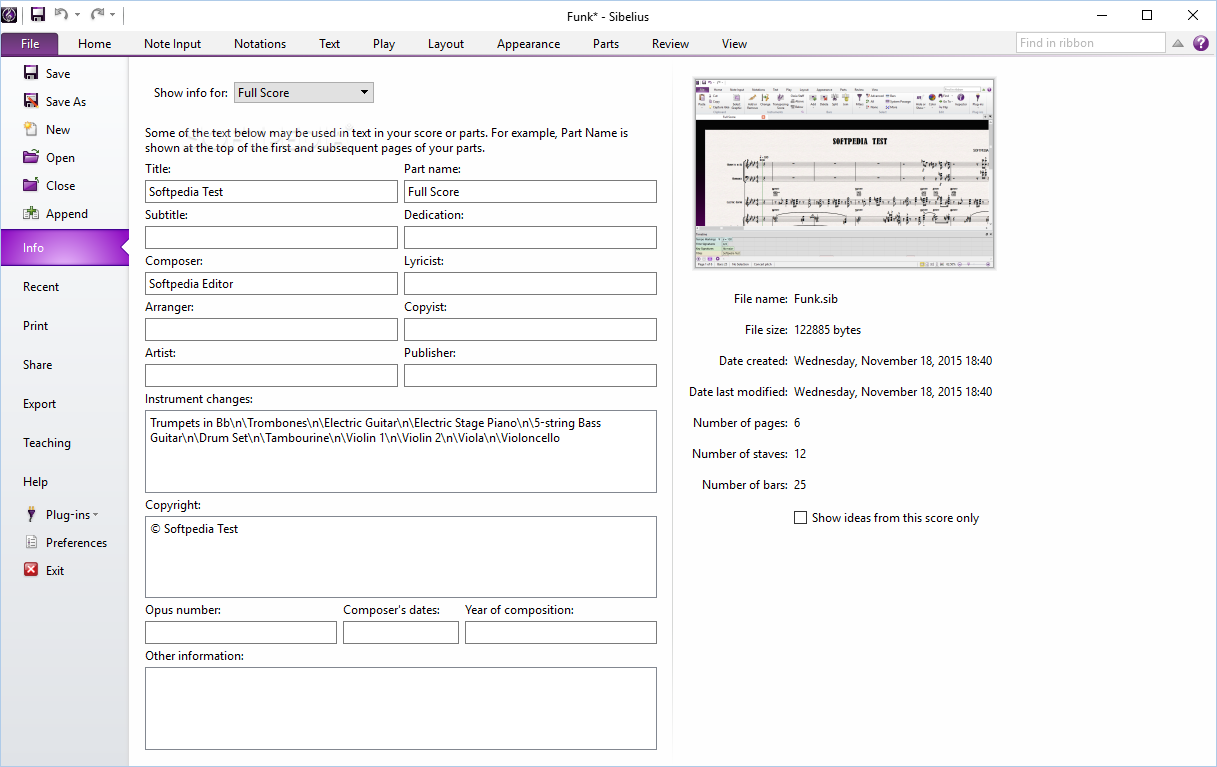
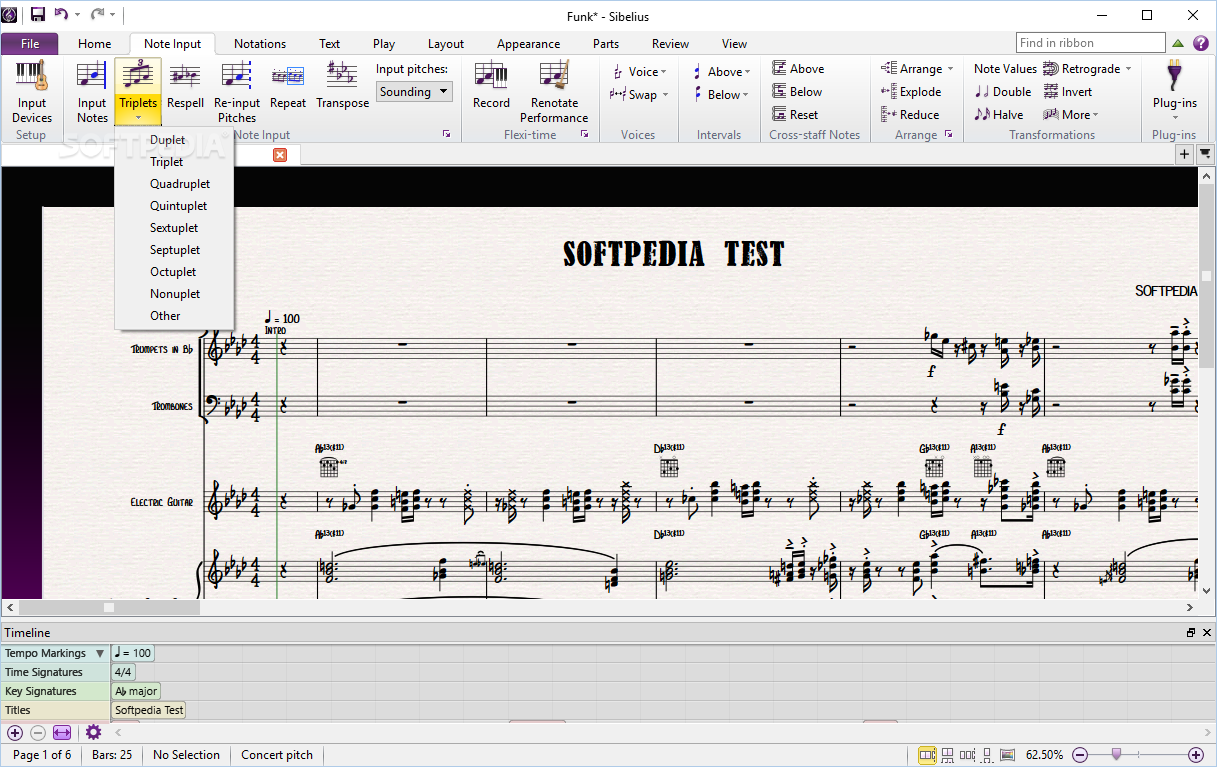
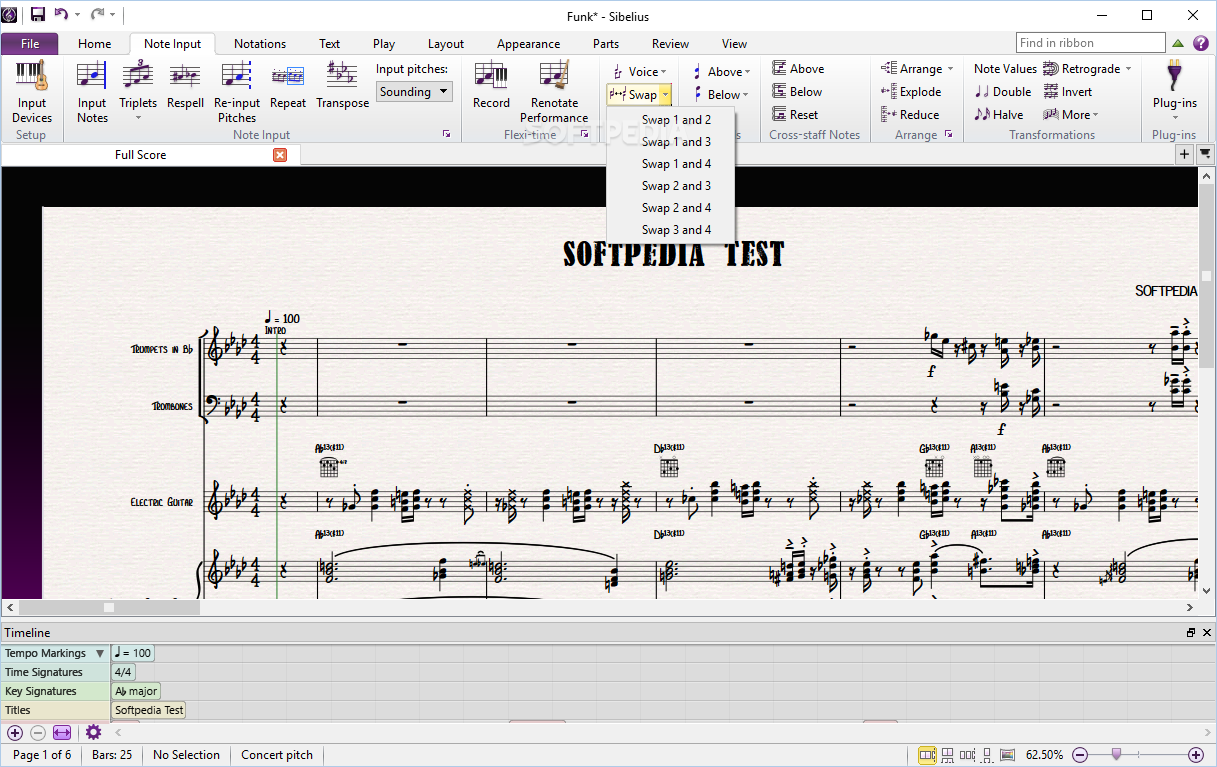
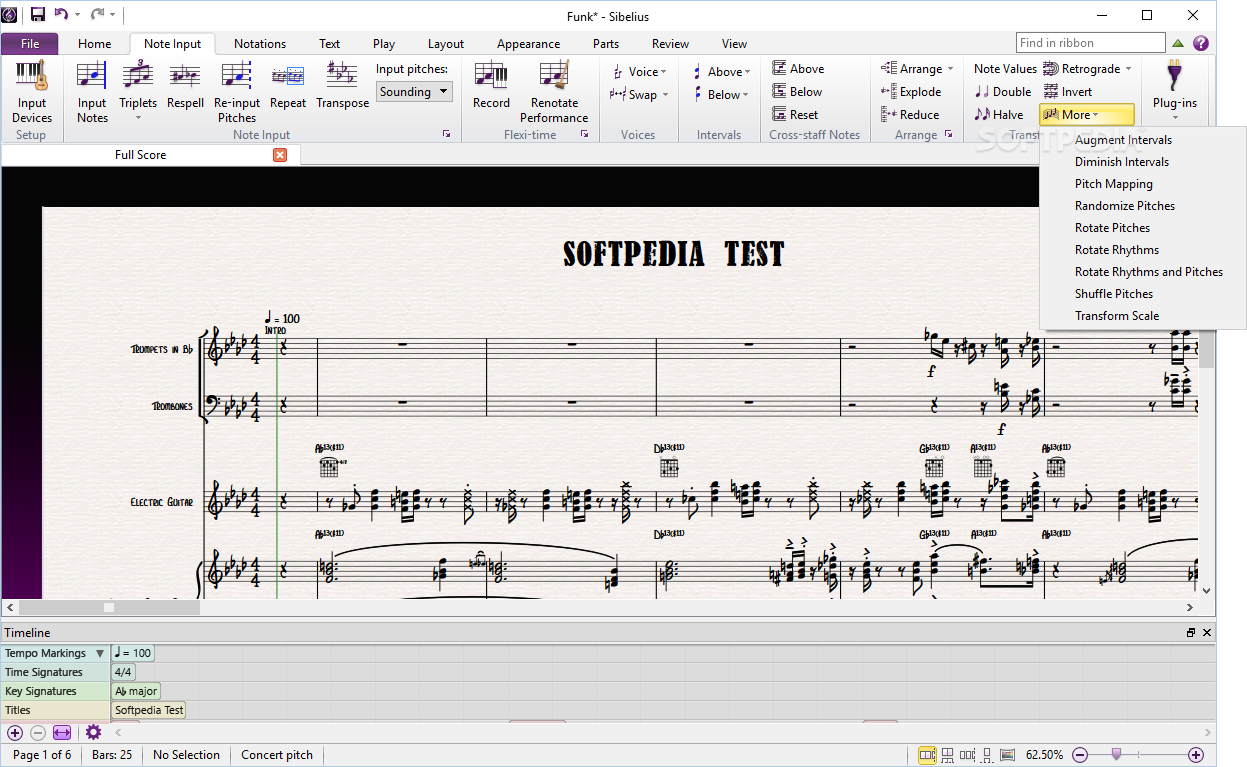
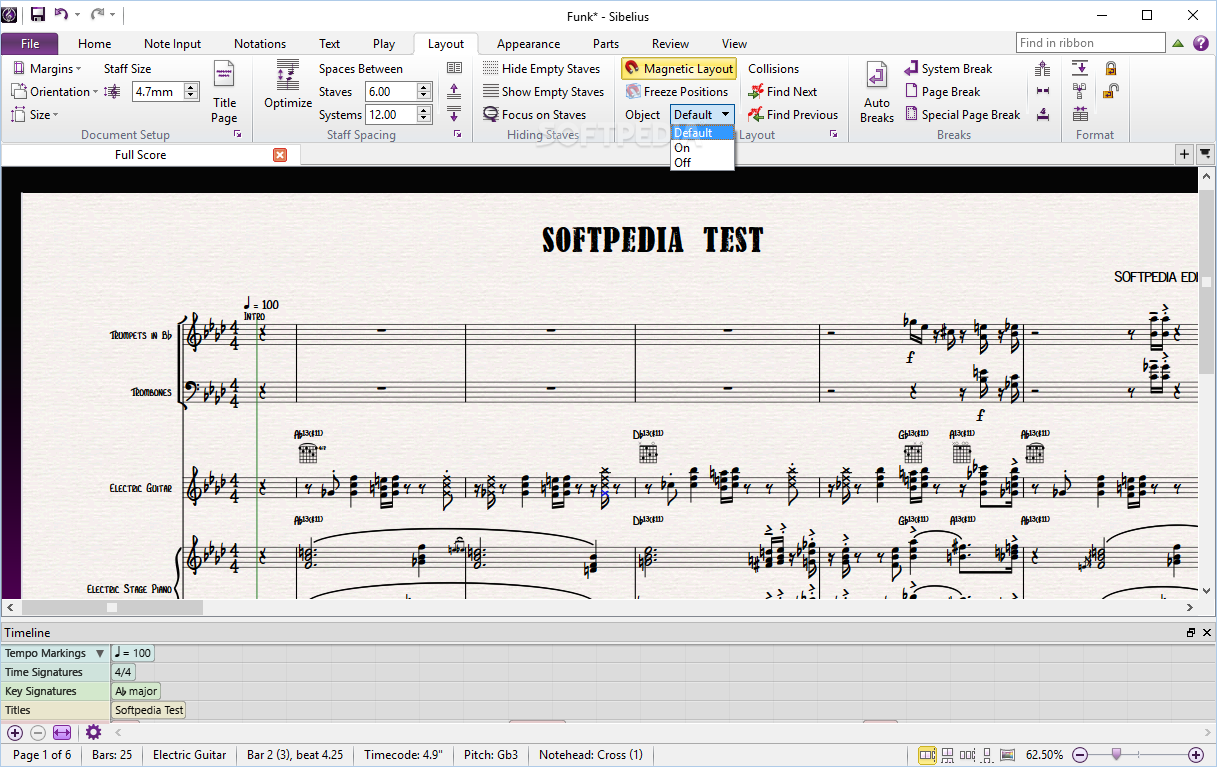
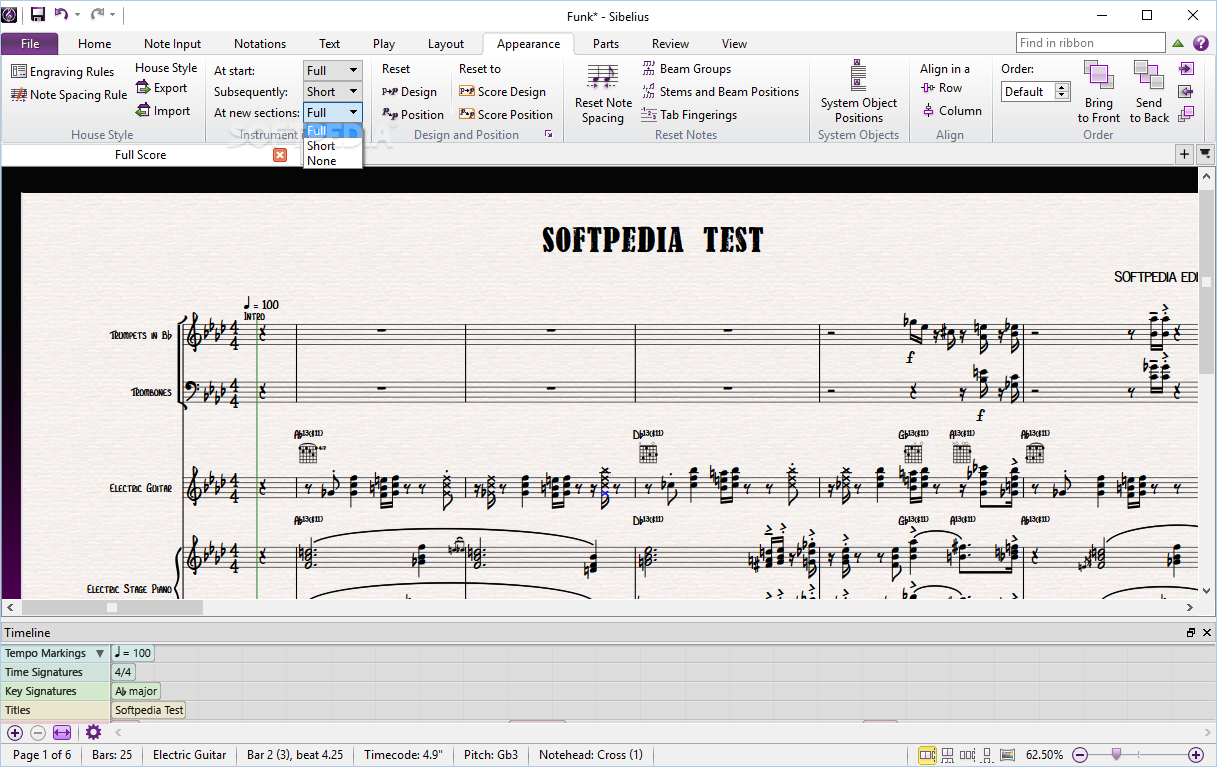
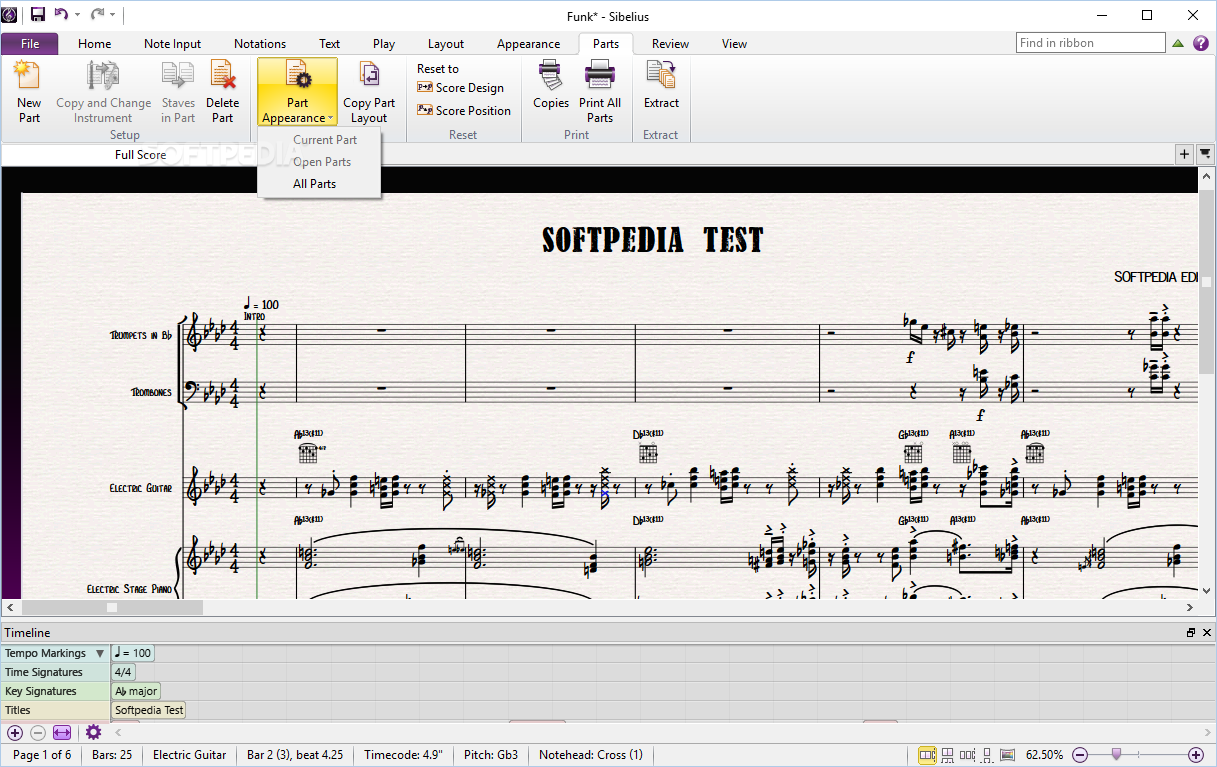
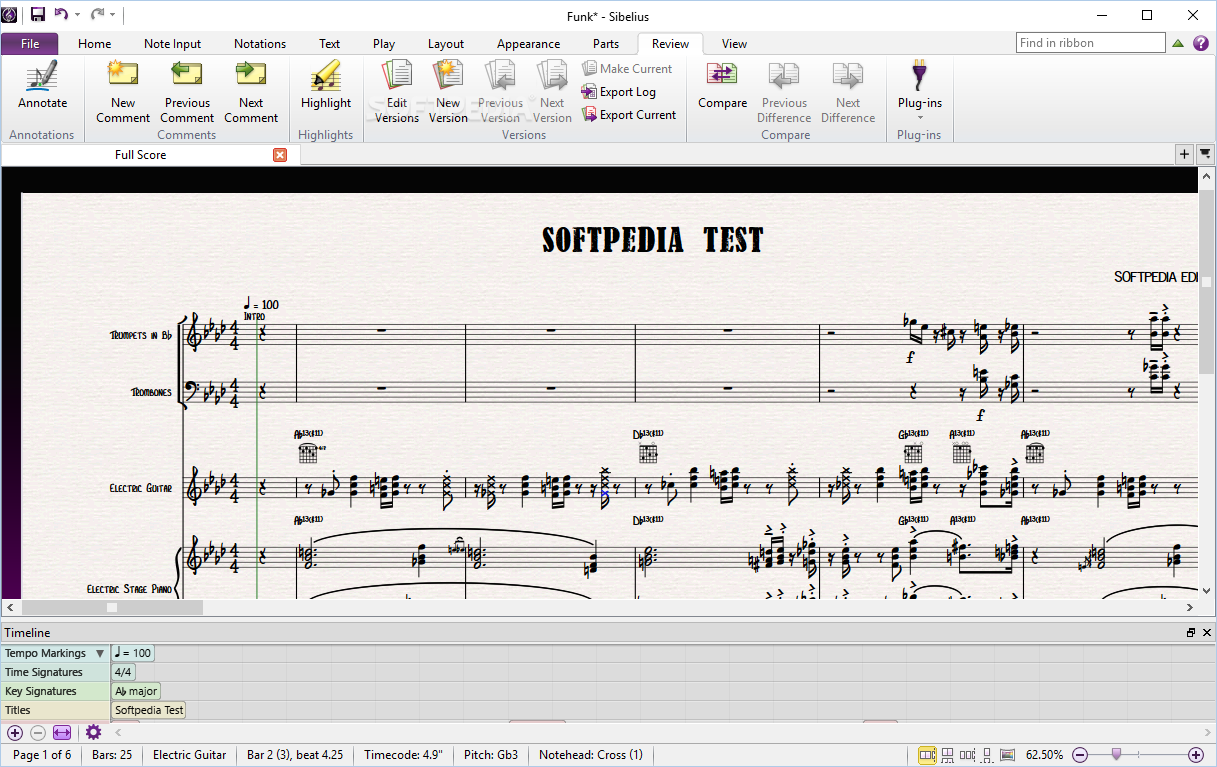
The GUI is very attractive and quite well-organized, as it encompasses a tabbed ribbon, quick access toolbar and a pane in which to preview music scores. It becomes quite clear that all types of users can learn how to handle it, without facing many difficulties.
When you create a new score, you can either choose from a blank, bass staff or treble staff, or from several categories - bands, chamber groups, choral and song, hand bells, jazz, Latino, marching band and percussion, orchestral, Orff instruments, rock and pop, or solo instruments.
Optionally, you can import a MIDI file created in another music application or downloaded off the web, or a MusicXML file.
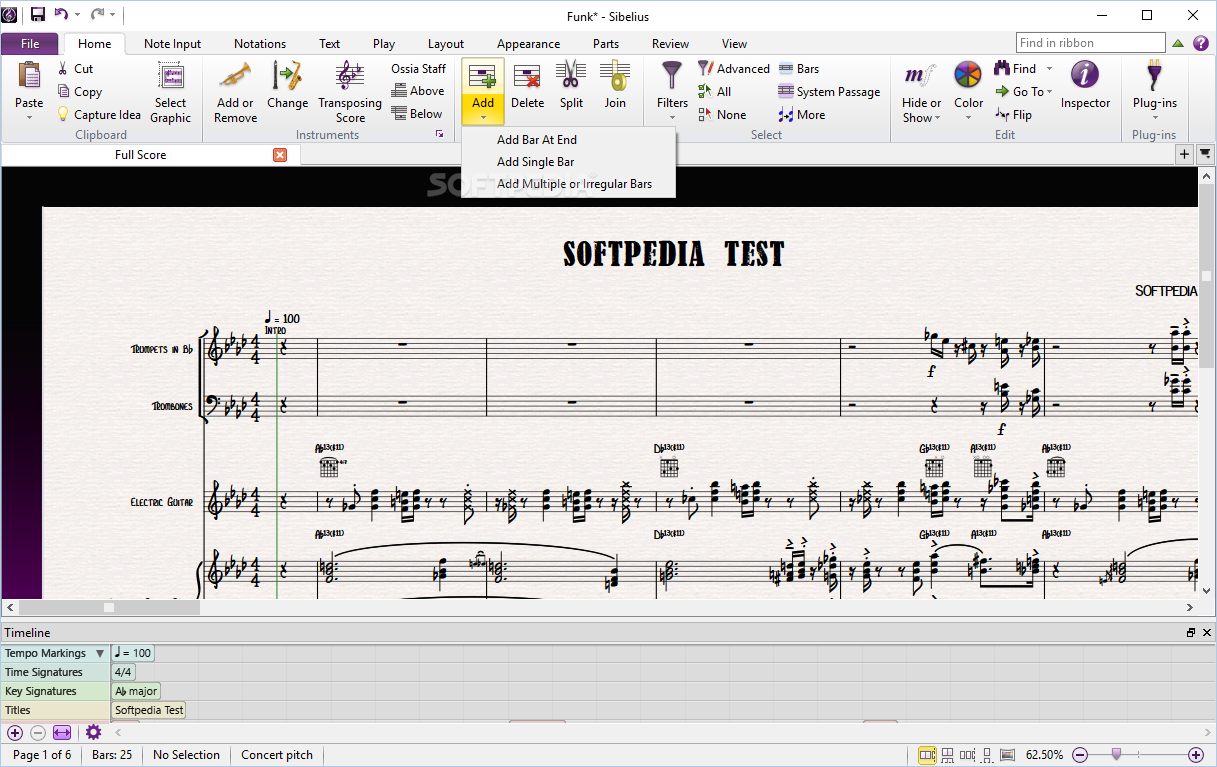
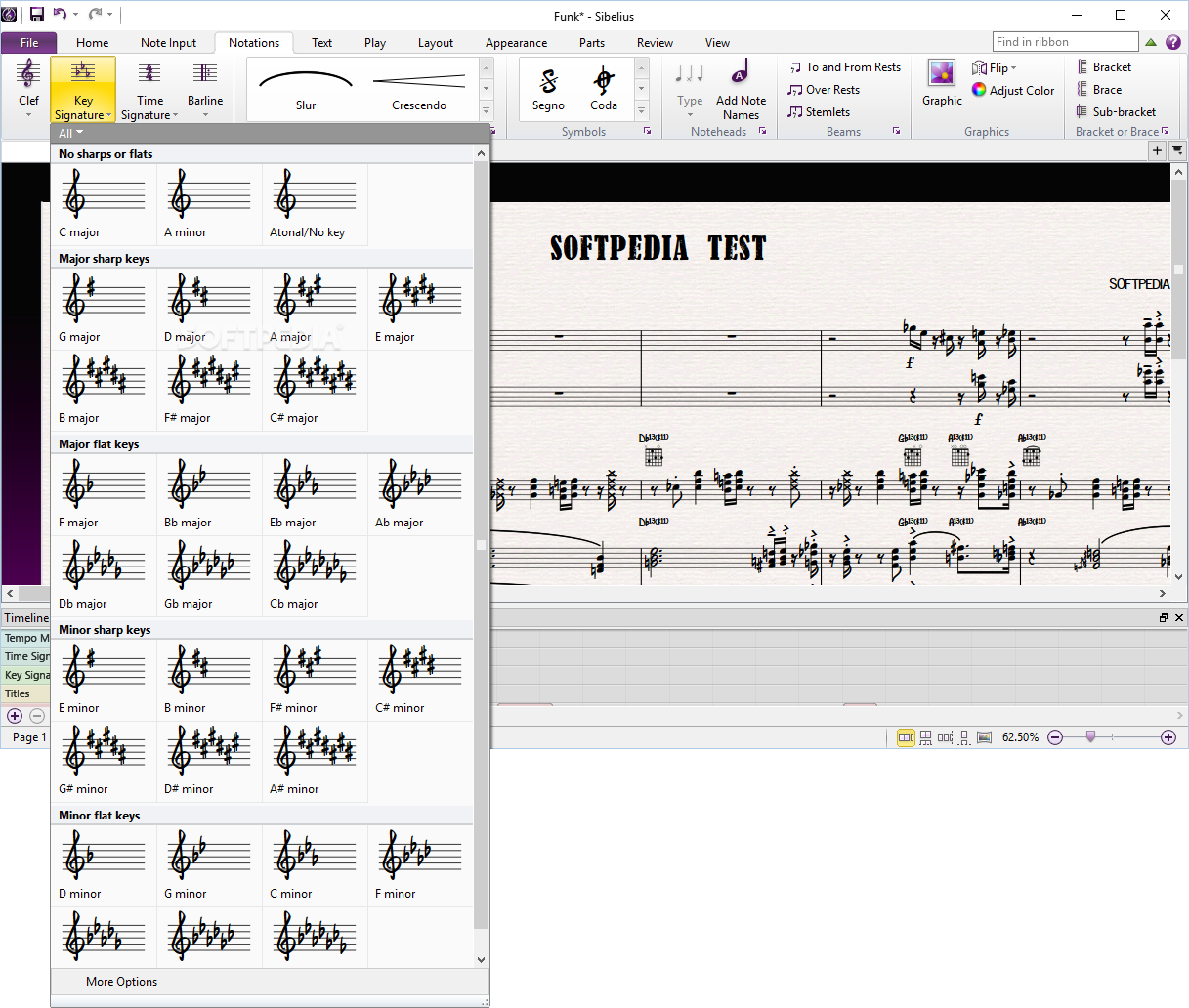
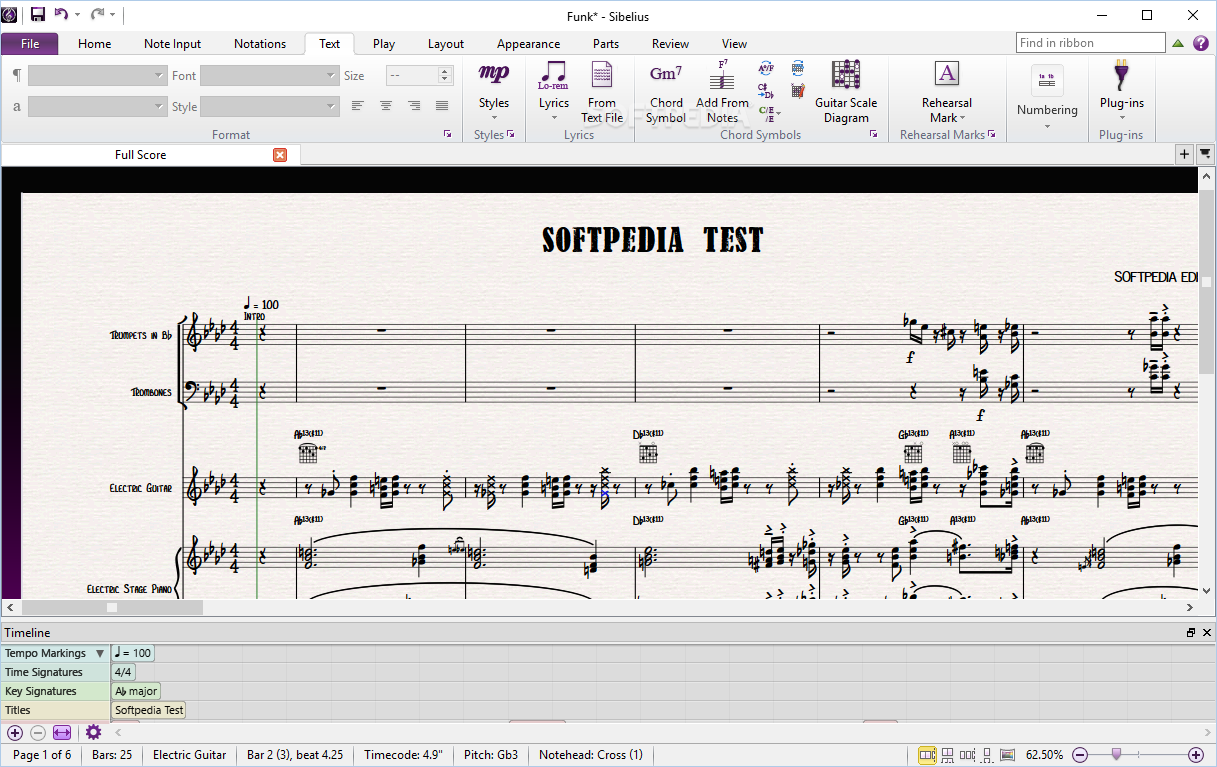
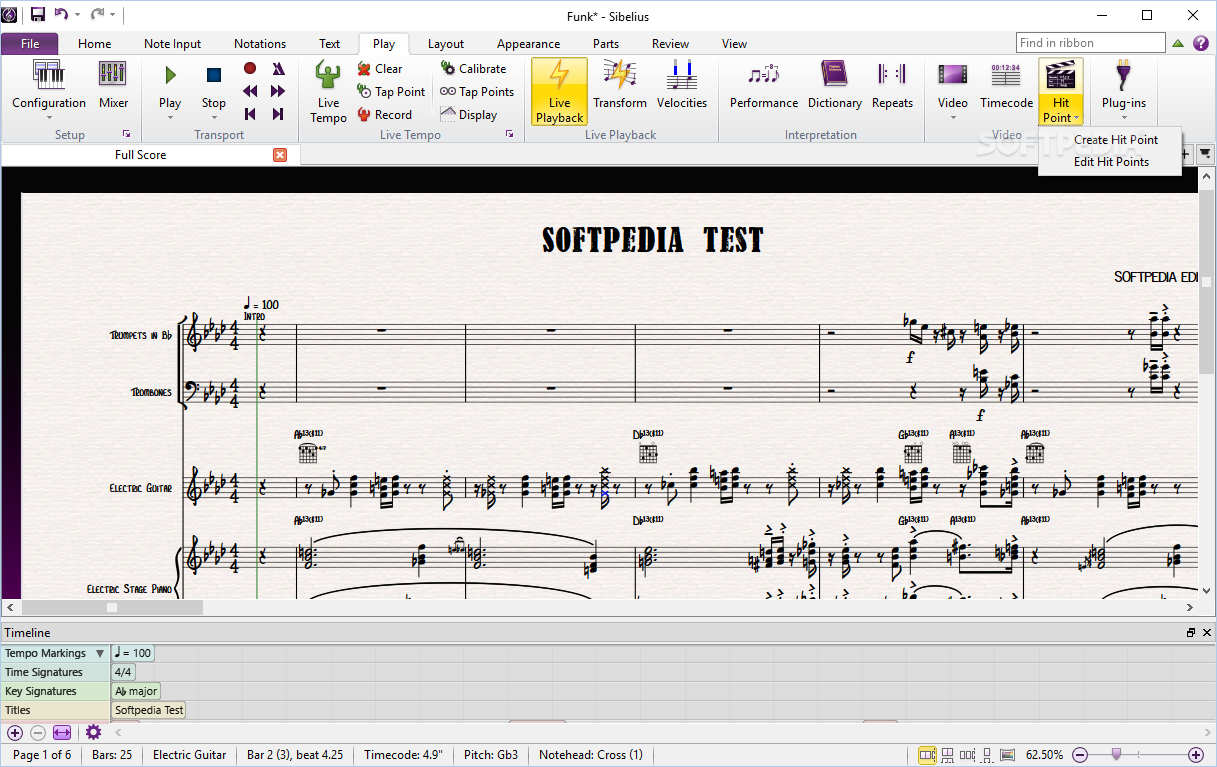
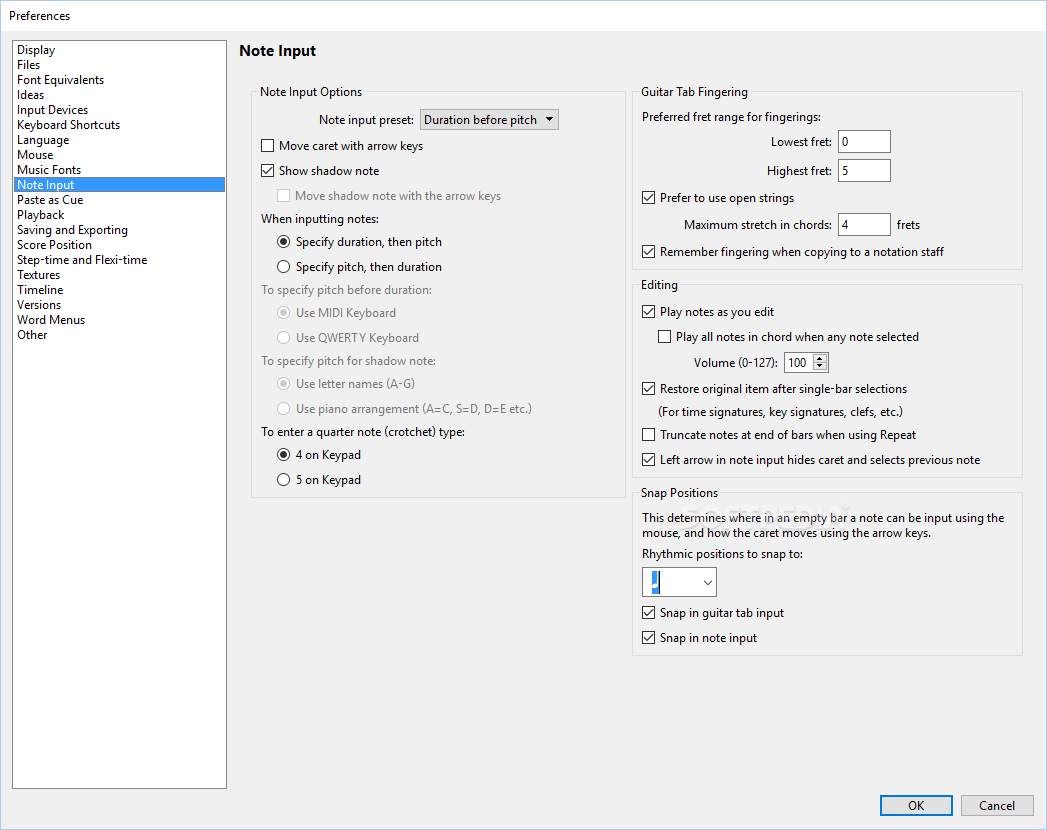
In the ribbon you can choose note input (triplets, respell), notations (clef, key signature), text (lyrics, chord symbol), play (live tempo, live playback), layout (magnetic layout, freeze positions), appearance (reset note spacing, beam groups), parts or view.
In addition to that, Sibelius offers a professional sound library (includes over 38GB of professional content), optimization for single monitor use (especially useful when you have a laptop), advanced text and typography options, as well as the possibility of importing and exporting graphics from all major formats.
This utility is highly demanding when it comes to CPU and memory, yet this is quite a normal thing when considering the complexity of the app. The response time is quite good, and the interface is professional and intuitive.
Taking all of this into consideration, we can safely say Sibelius is a well-rounded program designed for professionals in the music-creating industry.
Download Hubs
Avid Sibelius is part of these download collections: Audio Editors, Music Notation Tools
What's new in Avid Sibelius 2022.12 Build 1722:
- Score Subsets—Create a new score view with a subset of instruments
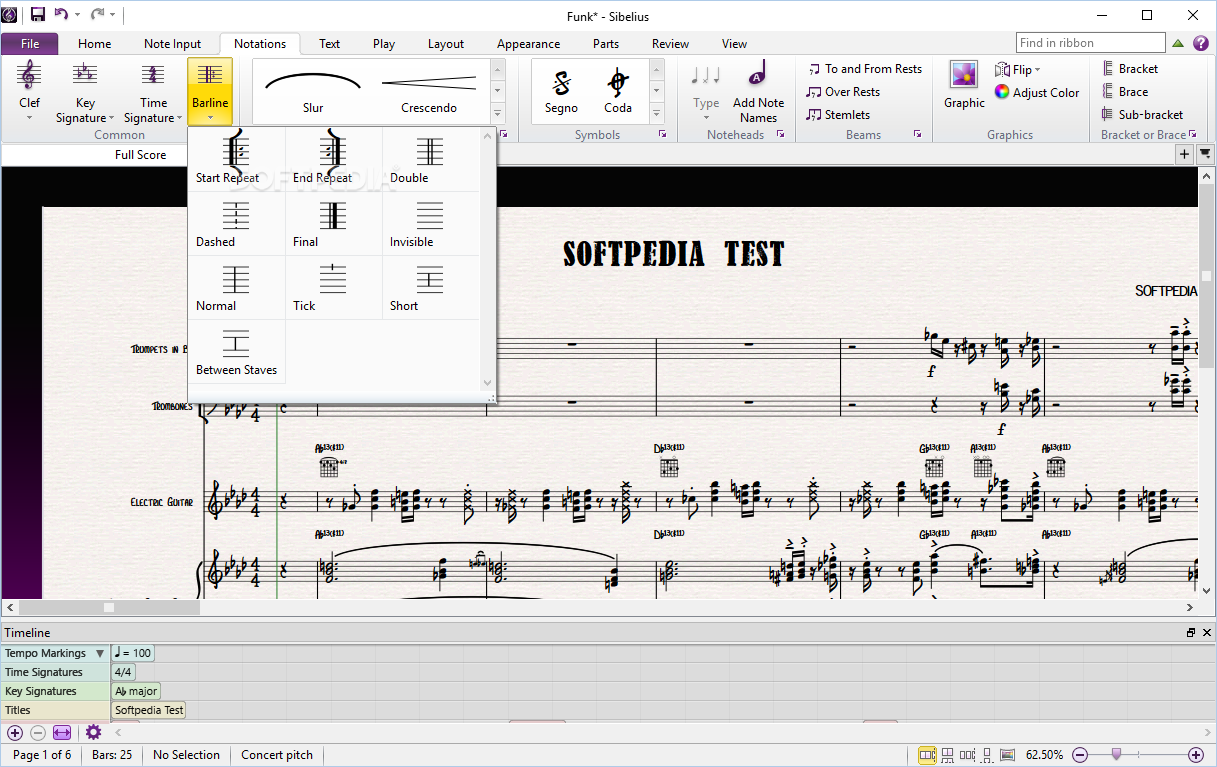
- New barlines—Add triple, thick, and dotted barlines to your score together with new repeat bar properties in Engraving Rules
Avid Sibelius 2022.12 Build 1722
add to watchlist add to download basket send us an update REPORT- runs on:
-
Windows 11
Windows 10 32/64 bit - file size:
- 787 MB
- filename:
- Sibelius_2022.12_Win.zip
- main category:
- Multimedia
- developer:
- visit homepage
calibre

ShareX

IrfanView

Microsoft Teams

7-Zip

Windows Sandbox Launcher

Context Menu Manager

Zoom Client

4k Video Downloader

Bitdefender Antivirus Free

- Zoom Client
- 4k Video Downloader
- Bitdefender Antivirus Free
- calibre
- ShareX
- IrfanView
- Microsoft Teams
- 7-Zip
- Windows Sandbox Launcher
- Context Menu Manager