
Generate basic or complex audio files with this intuitive program that allows you to use Virtual Studio Technology (VST) modules. #MIDI sequencer #Music generator #Audio editor #Sequencer #Mix #Mixer

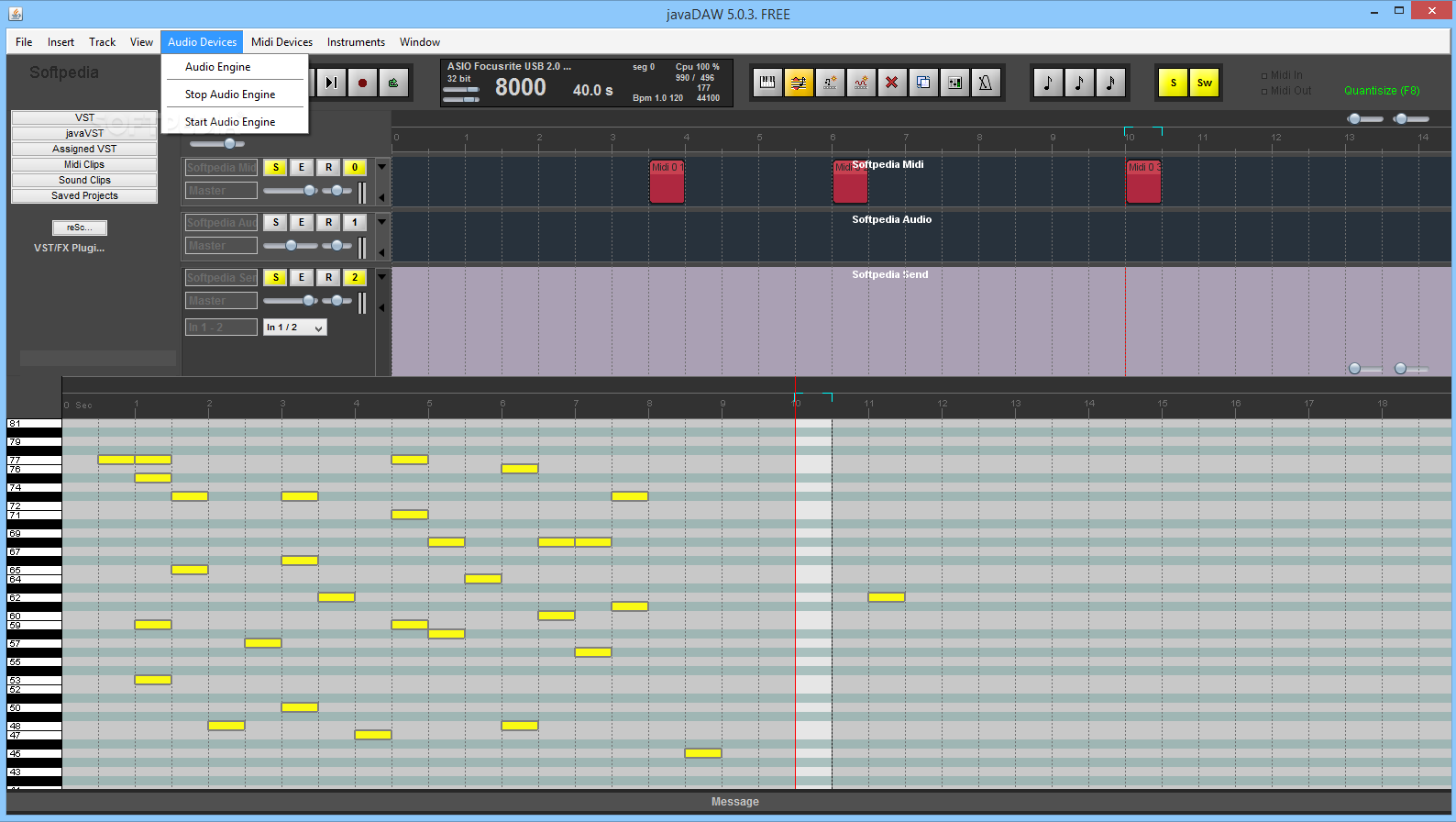
javaDAW is a Java-based music sequencer or Digital Audio Workstation that can work with multiple tracks at the same time. The application comes with a built-in audio keyboard and a metronome.
The resource allows one to create MID or WAV sounds and is, therefore, of interest to anyone producing music. Since the program caters for a wide range of needs, both basic and intermediate song creators will find it quite useful. An alternative use could be in teaching children the basics of music-writing.
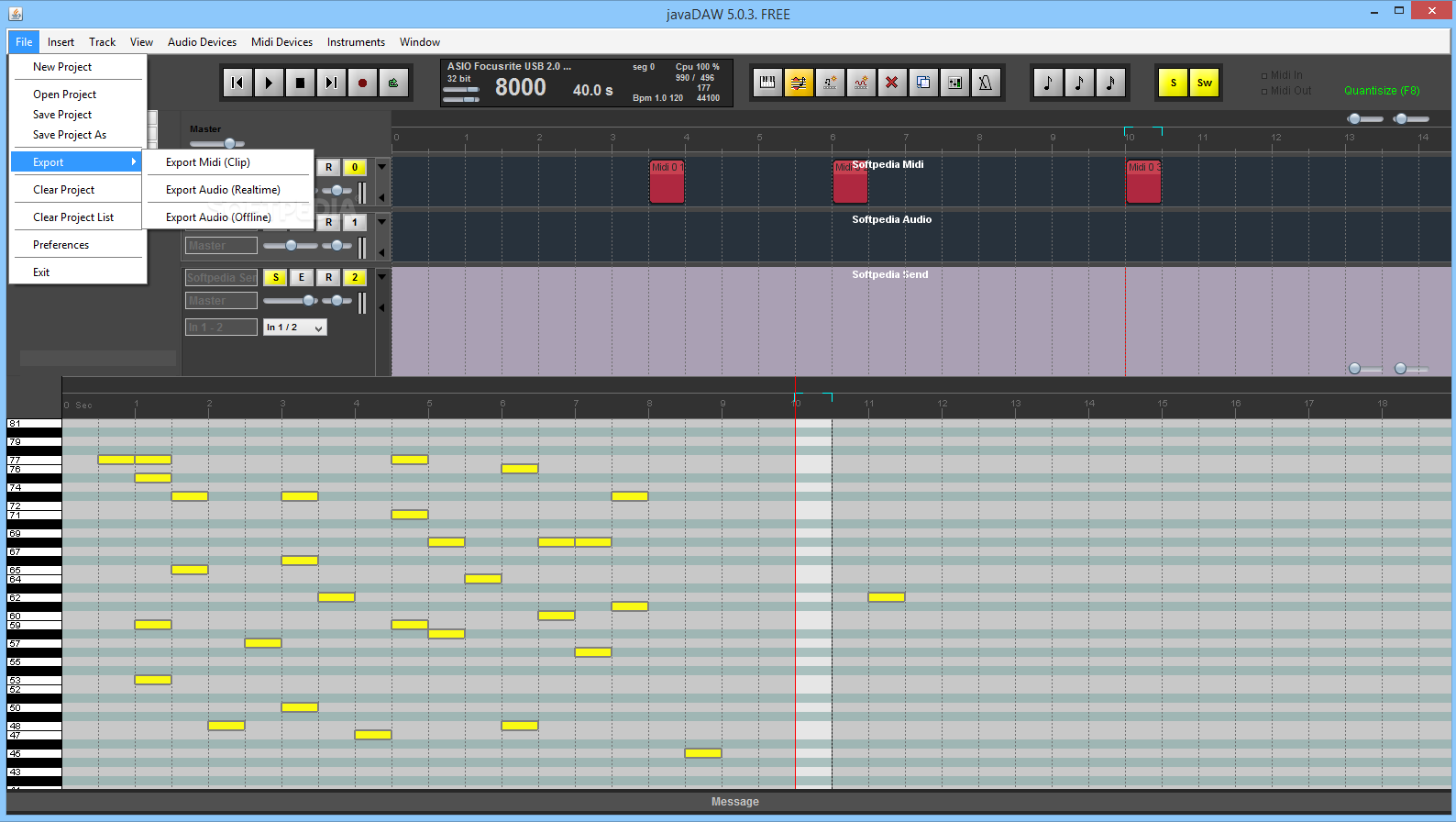
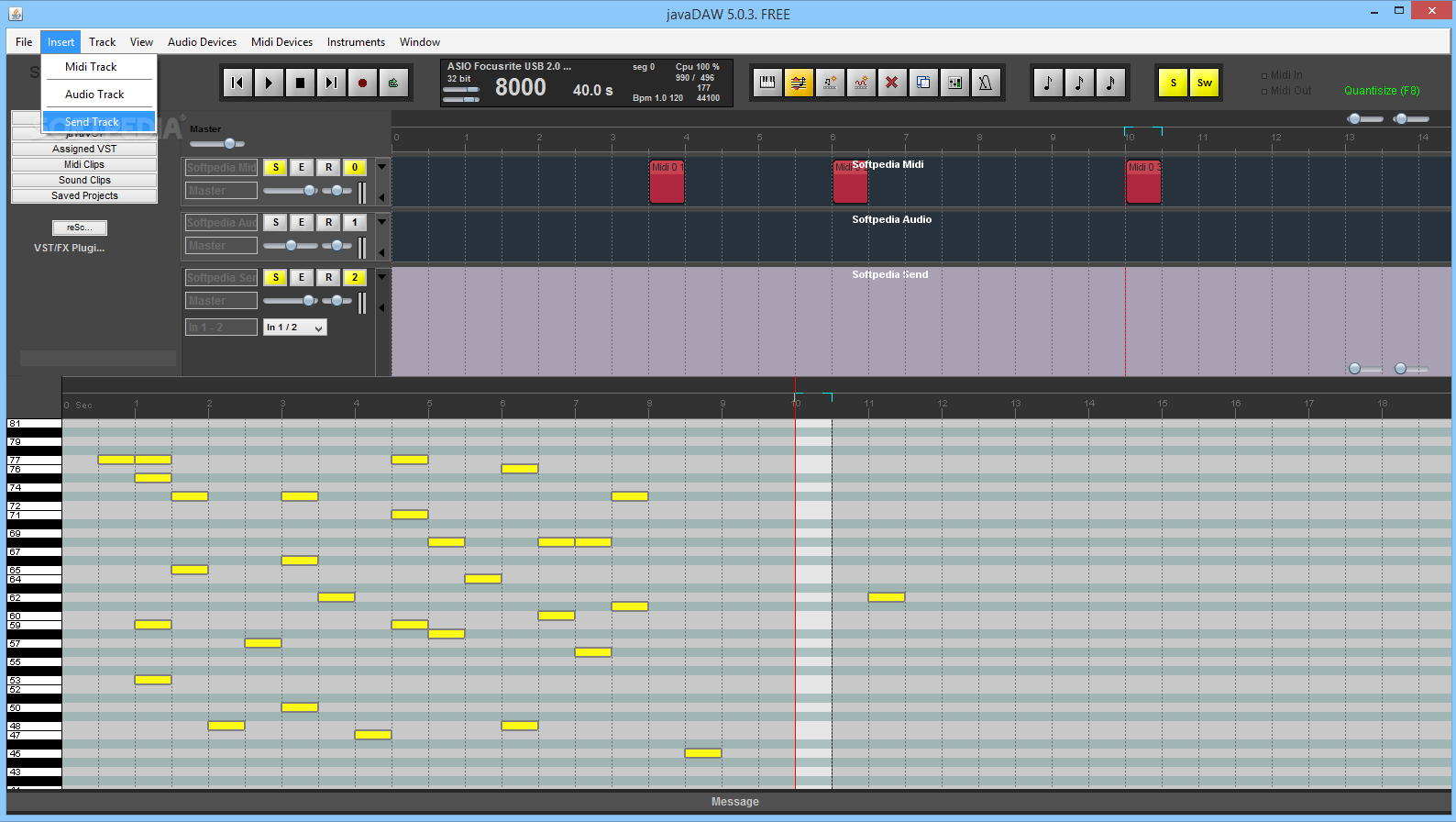
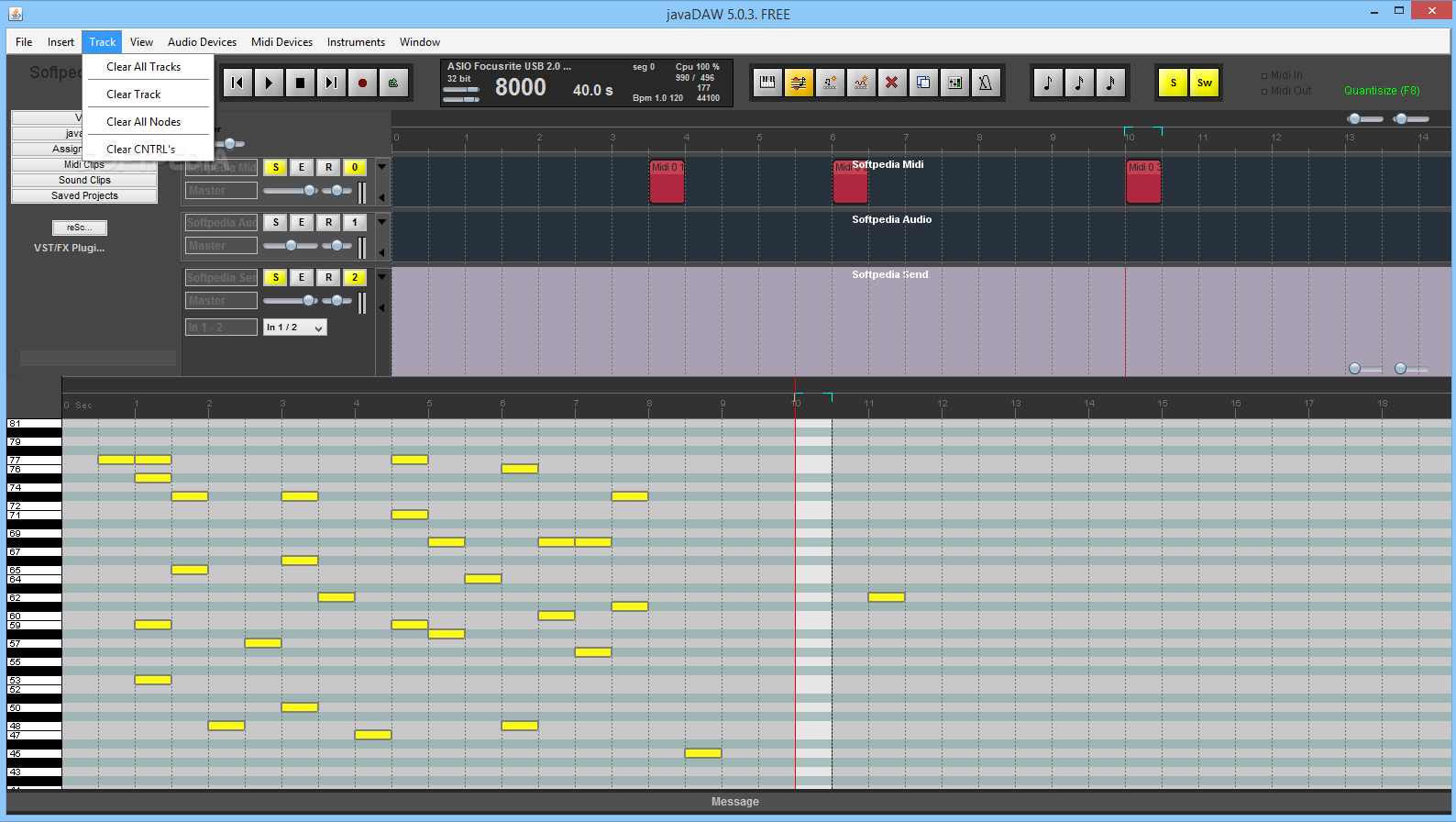
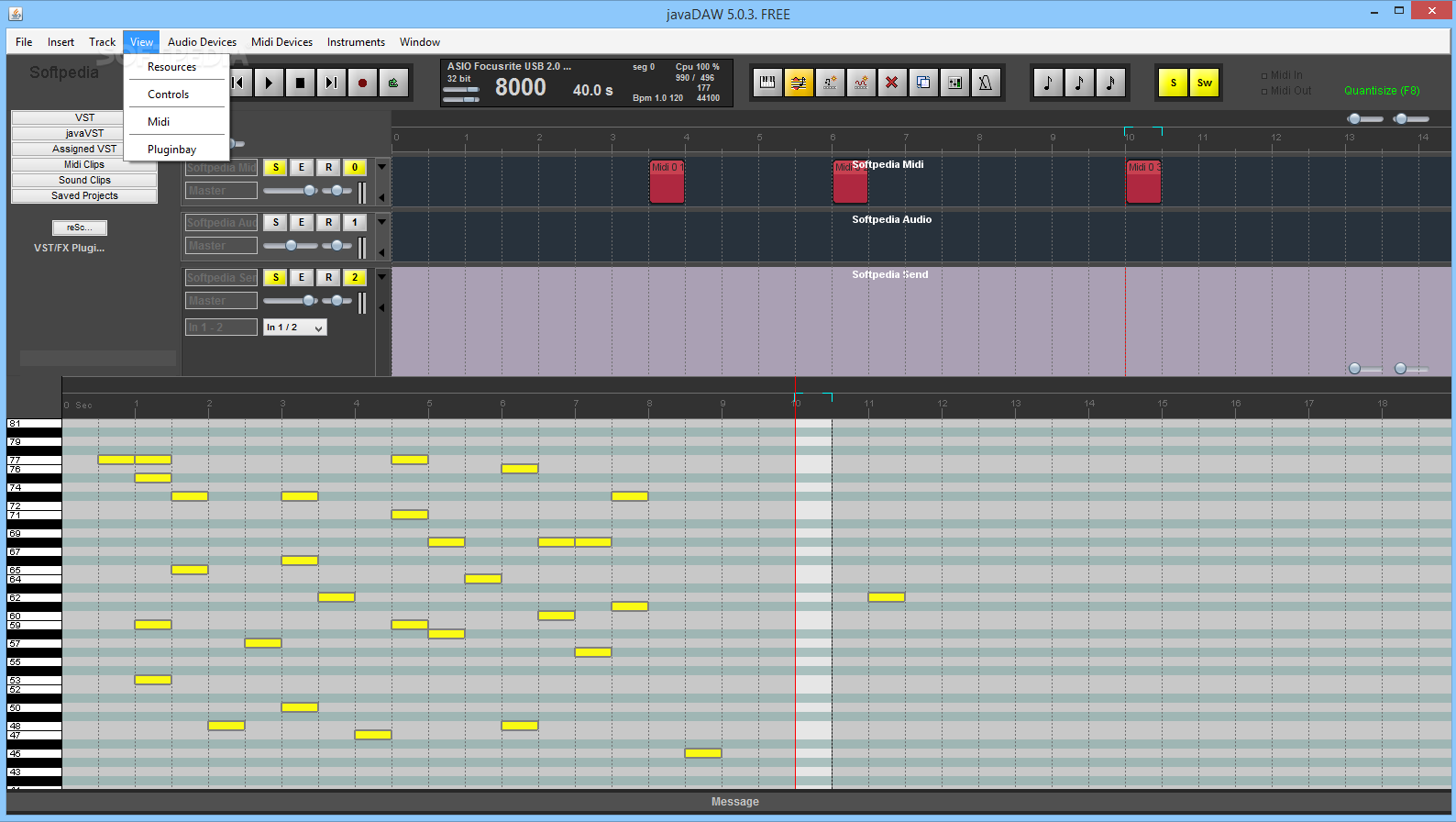
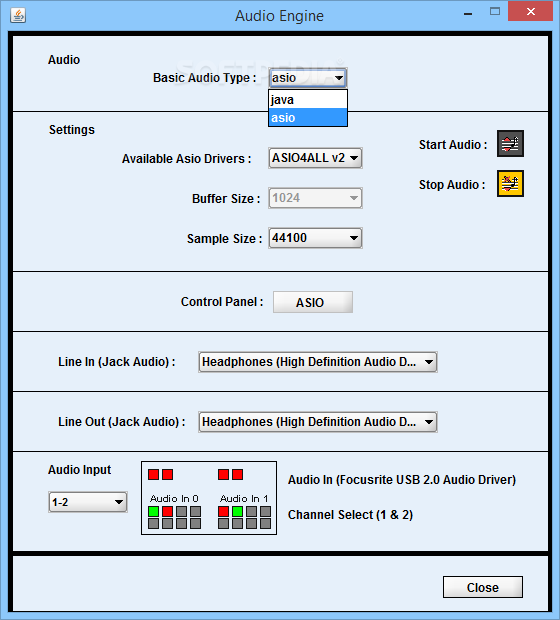
The interface is well-suited to the task at hand, as the main window is divided between multiple frames that each control certain aspects of music crafting. A good number of menu items are present, but their functions are largely simple and intuitive. Newcomers will find the GUI quite pleasant, more-so since similar products tend to have a cluttered interface.
As an intermediate-level music sequencer, javaDAW can receive source sounds either from instruments connected to the computer (MIDI in) or from prerecorded elements. Regardless of their origin, the samples can then be loaded into separate tracks and mixed in order to generate a melody.
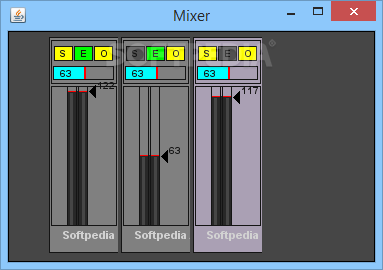
Users are free the manipulate the audio parameters of each track (e.g. by establishing solos or changing the volume). Track items can also be adjusted; for instance, one can stretch individual notes, or merge clips.
A built-in keyboard and a metronome can assist with fine-tuning tracks. Once all musical elements are in place, users can export the project to either MID or WAV formats. A few more popular output file-types would be a nice touch (for example, MP3s).
To sum up, javaDAW is a good toolkit for basic to intermediate-level musicians that want to compose their own melodies.
javaDAW 5.4.3
add to watchlist add to download basket send us an update REPORT- PRICE: Free
- runs on:
- Windows All
- file size:
- 9.1 MB
- filename:
- resourcesjavadaw.rar


- main category:
- Multimedia
- developer:
Bitdefender Antivirus Free

calibre

paint.net

Zoom Client

ShareX

IrfanView

Windows Sandbox Launcher

7-Zip

4k Video Downloader

Microsoft Teams

- 7-Zip
- 4k Video Downloader
- Microsoft Teams
- Bitdefender Antivirus Free
- calibre
- paint.net
- Zoom Client
- ShareX
- IrfanView
- Windows Sandbox Launcher