WINDOWS CATEGORIES:


NEWS ARCHIVE >>
SOFTPEDIA REVIEWS >>

WEEKLY HIGHLIGHTS

DVD Cloner45
Spyware Doctor40
1Click DVD Copy40
Apollo DVD Copy40
ABC Amber BlackBer...45
Protected Music Co...40

7-DAY TOP DOWNLOAD

#
Program
Avira AntiVir
Personal - Free
Antivirus 9.0.0.415

181,739
Windows Live
Messenger 2009
14.0.8089.726

177,656
Avira Antivir Virus
Definition File
Update November 19,
2009

148,412
Nexus Radio 4.2
124,661
FreeZ Online TV 1.31
123,719
Microsoft Office
2010 14.0.4536.1000
Beta / 2007

79,368
Y! Multi Messenger
8.x and 9.x

78,909
Windows Live
Messenger
8.5.1302.1018

63,154
RemoveWGA 1.2
51,121
AVG Free Edition 9.0
Build 707a1765

49,849

WEEK'S BEST

  • Faststone Image Vi...
  • Vuze (formerly Azu...
  • Softpedia Wallpape...
  • Softpedia Wallpape...
  • Softpedia Wallpape...
  • RSSOwl 2.0 Final
  • Internet Explorer ...
  • Online Armor ++ 4....
  • cFosSpeed 5.01 Bui...
  • SONY Vegas Pro 9.0...
  • Firefox 3.6 Beta 3...
  • Nokia Photos 1.6.434
  • Windows Server 200...
  • Skype Portable 4.1...
  • Google Chrome Port...
  • PCMark Vantage Bas...
  • Kaspersky Anti-Vir...
  • Microsoft Virtual ...
  • Messenger Plus! Li...
  • WinX DVD Author [F...
  • SoftPerfect Networ...
  • System Mechanic Pr...
  • Ad Muncher 4.8 Bui...
  • Windows 7 Upgrade ...
  • Pidgin 2.6.3
  • OpenOffice.org 3.2...
  • VirtualDub 1.9.7 B...
  • Maxthon [Softpedia...
  • Spyware Doctor 7.0...
  • SUPERAntiSpyware 4...
  • Home / Windows / Multimedia / Audio / Audio Players
     Report spyware

    J. River Media Center 14.0.101

    Download button

    Downloads: 109,063  Add to download basket  Tell us about an update
    User Rating:
    Rated by:
    Very Good (4.0/5)
    334 user(s)
    Developer:

    License / Price:

    Size / OS:

    Last Updated:

    Category:
    J.River | More programs
    Trial / USD 49.98 | BUY the full version
    16.1 MB / Windows All
    November 19th, 2009, 14:35 GMT [view history]
    C: \ Multimedia \ Audio \ Audio Players

     Read user reviews (0)  Add a review  Refer to a friend  Subscribe


    J. River Media Center description


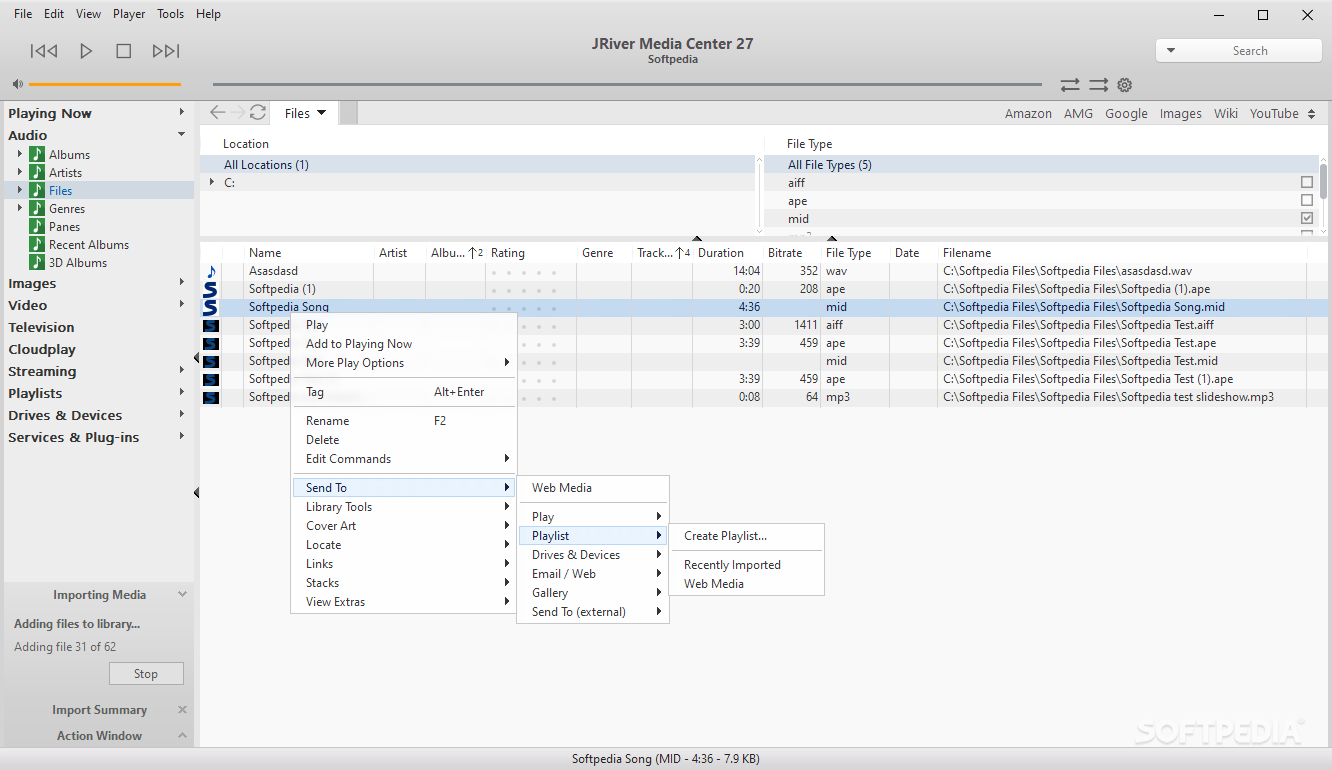
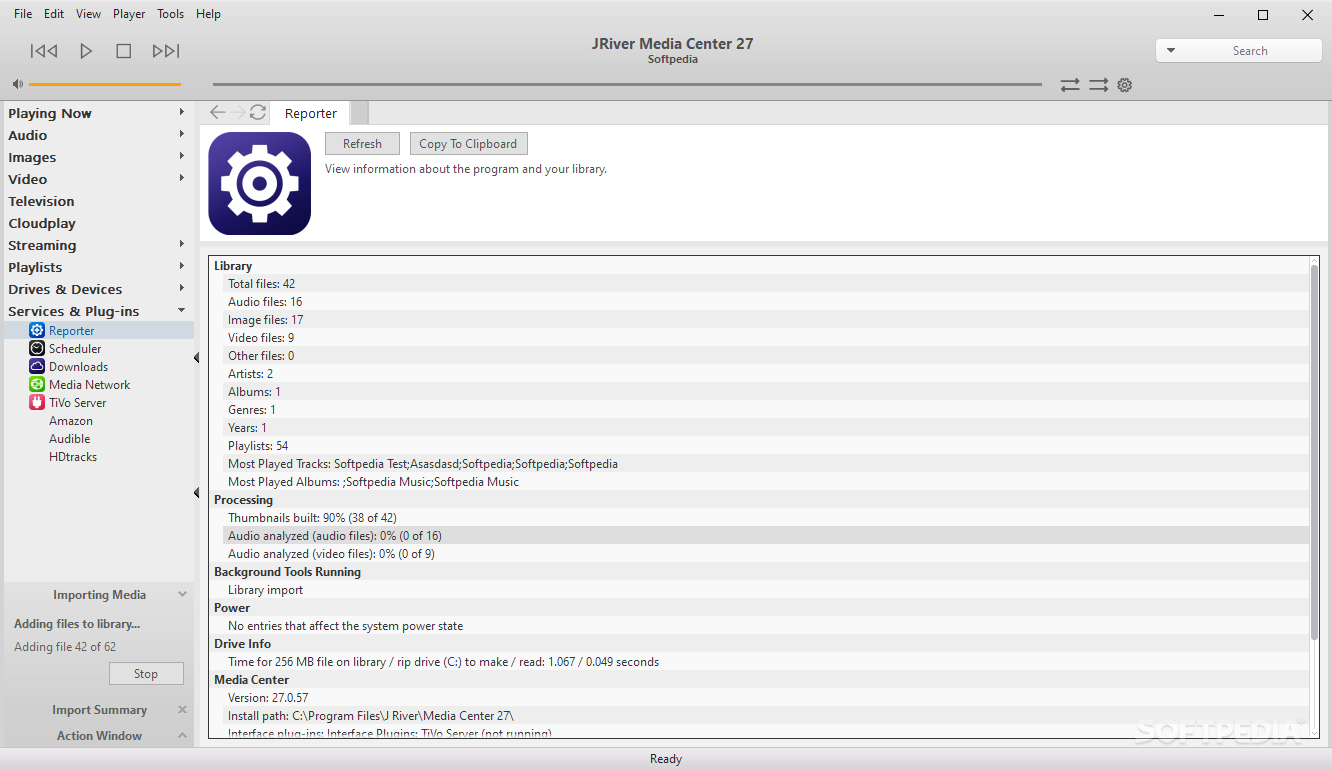
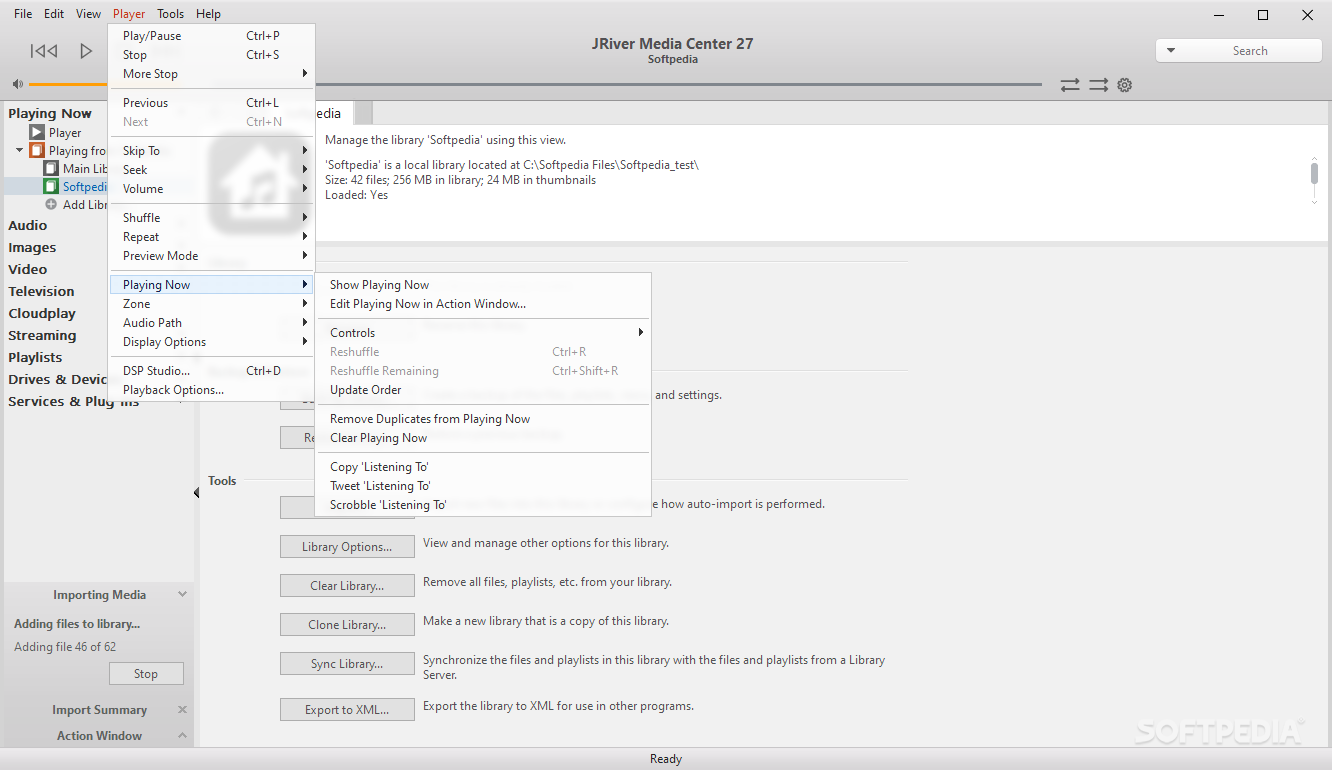
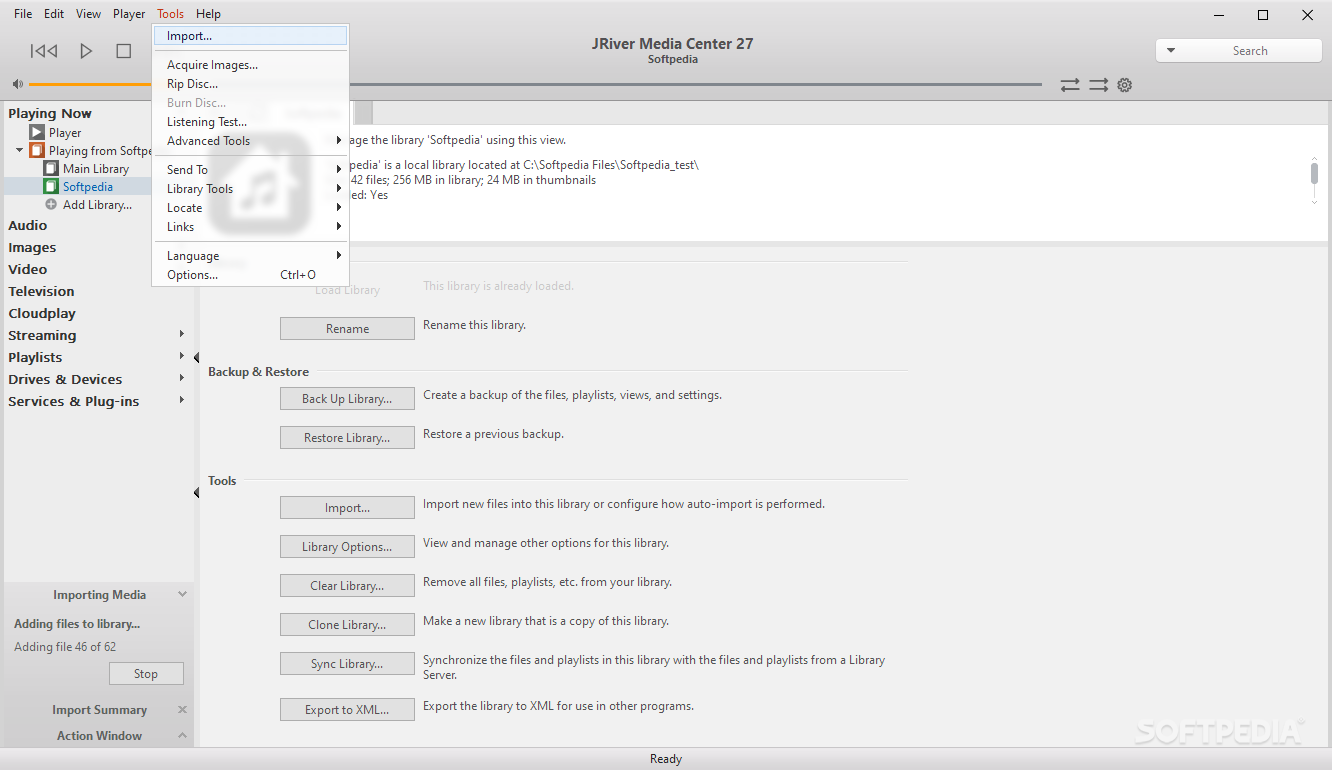
    This application will collect, organize, and play media files

    Organize and experience all your media -- music, photos, and video YOUR way - all from a single software program!

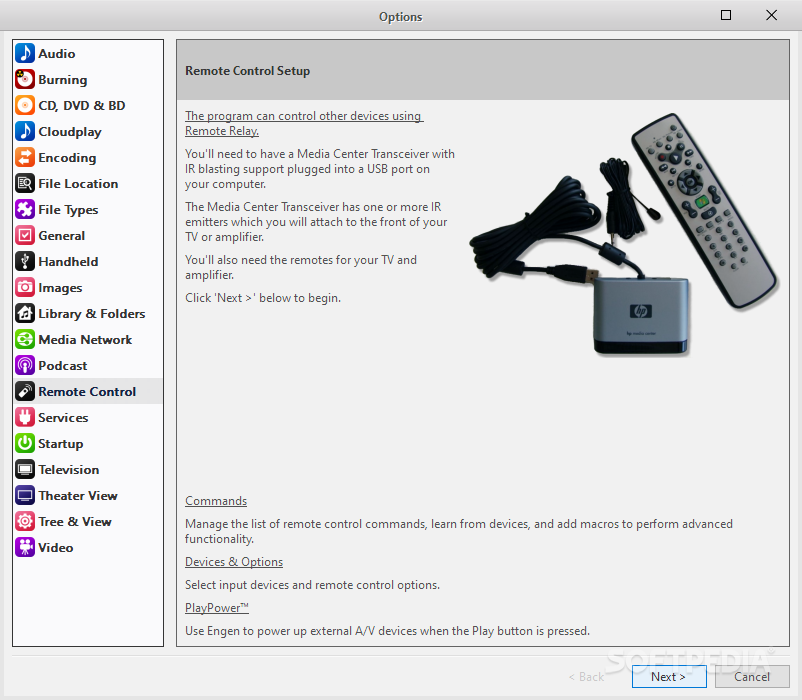
    Connect your PC to your home entertainment hardware and control it all with a remote! Load your music on your iPod while you watch TV!

    Media Center is a software that helps you collect, organize and play media files.

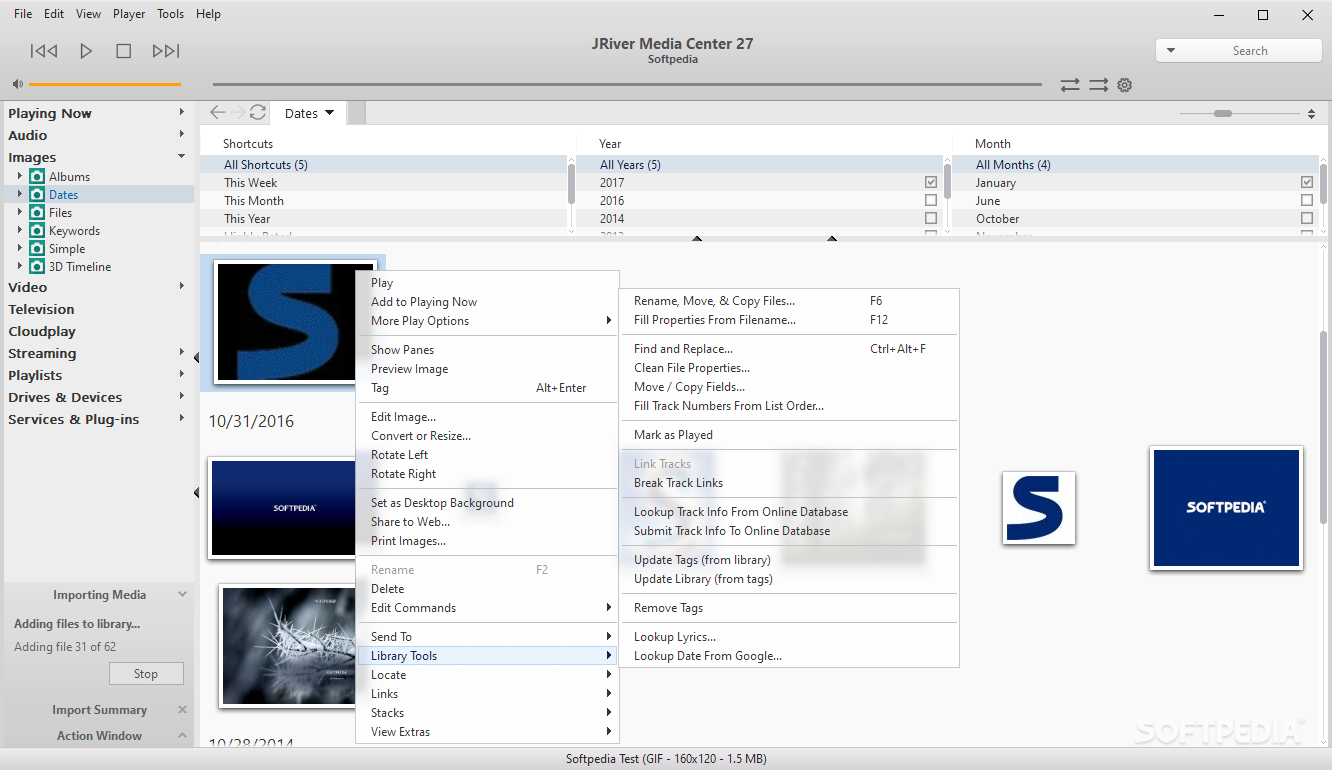
    Copy music from MEDIA CENTER to a portable digital audio player or move digital camera photos into MC's powerful image library.

    Make a CD of music for your car. Record your favorite shows and watch them on your TV. More than one soundcard? Play different music simultaneously in different rooms.

    Here are some key features of "J. River Media Center":

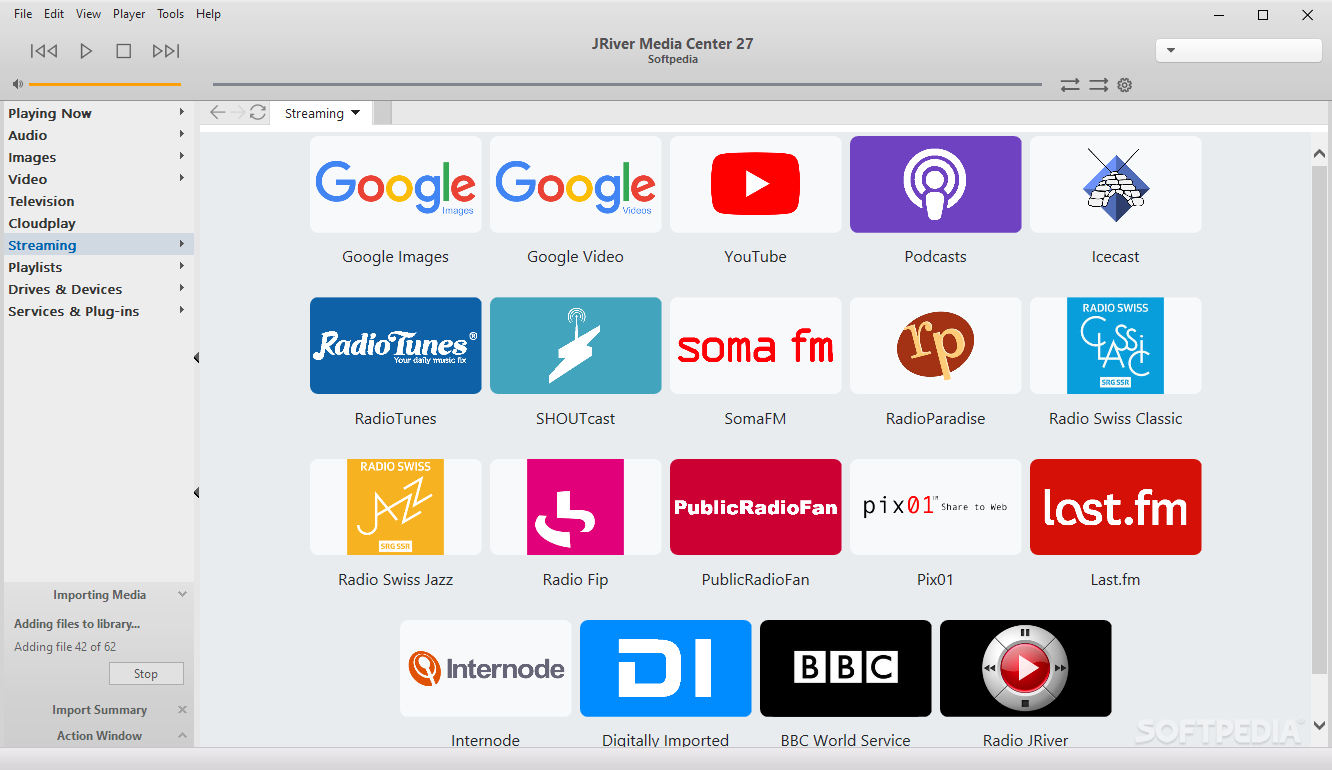
    · Copy music from MEDIA CENTER to a portable digital audio player or move digital camera photos into MC's powerful image library. Make a CD of music for your car. Record your favorite shows and watch them on your TV. More than one soundcard? Play different music simultaneously in different rooms. MC's Media Server can even stream your music to your PC at work!
    · Camera and Images
    · Support for Canon and Kodak cameras and others that use the WIA interface. Almost all cameras are supported.
    · Image enhancement during slide show or for e-mail and web upload.
    · Display color images as black-and-white or sepia.
    · JPG, BMP, TIFF, RAW and PNG support.
    · With one click, acquire images from your camera and load them into your media library.
    · Basic image editing.
    · Remote control Improved learning mode and additional commands.
    · Handheld Devices
    For the iPod:
    · Single Click Synchronization of iPod audio and data with MC.
    · Apply Replay Gain to files on iPod.
    · Dynamically adjust playback volumes.
    · Audible file bookmarking.
    · iPod playcounts, date last played, and rating transfer to MC from iPod.
    For players that support synchronization or appear as a drive:
    · Drag and Drop on Handheld image in the Action Window.
    · One click synchronization.
    For players that appear as a drive:
    · Auto create a folder structure based on tags.
    · Designate a root directory.
    · For Microsoft PlaysForSure devices
    · Support for handhelds that play Microsoft protected files and the WMDM standard.
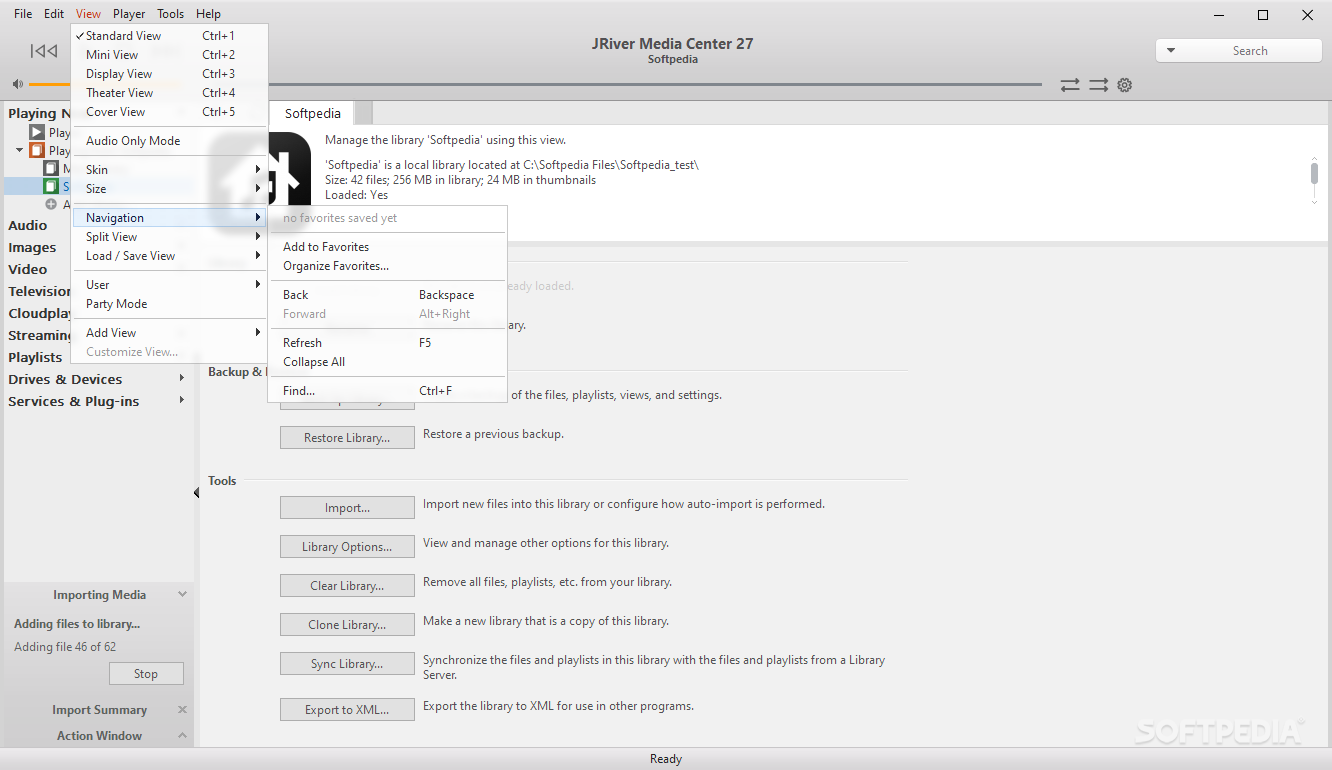
    · Cover View
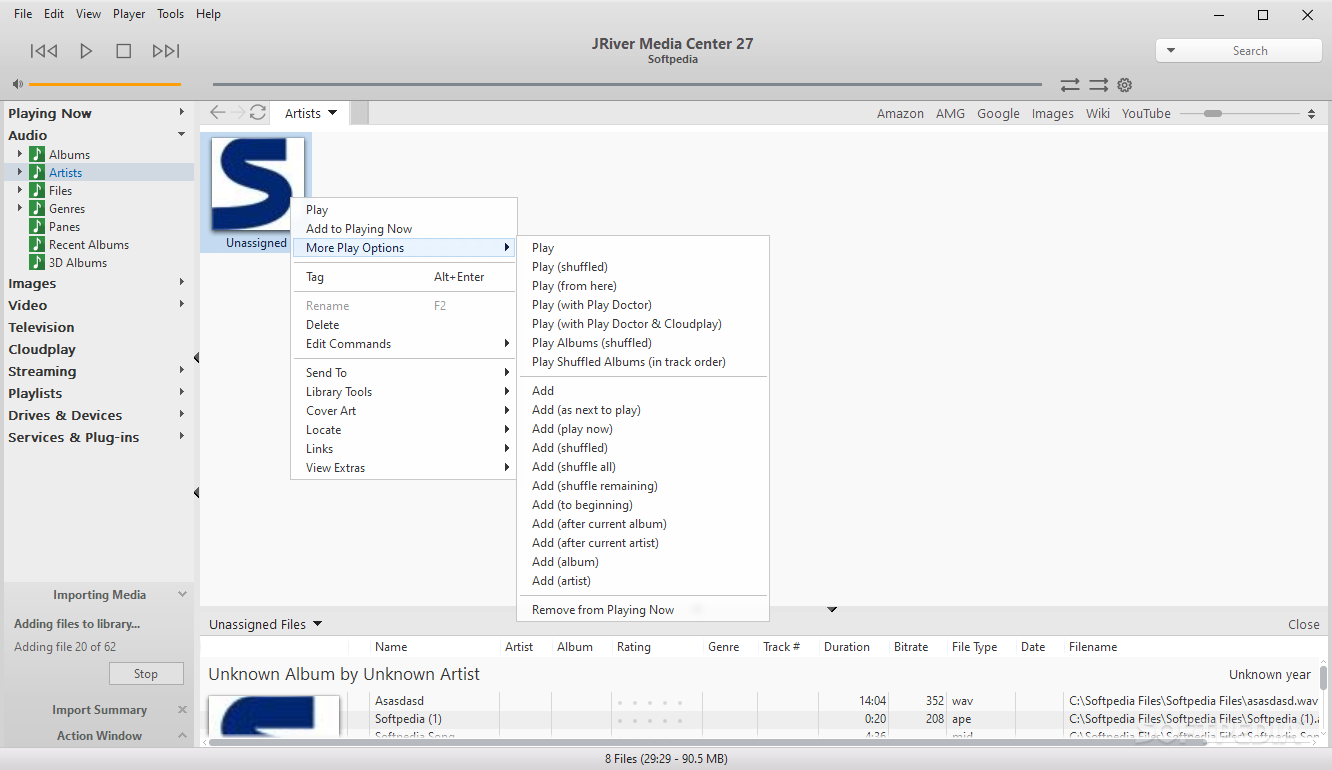
    · MC has a new view showing album covers for audio tracks Note the new "My Computer" section of the organization tree, where you can browse your drives without leaving the application. Digital Images
    · The main image screen, showing thumbnails of digital camera images. An optional properties window can be opened for details about each image Minor edits can be made with the included Image Editor.
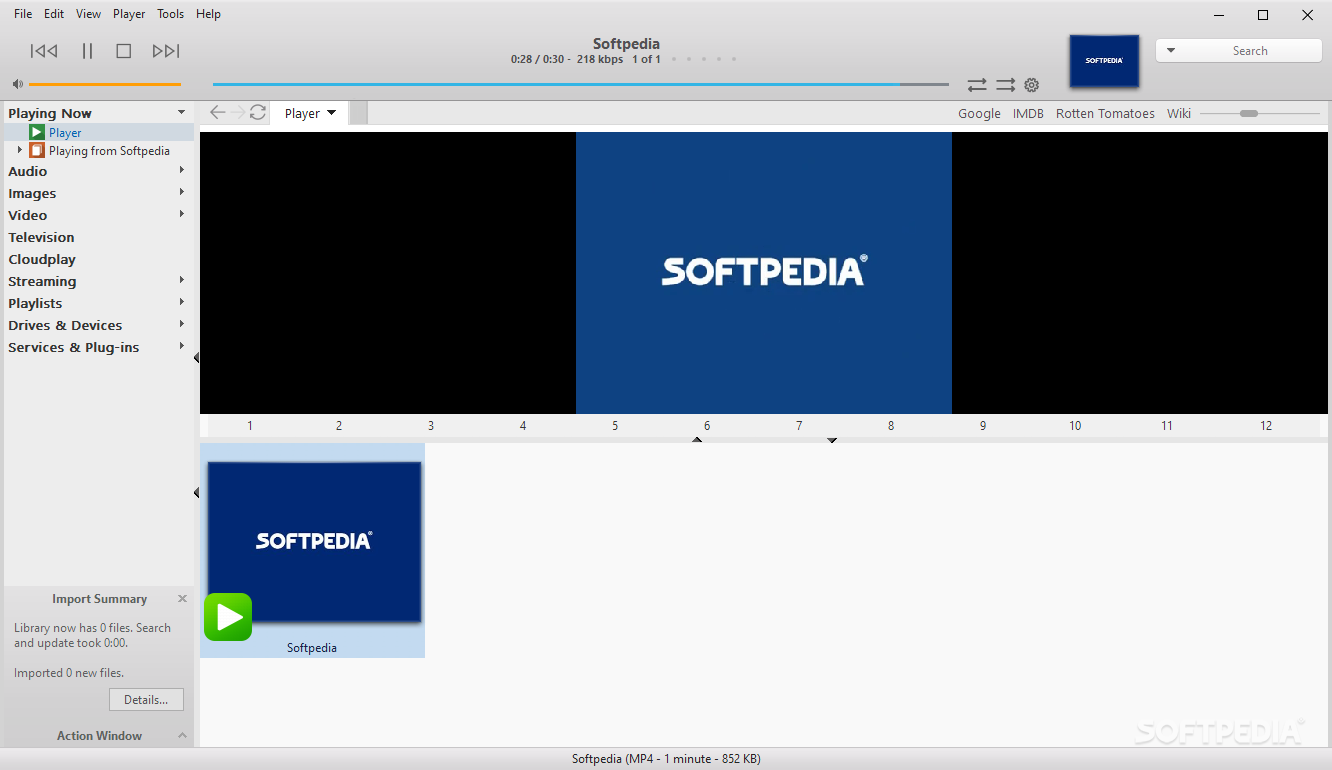
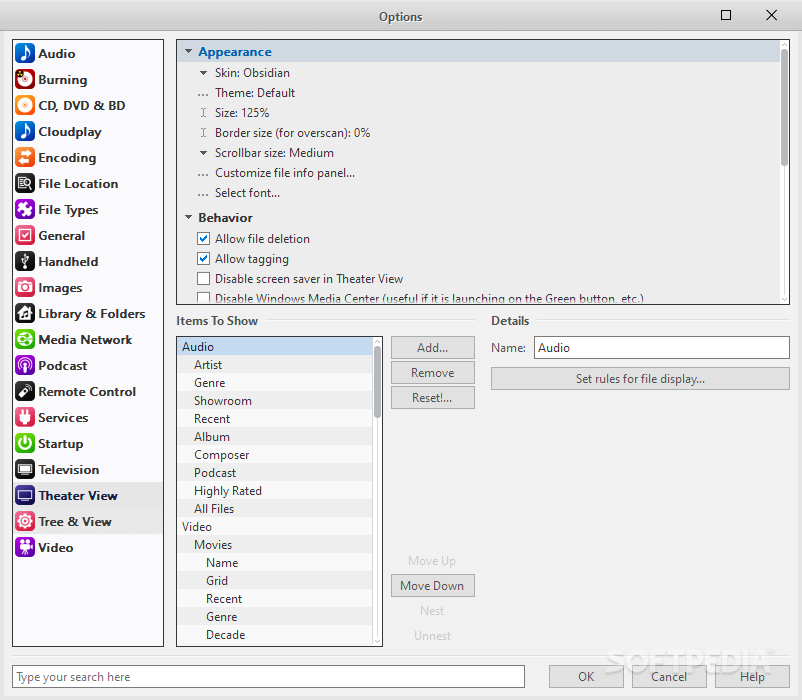
    · Theater View Prefer to browse your media from the comfort of the couch? This customizable view is designed for use from across the room on a monitor or TV. Type is enlarged and navigation is simplified so it's easy to use with a remote.
    · PLAY your media YOUR way
    · Create a slideshow of your vacation photos, and add a music soundtrack from your song library. Get the party started with a playlist of hot tunes. Or let MC do the work by picking an Auto Smartlist, such as an hour of random music, a CD of MP3 favorites, an audio CD of recently played tracks etc.
    · Slideshow
    · Digital images can be screened in an automated slideshow. You can stop to zoom in on a single image, pan from side to side, and then resume. All with your favorite music playing in the background. Slideshow options
    · Change the look of your slide show by altering the timing between images, transition effects and more.
    · Auto Smartlists
    · An hour of random music, a CD of MP3 favorites, an audio CD of recently played tracks, all tracks with empty properties. These and more are what "Auto Smartlists" are about. Powerful TV Features
    · TV recording, pause, resume, fast forward and re-wind. Control it using a remote device across the room or a PDA, PocketPC or TabletPC.
    · ORGANIZE your media YOUR way
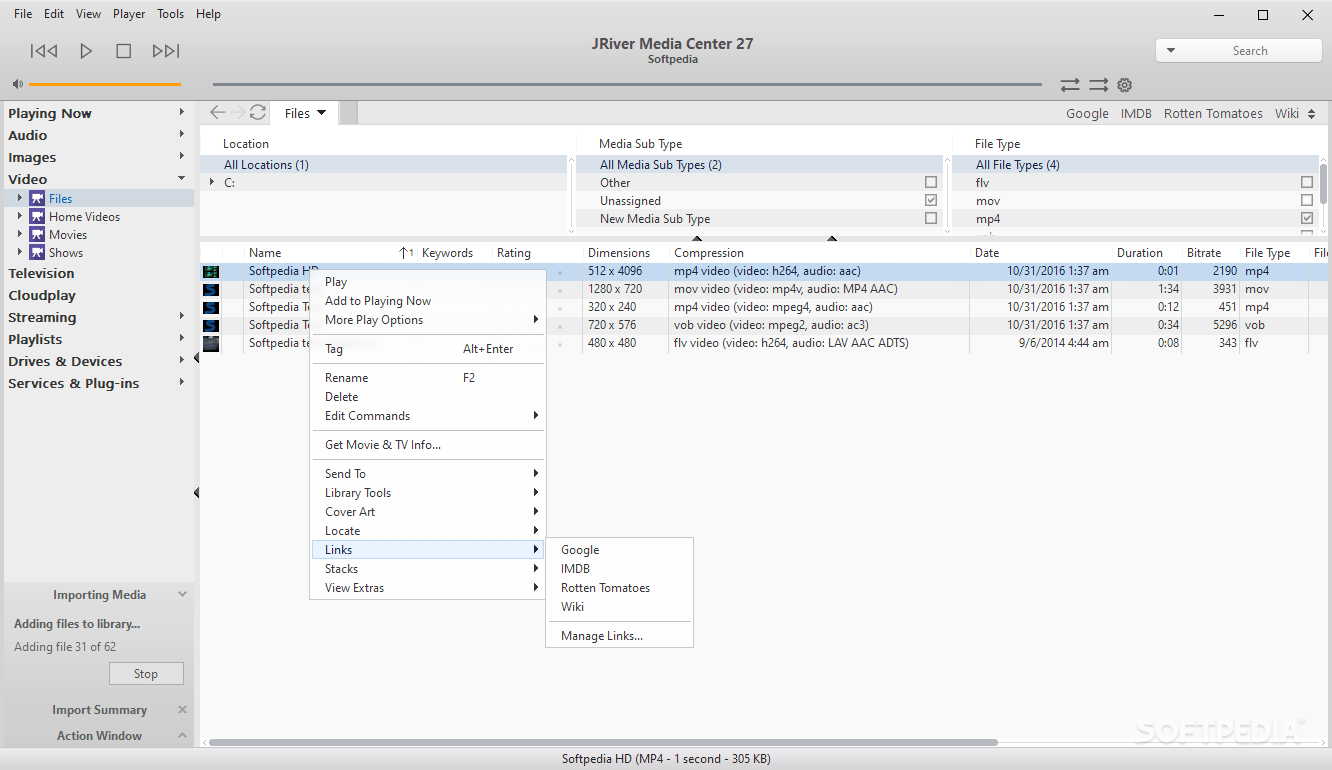
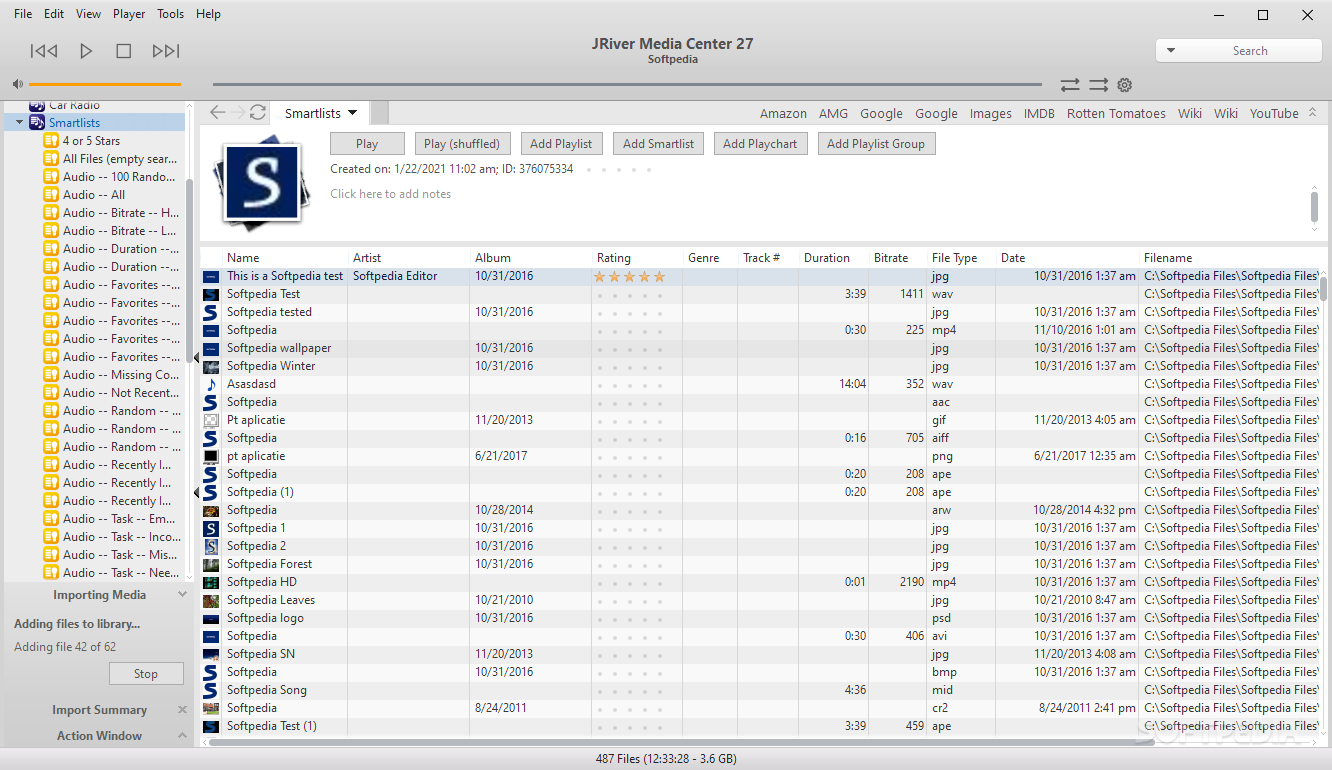
    · Want to arrange your pictures by subject, date, and location? Categorize your music by artist, album, genre and assign a star-rating to your favorite songs? Or sort your videos by director, cast and year? Do it easily with the world's most powerful and flexible media library. Even add your own custom categories.
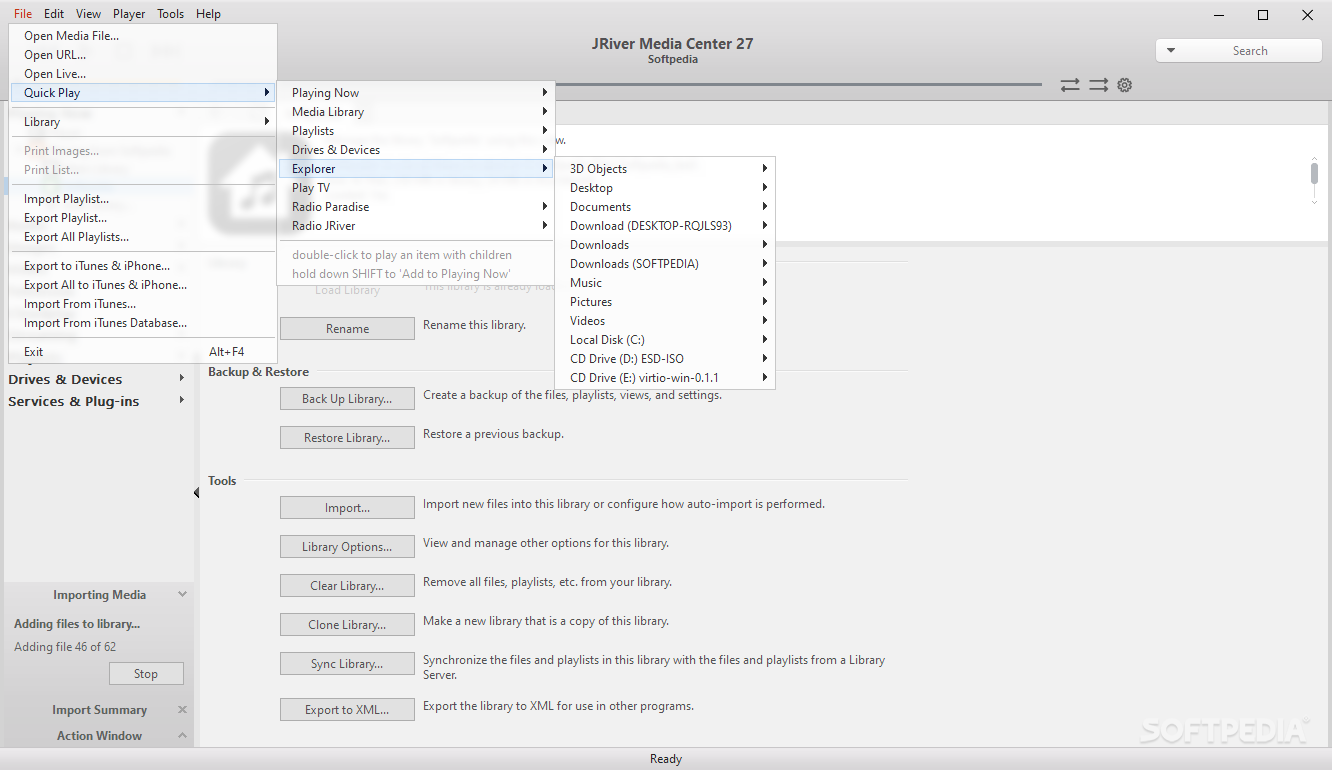
    · File Browser
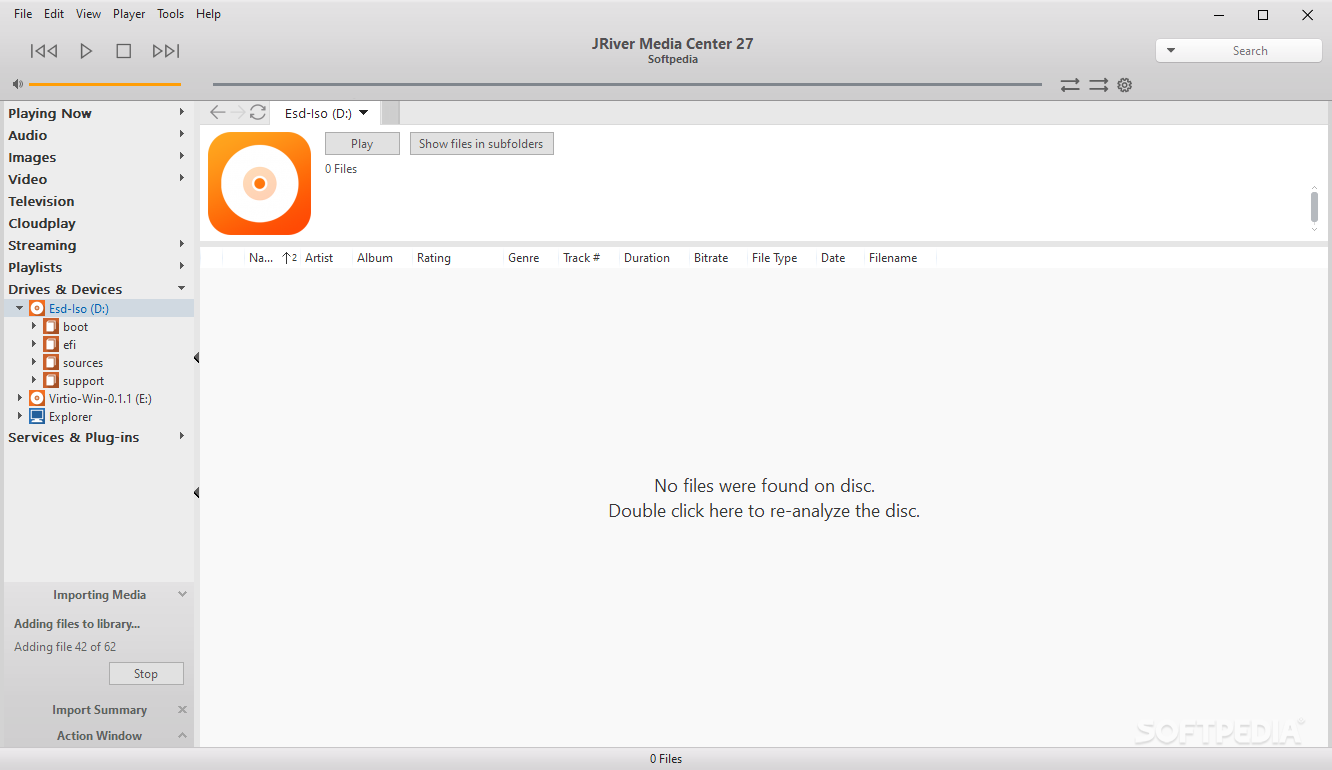
    · A new section of the Organization Tree called "My Computer" lets you browse all your files and folders as with Windows Explorer. You can even see files you haven't imported and files on your portable music player. Flexible views
    · You can add new "view schemes" under any media type so you can see your files, arranged as you want to see them.
    · CD and Track Lookup
    · J. River's YADB database is the most trouble-free and accurate database available for CD titles and tracks. Audio fingerprinting also lets you look up track names on individual tracks. Extensive Tagging Capabilities
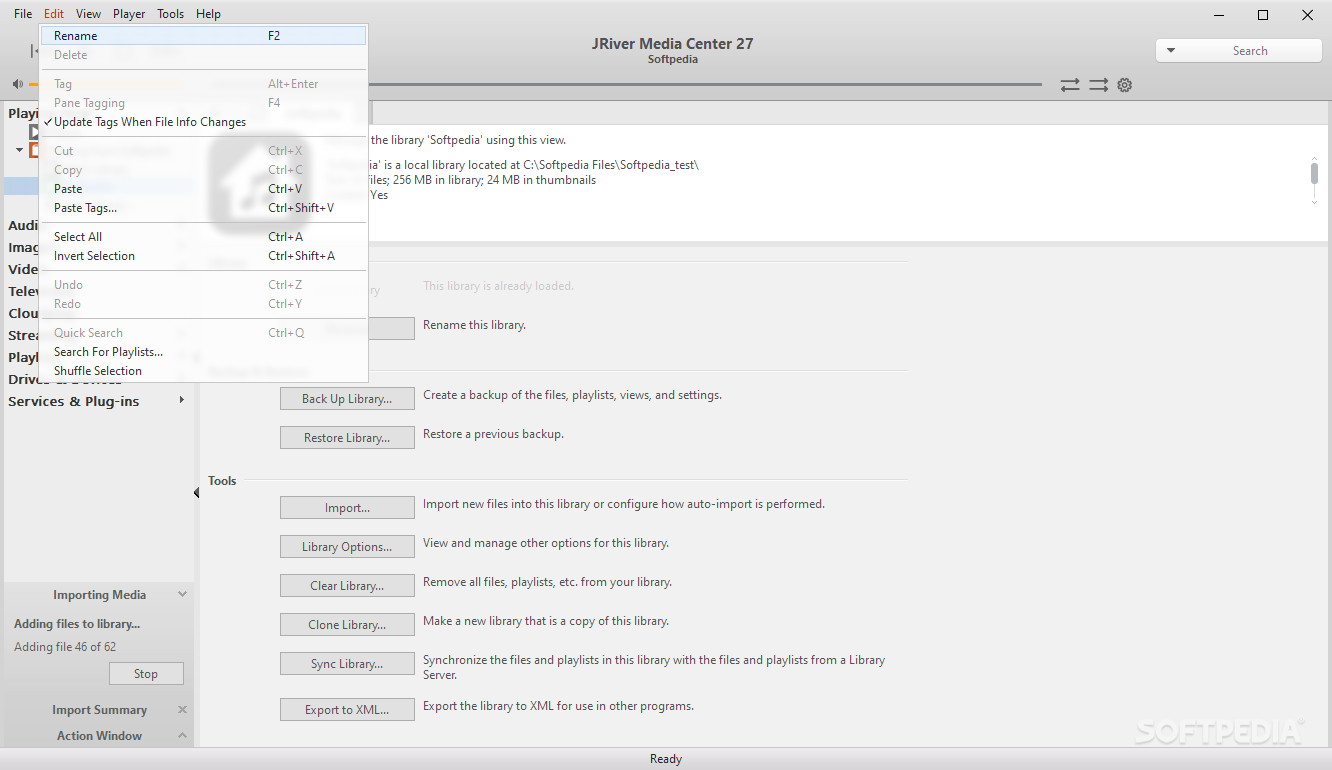
    · MC supports ID3v1 and ID3v2 for music. It supports J. River tags for photos. It can also import MusicMatch tags. You can fill the tags from the file names, re-name files from the tags, clean tags and much more. When the files are moved and re-imported, the organization is restored.

    Requirements:

    · 600 MHz Pentium
    · 32 MB RAM
    · 40 MB Free hard drive space
    · Sound card
    · Video card
    · Microsoft Internet Explorer I.E. 5.0 or above
    · Internet connection (recommended).

    Limitations:

    · 30 days trial
    · nag screen

    What's New in This Release: [ read full changelog ]

    · Fixed: iPod detection could be a problem in the last couple builds.
    · Fixed: YouTube-based Podcasts (i.e. feed URL of youtube:cars) were very slow (only applies to last few builds).

       Softpedia guarantees that J. River Media Center 14.0.101 is 100% CLEAN, which means it does not contain any form of malware, including spyware, viruses, trojans and backdoors. [read more >]


    TAGS:

    audio player | media center | video player | music | organizer | media


    HTML code for linking to this page:


    Go to top

    Windows tabGames tabDrivers tabMac tabLinux tabScripts tabMobile tabHandheld tabGadgets tabNews tab

    SUBMIT PROGRAM   |   ADVERTISE   |   GET HELP   |   SEND US FEEDBACK   |   RSS FEEDS   |   ENTER NEWS SITE   |   ENGLISH BOARD   |   ROMANIAN FORUM