|
|
|
User Rating: Rated by: |
Very Good (4.0/5) 56 user(s) |
|
|
|
|
Softpedia Editor's Review for MediaPortal
|
Turn your PC into a Media Center
Written by Bogdan Popa on October 18th, 2012
MediaPortal is a full-featured media center that will help you manage, view, organize and, basically, do anything that includes videos, music and watching TV.
Designed to be loaded in full screen, MediaPortal is quite difficult to install, not only because it takes much time to drop all components, but also because it involves installing some other tools that might be tricky for less experienced users.
MediaPortal prompts the user to choose straight from setup whether one of the intended uses of the app is to watch TV, as it will provide two different options: a one-click installation or an advanced one that would include more steps and imply some computer knowledge.
Going for the first one will get you to a detailed list of the files that will be installed on your computer, including plugins and additional software tools to enable all features into MediaPortal.
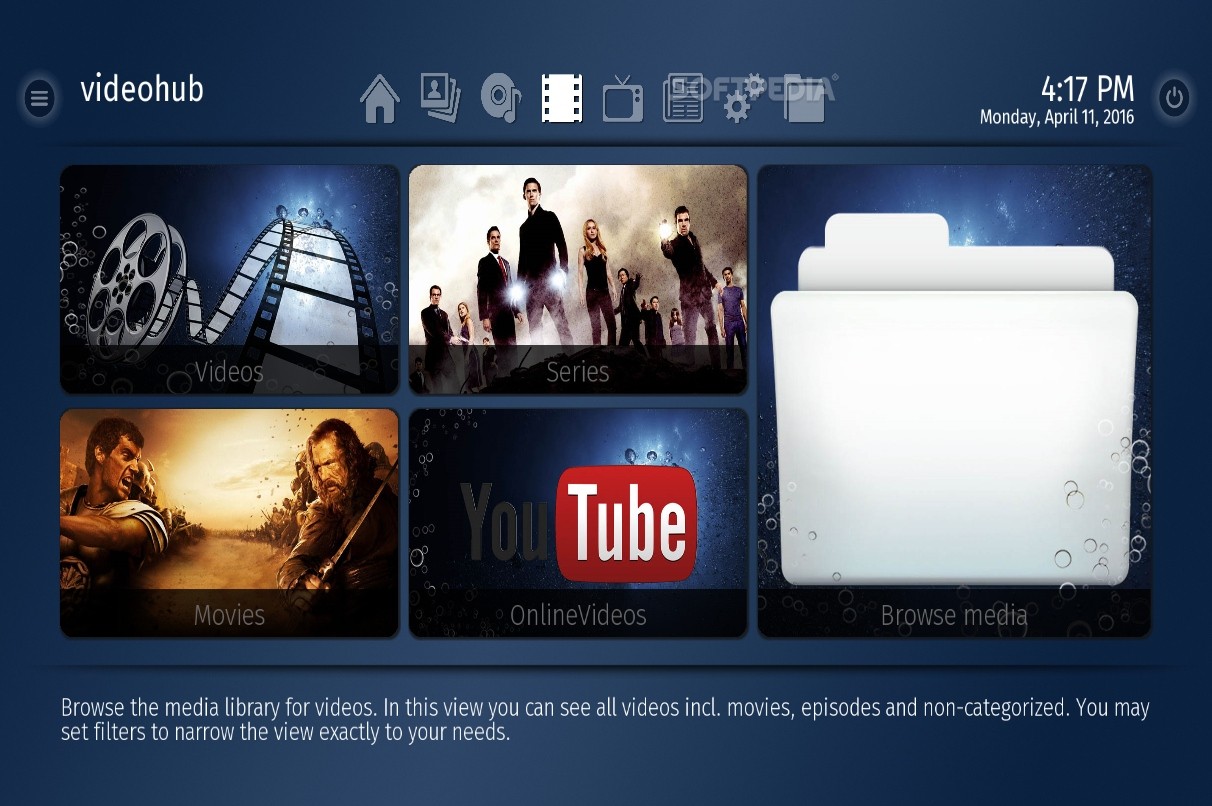
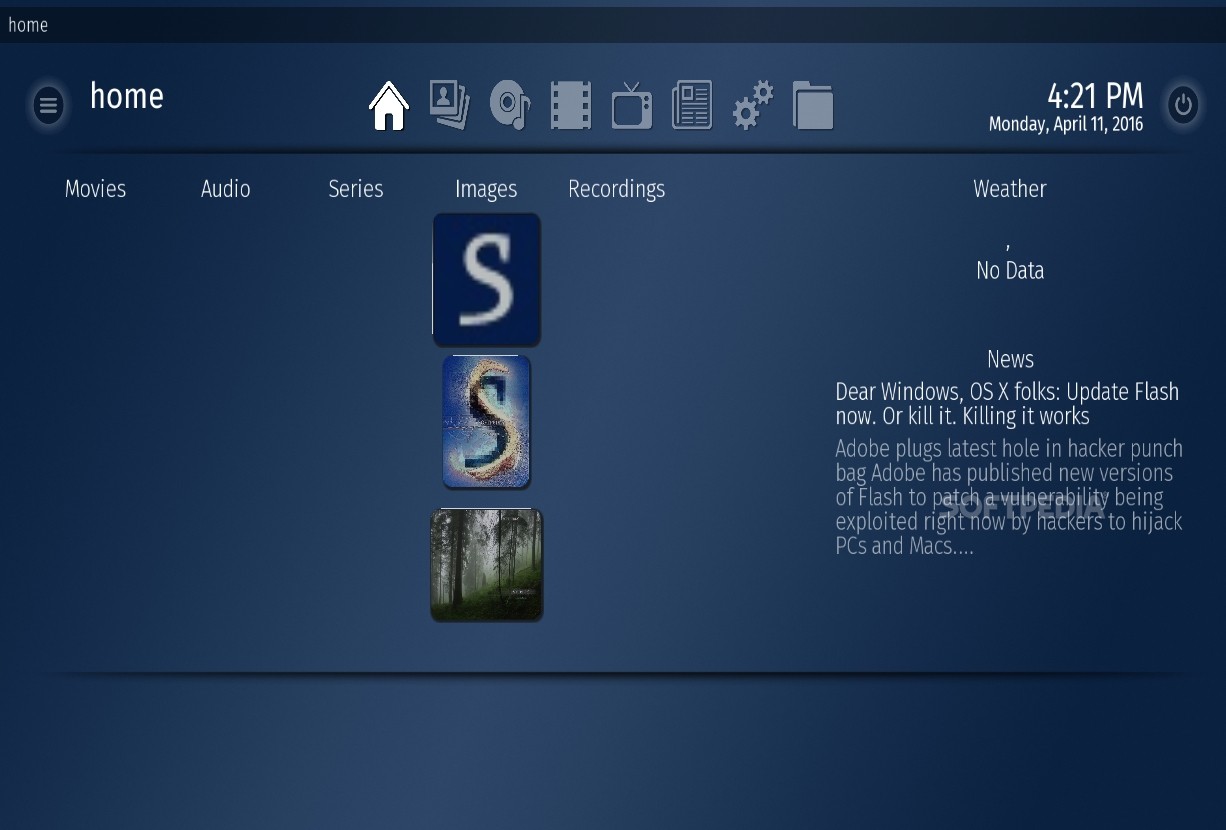
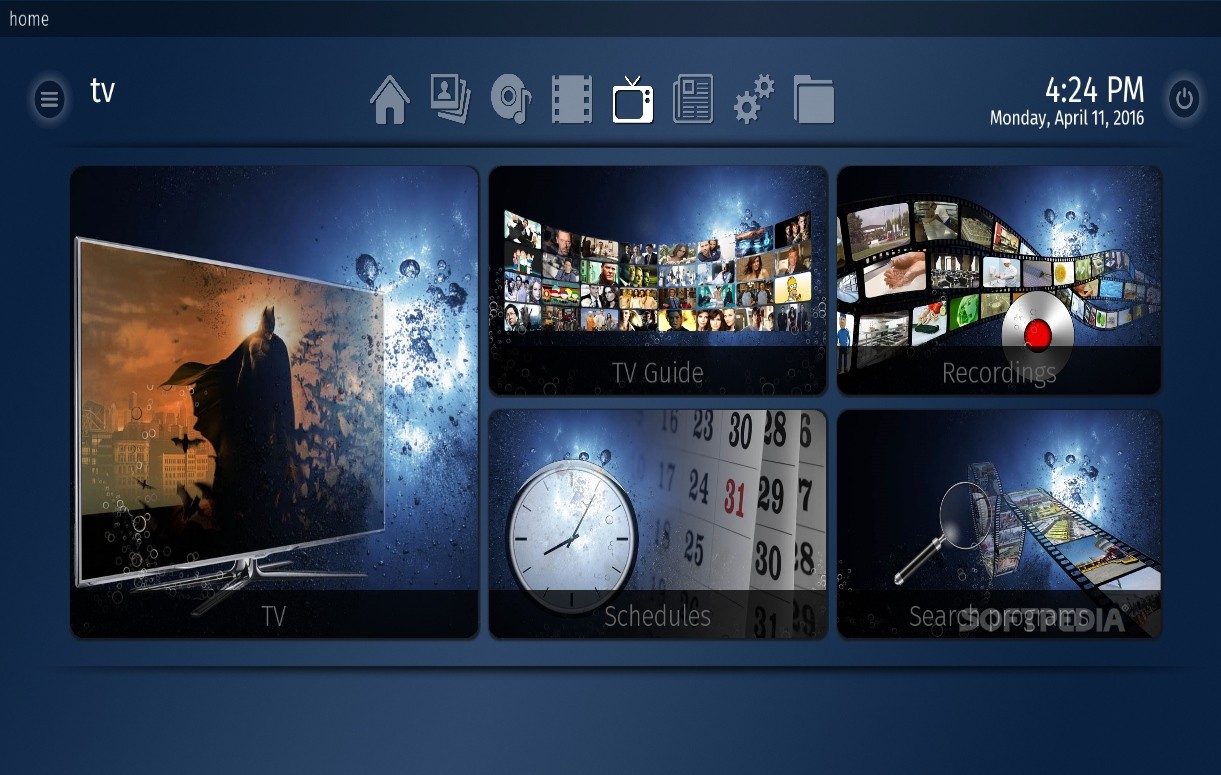
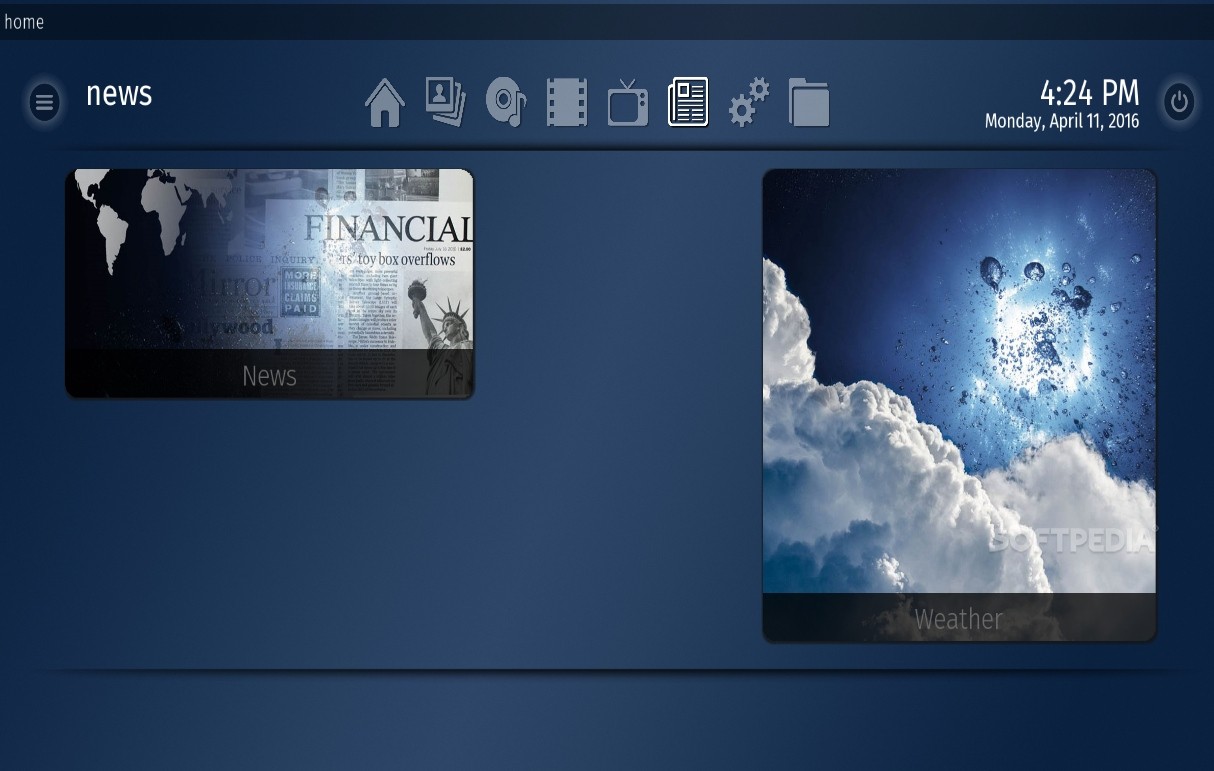
Although everything sounds difficult, it will all change once you run the app. MediaPortal opens a whole new world on your desktop, providing basically all the things you would ever need to play music, watch TV, open video files or access the weather forecast, for example.
The application might require a faster computer to work properly, but everything went quite smoothly during our test, even when opening large video files.
MediaPortal is very similar to Windows Media Center, so you can easily browse through its menus either using the mouse or by means of keyboard shortcuts, to gain instant access to some of the features.
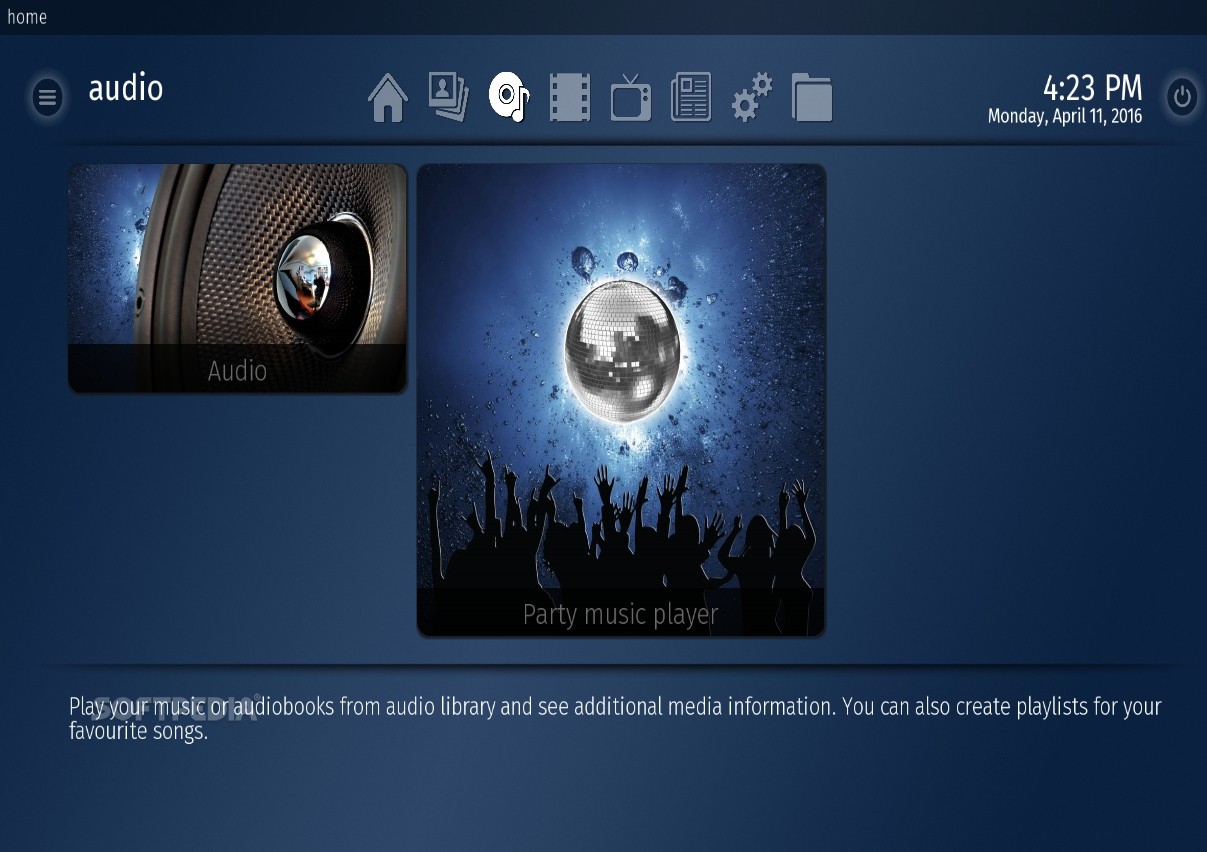
The music playing tools are quite advanced and will enable you not only to open a given file, but also to create playlists and manage songs and folders. Plus, it has music ratings, party shuffle mode, music overlay, background music, Internet radio stations, auto tuning and many, many other goodies.
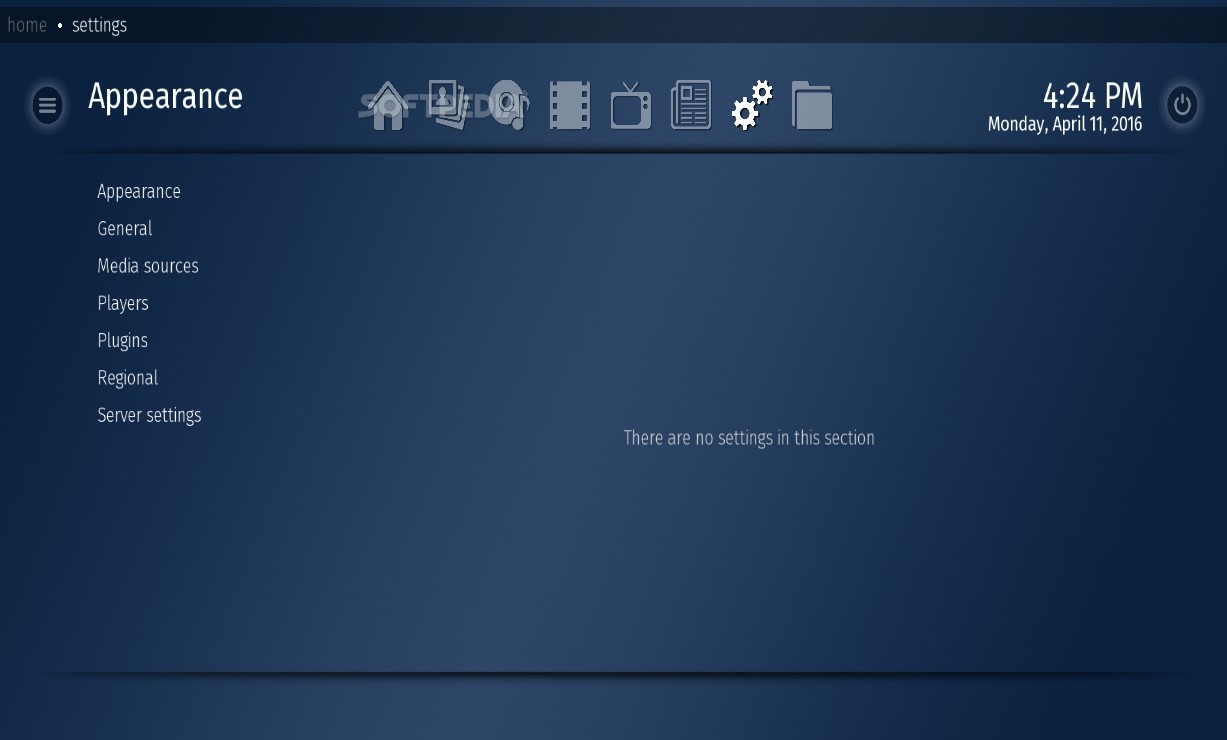
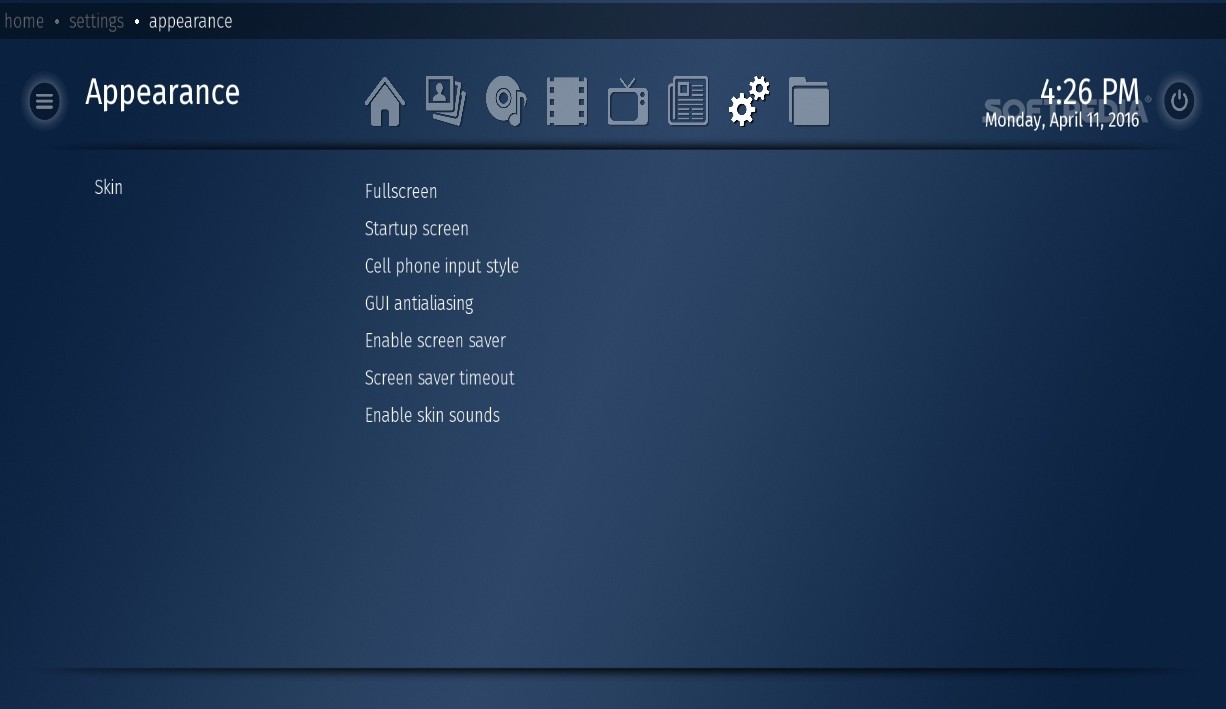
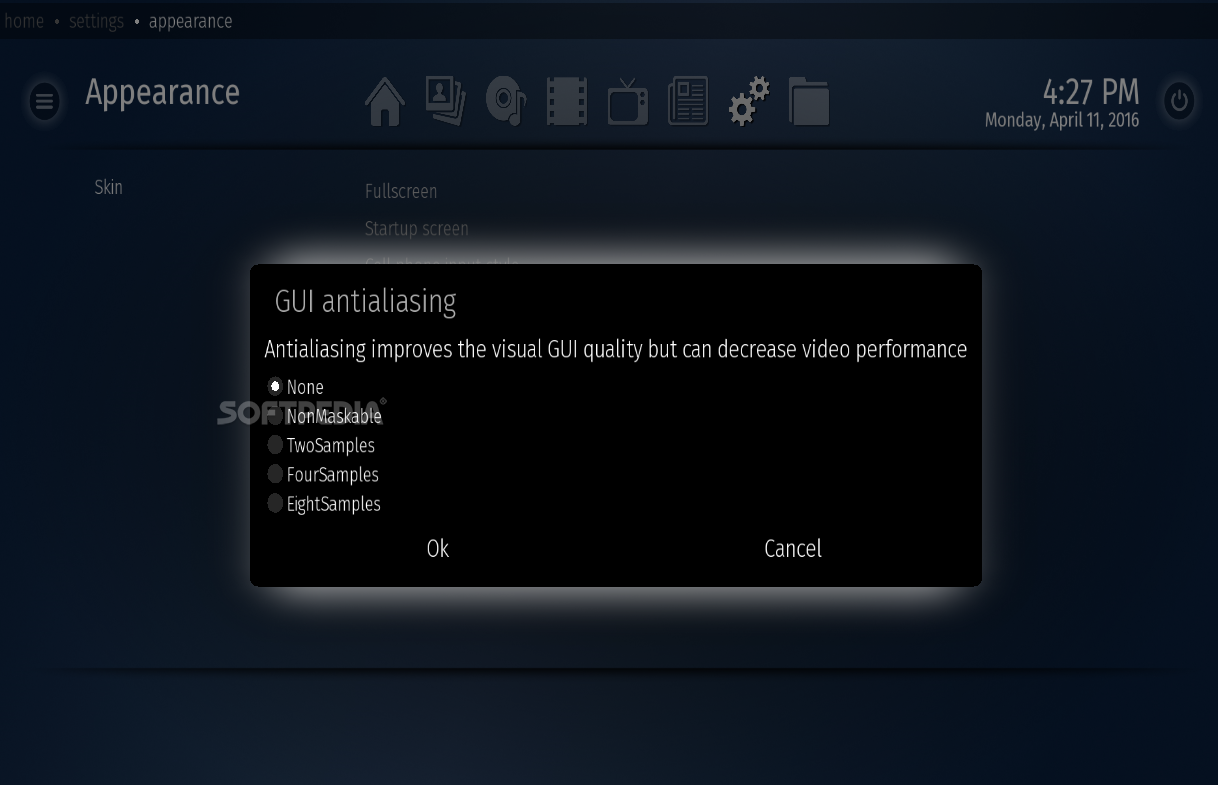
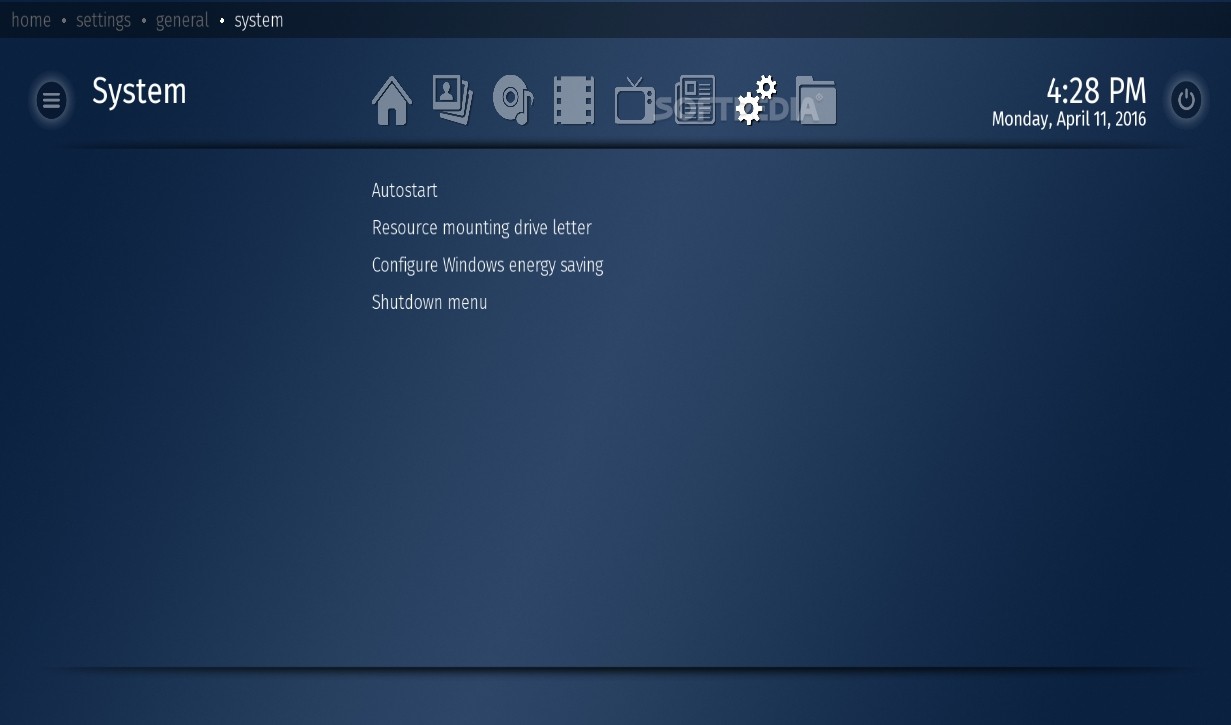
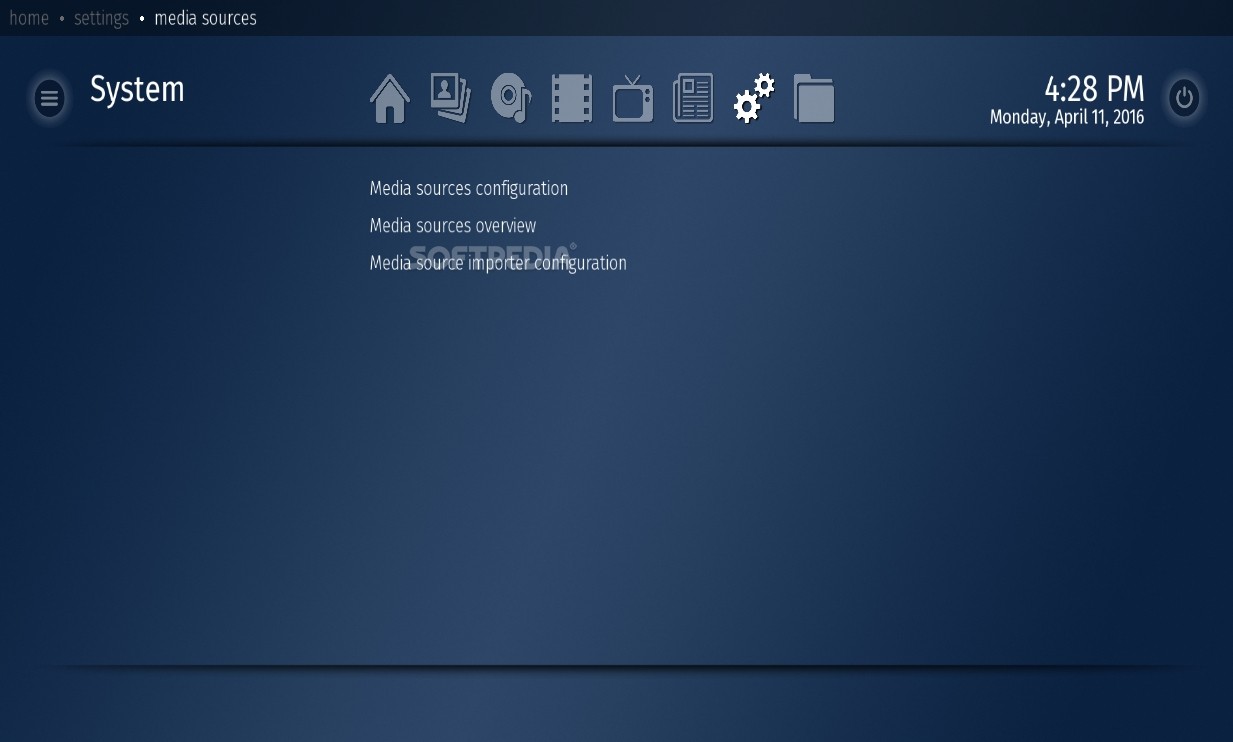
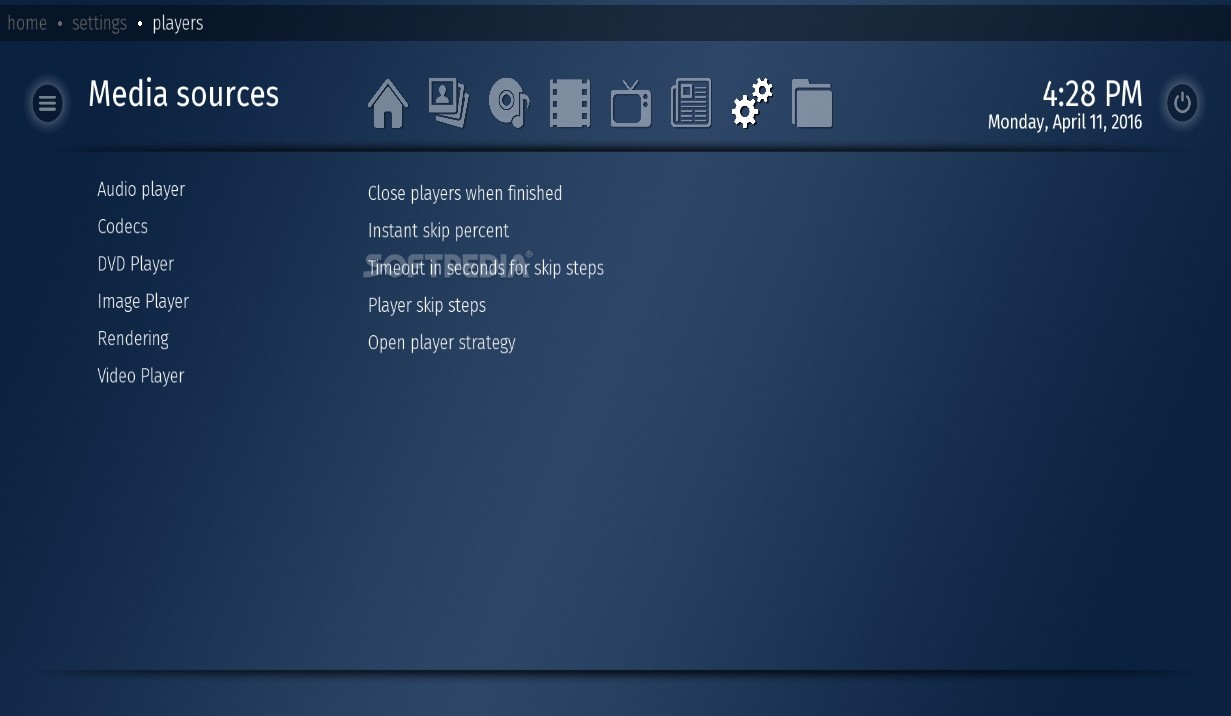
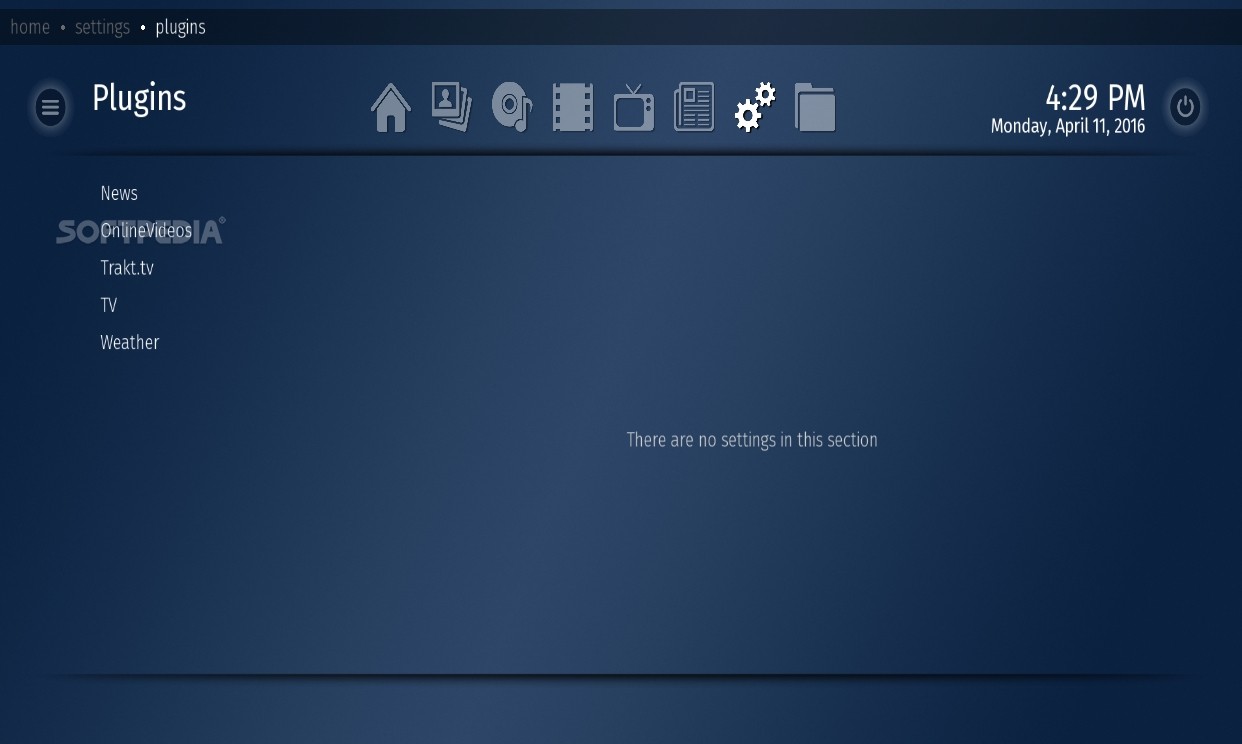
MediaPortal has a comprehensive settings menu that will give you full control over video, audio, image file handling, as well as the corresponding codecs for playback and TV watching.
All in all, MediaPortal is one of the best media centers out there and for many users it may surely be a viable replacement for Windows Media Center.
Read an in-depth analysis in our professional review for MediaPortal
|
MediaPortal description
|
Here are some key features of "MediaPortal":
· Flexible XML based skinning engine - Create your own skins, or choose one of the available skins !
· Extendable via plugins. Media Portal can easily extended with extra plugins. Plugins can be overlay windows, modules, tag readers, players,...
· Time, Date
· Dynamic keymapping. You decide which keys you want to use for which actions
· Remote Controller support (using an external program like girder)
· Switch between graphics & LiveTV as background when browsing the menus
· Internal support for several remotes (streamzap, MCE, redeye, winlirc)
· Support for multiple tuners
· Timeshifting, Watch, Pause, Rewind, FF, RW Live TV
· Video Recording
· Advanced TV Guide based on XMLTV
· Scheduler to manage all your recording schedules
· Recorded TV section: Manage all your recorded tv programs. See what has been recorded, delete programs, check which programs you already watched and off course select and play a recorded program
· Full support of DVB-S cards (BDA driver based cards)
· Full support of DVB-C cards (BDA driver based cards)
· Full support of DVB-T cards (BDA driver based cards)
· Full support of Skystar2 cards
· Support for Teletext
· TV Guide: EPG grabber for ss2 & DVB-S/t/c which grabs the TV Guide directly from the signal!
· TV Guide search
· TV Channel grouping
· Supports over > 1000 channels
· Mapping TV channels to specific cards
· Auto channel tuning
· Overlay & VMR9 Renderless playback
· Several advanced zooming/AR modes
· Normal OSD (On Screen Display during movies/tv)
· Special ZAP OSD (Shows description of what is playing currently on TV)
· Listen to your favorite radio stations
· Auto tuning
· Supply nice logo's for each radio station
· Supply a friendly name for each radio station
· Internet radio stations
· Local radio stations using the FM tuner of your capture card
· Support for external radio tuner applications
· Auto start listening to your selected radio station when MediaPortal starts
· All music gets stored in Media Portals music database
· View your music by artists, albums, genres, top100 or plain songs
· Sort your music in many ways like tracks,genre,filesize,artists,album,...
· Use visualisations from Windows MediaPlayer 9
· Load, create & save playlists (.m3u, .pls, .b4u)
· Automaticlly gets album art & info for all your albums
· Automaticlly gets artist art & info for all your artists
· View by list, icons, and big icons
· shuffle,repeat, FF,RW,pause,...
· Music overlay : will show what song is playing together with visualisation,albumart, artist,title,album etc on every module in Media Portal
· Music ratings
· Favorites
· Party shuffle mode
· Search music for specific songs
· Display all your favorite songs in one screen
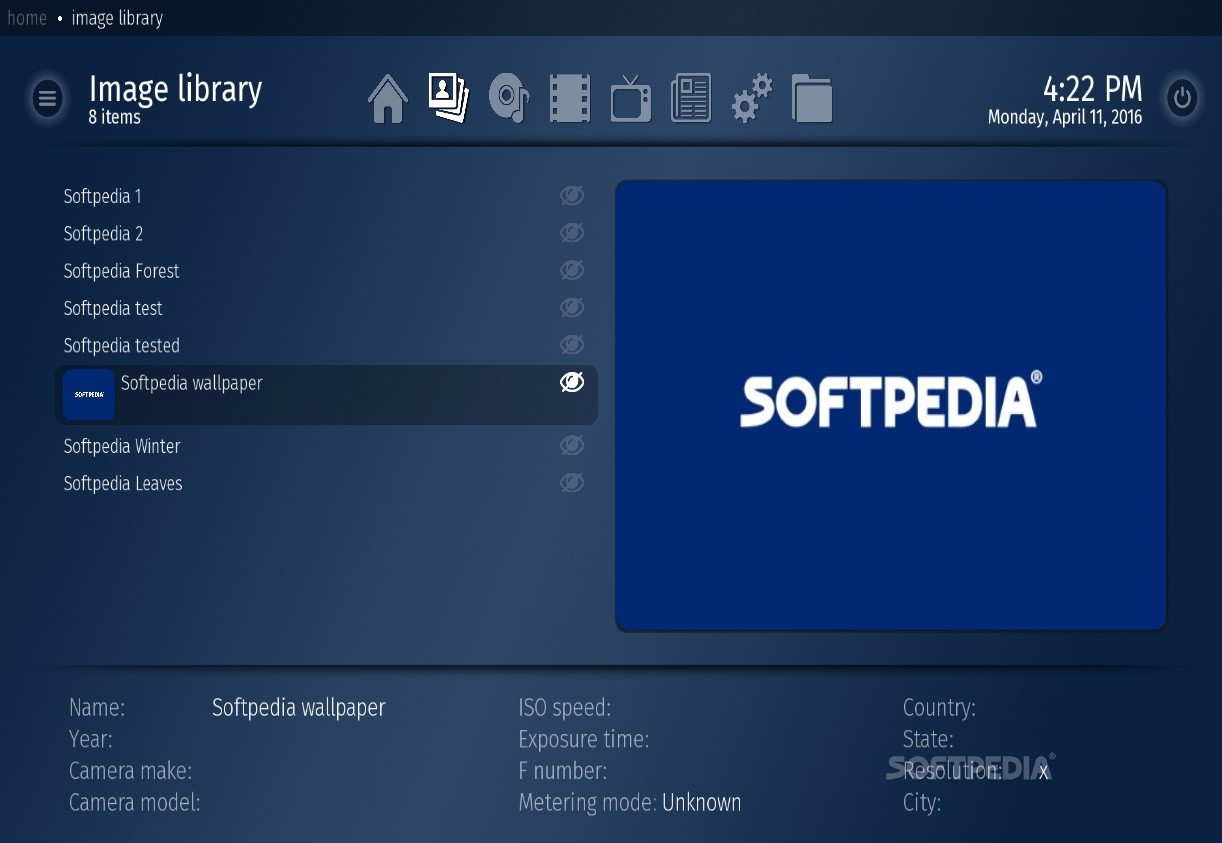
· Watch your pictures/photos
· Slideshow support with nice transitions
· Zoom in/out, rotate pictures (rotation is remembered next time
· pause,previous/next picture
· delete picture
· background music, either songs from my music, or radio from my radio
· Auto thumbnail generation
· Sort in Name, Date, Size
· View in List, Icon or Big Icon display
· Ken burns effect slideshow
· Filmstrip view
· Play any movie your PC has a codec for (divx, mpeg, matroska,...)
· All your movies will be stored in Media Portals video database
· View your movies by actors, genres, year, title,
· Sort your movies by actors, genres, year, rating
· Automatically retrieves video art & info from www.imdb.com
· Stacking/Unstacking if your movie consists of multiple files
· Internal DVD Player with Menus!
· External Player (Zoomplayer/MPlayer/etc) option
· On Screen Display(OSD) for : Pause, Rewind, FastForward, Stop, Mute, Bookmarks, Switching Audio Streams/Subtitle languages...
· Internal DVD player with menu's ( you can also use an external DVD player )
· Internal movie player you can also use an external media player )
· Filmstrip view
· Resume from playback
· Screen Calibration
· UI Calibration
· My Music options
· My Pictures options
What's New in This Release: [ read full changelog ]
· New Skins - Better than ever!
· Enhancements to the skin engine and more skin features
· Native Blu-ray Support
· Perfectly Smooth Video Playback with MediaPortal Audio Renderer
· Enhanced out of the box experience and improvements to codec configuration
· "Settings" inside MediaPortal
· Big rework of My Videos
· Text file support in Videos
· Windows 8 Support
|
|
 | |  | | Softpedia guarantees that MediaPortal 1.3.0 / 2.0.0.1302 Alpha is 100% FREE, which means it does not contain any form of malware, including spyware, viruses, trojans and backdoors. [read more >] |
|