
A reliable media player capable of rendering most commonly used audio formats so you can enjoy favorite tunes or radio stations online. #Audio player #MP3 player #Play audio #Player #Player #Play

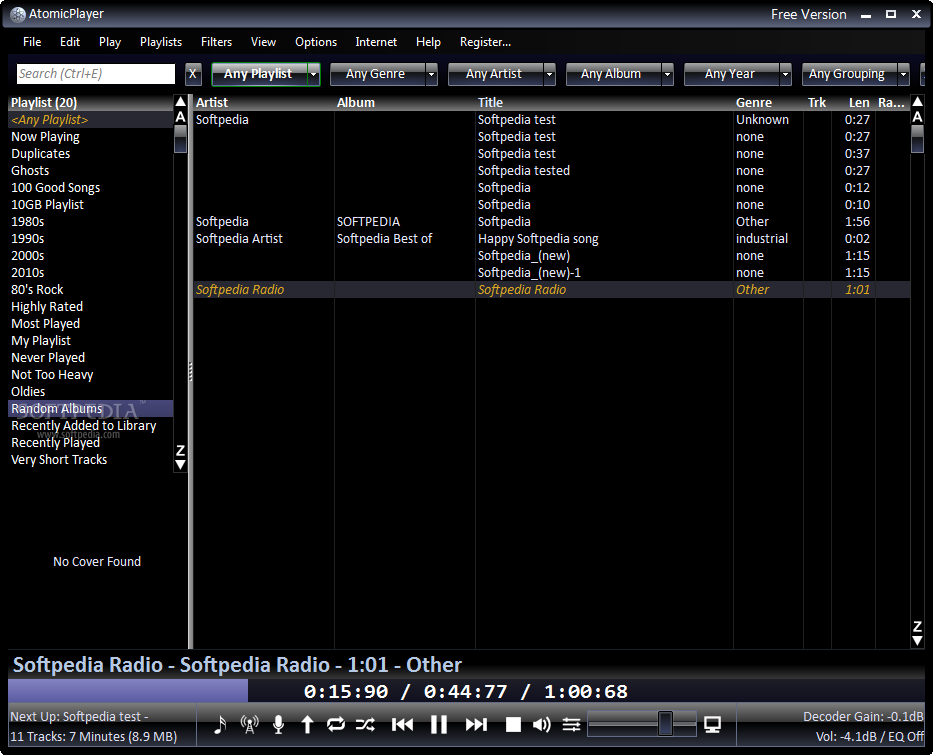
One of the main methods of relaxation is listening to music. It's done with the help of applications such as AtomicPlayer which you can use to listen to play files in an organized manner. It supports MP3, OGG, FLAC, WMA, WAV, and other formats.
The user interface is easy to navigate through. It is also attractive, although the white text on the black background becomes troubling for the eyes at some point.
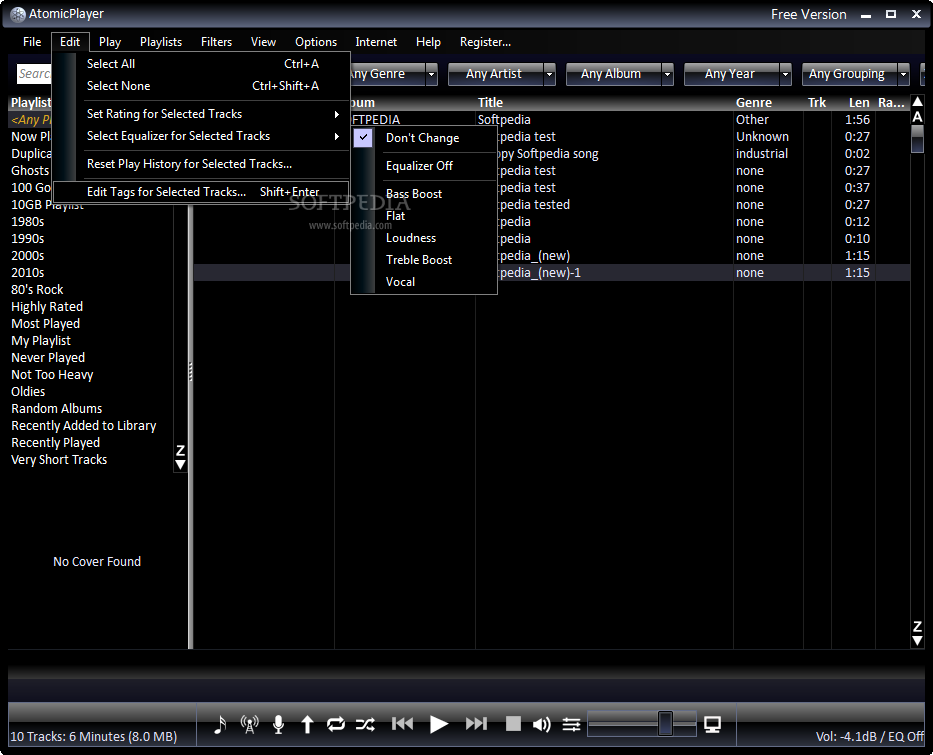
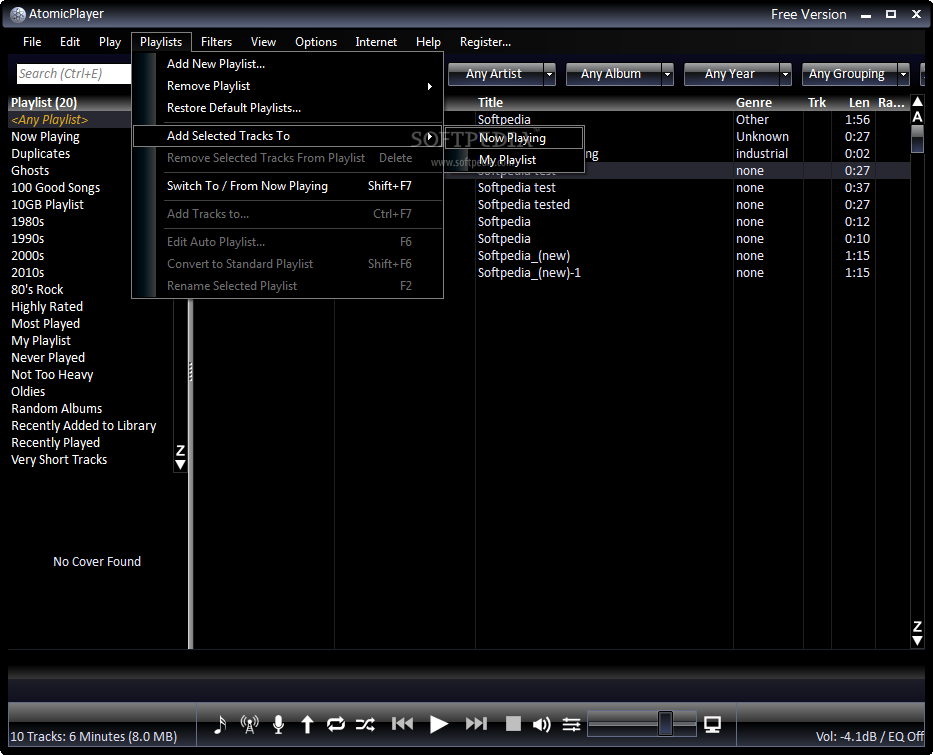
You can add a file or a folder to the library, manage the library (refresh tracks, remove ghost tracks), let AtomicPlayer suggest duplicate deletion, add a podcast, import and export playlists, and set Windows file associations.
In the main interface you are able to view playlists (including a search box), song information (artist, album, title, genre, track number, length, rating), and you have quick access to the main functions (e.g. Duplicates).
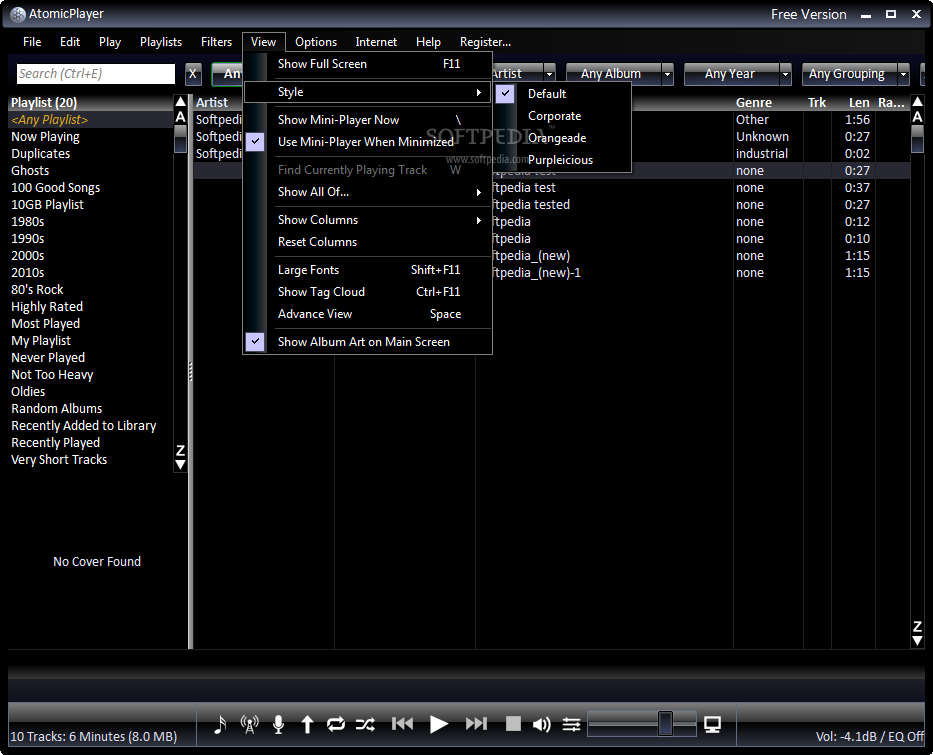
In the View menu you can customize the interface - switch to full screen mode, change style, use mini-player when minimized, select or rearrange columns, display large fonts, show tag cloud, or switch to advanced view.
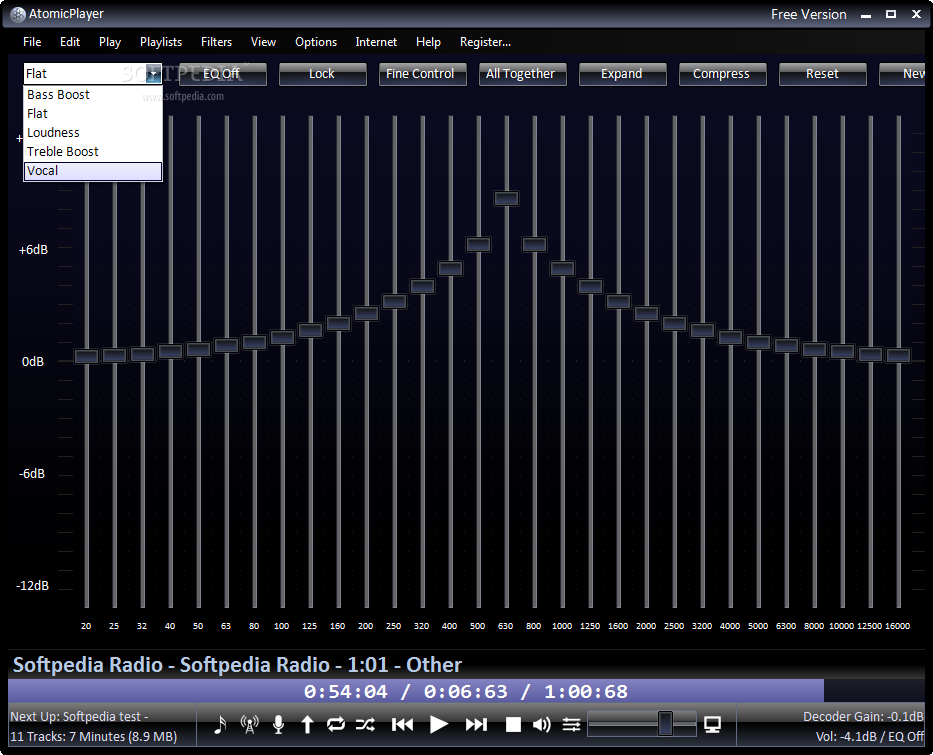
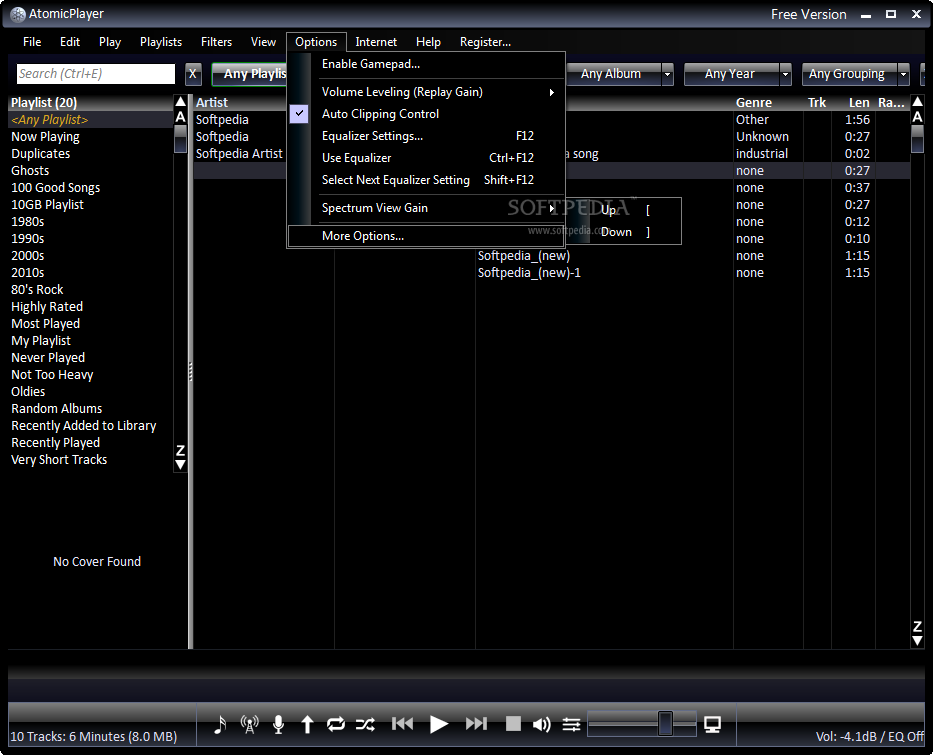
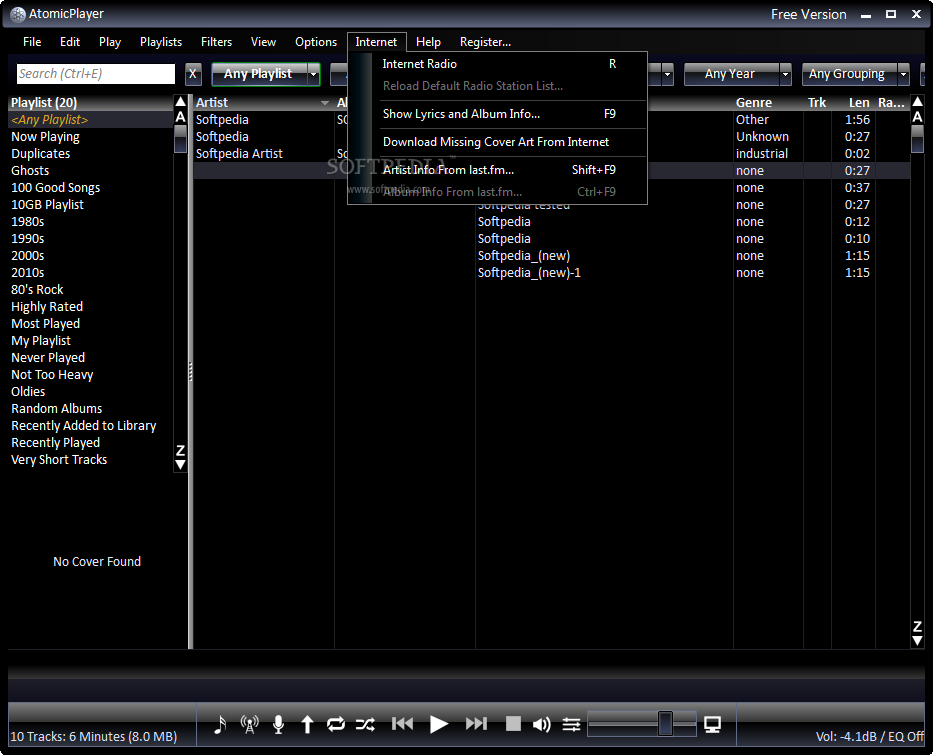
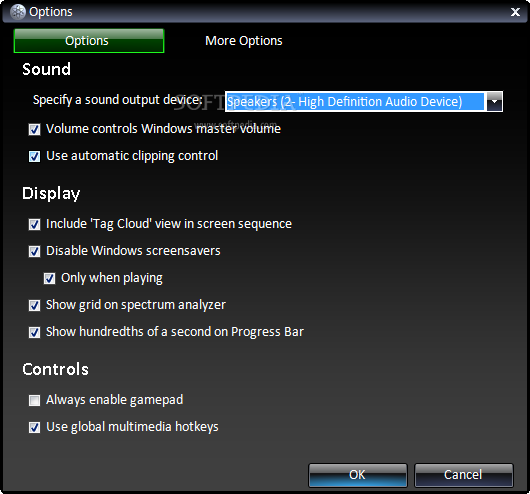
You can enable AtomicPlayer to remember selected playlist on exit, as well as enable gamepad, volume leveling, auto clipping control, configure equalizer settings, use global multimedia hotkeys and download missing cover art from the Internet. But you can also listen to Internet radio, send your listening history to Last.fm (i.e. scrobbling), and more.
The sound quality of music played in AtomicPlayer is remarkable. Also, if you were already listening to a song when you initialized the program, the volume automatically receives a boost by courtesy of AtomicPlayer.
AtomicPlayer is definitely worth a try if you're looking to try something other than conventional players. It uses a moderate amount of system resources and turns out to be an excellent application for music-listening purposes.
Download Hubs
AtomicPlayer is part of these download collections: AAC Player, WAV Players, Open MP3, Open AAC
AtomicPlayer 3.0.6.13
add to watchlist add to download basket send us an update REPORT- runs on:
-
Windows 10 32/64 bit
Windows 8 32/64 bit
Windows 7 32/64 bit
Windows Vista 32/64 bit - file size:
- 2.3 MB
- filename:
- atomicfreesetup.exe



- main category:
- Multimedia
- developer:
- visit homepage
Windows Sandbox Launcher

IrfanView

Context Menu Manager

Bitdefender Antivirus Free

4k Video Downloader

7-Zip

Microsoft Teams

Zoom Client

ShareX

calibre

- Zoom Client
- ShareX
- calibre
- Windows Sandbox Launcher
- IrfanView
- Context Menu Manager
- Bitdefender Antivirus Free
- 4k Video Downloader
- 7-Zip
- Microsoft Teams