
Evaluate your network traffic through detailed reports and real-time graphs to limit the bandwidth, calculate the Internet connection speed, spot hacker attempts and resolve connectivity issues. #Bandwidth monitor #Bandwidth usage #Network activity #Bandwidth #Network #Statistics

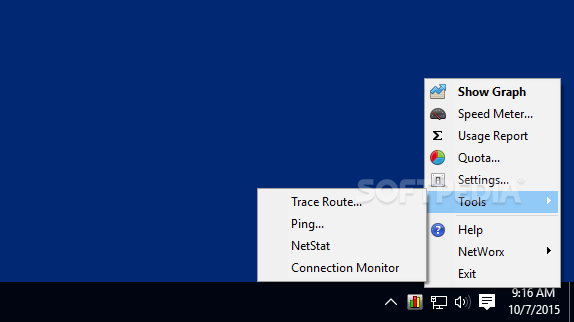
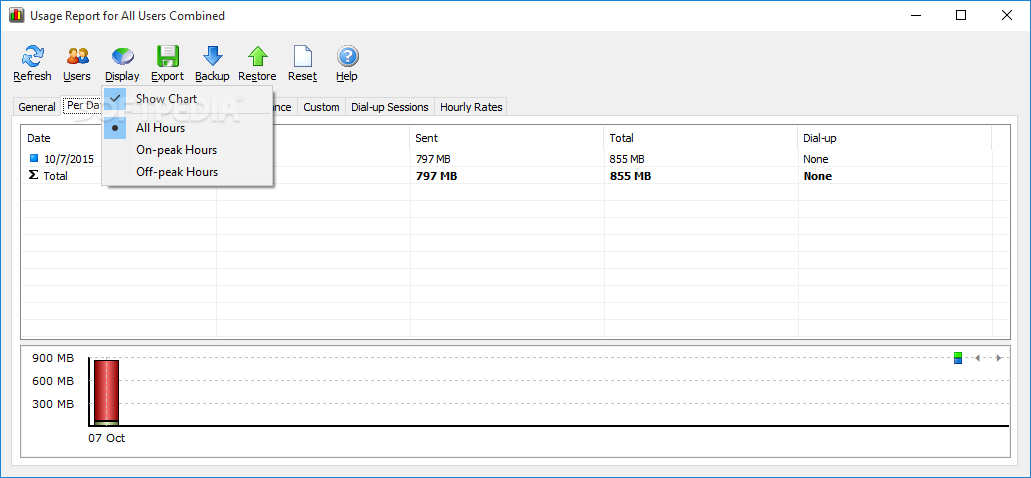
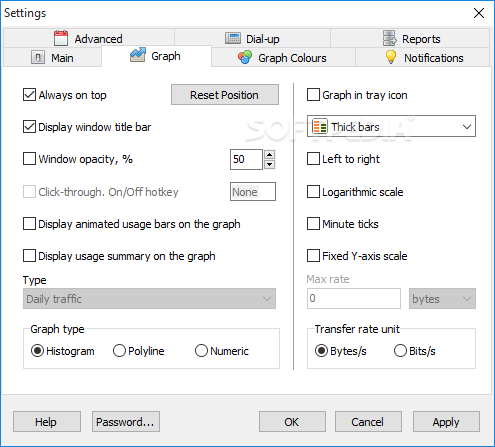
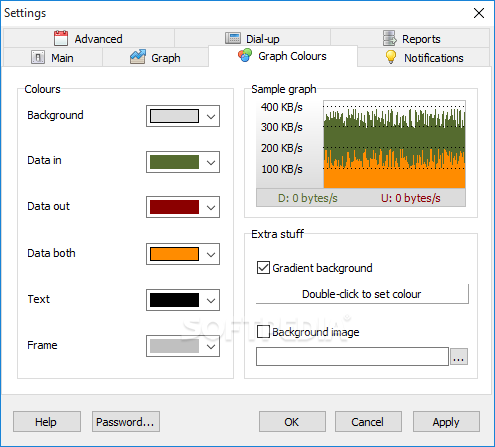
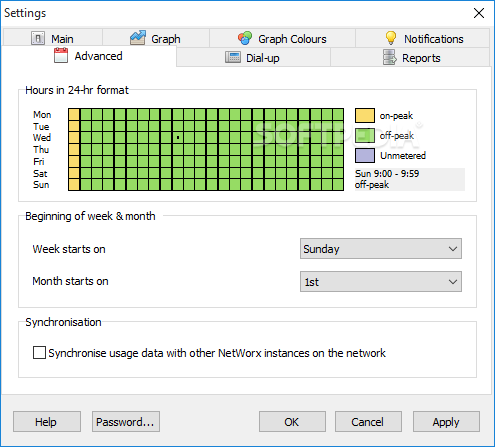
Maintaining a network connection running smoothly can sometimes be harder than it seems, and unless you have a good grasp of the elements that constitute the governing parameters of its quality and characteristics, such endeavors can be quite tricky. Learning more about a particular network can be a gateway into improving its functionality. NetWorx Portable is an application that aims to tackle such aspects, and it will provide users with specialized means for evaluating network traffic, performing analyses, and previewing detailed reports concerning bandwidth and other relevant information.
The application is being deployed as a portable package, which means that users will be able to rely on it on various devices, making the entire network monitoring and scanning process, far easier, especially when transitioning from one network to another.
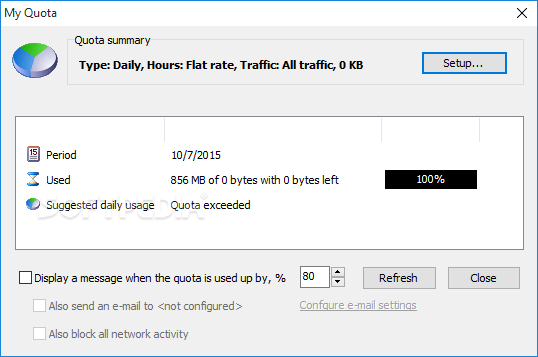
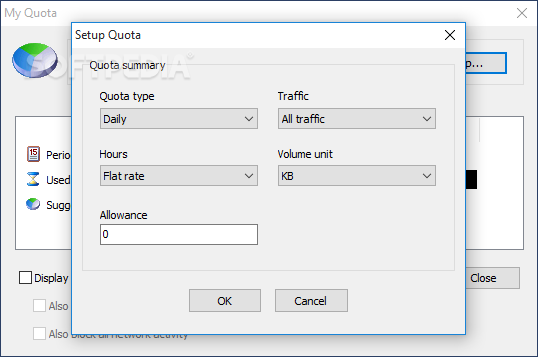
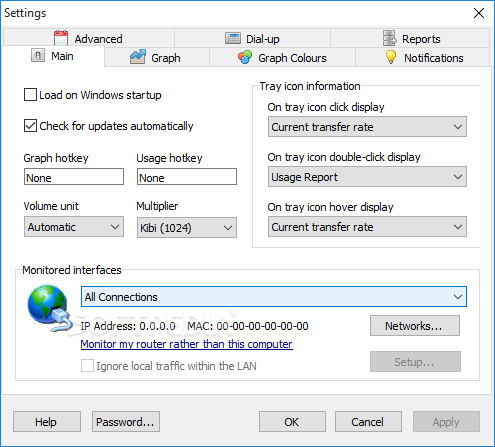
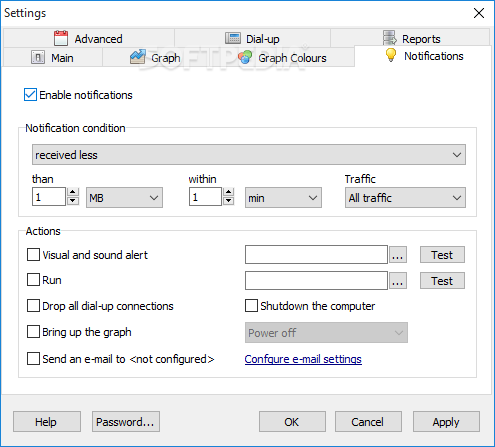
Right from the start, we appreciated the customizable alerts that are on offer, which allow users to easily determine which network fluctuations or suspect activity can trigger an alert-style notification.
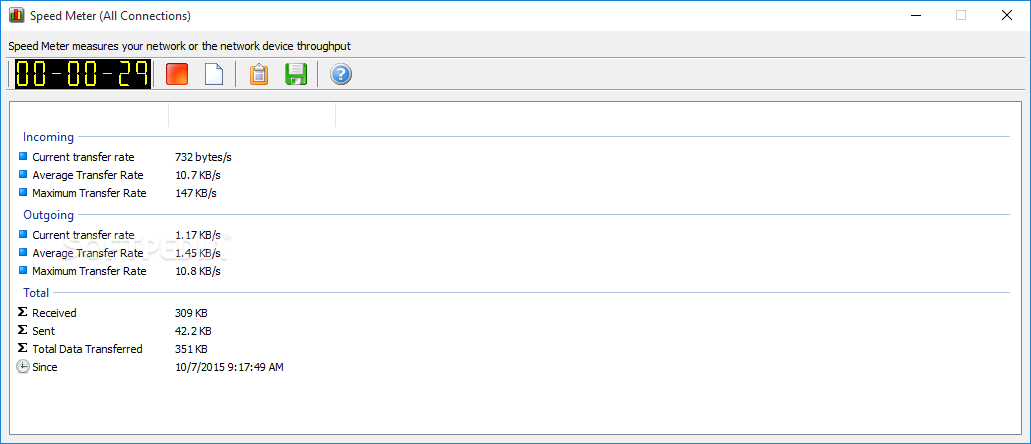
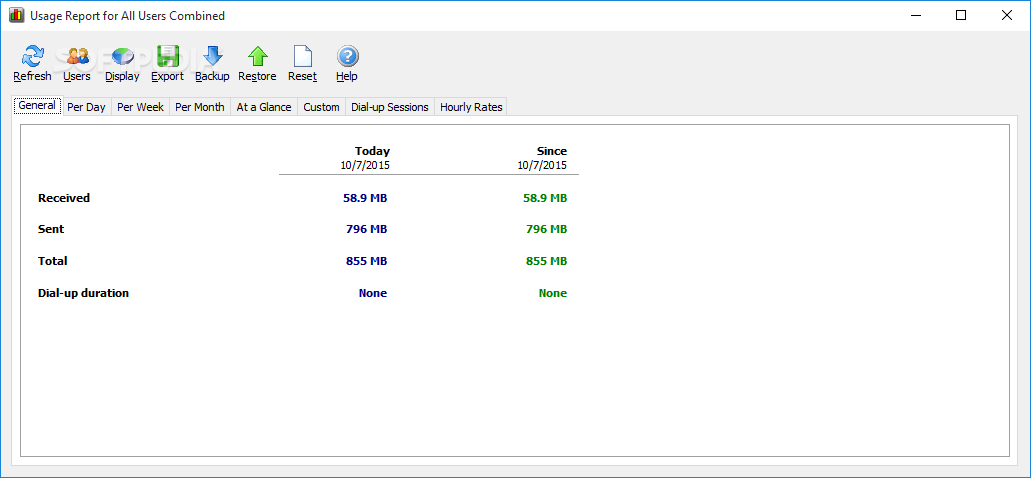
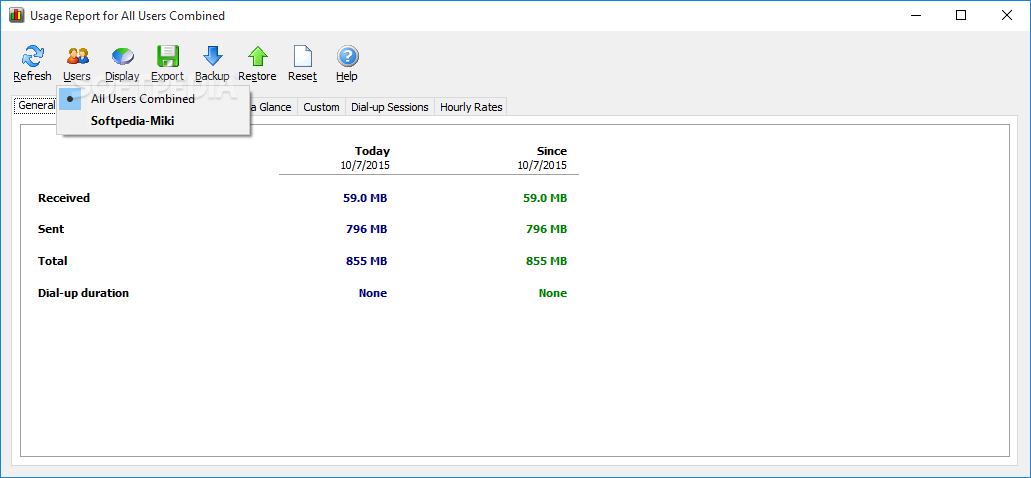
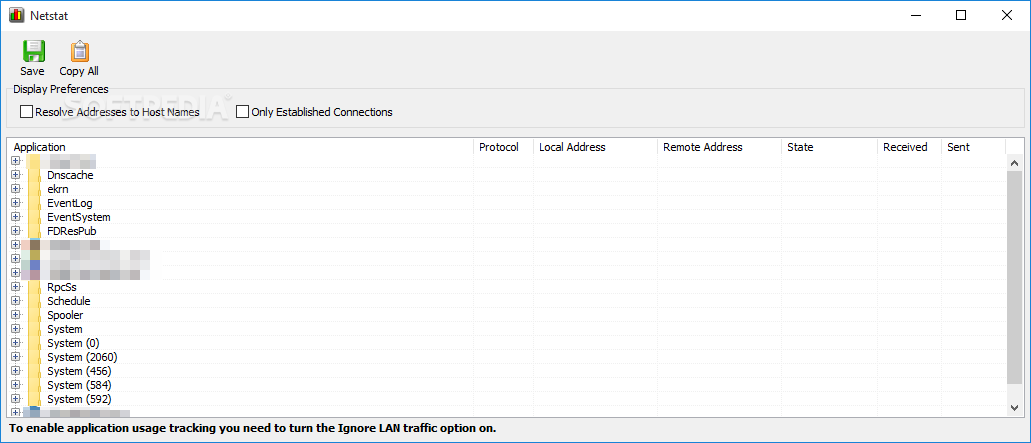
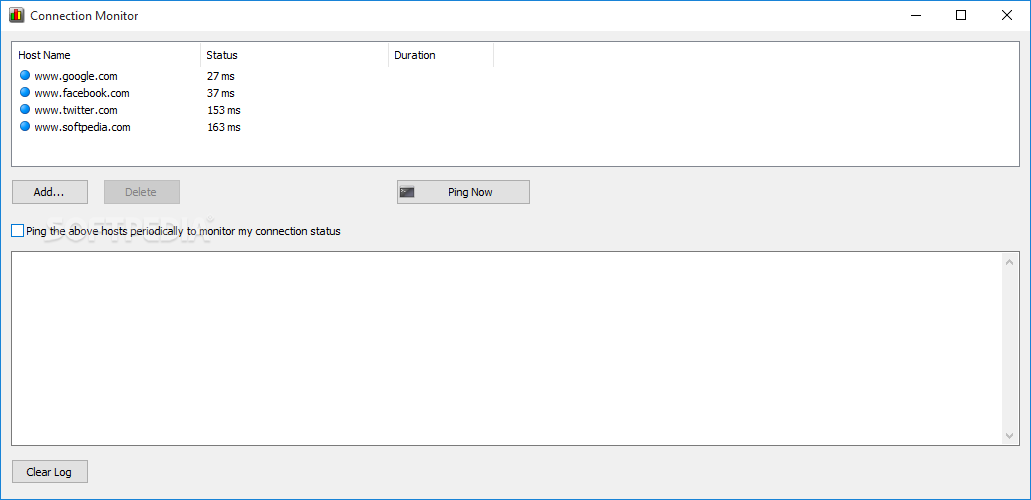
When it comes to the core functionality of NetWorx Portable, one will be able to monitor a wide range of parameters, pertaining to Internet speed, usage, tracing, and much more. The essential aspect of the monitoring and analysis process is that users will be able to create detailed reports from the findings.
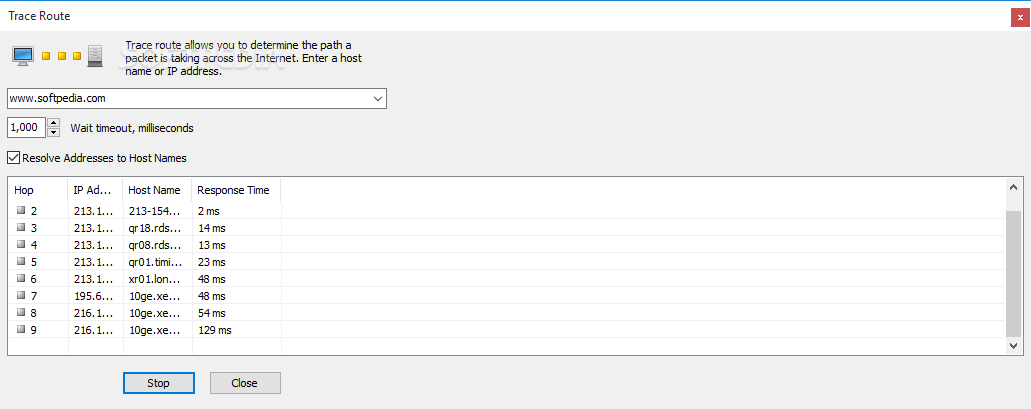
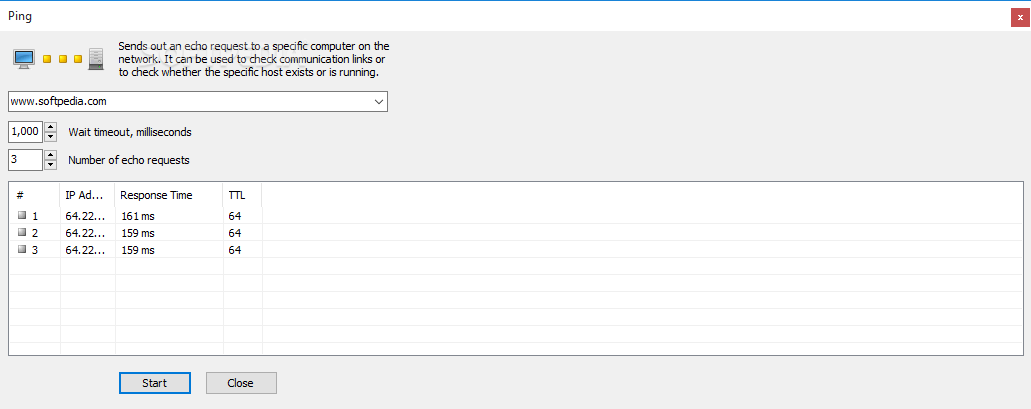
Aside from the aforementioned functionality, one will also be able to access a series of basic, but essential features for network interaction, such as a Trace Route and ping tool.
This application manages to offer a good insight into network connectivity, allowing users to better understand the characteristics and corresponding changes of their networks, all through a straightforward approach.
Download Hubs
NetWorx Portable is part of these download collections: Bandwidth Managers
What's new in NetWorx Portable 7.1.5:
- Added: Session time in the session usage popup.
- Improved: Per process data collection on macOS.
- Improved: Ability for notifications to play audio files.
- Improved: Locking the graph and dynamic tray icon on Linux.
NetWorx Portable 7.1.5
add to watchlist add to download basket send us an update REPORT- portable version
- This is the portable version of the application. An installable version is also available: NetWorx
- runs on:
-
Windows 11
Windows Server 2022
Windows Server 2019
Windows Server 2016
Windows 10 32/64 bit
Windows Server 2012
Windows 2008 R2
Windows 8 32/64 bit
Windows 7 32/64 bit - file size:
- 7.2 MB
- filename:
- networx_portable.zip

- main category:
- Portable Software
- developer:
- visit homepage
Zoom Client

calibre

Windows Sandbox Launcher

paint.net

Microsoft Teams

Bitdefender Antivirus Free

7-Zip

4k Video Downloader

ShareX

IrfanView

- 4k Video Downloader
- ShareX
- IrfanView
- Zoom Client
- calibre
- Windows Sandbox Launcher
- paint.net
- Microsoft Teams
- Bitdefender Antivirus Free
- 7-Zip