Softpedia
 

WINDOWS CATEGORIES:


GLOBAL PAGES >>
SOFTPEDIA REVIEWS >>
MEET THE EDITORS >>
WEEK'S BEST
  • Sticky Password FR...
  • Parallels Workstat...
  • ESET NOD32 Antivir...
  • BitDefender Total ...
  • WinPatrol 24.6.201...
  • PerfectDisk Free D...
  • Adobe Photoshop CS...
  • PerfectDisk Profes...
  • Windows 8 Consumer...
  • Atlantis Word Proc...
  • Home > Windows > Multimedia > Audio > Other AUDIO Tools
     Report malware

    Ashampoo Music Studio 3 3.51.0

    download button

    Part of the Rip Audio CD download hub
    Downloads: 8,166  Tell us about an update
    User Rating:
    Rated by:
    Good (3.6/5)
    38 user(s)
    Developer:

    License / Price:

    Size / OS:

    Last Updated:

    Category:

    Ad-supported / USD 29.99 buy button
    25.9 MB / Windows 2K / XP / Vista / 7
    [view history]
    C: \ Multimedia \ Audio \ Other AUDIO Tools

     Read user reviews (2)  Send to friend   Follow (2 users)

    Ashampoo Music Studio 3 description

    The complete digital music solution: Rip, edit, convert, record, repair and burn!

    Do you like music? Do you use a computer? Then you need Ashampoo Music Studio 3. Ashampoo Music Studio has been a favorite of digital music fans and the latest version now includes everything you need to create, edit and manage your digital music collection. And using it is nearly as simple as operating a CD player.

    Ashampoo Music Studio 3 at a glance:

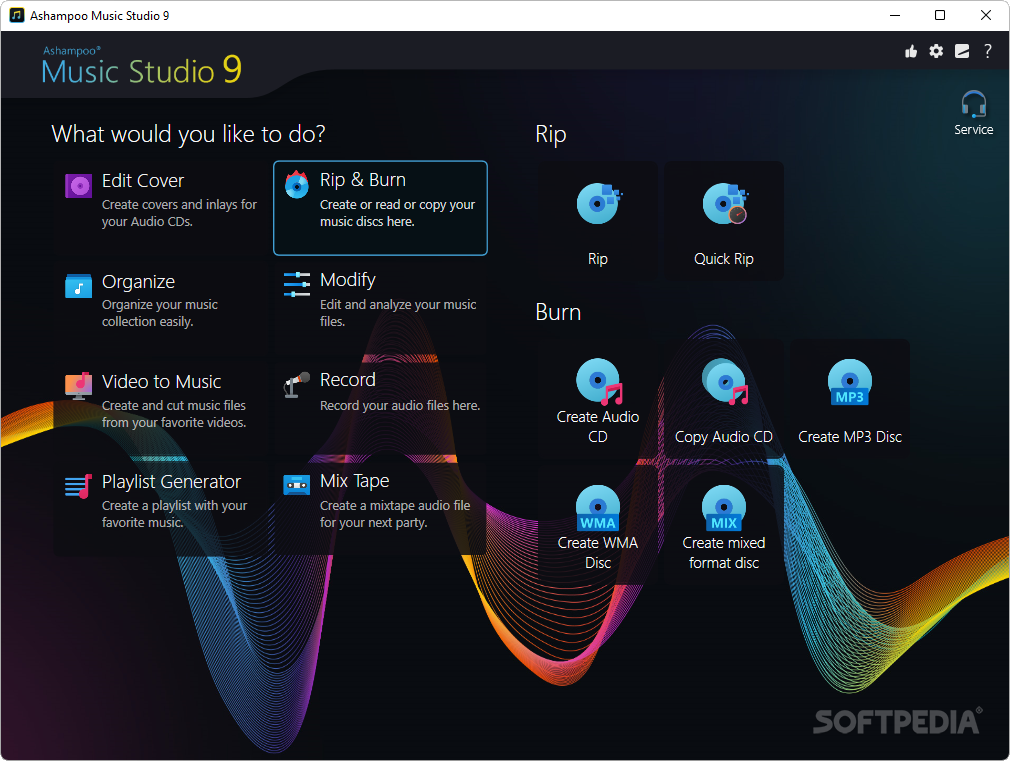
    Rip CDs: You can rip (copy) tracks from audio CDs directly to the format of your choice (WMA, MP3, Ogg, FLAC and WAV).

    Import CD data: Automatically import album, title and track details for your audio CDs from an online database.

    Playlists: Import external playlists in M3U, PLS, ASX, P4U and WPL formats.
    Burn: Burn your playlists to regular audio CDs or Data CDs, DVDs or Blu-ray discs containing digital audio tracks in single or mixed formats.

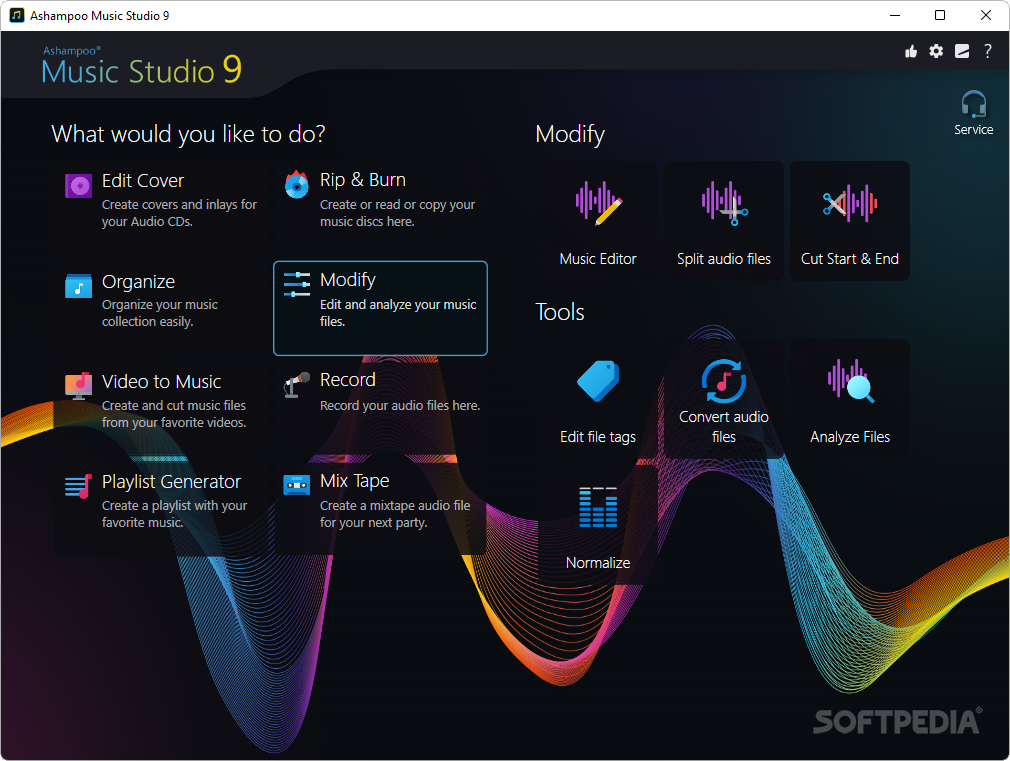
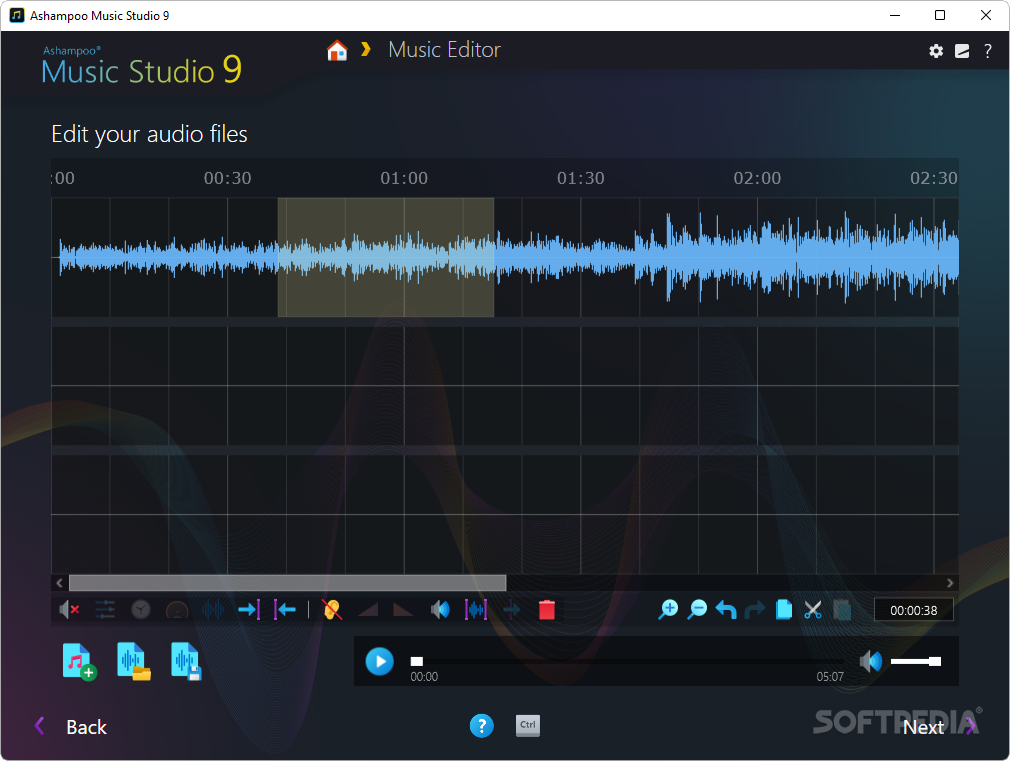
    Edit: Edit your audio tracks. Change the title, artist etc. Convert your tracks to other formats. Cut, mix and modify your tracks. Fade in, fade out, mix, crossfade, change volume, insert silence etc. Normalize volume levels.

    Record: Record directly from all your sound card inputs (microphone, line in etc.) and store the tracks directly as WMA, MP3, Ogg, FLAC or WAV files.
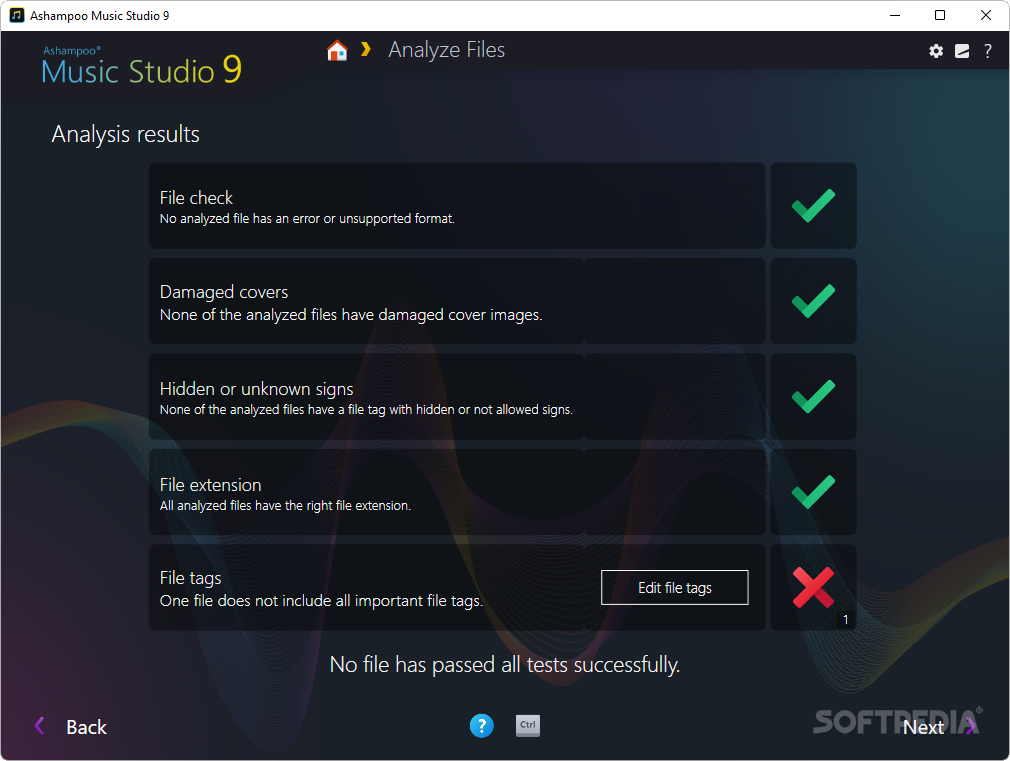
    Repair: Find, move and repair damaged digital audio files.

    Here are some key features of "Ashampoo Music Studio 3":

    · Multi-format CD ripping: You can now rip tracks directly from audio CDs to WMA, MP3, Ogg, FLAC or WAV files. The files are stored directly while you are ripping, no conversion needed.

    · Audio recording: Record directly from any audio source (microphone, aux, line in etc.) to WMA, MP3, Ogg, FLAC or WAV files. Here too, the files are stored directly as you record. You can also record from multiple sources at the same time using the Windows mixer.

    · File organization: You can now rename multiple audio files using patterns like %artist% - %title%. You can also use the feature to move files to specified folders. These features are great for organizing your music collection.

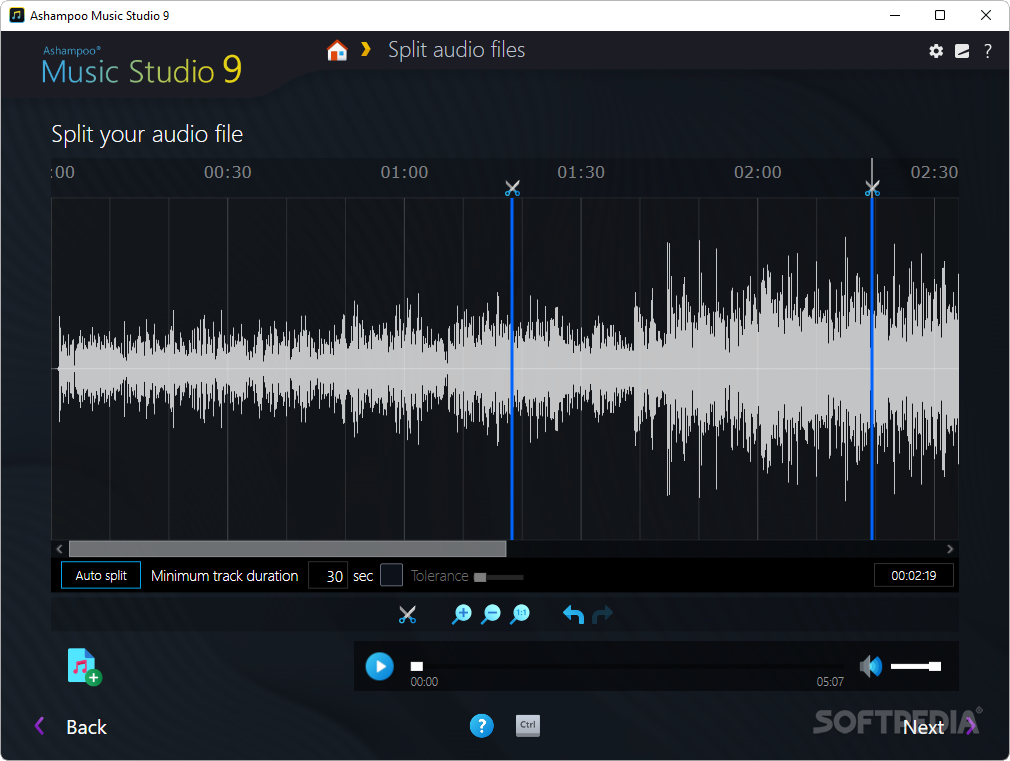
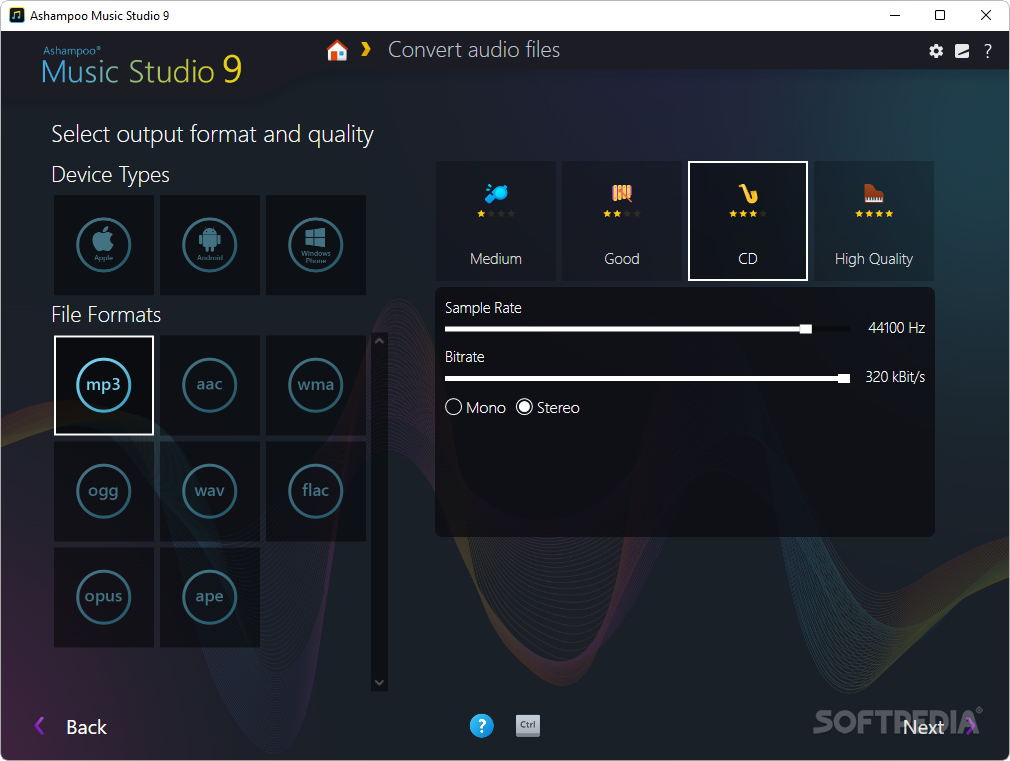
    · Audio file editing: Extensive new audio editing features. You can convert audio tracks to different formats and quality settings. You can cut, mix and modify your tracks as you like. You can normalize the volume of your tracks to a standard level. You can add effects like fade in and fade out. You can mix tracks and add crossfades. You can change the volume. You can insert silence or replace sound with silence. You can insert split markers to cut long audio files into manageable pieces.

    · CD, DVD and Blu-ray burning: The program's burning features have been further improved. In addition to burning audio and MP3 CDs you can now burn DVDs and Blu-ray discs with audio files. Here too, you can use all the formats supported by the program (WMA, MP3, Ogg, FLAC, and WAV) and you can also burn mixed-format CDs, DVDs and Blu-ray discs.

    · Extended playlist import support: You can now also import playlists from WinAmp M3U, PLS, ASX, P4U and WPL formats.

    · Improved damaged file repair features: The program can find, repair and move damaged audio files in all the following formats: MP3, Ogg, FLAC, WAV. Ashampoo Music Studio 3 runs under Windows� 2000 and XP.

    Limitations:

    · 30 days evaluation period

    What's New in This Release: [ read full changelog ]

    · Multi-format CD ripping: You can now rip tracks directly from audio CDs to WMA, MP3, Ogg, FLAC or WAV files. The files are stored directly while you are ripping, no conversion needed.
    · Audio recording: Record directly from any audio source (microphone, aux, line in etc.) to WMA, MP3, Ogg, FLAC or WAV files. Here too, the files are stored directly as you record. You can also record from multiple sources at the same time using the Windows mixer.
    · File organization: You can now rename multiple audio files using patterns like %artist% - %title%. You can also use the feature to move files to specified folders. These features are great for organizing your music collection.
    · Audio file editing: Extensive new audio editing features. You can convert audio tracks to different formats and quality settings. You can cut, mix and modify your tracks as you like. You can normalize the volume of your tracks to a standard level. You can add effects like fade in and fade out. You can mix tracks and ...

    Users are advised to pay attention while installing this ad-supported application:

    · Offers to change the homepage for web browsers installed in the system
    · Offers to change the default search engine for web browsers installed in the system
    · Offers to install MyAshampoo Toolbar that the program does not require to fully function


    TAGS:

    audio encoder | audio CD ripper | music conveter | ripper | encoder | converter


    HTML code for linking to this page:


    Go to top

    WindowsGamesDriversMacLinuxScriptsMobileHandheldNews

    SUBMIT PROGRAM   |   ADVERTISE   |   GET HELP   |   SEND US FEEDBACK   |   RSS FEEDS   |   UPDATE YOUR SOFTWARE   |   ROMANIAN FORUM