
Automatically displays synchronized lyrics for songs played in Winamp, Windows Media Player, iTunes, RealPlayer, foobar2000 and other apps. #View lyrics #Synchronize lyrics #Display lyrics #Lyrics #Viewer #Synchronizer

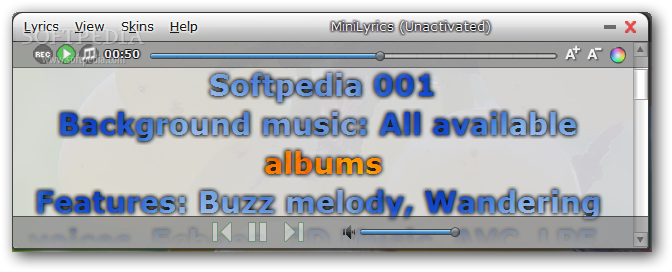
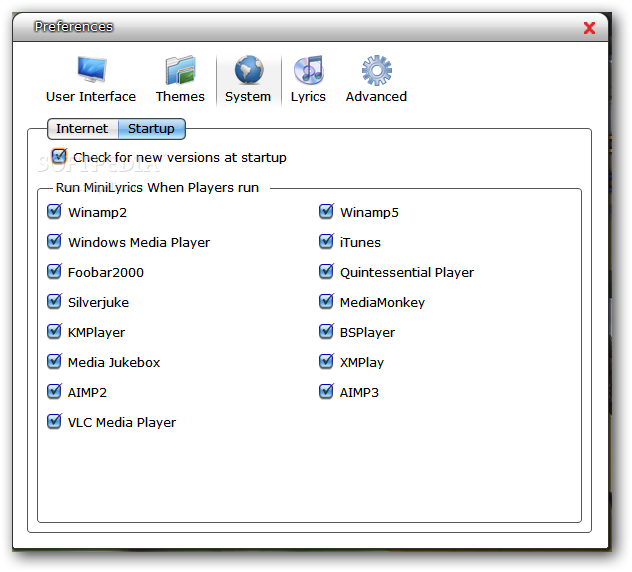
Minilyrics is a tool that integrates into Winamp, Windows Media Player, iTunes, RealPlayer, foobar2000 and VLC Media Player (to name a few) in order to automatically display lyrics for songs.
During the installation process, you have to choose one or several media players, so that Minilyrics can install a supported plugin.
For instance, we chose VLC Media Player. Unfortunately, there are no guidelines to show how you are supposed to activate Minilyrics. In VLC, you have to go to Preferences, view all settings, go to Control Interfaces, and here you must enable Minilyrics, after which you have to restart VLC.
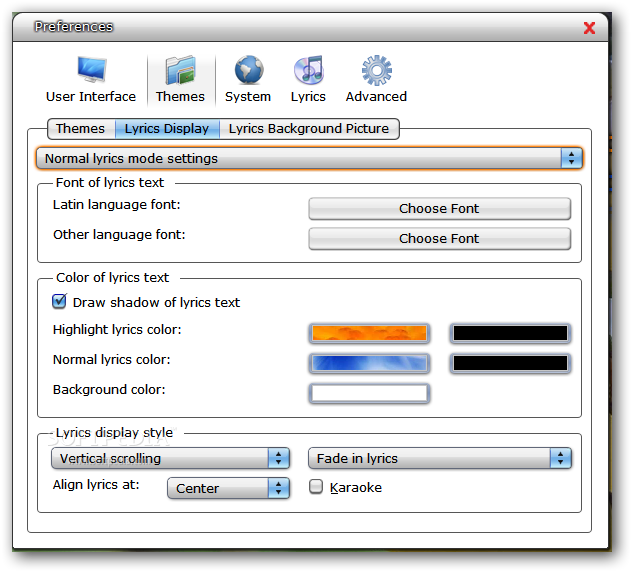
The interface of Minilyrics is completely customizable, so you can select from several skins - Fantasy, iTunes Mode, Windows 7, Metal, Modern, and several others.
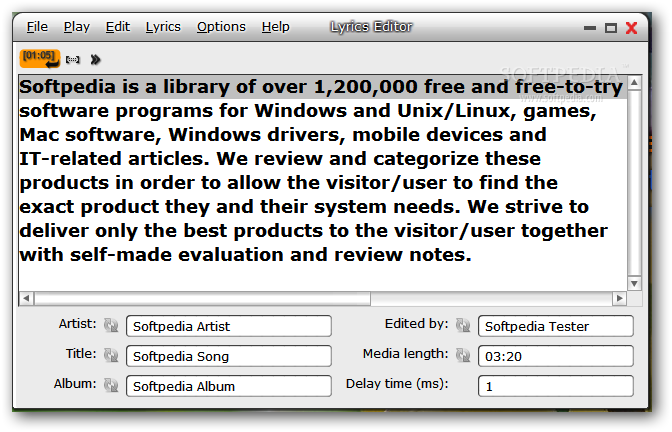
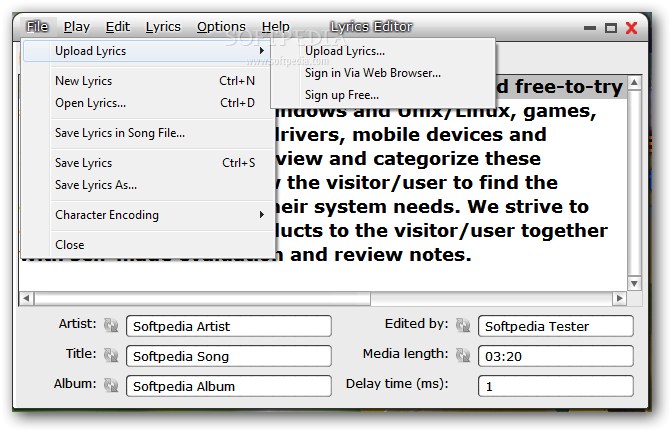
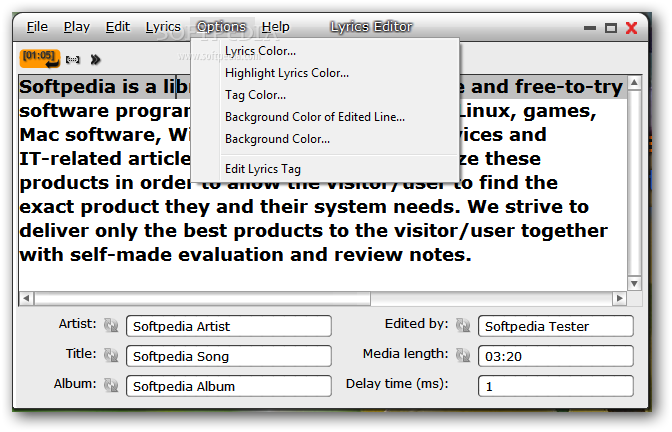
Once you load a music file, Minilyrics automatically searches for the correspondent lyrics within its database. It is very likely that some of the lyrics will not turn out accurate, but there is the possibility to correct them in an editor, thanks to the tool.
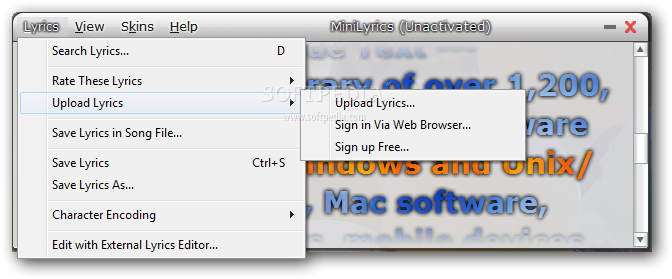
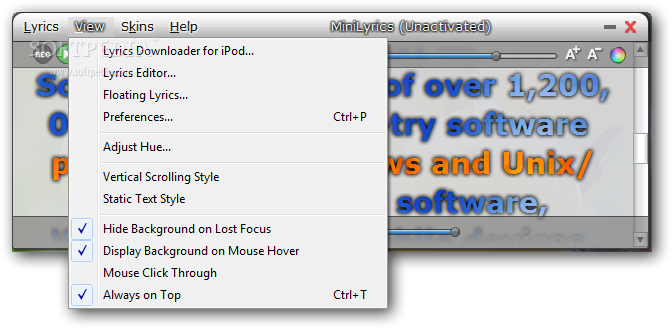
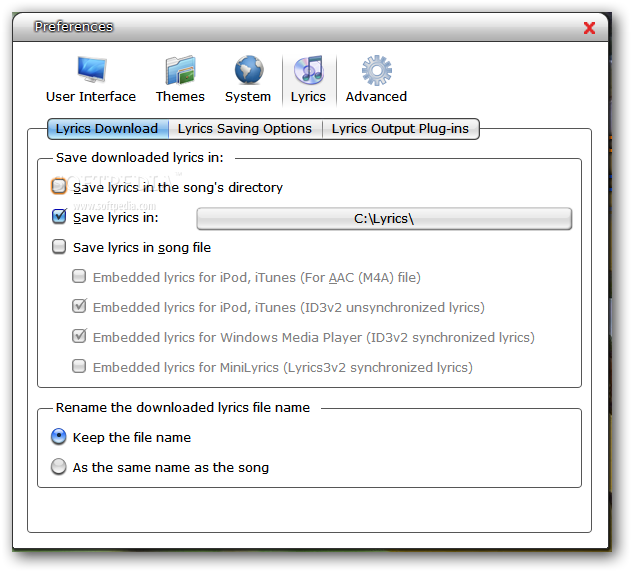
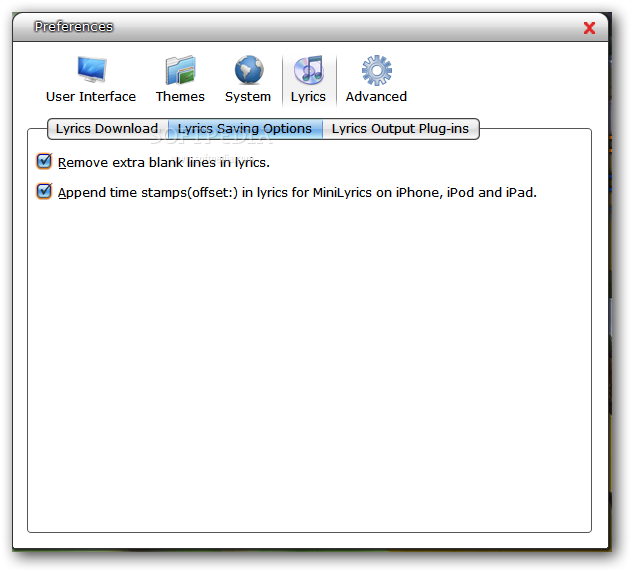
It is possible to rate and upload lyrics, save them as an LRC file, select the character encoding method, select either the lyrics floating or bar mode, edit display options when it comes to the hue level, enable mouse click-through and karaoke display mode, as well as select vertical or horizontal scrolling, double or single line, static text, or movie subtitle style.
Evaluation and conclusion
The application uses a small amount of CPU and memory, so it does not put a strain on PC performance. We have not come across any type of issues throughout our tests, since the tool did not hang, crash or pop up error messages. Overall, Minilyrics is definitely a fun way to break the ice at any party.
Download Hubs
Minilyrics is part of these download collections: Lyrics Managers, Winamp Tweaks
What's new in Minilyrics 7.7.49:
- Free License
Minilyrics 7.7.49
add to watchlist add to download basket send us an update REPORT- runs on:
-
Windows 8
Windows 7 32/64 bit
Windows Vista 32/64 bit
Windows XP - file size:
- 2 MB
- filename:
- MiniLyrics.exe




- main category:
- Multimedia
- developer:
ShareX

IrfanView

Bitdefender Antivirus Free

Microsoft Teams

7-Zip

Windows Sandbox Launcher

calibre

4k Video Downloader

paint.net

Zoom Client

- 4k Video Downloader
- paint.net
- Zoom Client
- ShareX
- IrfanView
- Bitdefender Antivirus Free
- Microsoft Teams
- 7-Zip
- Windows Sandbox Launcher
- calibre