
Record audio and MIDI files, apply a wide range of special effects (e.g. chorus, compression, echo, EQ), mix down the audio streams to stereo, as well as edit songs. #Audio mixer #Mix audio tracks #Audio recorder #Mix #Mixer #Recorder
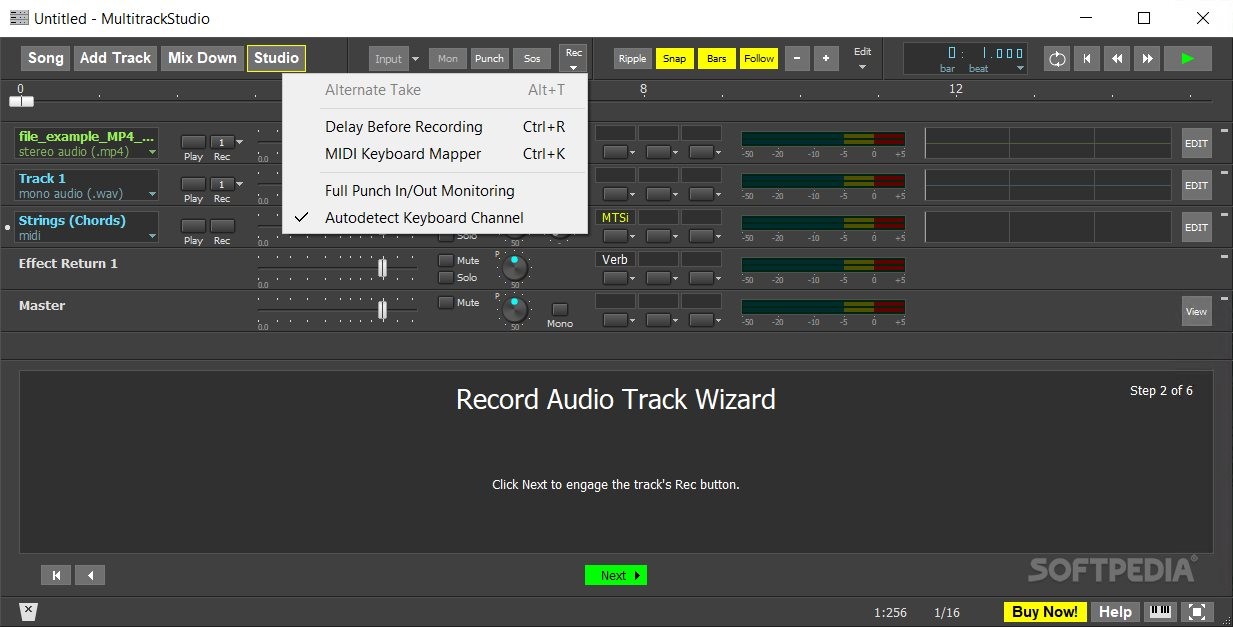
MultitrackStudio Lite is a cute application that offers some cool music editing and sound merging effects, all from within a customizable interface, with intuitive design and specific commands.
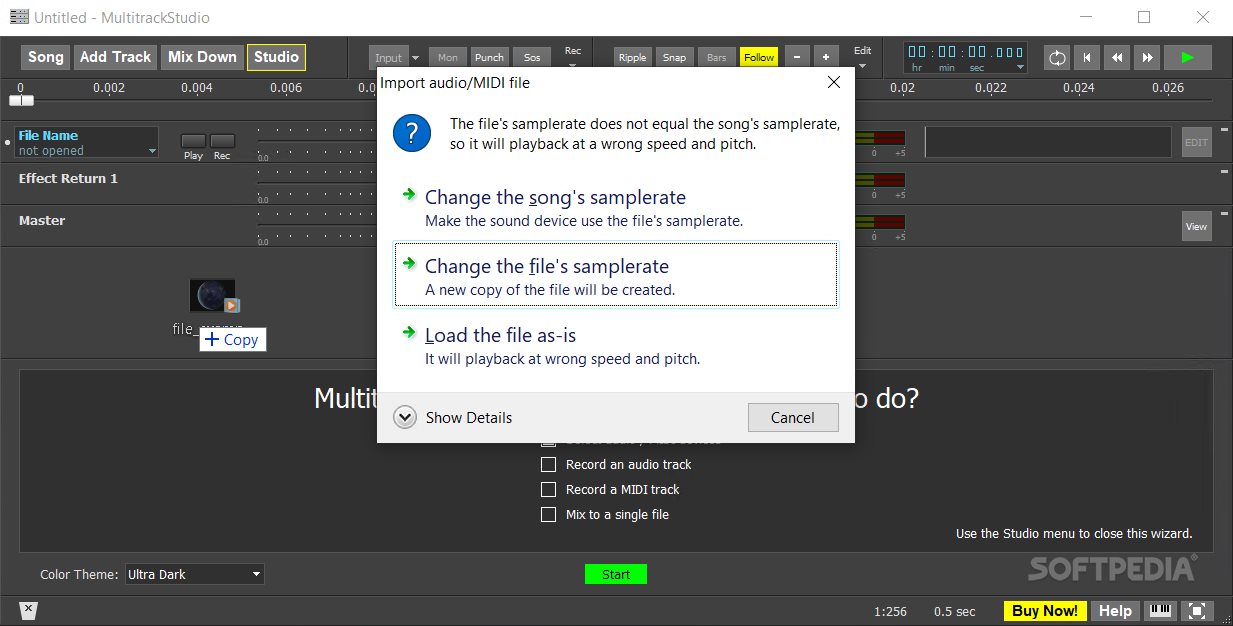
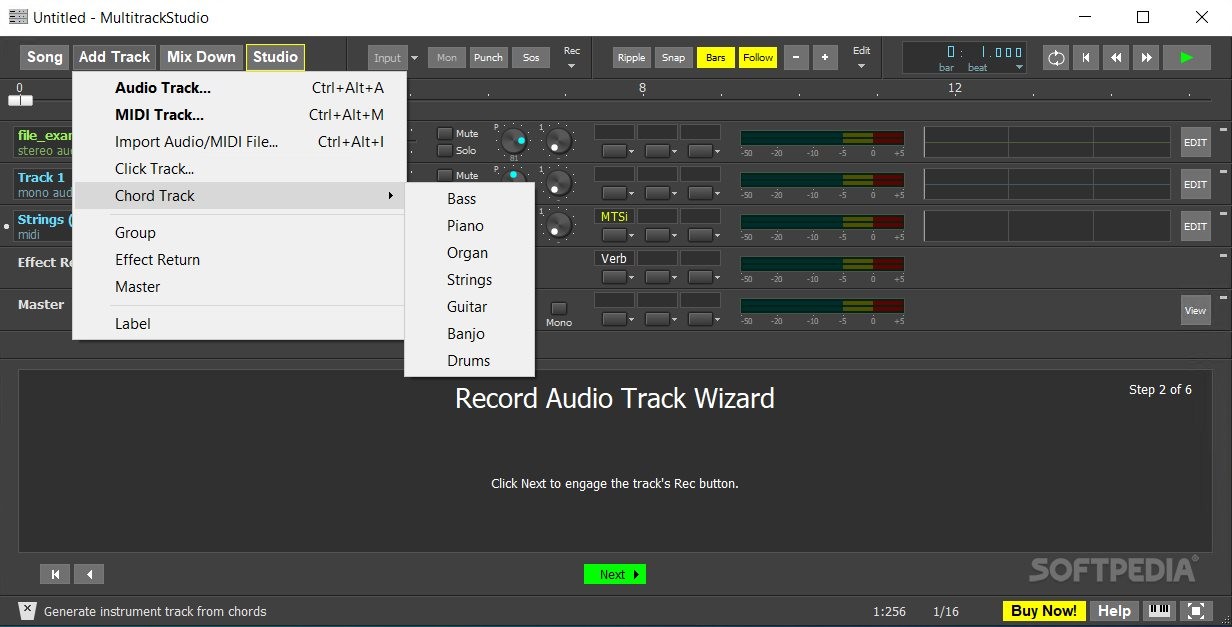
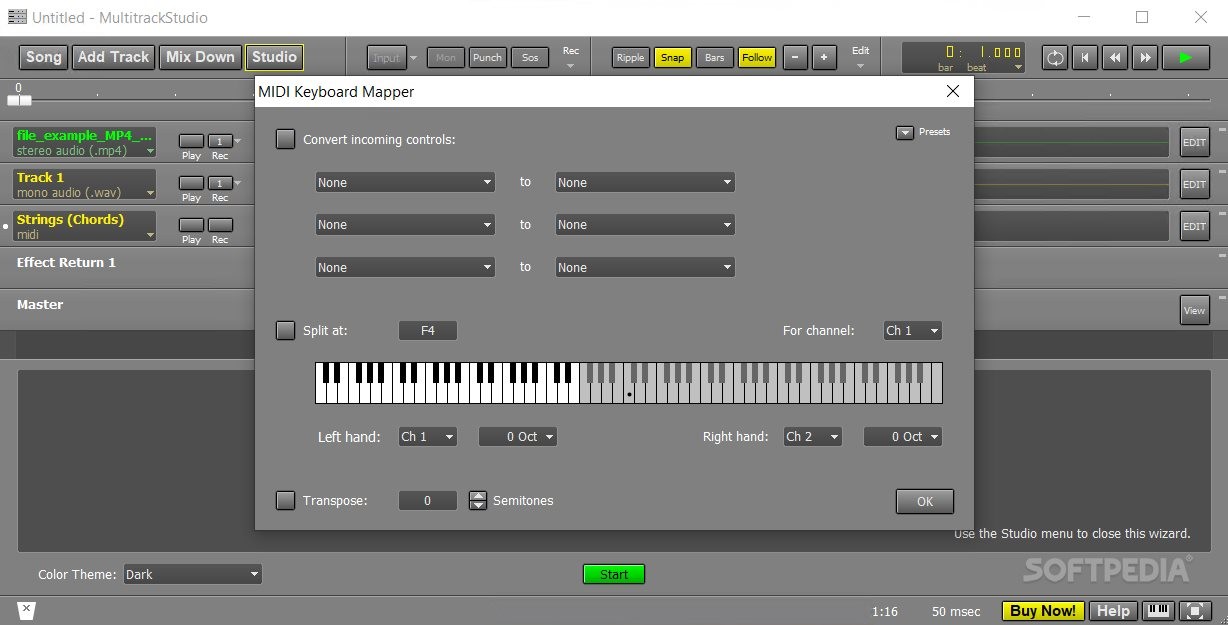
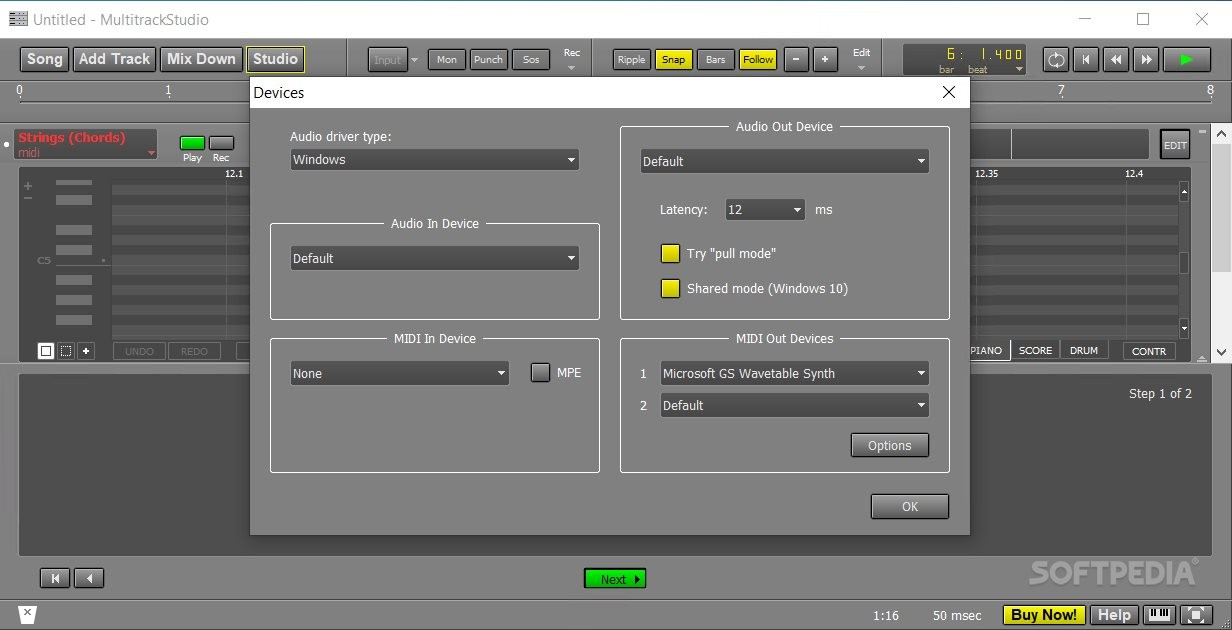
With MultitrackStudio Lite, you can add on or more tracks and start playing with them, in alternative ways. For example, you can record new tracks while concomitantly you are playing along with other tracks. The tool supports both audio (mono and stereo) and MIDI track input and output.
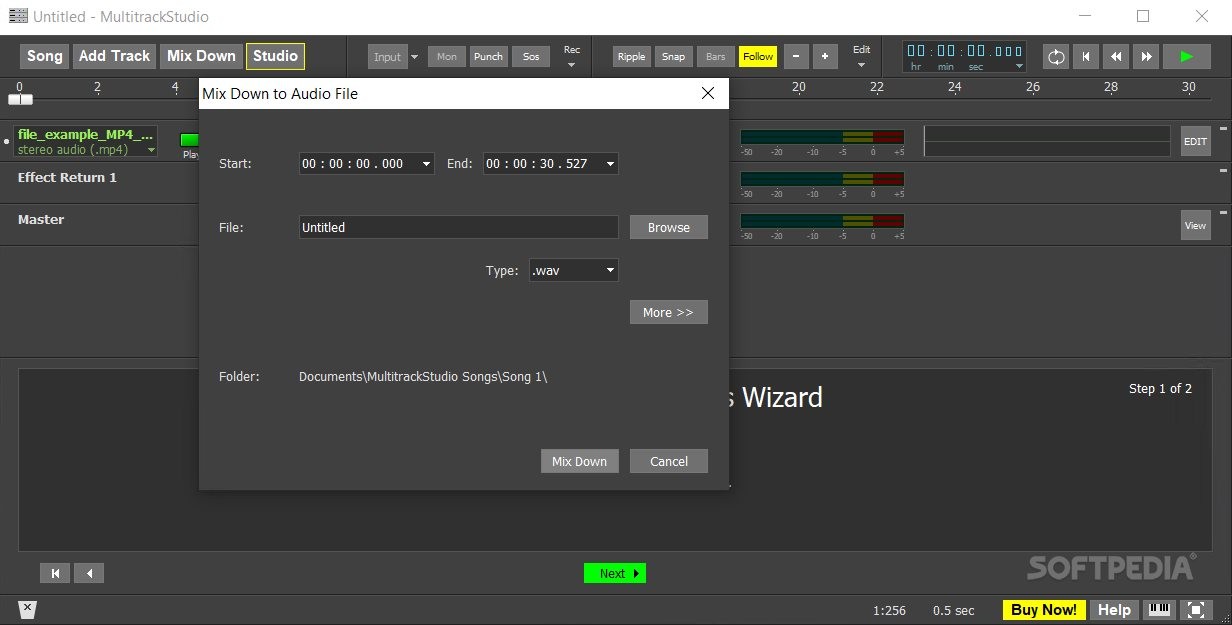
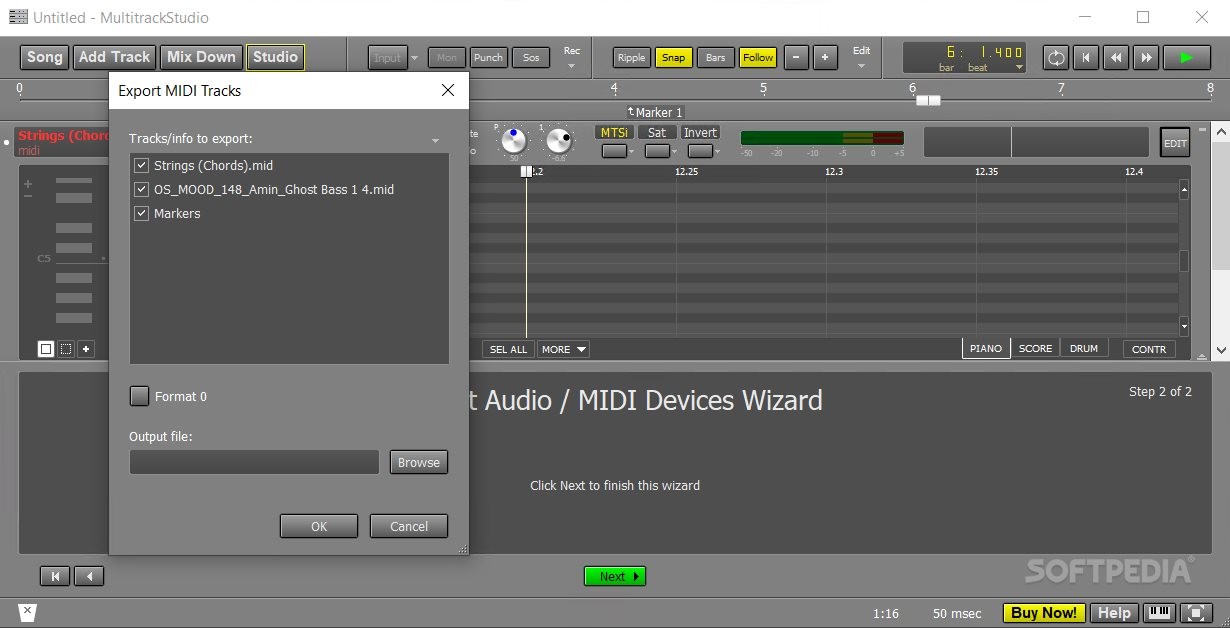
With this app, you can also edit songs, mix the tracks, apply varied sound effects, or add MIDI insertions from instruments that you don't physically own/can record. When editing songs, specific tracks, or groupings of items, you can create an unlimited number of group instances, configure real-time output (via Route Group or Effect Return), or save song versions (like version control for coding).
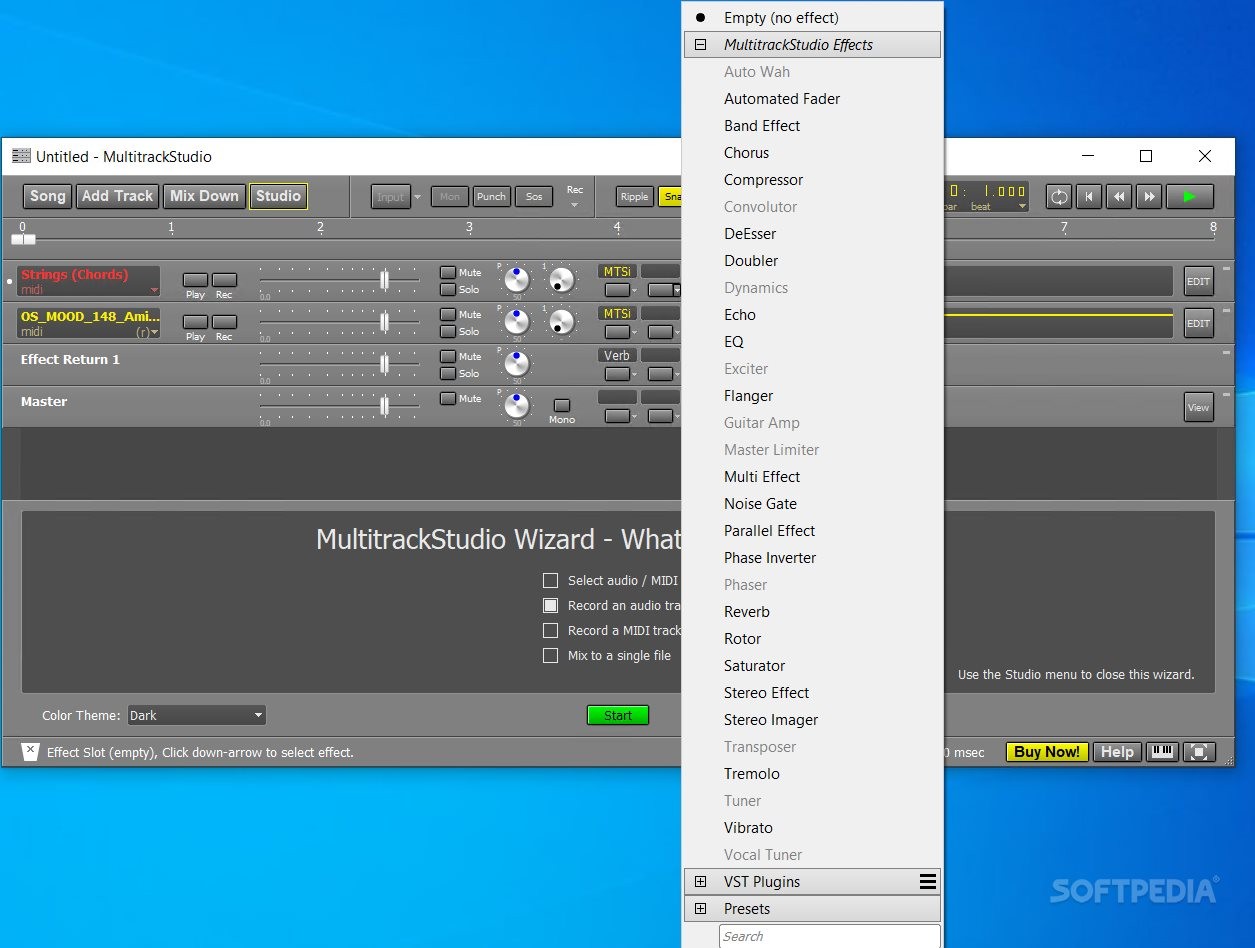
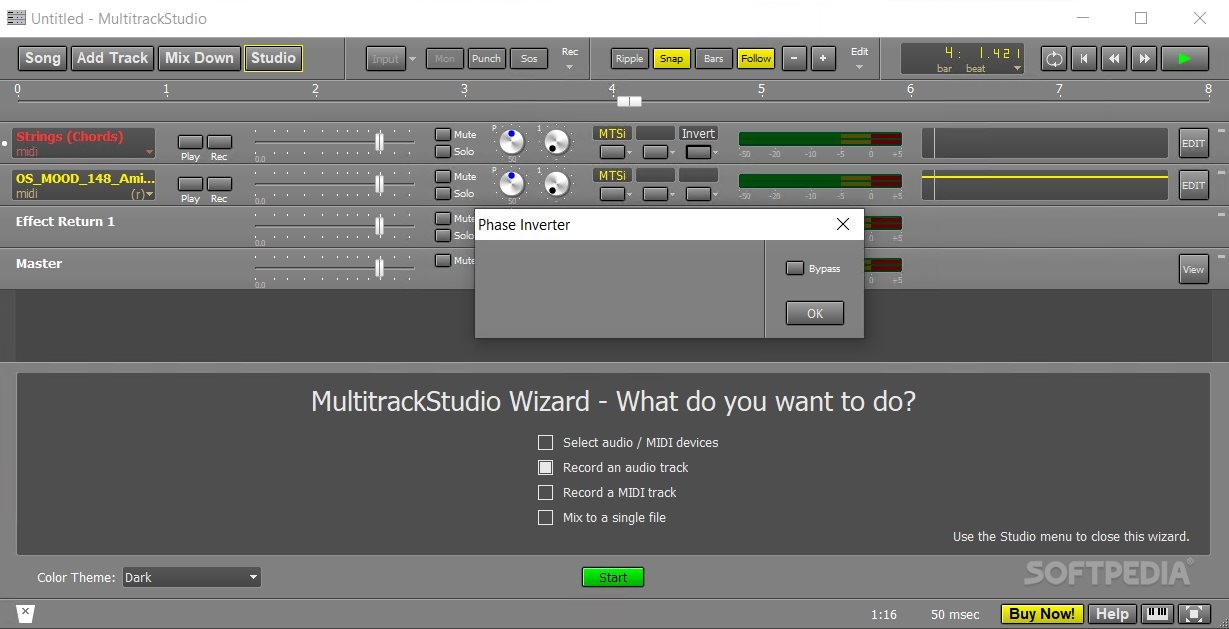
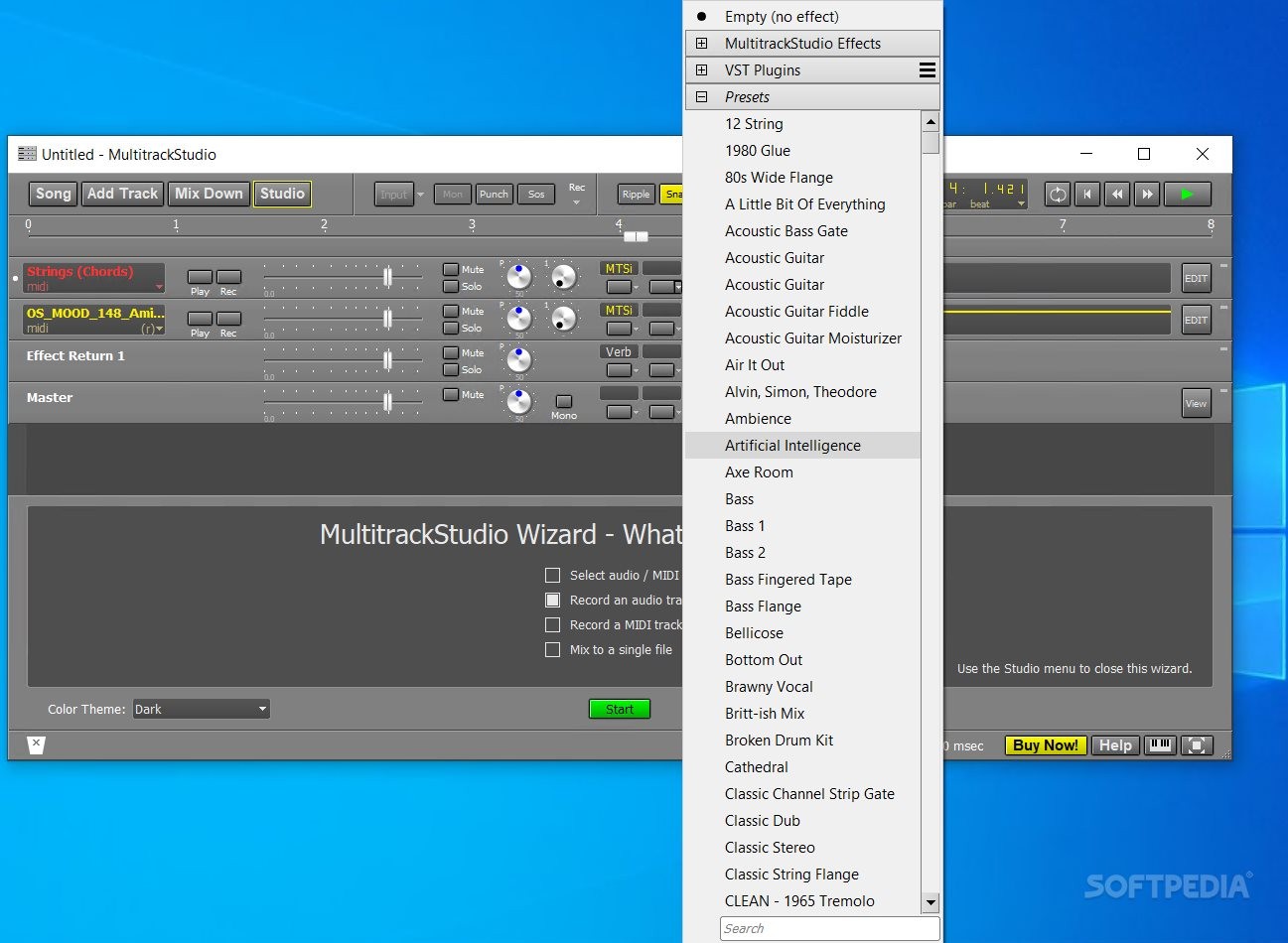
On top of this, you can apply over 25 sound effects for generating the most qualitative results and edits (you can check all the available sound effects here). The program allows you to use VST/AU (Mac) plugins, and even use sidechaining production techniques on your compositions.
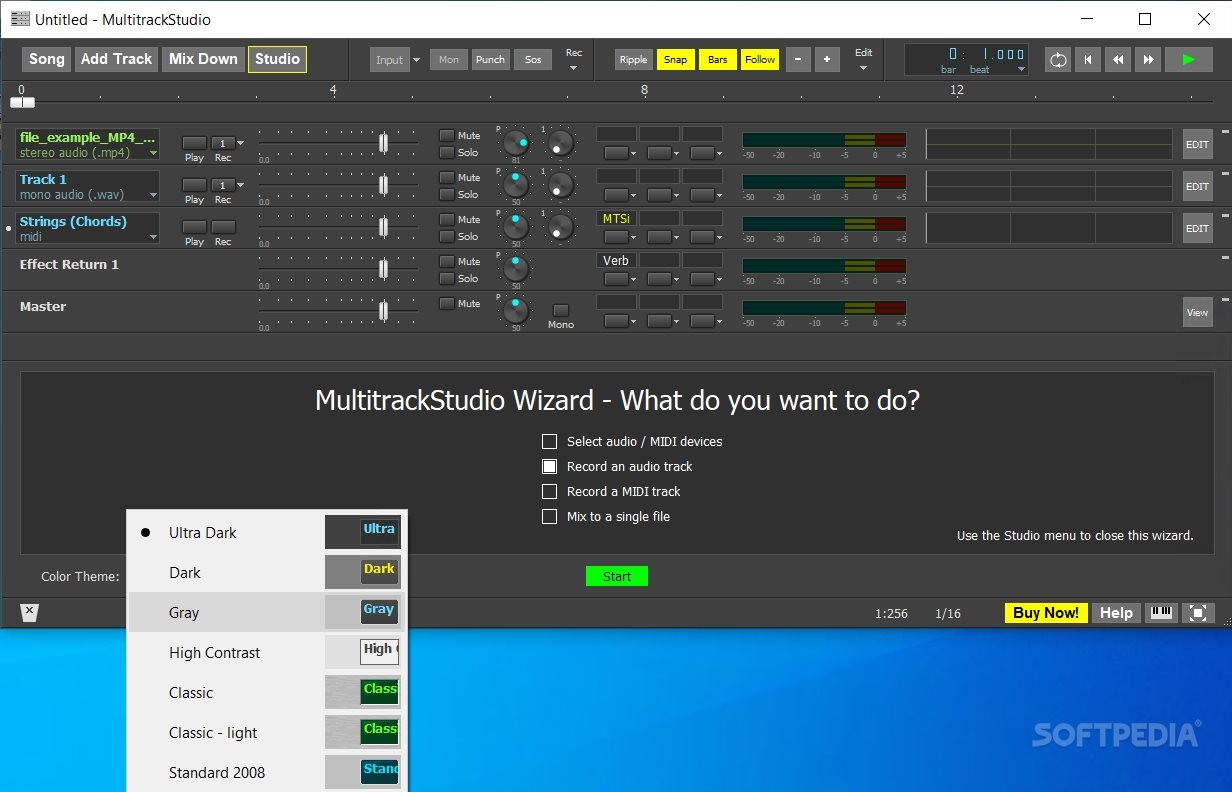
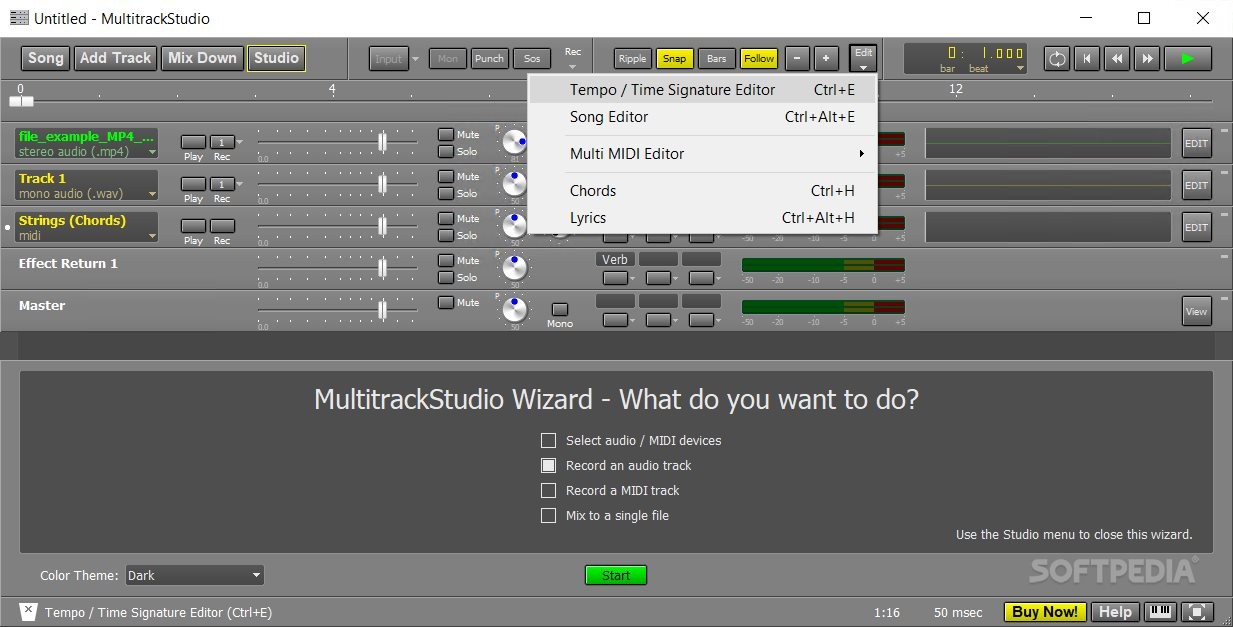
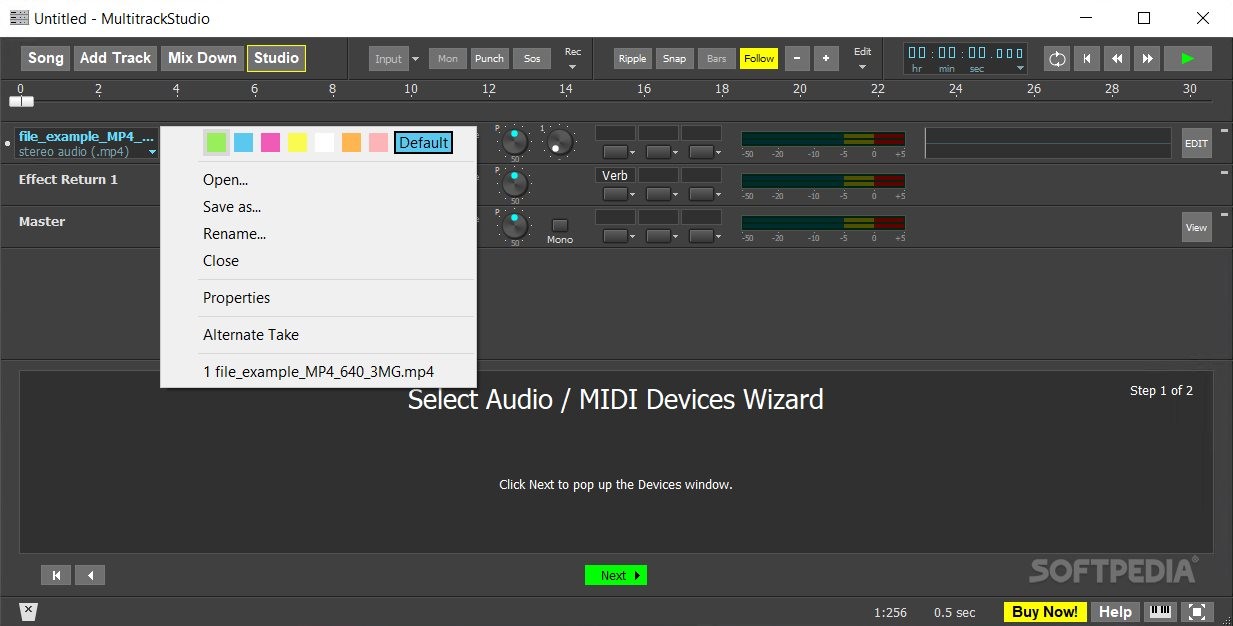
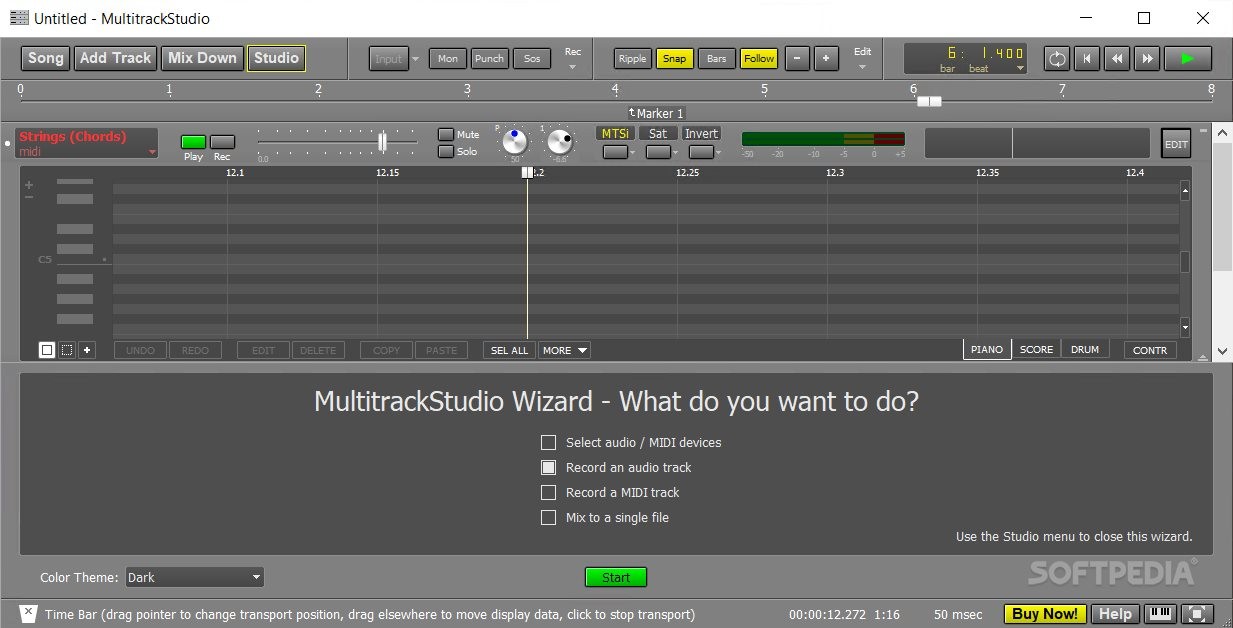
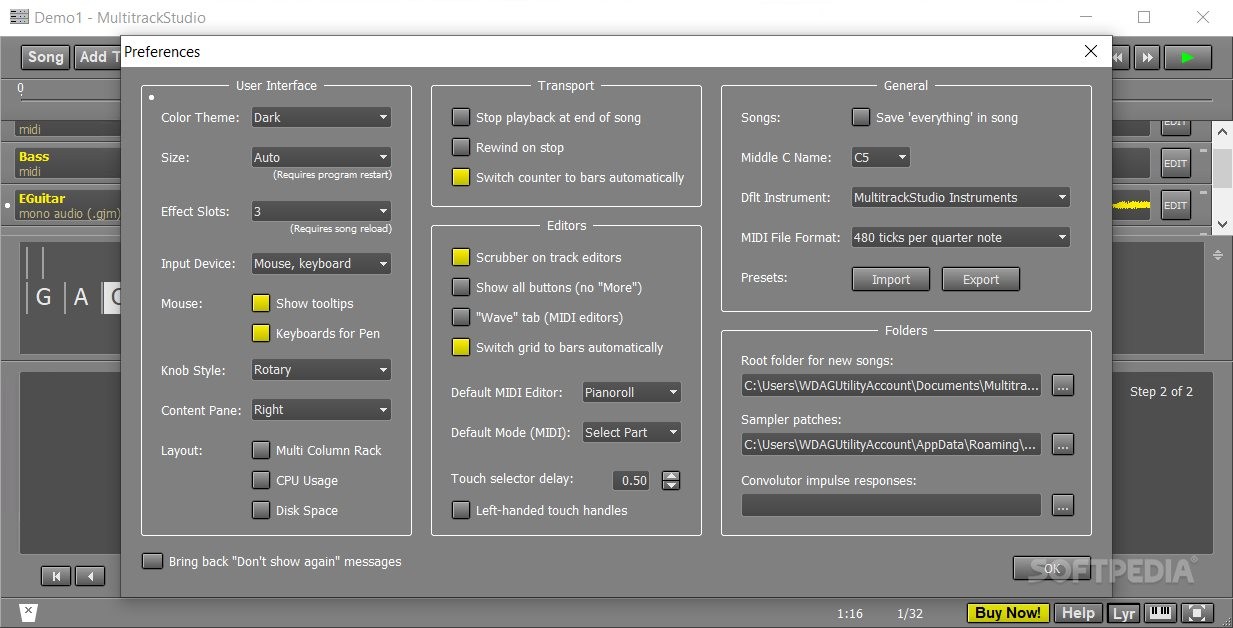
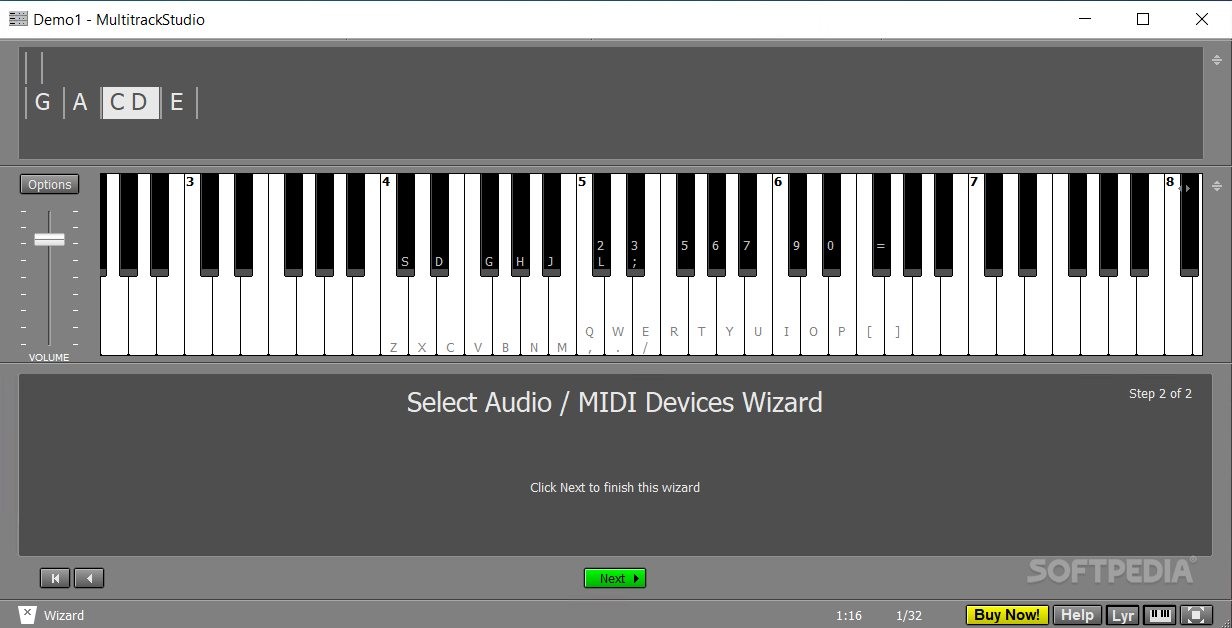
This tool allows you to easily change the theme, places all the important commands in plain sight, and structures the editing center in symmetrical balance with the sound effect options. As a result, you can easily navigate through the menu of this desktop app.
On top of this, MultitrackStudio Lite comes with some functionality extras that make it even more enjoyable. For instance, you can benefit from the embedded tools that aid you to correct the sound mistakes you do, like the general non-destructive audio editing mechanism, the unlimited levels of undo, the MIDI pianoroll, notation, drum, and controller editing options, or the punch in/out recording feature (which offer the possibility to retake a section of performance and still keep the track portions you like).
To conclude, this application is a powerful, still lightweight, instrument. In the right hands, MultitrackStudio Lite becomes a valuable tool, capable of producing highly sophisticated tracks.
What's new in MultitrackStudio Lite 10.8.0:
- Samplerate conversion is applied behind the scenes if a song uses a samplerate which isn't supported by the audio device(s). (Mac, and "Windows" driver type on Windows)
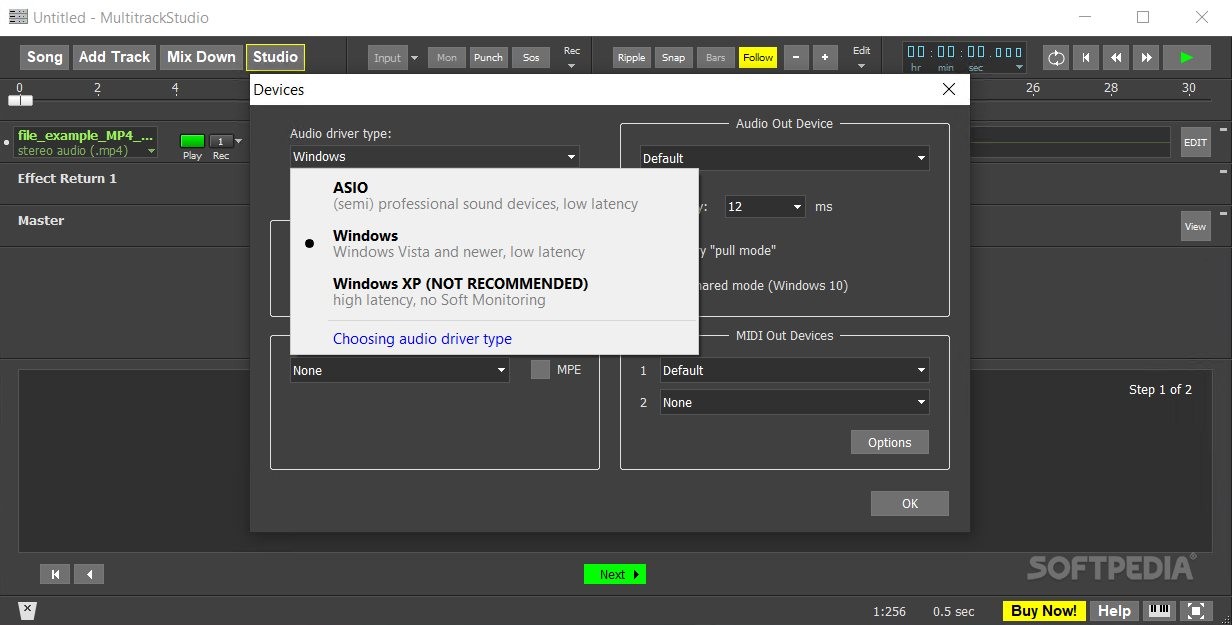
- "Windows" audio driver type: Automatically uses shared mode if exclusive mode isn't available. Newly recorded audio tracks align better with existing tracks. Soft Monitoring latency is a bit lower.
- Effect, Instrument and MIDI Effect windows: there are now up/down arrows next to the Presets button. You can click them to step through the presets without opening the presets menu.
- "Mute click track during playback" option in Preferences window.
MultitrackStudio Lite 10.8.0
add to watchlist add to download basket send us an update REPORT- runs on:
-
Windows 11
Windows 10 32/64 bit
Windows 8 32/64 bit
Windows 7 32/64 bit - file size:
- 6.9 MB
- filename:
- MultitrackStudio-Lite-Windows.exe
- main category:
- Multimedia
- developer:
- visit homepage
Bitdefender Antivirus Free

7-Zip

Context Menu Manager

calibre

ShareX

Windows Sandbox Launcher

4k Video Downloader

Microsoft Teams

Zoom Client

IrfanView

- Microsoft Teams
- Zoom Client
- IrfanView
- Bitdefender Antivirus Free
- 7-Zip
- Context Menu Manager
- calibre
- ShareX
- Windows Sandbox Launcher
- 4k Video Downloader