
Straightforward utility that can be used in order to create M3U playlists, packs many filtering parameters and supports multiple files types (e.g. MP3, OGG, WMA, FLAC, AC3 etc.). #Create playlist #Random playlist #Playlist creator #Playlist #Create #Mp3

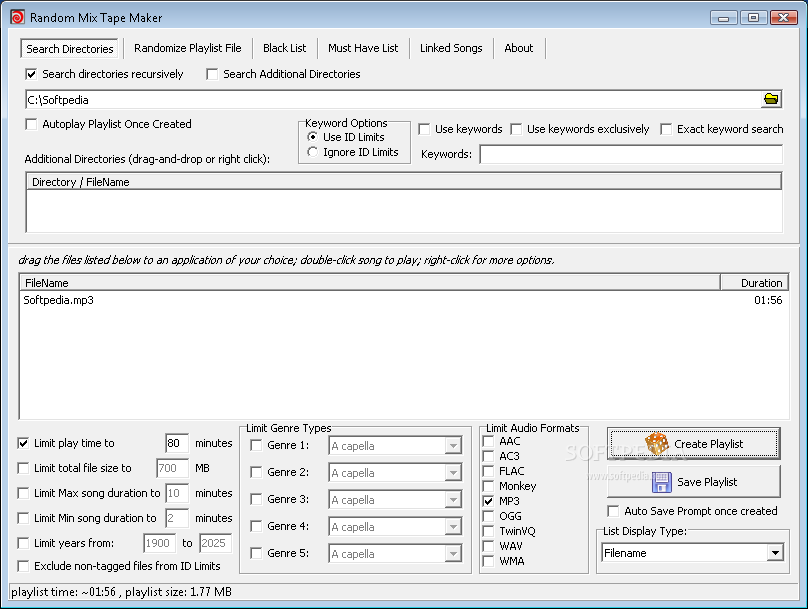
Random MixTape Maker is a software program whose purpose is to aid you in creating playlists from your songs in a quick manner and save them to the HDD using an M3U extension.
This tool is portable, which means that you are not required to go through an installation process, and that the Windows registry is not going to be updated with any new entries without your approval.
Aside from that, by placing the program files to a USB thumb drive, you make it possible to take Random MixTape Maker anywhere with you and run it on the fly.
This application enables you to scan a selected directory for audio tracks, and displays them in the main window as a list, according to title or filename. It supports file extensions such as AAC, MP3, AC3, OGG, WMA, FLAC and WAV, while it also enables you to filter results using many of the built-in parameters.
For example, it is possible to exclude non-tagged files, limit the play time, file size, years and song duration, add files only from specified genres, limit artists to a few songs each, and use song or lyrics keywords to further filter the playlist.
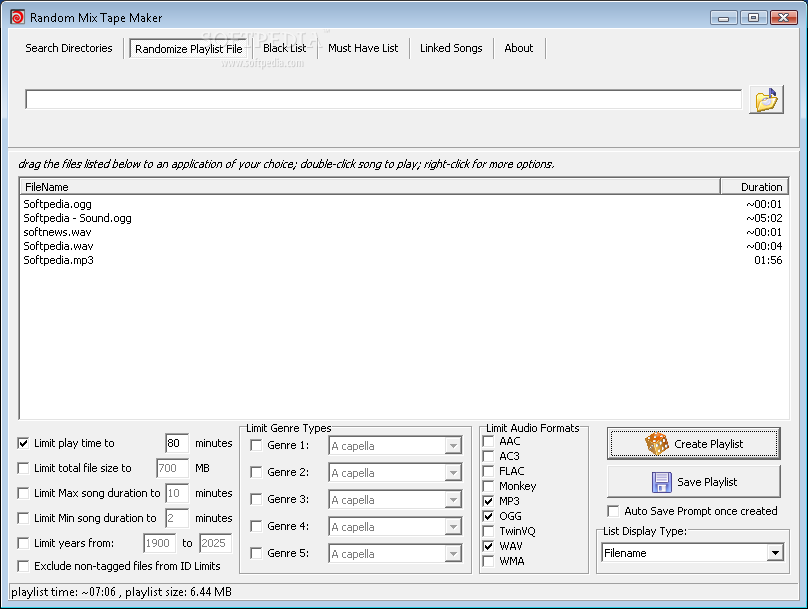
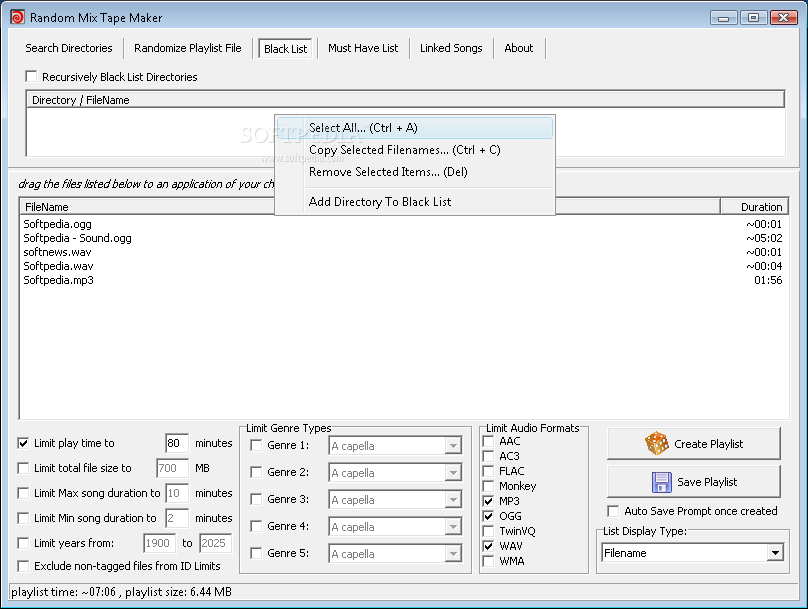
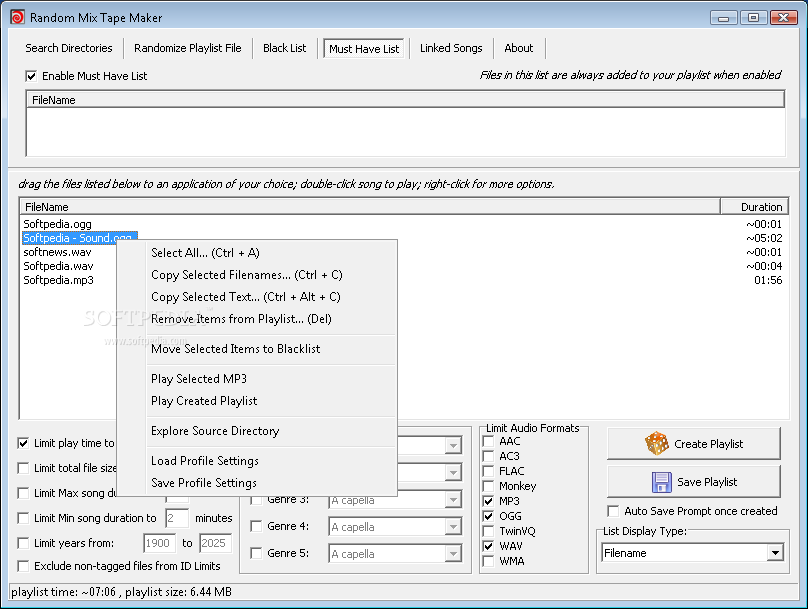
Last but not least, with just a click of the button, it is possible to shuffle a playlist, while you can also create a black list and a “Must have” one, and save the resulted item to a custom location, using an M3U file format.
To wrap it up, Random MixTape Maker is a handy piece of software when it comes to creating playlists. It encloses a clean interface which is suitable to all users, and there are sufficient options to keep you busy for quite a while. The computer’s performance is not going to be burdened and out tests did not reveal any errors, crashes or hangs.
What's new in Random MixTape Maker 1.8.28.77:
- Fixed a problem reading WV (WavPack) file tags.
- Fixed a problem where WAV files were included into a list regardless if they meet keyword criteria.
Random MixTape Maker 1.8.28.77
add to watchlist add to download basket send us an update REPORT- runs on:
- Windows All
- file size:
- 449 KB
- filename:
- mixtape.zip
- main category:
- Multimedia
- developer:
- visit homepage
ShareX

Windows Sandbox Launcher

IrfanView

Bitdefender Antivirus Free

7-Zip

Microsoft Teams

4k Video Downloader

Context Menu Manager

Zoom Client

calibre

- Context Menu Manager
- Zoom Client
- calibre
- ShareX
- Windows Sandbox Launcher
- IrfanView
- Bitdefender Antivirus Free
- 7-Zip
- Microsoft Teams
- 4k Video Downloader
