Softpedia
 

WINDOWS CATEGORIES:


GLOBAL PAGES >>
SOFTPEDIA REVIEWS >>
MEET THE EDITORS >>

WEEK'S BEST

  • DAEMON Tools Pro (...
  • FlashFXP [ DISCOUN...
  • PowerISO 4.9
  • WebcamMax [DISCOUN...
  • Zemana AntiLogger ...
  • System Mechanic Pr...
  • Glary Utilities Pr...
  • All My Movies [DIS...
  • Ad-Aware Internet ...
  • Atlantis Word Proc...
  • Home > Windows > Multimedia > Audio > Other AUDIO Tools
     Report malware

    SpeakToText 2.35 build 25

    download button

    Downloads: 1,948  Tell us about an update
    User Rating:
    Rated by:
    Good (3.1/5)
    24 user(s)
    Developer:

    License / Price:

    Size / OS:

    Last Updated:

    Category:

    Trial / USD 39.95 buy button
    6.7 MB / Windows 2K / XP / Vista / 7 / 7 x64

    C: \ Multimedia \ Audio \ Other AUDIO Tools

     Read user reviews (0)  Send to friend   Follow (0 users)

    SpeakToText description

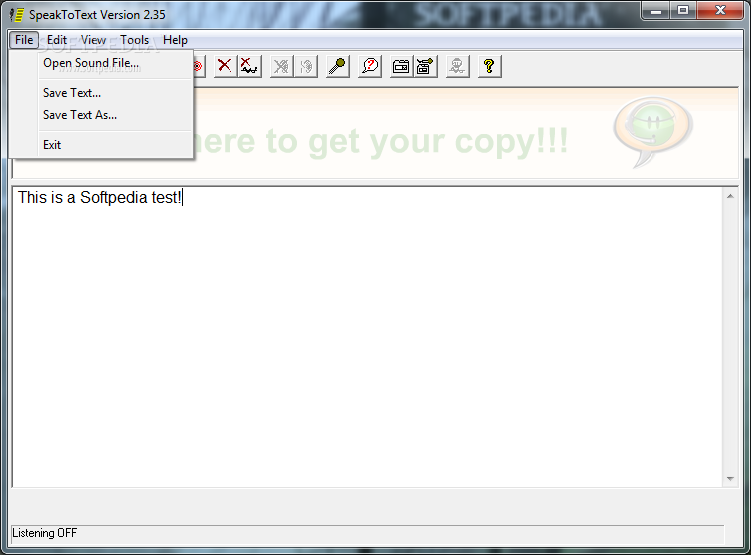
    SpeakToText Speech Recognition is a useful application that lets you to dictate text directly into other applications

    SpeakToText Speech Recognition is a useful application that lets you to dictate text directly into other applications, recognize audio files you create, have documents read to you by your computer. You can customize the program bt creating your own speech commands.

    The application will enable you to chat without typing with a lot of popular chat programs including MSN Messenger, AIM Instant Messenger, Yahoo Messenger, ICQ and PalTalk.

    SpeakToText comes with SAPI 5.1 speech recognition technology from Microsoft, and a free update feature that lets you upgrade for free as we keep improving. SpeakToText Speech Recognition gives you much of the functionality of high-priced voice recognition software at a fraction of the cost.

    It's fun, easy to use and affordable; so, why not get your copy today.

    Here are some key features of "SpeakToText":

    · A wide range of speech commands for menu items, buttons and dialogs let you run SpeakToText almost entirely by speech.
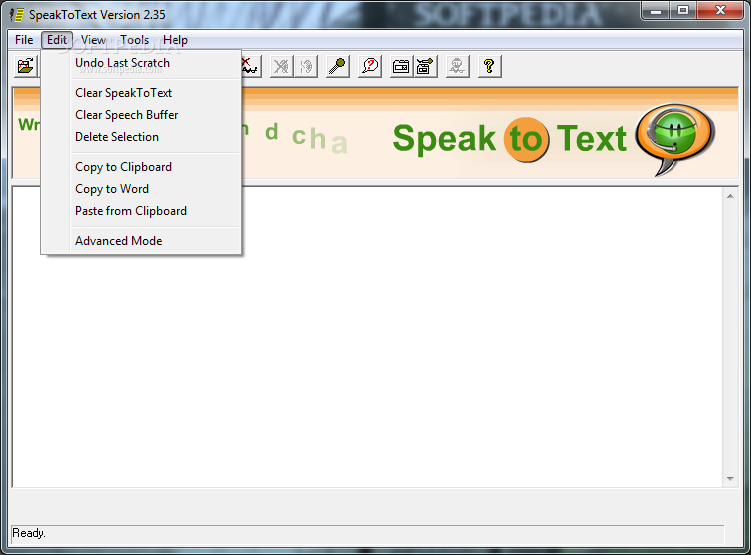
    · Dictate and copy text to Microsoft Word with a single speech command.
    · Copy your dictation to almost any application by way of the clipboard.
    · Dictate text directly into most applications with Advanced Mode. You can switch between program windows with a simple mouse click.
    · Use the new Advanced Mode to write and send emails in Outlook, Outlook Express, Netscape, FireFox, Mozilla and many other email programs.
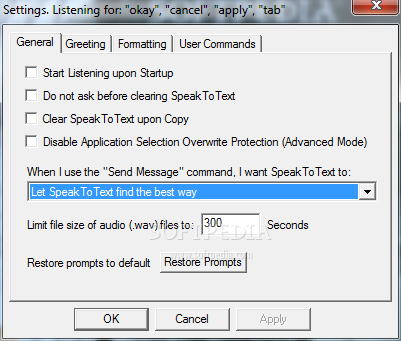
    · Speak and send chat messages hand's free with the “Send Message” speech command. Works with MSN Messenger, AIM, Yahoo Messenger, ICQ, PalTalk, Skype and many more.
    · The new auto-send message feature lets you send a transcript of what you say in a voice chat session. If the other person has trouble hearing you, they can fill in the blanks from your speech.
    · Have your computer read documents, emails, and webpages with the Text-to-Speech feature. New read commands give you a variety of read options.
    · Reduce your dependence on the mouse and keyboard, and avoid spelling and typographical errors. The Microsoft SAPI Speech Recognition Engine does not make spelling mistakes.
    · Convert .wav files you create on your PC or personal recorder into text with the click of a mouse. Enhanced .wav file recognition let's you see progress as your .wav file is recognized.
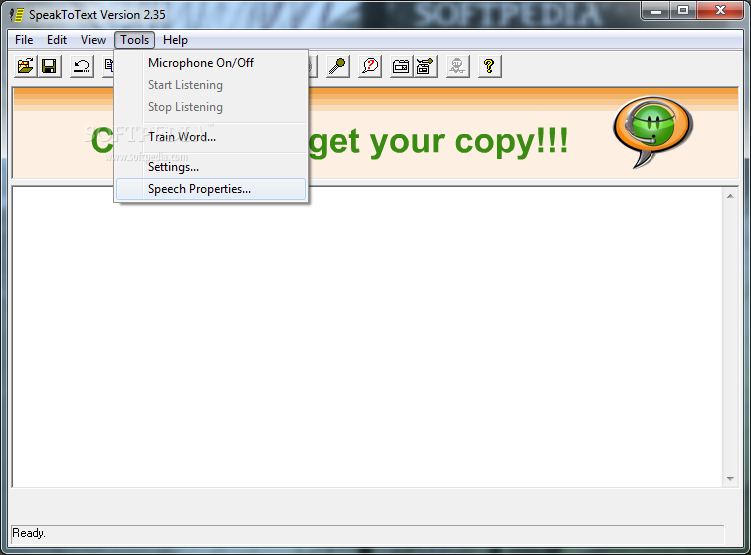
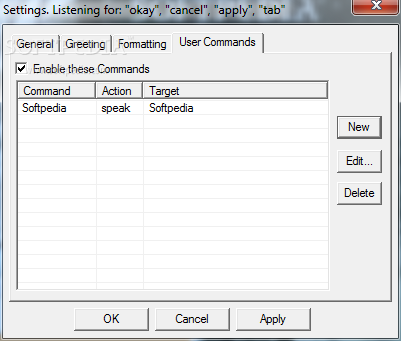
    · Create your own speech commands to start programs, browse webpages, play music and much more. Give your computer personality by creating commands to make it talk back to you. User commands now include tool tips to help you remember commands.
    · Upgrade at no cost with the free Update feature. Keep up with us for free as we keep improving SpeakToText.
    · Display a list of available speech commands just by saying “What Can I Say?” The commands list in the What Can I Say? dialog now tool tips to help you remember commands.
    · SpeakToText now comes with CoolInfo 1.10 Voice Recognition a FREE speech recognition program that lets you get information from the Internet and do web searches by speech. CoolInfo also speech enables the Windows calculator and lets you create your own speech commands.

    Requirements:

    · Microsoft Speech Engine 5.1
    · 500MHz or greater processor
    · 256 MB RAM (500 MB or better recommended)
    · 100 megs free disk space
    · A noise canceling headset microphone.

    Limitations:

    · 30 days trial
    · You can only dictate 1000 words.
    · Nag screen

     Softpedia guarantees that SpeakToText 2.35 build 25 is 100% CLEAN, which means it does not contain any form of malware, including spyware, viruses, trojans and backdoors. [read more >]


    TAGS:

    dictate text | audio file creator | dictate document | text | dictate | edit


    HTML code for linking to this page:


    Go to top

    WindowsGamesDriversMacLinuxScriptsMobileHandheldNews

    SUBMIT PROGRAM   |   ADVERTISE   |   GET HELP   |   SEND US FEEDBACK   |   RSS FEEDS   |   UPDATE YOUR SOFTWARE   |   ROMANIAN FORUM