|
|
|
Part of the Audio Recorders download hub (+1 other) |
|
|
User Rating: Rated by: |
Very Good (4.1/5) 153 user(s) |
|
|
|
Softpedia Editor's Review for Total Recorder Pro
|
Records streaming audio, mic input, line-in input, and DVD and CD sounds
Written by Elena Opris on February 7th, 2013
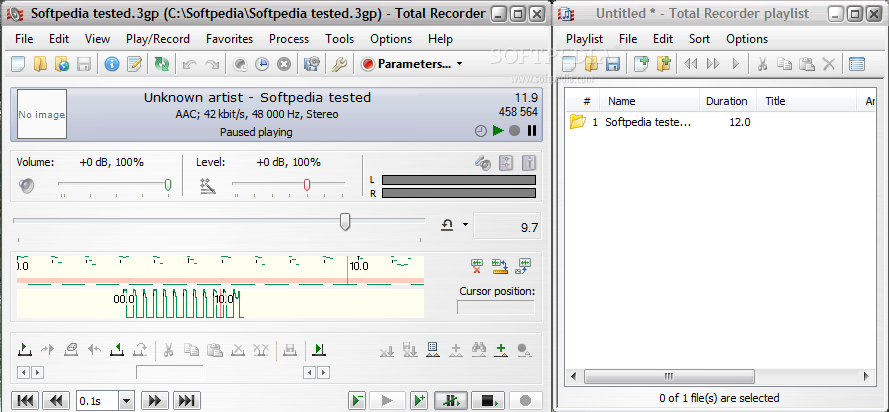
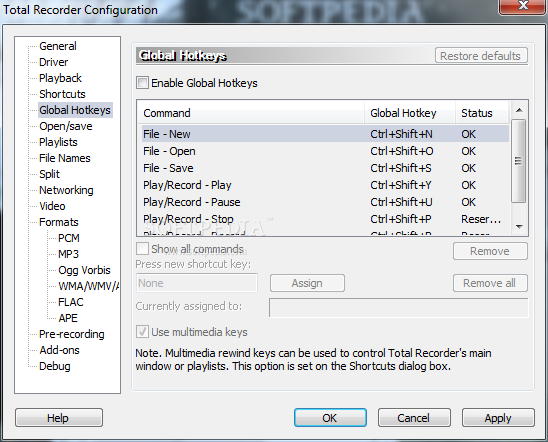
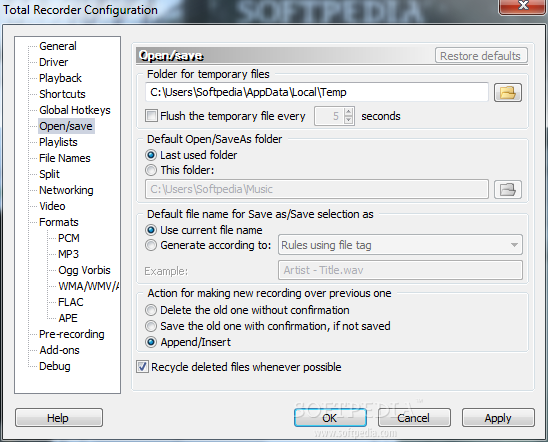
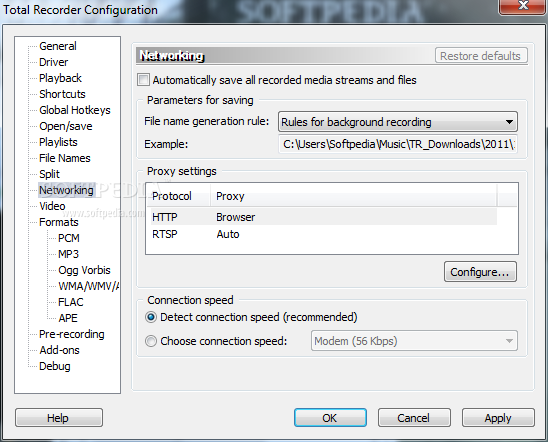
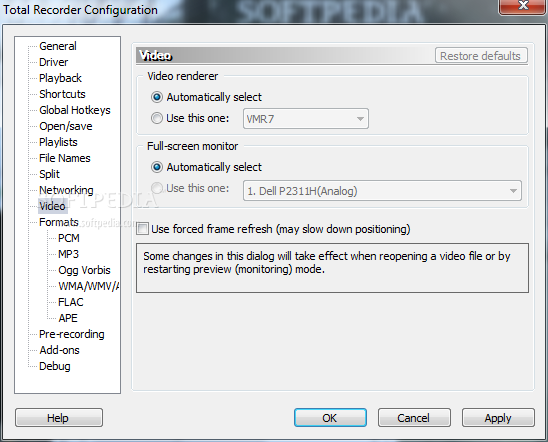
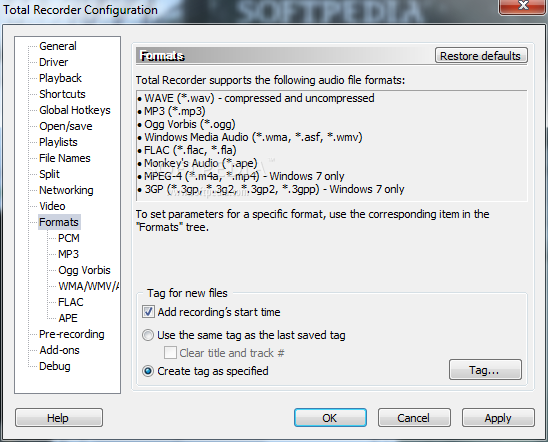
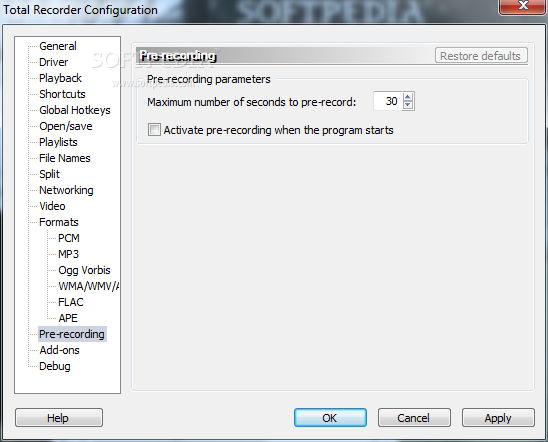
Total Recorder Pro is a software designed for recording, processing, converting and playing audio and video files. It supports several file formats, including MP3, FLAC, AAC, 3GP, AVI, WMV, FLV and MOV.
With this tool, you can record sound that is reproduced by an audio player, coming from Internet telephony, a microphone, line-in or from a CD/DVD, a MIDI stream. It also allows you to record video from connected devices, as well as capture from a screen (full screen, region or window modes available).
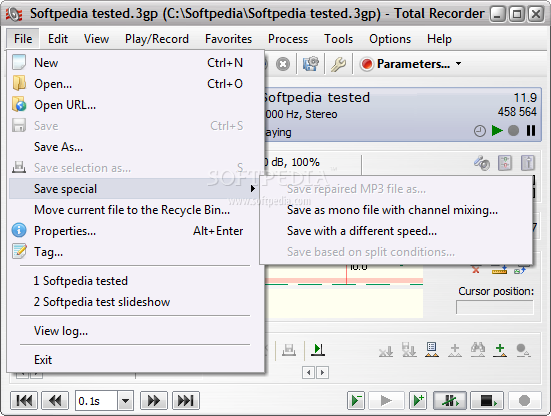
Furthermore, you can save part of a file or a recording, encode audio and video files, use splitting mode, schedule a task, import and export scheduled tasks, create and edit ID3 tags.
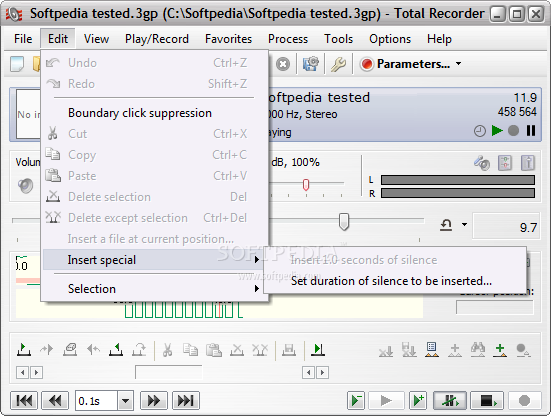
Just as well you can use "Boundary Click Suppression", repair MP3 files, create and organize playlists and favorites, batch process files and install add-ons.
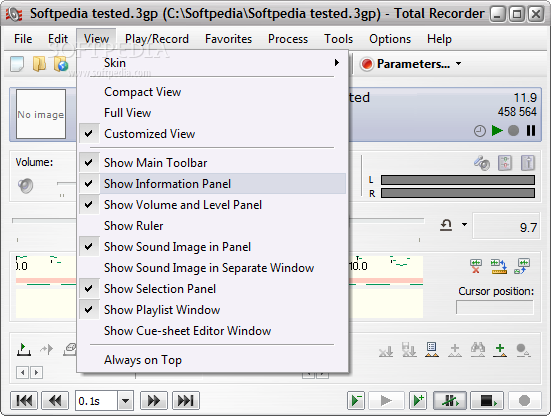
In addition, Total Recorder Pro enables you to use an equalizer for better sound quality, normalize recordings, apply fading effects, perform mixing actions, enhance the quality of recordings (tape or vinyl), and more. The interface can be customized according to the desired viewing mode and selected skin.
The program uses a moderate amount of system memory and didn't freeze or crash during our tests. All in all, Total Recorder Pro is indeed a powerful tool that is mainly addressed to more experienced users, but it can be used by anyone thanks to a rather elaborate help section.
|
Total Recorder Pro description
|
Here are some key features of "Total Recorder Pro":
· Record directly in any supported sound format. PCM, MP3, WMA, Ogg Vorbis, FLAC, APE and any format provided by a system codec are supported. Under Windows 7 AAC Audio within MOV (for playback only), MPEG-4, and 3GP containers is also supported. In addition Professional Edition provides support for a number of high-quality stereo formats (PCM - up to 192kHz 24bit and float, FLAC - up to 192kHz 24bit, WMA Lossless - up to 96kHz 24bit, and formats provided by the Windows Media Audio Professional codec). For more information, see the Selecting an Optimal Recording Format Tutorial
· Capture streaming audio or record local audio files reproduced by other programs, such as RealPlayer, Windows Media Player, iTunes, Musicmatch Jukebox, WinAmp, and others. These recordings are performed without the need for special lines for your sound board and without a loss of quality due to redundant conversions from digital to analog to digital. Many additional options are available. For example, you can use accelerated recording to increase the recording speed or you can choose to suppress Internet transmission gaps. For more information, see the Recording an Internet Broadcast Tutorial
· Record any sound passing through any line of your sound card with the ability to listen to audio being captured. For example, you can record sound being played back by an external program, or sound from a microphone, an external LP, cassette, CD/DVD player, AM/FM/Satellite radio, etc. For more information, see the Recording from an External Device tutorial
· Use Total Recorder as a VoIP recorder to record both parties of a VoIP (Voice over IP) calls or an Internet-telephony conversation when using programs like Skype, Google Talk, Yahoo voice, MSN, etc. For more information, see the Recording VoIP Calls and Internet-telephony Conversations Tutorial
· Convert files to any supported format (including on the fly converting while recording). For more information, see the Sound Format Conversion Tutorial.
· Edit sound files using a built-in sound editor. This built-in sound editor allows you to cut, trim, and join your recordings. Editing can be performed using a visual representation of the sound or using clipboard operations. All editing functions are performed without decompressing/recompressing to preserve sound quality and save time.
· Use the time shift feature to listen to the recorded sound while a recording is being made. While listening, you can move anywhere within the recorded part of the sound stream and start playback. recording
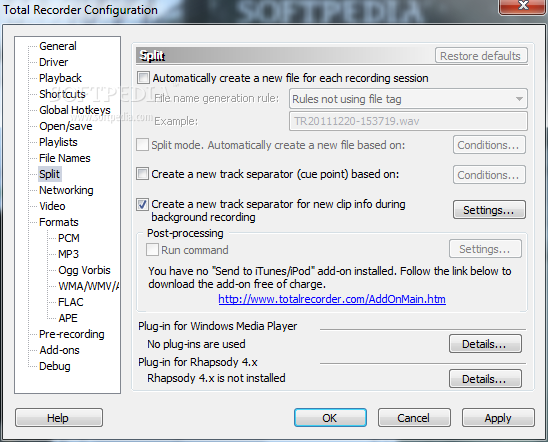
· Split recordings on separate clips. You can indicate that the sound being recorded will be split on separate clips during the recording. File tags can be created automatically.
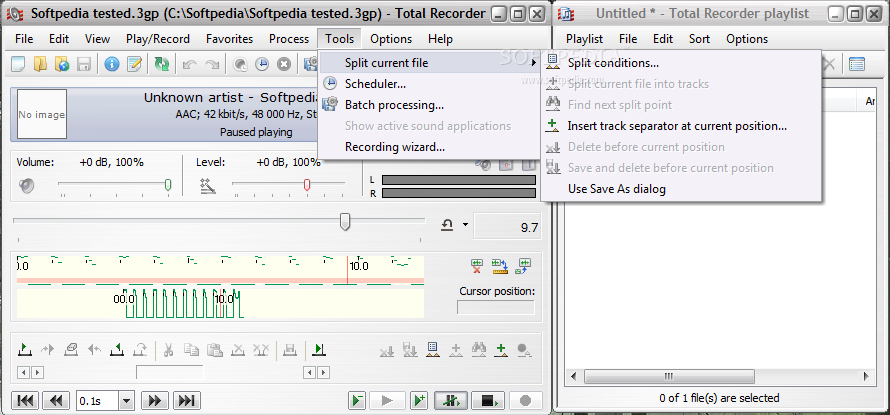
· Split recordings on separate files. You can indicate that the sound being recorded will be split into separate files during recording based on different conditions (size, duration, low sound level, etc.). Splitting an existing recording can also be done. For more information, see the Splitting and Tagging Files Tutorial.
· Use Cue-sheet files. Total Recorder lets you create cue-points, which can be used for splitting a file afterwards. These cue-points can be created manually, for example to make a bookmark in a sound file. Or they can be created automatically during a recording session (based on pause reduction, changes of the clip information in an external player, etc.) or while capturing streaming audio and information about a track changes.
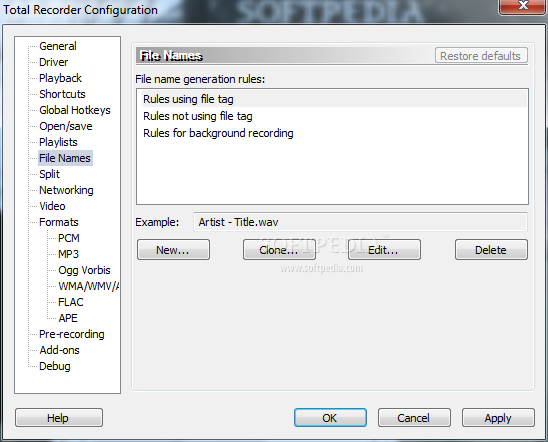
· Create and edit file tags. Total Recorder can work with file tags for any of the supported media formats. Tags can also include artwork and the recording's start time with the ability to display this timestamp.
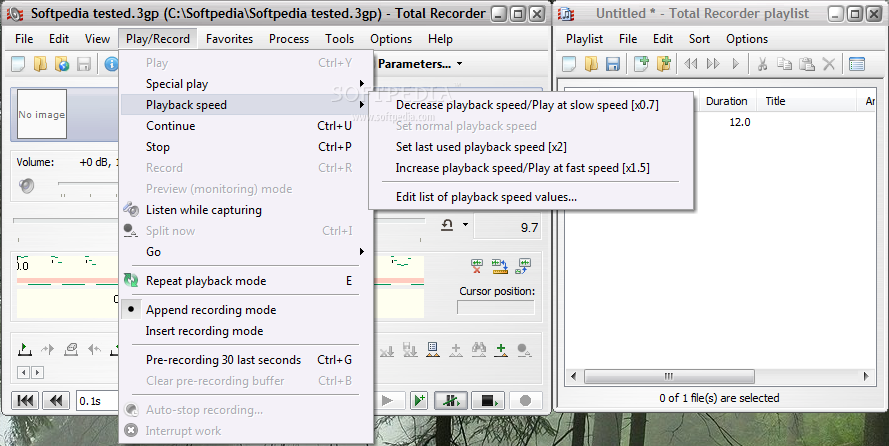
· Play a media file at a slower or faster speed than normal while optionally preserving the original tone.
· Schedule playbacks or recordings using Total Recorder's powerful built-in scheduler. For example, you can schedule a recording and use a stop condition such as an absolute time, a duration, the absence of a sound signal, and so on. The scheduler includes many other options. For more information, see Using the Scheduler Tutorial.
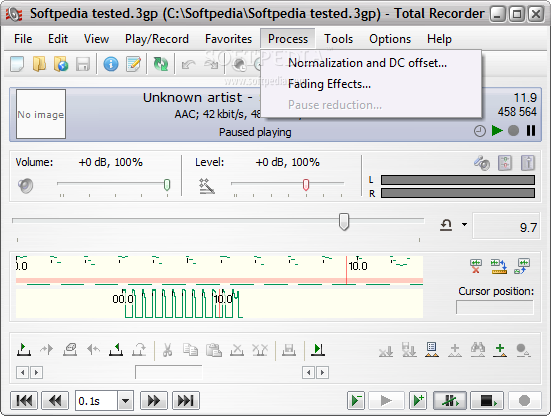
· Normalize recordings to adjust the level of sound. Normalization of MP3 files is performed without re-encoding or any loss of quality.
Requirements:
· Sound card
Limitations:
· An audible noise will be inserted about every 60 seconds throughout each recording you make
· You cannot process more than three files during batch processing What's New in This Release: [ read full changelog ]
· Total Recorder is compatible with Windows 8 now.
· In addition to normalization of a full file, now it is possible to normalize a selection.
· Ability to edit recent URL list.
· Other minor enhancements.
|
|
 | | Softpedia guarantees that Total Recorder Pro 8.4 Build 4990 is 100% CLEAN, which means it does not contain any form of malware, including spyware, viruses, trojans and backdoors. [read more >] |
|