
Record audio and video input from any URL, and convert captured videos to one of the many supported formats by this intuitive application. #Record video #Capture stream #Audio recorder #Recorder #Capture #Encode

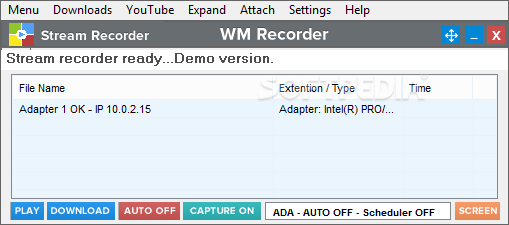
WM Recorder is a Windows application developed to record online audio and video streams, sporting compatibility with the majority of media formats available on the Internet.
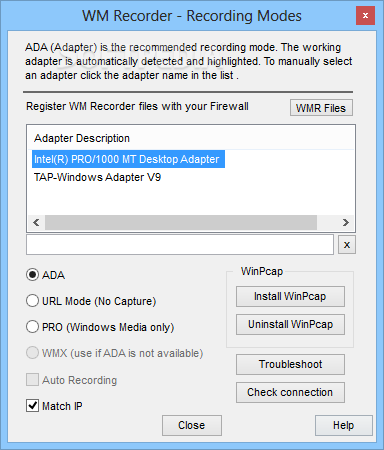
We have already seen several products that promise to do the same thing, yet WM Recorder impresses with the way it works. Everything's very simple and it all comes down to its minimal interface that lets you start a new recording with just a few clicks.
Besides the common “Settings” and “Help” buttons, the main window also provides two dedicated fields which allow you to choose the name of the file and the URL you wish to use to start a recording. As a result, the whole job can be started in a few seconds.
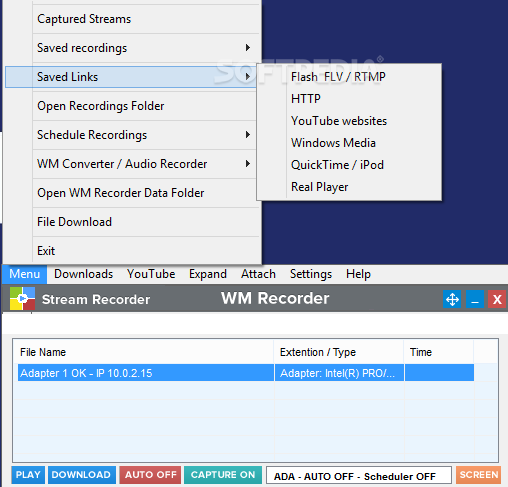
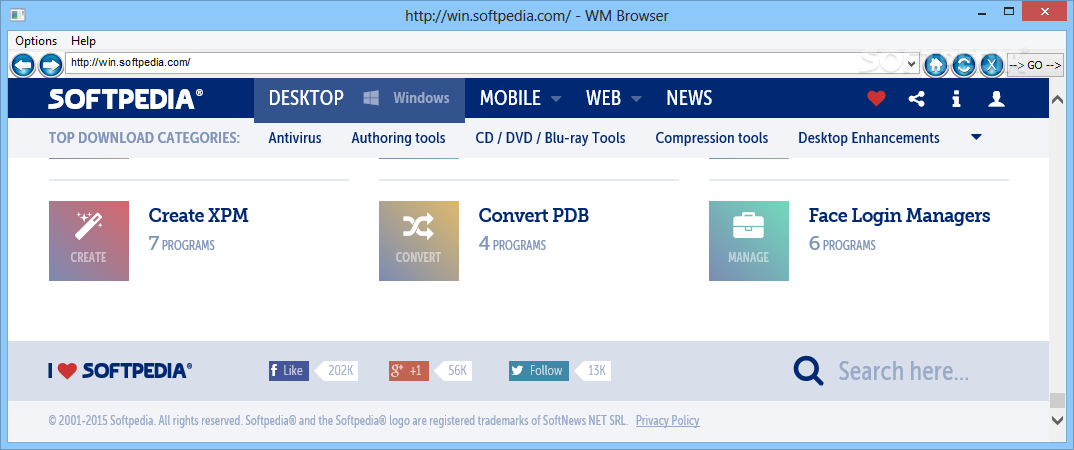
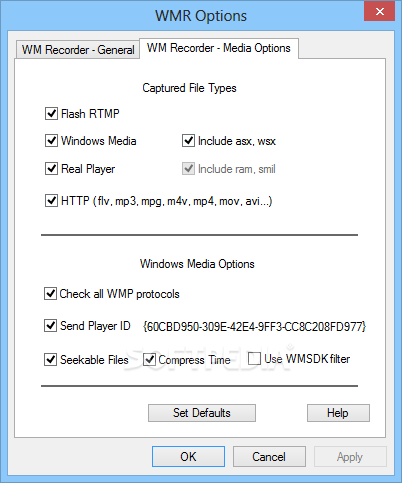
It works with most streaming formats and protocols out there, including Windows Media, Real Media, Quicktime, MPEG, Flash and even the classic MP3 streaming.
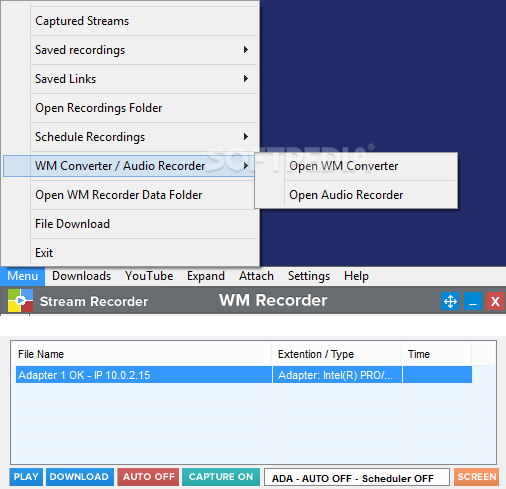
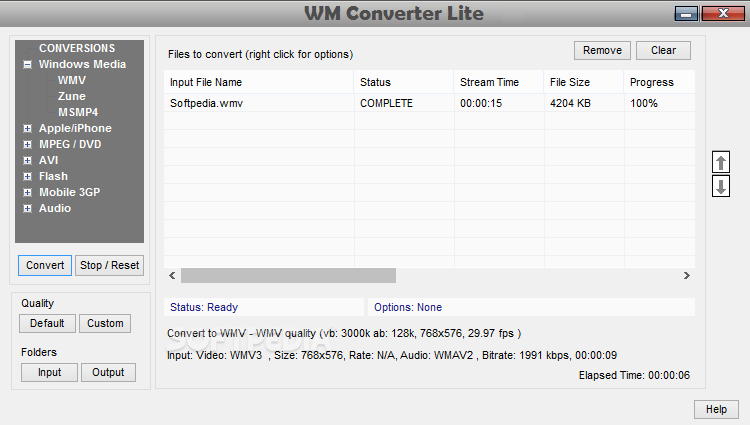
Once a new recording comes to an end, you can open the conversion feature, which lets you save files in any format you want, including MP4, AVI, MPEG, MOV, 3GP, FLV, SWF and many others.
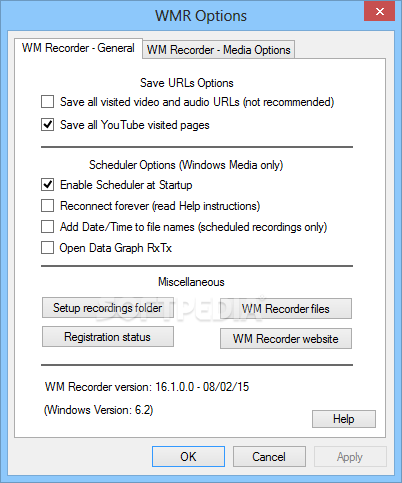
Last but not least, WM Recorder also sports a scheduler, which means you can configure and download a stream at a later time, as long as the application is running.
To conclude, WM Recorder is a pretty efficient piece of software, which encloses some useful features which make recording an easy task.
An Internet connection is of course necessary in order to use WM Recorder and the app remains very friendly with the computer’s resources all the time. Jobs are completed in a timely manner and our tests did not reveal any errors, hangs or bugs.
Download Hubs
WM Recorder is part of these download collections: MP3 Creators
What's new in WM Recorder 16.8.1:
- Improved YouTube video recording, bugs fixed
- Added YouTube video/audio playlist recording and managing
- Added automatic YouTube audio extraction
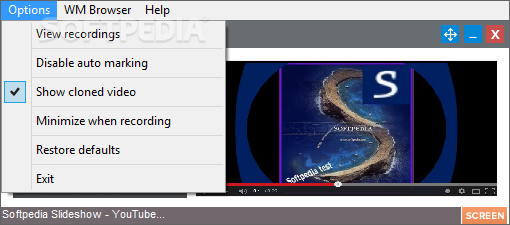
- Improved Video Clone interface
WM Recorder 16.8.1
 Softpedia Editor's Pick
add to watchlist
add to download basket
send us an update
REPORT
Softpedia Editor's Pick
add to watchlist
add to download basket
send us an update
REPORT
- runs on:
-
Windows 10
Windows 8
Windows 7
Windows Vista
Windows XP - file size:
- 47.1 MB
- filename:
- install_wmrecorder.exe





- main category:
- Multimedia
- developer:
- visit homepage
Microsoft Teams

IrfanView

Bitdefender Antivirus Free

Context Menu Manager

4k Video Downloader

Windows Sandbox Launcher

Zoom Client

7-Zip

ShareX

calibre

- 7-Zip
- ShareX
- calibre
- Microsoft Teams
- IrfanView
- Bitdefender Antivirus Free
- Context Menu Manager
- 4k Video Downloader
- Windows Sandbox Launcher
- Zoom Client