
Repair WAV files extracted from vinyl records or cassette tapes by making audio adjustments and applying effects using this advanced app. #Wave Restoration #WAV Recovery #Restore WAV #WAV #Wave #Restoration

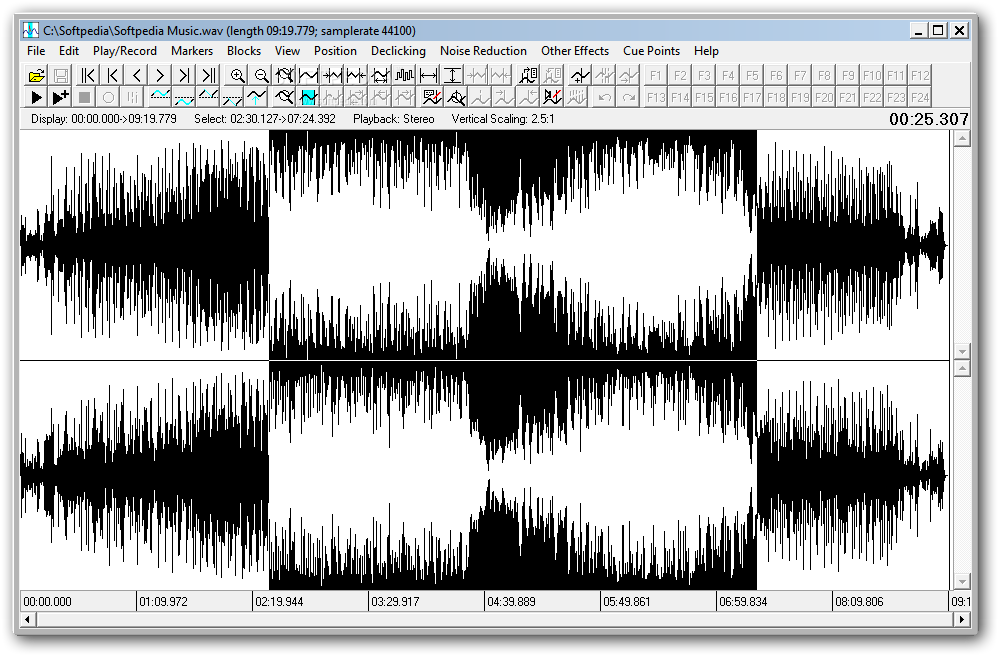
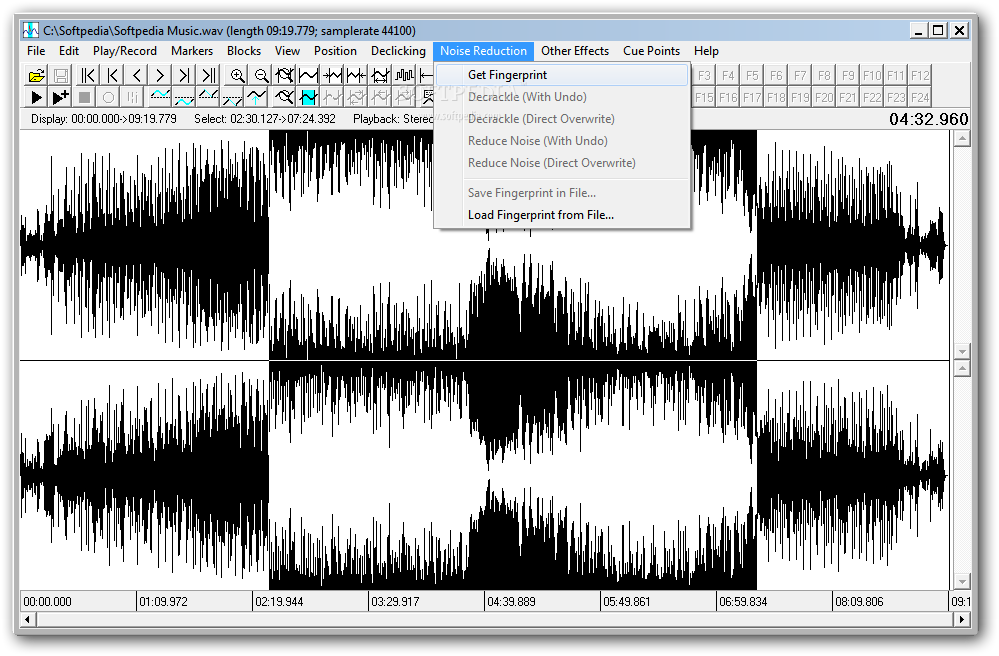
Wave Repair is an advanced software utility that gives you the possibility to restore .wav-formatted audio tracks recorded from vinyl records as well as cassette tapes. It can also reconstruct waveforms at any level of zoom.
After a fast and uneventful setup procedure, you are greeted by large window with numerous buttons and menus, representing Wave Repair's interface.
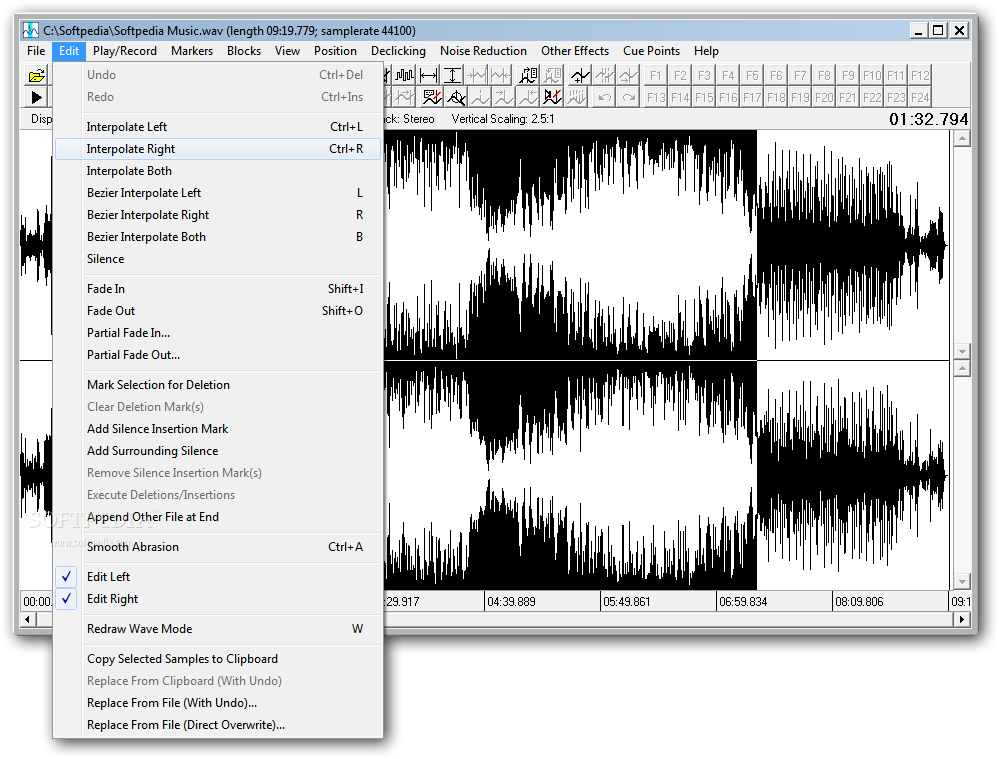
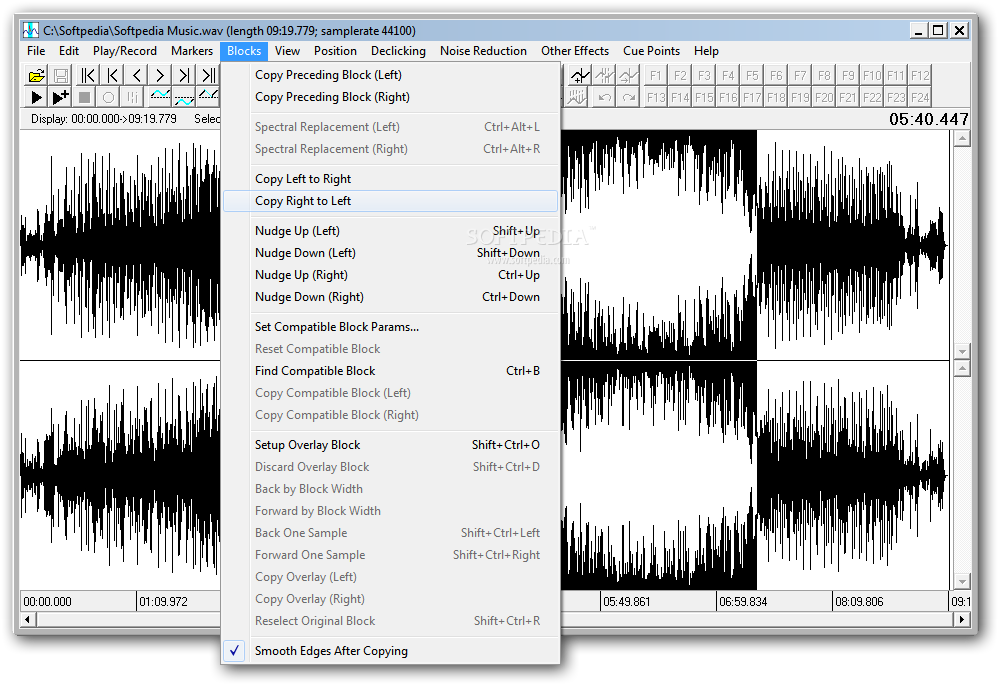
Once an audio track is opened, you can check out its waveform in the main window, make a custom selection, interpolate left, right or both, insert silence, apply fade in and out effects (full or partial), add surrounding silence, append an external file at the end of the current track, or enable smooth abrasion.
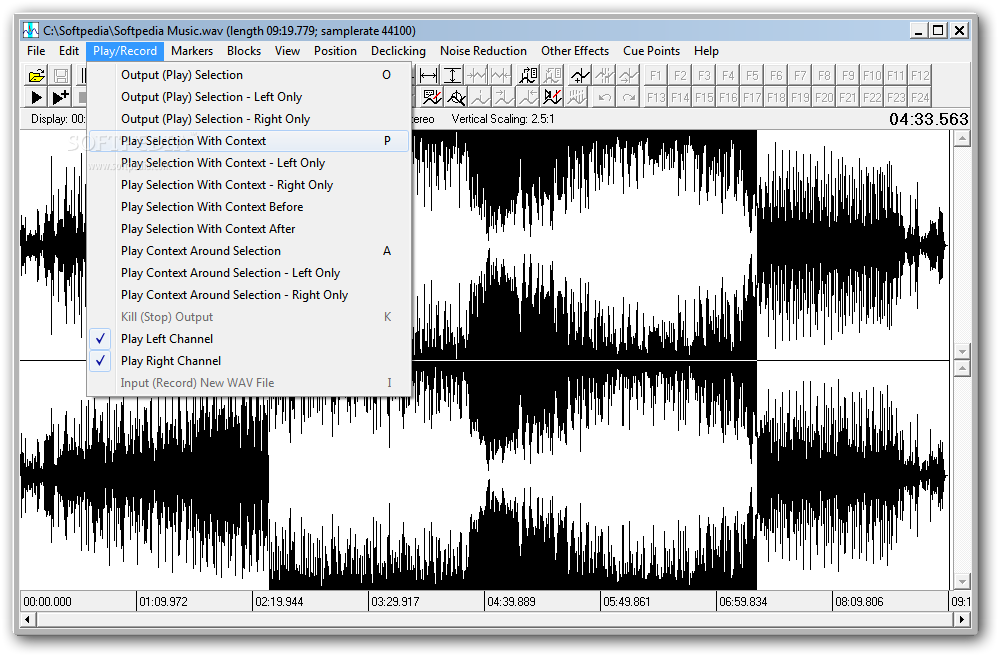
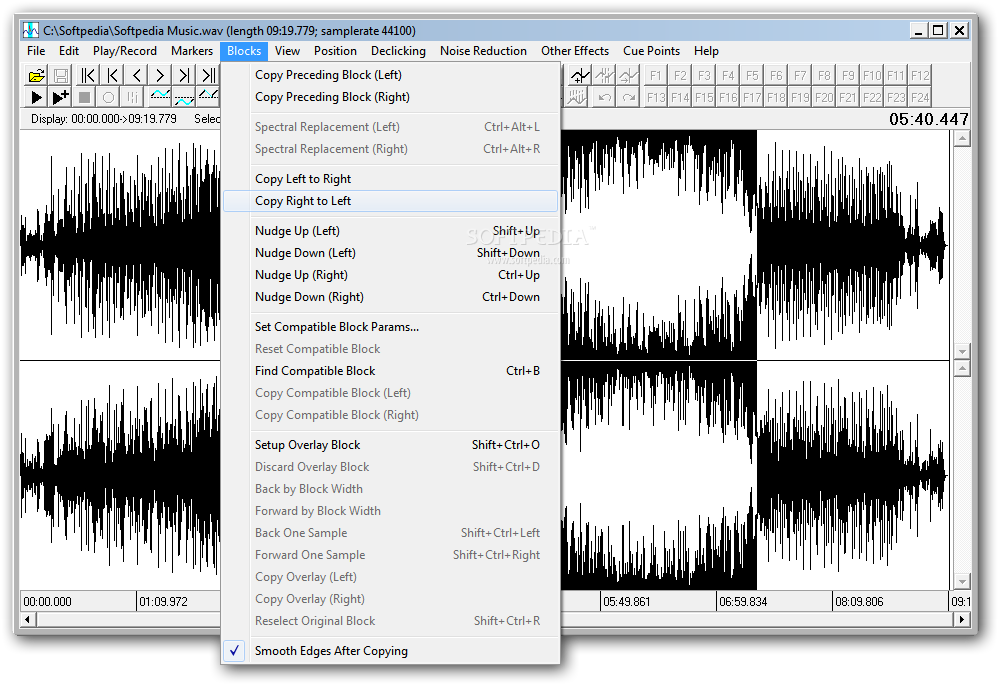
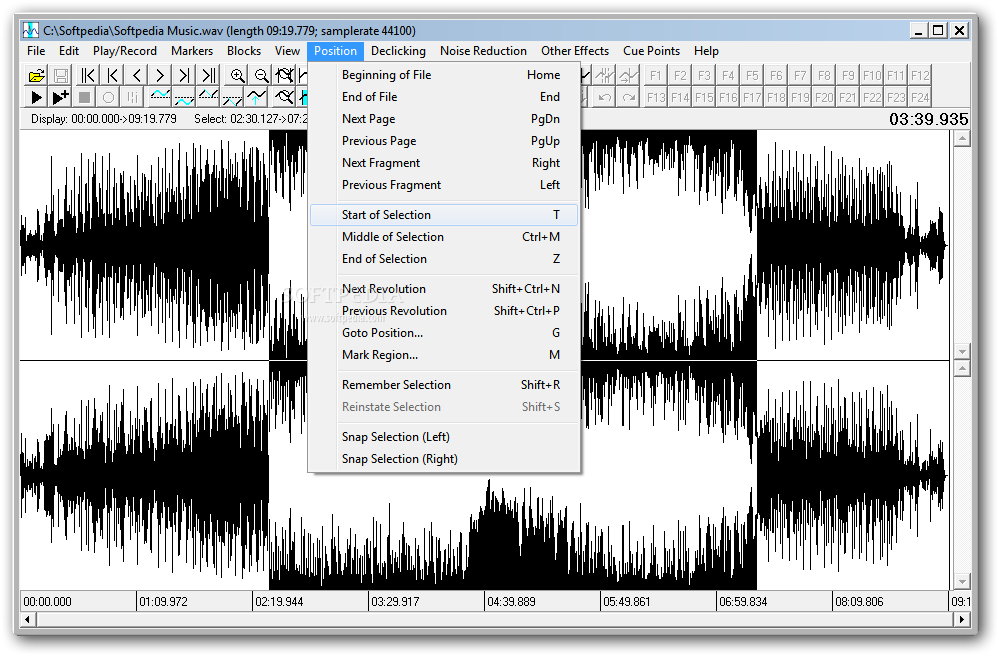
Wave Repair lets you freely redraw the waveform with a tool that resembles a pencil, play the entire track or just selected portion, set markers to easily jump to them, load markers from external files, set compatible block parameters, or switch to spectral viewing mode.
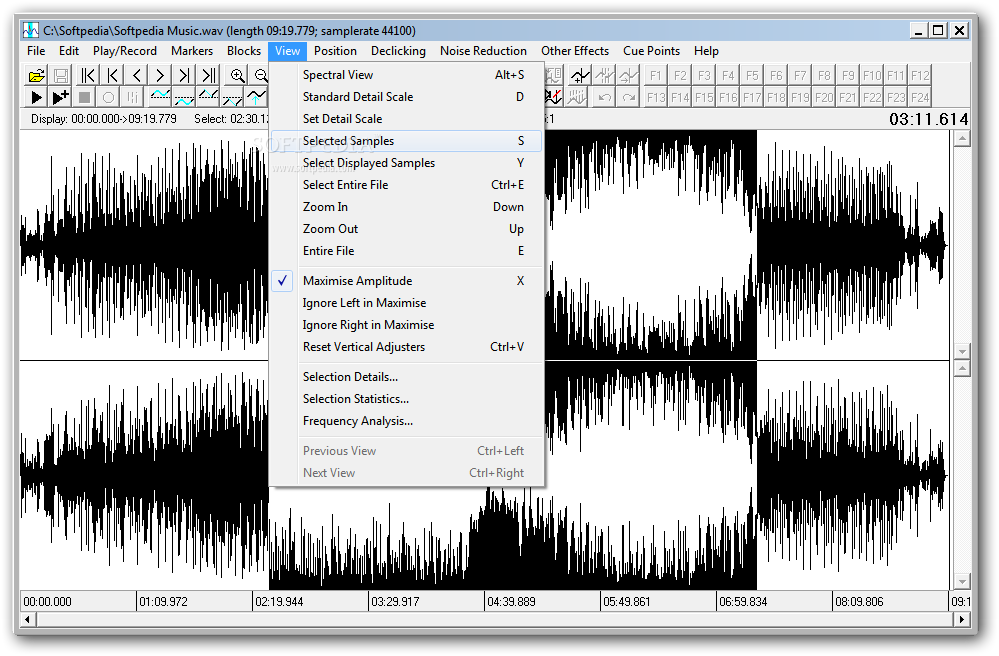
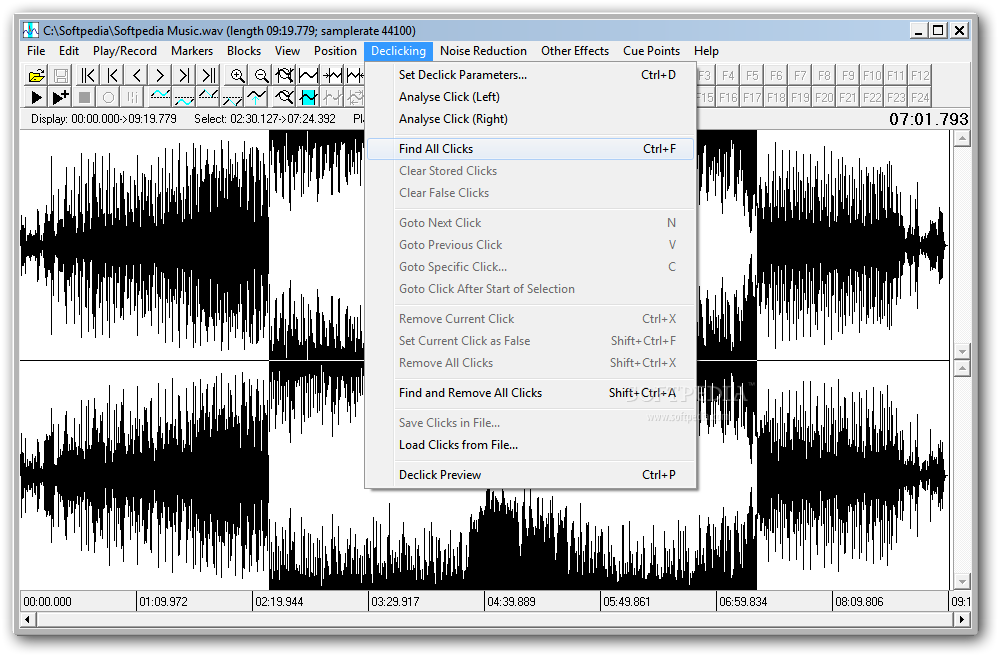
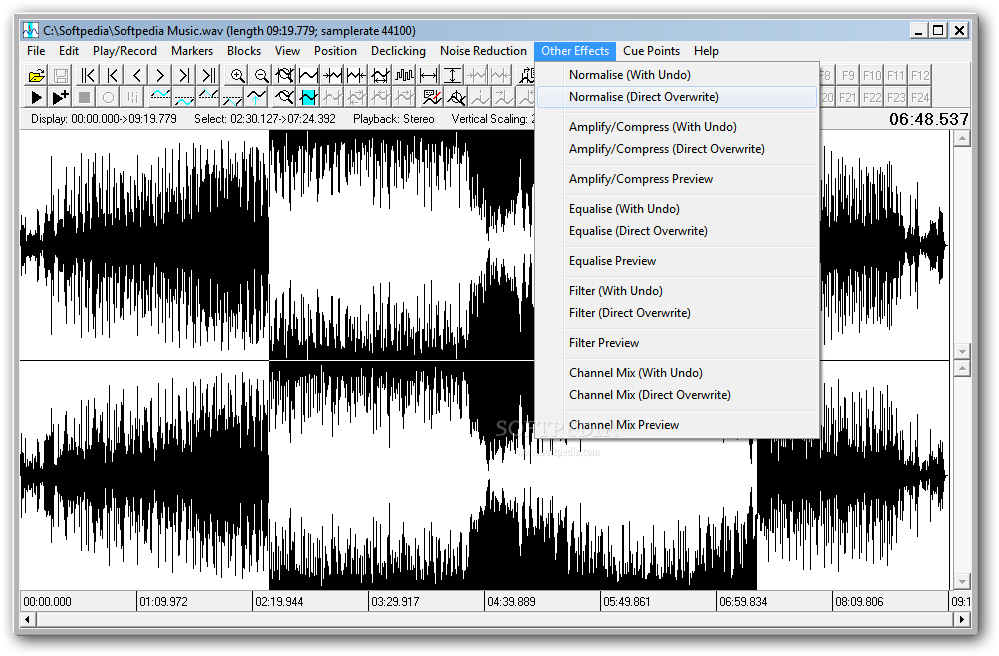
The app can be asked to maximize the amplitude, ignore left or right in maximized mode, or reset the vertical adjusters. Moreover, you can study selection details and statistics (e.g. start and end selection time, peak and RMS level), analyze the frequency of the selected region, find all clicks, get fingerprint for noise reduction, normalize the volume level, amplify and compress the track, and so on.
We haven't come across any stability issues in our tests, thanks to the fact that Wave Repair didn't hang, crash or display error messages. To our surprise, it had minimal impact on computer performance, using low CPU and RAM.
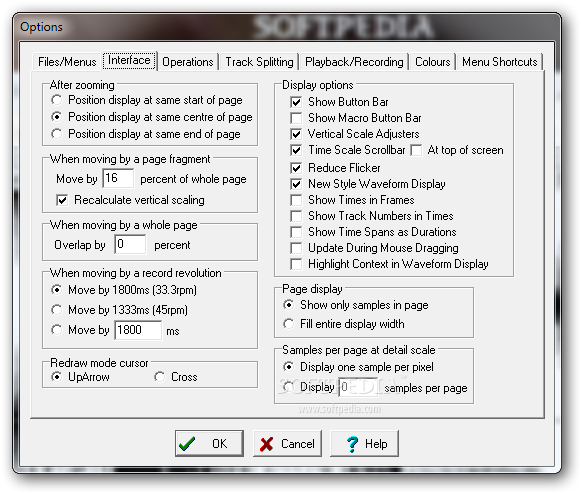
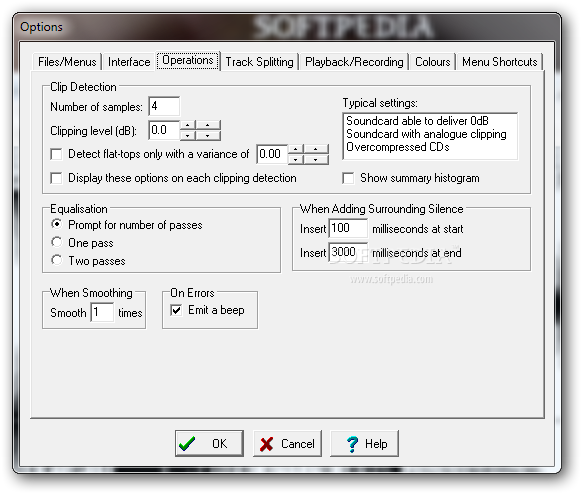
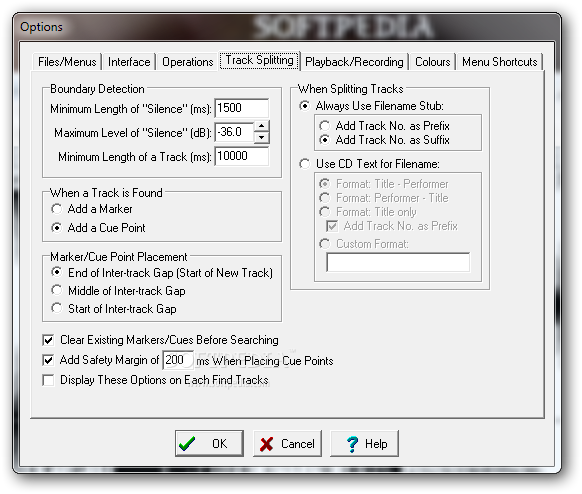
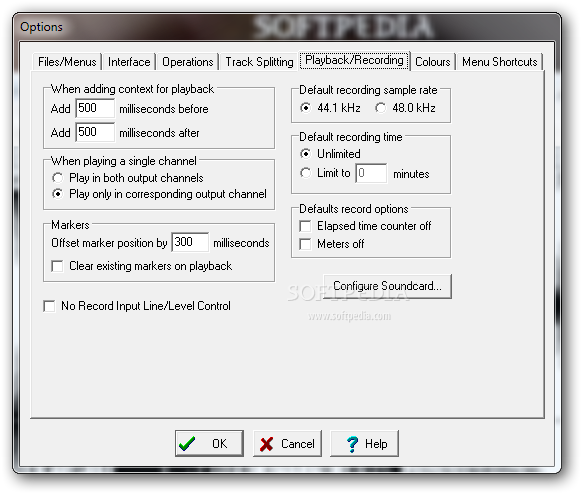
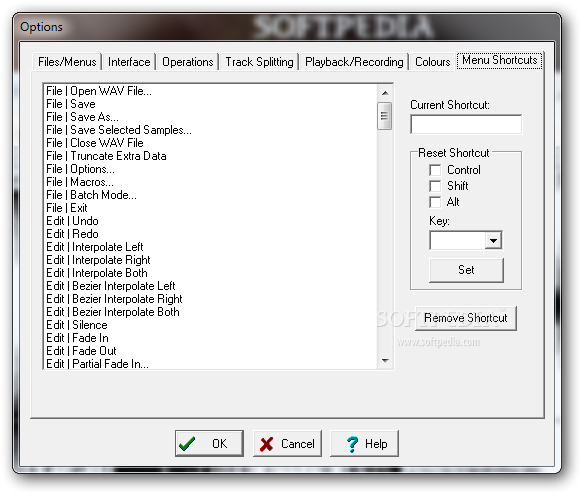
Taking into account its rich and advanced options and configuration settings, this program should meet the requirements of most experienced users looking to adjust and repair Wave files obtained from vinyl records or cassette tapes. It interface needs some improvements, though.
What's new in Wave Repair 4.9.5:
- Bug Fixes:
- If Wave Repair's INI file gets corrupted, a division by zero error might result. This has been fixed.
- In some rare circumstances, automatic declicking could result in an Invalid Pointer error. This has been fixed.
- If An attempt is made to resize the main window such that there is no room left to paint the waveform, a division by zero error occurs. There is now a minimum size below which the main window cannot be shrunk, in order to prevent this error.
Wave Repair 4.9.5
add to watchlist add to download basket send us an update REPORT- runs on:
- Windows All
- file size:
- 3.1 MB
- filename:
- wr495install.exe



- main category:
- Multimedia
- developer:
- visit homepage
4k Video Downloader

Microsoft Teams

ShareX

paint.net

Bitdefender Antivirus Free

IrfanView

7-Zip

calibre

Zoom Client

Windows Sandbox Launcher

- calibre
- Zoom Client
- Windows Sandbox Launcher
- 4k Video Downloader
- Microsoft Teams
- ShareX
- paint.net
- Bitdefender Antivirus Free
- IrfanView
- 7-Zip