
Put together playlists quickly and easily from numerous popular audio file types and check out tag information using this approachable tool. #Playlist Creator #Create playlists #Winamp playlist #Playlist #Creator #Winamp

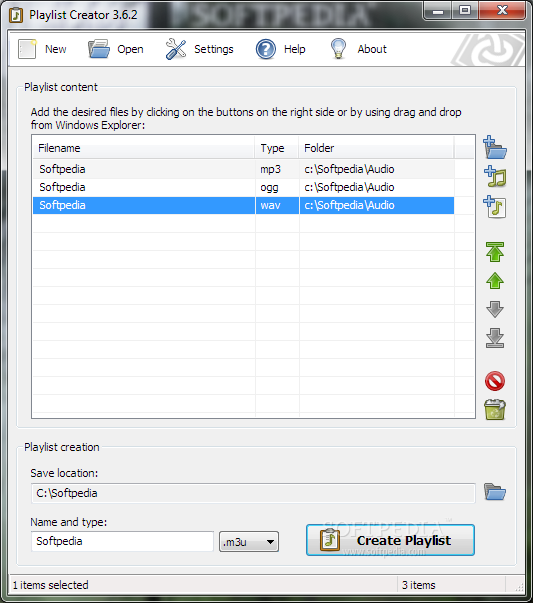
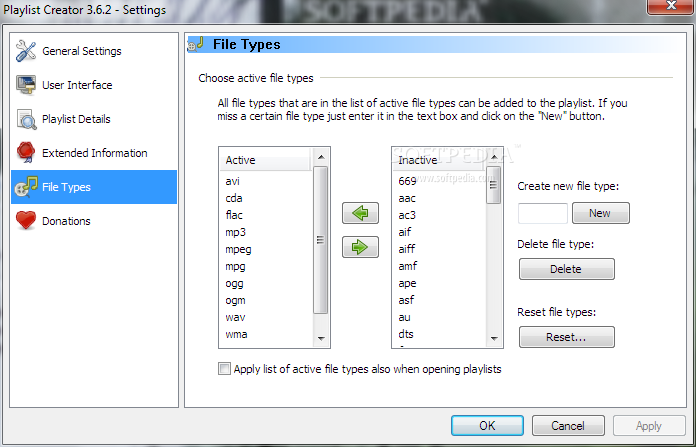
Playlist Creator is a free and feature-rich, yet simple-to-use software utility that enables you to put together playlists with numerous audio tracks and prepare them for playback on the computer or external devices. It offers support for CDA, FLAC, MP3, OGG, WAV, WMA, AVI, MPEG, MPG, OGM and WMV files, together with PLS and M3U playlist formats for the output files.
The installation operation is a simple and fast task. As far as looks is concerned, Playlist Creator is packed in a classical GUI with an intuitive structure, where audio tracks can be added to the playlist via the file browser, folder view or drag-and-drop support.
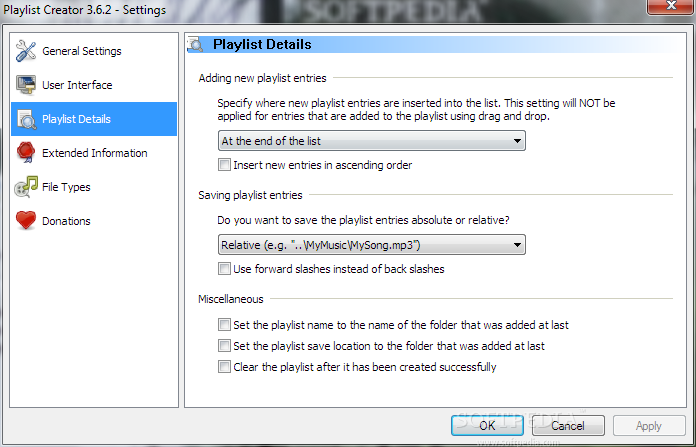
The direct method to putting together a playlist is by indicating the output directory, file name and type. However, users are also given the possibility to change the order of the files (shuffle mode available with one click), remove any unwanted items, as well as to apply the current folder as the playlist save location.
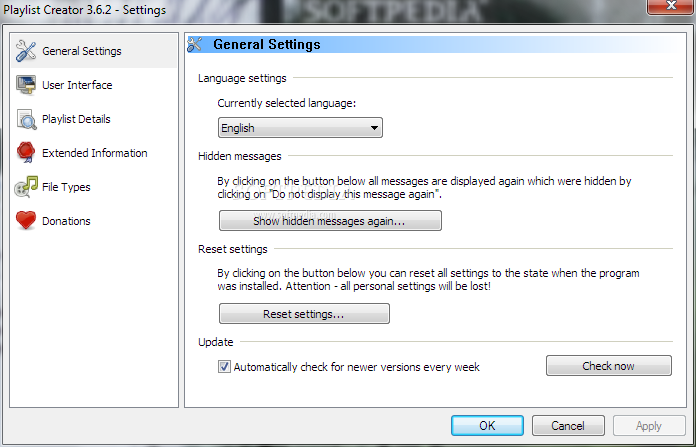
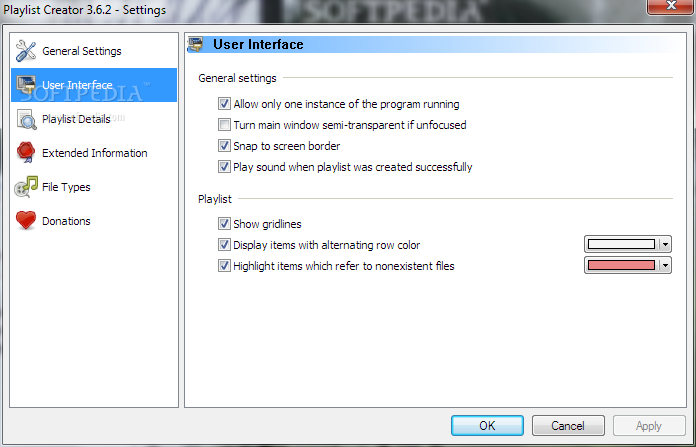
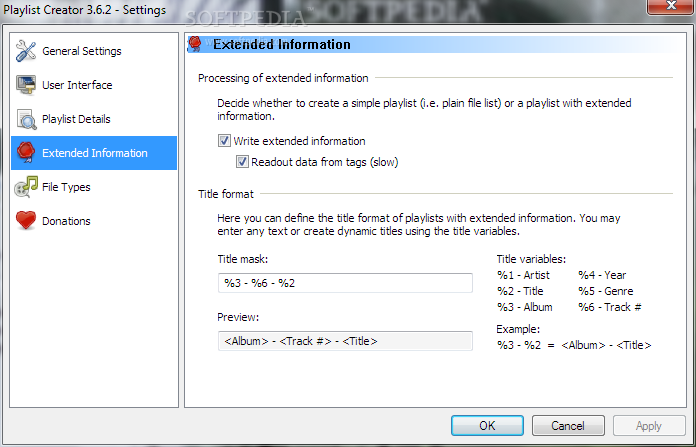
It is possible to change the UI language, check for software updates, hide the grid lines, allow multiple instances, disable sound on task completion, change the highlight colors for items referring to non-existing files, make file associations, and so on.
Everything worked smoothly in our testing: Playlist Creator was fast, effective and undemanding concerning system resources. We have not come across any stability issues, since it did not hang, crash or pop up error messages.
In a nutshell, Playlist Creator provides a very simple and speedy software solution pertaining to playlist creation and offers support for many popular audio files.
Download Hubs
Playlist Creator is part of these download collections: Make M3U, Create M3U, Create PLS, Create Playlist
What's new in Playlist Creator 3.6.2 Rev 497:
- New: During long running processes (e.g. playlist creation) the progress is displayed in the taskbar icon (Windows 7)
- New: Settings checkbox for inserting new entries in ascending order
- Changed: Use system built-in header sort arrows instead of custom graphics (Windows XP, Vista, 7)
- Changed: New icons for create playlist dialog
Playlist Creator 3.6.2 Rev 497
add to watchlist add to download basket send us an update REPORT- runs on:
-
Windows 7
Windows Vista
Windows XP
Windows 2K - file size:
- 1.5 MB
- filename:
- PlaylistCreator3_Setup.exe
- main category:
- Multimedia
- developer:
- visit homepage
4k Video Downloader

Zoom Client

IrfanView

Context Menu Manager

Microsoft Teams

7-Zip

Windows Sandbox Launcher

ShareX

Bitdefender Antivirus Free

calibre

- ShareX
- Bitdefender Antivirus Free
- calibre
- 4k Video Downloader
- Zoom Client
- IrfanView
- Context Menu Manager
- Microsoft Teams
- 7-Zip
- Windows Sandbox Launcher