
A simple and easy to use software solution meant to play chiptunes of all formats and sizes on your computer without the need of emulators. #ZX-Spectrum music #Create playlist #Music player #Playlist #Play #ZX-Spectrum
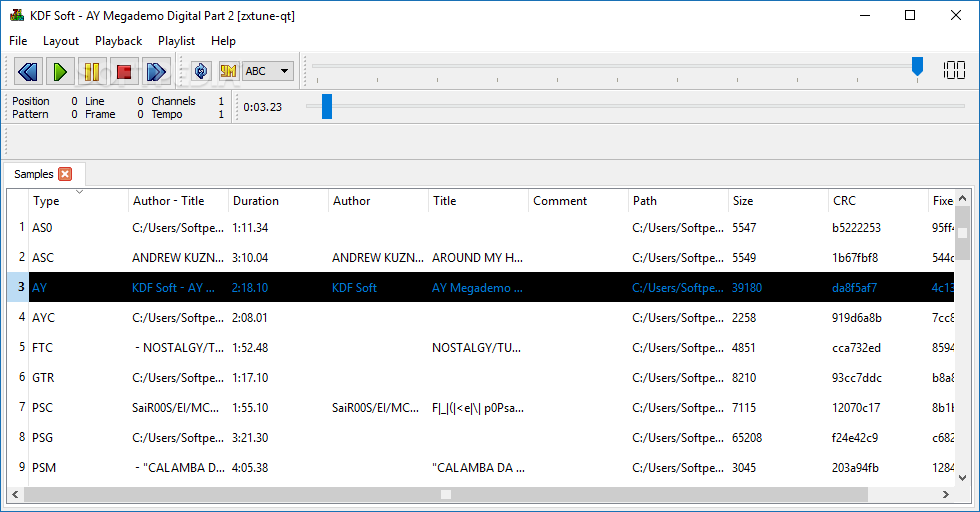
zxtune-qt is a fun little tool especially developed to play and convert chiptunes. A chiptune is a piece of audio generated by vintage circuitry from old school computers, video game consoles or arcade machines.
zxtune-qt is anything but complicated to use. It displays a straightforward interface which provides quick access to all its features and makes it easy for you to load tracks and listen to them.
From its main window you are able to add songs, sort them by file type, author-title and duration, adjust the volume of the sound and jump to a specific portion of the song using the classic seekbar.
As far as playback control is concerned, zxtune-qt provides the standard buttons for play / pause, stop, along with playlist forward and previous. Apart from that you can toggle repeat for a track and view a nice little audio equalizer that bounces around to the 8-bit beats.
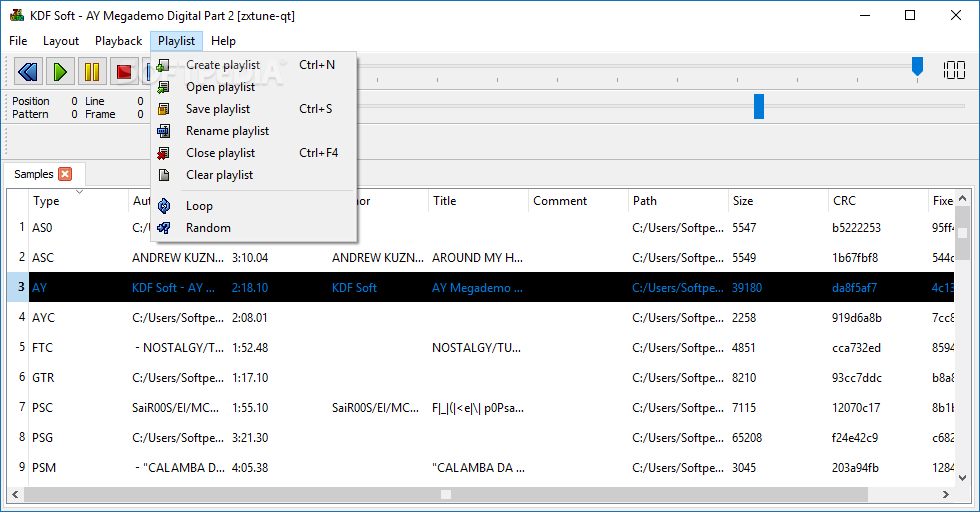
Tracks can also be played with a double-click and the application provides additional functions that allow you to remove duplicate files, create playlists and enable or disable certain interface elements.
A feature that zxtune-qt posses and certainly comes in handy is the ability to convert chiptunes to widely used audio formats such as .wav, .mp3, .ogg and .flac. This can be put to good use in cases when you manage to extract the chiptune from a childhood game using an emulator.
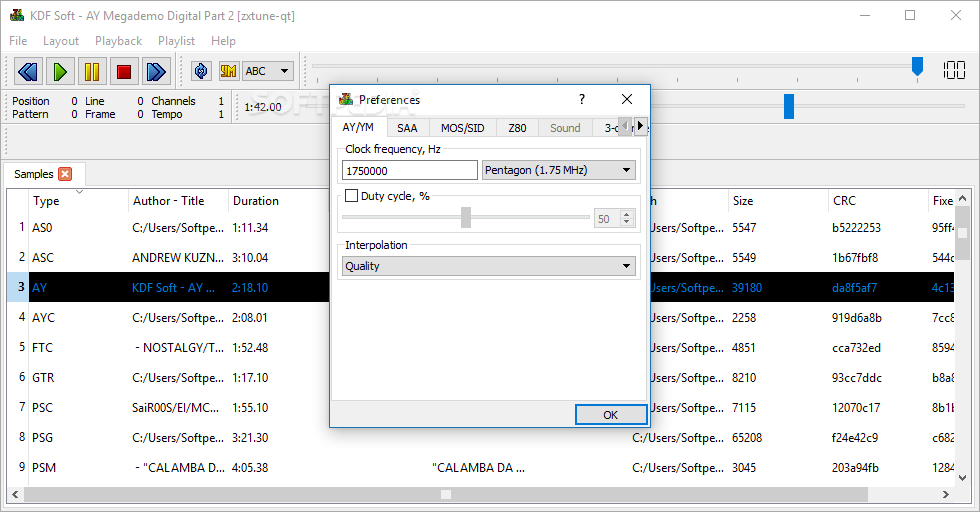
Apart from selecting the format, zxtune-qt makes it possible to adjust bitrate, quality and channel mode, the only thing being left out is the option to edit the the actual song.
To sum it up, if you’re looking to lose yourself in the chip tune vibe for a couple of minutes or hours, zxtune-qt is the way to go.
zxtune-qt r5056
add to watchlist add to download basket send us an update REPORT- PRICE: Free
- runs on:
-
Windows 11
Windows 10 32/64 bit
Windows 8 32/64 bit
Windows 7 32/64 bit - file size:
- 21.9 MB
- filename:
- zxtune_r5056_mingw_x86_64.zip
- main category:
- Multimedia
- developer:
- visit homepage
ShareX

Bitdefender Antivirus Free

IrfanView

Windows Sandbox Launcher

calibre

Microsoft Teams

7-Zip

paint.net

4k Video Downloader

Zoom Client

- paint.net
- 4k Video Downloader
- Zoom Client
- ShareX
- Bitdefender Antivirus Free
- IrfanView
- Windows Sandbox Launcher
- calibre
- Microsoft Teams
- 7-Zip