Softpedia
 

WINDOWS CATEGORIES:


GLOBAL PAGES >>
SOFTPEDIA REVIEWS >>
MEET THE EDITORS >>

WEEK'S BEST

  • DAEMON Tools Pro (...
  • FlashFXP [ DISCOUN...
  • PowerISO 4.9
  • WebcamMax [DISCOUN...
  • Zemana AntiLogger ...
  • System Mechanic Pr...
  • Glary Utilities Pr...
  • All My Movies [DIS...
  • Ad-Aware Internet ...
  • Atlantis Word Proc...
  • Home > Windows > Multimedia > Audio > Tag Editors
     Report malware

    MP3 Tag Clinic 4.3.9.7

    Softpedia Pick Award
    download button

    Part of the Tag Editors download hub
    Downloads: 24,590  View global page  Tell us about an update
    User Rating:
    Rated by:
    Good (3.5/5)
    87 user(s)
    Developer:

    License / Price:

    Size / OS:

    Last Updated:

    Category:

    Trial / USD 27.95 buy button
    5.7 MB / Windows All
    [view history]
    C: \ Multimedia \ Audio \ Tag Editors

     Read user reviews (0)  Send to friend   Follow (5 users)

    EDITOR'S RATING

    Softpedia Editor's Review for MP3 Tag Clinic

    A full-featured tag editor and file renamer for the MP3 collector

    Written by Elena Opris on January 31st, 2012

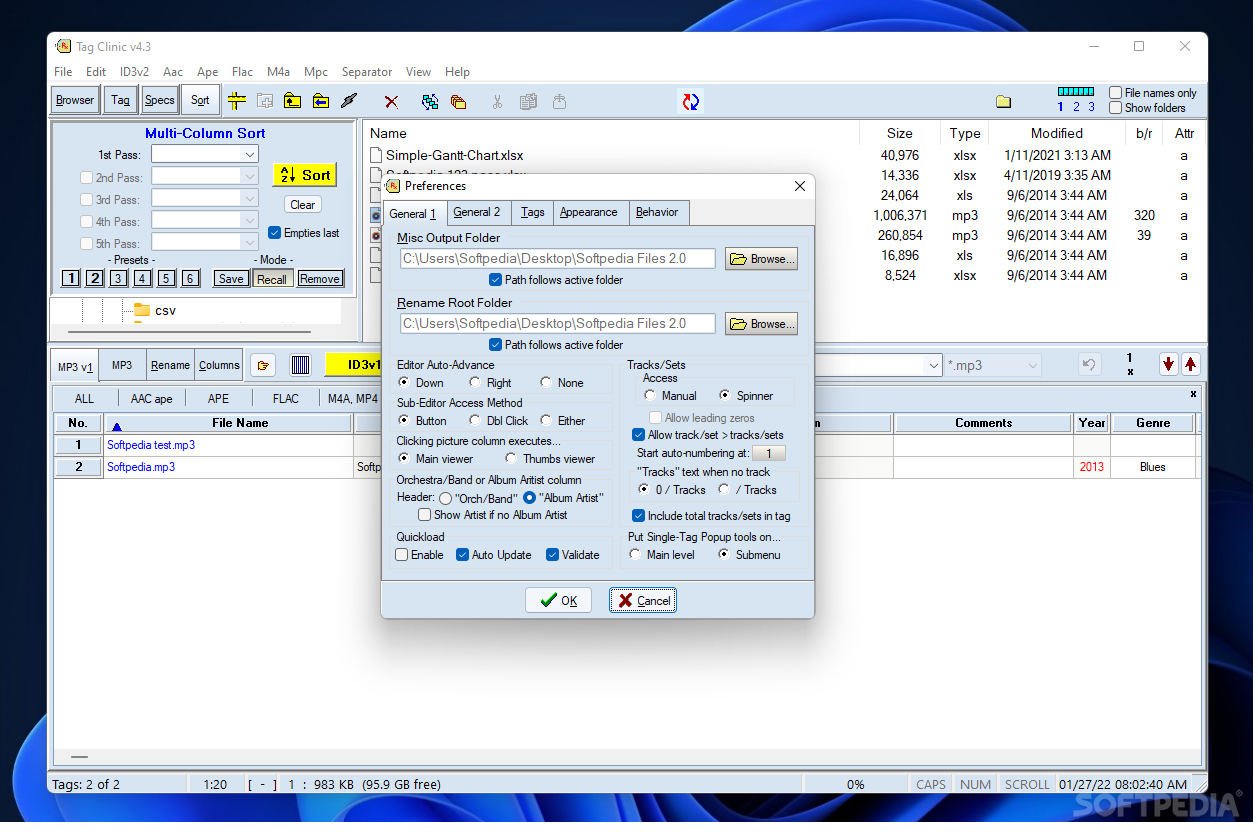
    MP3 Tag Clinic is an application which allows you to modify the ID3 tags of your MP3, FLAC, APE, OGG, WMA tracks, and others.

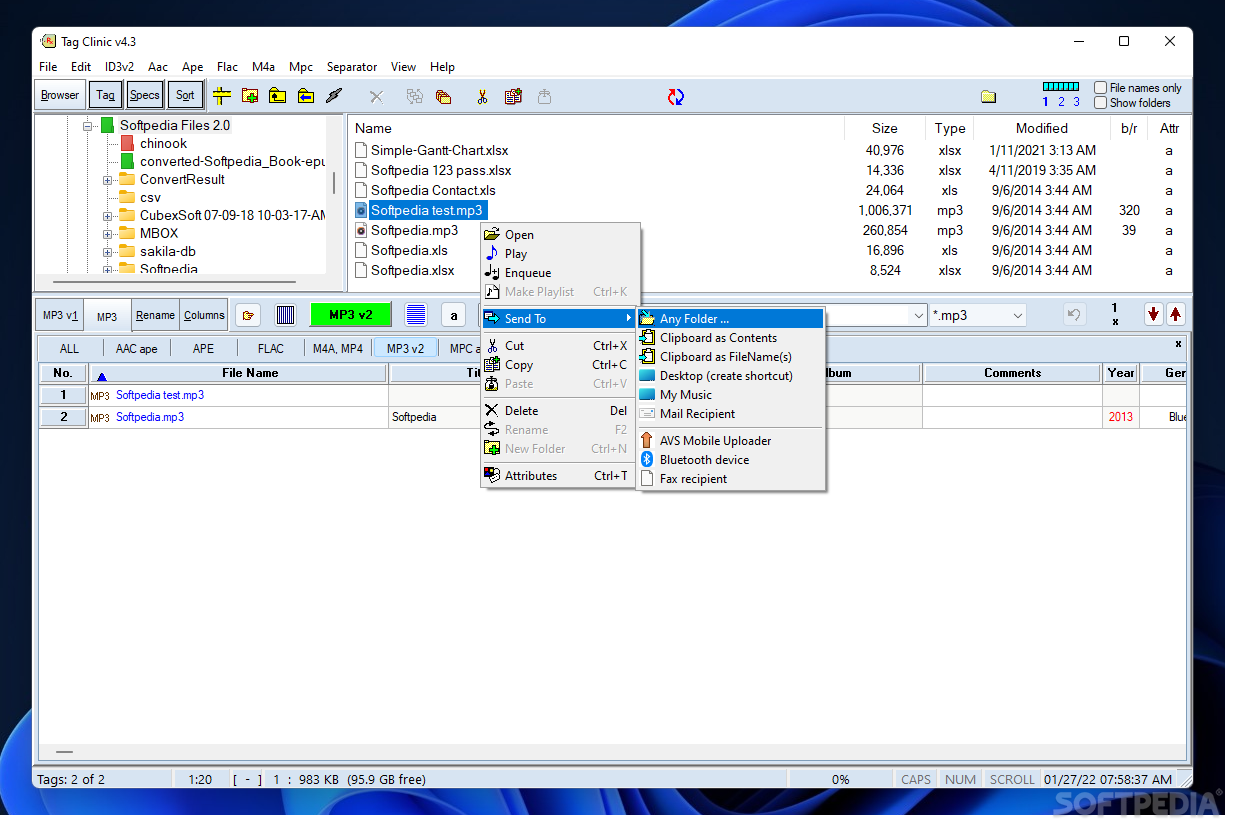
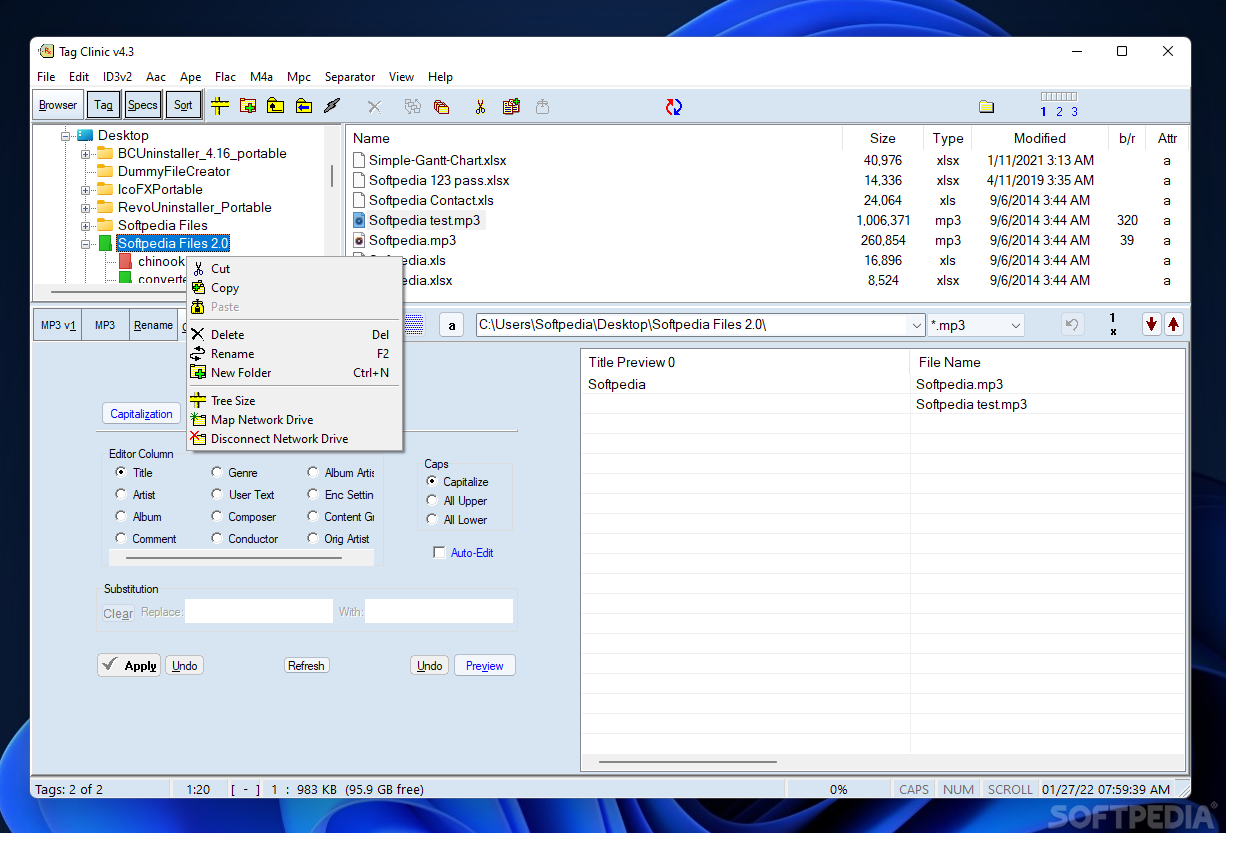
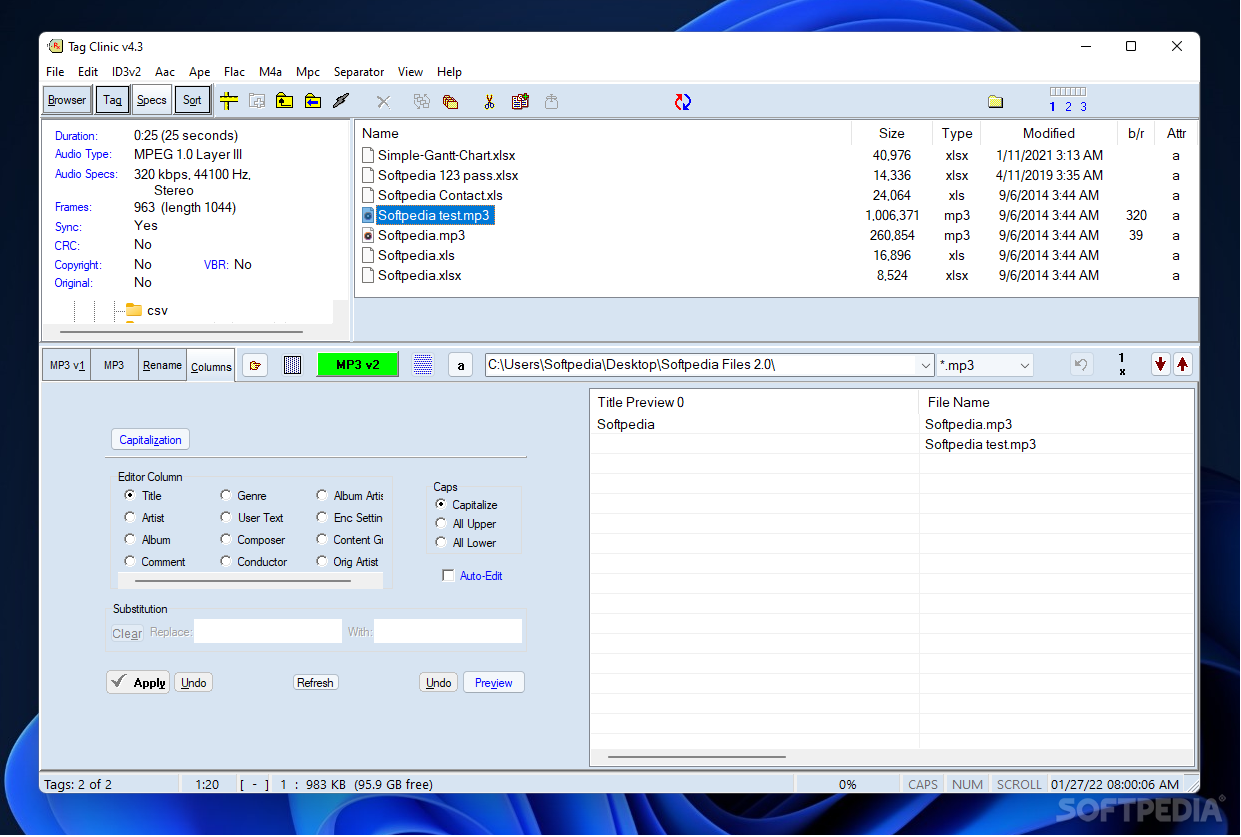
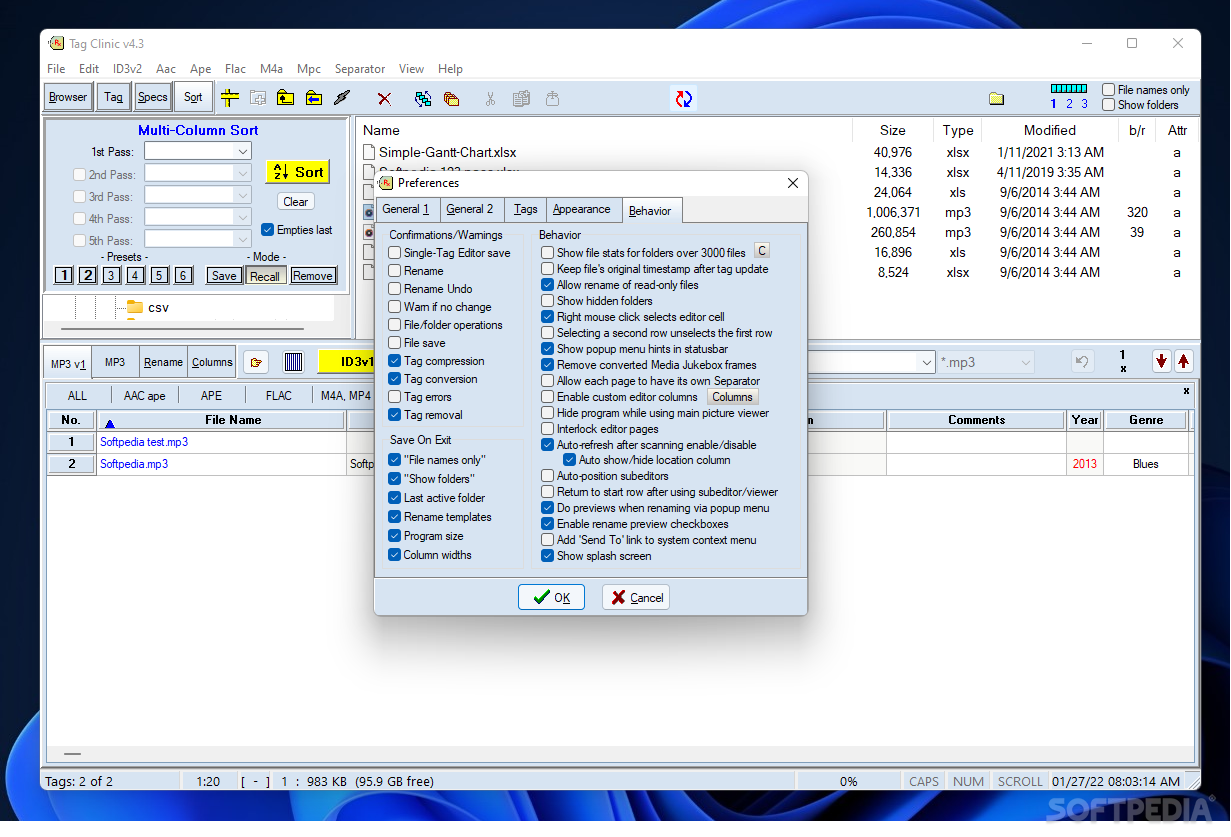
    The user interface of the program is plain and simple, thanks to the treeview. So, once you have located your music files, you can edit their file name, title, artist, album, comments, year, genre and track number.

    In addition, you can open a file in the default media player, create a playlist, send to desktop, cut, copy, paste, delete it or change its attributes (e.g. read only, archive).

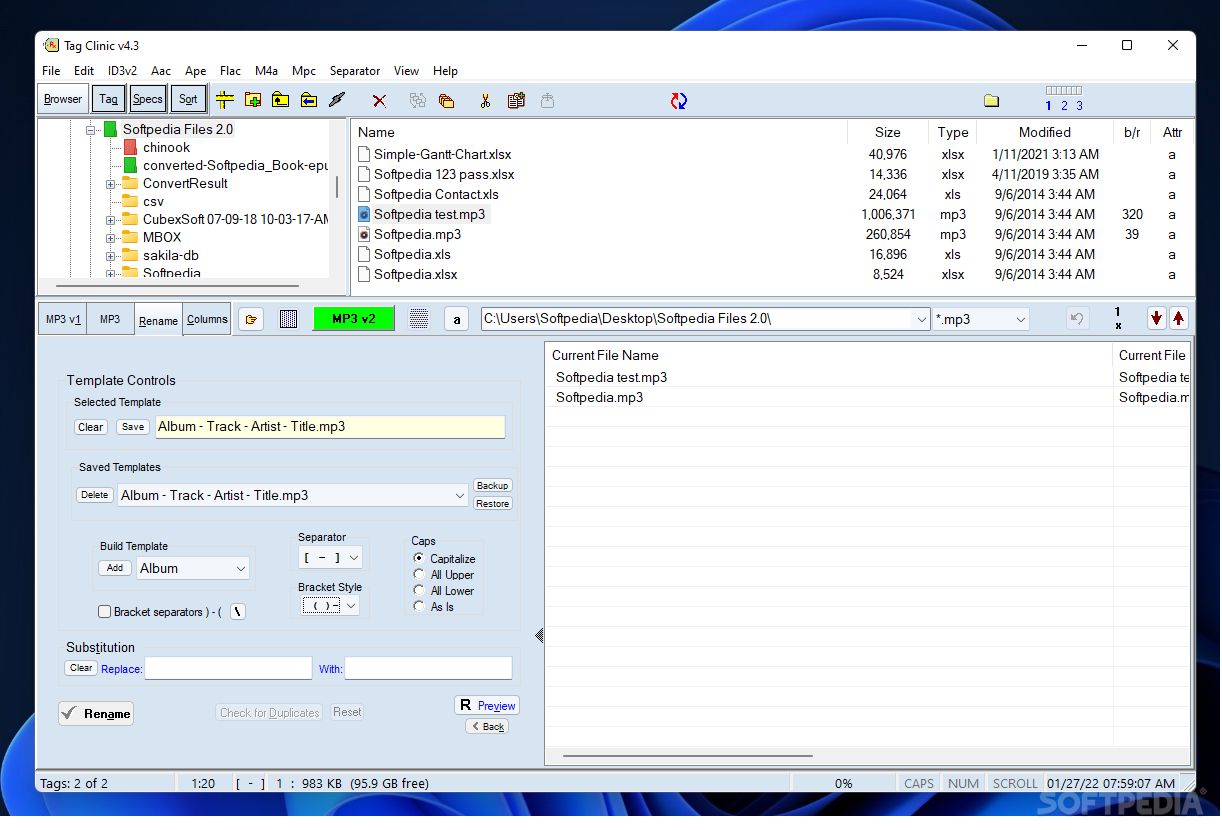
    Furthermore, you can switch to the "Rename" tag to edit the track format (e.g. album, track, artist, title), select a "build template", separator, bracket style and caps. Also, you can replace text.

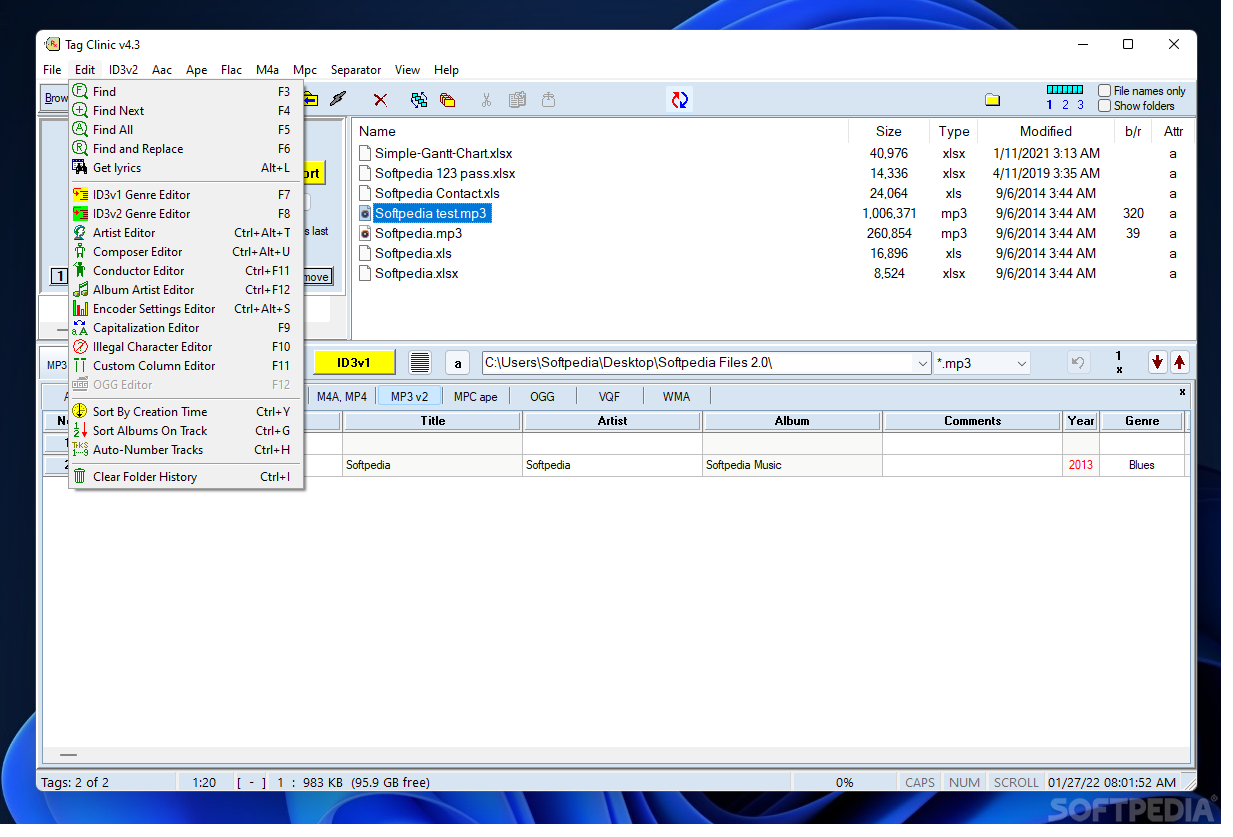
    Moreover, you can use a search function, composer and conductor editor, automatically rename tracks, as well as enable various automatic editing options, such as "auto-cap", "anti-cap", "trim leading space", "trim trailing space" and "trim over-length".

    The tool uses a low-to-moderate amount of system resources and contains a complete help file with snapshots. We didn't have any problems testing it.

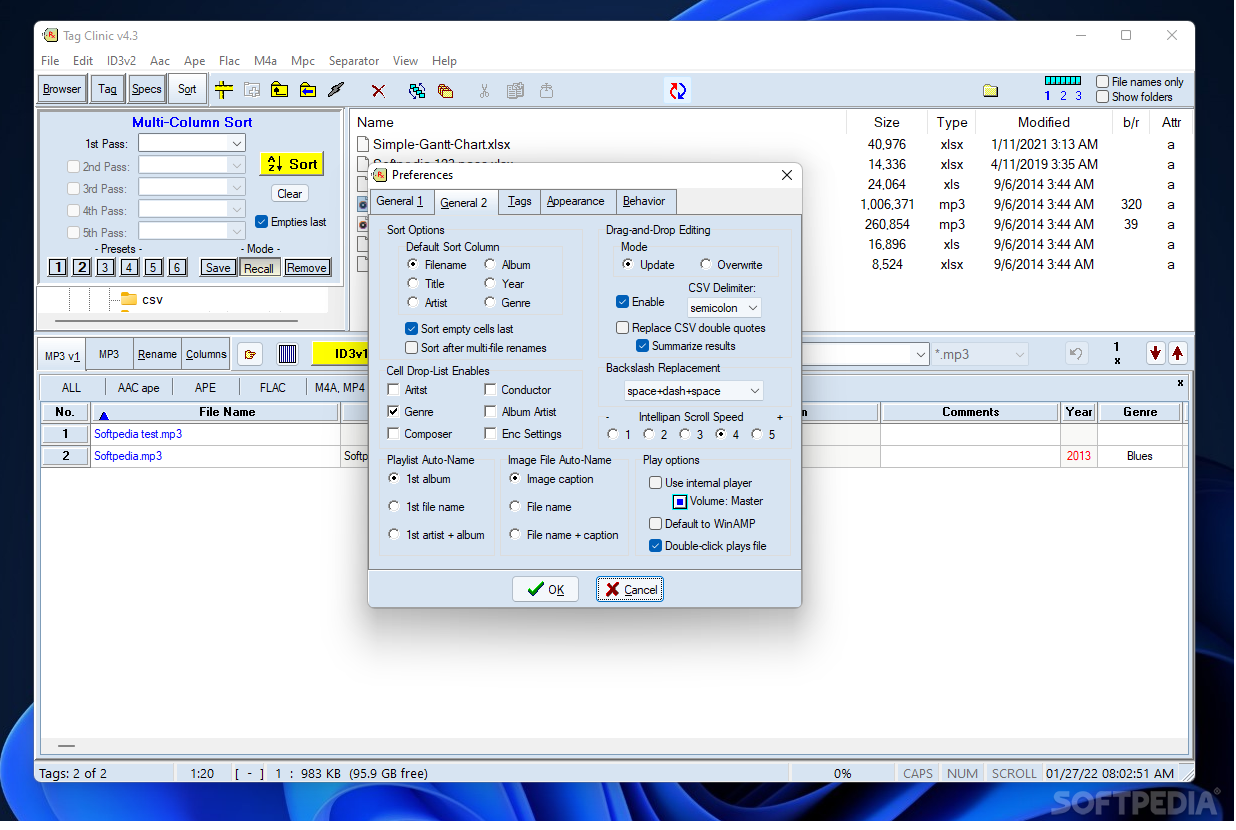
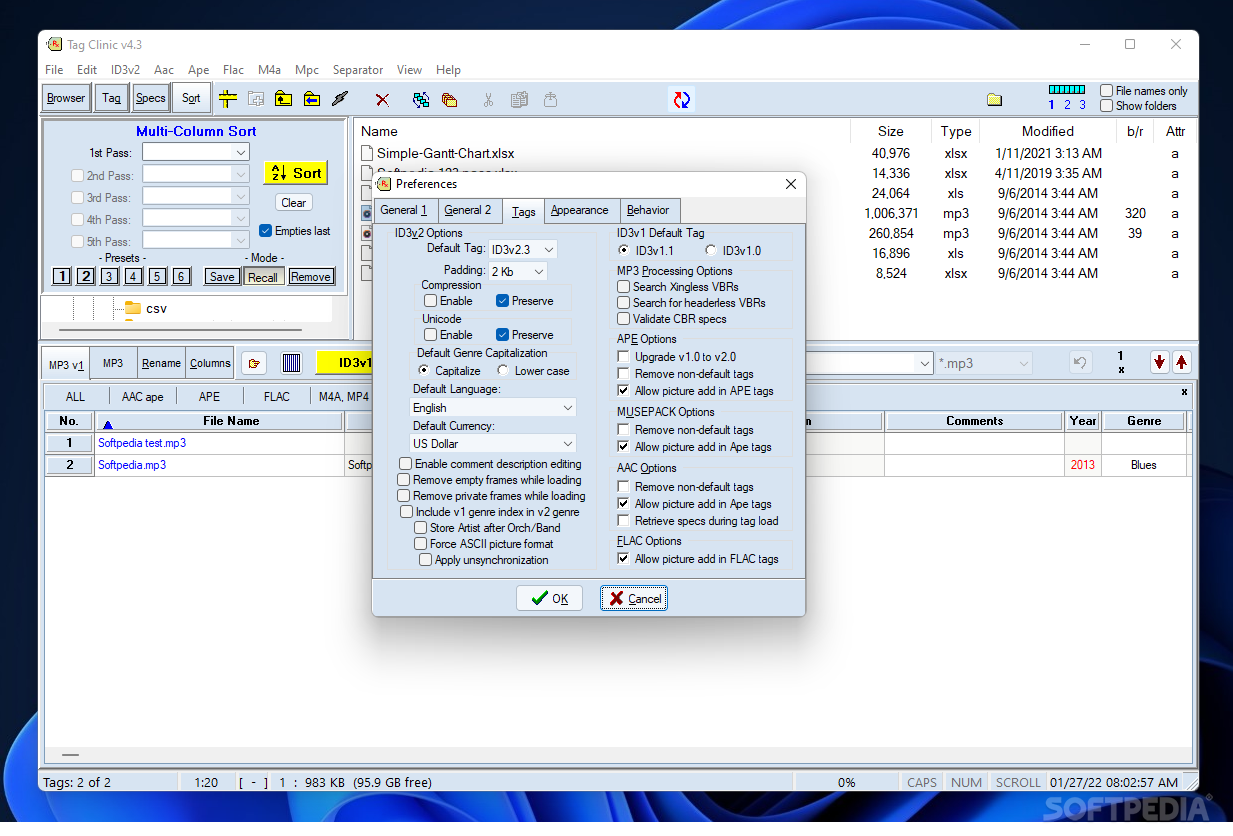
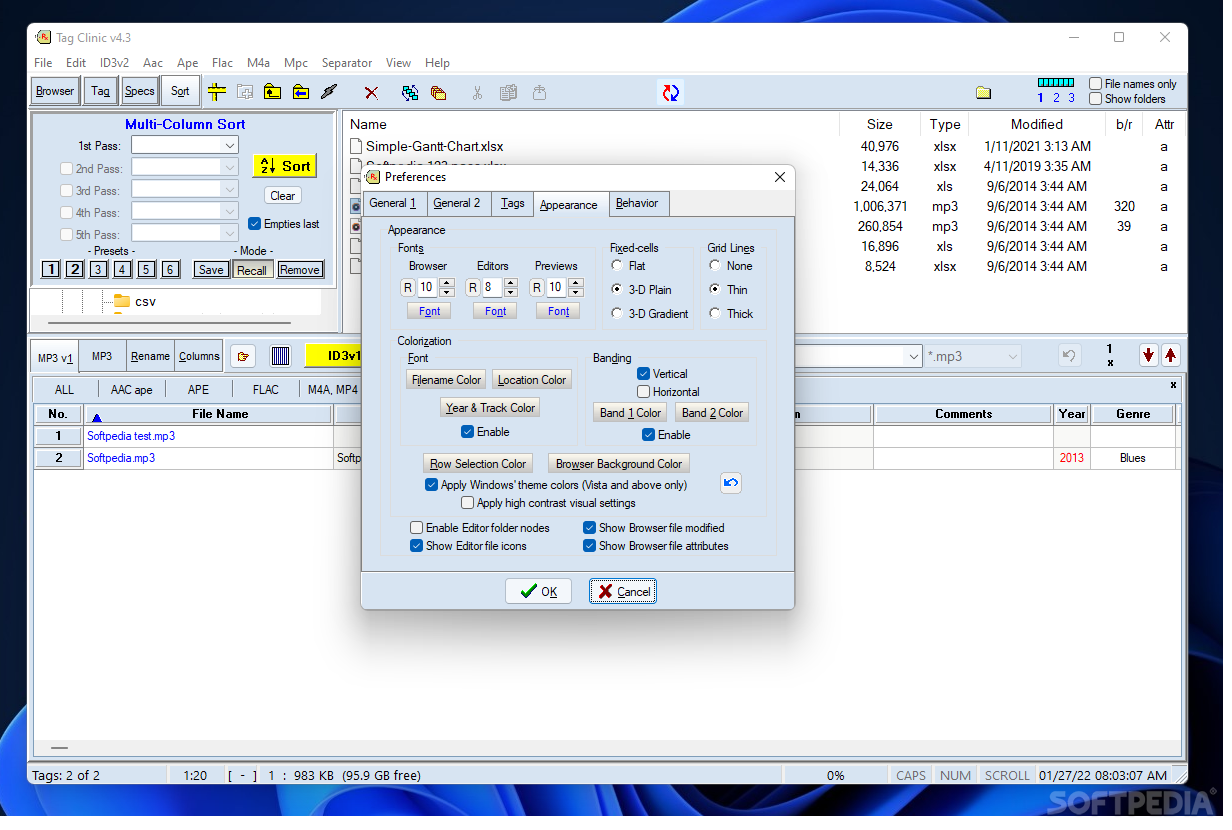
    The interface could have welcomed some improvements when it comes to navigating within its many features. Since it comes bundled with a lot of configurable options, we mainly recommend MP3 Tag Clinic to experienced individuals, although novices can get a simple task done as well.


    Read an in-depth analysis in our professional review for MP3 Tag Clinic

    MP3 Tag Clinic description

    Here are some key features of "MP3 Tag Clinic":

    · Displays ID3v1.0 through ID3v2.4 tags in a spreadsheet-style table and makes them all immediately editable, either individually or in selectable combinations.
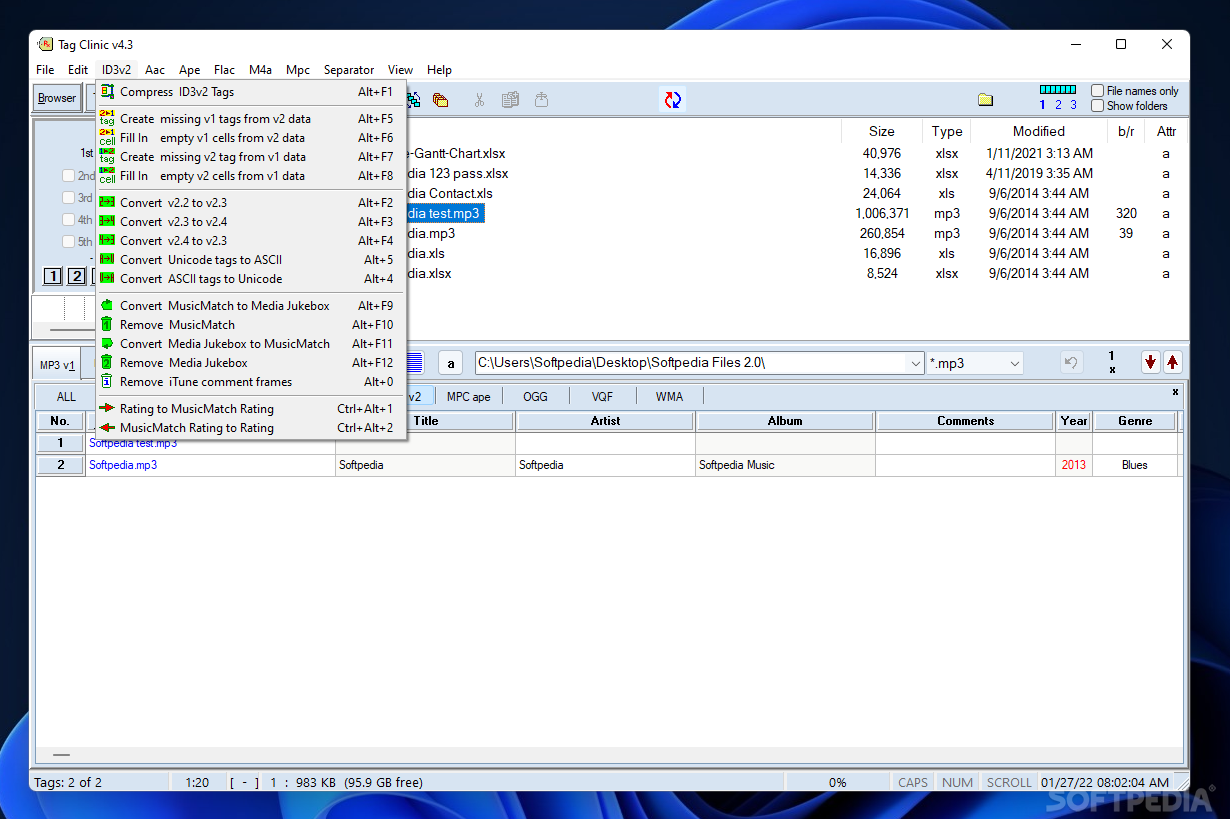
    · Copies tag data from ID3v1 to ID3v2, and vice versa.
    · Converts ID3v2.3 to ID3v2.4, and vice versa.
    · Fills in empty tags of one version with data from another.
    · Optionally and automatically propagates changes made to ID3v1 into ID3v2, and/or vice versa.
    · Renames MP3 files based upon tag data they contain, using either ID3v1 or ID3v2 data.
    · Fills in tag data by extracting it from file names.
    · Creates custom renaming formats easily saved for reuse.
    · Renames hundreds of MP3 files to the format of your choice with just a single mouse click.
    · Renames can be previewed before they are applied.
    · Renames are reversible once applied.
    · Supports automatic directory-restructuring/file-relocation as files are being renamed.
    · Supports multiple ID3v2 comments and URL fields in a single tag.
    · Supports MusicMatch custom information fields.
    · Supports Media Jukebox custom informaton fields
    · Supports all URL fields.
    · Supports both synchronized and unsynchronized lyrics.
    · Supports encapsulated objects.
    · Provides built-in Genre Editors for both ID3v1 and ID3v2 genres.
    · Contains built-in unsynchronized Lyrics Editor.
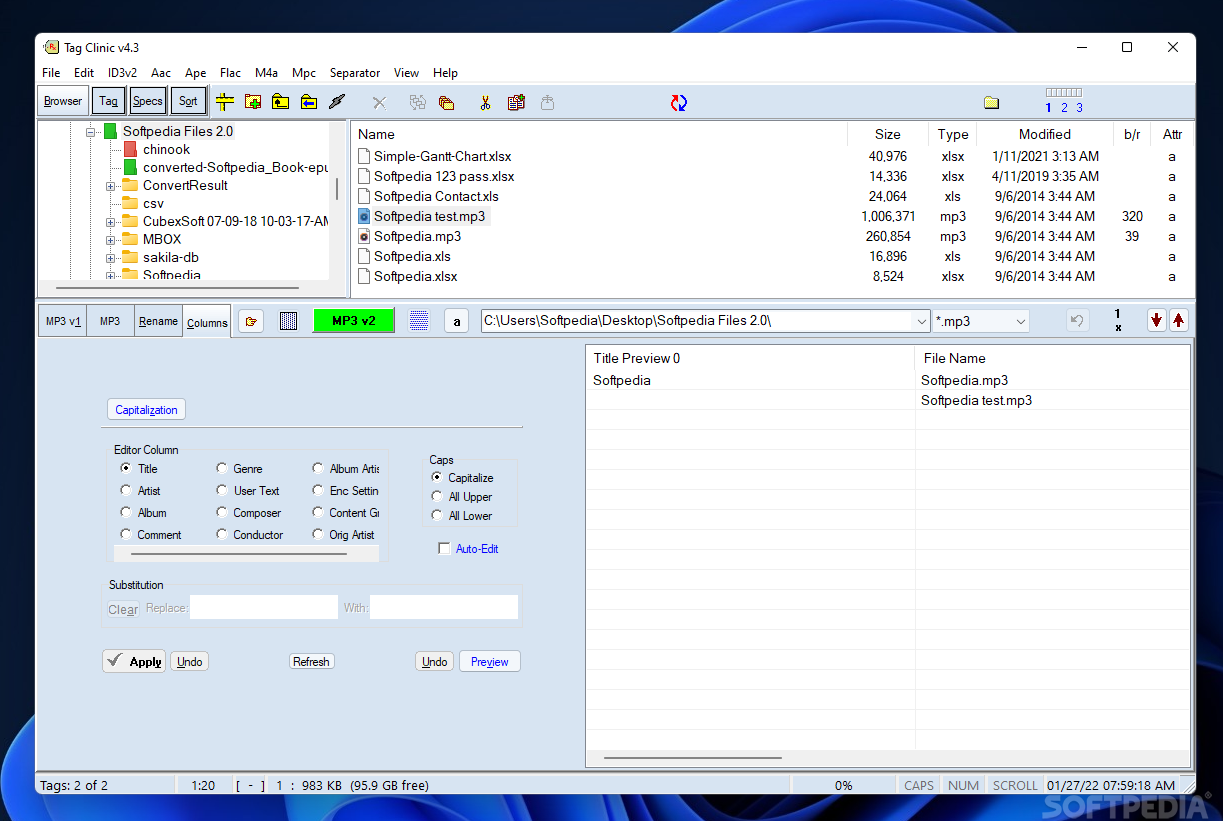
    · Includes a special Column editor for performing common editing tasks on the same field in all tags.
    · Supports importation of tag data by drag-and-drop from an outside data source via OLE.
    · Supports file drag & drop to and from your favorite browser.
    · Supports reordering of files within the Editor by drag & drop of individual editor rows.
    · Supports quick folder reloads from a database file, instead of re-reading all tags.
    · Supports Intellipan via mouse wheel.
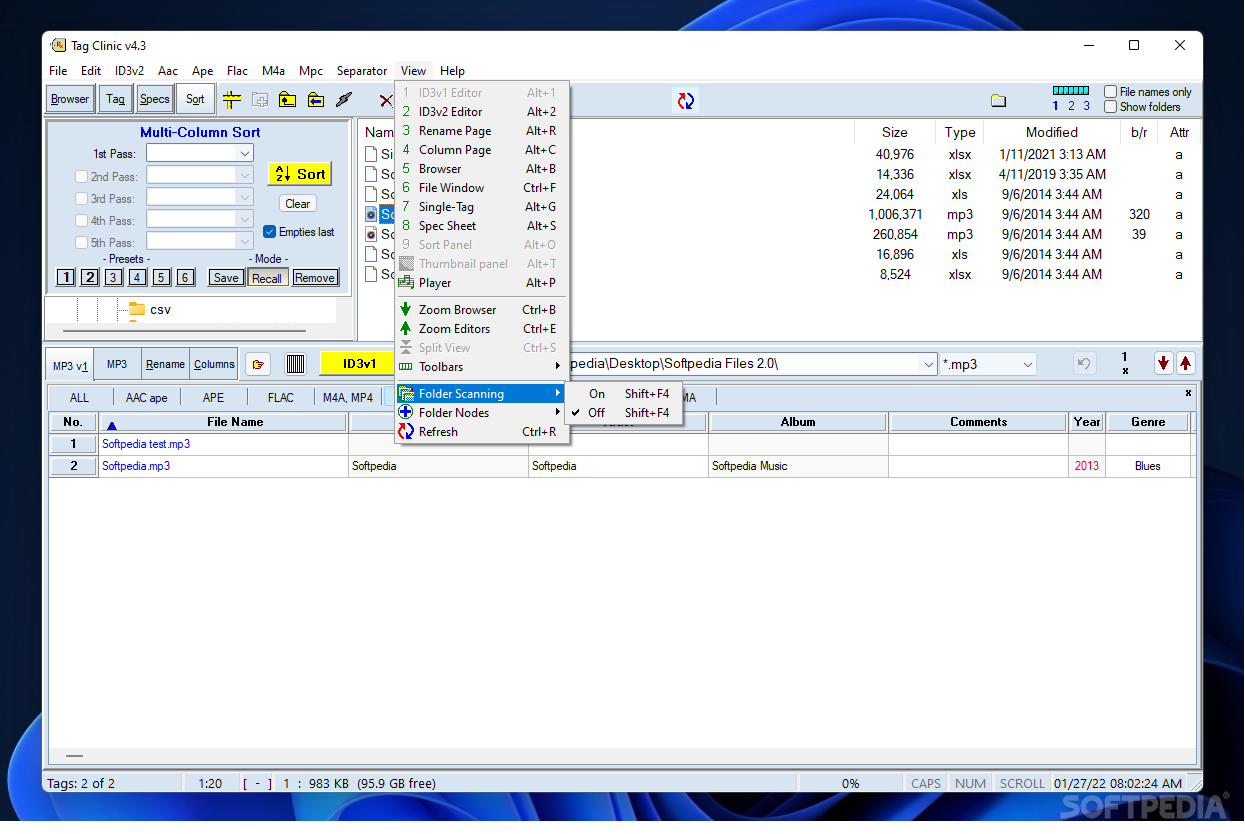
    · Performs indexed sorts on multiple tag fields at once.
    · Completely removes ID3v1 or ID3v2 tags from selected files upon request.
    · Compresses ID3v2 tags automatically as they are updated, or upon request for selected files.
    · Provides separate popup menus for quick-editing of individual tag fields, or multiple fields or files.
    · Displays images contained in tags, adds or deletes them, and edits image captions.
    · Browses tag images by full view or thumbnail.
    · Searches tags for user-defined expressions.
    · Searches for and replaces characters, words, or expressions in tags.
    · Quickly inserts or deletes parts of a prospective filename.
    · Optionally and automatically converts underbars and other special characters, trims extra space, performs capitalization functions, and more.
    · Displays technical data about each file.
    · Plays and enqueues selected file(s) with your default MP3 player.
    · Creates custom WinAMP� playlists.
    · Contains an integrated file browser for easy navigation and manipulation of MP3 files.
    · Print-previews and prints all tags, or selected tags/tag fields, in a folder.
    · Saves data to Text, MS Word, MS Excel, HTML, and CSV file formats (requires OLE server).
    · Includes help file.
    · Upgrades are free to registered users.

    Limitations:

    · Feature-limited trial 30 days or 20 uses.

    What's New in This Release: [ read full changelog ]

    · Lyrics download source change

       Softpedia guarantees that MP3 Tag Clinic 4.3.9.7 is 100% CLEAN, which means it does not contain any form of malware, including spyware, viruses, trojans and backdoors. [read more >]


    TAGS:

    mp3 tag | tag editor | rename files | tag | editor | id3


    HTML code for linking to this page:


    Go to top

    WindowsGamesDriversMacLinuxScriptsMobileHandheldNews

    SUBMIT PROGRAM   |   ADVERTISE   |   GET HELP   |   SEND US FEEDBACK   |   RSS FEEDS   |   UPDATE YOUR SOFTWARE   |   ROMANIAN FORUM