
Powerful tag editor for various music files, enabling users to change the metadata information of their tracks in batch mode by syncing content with online databases. #Tag editor #ID3 editor #Edit MP3 tag #Tag #Editor #Renamer

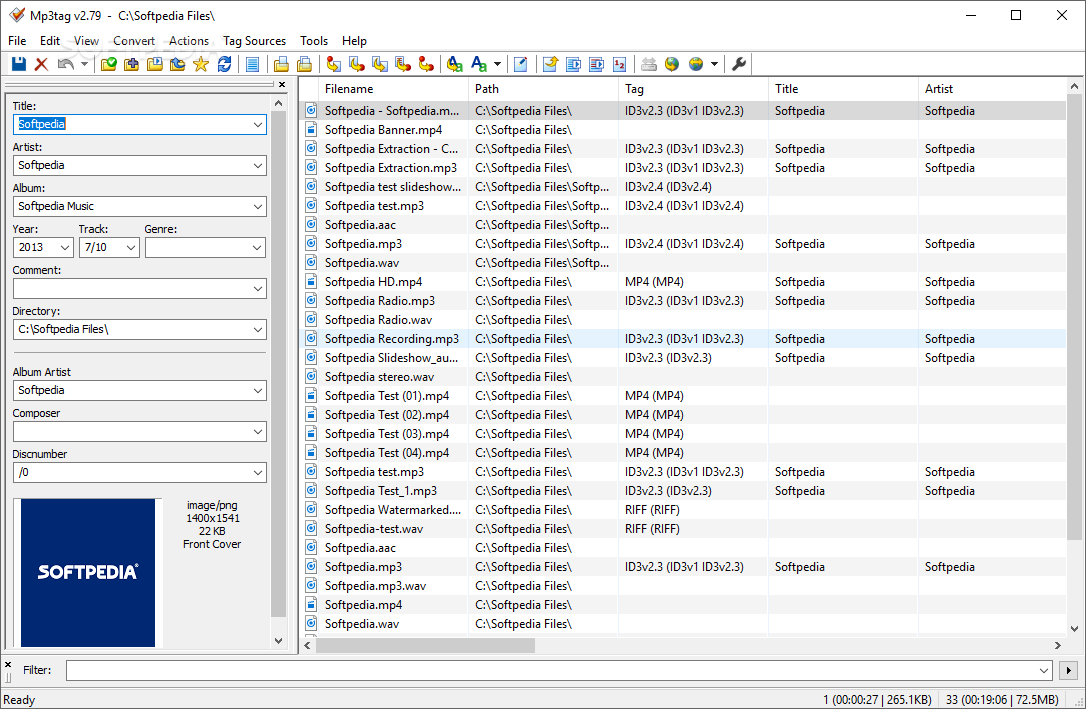
If you’re really keen on keeping your music collection well organized, there’s a pretty high chance that you’re also quite interested in having a structure in the metadata and tags for your tracks. Of course, one can edit basic track info using the default system file viewer, or, audio players that sport such capabilities. However, Mp3tag, just as its name aptly suggests, will provide a specialized framework for managing and editing the metadata of your audio files, in just a few simple clicks.
It’s very likely that your audio collection will have at least several tracks, is not much more. This is why it’s good to be able to edit each track and at the same time visualize the rest, for the sake of efficiency.
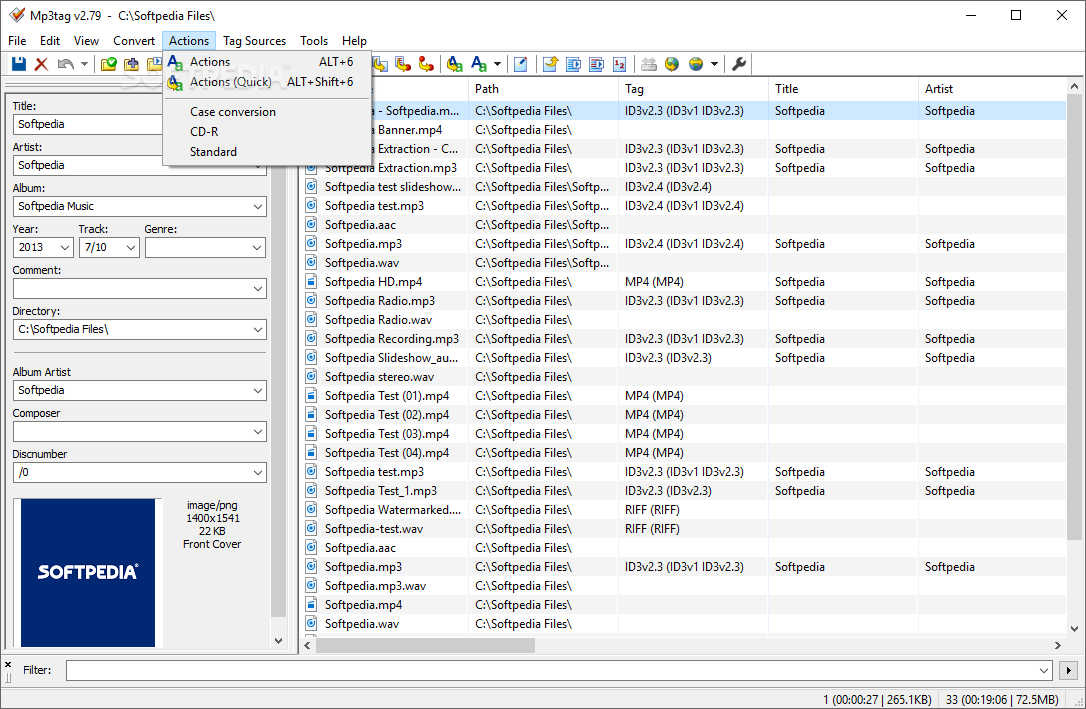
Mp3tag accounts for that, by offering a split-view, which relies on a side-panel, where the actual metadata editing can be performed, and the main viewing area, which contains all the tracks in the loaded directory. This way users can always have a peek at the status of the rest of the audio files.
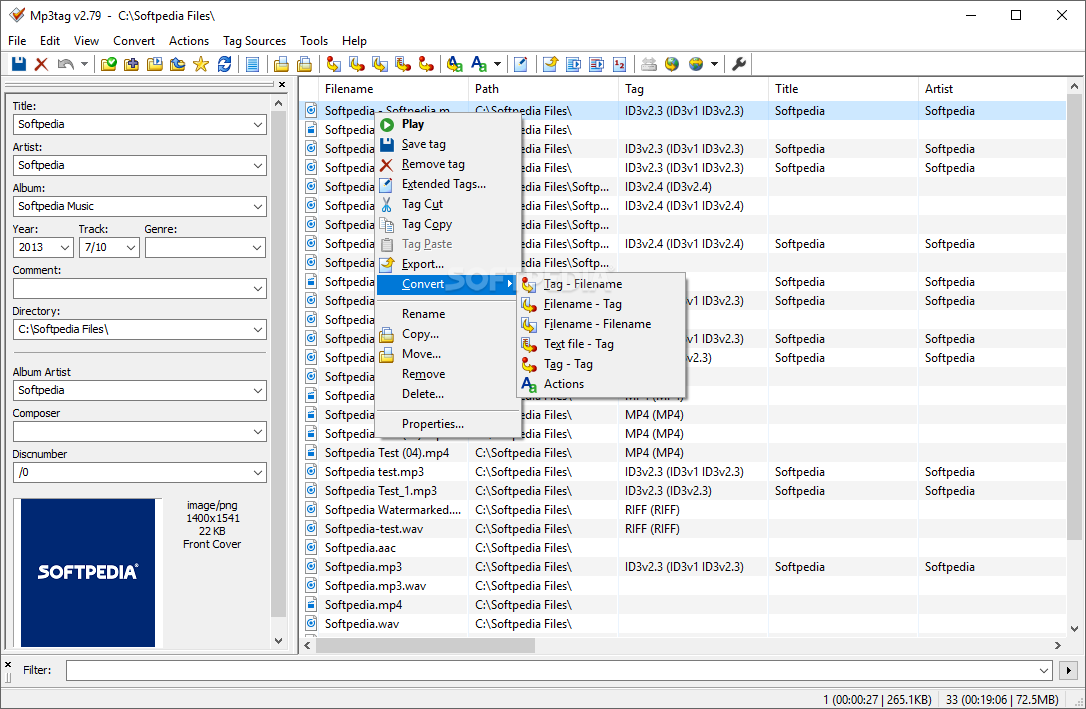
When going past the main features that address the ID3v1 and ID3vX tag editing, one will also find a myriad of features for editing the other file information, which pertains to the album, artist, and even cover.
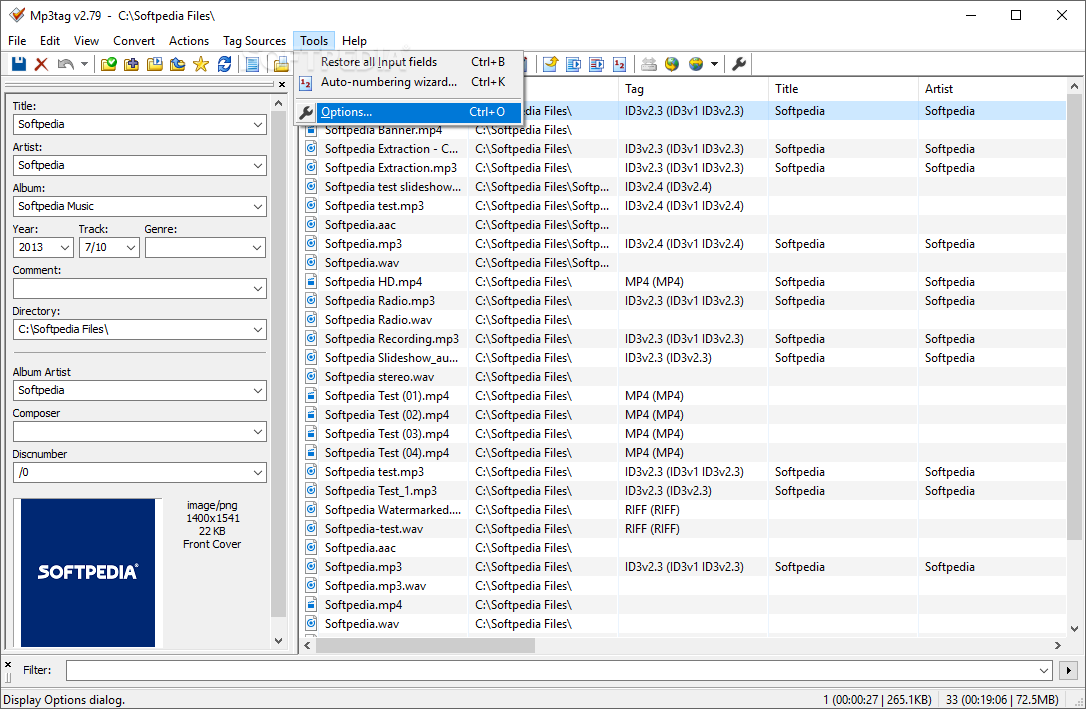
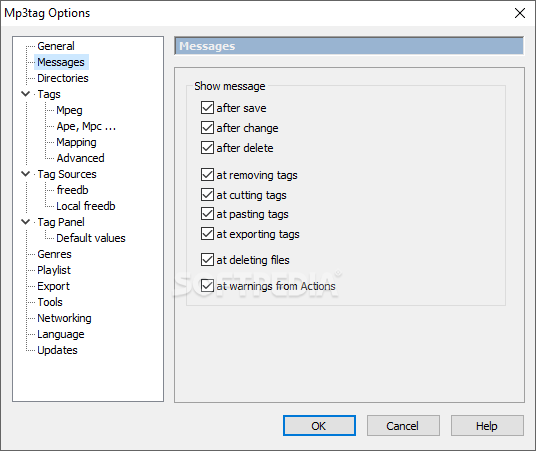
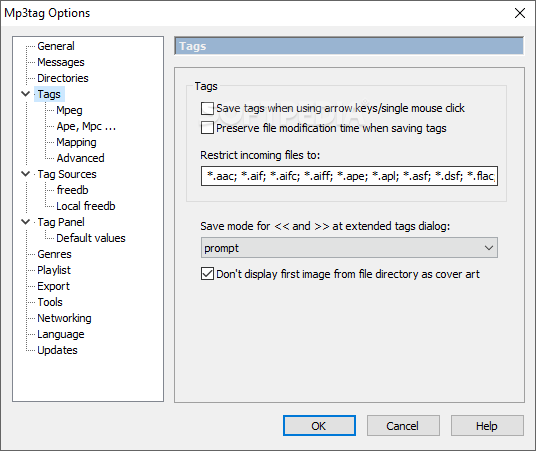
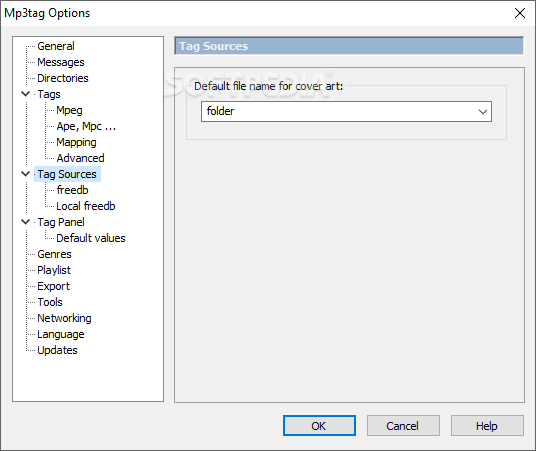
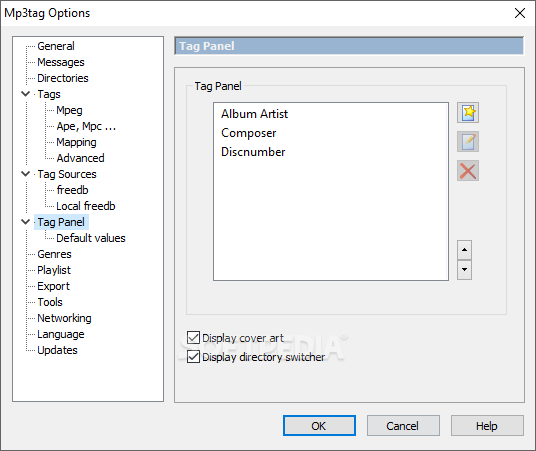
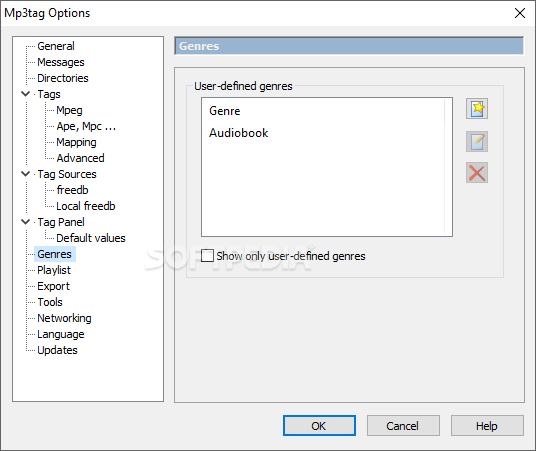
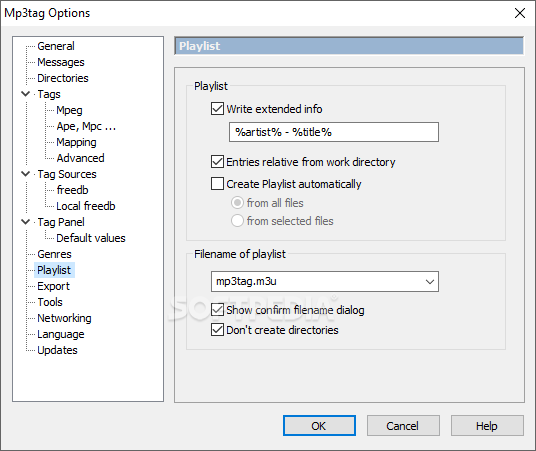
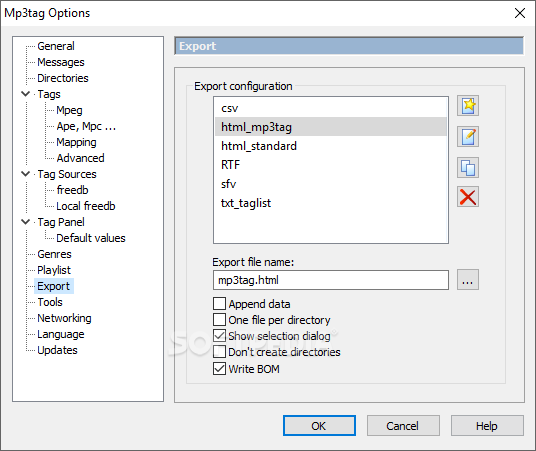
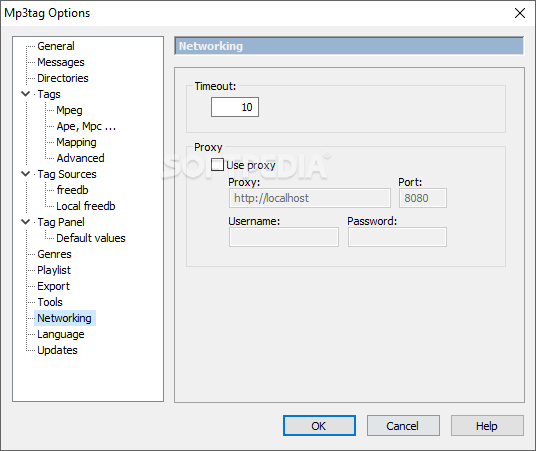
To go with the quite accessible editing tools, the app comes equipped with a highly customizable settings bank, which we found to be more than appropriate for constructing a custom handling experience.
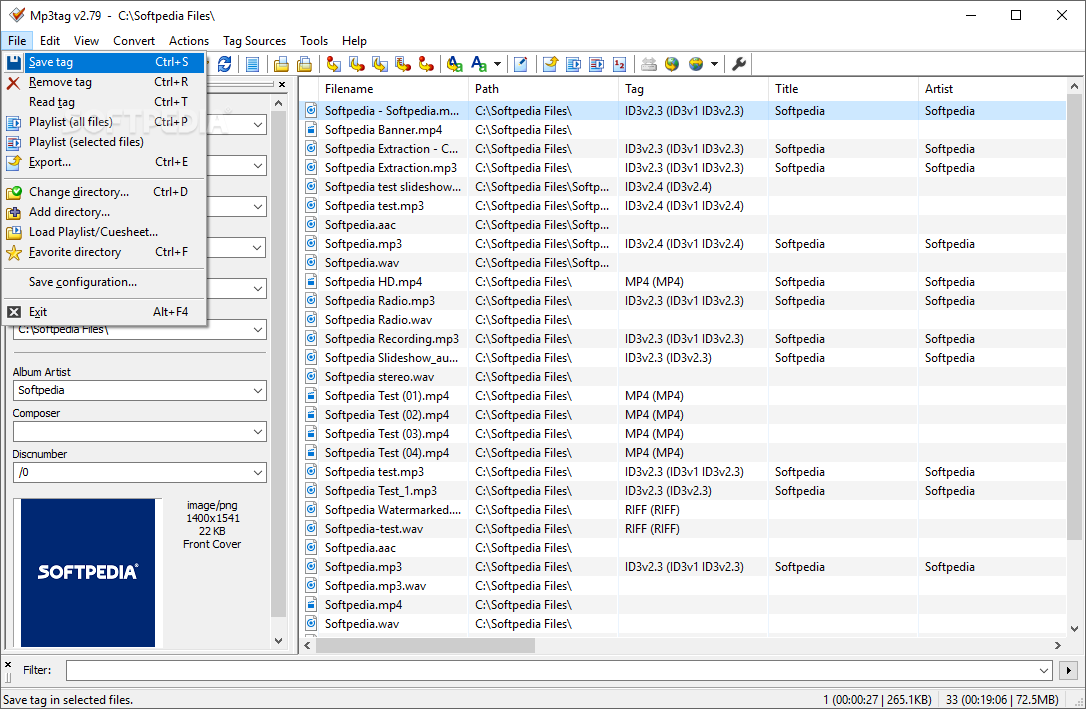
Mp3tag provides a reliable set of tools that can help you edit the ID tags of your audio files, together with other data, all from within a single, centralized interface.
Download Hubs
Mp3tag is part of these download collections: Tag Editors, Add Audio Metadata
What's new in Mp3tag 3.25:
- FIX: Nero MP4 `cdec` field for encoder settings was not preserved when writing tags (since v2.92). (#64148)
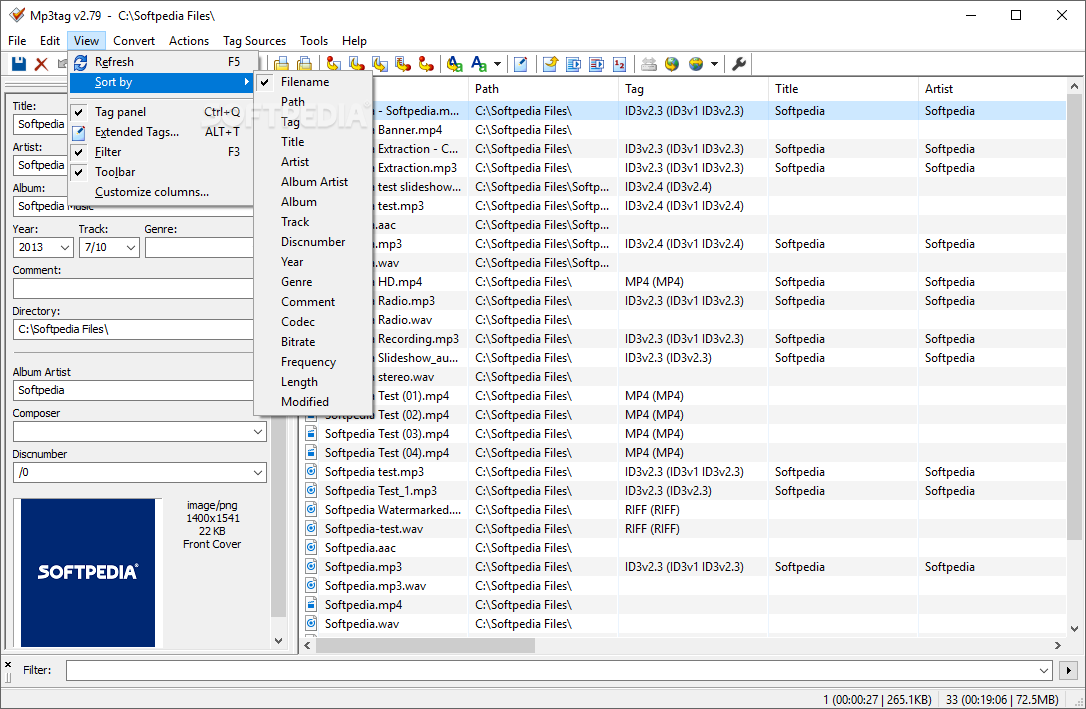
- FIX: menu items at View > Sort by... were not accessible for screen readers. (#63621)
- FIX: writing UTF-8 encoded export files produced wrong 4-byte character encoding for some Unicode characters. (#63556)
- FIX: writing UTF-8 encoded `*.m3u8` playlists produced wrong 4-byte character encoding for some Unicode characters. (#63556)
Mp3tag 3.25
 Softpedia Editor's Pick
add to watchlist
add to download basket
send us an update
REPORT
Softpedia Editor's Pick
add to watchlist
add to download basket
send us an update
REPORT
- portable version
- Portable Mp3tag
- runs on:
-
Windows 11
Windows 10 32/64 bit
Windows 8 32/64 bit
Windows 7 32/64 bit - file size:
- 4.2 MB
- filename:
- mp3tagv325-x64-setup.exe


- main category:
- Multimedia
- developer:
- visit homepage
calibre

Windows Sandbox Launcher

ShareX

7-Zip

Zoom Client

IrfanView

4k Video Downloader

Microsoft Teams

Bitdefender Antivirus Free

Context Menu Manager

- Microsoft Teams
- Bitdefender Antivirus Free
- Context Menu Manager
- calibre
- Windows Sandbox Launcher
- ShareX
- 7-Zip
- Zoom Client
- IrfanView
- 4k Video Downloader