
Rename audio track tags and file names in bulk, generate tags, import and export cover art, preview songs in a built-in audio player, and generally organize music collections by applying complex scripts with rules. #Tag editor #Music organizer #Tag reader #Editor #Id3v2 #Reader

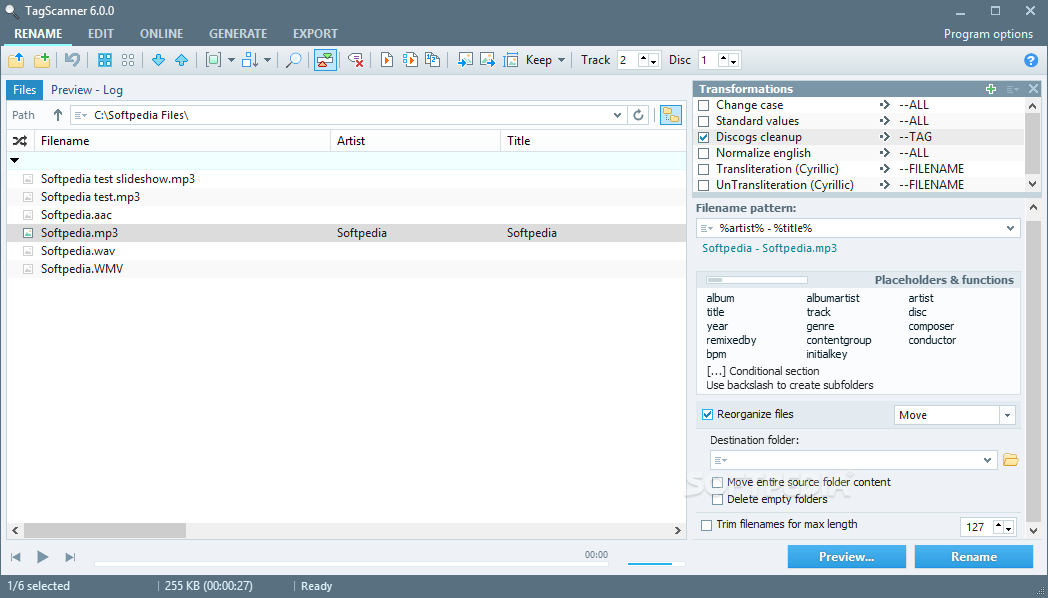
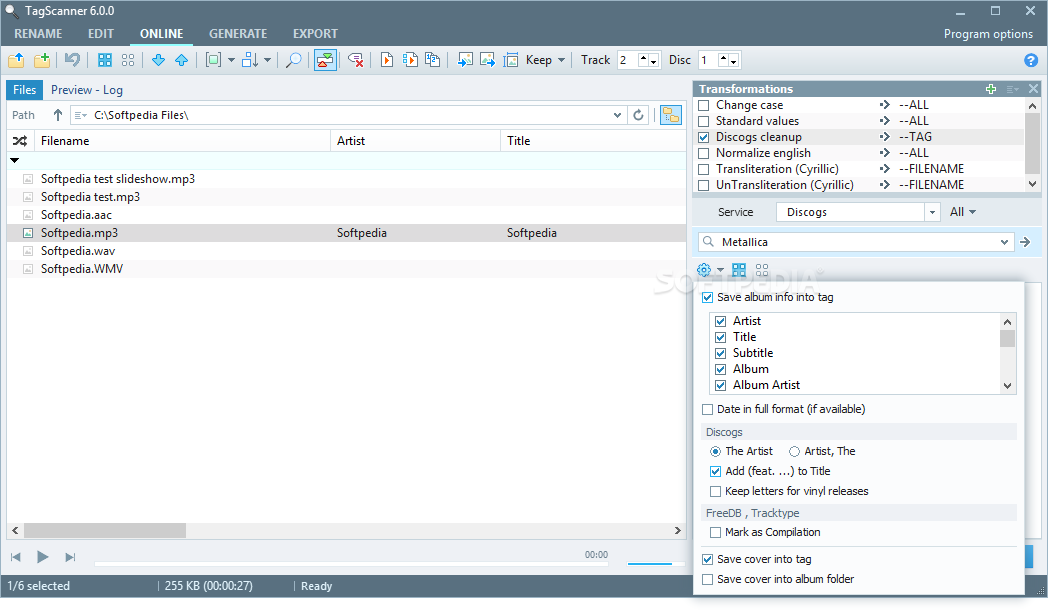
TagScanner is an advanced music organizer that comprises a large array of configuration settings for renaming audio tracks and other types of files in batch mode according to your custom-made set of rules.
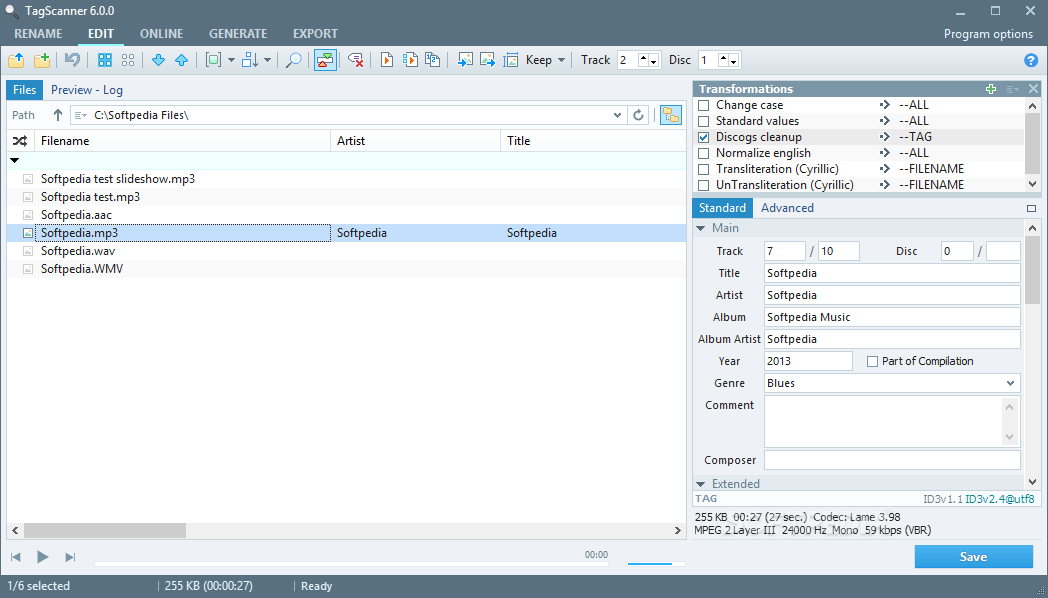
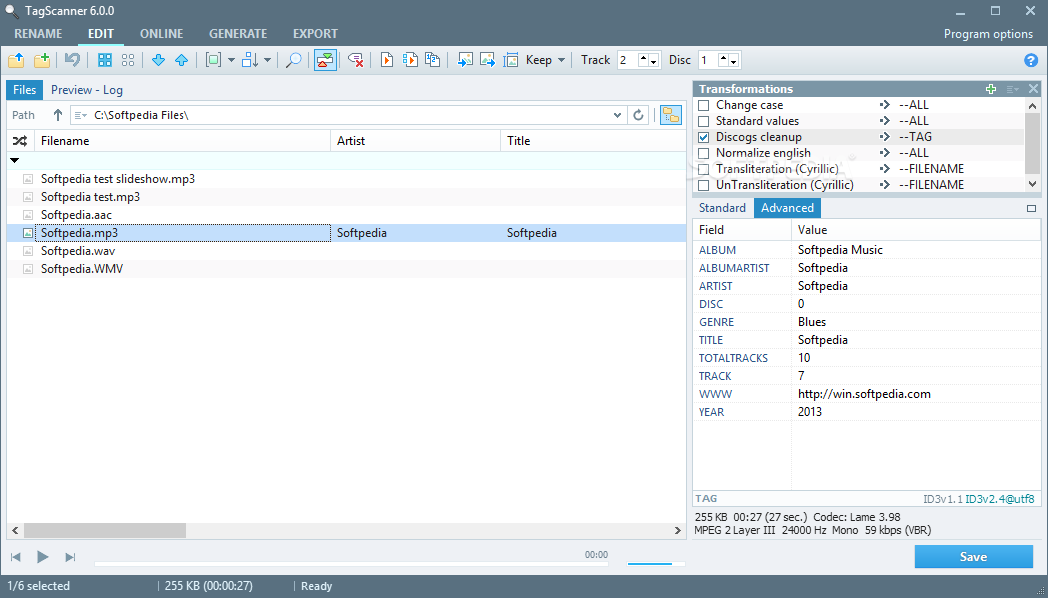
It can rename and edit tags, as well as generate playlists, among other features. The app offers support for a wide range of audio file types and tag formats.
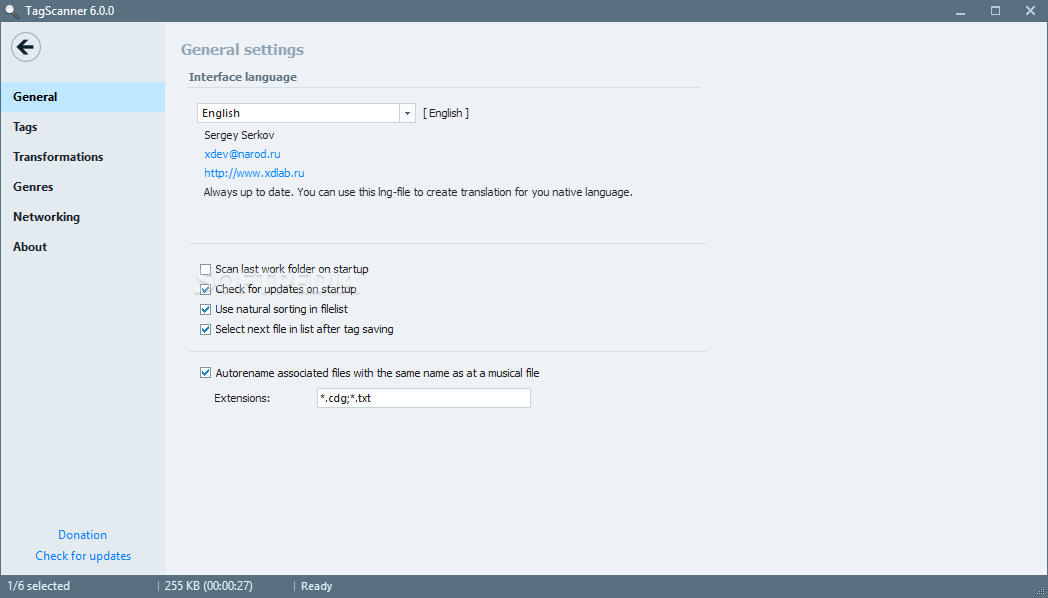
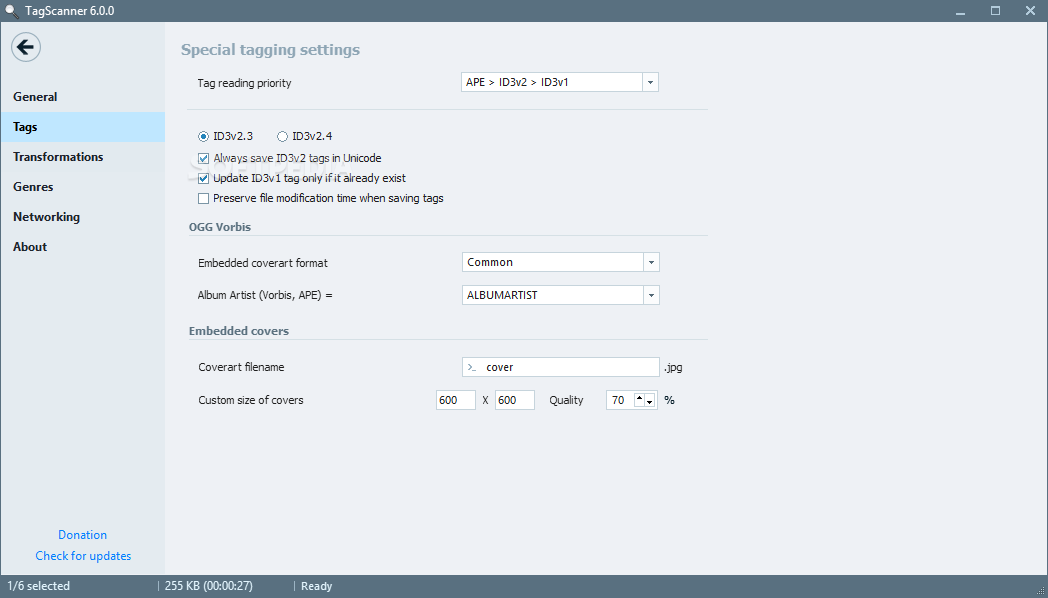
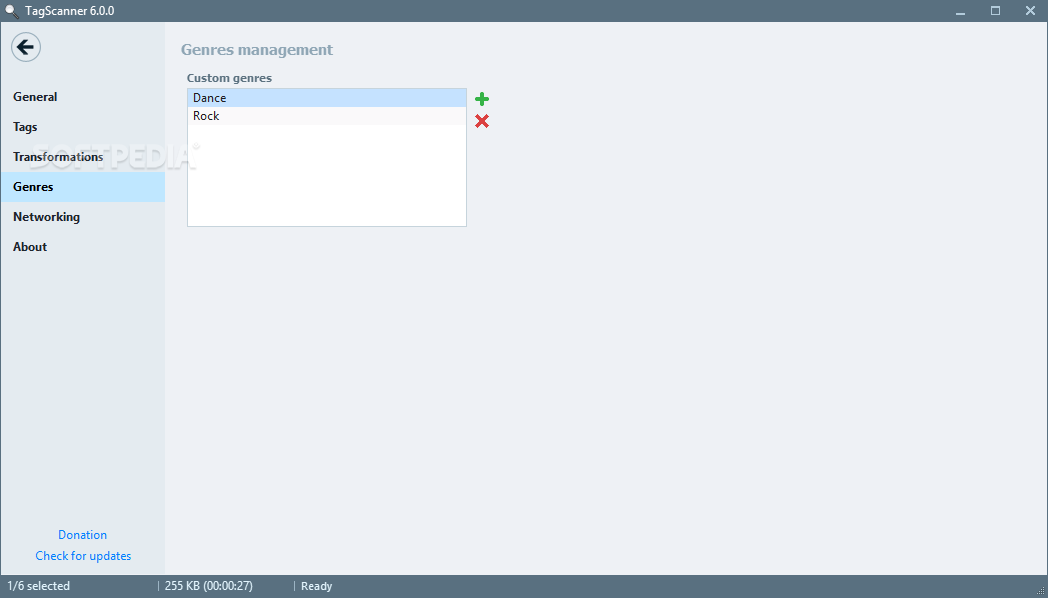
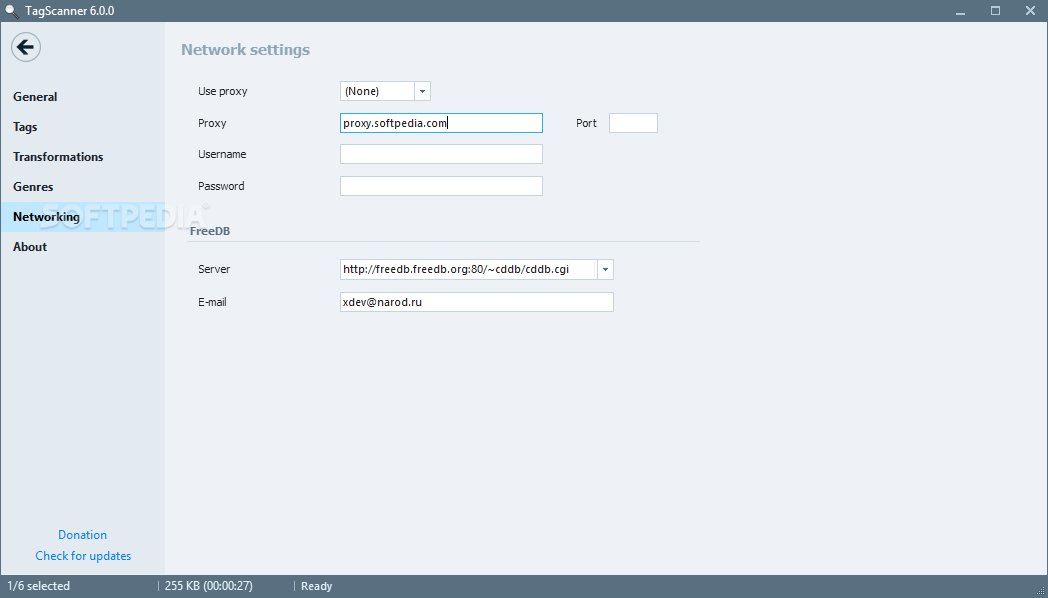
After a brief and uneventful setup operation, you are greeted by a large window with a well-structured layout and lots of settings displayed, so you can take your time and explore everything.
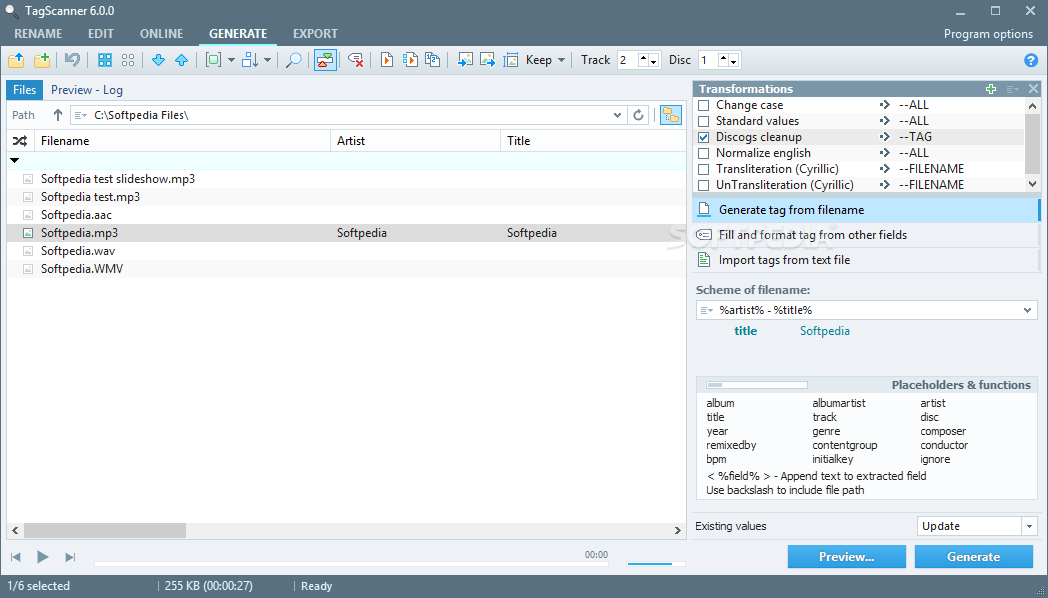
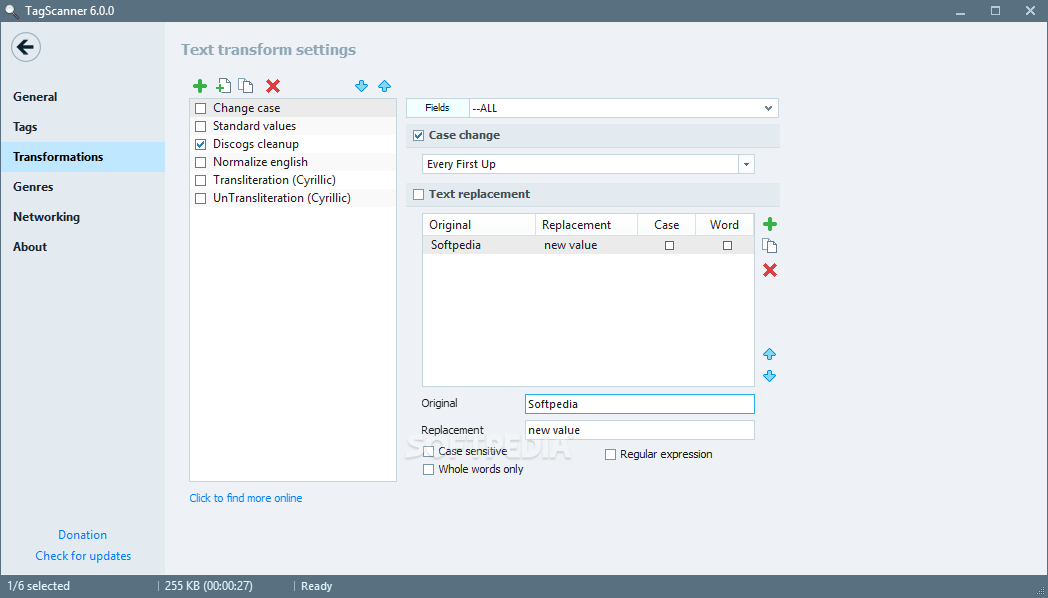
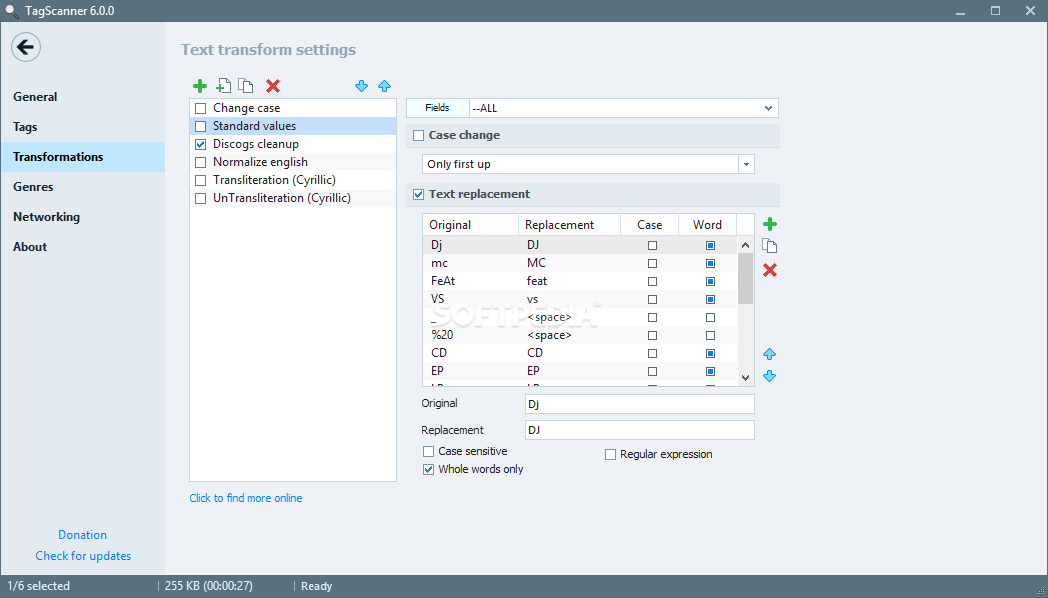
It is possible to transform text by converting text or replacing words, characters and symbols with something else, or define a new pattern for file renaming by assigning placeholders, such as album, artist, composer, and comment.
All these rules are added to scripts, and you can create and apply multiple scripts at once, depending on the type of operations. You can either resort to predefined scripts, edit their properties, or put together new ones with new naming patterns.
Before asking TagScanner to apply the new modifications, you can preview results in a separate area and carefully study information to make sure you're satisfied with the new tag or file names.
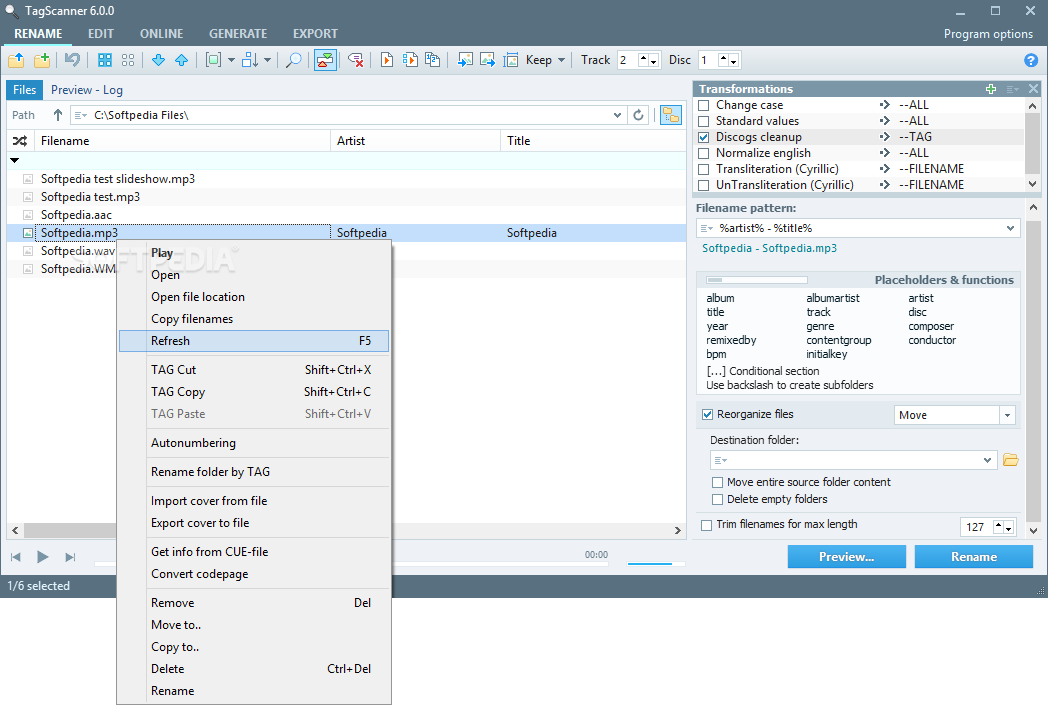
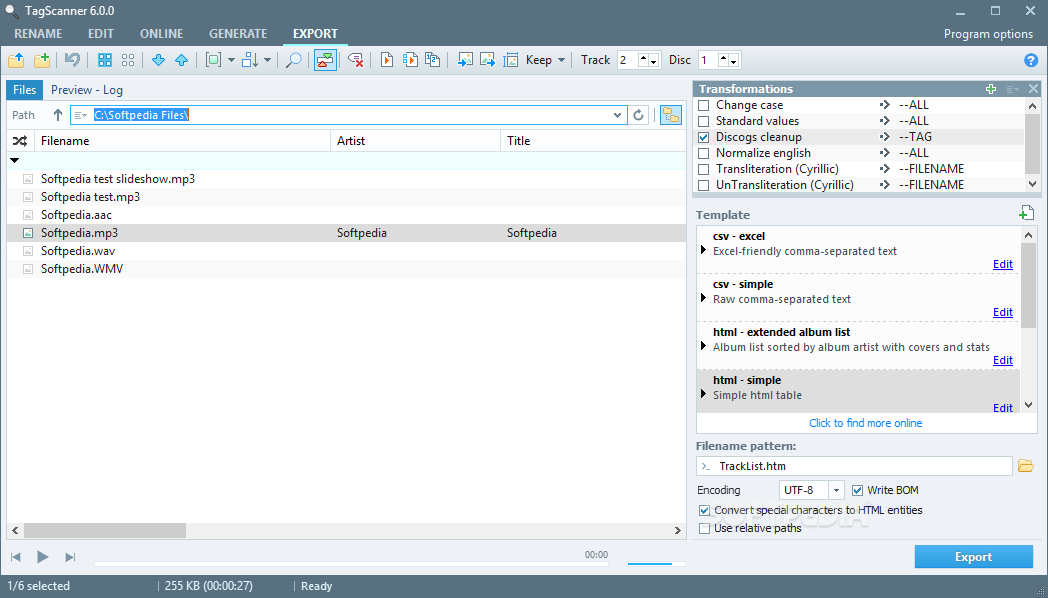
TagScanner also implements tools for generating tags after retrieving music information from file and folder names. It lets you create and save playlists, as well as export the lists to external files with various extensions. Cover art may be imported and exported, while songs can be loaded in an integrated basic audio player. These are just part of the options provided by this comprehensive software utility.
Tasks are carried out rapidly while TagScanner remains light on system resources. It didn't hang, crash or prompt error messages in our evaluation. Bottom line is that this is an ideal music organizer for picky users who want to correctly edit track information and swiftly build impressive music collections.
Download Hubs
TagScanner is part of these download collections: Tag Editors
What's new in TagScanner 6.1.17:
- New: Unlock all fields button now can toggle state of all fields
- Improved grouping and sorting of files with mix of local and ansi chars
- Improved multiline fields editing in advanced editor
- Improved protection against malformed OGG files
TagScanner 6.1.17
add to watchlist add to download basket send us an update REPORT- portable version
- Portable TagScanner
- runs on:
-
Windows 11
Windows 10 32/64 bit
Windows 2008
Windows 8 32/64 bit
Windows 7 32/64 bit
Windows Vista 32/64 bit - file size:
- 4.3 MB
- filename:
- tagscan-6.1.17-setup.exe
- main category:
- Multimedia
- developer:
- visit homepage
7-Zip

Zoom Client

Windows Sandbox Launcher

Bitdefender Antivirus Free

Context Menu Manager

ShareX

4k Video Downloader

IrfanView

Microsoft Teams

calibre

- IrfanView
- Microsoft Teams
- calibre
- 7-Zip
- Zoom Client
- Windows Sandbox Launcher
- Bitdefender Antivirus Free
- Context Menu Manager
- ShareX
- 4k Video Downloader