
Media files tag editor with WYSWIG and MP3, WAV, AVI support. #Tag editor #Edit tag #Import tag #Tag #Editor #Edit

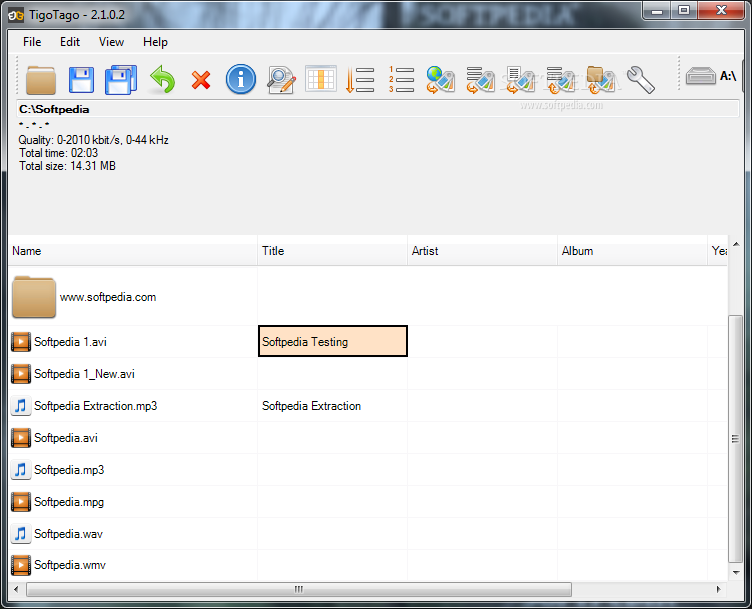
TigoTago is a program designed to help you edit the metadata of your audio tracks. It supports several file types, including MP3, M4A, OGG, WAV, WMA and FLAC.
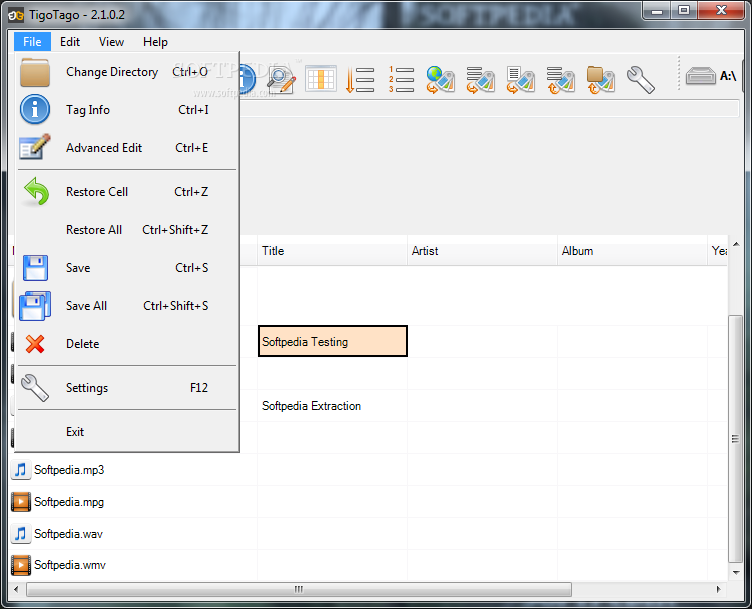
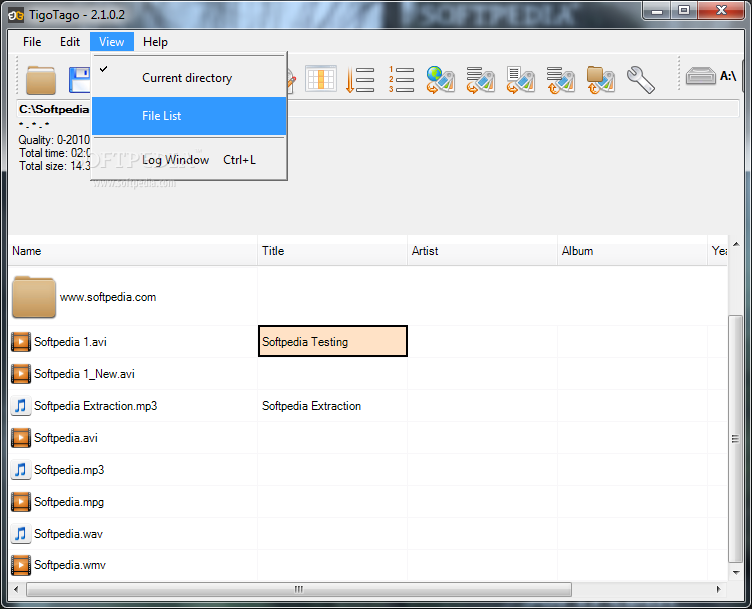
The tool comes with a user-friendly interface where you can easily locate and process audio tracks, thanks to the Explorer-based layout. But you can also change the current directory from the 'File' menu.
The file list displays the name, metadata, bit rate, duration and type of each file. You can edit basic tags, such as title, artist, album, year and comment.
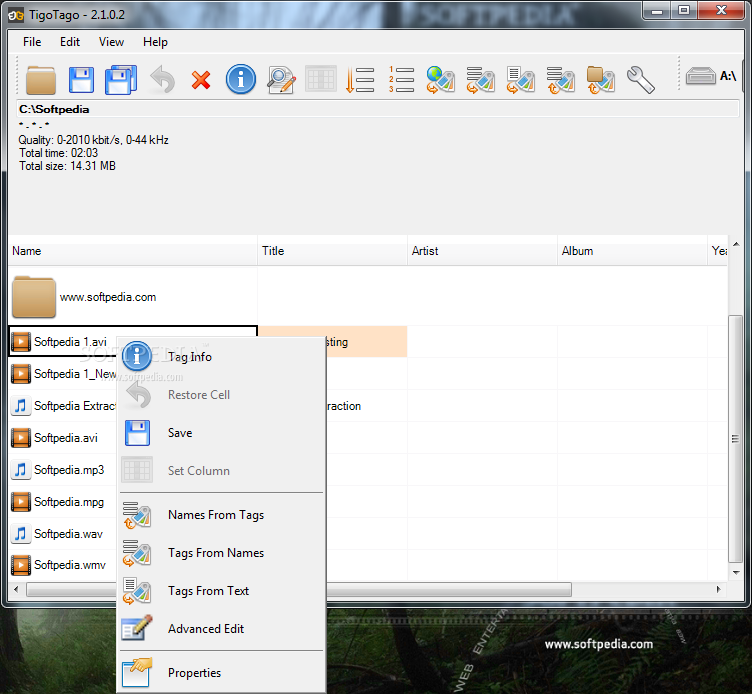
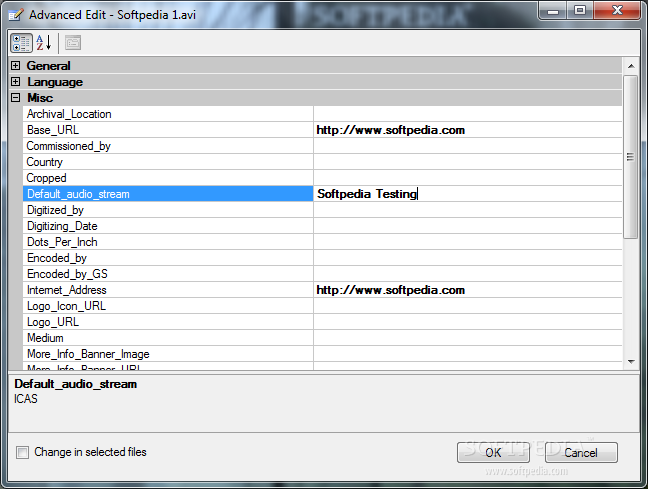
Advanced users can edit additional fields, like the composer, conductor and lyrics. You can view tag information by opening the context menu, change the case of the filenames, as well as get names from tags or vice versa.
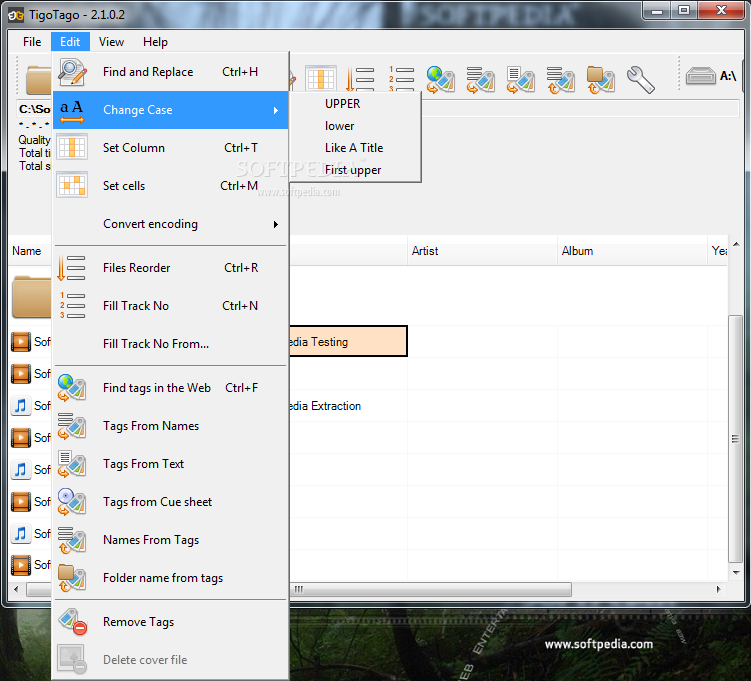
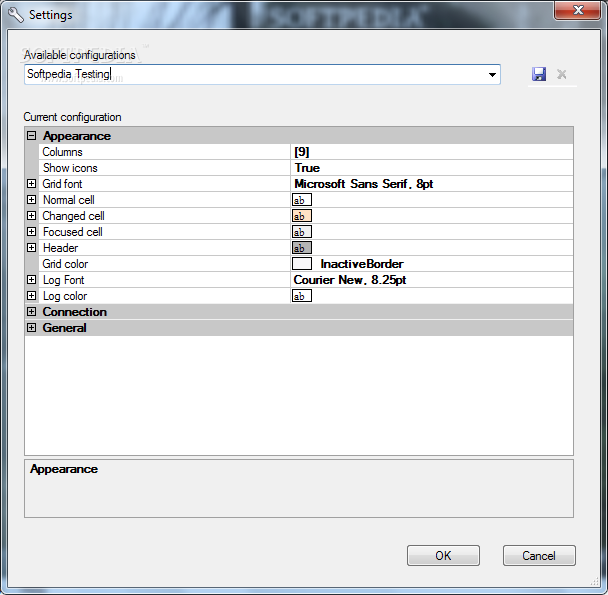
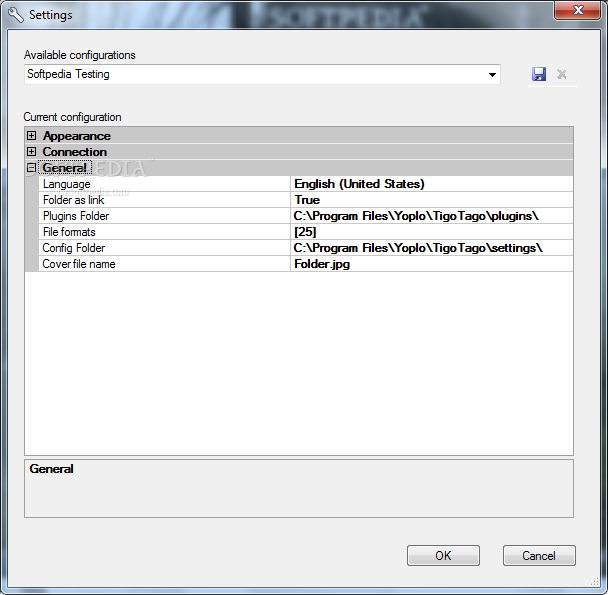
Moreover, you can use a search and replace function, change the files order, get tags from text documents or CUE sheets, remove tags and delete the cover files, as well as restore all settings to their default values.
The program requires a moderate amount of CPU and system memory, has a good response time and contains user's guide. TigoTago did not cause us any problems throughout our testing; the app did not freeze, crash or pop up error dialogs. First-time users may take some time to get familiarized with all the features; the tool's interface should be better organized. Also, TigoTago does not offer support for multiple languages.
TigoTago 2.2.0.1
add to watchlist add to download basket send us an update REPORT- runs on:
- Windows All
- file size:
- 8.2 MB
- filename:
- TigoTagoSetup.exe
- main category:
- Multimedia
- developer:
- visit homepage
Microsoft Teams

IrfanView

4k Video Downloader

Windows Sandbox Launcher

Bitdefender Antivirus Free

calibre

Zoom Client

7-Zip

ShareX

paint.net

- 7-Zip
- ShareX
- paint.net
- Microsoft Teams
- IrfanView
- 4k Video Downloader
- Windows Sandbox Launcher
- Bitdefender Antivirus Free
- calibre
- Zoom Client