Softpedia
 

WINDOWS CATEGORIES:


GLOBAL PAGES >>
SOFTPEDIA REVIEWS >>
MEET THE EDITORS >>
WEEK'S BEST
  • Bitdefender Total ...
  • Ocster Backup Pro ...
  • Hard Disk Sentinel...
  • FlashFXP [DISCOUNT...
  • DVDFab DVD Copy [D...
  • Kaspersky Internet...
  • Avast! Internet Se...
  • Avira Internet Sec...
  • Webroot SecureAnyw...
  • McAfee Total Prote...
  • Home > Windows > Multimedia > Graphic > Digital Photo Tools
     Report malware

    AquaSoft SlideShow Ultimate 7.7.11

    download button buy button

    Downloads: 9,180  Tell us about an update
    User Rating:
    Rated by:
    Fair (2.6/5)
    14 user(s)
    Developer:

    License / Price:

    Size / OS:

    Last Updated:

    Category:

    Trial / USD 69.90 buy button
    31.2 MB / Windows XP / 2003 / Vista / 2008 / Vista64 / 7 / 7 x64
    [view history]
    C: \ Multimedia \ Graphic \ Digital Photo Tools

     Read user reviews (0)  Send to friend   Follow (0 users)

    Softpedia Editor's Review for AquaSoft SlideShow Ultimate

    EDITOR'S RATING:

    Create professional slide shows with powerful features for DVD-Player and PC

    Written by Gabriela Vatu on January 14th, 2013

    Slideshows can be necessary for various reasons, both personal and professional. Regardless of why you need to create such a file, AquaSoft SlideShow Ultimate is a program that can be of great help.

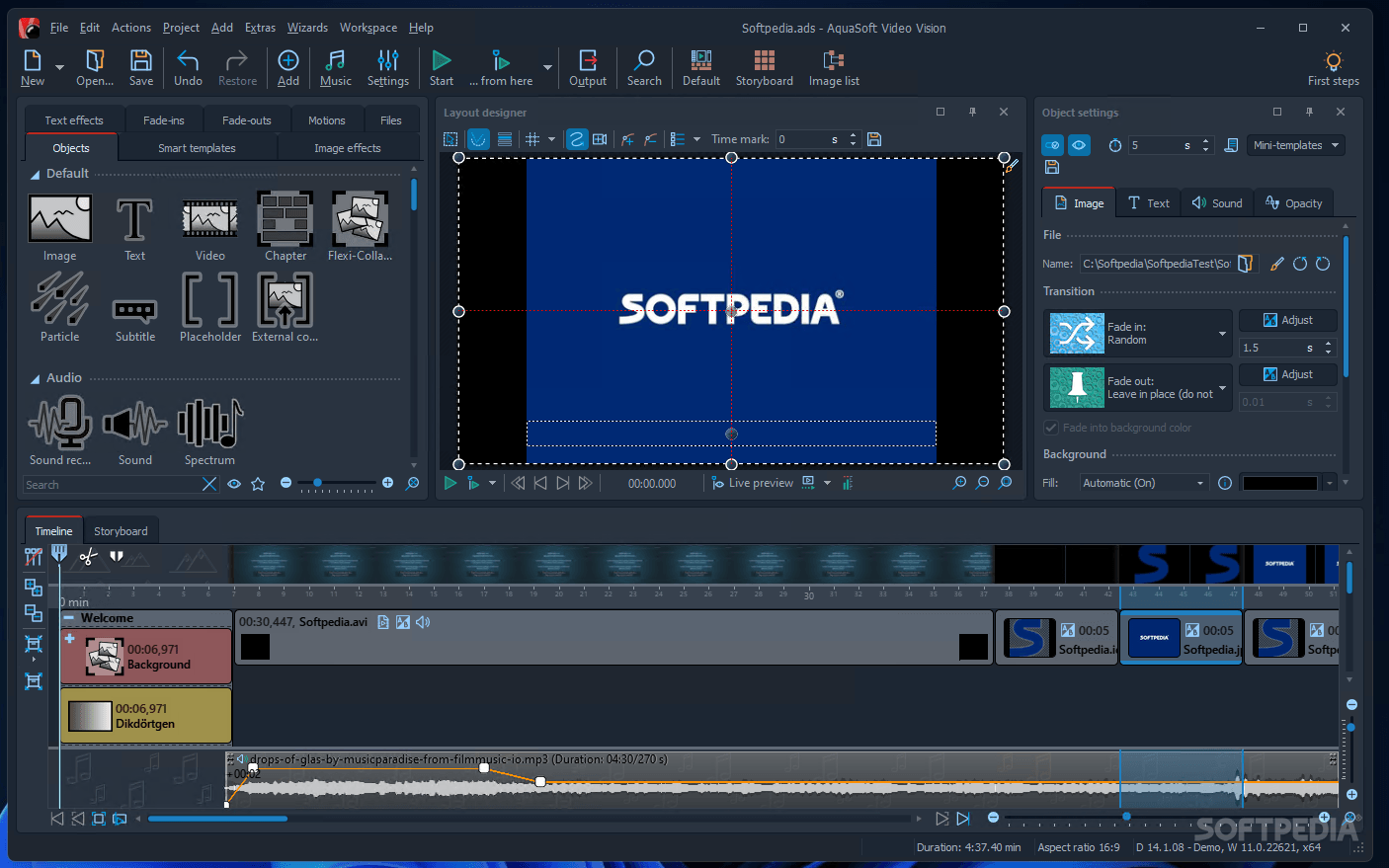
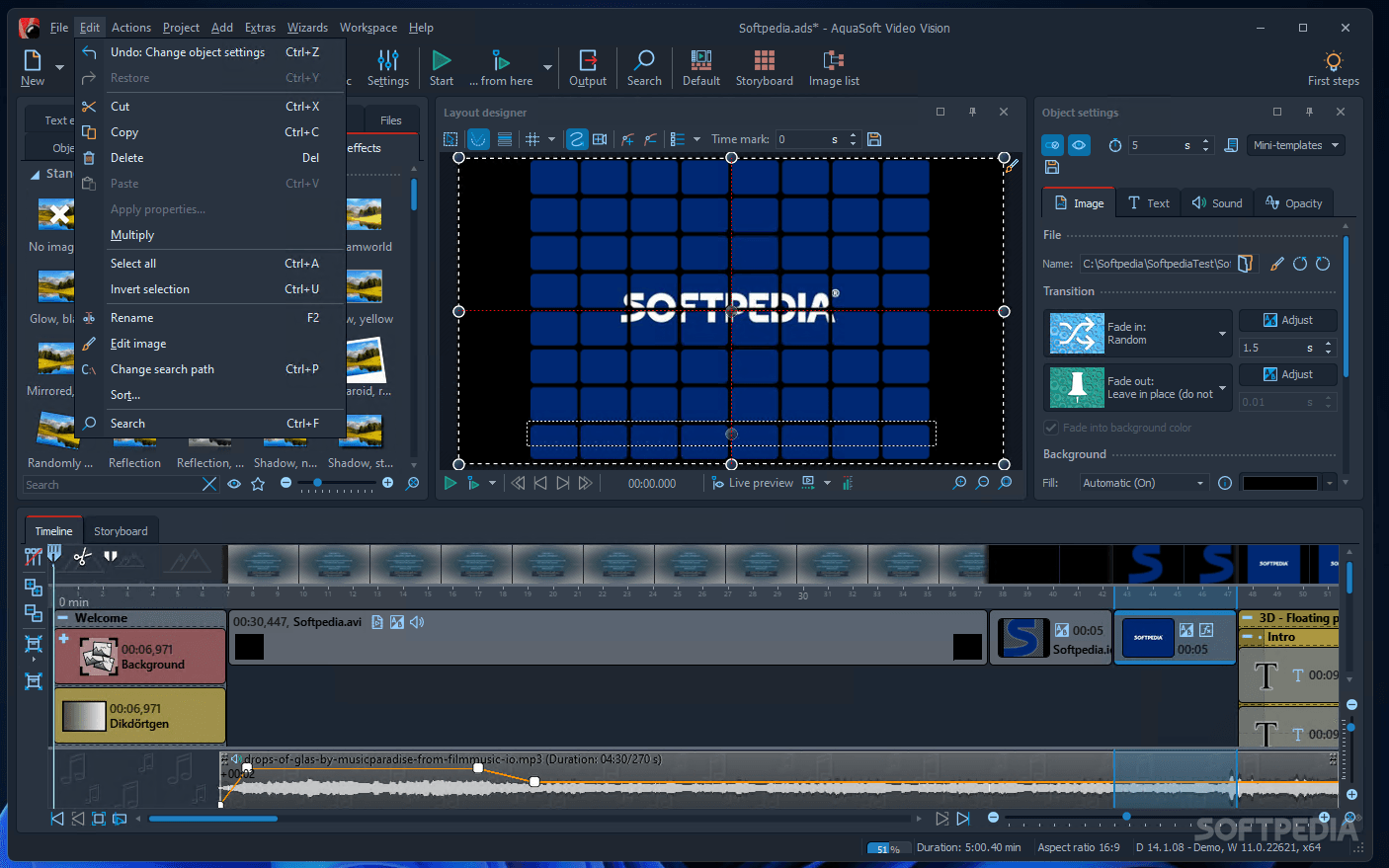
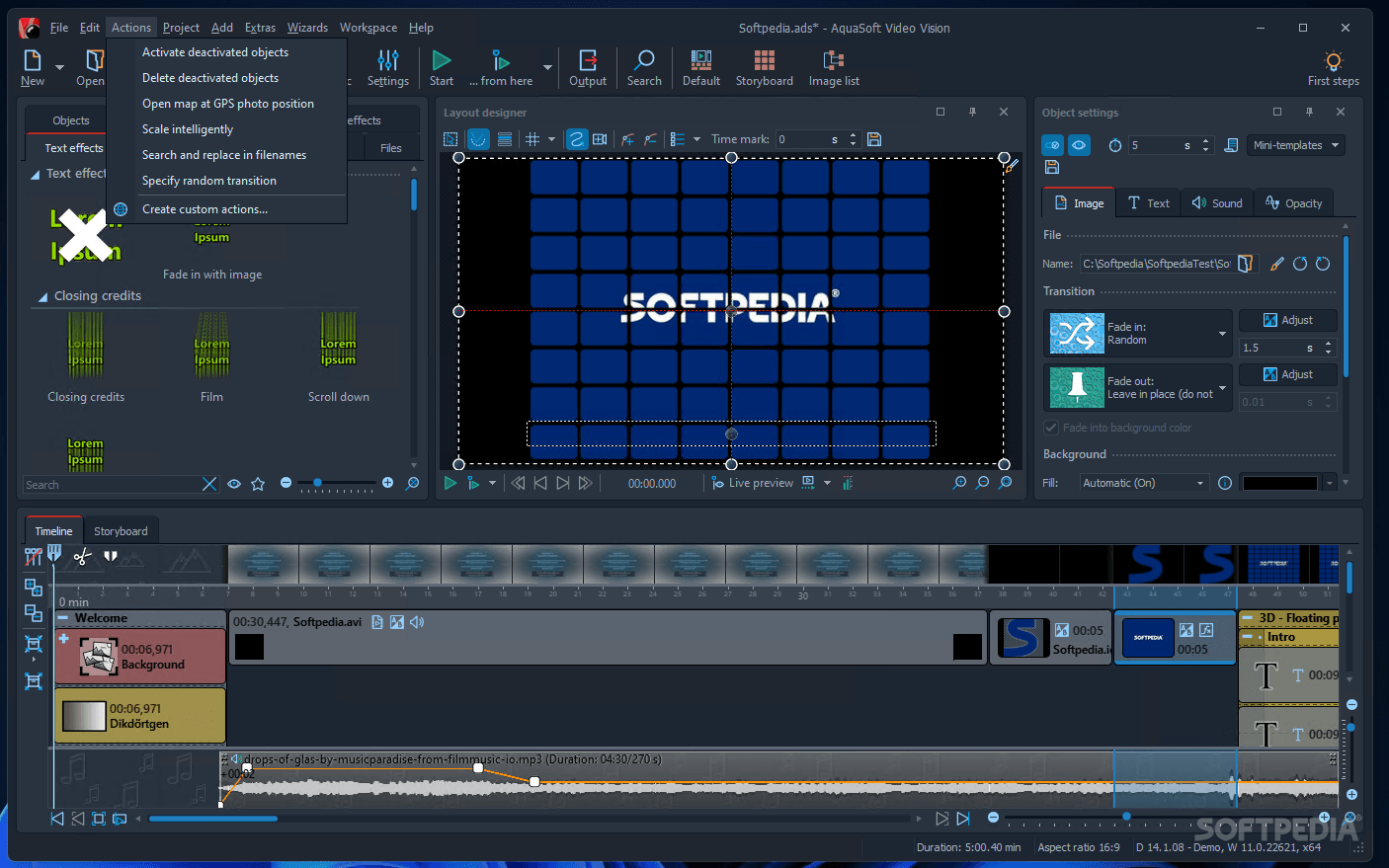
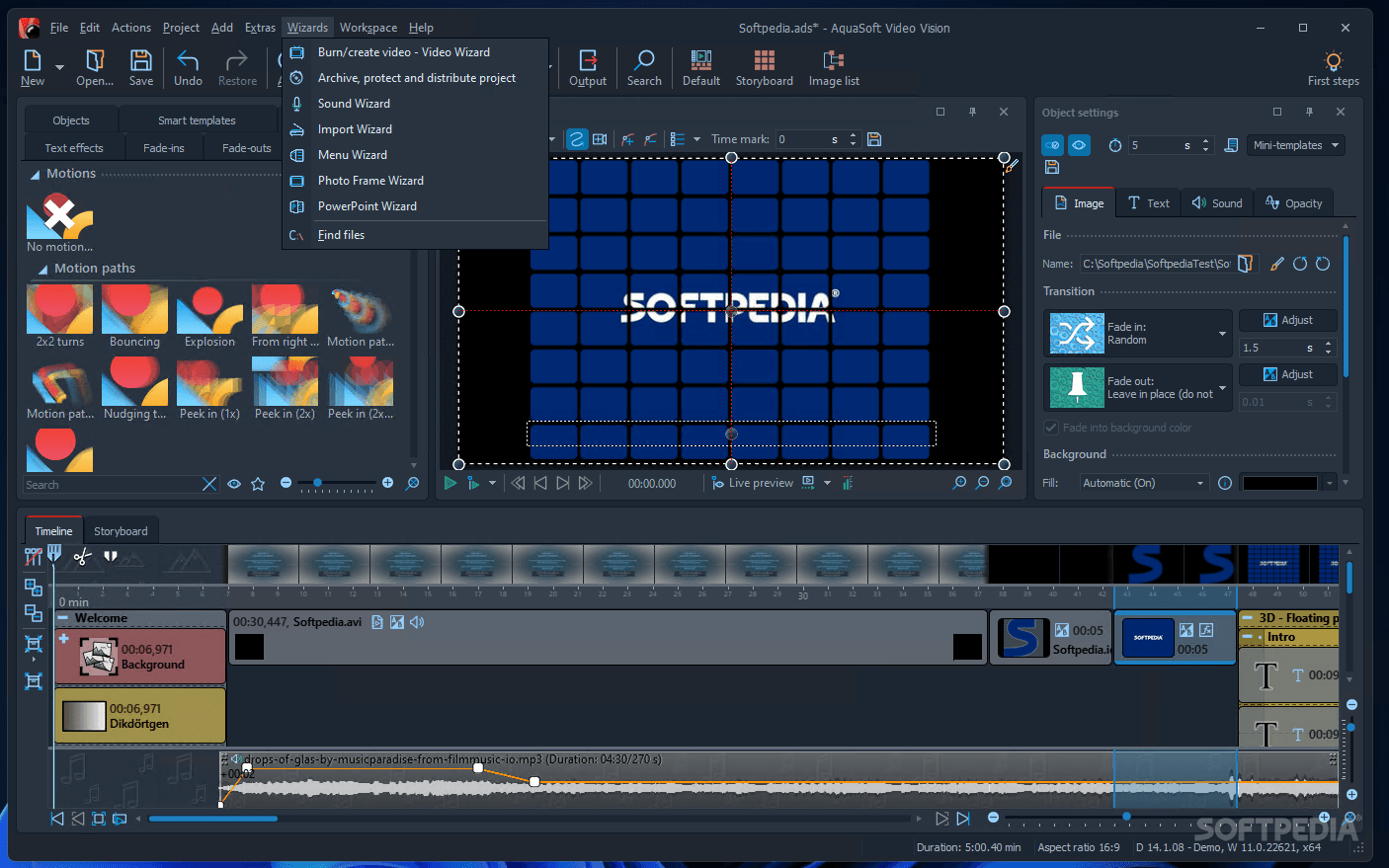
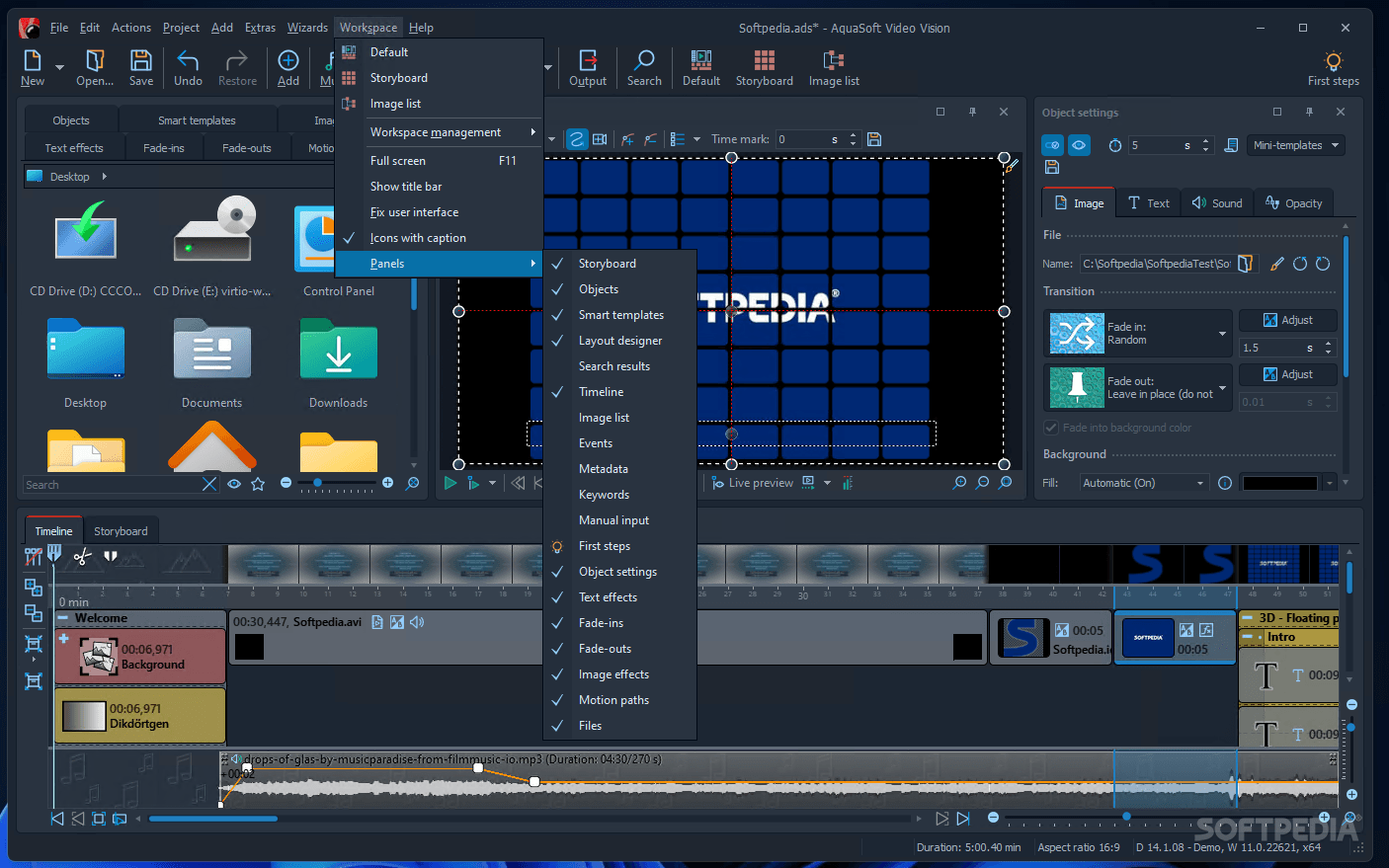
    The app has a complex interface that hosts most of the tools required to create a nice slideshow.

    New tasks can be created from scratch or with the help of the SlideShow Master, a wizard that guides you through the entire process.

    A large number of photos can be added by browsing the local directories. A background song can also be added; its duration dictates the length of the slideshow. The app supports a wide range of files, such as AIFF, MOD, MP2, MP3, OGG, WAV, WMA and WMV.

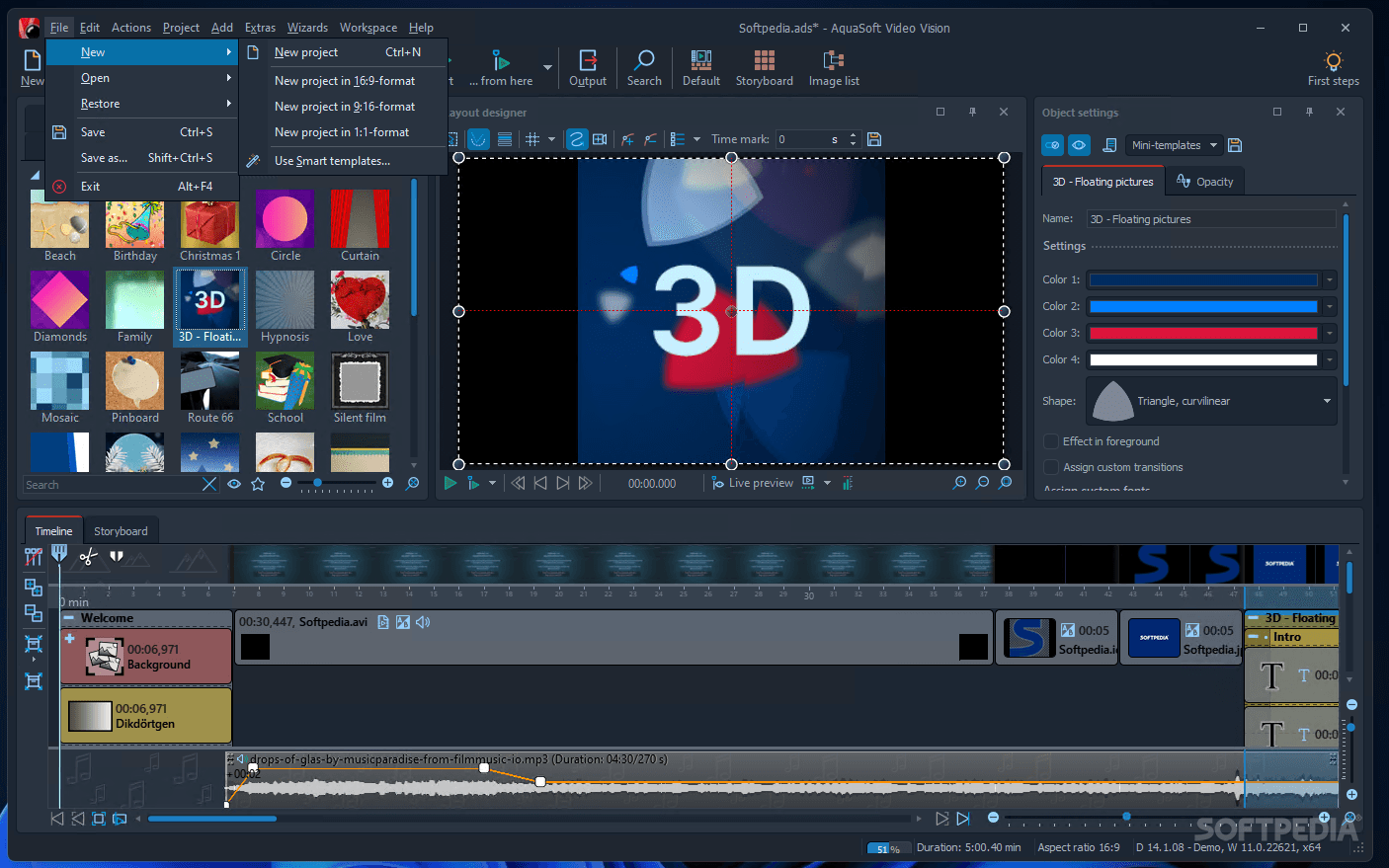
    The photos can be displayed over a template, such as “Old paper”, “Baby room”, “Feathers”, “Happy Birthday”, “Wedding”, “Movie Atmosphere”, “Panorama”, “Summer Holiday”, “Christmas”, “Autumn”, “Winter” and “Clouds, just to name a few. More templates can be found online.

    Further editing enables you to add various objects to the slideshow, such as other images, text, videos, backgrounds, as well as animations (clouds, falling snowflakes, rain, confetti, hearts etc). Speech balloons, mustaches, hats, presents and party decorations, houses and various other pins can also be placed over the pictures.

    Dozens of transition and image effects are available, as well as various movements paths. Some text effects can also be applied.

    All the slideshows can be saved to the computer or burned to a disc. Alternatively, the program provides several wizards that can help you export the file to your mobile phone, iPod, PSP, digital photo frame or even YouTube.

    The bottom line is that AquaSoft SlideShow Ultimate is a nice program that grants you endless options to customize your work. Inexperienced users should find the program easy to work with, despite the large number of tools.

    AquaSoft SlideShow Ultimate description

    Here are some key features of "AquaSoft SlideShow Ultimate":

    Burning DVDs and CDs:
    · Play back your show as a video through your TV or on your PC. With just a few clicks, burning DVDs or SVCDs has never been easier.

    Video export and HDTV:
    · To further manipulate or present your slide shows, they can be exported to high-definition videos (HDTV) in AVI- and/or WMV*-format.

    Timeline:
    · Everything you want to include in your presentation needs its own location on the all-important timeline. First, indicate where along the timeline you want objects (text, images, videos, etc.) to appear, and specify their duration as well. Put several time tracks side by side so that they play back simultaneously.

    Zoom:
    · Bring your images and text to life. Whether to zoom in or out, into an image or a video, you can control what item gets “zoomed”, and when, where, and how the zoom unfolds.

    Camera pans:
    · Pan movement allows you to wander across any image, from right to left, from left to right, up, down, across, and then back and forth again. The possiblities are endless! Simply select the sections of the image where you wish to feature pan movement, and determine the order in which you want to pan to those sections-- it's easy, and no movement is impossible in AquaSoft SlideShow.

    Movement paths:
    · With your controls, you place points that, when connected, become movement paths. Appearing to be invisibly guided, your images will move along these paths in a time-controlled fashion.

    Turns and rotation:
    · Images, text, collages, and particle objects can travel along any movement path. Additionally, a rotation angle can be placed at any point along the movement path. Objects will appear to flow gently and softly, or boldly and dramatically, whatever you prefer.

    Transition:
    · Although there are more than 130 impressive transitions included, these are just stock options that can be edited by changing the detailed space- and time-settings. In this manner, you can create millions of different transitions just by editing the ones included with AquaSoft SlideShow.

    Bitmap effects:
    · Many included bitmap effects (shadows, mirroring, frames, masks, decorations, etc.) can be applied to your images simply by using drag-and-drop. By using the Bitmap Effect Editor you can even edit these effects or create new ones yourself.

    Any number of pictures:
    · Where other programs limit the number of pictures that can be used, AquaSoft SlideShow raises the bar in this department because there is no limit to the number of pictures you can insert. And, by using chapters, you can easily organize shows regardless of the number of pictures.

    Alpha channel:
    · Alpha channels (transparency information) are fully supported by AquaSoft SlideShow (PNG-images). Pictures gently disappear and re-appear, or blend with overlay images. Create impressive effects, such as collages with irregular edges, or transparencies.

    Non-destructive image editing:
    · The integrated image editor in AquaSoft SlideShow is non-destructive, because your original picture remains untouched and unchanged. Any edits—crops, special effects, etc—are saved in your presentation and applied “on the fly” during playback. This way you can edit and enhance pictures and reuse them in different places, all without altering your original.

    Image formats:
    · JPG, JPEG-2000, PNG, Tiff and more then fifty other known image formats are supported, giving you greater flexibility within your creating environment

    EXIF-data:
    · EXIF-data are the additional technical details that are stored along with a photograph. AquaSoft SlideShow allows access to these EXIF-data, meaning you can sort your images by exposure date, for example, or display EXIF-data together with the image.

    Sounds:
    · Music and voice tracks can be played back on several tracks all at once. Now, creating a cacophony of noise, or a delightful harmony, is only a matter of selecting the voices or music to add to the tracks.

    Background music:
    · Due to the multi-track timeline, a background music selection can be applied to the whole slide show, independent of separate sounds and/or captions applied to images. You can specify volume, duration, fade in and fade out, and transitions for each sound piece.

    Collages:
    · Collages can easily be created by bundling separate pictures into groups. AquaSoft SlideShow easily handles complex collages from any images to texts, which can also be animated.

    Chapter:
    · If you have a large number of images, being able to sort and organize them into chapters is a helpful feature. Chapters themselves can have multiple tracks, and each track may contain any number of images or other objects, which can be in any (user-defined) distance from each other.

    Text effects:
    · How many effects do you need? More than 100 text effects, including animated, transparent and flowing effects, diversify the text flow and make it interesting. While these are just the stock effects, each effect can be edited to your liking, resulting in a virtually endless selection.

    SlideShow-Master:
    · Do you want to create an attractive slide show without much effort? Then you should use the SlideShow-Master. It creates a sophisticated slide show in three easy steps. Select pictures -> Select music -> Select style. Of course, slide shows created by SlideShow-Master can be edited and adjusted according to your individual preferences.

    Plug-ins:
    · Using the plug-in mechanism, AquaSoft SlideShow’s usefulness can be extended even further. Websites, photo calendars and albums, screen savers and automatic batch processing, as well as SlideShow-Manager all function as plug-ins.

    Requirements:

    · 1 Ghz processor or greater
    · 512 MB of system memory
    · DirectX 9.0 compatible video card with 64MB of video RAM
    · CD burner (optional)

    Limitations:

    · 10 entries in the object list
    · 30 days trial
    · Nag screen

    What's New in This Release: [ read full changelog ]

    Transitions:
    · While the older versions of AquaSoft SlideShow already contained a virtually unlimited number of transitions (because each one could be customized), version 7 includes sixty-five completely new transitions, for a total of 130 standard transitions. Combined with the fact that each of these can be customized, anyone and everyone can find the transitions they need in version 7.

    Sixty-five new transitions with stunning effects:
    · Most transitions have new options for rotating boxes
    · New options to specify box alignments
    · Improved presentation of the transition preview in the toolbox

    New Templates:
    · We wanted to make it even easier to design shows, so we added many more design elements (such as speech bubbles) to the toolbox and the SlideShow-Master. That way, you can create a themed presentation (wedding, party, baby shower, etc.) in either the 4:3 or the 16:9 formats with just a few clicks, and then add humorous touches such as speech bubbles, hats, or fake mustaches....

     Softpedia guarantees that AquaSoft SlideShow Ultimate 7.7.11 is 100% CLEAN, which means it does not contain any form of malware, including spyware, viruses, trojans and backdoors. [read more >]


    TAGS:

    slideshow creator | create slideshow | CD burner | slideshow | burn | burner

    Go to top

    WindowsGamesDriversMacLinuxScriptsMobileHandheldNews

    SUBMIT PROGRAM   |   ADVERTISE   |   GET HELP   |   SEND US FEEDBACK   |   RSS FEEDS   |   UPDATE YOUR SOFTWARE   |   ROMANIAN FORUM