
Create compelling albums ready for printing with integrated comments and background images with the help of this user-friendly applicaton. #Create album #Album creator #Photo album #Album #Photo #Slideshow

Most of us store images on digital devices, whether we are talking about a hard disk or a cloud-based backup solution. However, sharing those images with others or having them printed to an album requires dedicated tools that allow the quick and easy management of images and the possibility to customize a design. That is where AlbumStomp comes in.
The purpose of AlbumStomp is to provide a quick and convenient tool for creating photo albums in minutes, without a lot of hassle.
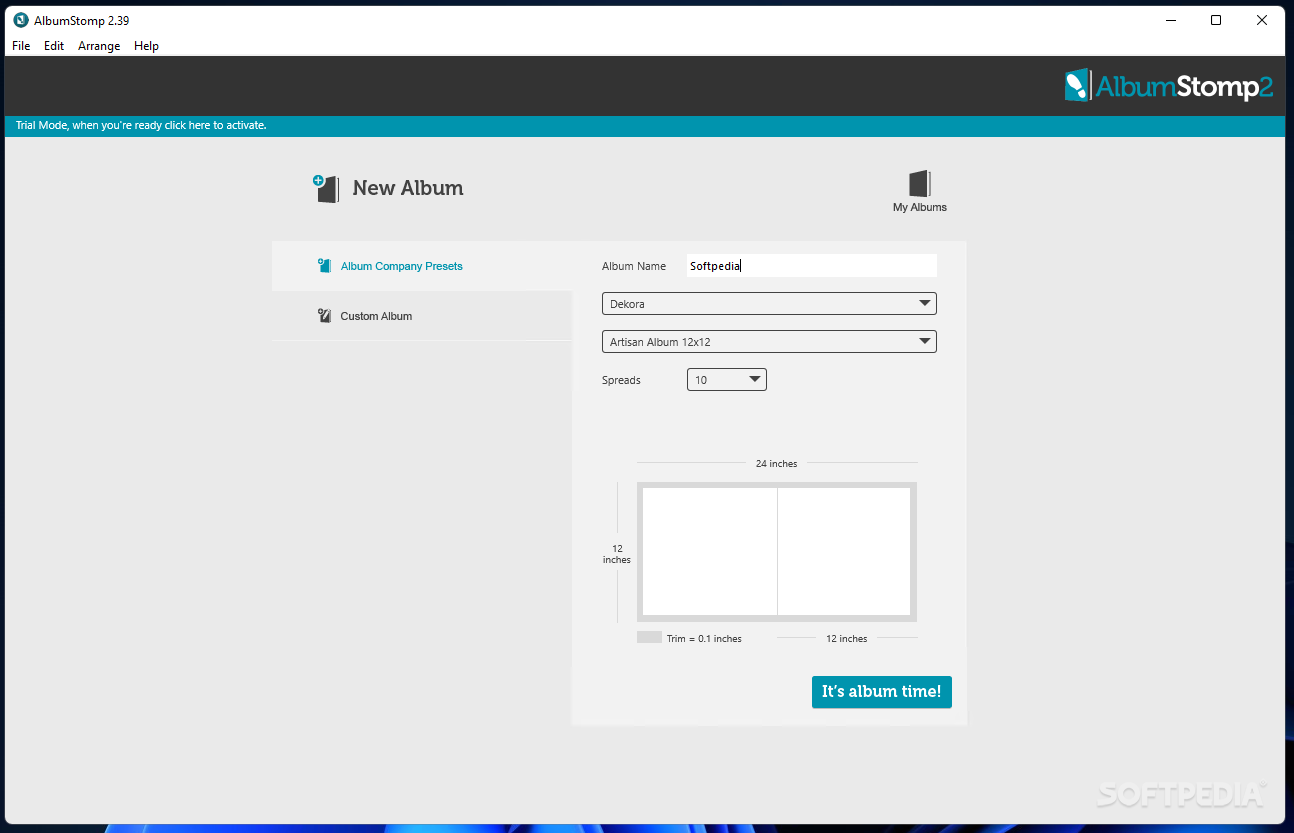
It comes with a plethora of presets, each with its own size and format for the page, allowing you to choose the one that is suitable for your photos from a long drop-down list. Alternatively, it is possible to create a custom album with custom dimensions, DPI rate, and number of spreads.
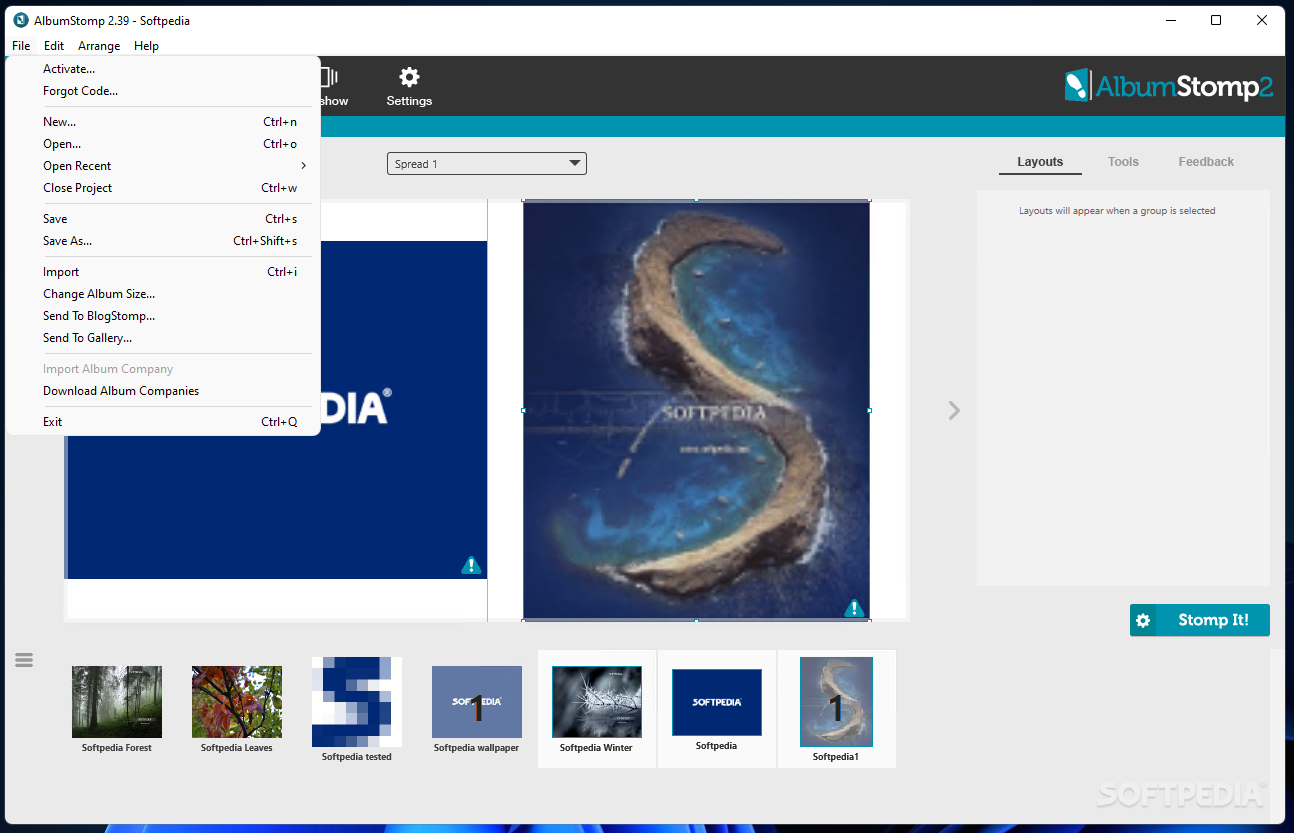
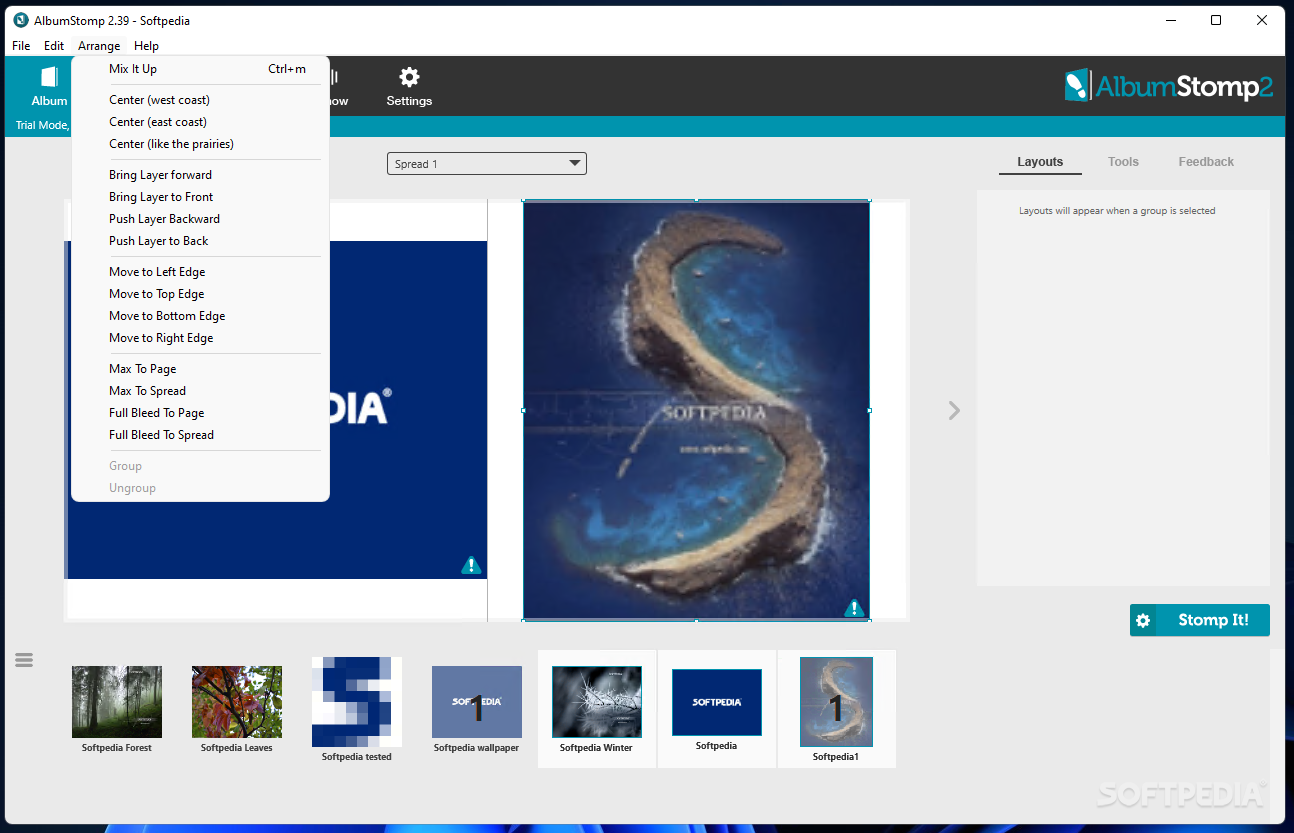
The editor allows you to navigate between different spreads and work on the album pages directly. You can import as many images as you like without worrying about their orientation. Should anything be unsuitable for the album format, AlbumStomp takes care of it, you only have to allow it.
Adding an image to the album can be easily done using drag and drop. You can zoom in and out an image, resize and crop it as you please. If needed, images are automatically upscaled.
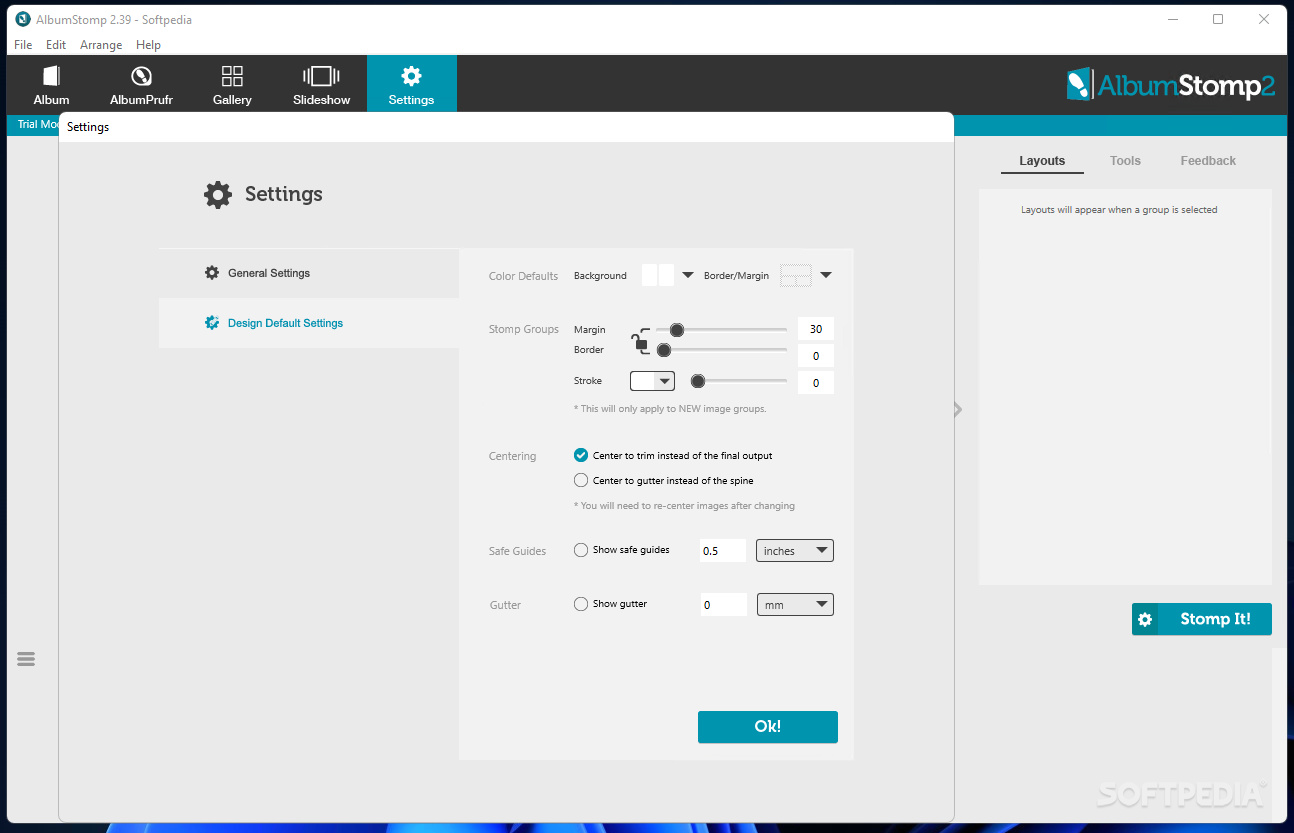
The default background is white, but you are free to change the color or even load an image on your PC to use as a background for the entire album or the selected stomp. You can adjust margins and borders, change the corner type and the image opacity.
Text overlays allow you to personalize your album even further. Unfortunately, there are no additional graphic elements to include in the design. Having a graphics library would really add to the application’s value, since you would be able to create, for instance, Christmas-specific designs.
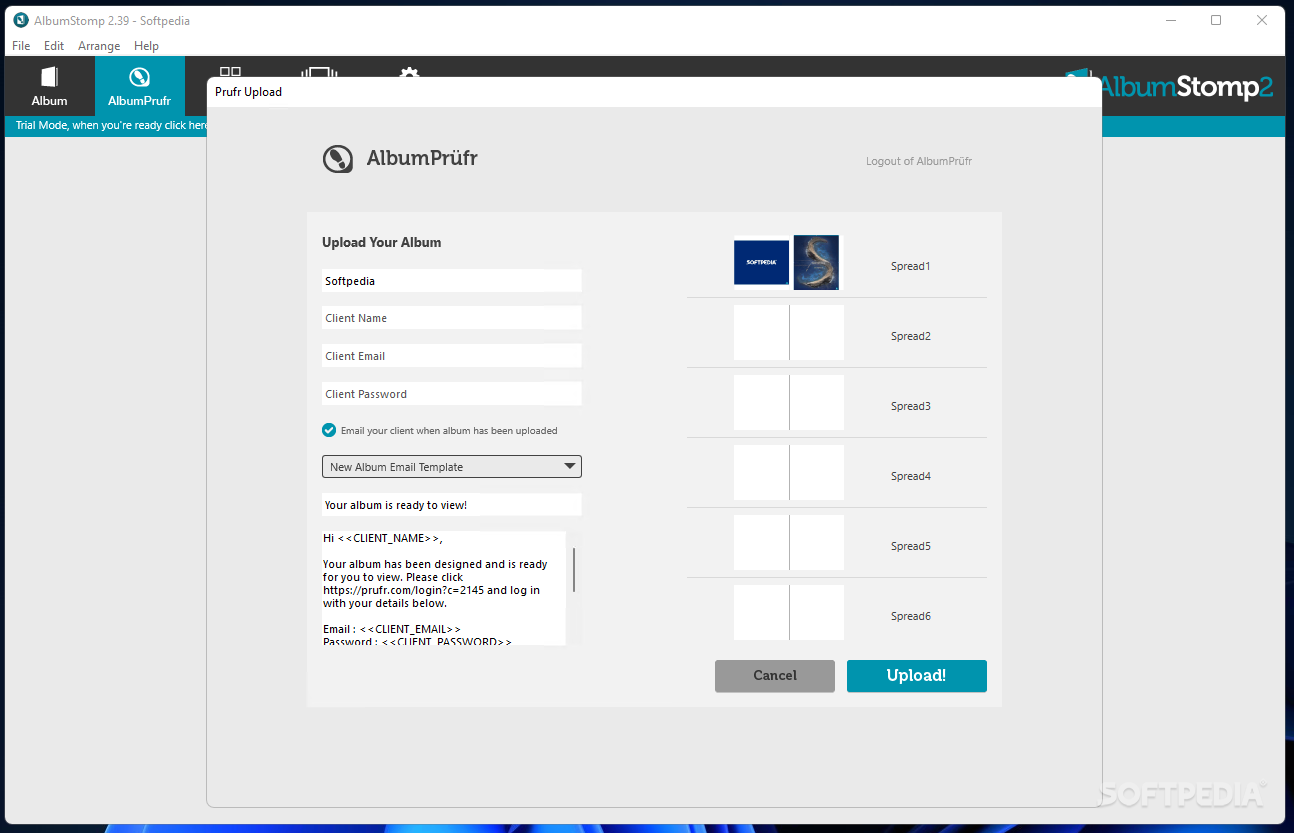
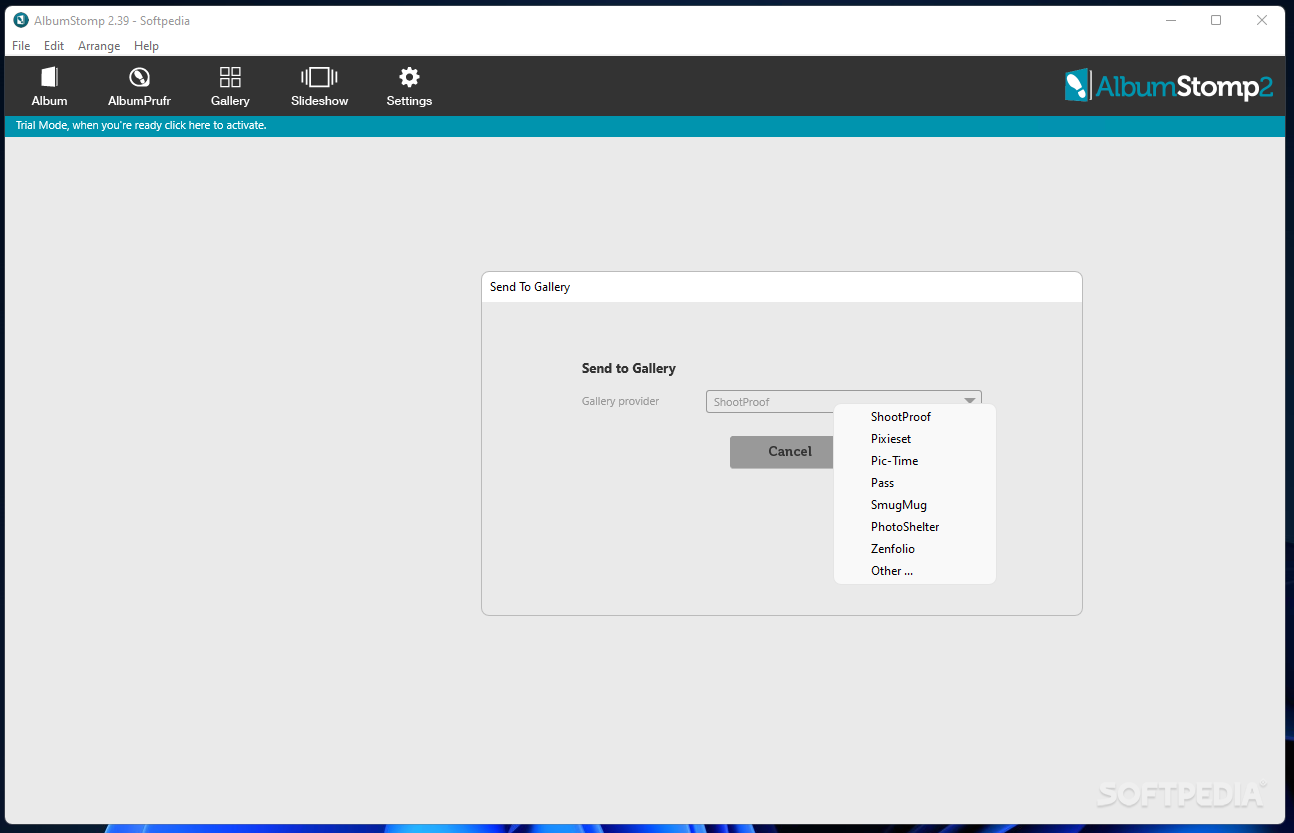
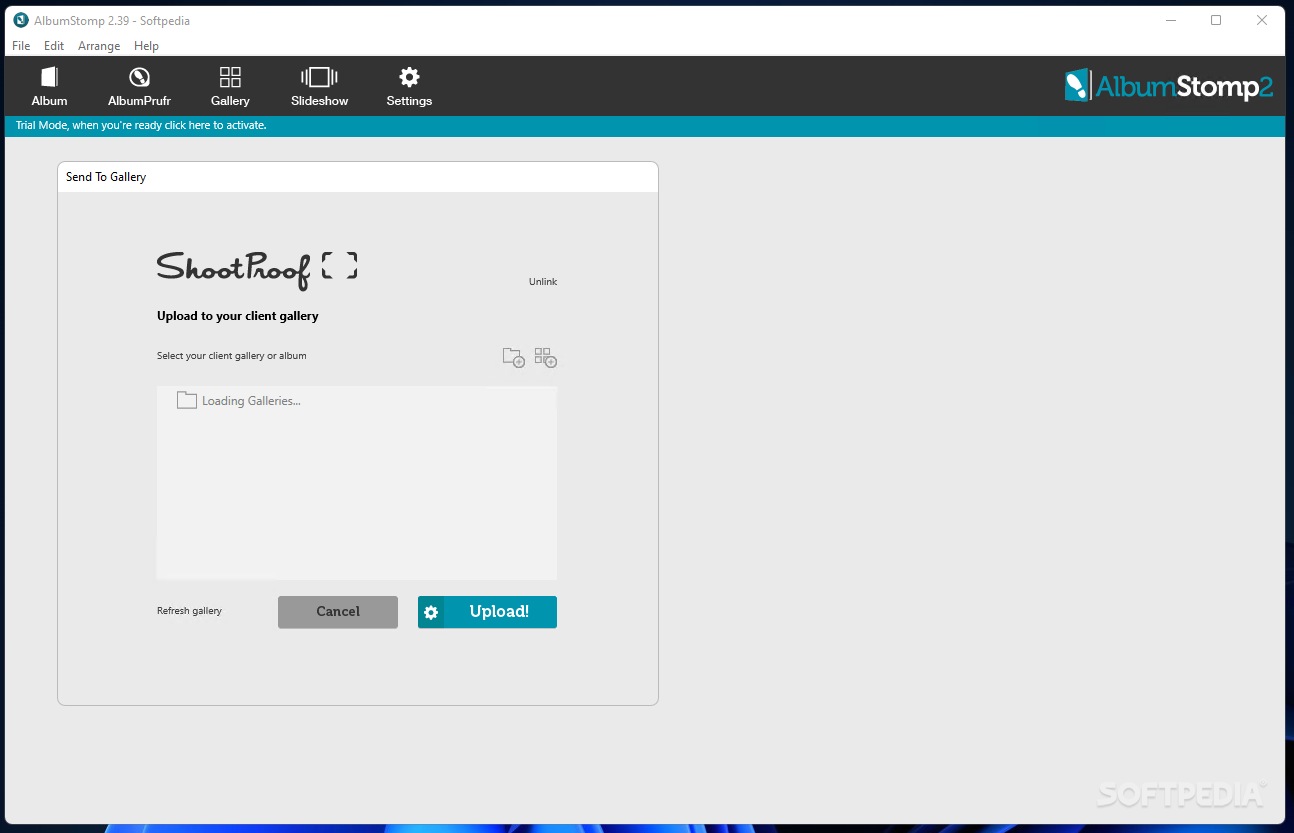
AlbumStomp can build image layout for your album without limiting your freedom to adjust margins and the layout. While it is easy to create an album with its help, the application could use a few additional features that its competitors do deliver, starting with a graphics library and ending with the possibility to save the album as a file, not just export it to online client galleries.
AlbumStomp 2.40
add to watchlist add to download basket send us an update REPORT- runs on:
-
Windows 11
Windows 10 32/64 bit
Windows 8 32/64 bit
Windows 7 32/64 bit
Windows Vista 32/64 bit
Windows XP 32/64 bit - file size:
- 50.9 MB
- filename:
- SetupAlbumStompV2.exe
- main category:
- Multimedia
- developer:
- visit homepage
IrfanView

Zoom Client

Windows Sandbox Launcher

Microsoft Teams

paint.net

4k Video Downloader

Bitdefender Antivirus Free

ShareX

7-Zip

calibre

- ShareX
- 7-Zip
- calibre
- IrfanView
- Zoom Client
- Windows Sandbox Launcher
- Microsoft Teams
- paint.net
- 4k Video Downloader
- Bitdefender Antivirus Free