
An extensive graphic editor with several post-processing tools, which enables users to create various types of panoramas from a multitude of image formats. #Create panorama #Stitch images #Blend images #Panorama #Stitch #Wide-angle

We all take large numbers of photos when in vacation, either to remind us of places that we've visited, or simply in order to capture a great, impressive landscape, but these images can rarely tell the full story on their own, as they capture only parts of the view, and not the entire panorama.
Snapping multiple photos of the same location has its advantages too, especially when you can find a way to stitch them together in order to create a wider view of the place, and PanoramaStudio is one of the multiple existing applications that offer such functionality.
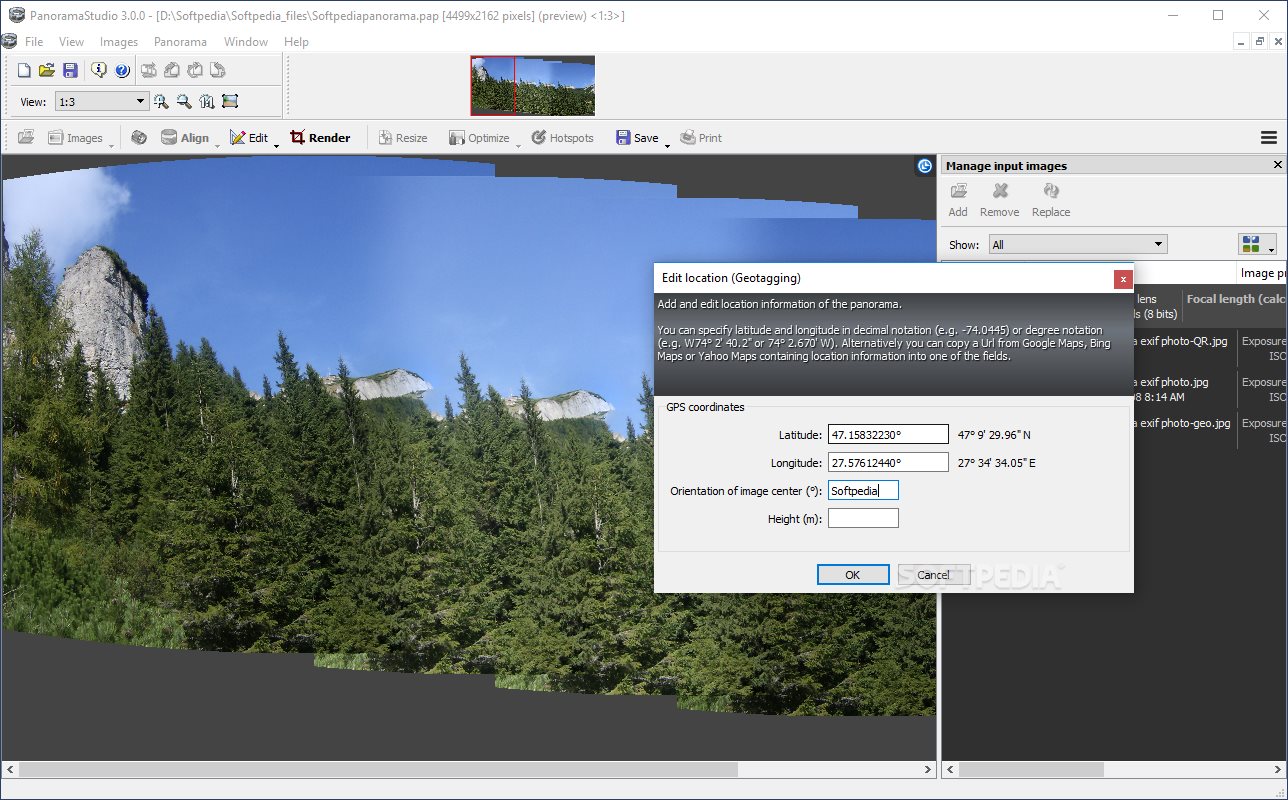
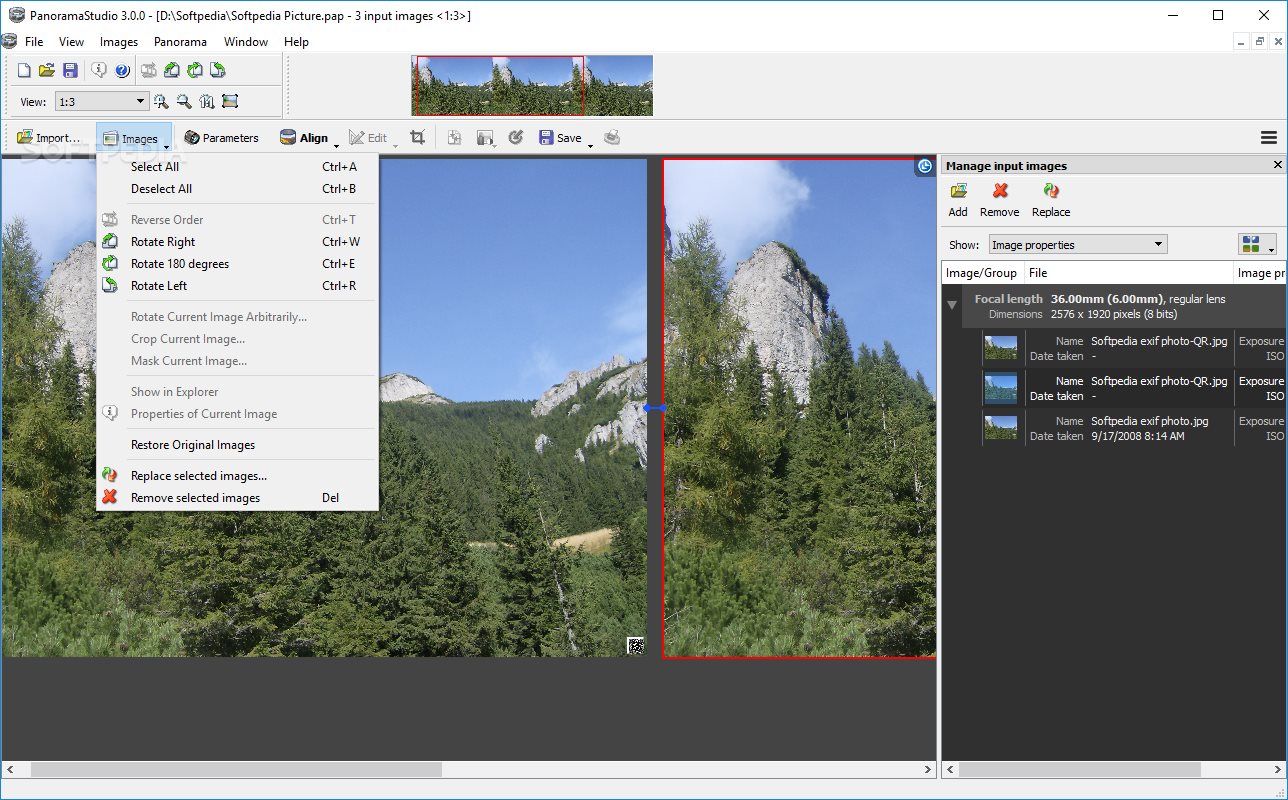
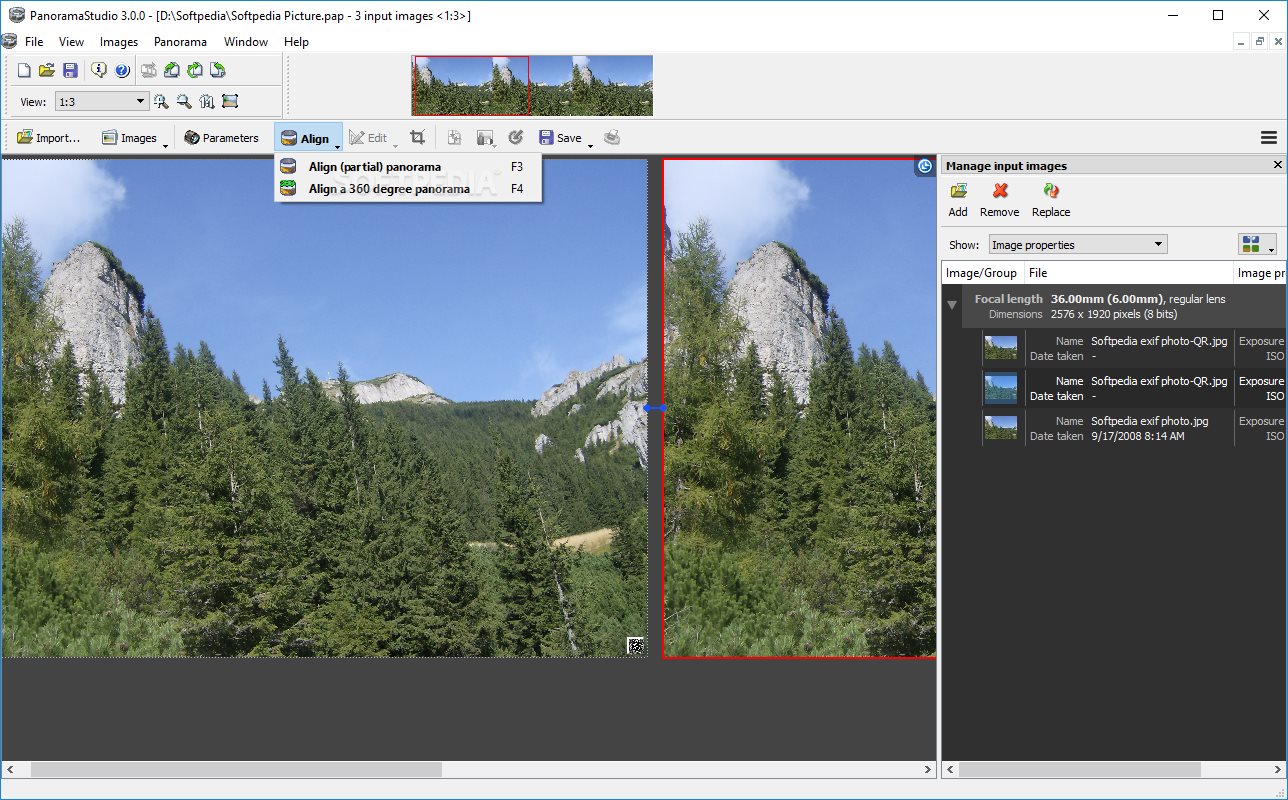
Creating a panorama with this tool is as simple as it can be. You only need to import the images you want to merge for that, hit align to see whether they are combined properly, and then hit the save button to create a panorama project (.pap file).
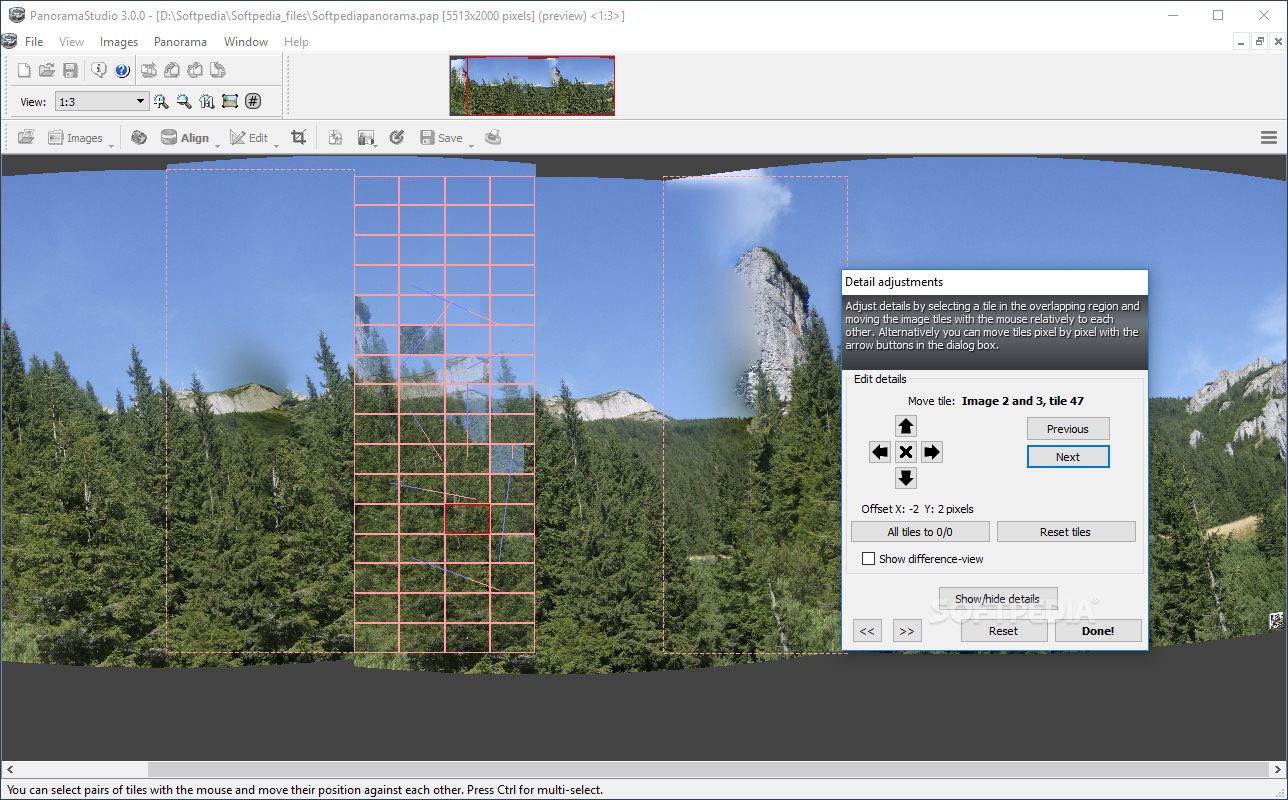
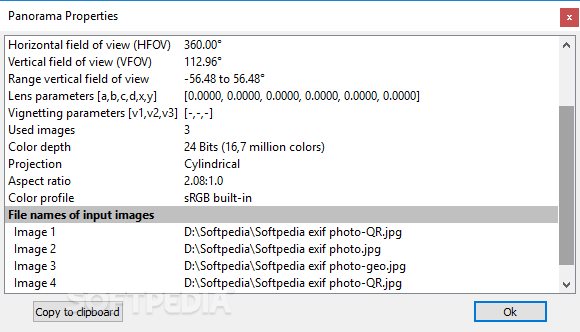
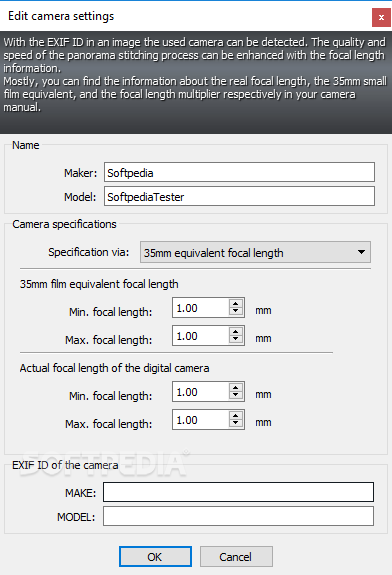
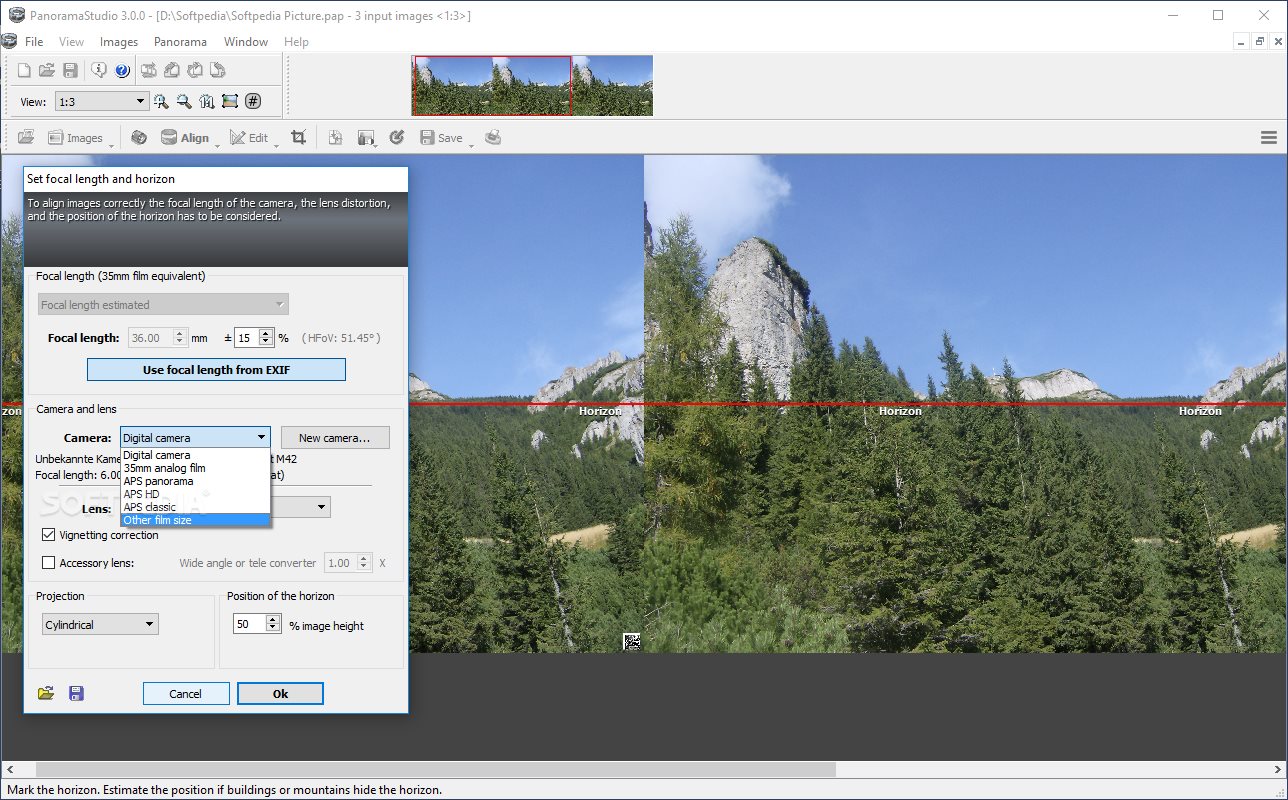
The application analyzes the focal length of your images and stitches them together in a panorama based on overlapping parameters. However, it also allows you to modify the focal length and image alignment in order to create the panoramas you like the best.
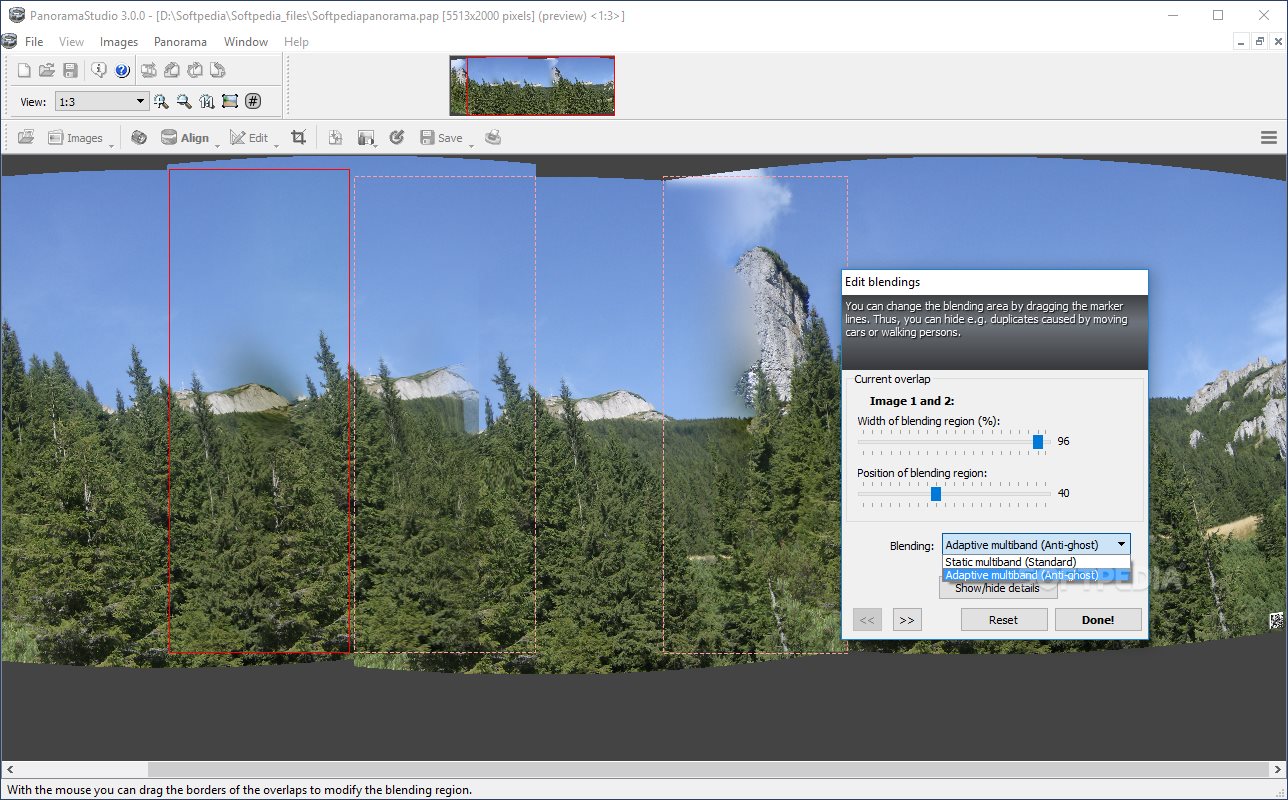
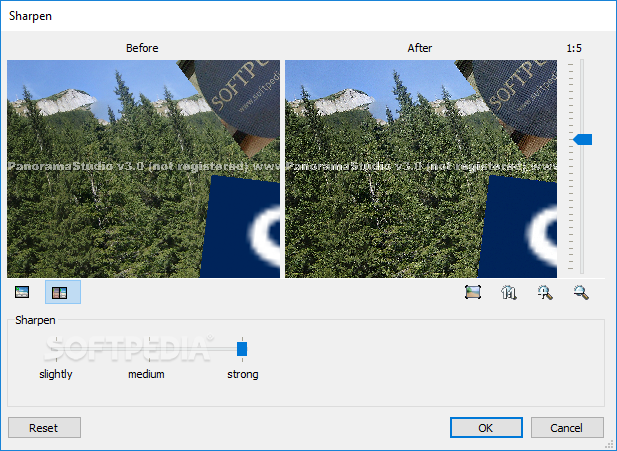
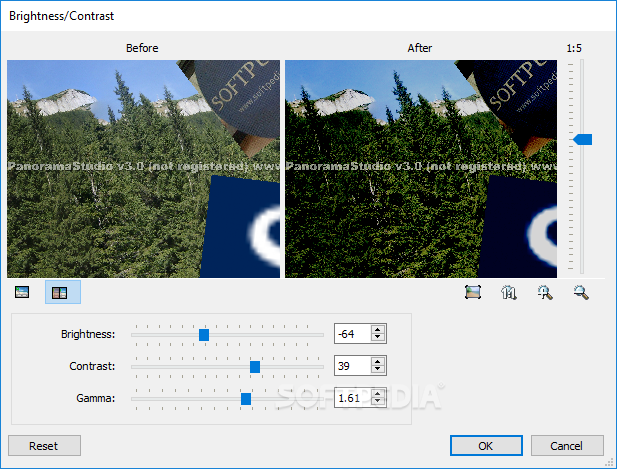
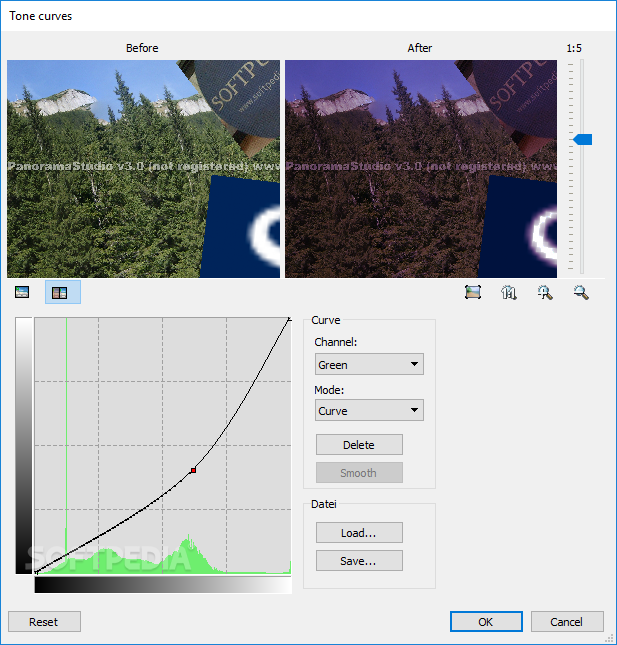
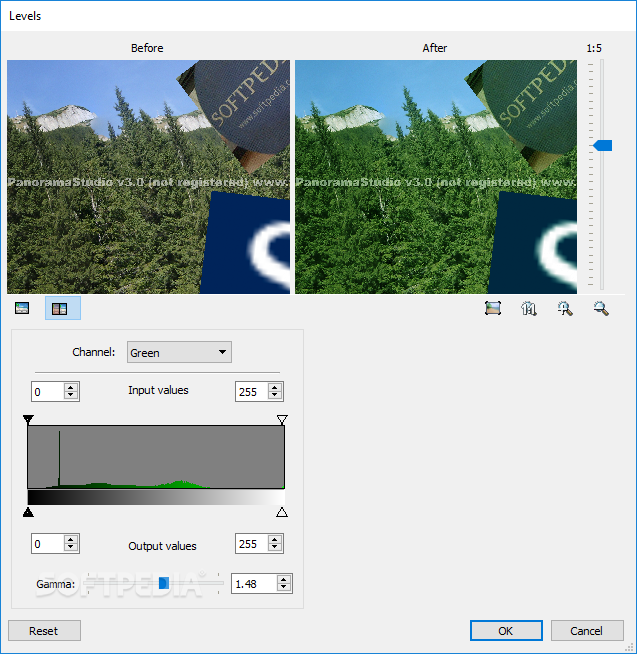
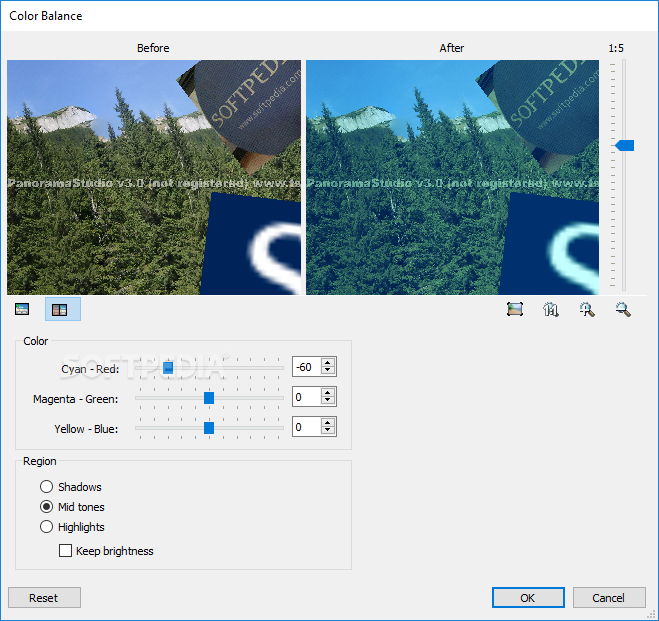
PanoramaStudio has been designed to enable you to do more than simply align images to create a panorama. It also allows you to enhance the quality of your photos, so that the results deliver the best possible experience.
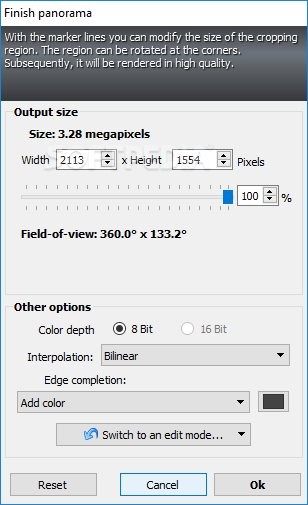
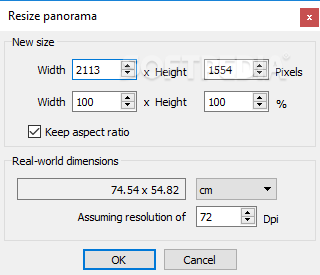
You have the possibility to edit your images to change their orientation or size, replace a selected image in the panorama, or modify the size of the entire panorama in accordance to your needs. Before saving a project, you can also have it rendered in high-quality, all from within the application itself.
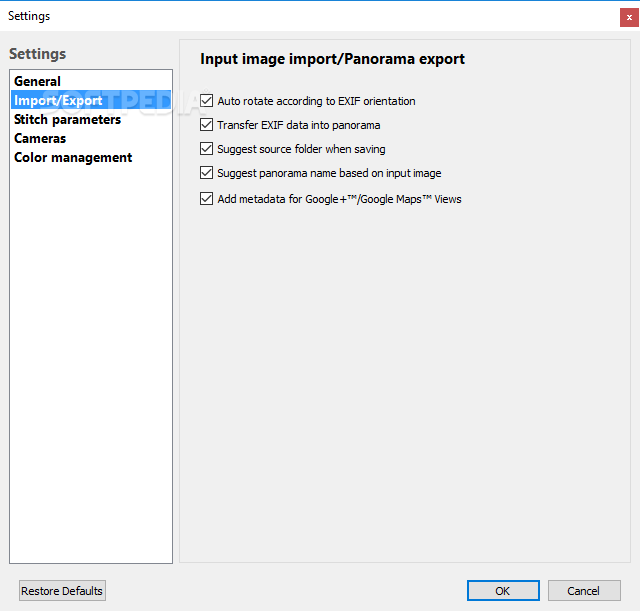
The tool is suitable for you even if you are a professional photographer, courtesy of an import filter for RAW formats and a database of profiles for more than 1600 digital cameras. The app also enables you to create interactive 3D panoramas or to save each image from a panorama in a layered PSD file.
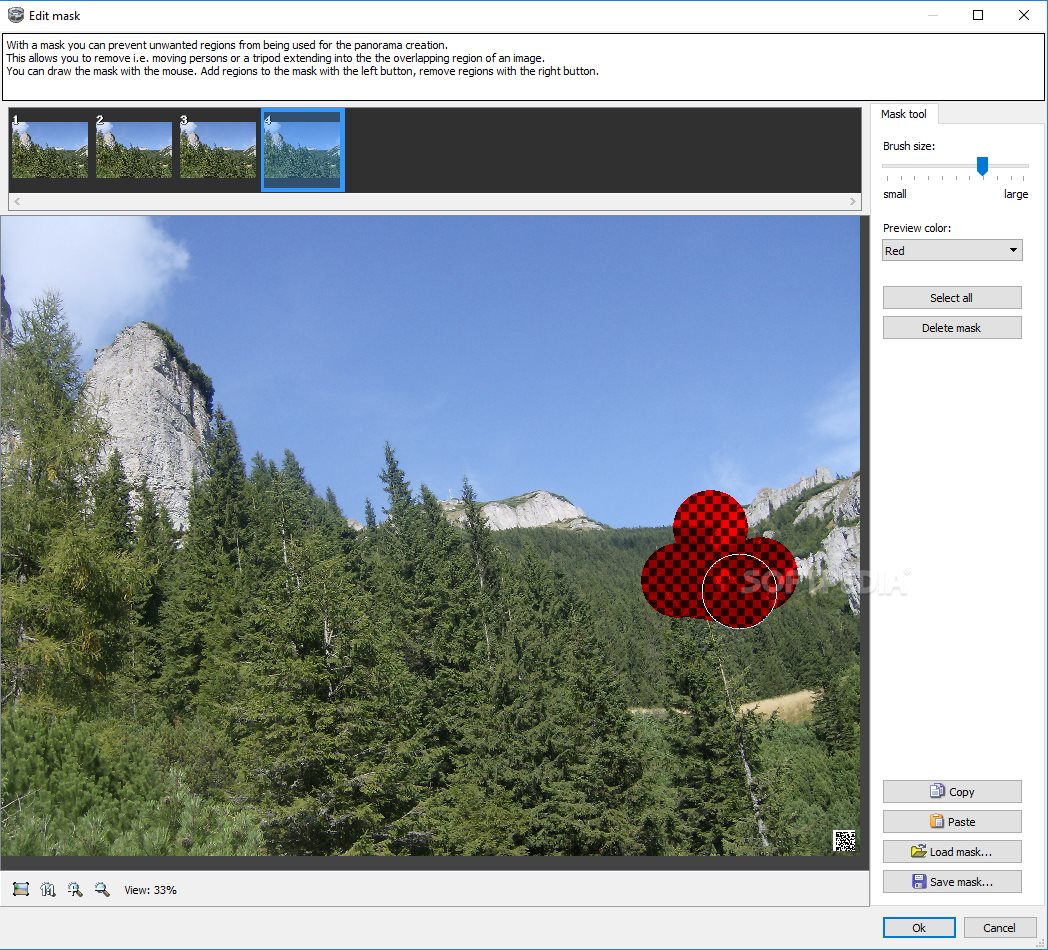
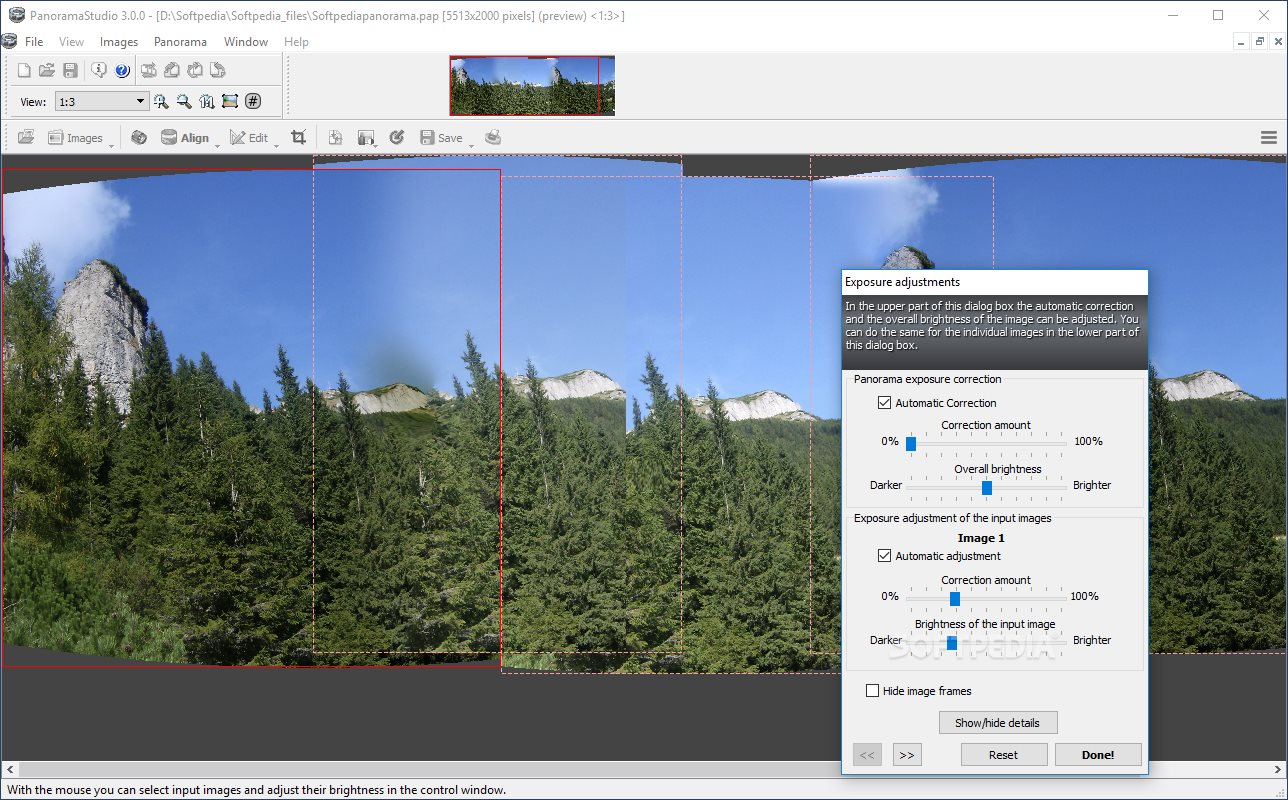
PanoramaStudio can easily become your companion when you want to create panoramas from wide sets of images, especially due to the various image and panorama editing options that it includes. The utility also allows you to easily add images to panoramas, adjust their exposure and quality, or insert graphic files to them.
Download Hubs
PanoramaStudio is part of these download collections: Panorama Creator, Panorama Maker, Panorama Managers
PanoramaStudio 4.0.2
add to watchlist add to download basket send us an update REPORT- runs on:
-
Windows 11
Windows 10 64 bit
Windows 8 64 bit
Windows 7 64 bit - file size:
- 29.6 MB
- filename:
- PanoramaStudioSetup.exe







- main category:
- Multimedia
- developer:
- visit homepage
Microsoft Teams

4k Video Downloader

calibre

Zoom Client

Windows Sandbox Launcher

7-Zip

ShareX

IrfanView

paint.net

Bitdefender Antivirus Free

- IrfanView
- paint.net
- Bitdefender Antivirus Free
- Microsoft Teams
- 4k Video Downloader
- calibre
- Zoom Client
- Windows Sandbox Launcher
- 7-Zip
- ShareX