
A reliable and useful application compatible with all Silhouette cutting devices that enables you to easily create business cards. #Card maker #Card cutter #Card designer #Designer #Cutter #Design
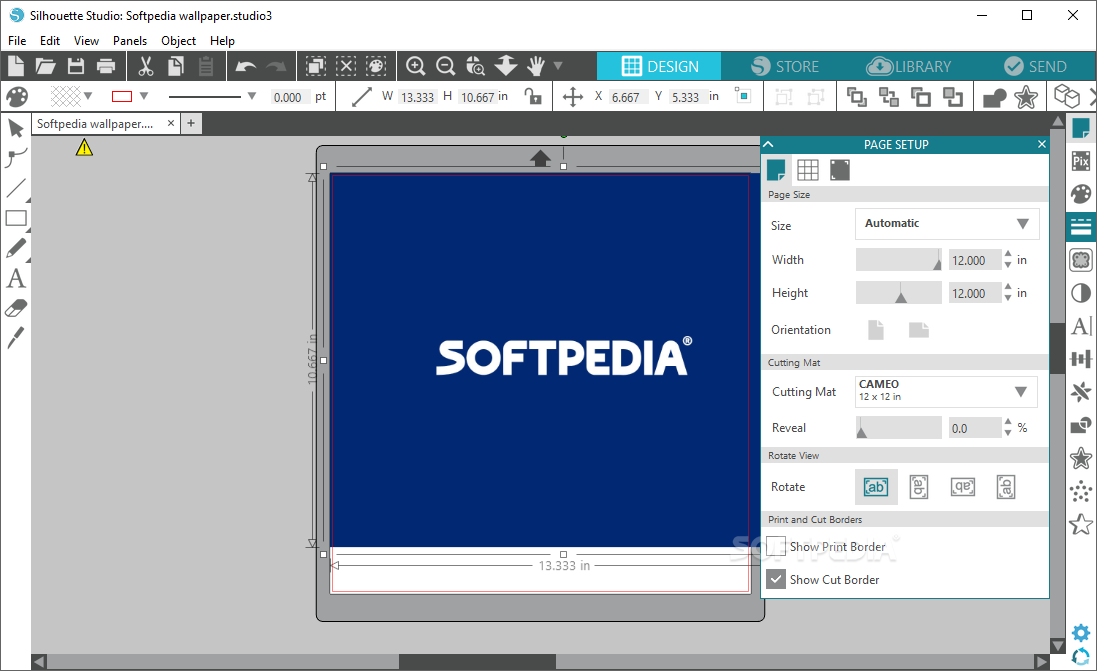
Silhouette Studio is an efficient and easy to use application that allows you to quickly create professional designs for your business cards.
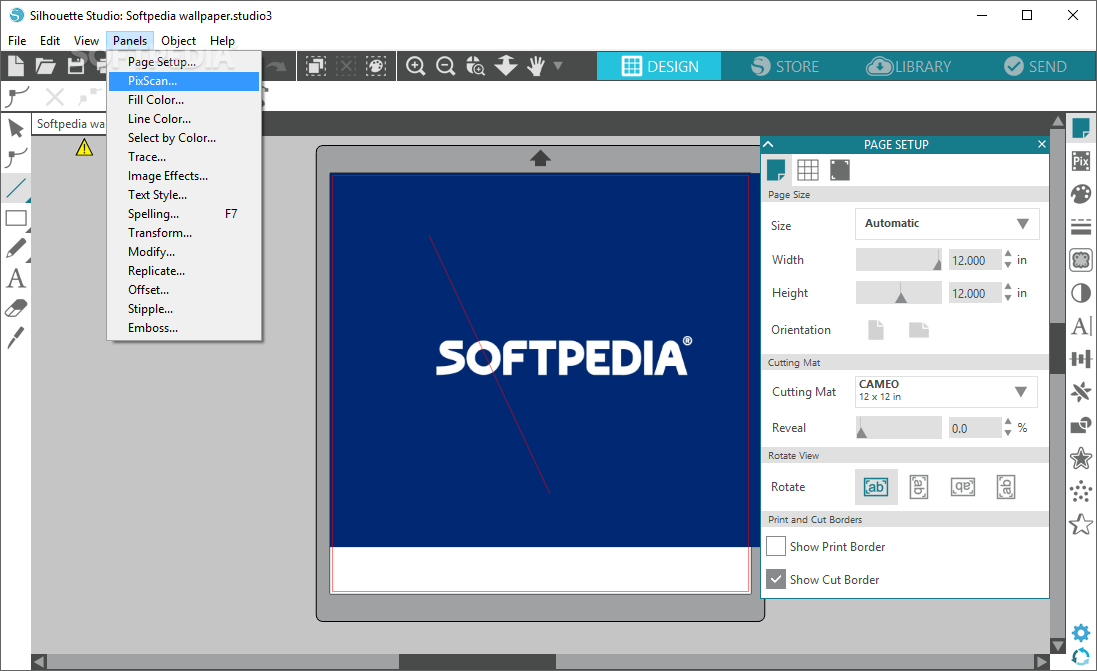
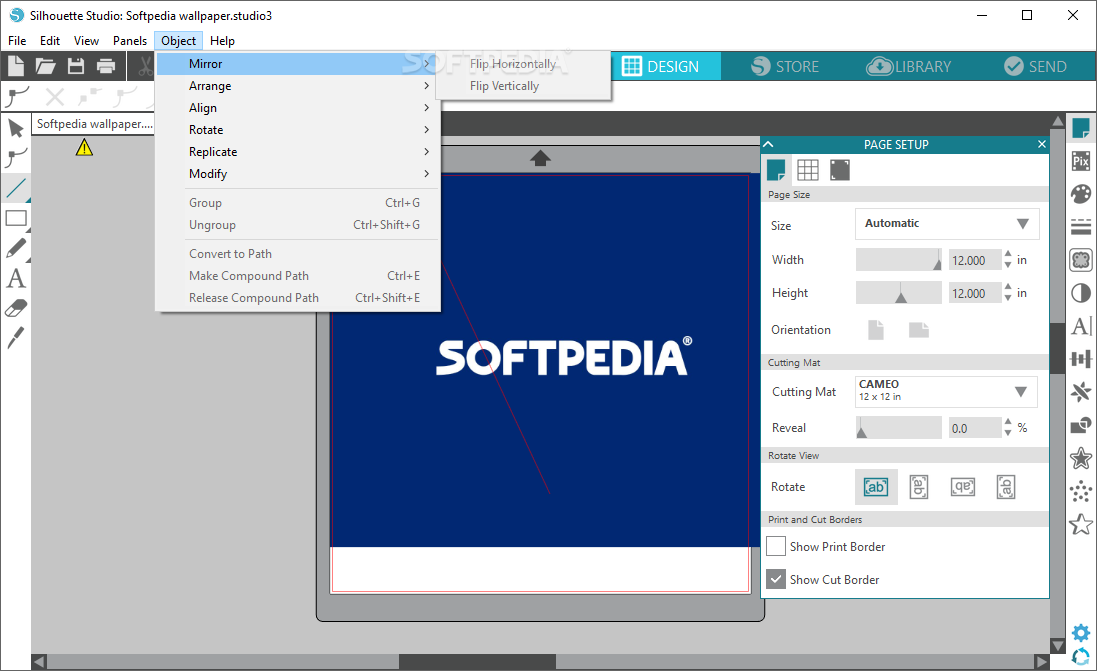
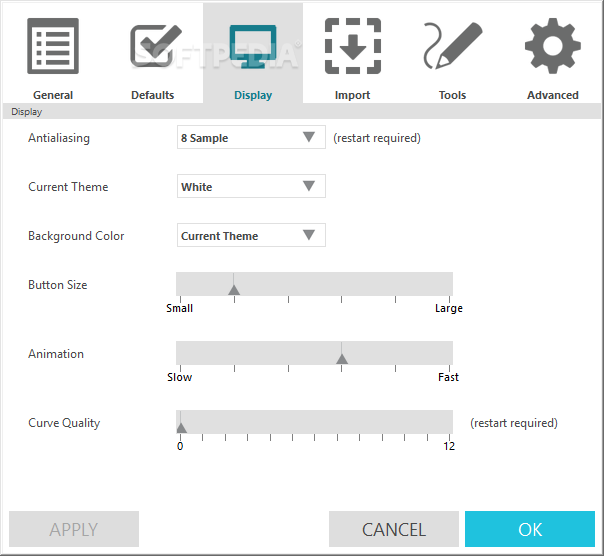
The layout of the program specializes in allowing you to easily access a multitude of menus and options for drawing and designing, but at the same time, keeping your workspace clean and visible.
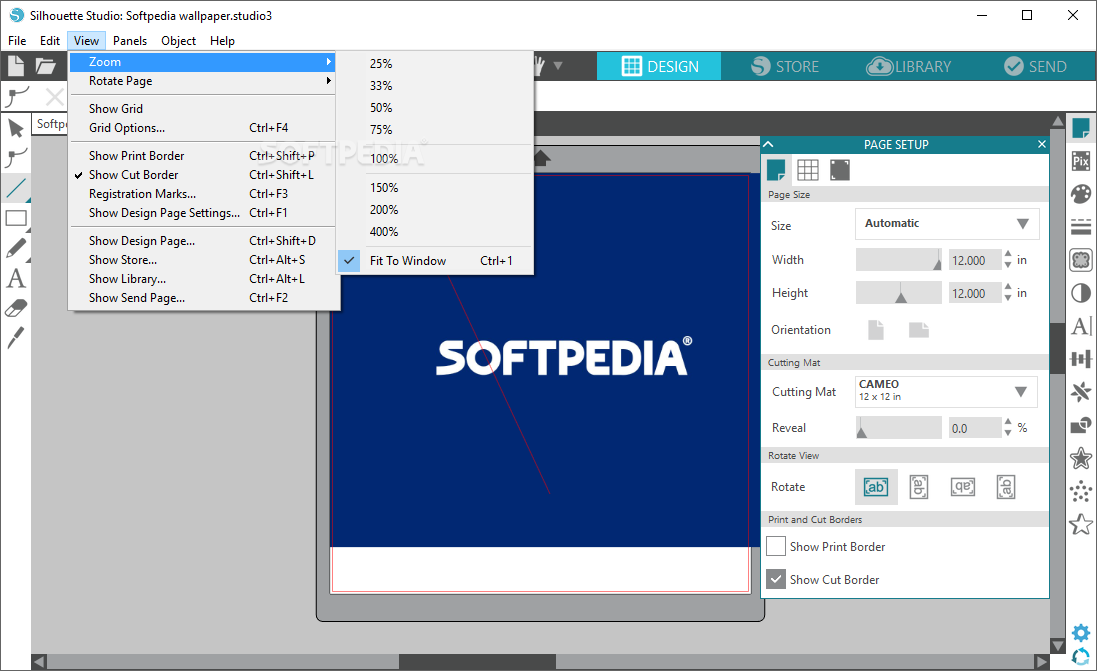
Although the main window of the application can be resized to the preferred width and height, the inside panels cannot, but you can hide them in order to get a better overview of your project.
Another convenience of Silhouette Studio is that its interface is tabbed, allowing you to easily toggle between multiple projects.
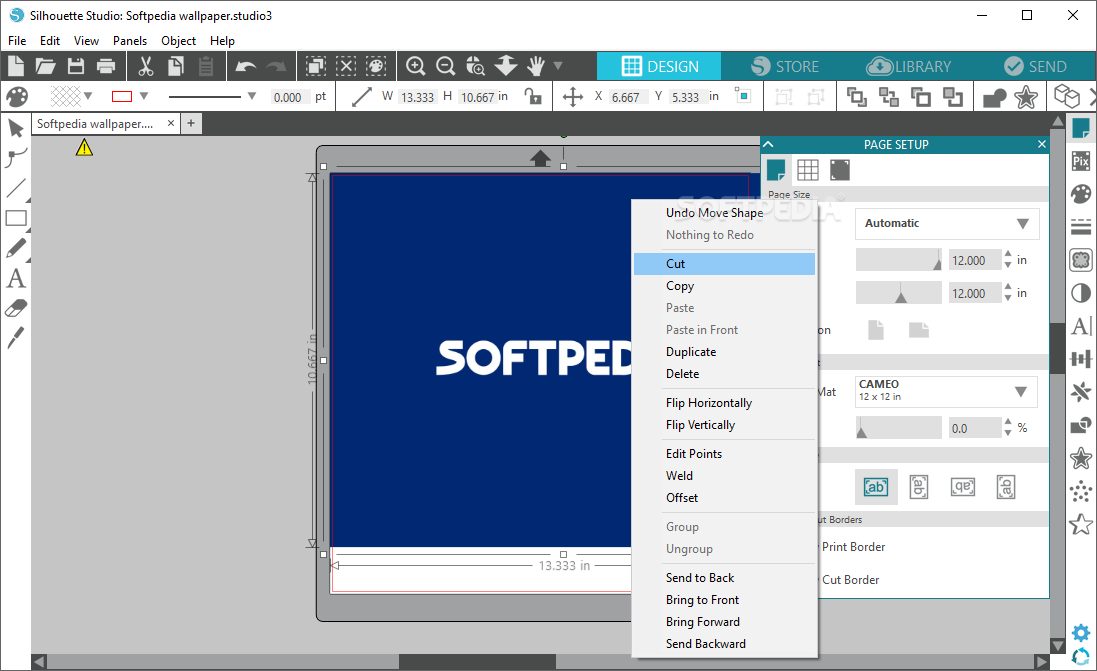
A multitude of graphic editing options are available, like modifying images, adding colors and patterns or editing text in many creative ways.
You can add a vast array of shapes, dotted lines, gradients or custom patterns, which you can later edit in numerous ways by precisely selecting and processing each element.
Silhouette Studio is an advanced drawing editor that allows you to quickly edit or create from scratch advanced and elaborate patterns, which can be used to be printed as business cards.
The application is best used paired with an electronic cutting machine, in order to create business cards.
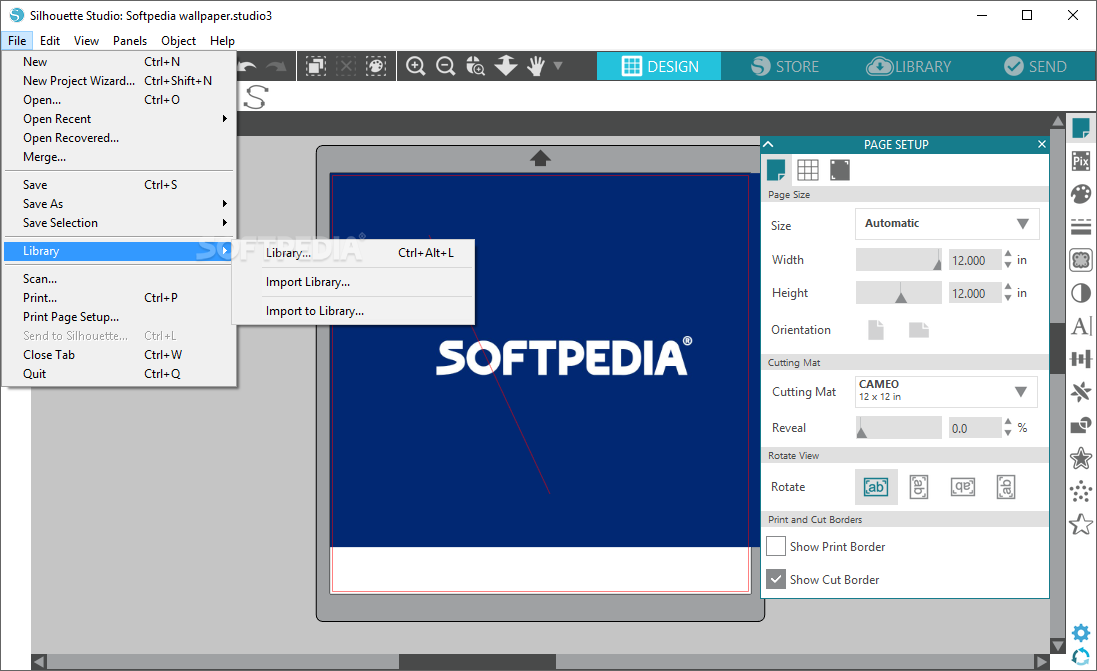
Once you have designed a professional pattern, you can save it in the local library, so you can quickly use it the next time you need it.
You can save your own customized fonts as well, which you can also load from the library directly into your on-going project.
The modern and natural-looking interface, the intuitive layout of the program, along with the multitude of features and editing functions, make Silhouette Studio and easy to operate application for designing business cards even for inexperienced users.
What's new in Silhouette Studio 4.5.760:
- Changes:
- You can now add Sketch pen actions to custom materials for the Portrait 4
- The media on the Cameo 4 Pro cutting mat now aligns correctly
- Added Electrostatic mat artwork to the design area
Silhouette Studio 4.5.760
add to watchlist add to download basket send us an update REPORT- runs on:
-
Windows 11
Windows 10 32/64 bit
Windows 8 32/64 bit - file size:
- 348 MB
- main category:
- Multimedia
- developer:
- visit homepage
4k Video Downloader

Microsoft Teams

IrfanView

Bitdefender Antivirus Free

ShareX

Windows Sandbox Launcher

7-Zip

calibre

paint.net

Zoom Client

- calibre
- paint.net
- Zoom Client
- 4k Video Downloader
- Microsoft Teams
- IrfanView
- Bitdefender Antivirus Free
- ShareX
- Windows Sandbox Launcher
- 7-Zip