
View digital camera photos and pinpoint them in maps, edit and synchronize geo data, create rules to find, filter or rename files in bulk, and more. #Map visualizer #Set image location #Geotag map #Localization #Geotag #Geography


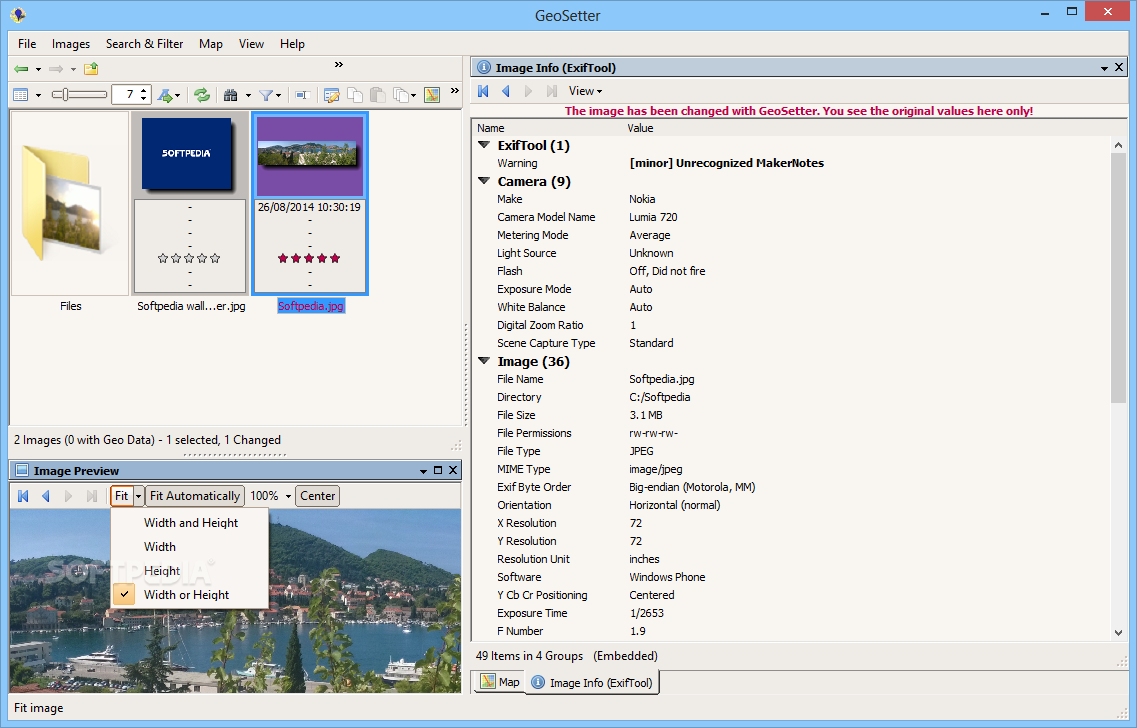
GeoSetter is a software application that comes bundled with approachable options to help you view images as well as edit IPTC, XMP and EXIF data. It features backups, advanced search, maps, data synchronization, batch file renaming, and more.
The installation procedure doesn't take long, and the only notable aspect about it is that GeoSetter offers to integrate a new entry into the Windows Explorer shell extension for quickly accessing it.
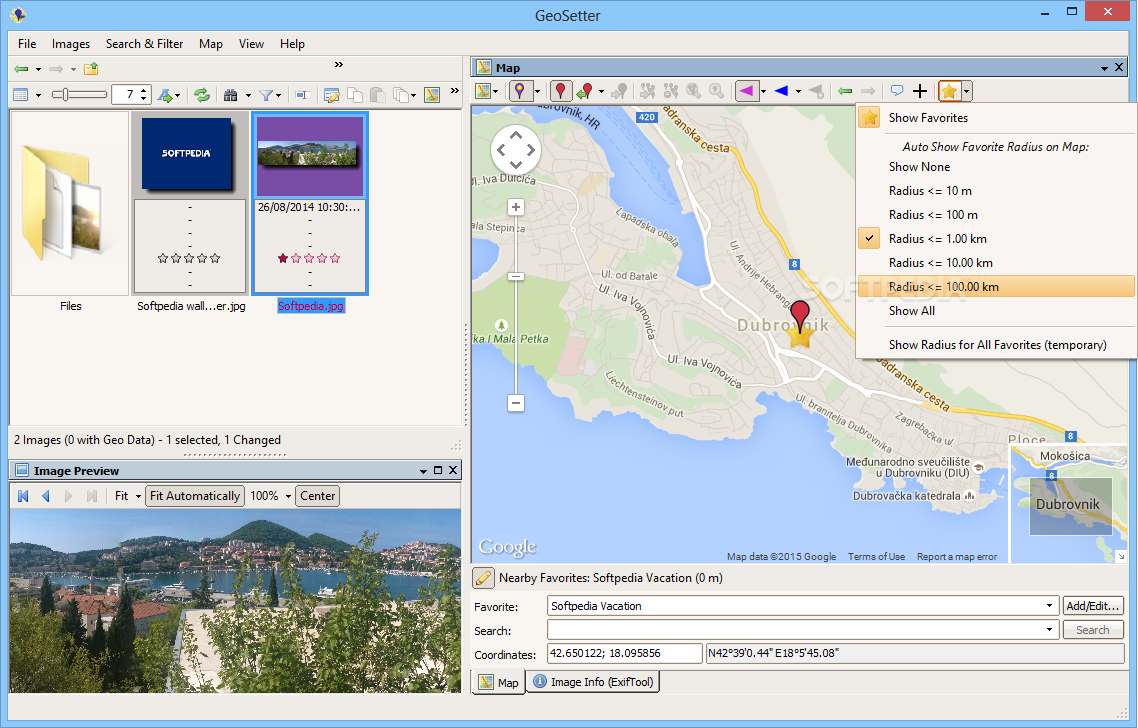
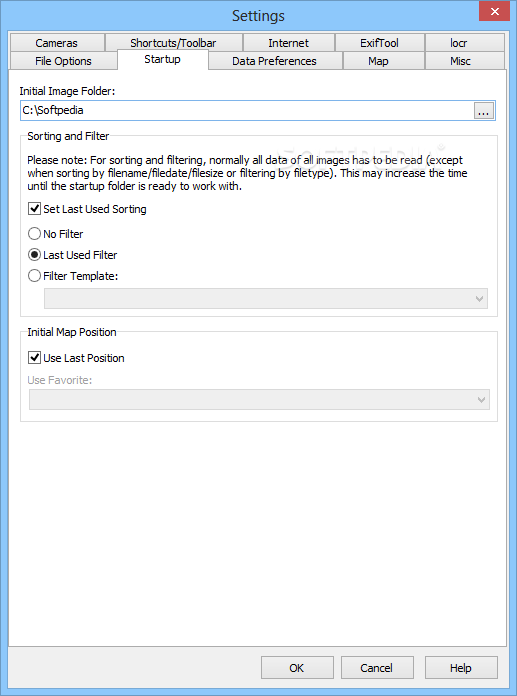
As for the interface, the application is wrapped in a large window with a rich menu bar. It automatically loads a map at startup and lets you explore it by panning or by inputting coordinates, as well as create a list with favorite places and look them up.
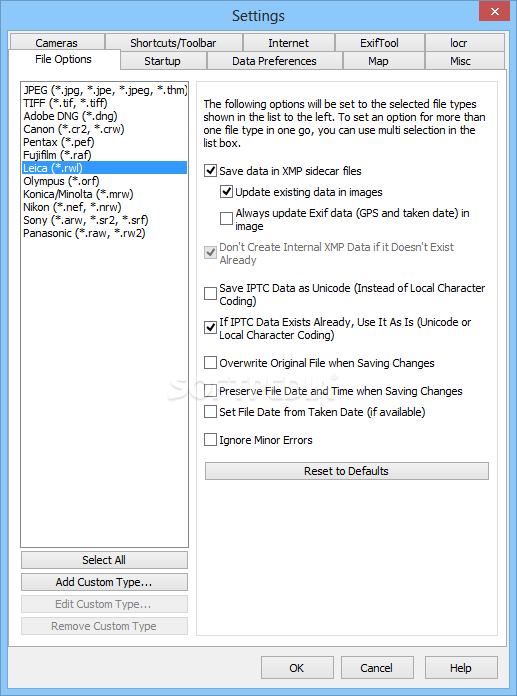
Many popular file types are supported by GeoSetter, including JPG, TIF, DNG, CRW, PEF, RAF, RWL, ORF, NEF, ARW and RAW. You can open a folder and explore all its containing images, view their thumbnails, set ratings, as well as sort the file by taking into account a wide range of criteria, such as name, taken date, coordinates, exposure time, focal length, file size, caption writer, source or URL.
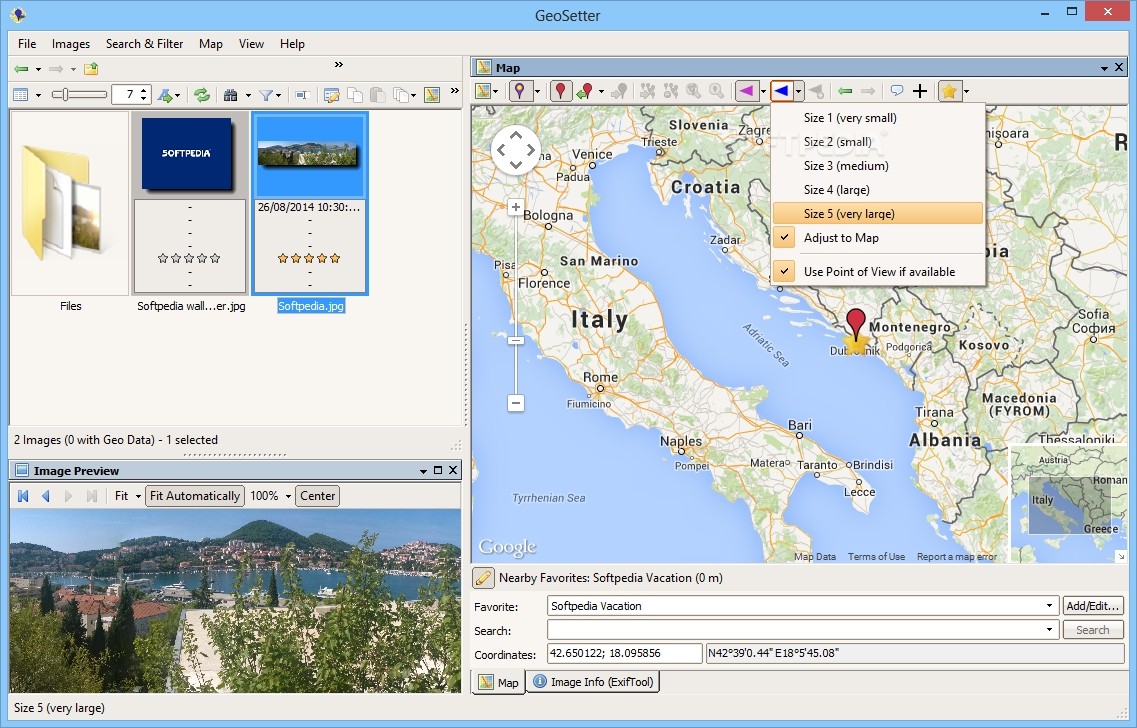
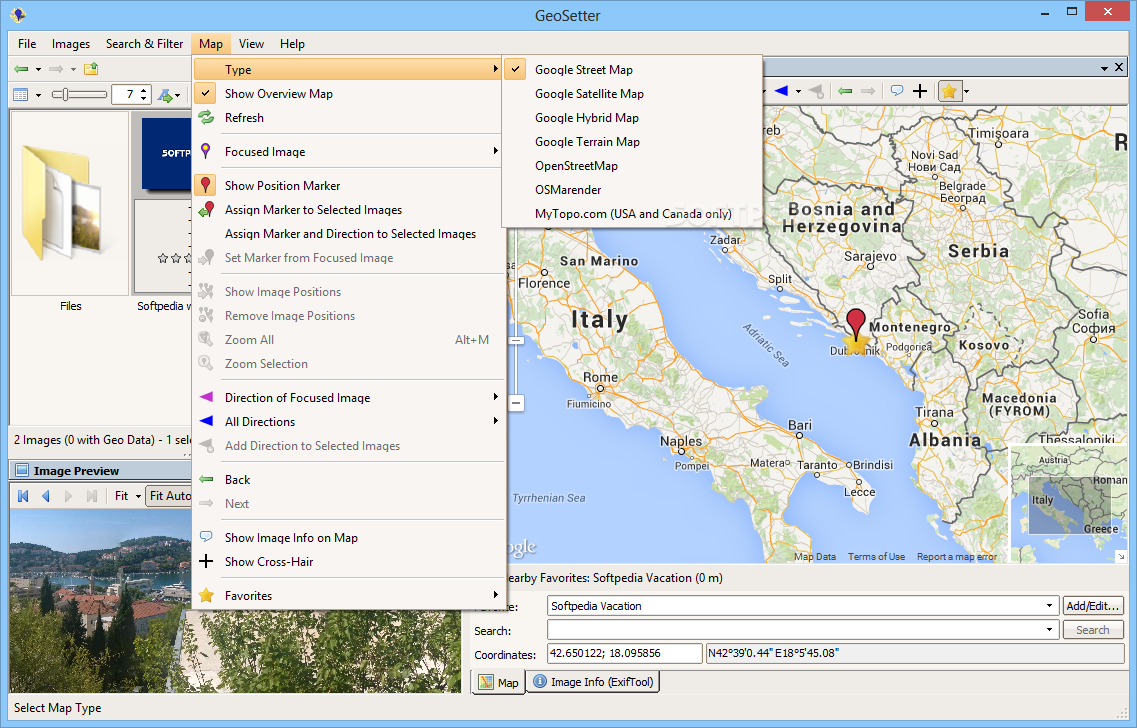
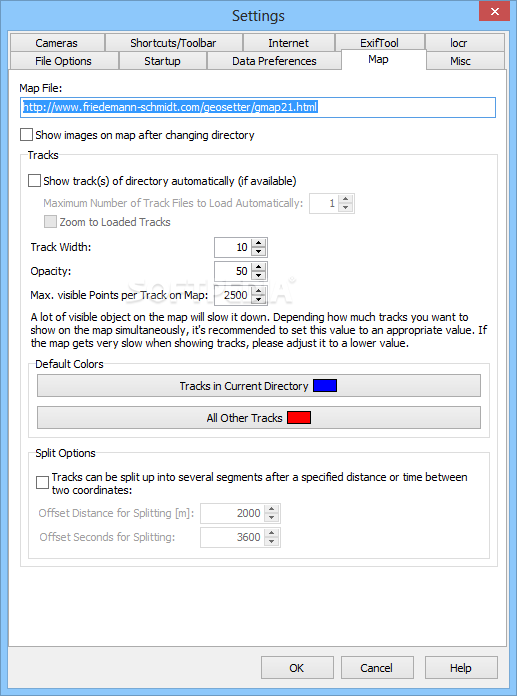
Similarly, the tool supports a few map types: Google Street, Satellite, Hybrid or Terrain Map, OpenStreetMap, OSMarender, and MyTypo.com. It can either follow the focused image or center the map. You can show a display marker and crosshair, assign markers and directions to photos, display image positions, zoom in and out, or lock the direction angle of the focused image.
Advanced search operations may be conducted for image pinpointing. Logical rules can be set up for the file name, type, location, description, categories, date, contact, camera or other aspects, where all conditions or at least one of them must be met. It's possible to create multiple condition groups for the same task, as well as to build templates to reuse them in future projects.
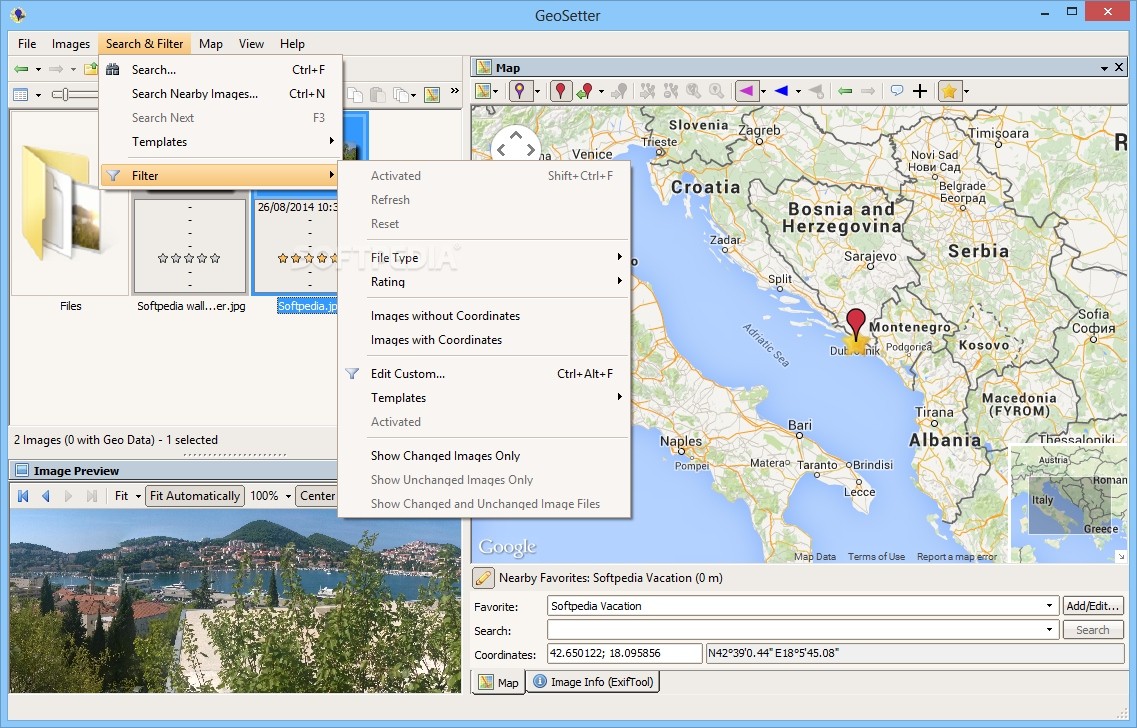
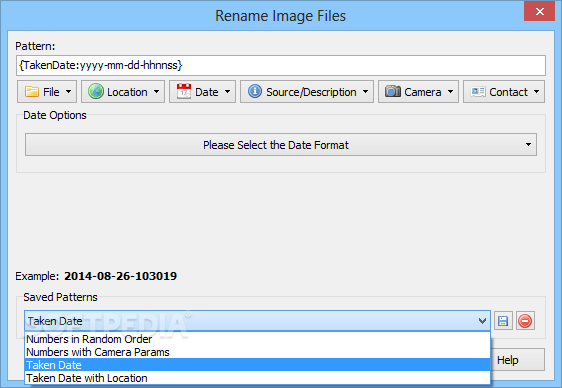
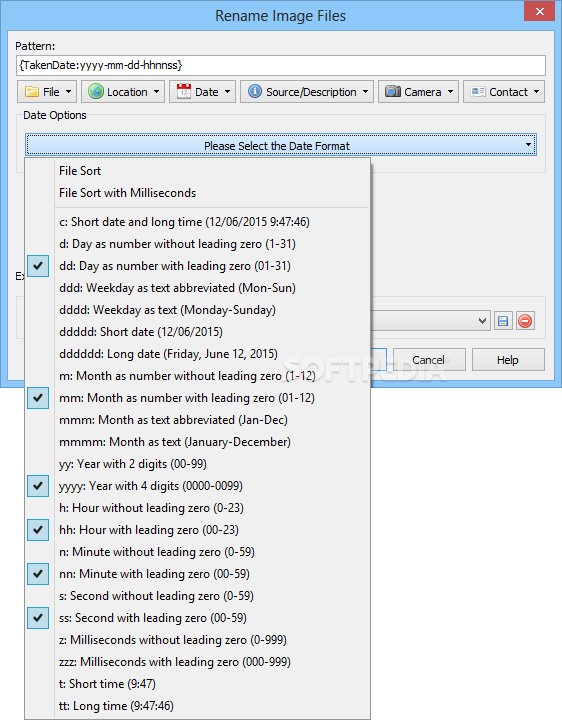
Alternatively, the application can be asked to search for nearby images. GeoSetter also features filters for the current directory of images. For example, you can display only images with or without coordinates, or just changed or unchanged ones. The previously described search conditions are applicable not only for filters, but also for an image file renamer (in bulk).
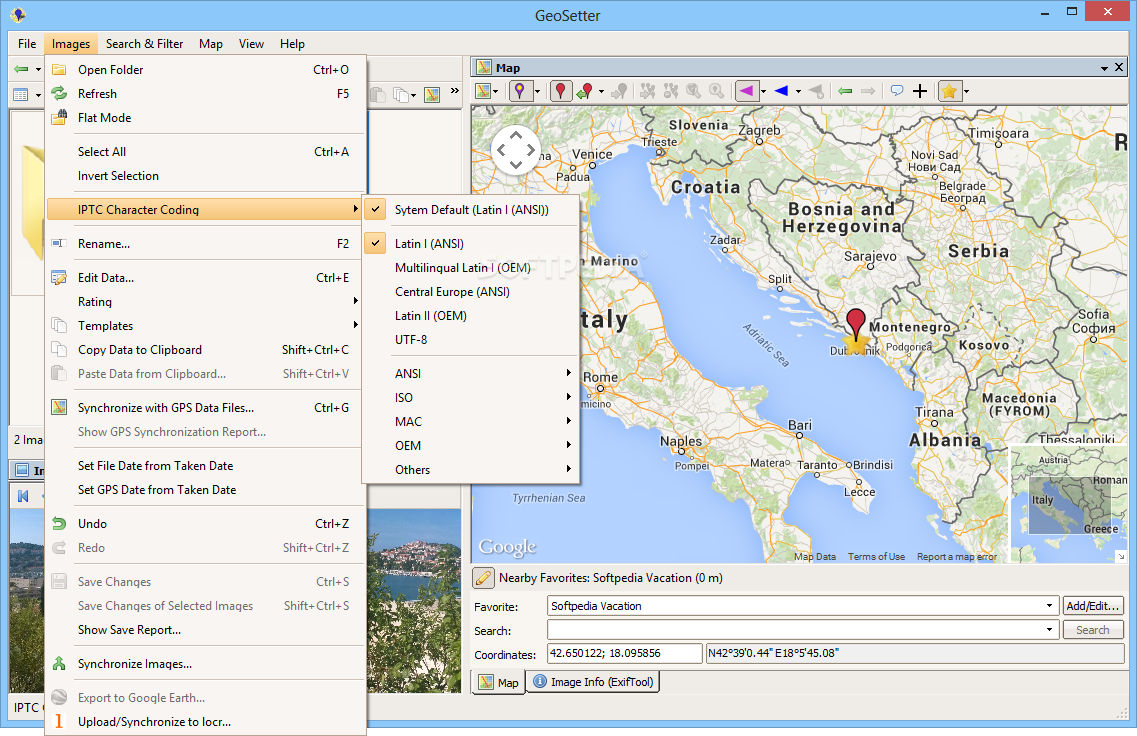
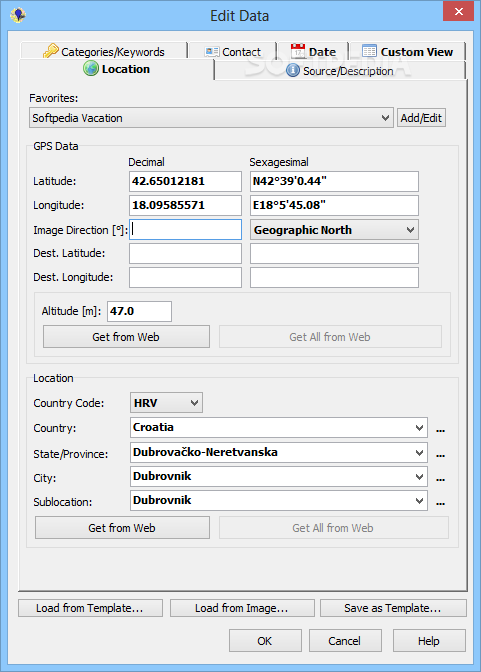
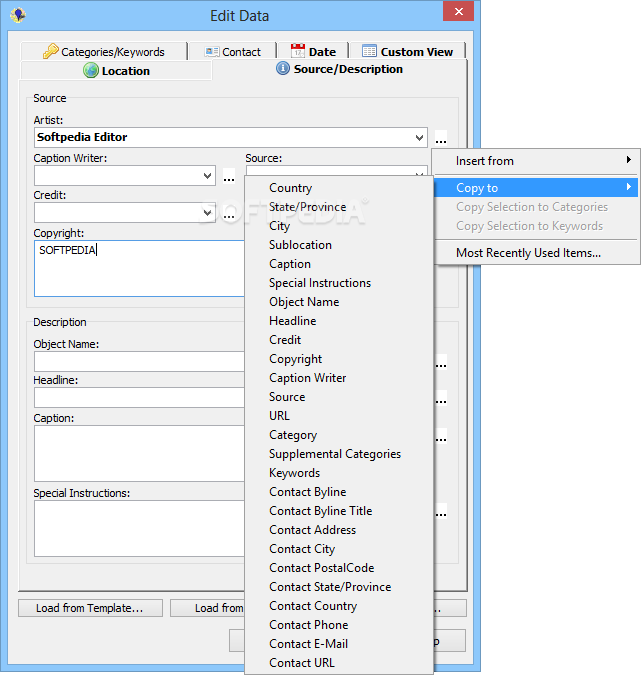
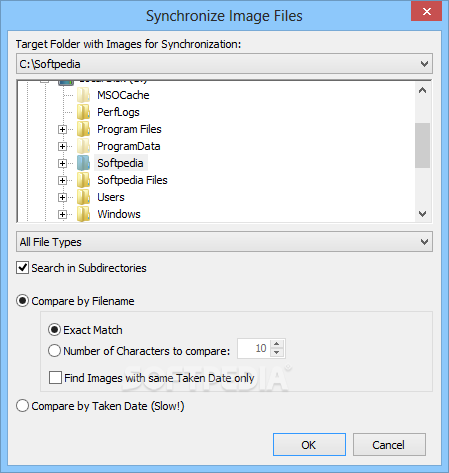
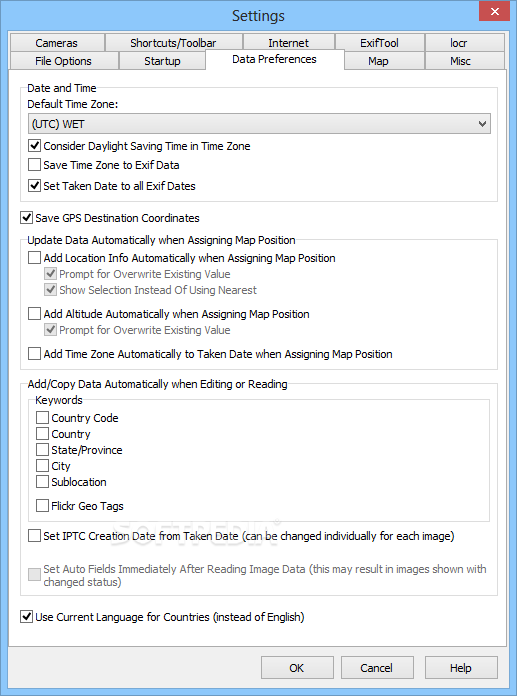
Detailed information concerning a picture's location, source, keywords, contact, date and GPS is prone to modifications. You can change the IPTC character encoding, synchronize the geo data of selected pictures with GPS files and check out a GPS sync report, set the file or GPS date from the taken date, or synchronize metadata with different photos.
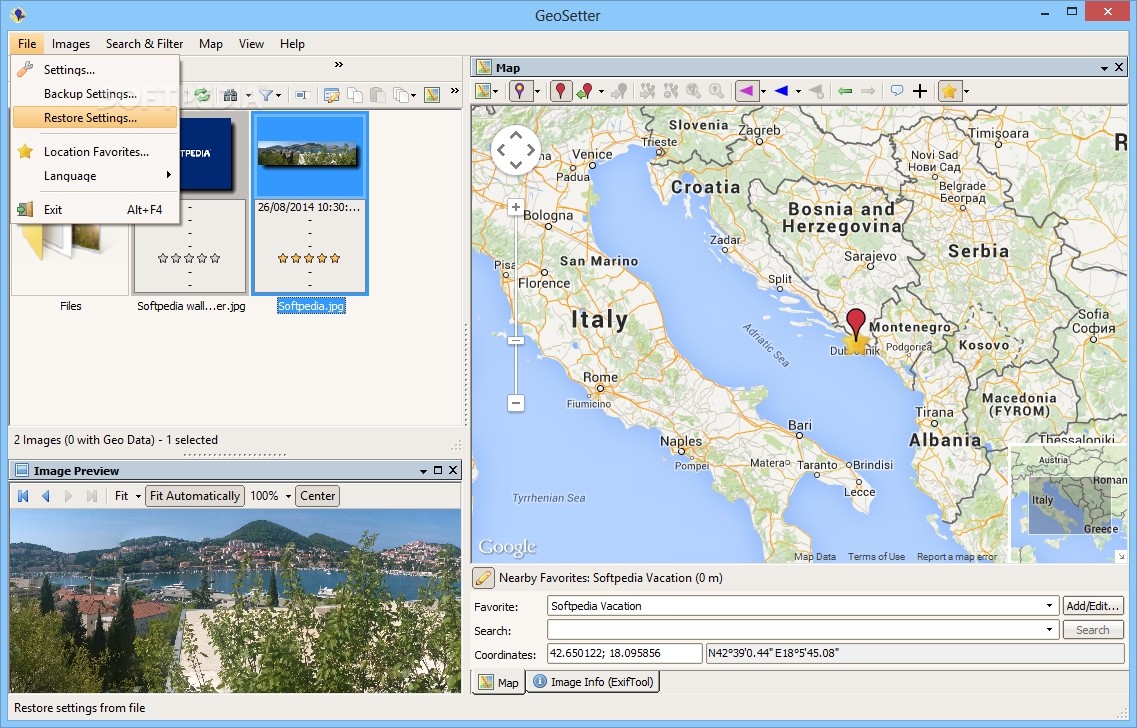
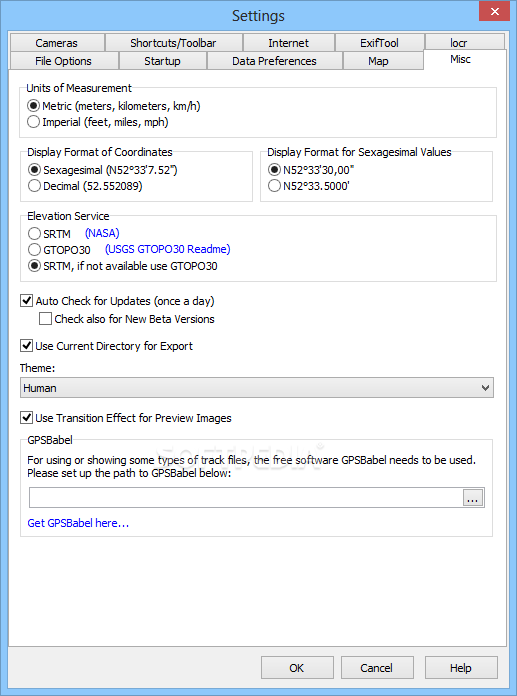
GeoSetter offers support for multiple languages and lets you choose your camera's make and model from a list (used for calculating the view angle using the 35-mm equivalent focal length of a picture). It enables you to customize the toolbar and key shortcuts, and enter additional ExifTool commands.
CPU and RAM consumption was minimal in our tests, so the program didn't hamper system performance. No error dialogs popped up, and it didn't hang or crash. Taking into account its versatile set of features, GeoSetter should meet the requirements of many users looking for a reliable app to view digital camera pictures and edit technical data, as well as perform some handy operations.
What's new in GeoSetter 3.5.3 Build 2195:
- Changes:
- Sometimes GeoSetter crashed when checking changed languages, for example after startup
GeoSetter 3.5.3 Build 2195
add to watchlist add to download basket send us an update REPORT- portable version
- Portable GeoSetter
- runs on:
-
Windows 10
Windows 8
Windows 7
Windows Vista
Windows XP - file size:
- 23.4 MB
- filename:
- geosetter_setup.exe



- main category:
- Multimedia
- developer:
- visit homepage
4k Video Downloader

Windows Sandbox Launcher

calibre

Microsoft Teams

7-Zip

ShareX

paint.net

Zoom Client

Bitdefender Antivirus Free

IrfanView

- Zoom Client
- Bitdefender Antivirus Free
- IrfanView
- 4k Video Downloader
- Windows Sandbox Launcher
- calibre
- Microsoft Teams
- 7-Zip
- ShareX
- paint.net