
Allows you to edit both raw and other file formats. #Image editor #Raw conversion #Edit raw #Raw image #Raw #Editor
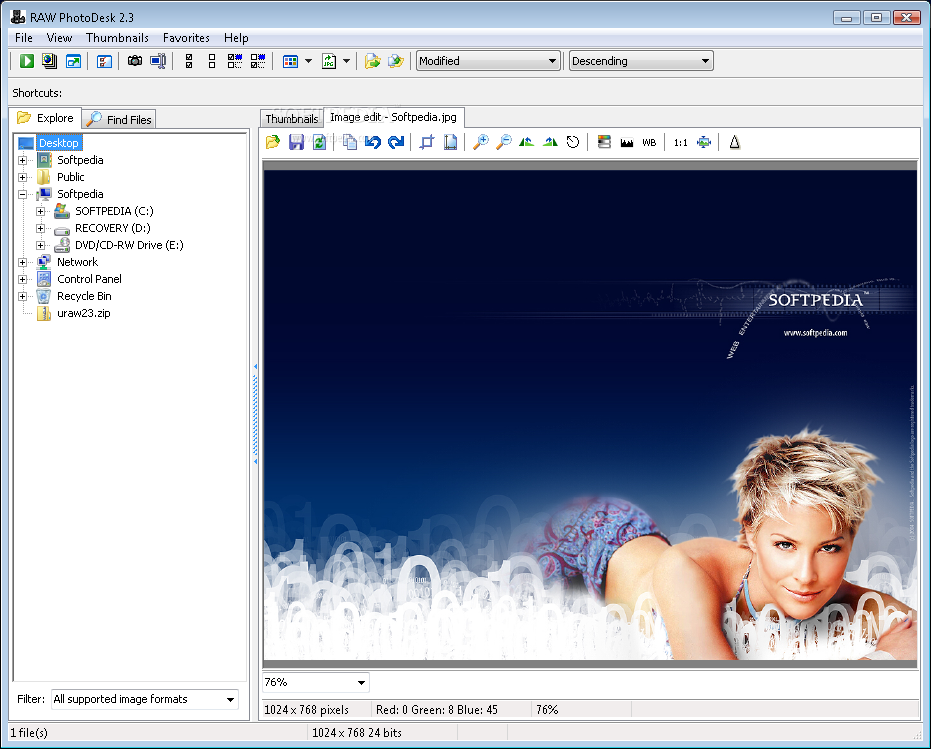
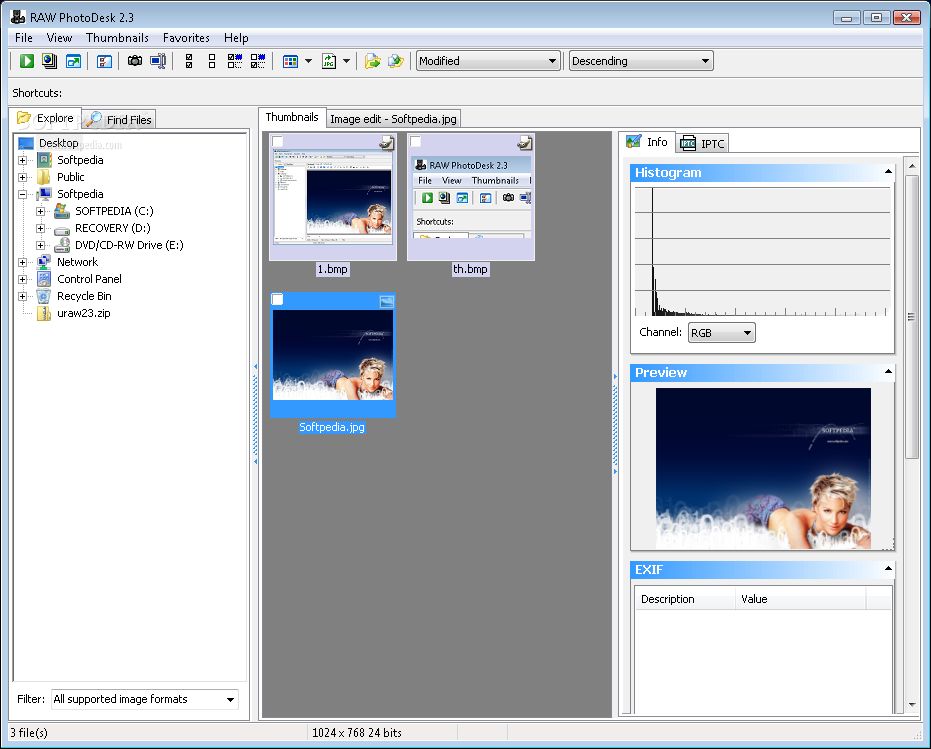
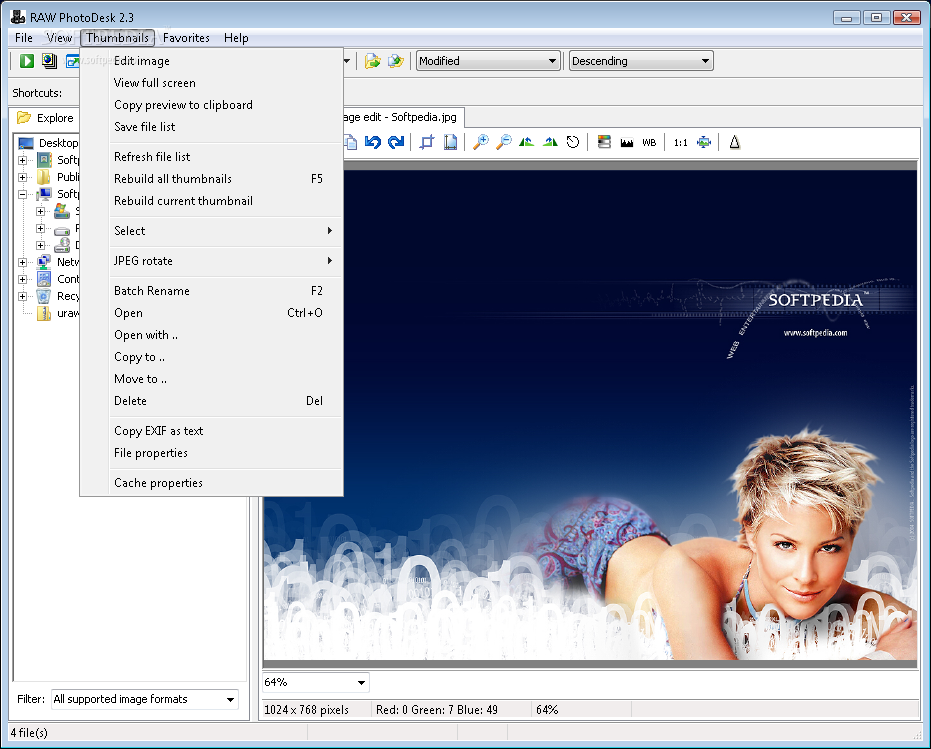
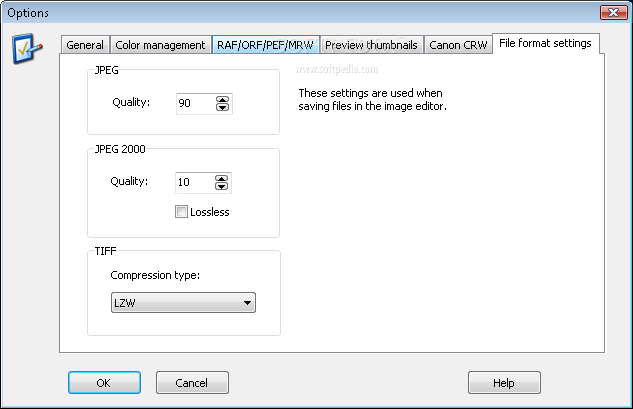
RAW PhotoDesk allows you to view, edit and convert both raw and other file formats from many different digital cameras.
In addition to common formats such as JPEG, TIFF and PSD, RAW PhotoDesk can read, display and convert Nikon NEF, Canon CRW and CR2, Olympus ORF, Pentax PEF, Minolta MRW, Fuji RAF, Sigma (Foveon) X3F and other raw formats.
For Nikon NEF and Canon CRW, TIF and CR2 files, RAW PhotoDesk uses the manufacturer's own file libraries, ensuring support for practically all current camera models (including Nikon D70, D2H and Canon EOS-1D Mark II).
RAW PhotoDesk is easy to use and less expensive than most other RAW editing packages, however it does not provide nearly the professional capabilities of those, and is probably most suitable for casual users, that are not looking for all the advanced features.
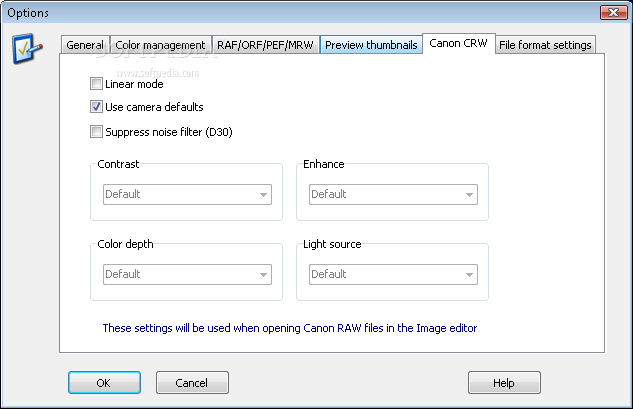
To process Canon raw files, you must download the Canon support library, and extract all files to the program folder.
System requirements
- 512 or even 1024 MB of RAM
Limitations in the unregistered version
- 30 days trial
Download Hubs
RAW PhotoDesk is part of these download collections: View X3F, Edit DNG, Open ARW, Edit ARW
What's new in RAW PhotoDesk 2.3:
- Added support for latest camera models, including Nikon D40 and D80
RAW PhotoDesk 2.3
add to watchlist add to download basket send us an update REPORT- runs on:
- Windows All
- file size:
- 4.3 MB
- filename:
- uraw23.zip
- main category:
- Multimedia
- developer:
- visit homepage
IrfanView

4k Video Downloader

7-Zip

calibre

paint.net

Bitdefender Antivirus Free

ShareX

Microsoft Teams

Windows Sandbox Launcher

Zoom Client

- Microsoft Teams
- Windows Sandbox Launcher
- Zoom Client
- IrfanView
- 4k Video Downloader
- 7-Zip
- calibre
- paint.net
- Bitdefender Antivirus Free
- ShareX