
A painting program that comes bundled with editing parameters, color filters, borders, frames, and textures, for helping you create new images from scratch or boost your photo appearance. #Photo editor #Change saturation #Adjust brightness #Brightness #Saturation #Contrast

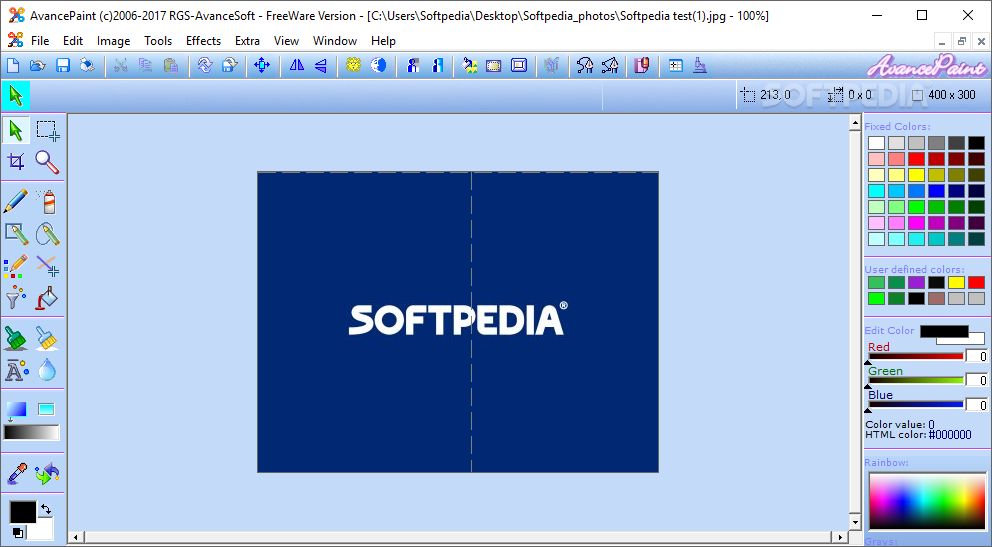
AvancePaint (Freeware Edition) is a lightweight Windows application built specifically for helping you enhance your image quality with the aid of different editing tools and color filters.
You are welcomed by a clean feature lineup that embeds suggestive icons for each function, so you can easily get acquainted with the drawing parameters.
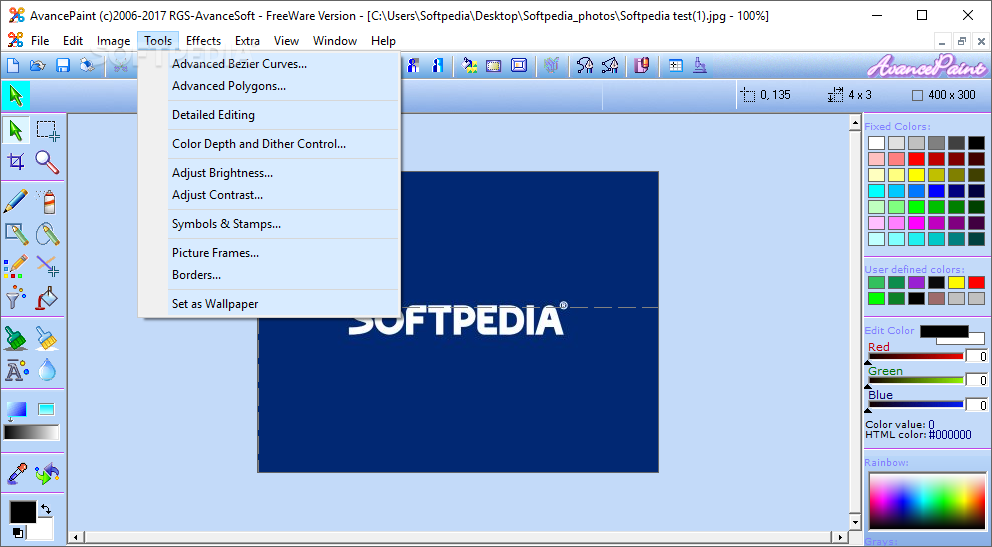
Although the layout may seem a bit crowded at a first glance, this is only because the utility comes bundled with many features. From the left side of the panel, you can choose between various editing tools, while from the right area you can pick the desired color and view the RGB values.
AvancePaint gives you the possibility to create a new photo from scratch or upload a picture from your computer, provided that the file format is BMP, JPG, WMF, ICO, DIB, EMF, GIF, or other file format. You can use different painting tools, such as pencil,eraser, and airbrush, insert rectangles, lines, polygons, and circles, and fill in objects with different colors .
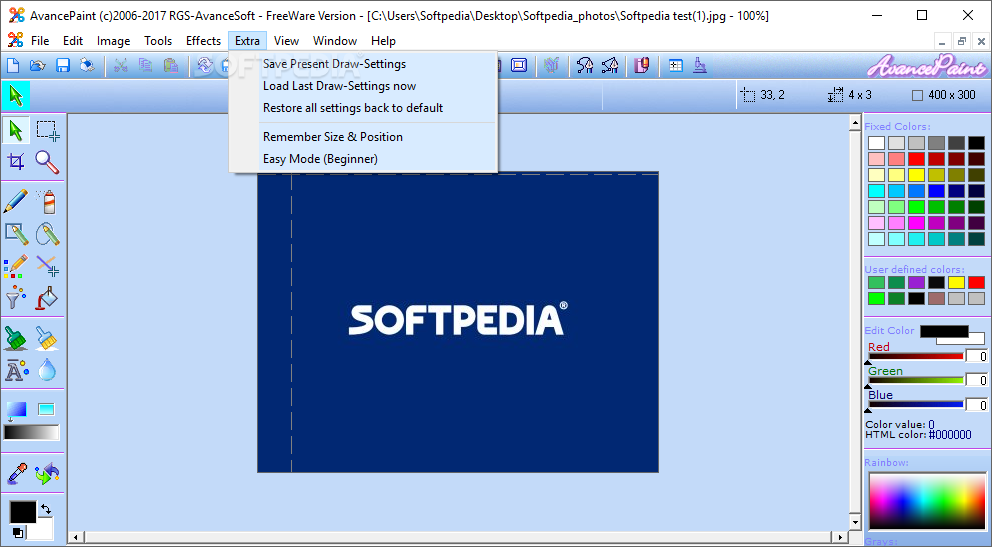
There’s support for different tweaking parameters, as you can pick the pencil size and style, alter the size and pressure for the airbrush, use special brushes for brightening or lightening areas, as well as activate the detailed drawing mode.
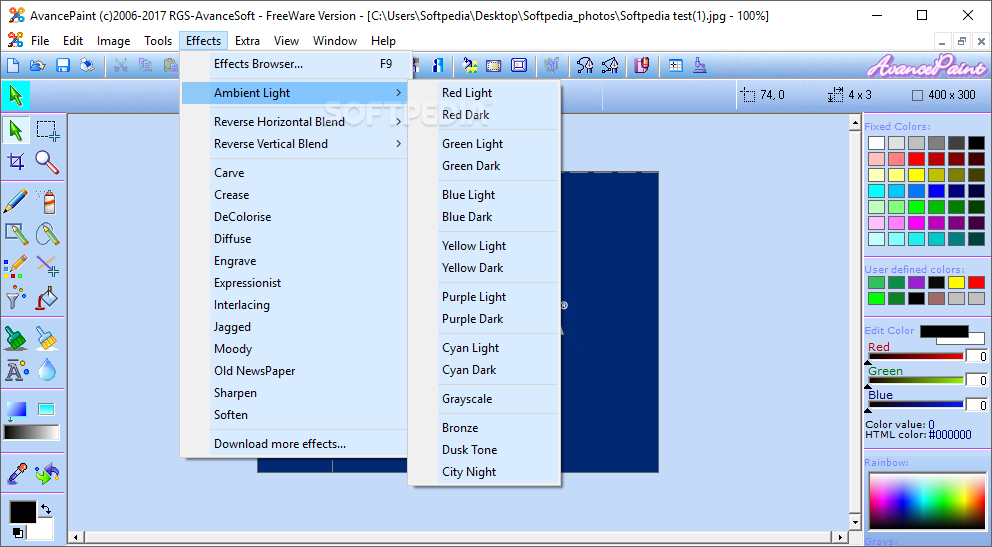
AvancePaint enables you to adjust the brightness and contrast, insert various symbols and stamps, and apply special effects, such as ambient light, black and white, diffuse, engrave, expressionist, and others.
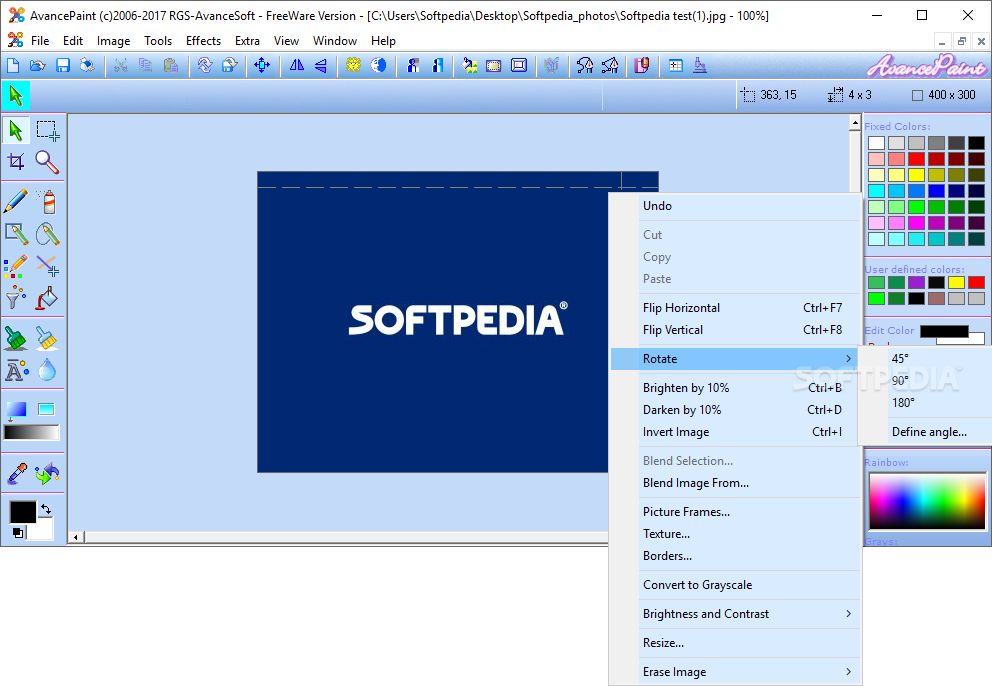
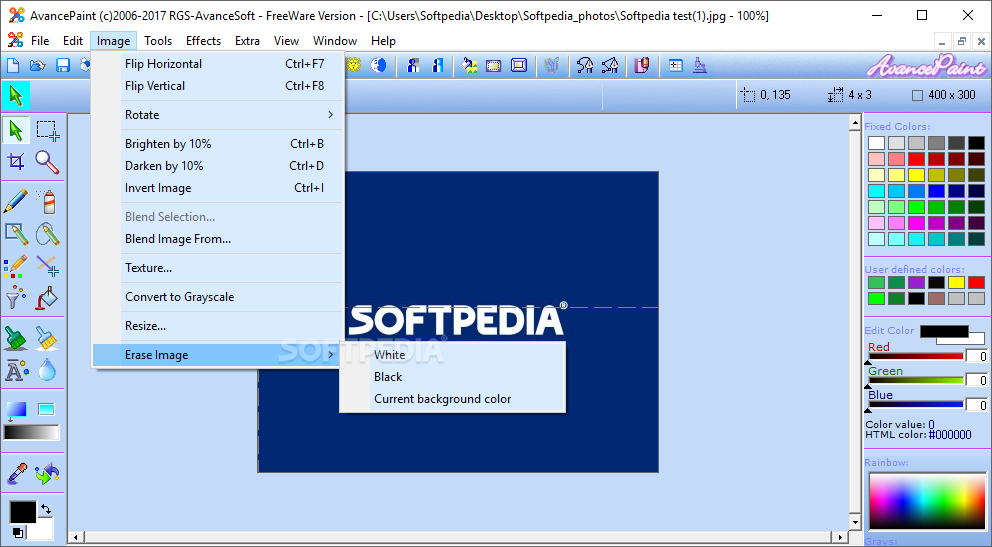
What’s more, you can flip or rotate the photo to different angles, attach frames (which can be altered in terms of color, size, and transparency), choose between different textures, insert borders by selecting from various preset options or uploading images from your computer, ad well as resize the photo.
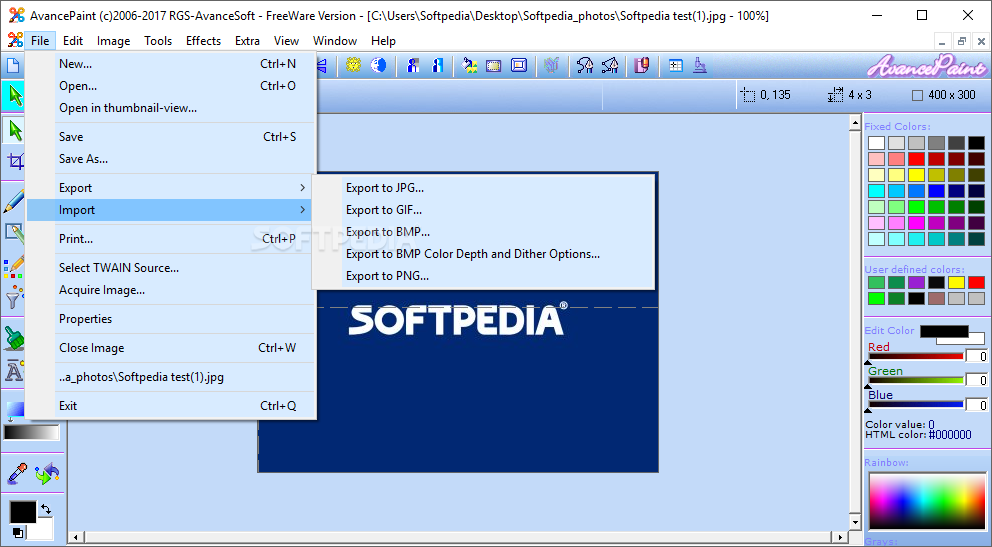
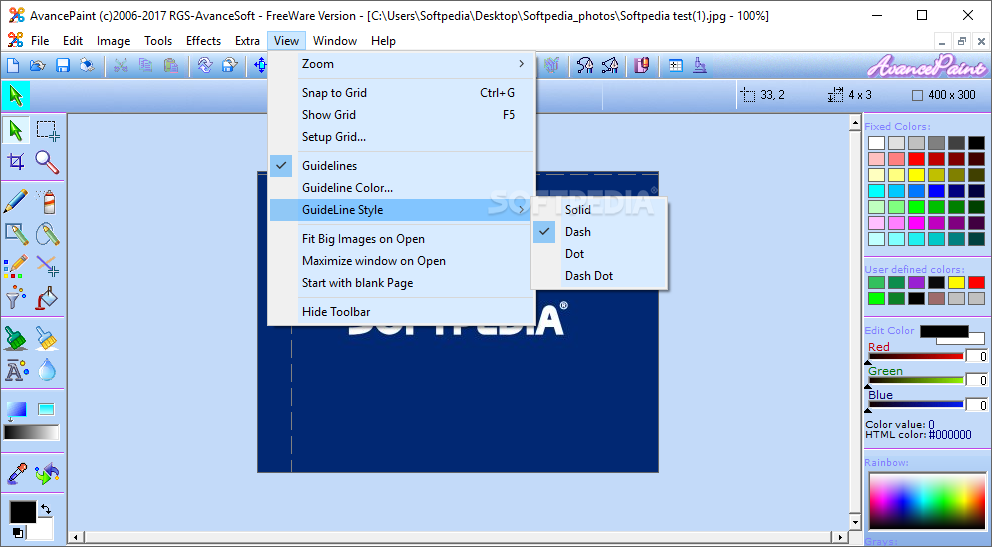
Last but not least, you can switch to a full screen mode for a better focus on your work, undo your actions, perform basic editing operations (cut, copy, paste), set the current image as your wallpaper, zoom in or out, use hotkeys, and print the generated image or export it to BMP, JPG, or GIF file format.
AvancePaint proves to be a reliable application that comes bundled with a handy suite of features for helping you generate new images from scratch or boost your photo appearance.
What's new in AvancePaint 5.6.0:
- Now released as FreeWare application! Every option is enabled. No registration required any more!
- bug fix: export as BMP was visible before a new document was opened
- Improved support with new installer for Windows 8 and 10
AvancePaint 5.6.0
add to watchlist add to download basket send us an update REPORT- runs on:
- Windows All
- file size:
- 2.4 MB
- filename:
- AvancePaint_Setup.exe
- main category:
- Multimedia
- developer:
- visit homepage
Windows Sandbox Launcher

Context Menu Manager

Microsoft Teams

7-Zip

4k Video Downloader

Zoom Client

Bitdefender Antivirus Free

ShareX

calibre

IrfanView

- ShareX
- calibre
- IrfanView
- Windows Sandbox Launcher
- Context Menu Manager
- Microsoft Teams
- 7-Zip
- 4k Video Downloader
- Zoom Client
- Bitdefender Antivirus Free