
View panoramic pictures by scrolling horizontally or vertically using this lightweight software utility that sports a user-friendly GUI. #Panorama picture #Create video #View panorama #Panorama #Viewer #Visualize

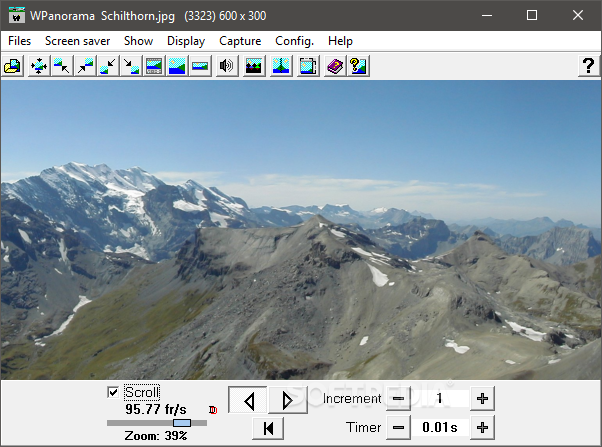
The problem with panoramic pictures is that you cannot view the entire image on your computer screen at full resolution.
WPanorama intends to solve that; the tool allows you to view panoramas, whether we are talking about vertical or horizontal images.
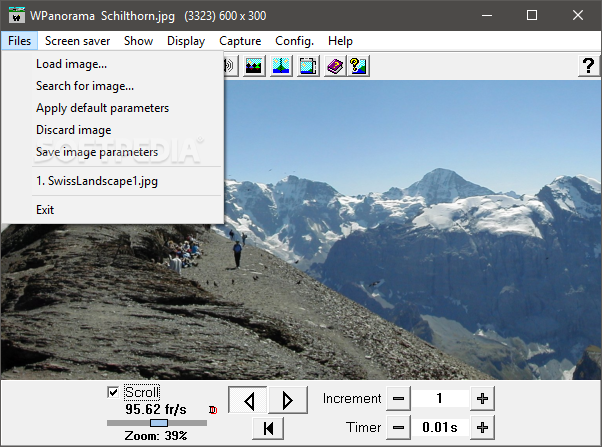
The app comes with a plain interface and an intuitive layout where you can import images by using either the file browser or 'drag and drop' method.
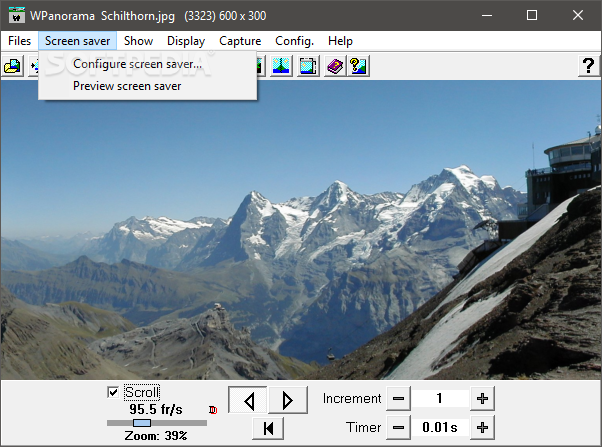
You can make the panorama scroll,and set the increment and timer, in order to create a slideshow. Plus, you can export it to a screensaver.
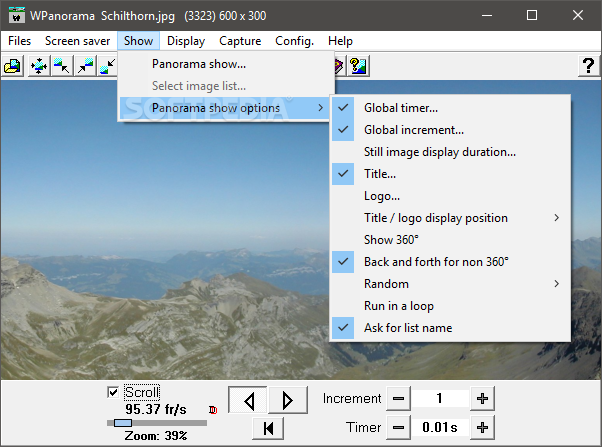
You can configure panorama show options when it comes to the still image display resolution, logo, title/logo display position and loop mode.
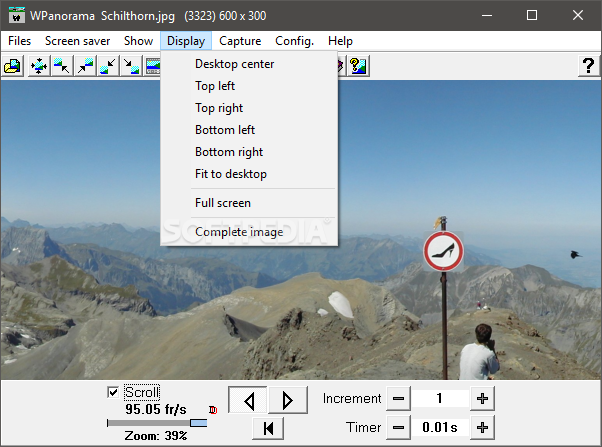
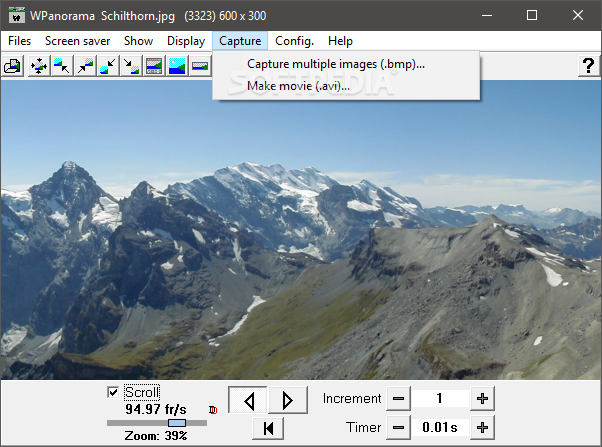
But you can also capture multiple images and save them to the BMP format, create an AVI movie, switch to full screen mode and view the complete image. Screensaver settings are customizable in regard to the language mode, display mode, stretch filter, reverse delay and orientation, just to name a few.
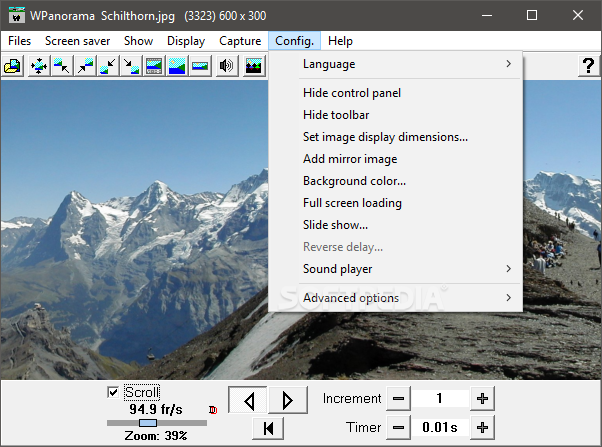
WPanorama also lets you customize program preferences concerning the interface language, control panel and toolbar display, image dimensions, background color, full screen loading, sound player and advanced properties (e.g. start waiting message, no borders).
The program uses a moderate amount of CPU and system memory, has a good response time and includes a help file. It has not caused Windows to freeze, crash or pop up errors in our tests. Nevertheless, its interface is outdated. Rookies may need some time to learn how to use WPanorama's features.
Download Hubs
WPanorama is part of these download collections: Panorama Creator, Panorama Managers
What's new in WPanorama 13.3.2:
- WPanorama.exe (build 1461):
- The search for image can now be done with the <F3> key in addition to <S>.
- Made corrections to a help item.
WPanorama 13.3.2
add to watchlist add to download basket send us an update REPORT- PRICE: Free
- runs on:
- Windows All
- file size:
- 5.4 MB
- filename:
- wpanorama.zip
- main category:
- Multimedia
- developer:
- visit homepage
4k Video Downloader

IrfanView

paint.net

calibre

Microsoft Teams

7-Zip

Bitdefender Antivirus Free

Zoom Client

Windows Sandbox Launcher

ShareX

- Zoom Client
- Windows Sandbox Launcher
- ShareX
- 4k Video Downloader
- IrfanView
- paint.net
- calibre
- Microsoft Teams
- 7-Zip
- Bitdefender Antivirus Free