
Easily capture images and screen activity with this application that features opening in external image editors and increased customization. #Capture screen #Capture animation #HTML gallery #Screenshot #Capture #Animation

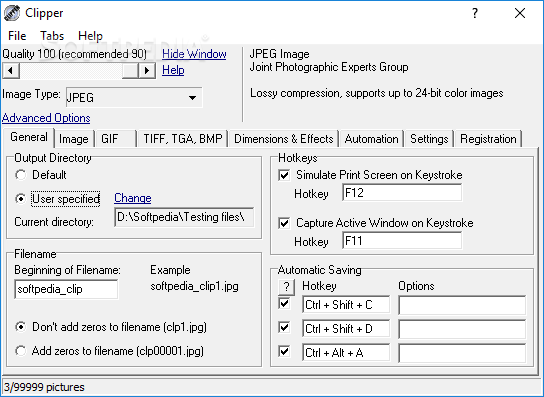
For users who seek a simple solution for capturing images, this straightforward and lightweight application could be the answer. Featuring a user-friendly interface and support to multiple image formats, Clipper offers numerous useful functions that will satisfy the requirements of most users.
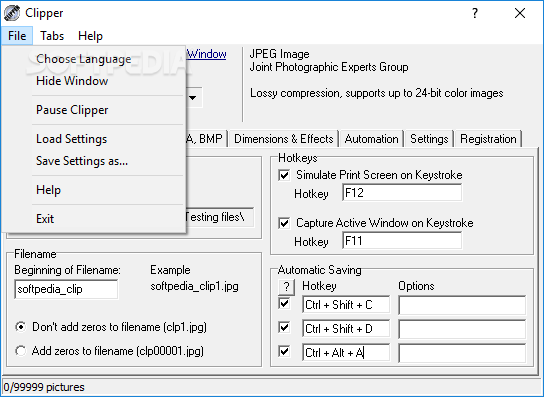
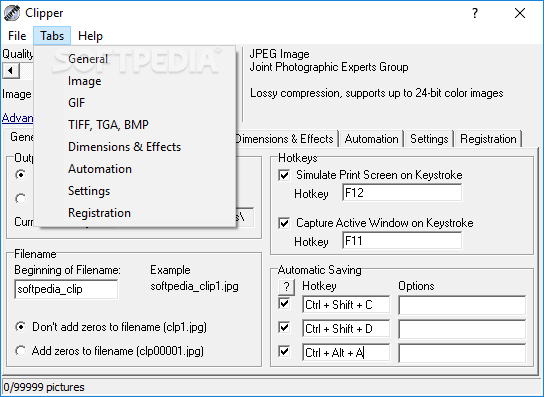
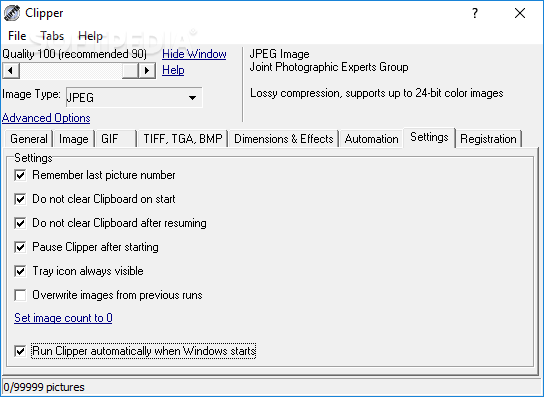
Clipper comes with a compact and clean interface where users can find the tools for capturing images easily laid out in different tabs. Although it does provide a decent degree of customization, and parameter adjustment, Clipper does lack a more advanced settings module. Once enabled, it is non-obtrusive and users can select for it to run at Start-up and remain minimized in the tray area for easy access.
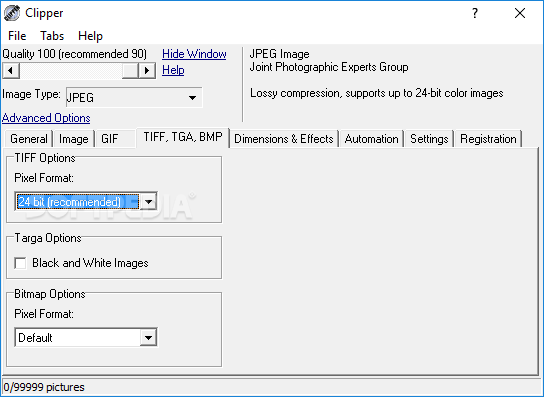
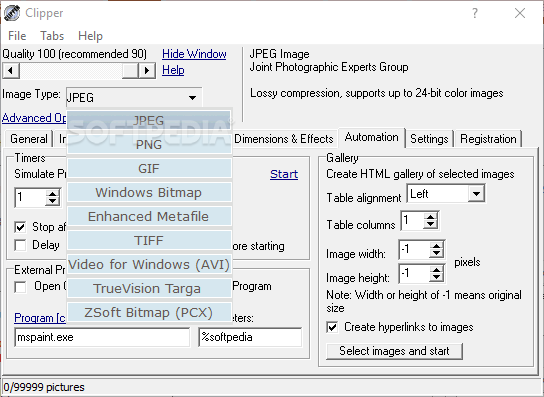
Some of the most common image formats can be selected and users can define the output image quality with ease, as well as the output directory and file naming rules. Each supported image format has its own adjustable set of parameters and users can tailor the settings to their preferences.
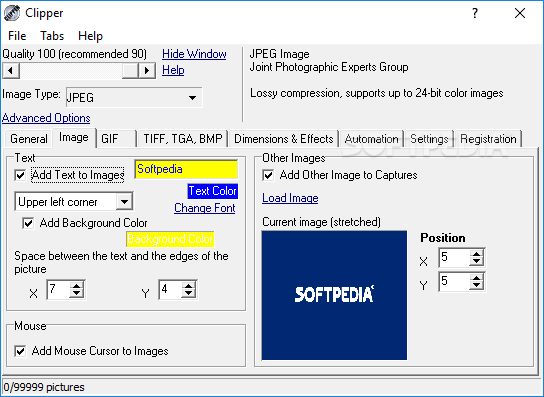
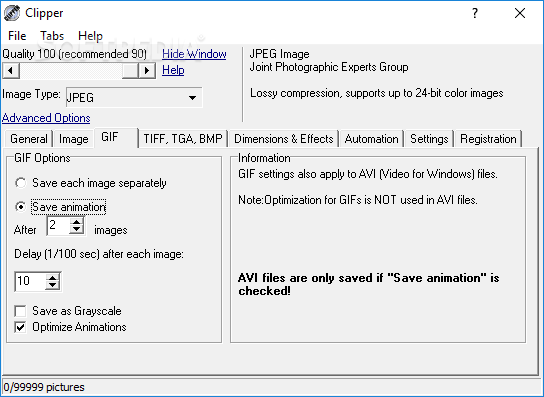
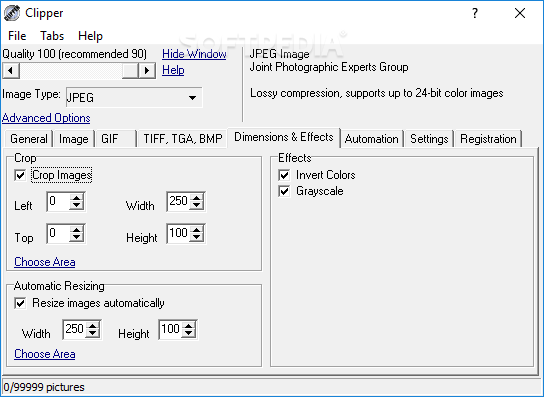
To help users become more efficient in their work, the application allows them to define multiple hotkeys in order to meet their requirements. Clipper allows users to add text and images to their captures and it provides customization options in terms of text color, position or image cropping factor. Even more, screen activity or animations / videos can also be captured and users are able to choose the GIF or AVI format for the output files.
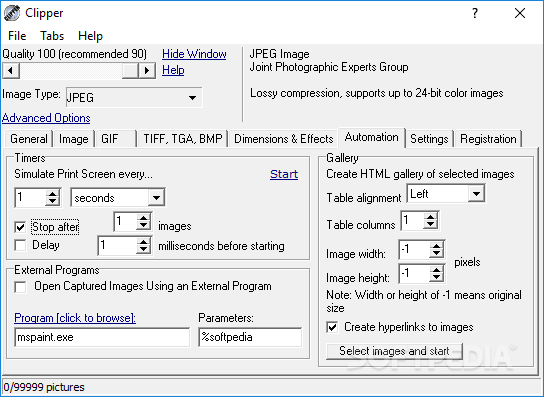
To complement its basic functionality, Clipper also has features that could be considered very useful for many users. For instance, it allows the automation and scheduling of the screen capture by defining specific timers, intervals and delays that are used by the application for automatically capturing images. Another great feature is the fact that it offers the possibility to open the captured images directly in an external image editor chosen by the users. This way users can improve their workflow considerably and proceed with the image processing in one sequence.
For those who look for a small and lightweight software for capturing images or screen activity, Clipper is well suited and offers a fair amount of screen capturing tools. Nevertheless, the more demanding users will not be very impressed by its basic functionality and will crave for a more extensive set of settings and more image formats.
What's new in Clipper 3.6.1:
- Contains one small multi language related bugfix.
Clipper 3.6.1
add to watchlist add to download basket send us an update REPORT- runs on:
- Windows All
- file size:
- 432 KB
- filename:
- clipper.zip
- main category:
- Multimedia
- developer:
- visit homepage
Bitdefender Antivirus Free

IrfanView

4k Video Downloader

ShareX

Microsoft Teams

Windows Sandbox Launcher

7-Zip

paint.net

Zoom Client

calibre

- paint.net
- Zoom Client
- calibre
- Bitdefender Antivirus Free
- IrfanView
- 4k Video Downloader
- ShareX
- Microsoft Teams
- Windows Sandbox Launcher
- 7-Zip