Softpedia
 

WINDOWS CATEGORIES:


GLOBAL PAGES >>
SOFTPEDIA REVIEWS >>
MEET THE EDITORS >>
WEEK'S BEST
  • Bitdefender Total ...
  • Hard Disk Sentinel...
  • FlashFXP [DISCOUNT...
  • Ocster Backup Pro ...
  • Kaspersky Internet...
  • DVDFab DVD Copy [D...
  • Avast! Internet Se...
  • Avira Internet Sec...
  • Webroot SecureAnyw...
  • McAfee Total Prote...
  • Home > Windows > Multimedia > Graphic > Graphic Capture
     Report malware

    FullShot Enterprise Edition 9.5.1.9

    download button buy button

    Part of the Create WMF download hub (+11 others)
    Downloads: 5,683  Tell us about an update
    User Rating:
    Rated by:
    Good (3.4/5)
    38 user(s)
    Developer:

    License / Price:

    Size / OS:

    Last Updated:

    Category:

    Trial / $149.99 USD buy button
    10.3 MB / Windows All
    [view history]
    C: \ Multimedia \ Graphic \ Graphic Capture

     Read user reviews (0)  Send to friend   Follow (1 user)

    FullShot Enterprise Edition description

    A professional screen capture application designed for any user who needs an effortless, effective way to work

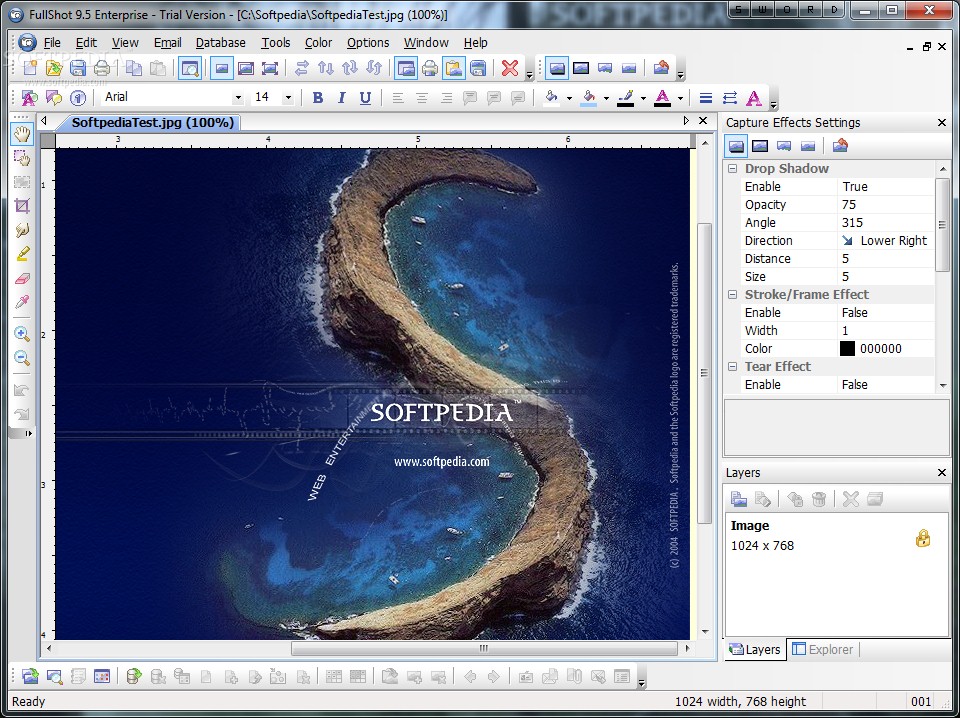
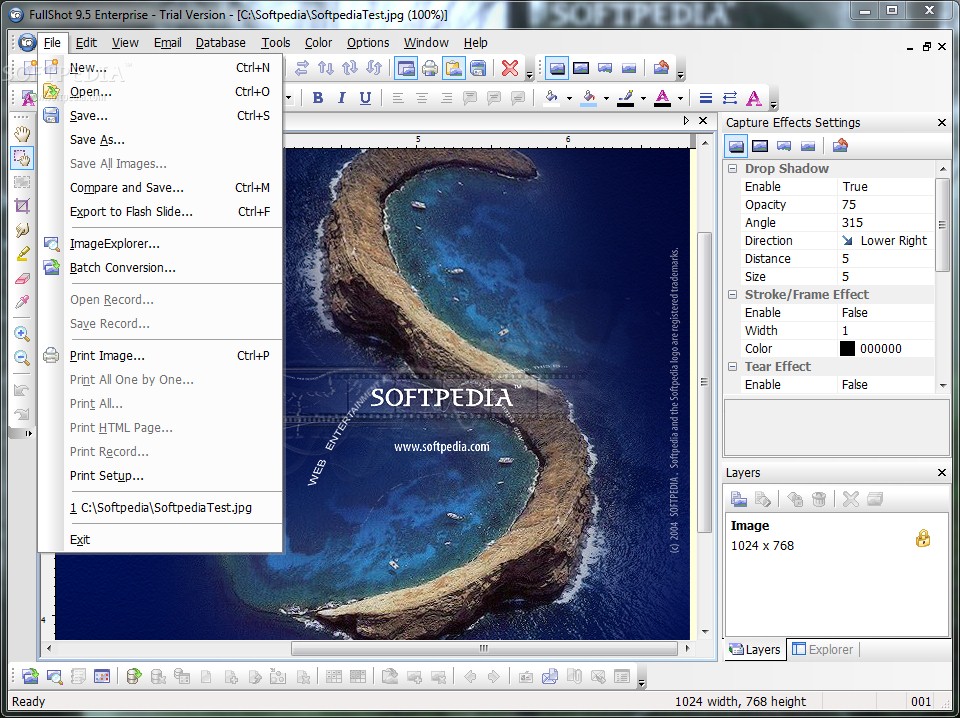
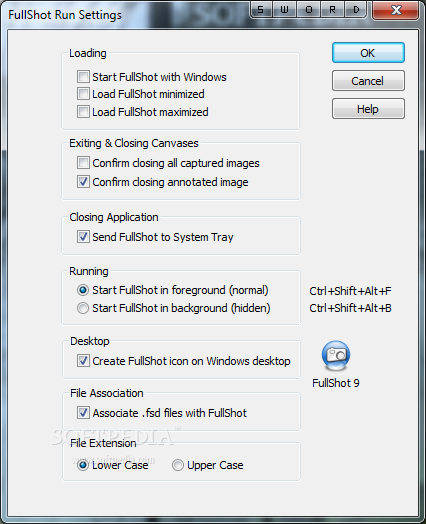
    FullShot is a professional screen capture application designed for any Windows user who needs an effortless, effective way to work with "snapshots" of Windows screens.

    It's perfect for taking screen captures or screenshots of images you want to include in manuals, training handouts, presentations, marketing materials, and web pages. FullShot is a software that allows you to capture the screen.

    FullShot allows you to take screen shots of various regions, documents, or even specific windows on your desktop. You can also use FullShot to print screen capture images or existing images directly to any printers connected to your PC.

    FullShot brings you screen capture at your finger tips. With easy to deploy screen capture functionality, FullShot is only a click or key-press away and allows you to take quick, precise shots of your screens. Try it out today to see how well our screen capture technology can work for you.

    Since its introduction in 1991, FullShot has been used for screen capture purposes world-wide to produce countless books, magazines, software manuals, training materials, marketing handouts, slides, presentations, web pages, and other publications.

    Here are some key features of "FullShot Enterprise Edition":

    Capturing Images:
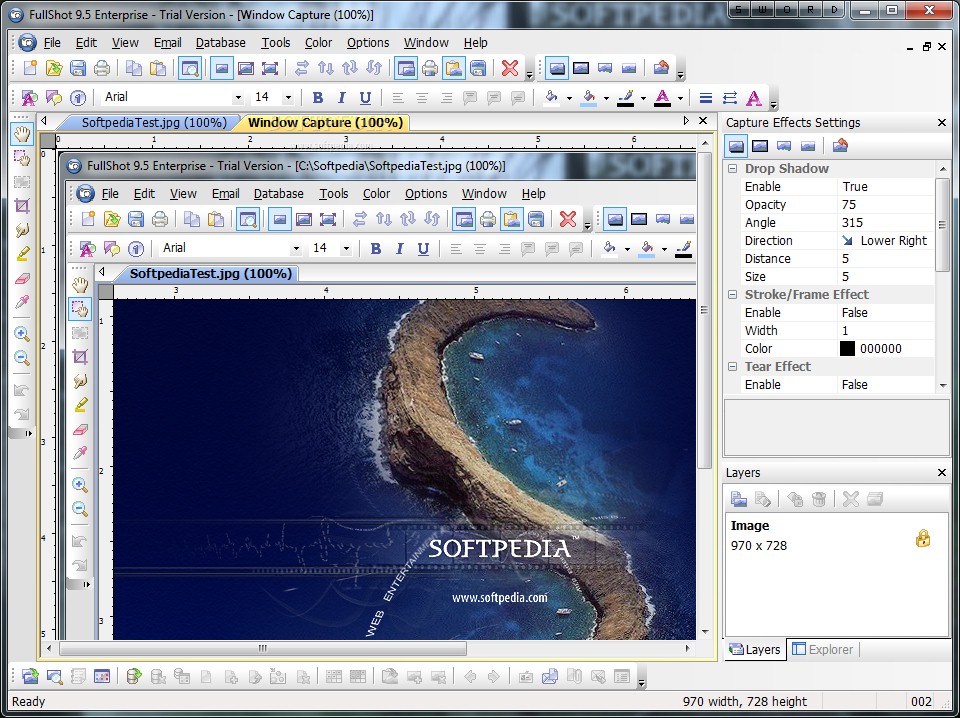
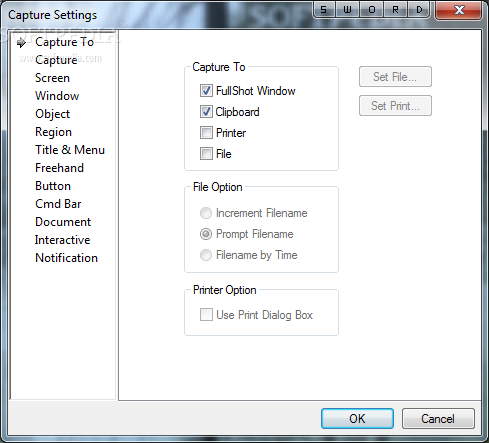
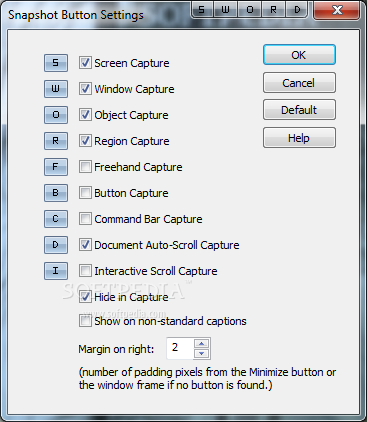
    · Capture images in six capture types in the Standard Edition: screen capture, window capture, region capture, title & menu capture and freehand capture. The Professional Edition and Enterprise Edition have four more capture types: mouse pointer capture, button capture, command bar capture and auto-scroll document capture
    · Capture images by using on-screen Snapshot Buttons or Hotkeys
    · Capture images in 4-bit (16 colors), 8-bit (256 colors), 15-bit (32K colors), 16-bit (64K colors), or 24-bit (16.8M colors) color modes, as well as in black-and-white mode
    · Capture images in 640x480, 800x600, 1024x768, 1152x864, 1280x1024 and 1600x1200 resolution
    · Capture a complete screen or separate objects on the screen such as dialog boxes, menus, command buttons, option buttons, toolbars, and mouse pointers
    · Capture any rectangular or freely drawn region of a screen you define using a mouse

    Printing Images:
    · Print images on any printer that Windows supports automatically or manually
    · Print images with text annotations in multiple formats
    · Print images with a Header and a Footer
    · Print images in any size
    · Print images in multiple alignments and orientations

    Converting Images:
    · FullShot supports 18 image formats: BMP, CUR, DIB, EPS, GIF, ICO, JPG, PCD, PCT, PCX, PNG, PSD, RAS, RLE, TGA, TIF, WMF and WPG

    Editing Images:
    · Add frames around images
    · Resize images
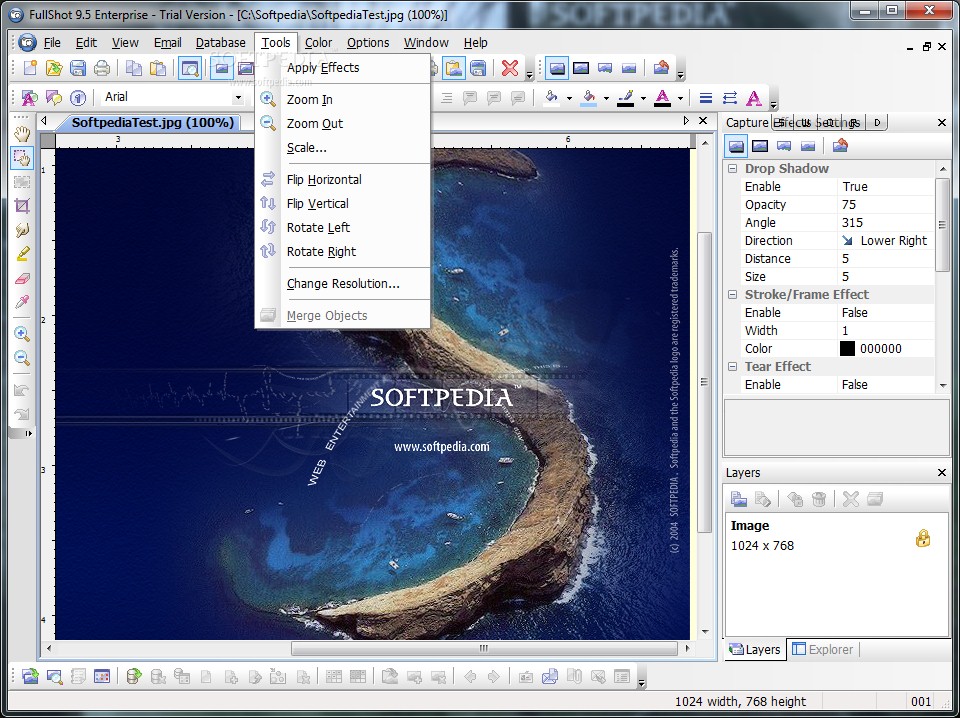
    · Flip or rotate images
    · Translate color images to grayscale or black-and-white
    · Change image colors
    · Reduce image colors to produce smaller files
    · Crop images to a smaller size
    · Erase part of an image
    · Merge two or more images into one

    Annotating Images:
    · Write image annotations
    · Save image annotations
    · Print image annotations

    · Image Database
    · Create Database
    · Database Management

    Limitations:

    · 30 days trial

    What's New in This Release: [ read full changelog ]

    · Windows 7 and Vista Compatibility.
    · Improved Object capture and region capture interface with clearer sizing and positioning display.
    · Improved Document/Scrolling capture.

     Softpedia guarantees that FullShot Enterprise Edition 9.5.1.9 is 100% CLEAN, which means it does not contain any form of malware, including spyware, viruses, trojans and backdoors. [read more >]


    TAGS:

    screen capture | take screenshot | area capture | screenshot | capture | snapshot

    Go to top

    WindowsGamesDriversMacLinuxScriptsMobileHandheldNews

    SUBMIT PROGRAM   |   ADVERTISE   |   GET HELP   |   SEND US FEEDBACK   |   RSS FEEDS   |   UPDATE YOUR SOFTWARE   |   ROMANIAN FORUM