
Capture your screen and output the recording in animated GIF files with the help of this intuitive and user-friendly application. #Desktop Capture #Desktop Recorder #Record Desktop #Recorder #Capture #Grabber
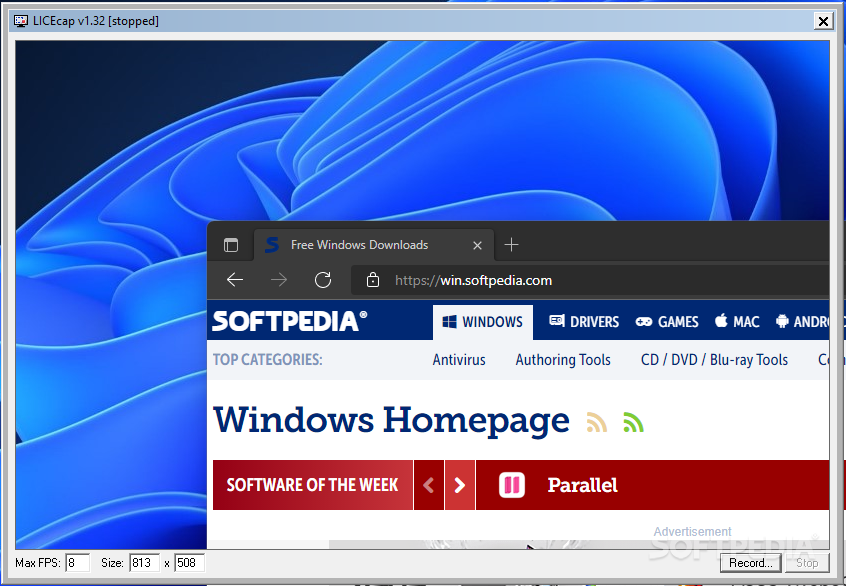
LICEcap is a handy and reliable program designed to capture selections of your screen and export them to high quality GIF animations.
It can also save the recordings to LCF format, which can be played with the aid of third-party software such as REAPER. Alternatively, you can convert the output LCF files to GIF or PNG format using the built-in command line utility.
The program is suited for users who want to capture a part of their desktop activity for use in a tutorial or a demonstration. Moreover, it is very easy to use and as far as prerequisites are concerned, an average computer will suffice.
Following a very short installation process, you will get acquainted with the user interface, which is presented in the form of a resizable box that you can move to the area that you want to record.
When you’re ready, simple press the ‘Record’ button to start the capturing process, at which point you will no longer be able to resize the window, but you still will be able to move the box around, in case you want to include other sections of the screen inside the final GIF.
Out of curiosity, we pressed the ‘Pause’ button and to our surprise, a new option became available right away: the possibility to insert a text frame of a customizable duration at the current position of the animation, which means you will be able to somewhat personalize the outcome.
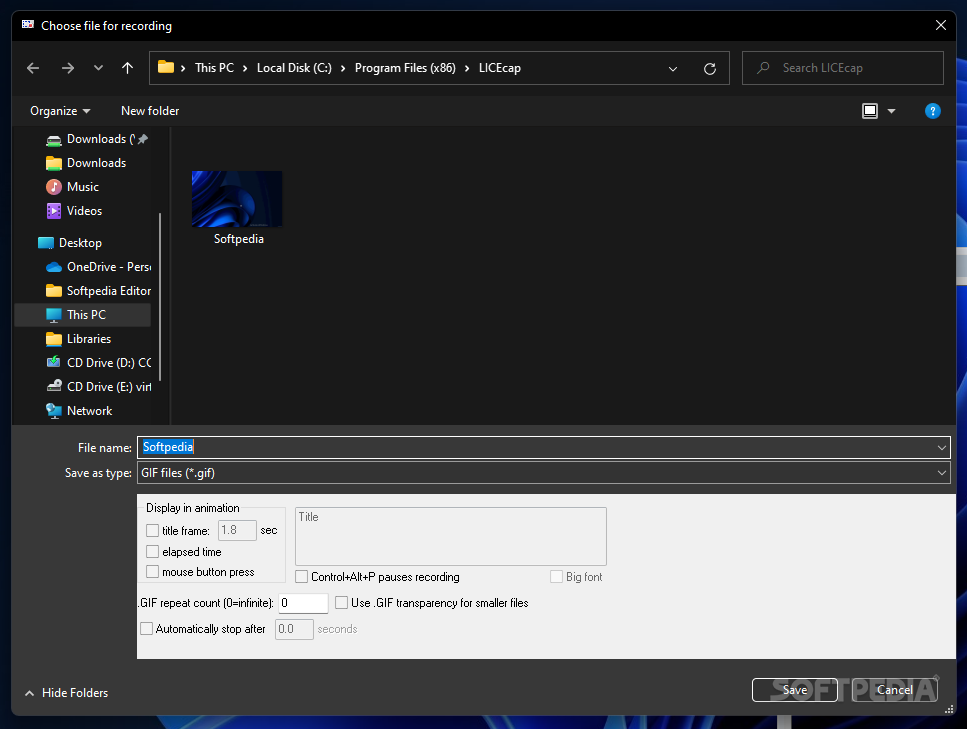
The final GIF or LCF is saved at a location of your choice, and as mentioned, LCF files can be converted to animations or PNG images using the command line located in the program’s installation folder.
To conclude, LICEcap comes across as a reliable application that can record images and turn them into animations easily. However, a more appealing interface and possibilities to further edit the outcome would come in very handy.
LICEcap 1.32
add to watchlist add to download basket send us an update REPORT- PRICE: Free
- runs on:
-
Windows 11
Windows 10 32/64 bit
Windows 8 32/64 bit
Windows 7 32/64 bit
Windows Vista 32/64 bit
Windows XP 32/64 bit - file size:
- 250 KB
- filename:
- licecap132-install.exe
- main category:
- Multimedia
- developer:
- visit homepage
4k Video Downloader

paint.net

Microsoft Teams

Windows Sandbox Launcher

Bitdefender Antivirus Free

7-Zip

calibre

ShareX

Zoom Client

IrfanView

- ShareX
- Zoom Client
- IrfanView
- 4k Video Downloader
- paint.net
- Microsoft Teams
- Windows Sandbox Launcher
- Bitdefender Antivirus Free
- 7-Zip
- calibre