
Packed with several photo editing options, this program lets you easily take snapshots of your entire screen or just part of it, as well as a selected window. #Capture screen #Color picker #Make screenshot #Screenshot #Capture #Grabber

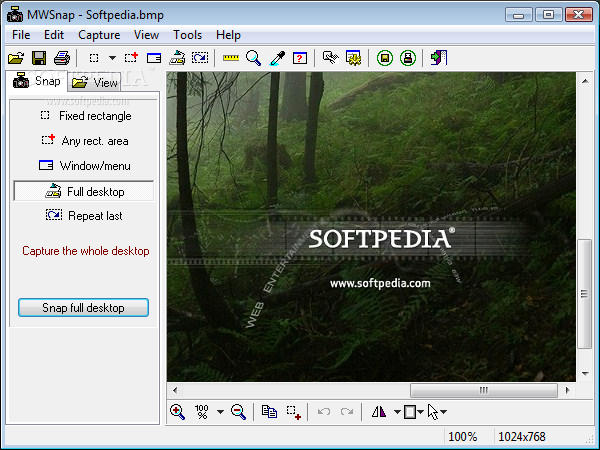
MWSnap is a simple tool which enables you to capture an image from your computer. You can use it to immortalize essential parts of your projects, create tutorials and so on.
The user interface may not be visually appealing, yet it features clear controls, thus making it easy for anyone to use, including beginners.
In MWSnap there are five ways to take a snapshot: on a fixed-size rectangle, on any area, on a window (or menu, or control), full desktop, or by repeating the last capture.
You can access these commands in several ways - from the menu, toolbar, capture panel, or by using the assigned hotkey. Under each option you can view a quick description of the snapshot mode.
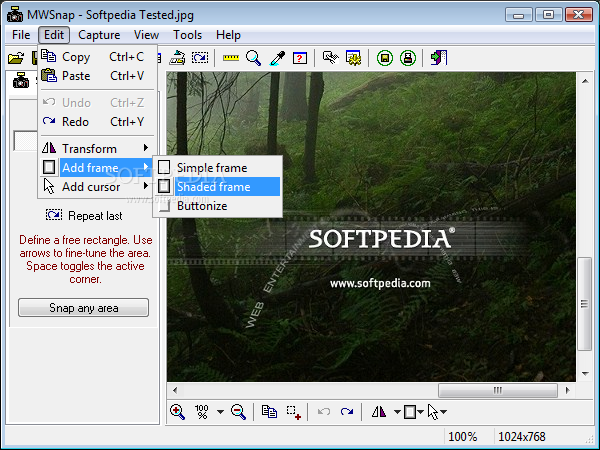
In addition to that, a nice touch to this utility is that it enables you to make minor adjustments to an image once you have captured it. To be more precise, you can rotate or flip it, add frames (simple, double, buttonize), or change the cursor (e.g. arrow, hour glass, hand point).
It is possible to use a ruler, a zoom tool and a color picker, enable auto-saving or auto-printing, change the interface’s language, and assign keyboard shortcuts.
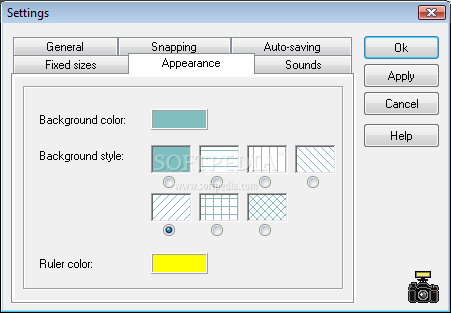
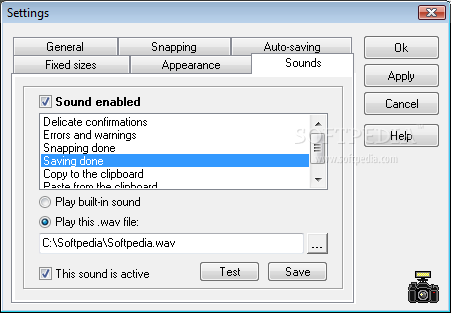
You can configure MWSnap to start minimized, confirm file overwriting, restore the application after snapping, automatically copy snapped image to the Clipboard, disable sound, and more.
MWSnap is a simple yet effective tool you can use to take snapshots. It uses a small amount of system resources, so your computer should not have any problems running other processes. The response time is good, the interface is intuitive and we did not come across any errors or bugs in our tests.
Download Hubs
MWSnap is part of these download collections: Image Capture, Screenshot Makers, Desktop Magnifier, Color Picker
MWSnap 3.00.0.74
add to watchlist add to download basket send us an update REPORT- runs on:
- Windows All
- file size:
- 643 KB
- filename:
- MWSnap300.exe



- main category:
- Multimedia
- developer:
- visit homepage
4k Video Downloader

IrfanView

calibre

7-Zip

Microsoft Teams

Bitdefender Antivirus Free

ShareX

Windows Sandbox Launcher

Zoom Client

paint.net

- Windows Sandbox Launcher
- Zoom Client
- paint.net
- 4k Video Downloader
- IrfanView
- calibre
- 7-Zip
- Microsoft Teams
- Bitdefender Antivirus Free
- ShareX