
Capture screenshots, record video and audio, edit and save your files to various formats with this easy to use and comprehensive tool. #Screen capture #Record video #Capture desktop #Capture #Screenshot #Snapshot

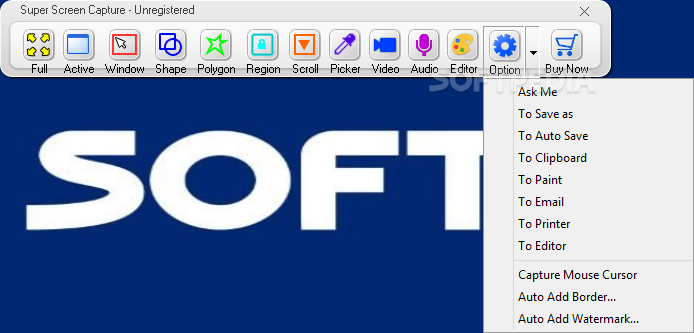
Super Screen Capture is a tool that enables you to take snapshots and record audio and video, with just a few clicks.
The program's interface is standard and consists of a small window where you can access all the features. You can capture the full screen, a particular window, a geometrical shape, a polygon, or you can use Scroll Capture.
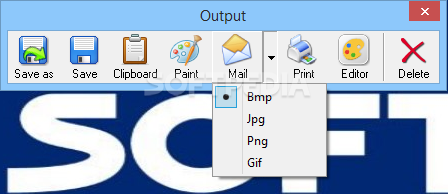
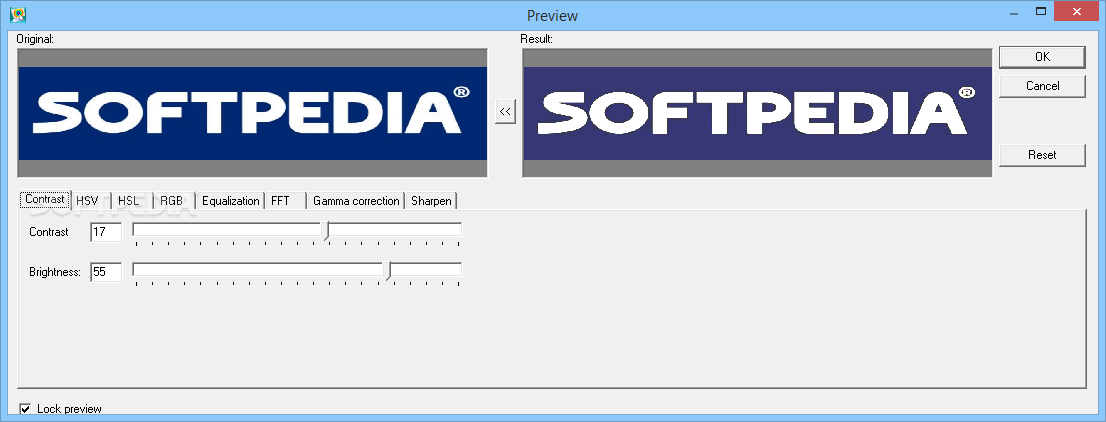
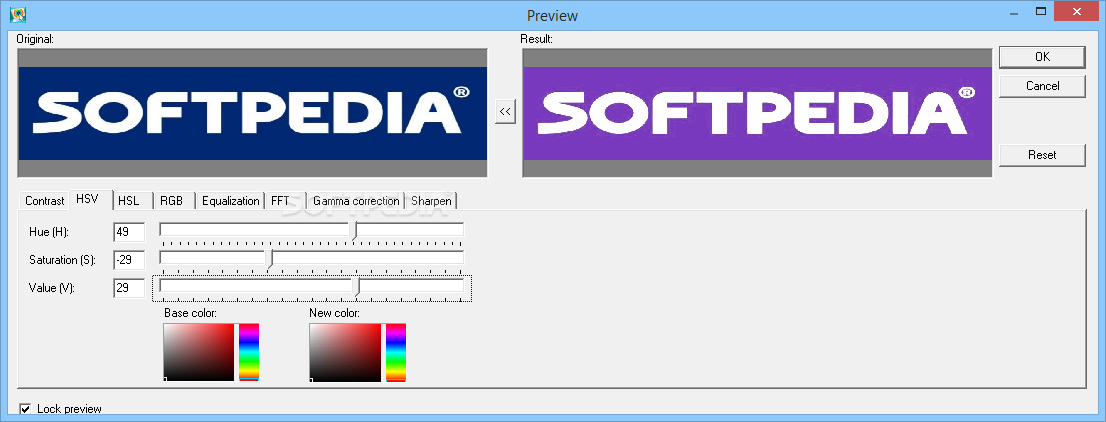
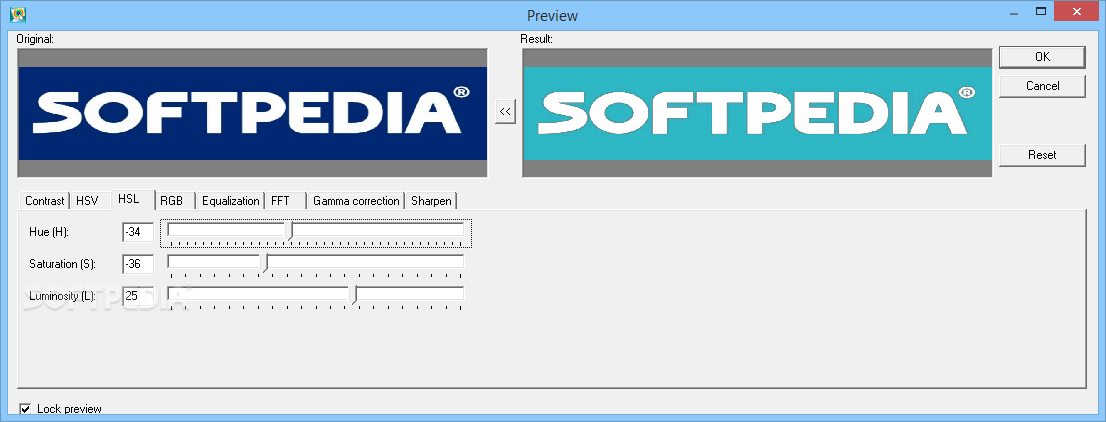
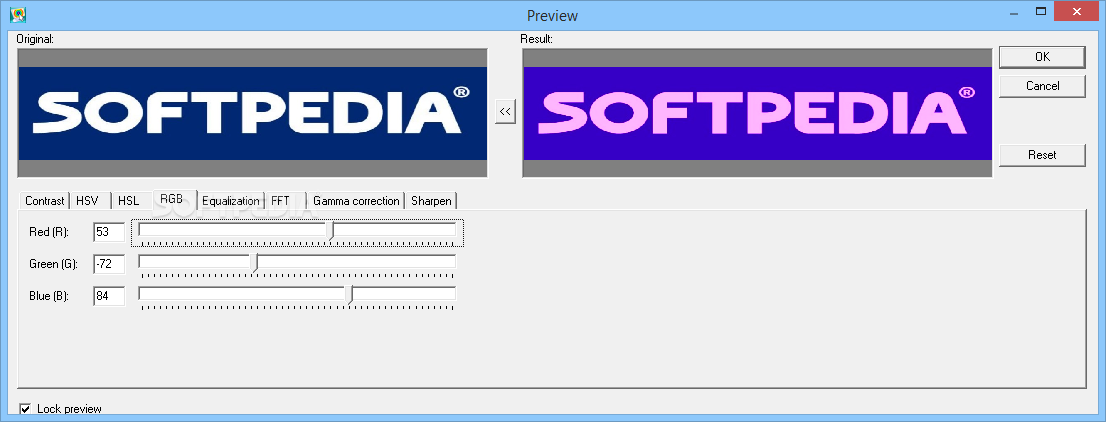
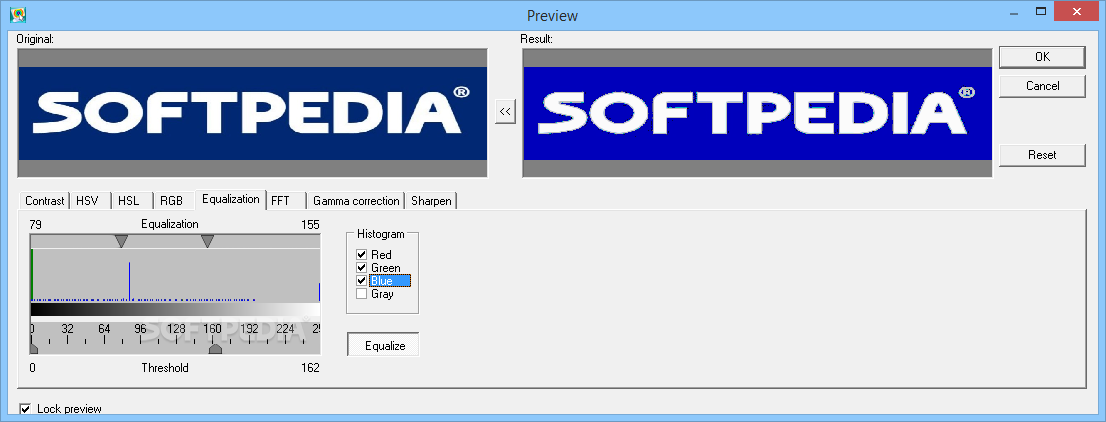
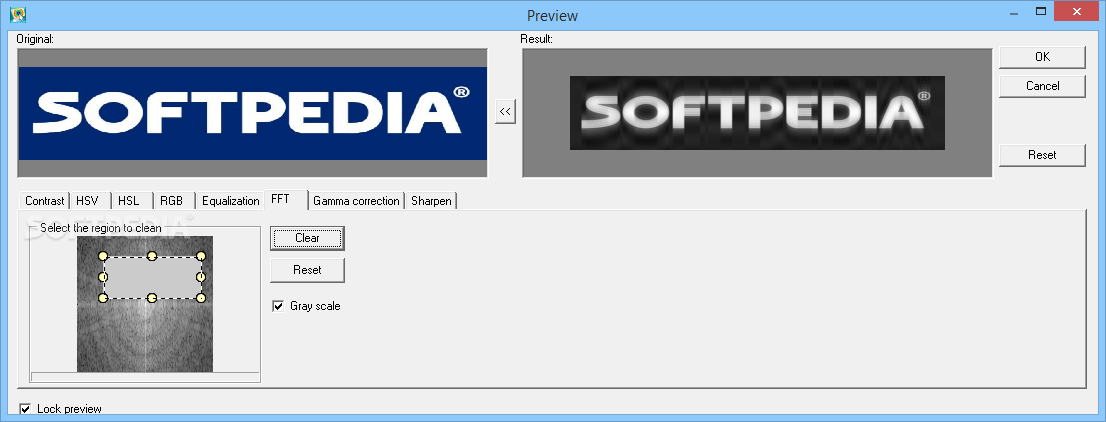
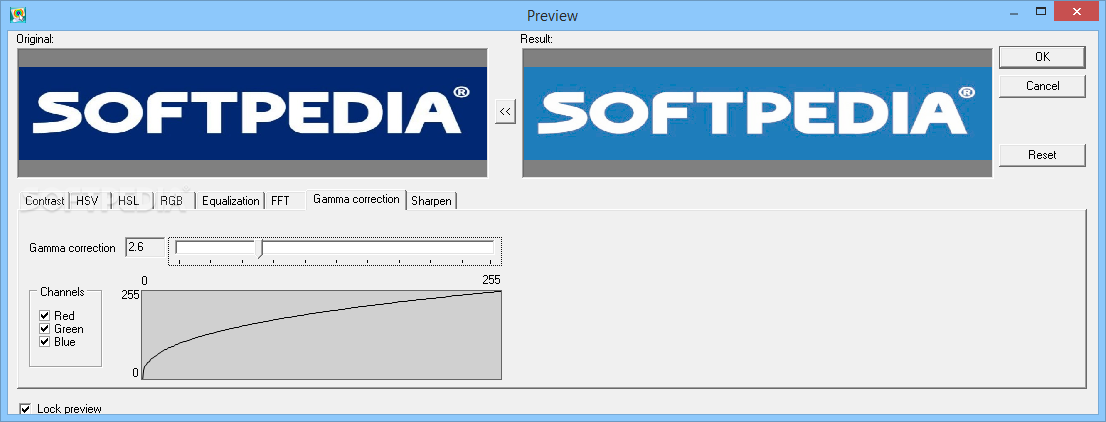
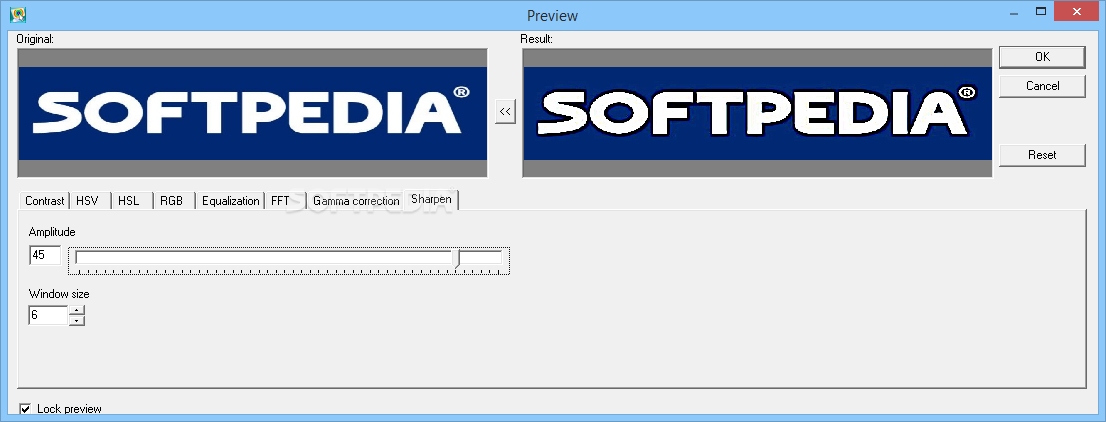
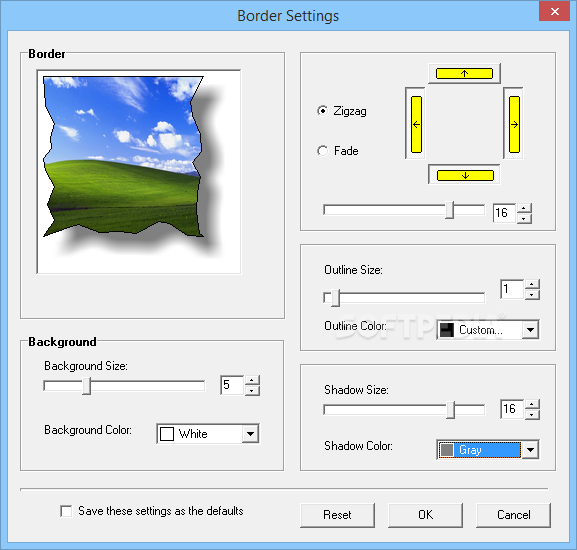
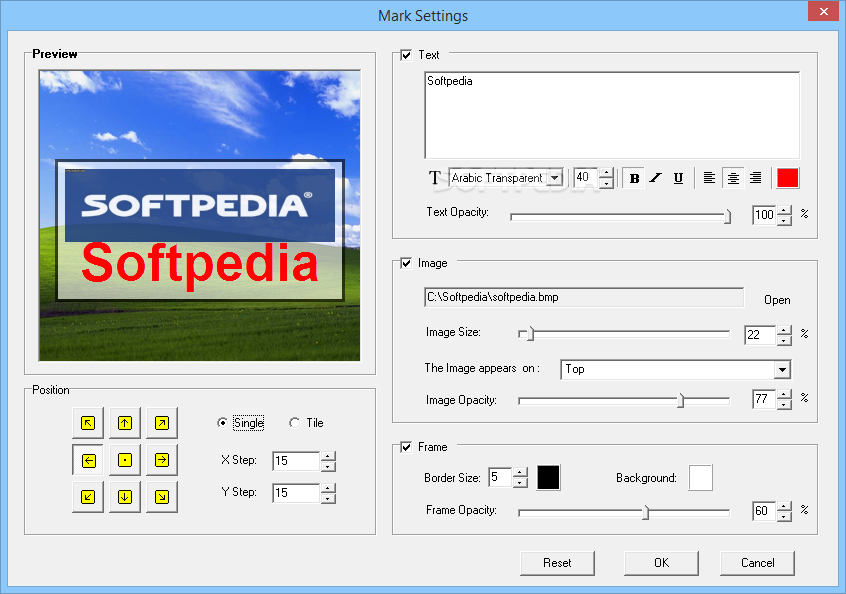
Once you have taken the snapshot, you can save it as an image file (as BMP, JPG, PNG, GIF), in a temporary folder, copy it to the Clipboard, mail or print it, open it in Paint, or use the built-in picture editing tools.
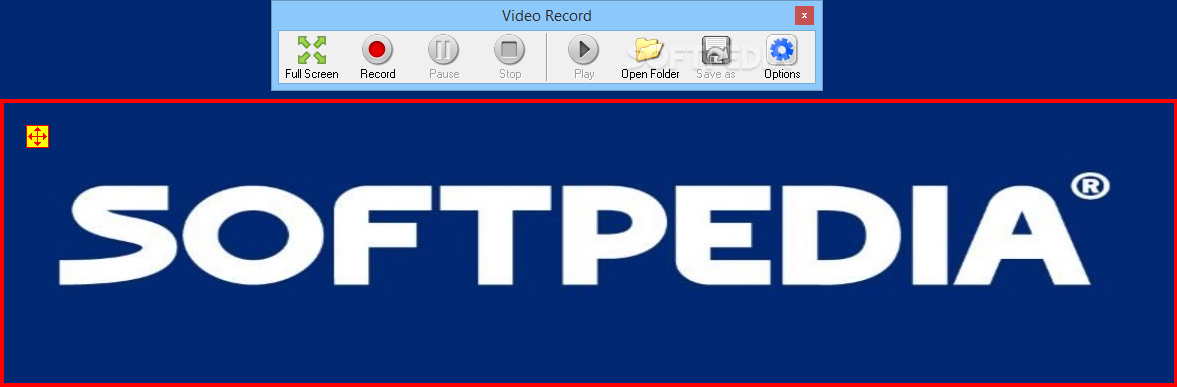
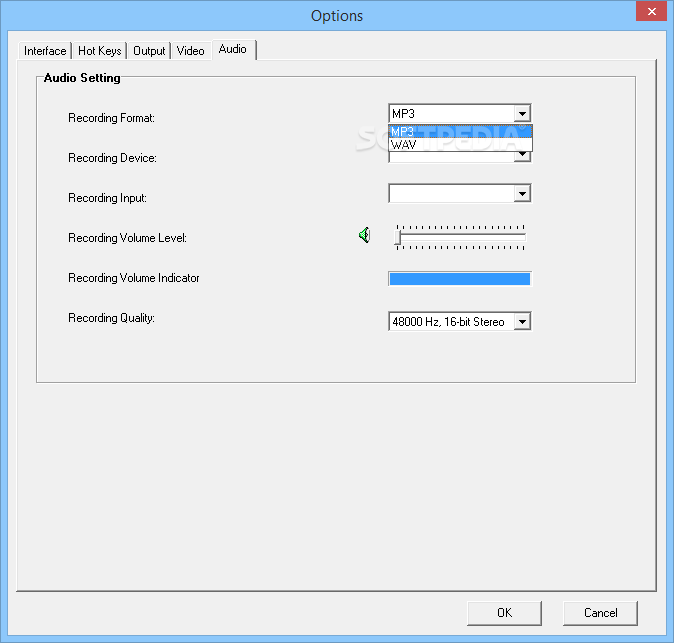
You can use a color picker to view and copy information of a particular color (RGB, Hex, Dec), record video in a window or full screen (as AVI), and record audio (as MP3; only captured from a microphone).
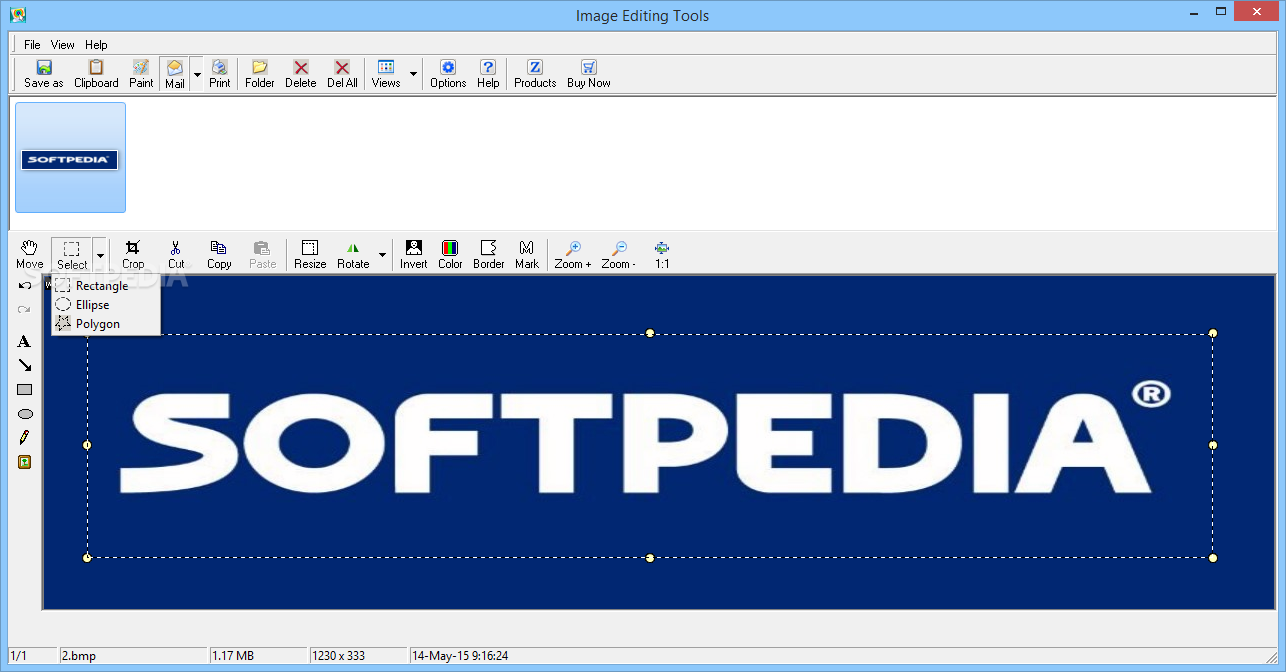
The software also comes with a Manager, in which you can easily organize and edit captured images (they can be accessed here even after you close and reinitialize Super Screen Capture).
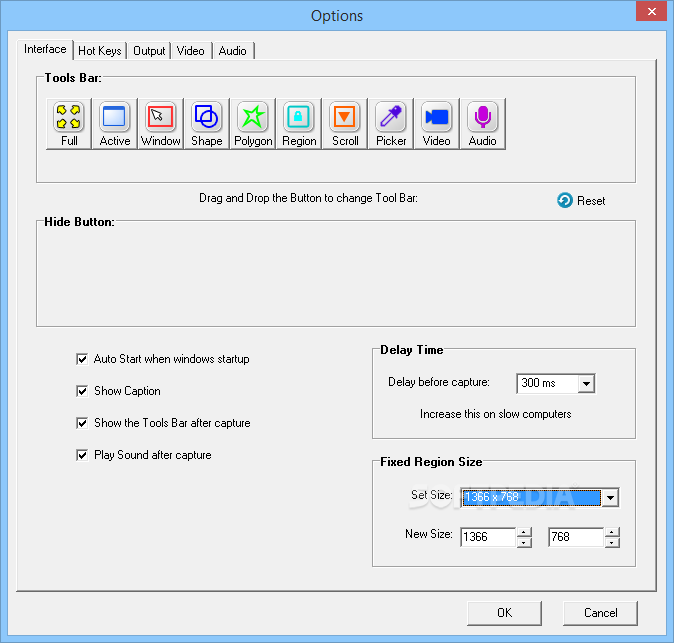
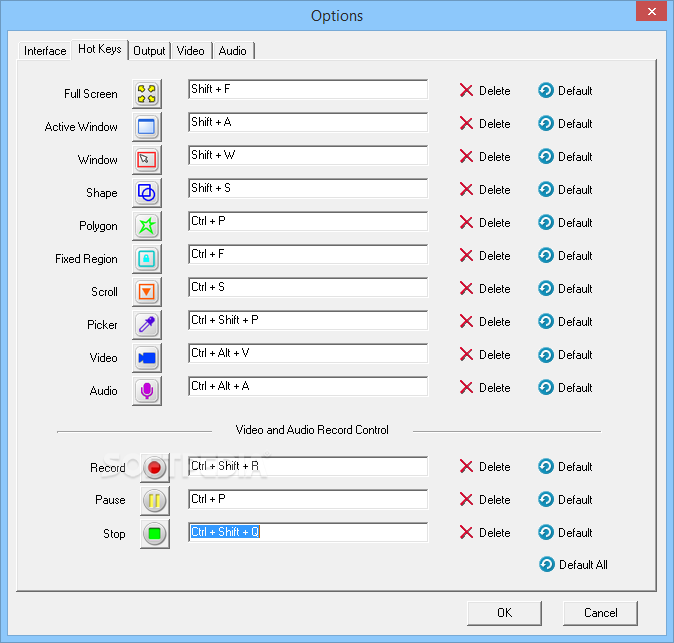
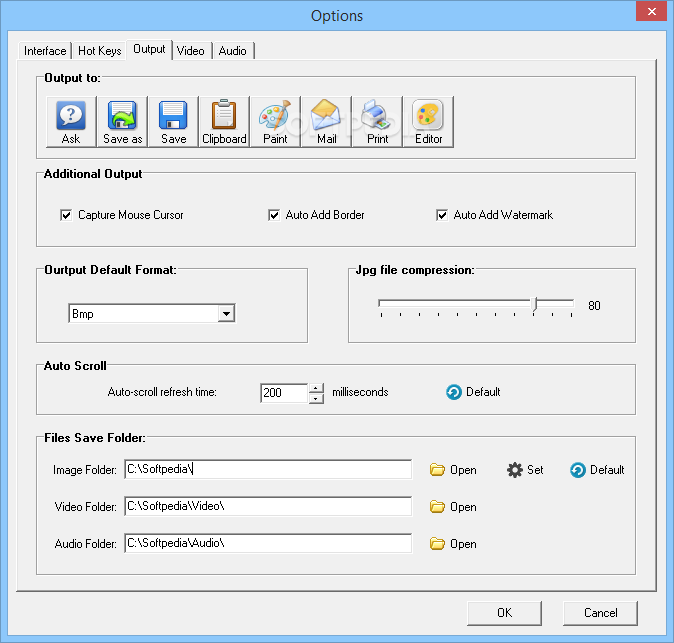
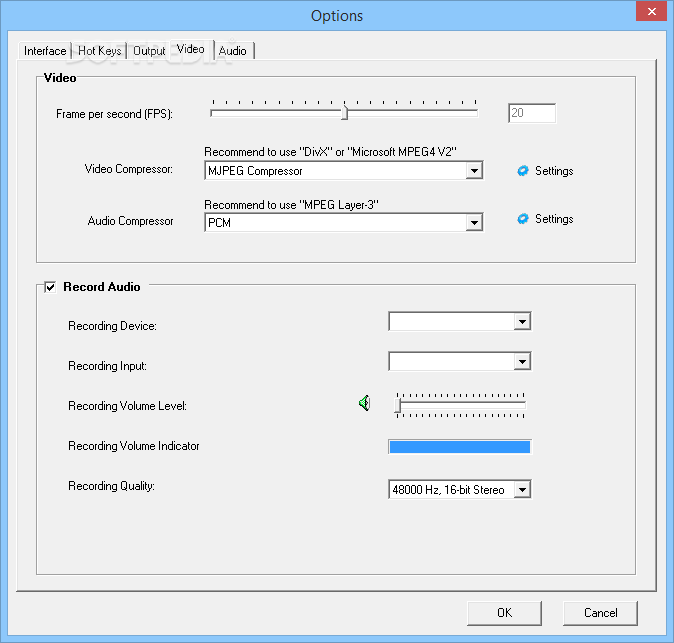
The program's “Options” menu lets you reassign hotkeys for each capturing mode, configure the interface (e.g. rearrange the toolbar, change button size) and output settings (e.g. output default format, JPG file compression, auto scroll), as well as change video settings (e.g. FPS, audio and video compressor) and audio configurations (e.g. recording format, device, input, volume level).
Unfortunately, we have encountered some problems with this application. For instance, Super Screen Capture froze a few times when we were recording video - once when we tried saving the video, and every time we tried to enable “Auto-close window.” We had to restart the program in all these cases.
Scroll Capture automatically results in an upside down image. We don't know if this is supposed to happen, because we couldn't find any information about it in the Help file and we couldn't change any settings. Video recordings are not very smooth, and the Help file (which doesn't cover all features) was a challenge for us to find. It turns out that you can only access it from the Manager.
In conclusion, Super Screen Capture uses a low amount of system resources, yet it could certainly improve its interface and user guide. Otherwise, it does a pretty good job when it comes to capturing images and recording audio and video content.
Download Hubs
Super Screen Capture is part of these download collections: Image Capture, Make Screenshot
Super Screen Capture 6.0
add to watchlist add to download basket send us an update REPORT- runs on:
- Windows All
- file size:
- 3.7 MB
- main category:
- Multimedia
- developer:
- visit homepage
IrfanView

Zoom Client

calibre

Context Menu Manager

Microsoft Teams

ShareX

Windows Sandbox Launcher

4k Video Downloader

Bitdefender Antivirus Free

7-Zip

- 4k Video Downloader
- Bitdefender Antivirus Free
- 7-Zip
- IrfanView
- Zoom Client
- calibre
- Context Menu Manager
- Microsoft Teams
- ShareX
- Windows Sandbox Launcher