
Easily record screen activity on your computer and save the video file onto disk using this simple, yet efficient piece of software. #Record screen #Capture window #Capture screen #Recorder #Capturer #Recorder

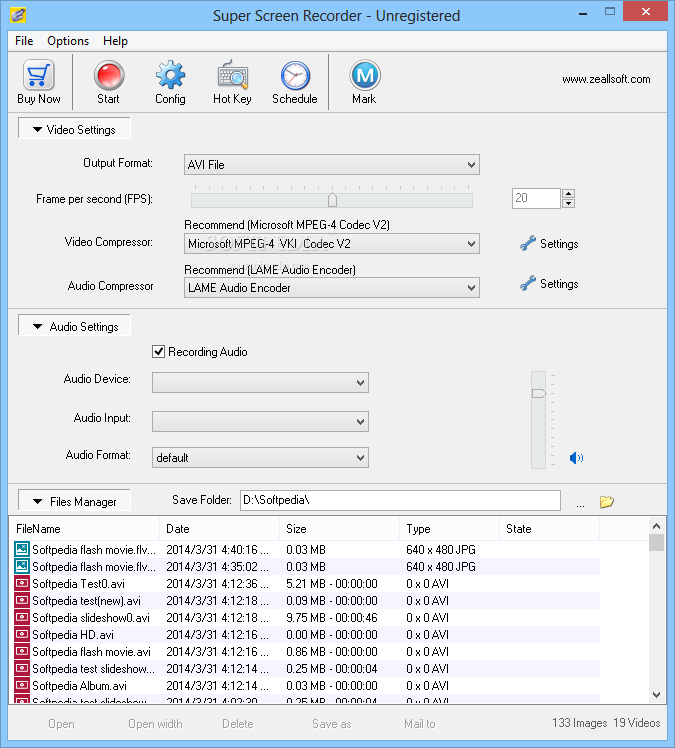
Super Screen Recorder is a software solution that allows you to record screen activity, offering a powerful hotkey manager to control its main features via keyboard shortcuts.
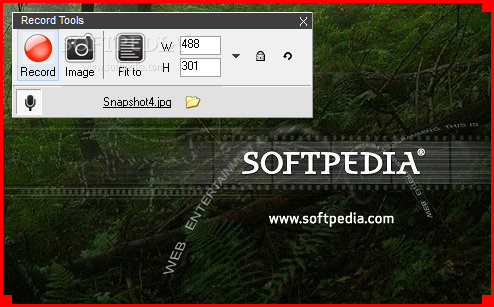
The application comes with three pre-defined recording modes: full screen, rectangle and auto pan. There's a special cursor to define the window you wish to record, with the possibility to resize the area and to move it anywhere on the screen.
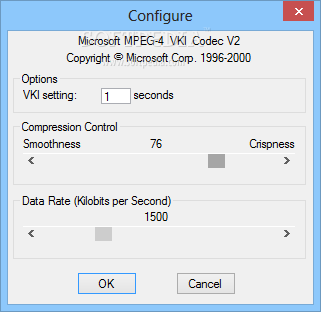
Super Screen Recorder can record in AVI and WMV formats with up to 30 FPS. In addition to that, the program can record audio as well, with dedicated tools to select the audio device, input and format. Of course, two special fields allow you to select the video and audio compressor for the best possible quality.
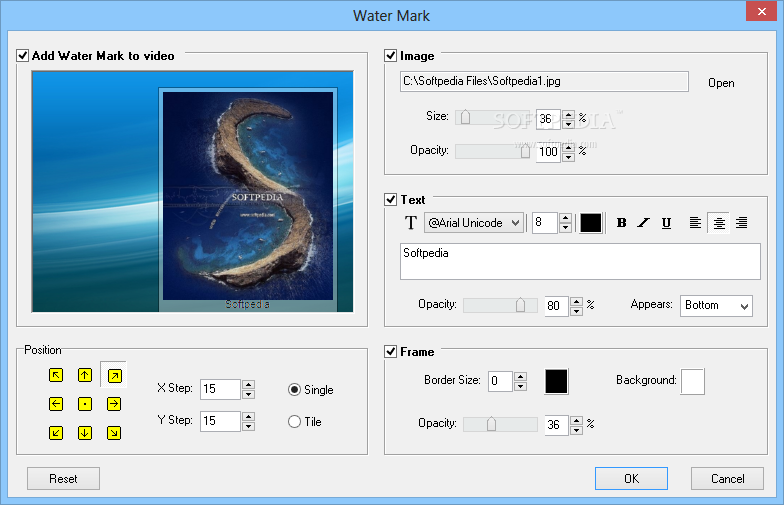
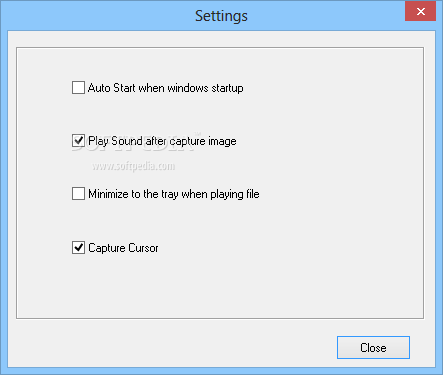
Aside from the fact that the program can capture the cursor and remains minimized while recording, there is also a powerful utility for adding a watermark over the recorded video.
This separate feature is fully customizable; you can use a text and an image as a watermark, yet you are also allowed to adjust opacity, font, size, position, frame and colors.
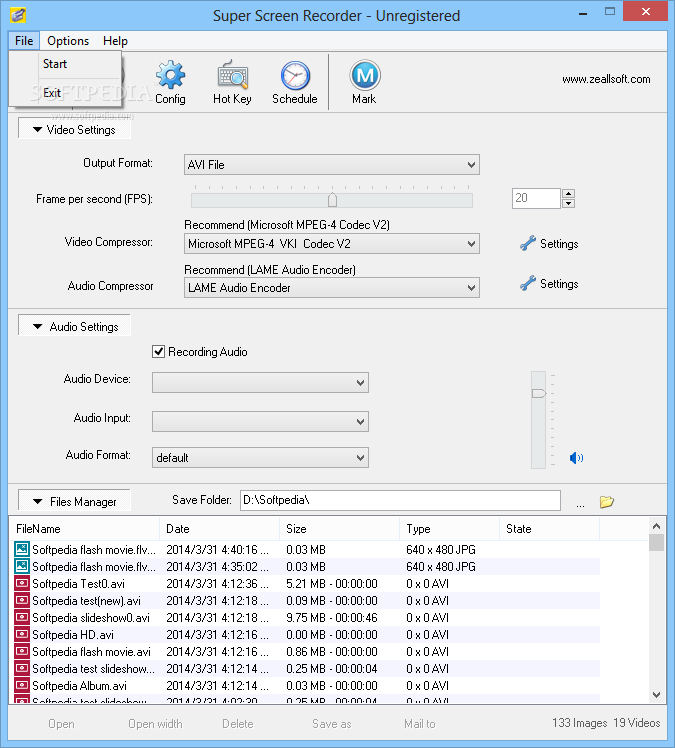
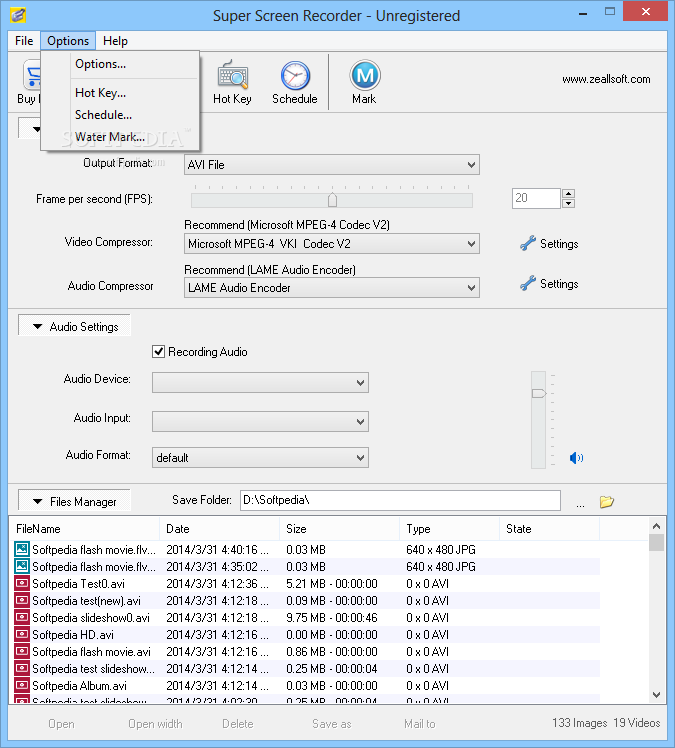
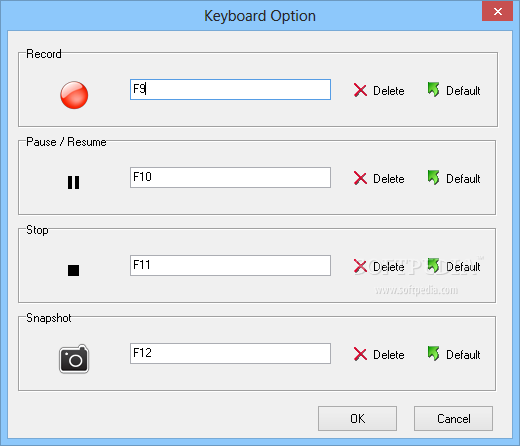
The settings menu is just minimal and includes only a bunch of options, yet you may have a look in the hotkey manager that enables you to define shortcuts for the main tools, such as recording, start and stop auto pan and snapshot.
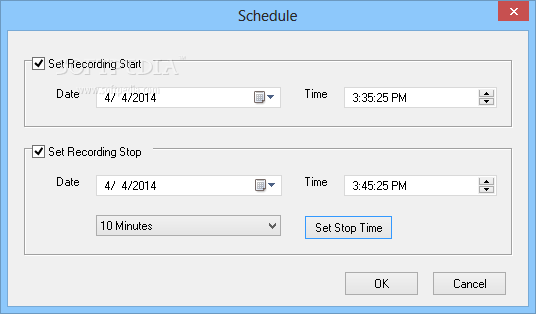
Last but not least, Super Screen Recorder boasts a scheduler to automatically start or stop recordings at a user-defined time.
While the video quality is great, not the same thing can be said about the audio side of the recording. Everything sounds terrible and you may have to spend some time setting up the audio device if you really want to get a decent result.
Taking all of this into consideration, Super Screen Recorder is quite handy when trying to record screen activity, and the fact that it boasts hotkey support makes it very easy to use.
Super Screen Recorder 5.1
add to watchlist add to download basket send us an update REPORT- runs on:
-
Windows 2008 R2
Windows 2008 32/64 bit
Windows 2003
Windows 8 32/64 bit
Windows 7 32/64 bit
Windows Vista 32/64 bit
Windows XP - file size:
- 3 MB
- filename:
- ssrsetup.exe
- main category:
- Multimedia
- developer:
- visit homepage
calibre

Windows Sandbox Launcher

Microsoft Teams

ShareX

Bitdefender Antivirus Free

IrfanView

4k Video Downloader

Zoom Client

Context Menu Manager

7-Zip

- Zoom Client
- Context Menu Manager
- 7-Zip
- calibre
- Windows Sandbox Launcher
- Microsoft Teams
- ShareX
- Bitdefender Antivirus Free
- IrfanView
- 4k Video Downloader