
Take snapshots in full screen, grab the active window or a fixed region, capture any object on your desktop, then customize the images with watermarks, annotations and shapes before saving them to file. #Screen capture #Screenshot maker #Screenshot creator #Screenshot #Snapshot #Capture

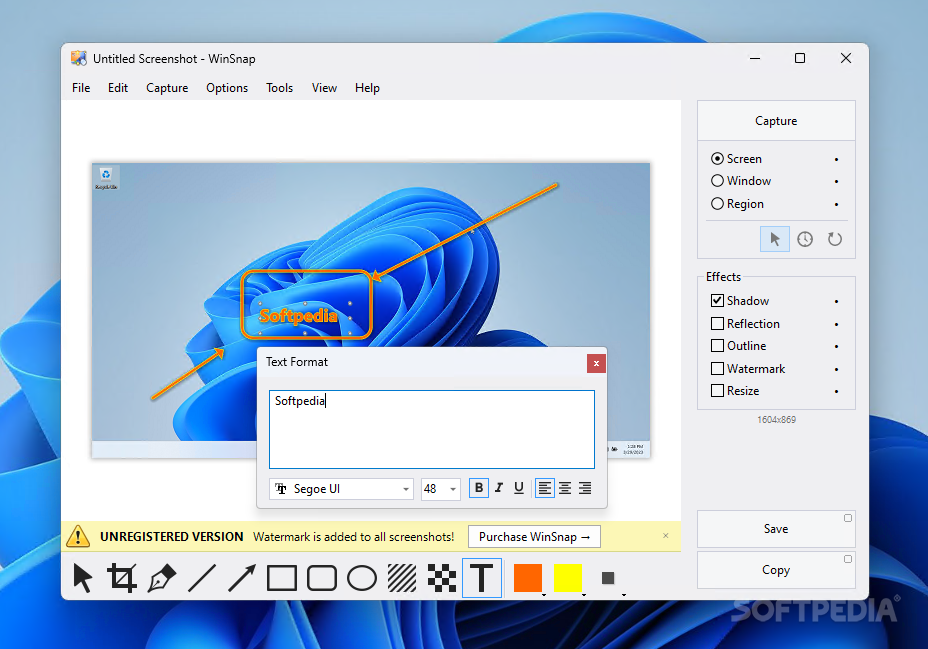
When it comes to taking snapshots, there are lots of software utilities available out there, so choosing one to cater to your needs might be a bit tricky. Even Windows comes with its own Snipping Tool that can capture screen areas and windows. However, if this is a task that you need to carry out often, then you are most likely looking for a tool that comes with many more features than the Windows’ built-in application.
Among the best options in this category, WinSnap (short for Windows Snapshot Maker) delivers a full-featured screen capturing utility for Windows. Not only does it allow you to capture screen regions, applications, windows or objects, but it also provides a generous toolbox for editing the screenshots.
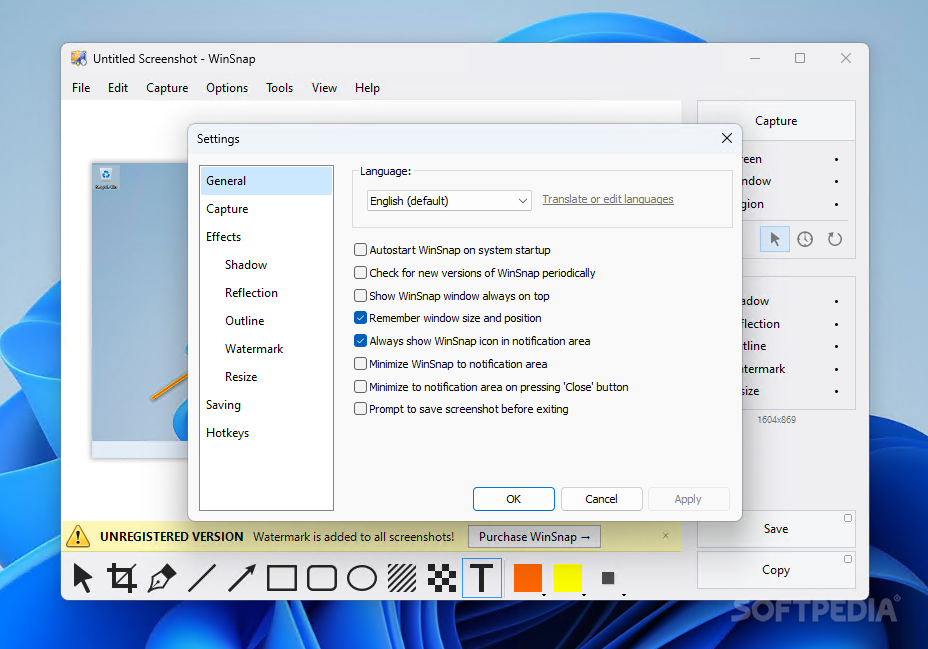
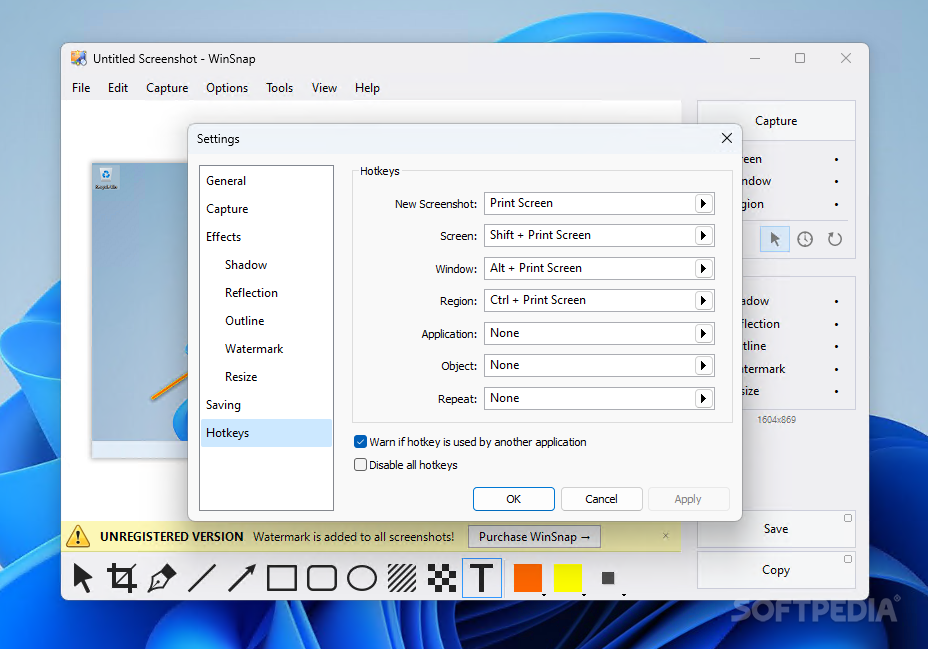
Working with WinSnap to take snapshots is extremely easy, due to the customizable controls and the tools that are one-click away within the main window. Moreover, it features hotkeys that you can use to take snapshots and save them quickly. For your convenience, it can be minimized to the system tray even if the close button is pressed, meaning it won’t interfere with your work or clutter your desktop area.
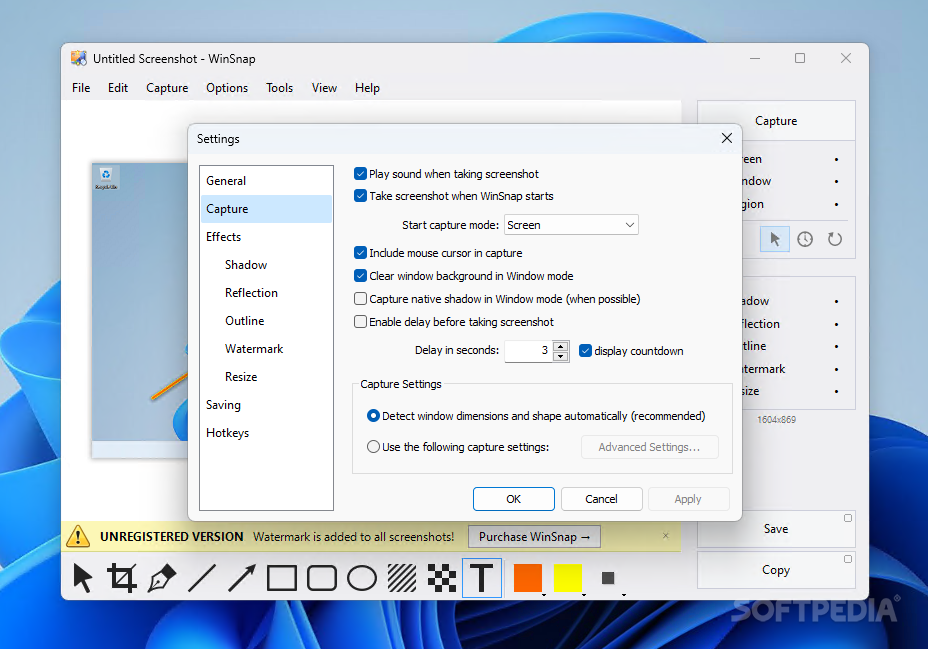
Using WinSnap you will be able to make thumbnail previews or full-sized screenshots of applications, desktop regions or the entire screen and save them as some of the most popular graphic formats. The application is capable of handling issues related to rounded corners and shadows like in Windows 11 and recognize square corners of opened windows. While the application can detect window dimensions automatically, you can also set custom capture settings. One interesting feature is that it can also capture objects, meaning it can snip menus or areas that might be difficult to include in the screenshot otherwise.
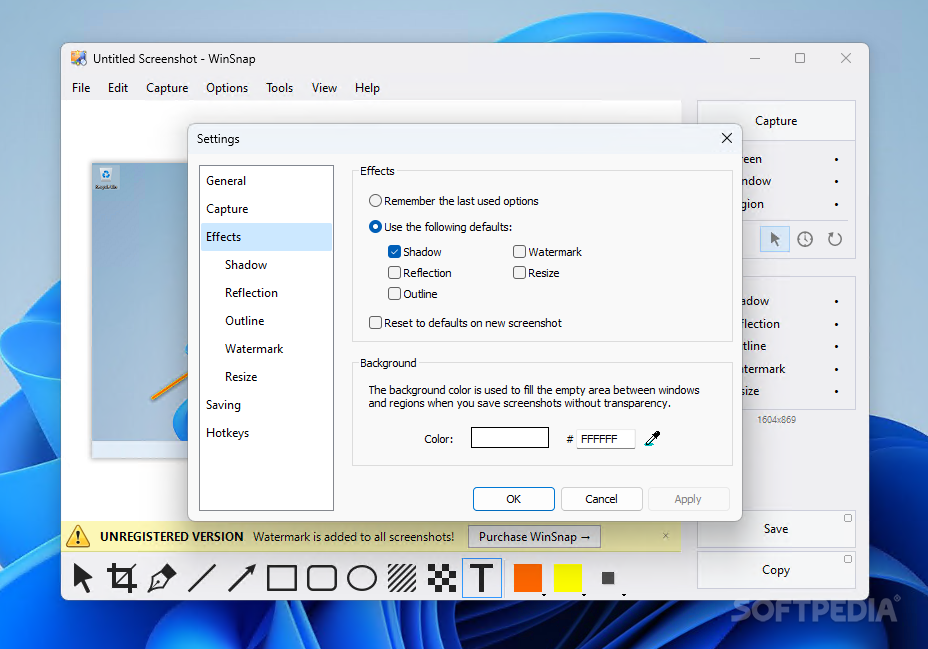
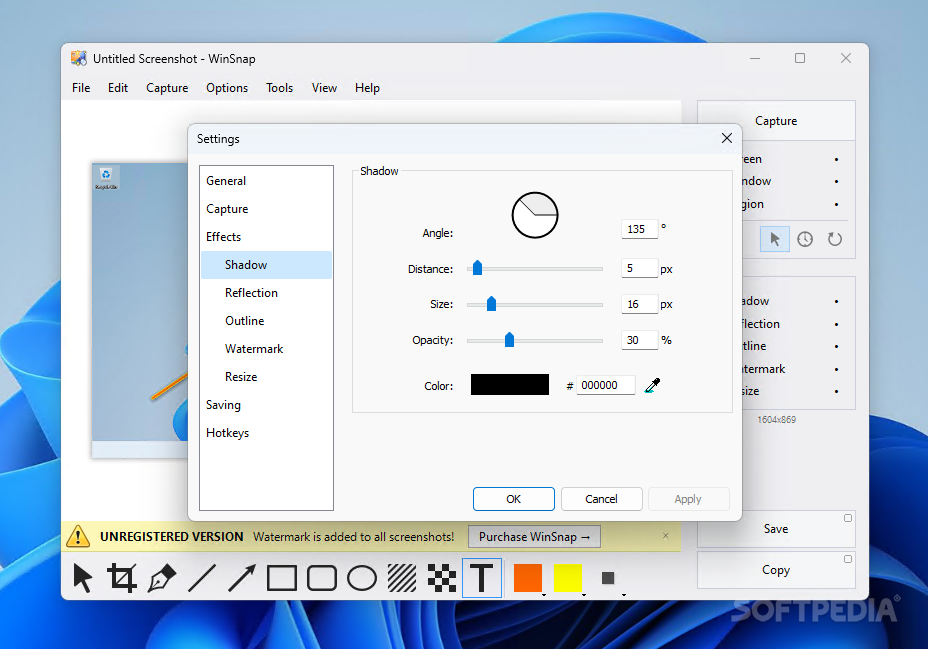
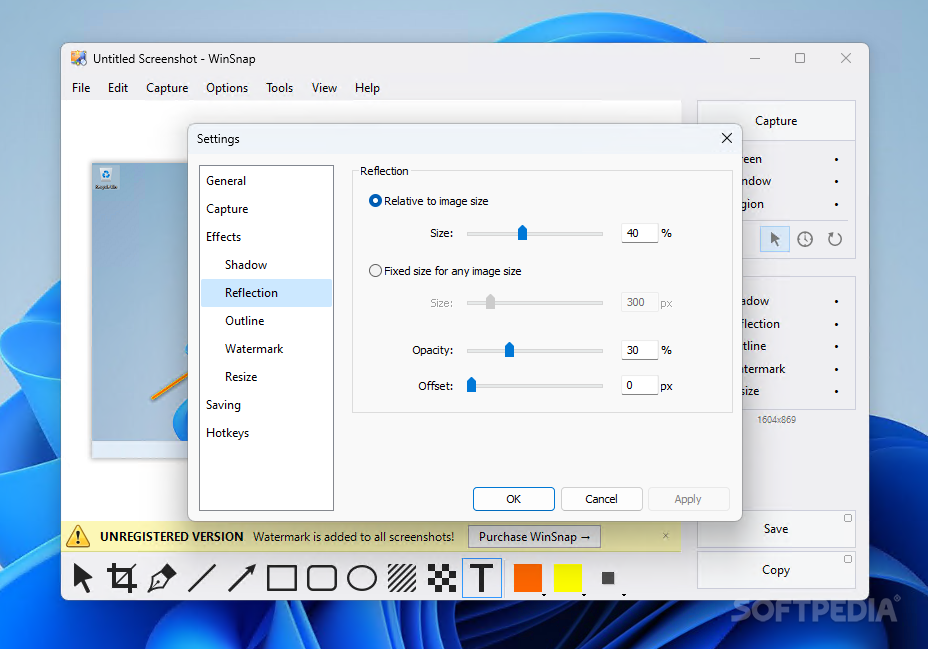
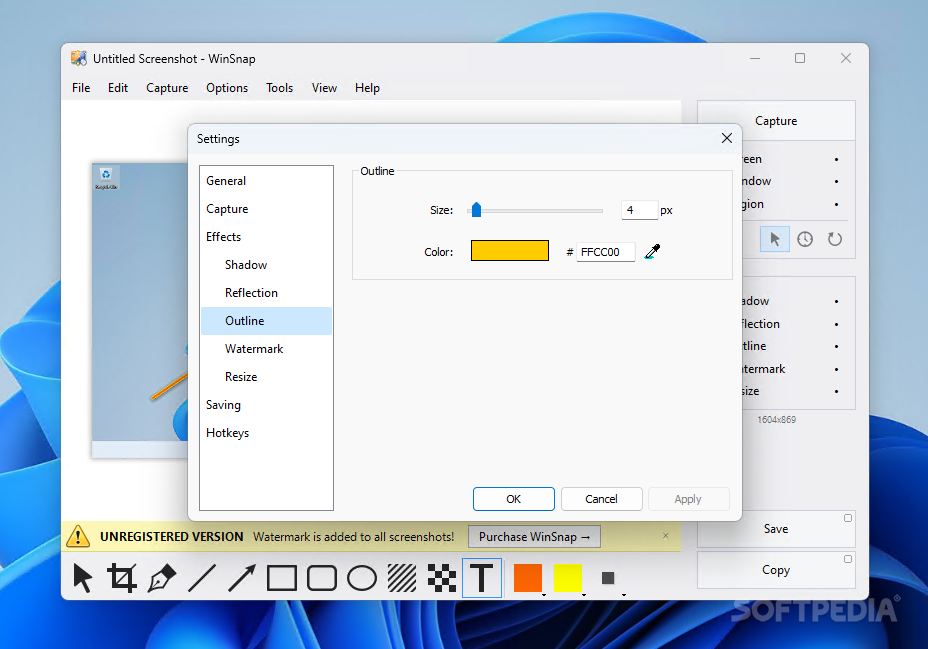
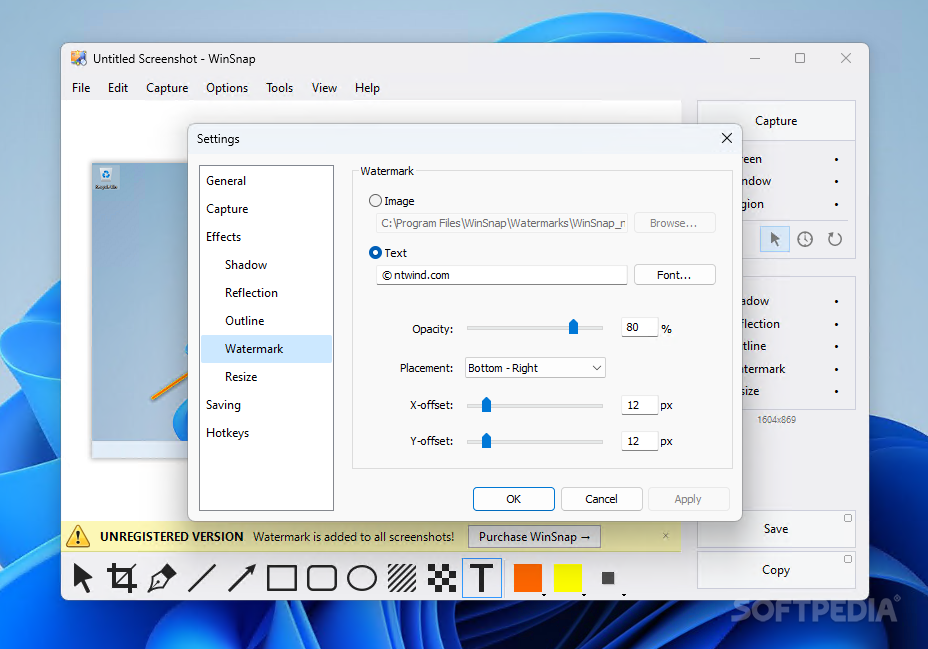
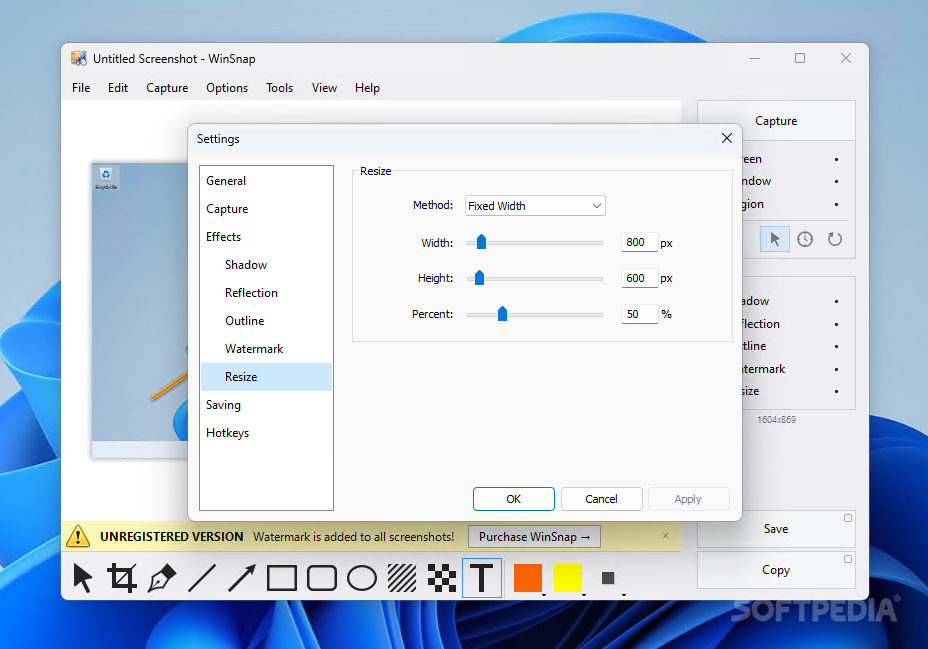
There are additional editing tools in WinSnap that are surely worth mentioning. You can configure it to add a shadow or a reflection effect to the screenshot, make it pop with a colored outline, overlap a text or an image watermark or colorize the screenshot by applying a dark or a light filter. You can easily resize the image as you please.
The drawing toolset allows you to crop the image, freely write on top of it, create text boxes or overlap all kinds of geometrical shapes. Important areas in the screenshot that the audience needs to focus on can be easily highlighted with the dedicated tool, while areas that must be hidden can be easily blurred. And if the embedded editing toolset is not enough, you can configure WinSnap to automatically send the image to an external tool.
WinSnap is one of the top choices in its category and its feature set goes beyond what is mentioned above. There is, though, a feature that might enhance it even further: automatic upload to an online storage service, for instance.
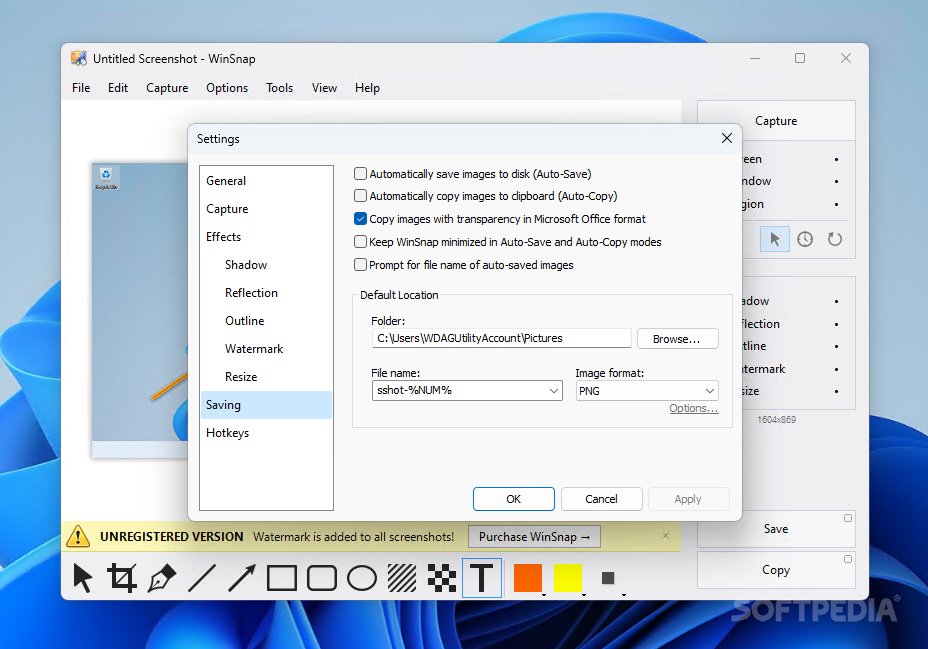
The screenshots you take can include the mouse cursor and the background on Windows Vista, 7 or 8 can be easily cleared to get perfectly looking graphics. Delayed capture and automatic saving are also available, which makes using WinSnap even more pleasant. For that and all of the above, we highly recommend WinSnap as the go-to app for taking screenshots, especially in a professional environment.
WinSnap Video Guide
Download Hubs
WinSnap is part of these download collections: Make Screenshot
WinSnap 6.1.2
add to watchlist add to download basket send us an update REPORT- portable version
- WinSnap Portable Edition
- runs on:
-
Windows 11
Windows 10 32/64 bit
Windows 8 32/64 bit
Windows 7 32/64 bit
Windows Vista 32/64 bit
Windows XP 32/64 bit - file size:
- 3.5 MB
- filename:
- WinSnap_6.1.2.exe
- main category:
- Multimedia
- developer:
- visit homepage
Context Menu Manager

4k Video Downloader

Microsoft Teams

calibre

IrfanView

ShareX

Bitdefender Antivirus Free

Zoom Client

Windows Sandbox Launcher

7-Zip

- Zoom Client
- Windows Sandbox Launcher
- 7-Zip
- Context Menu Manager
- 4k Video Downloader
- Microsoft Teams
- calibre
- IrfanView
- ShareX
- Bitdefender Antivirus Free