
Complex utility for editing and managing raw images, packed with an array of options, such as creating virtual copies, correcting chromatic aberrations and changing metadata. #Photo editor #Image organizer #Sort pictures #Lightroom #Lightroom Classic #Organizer

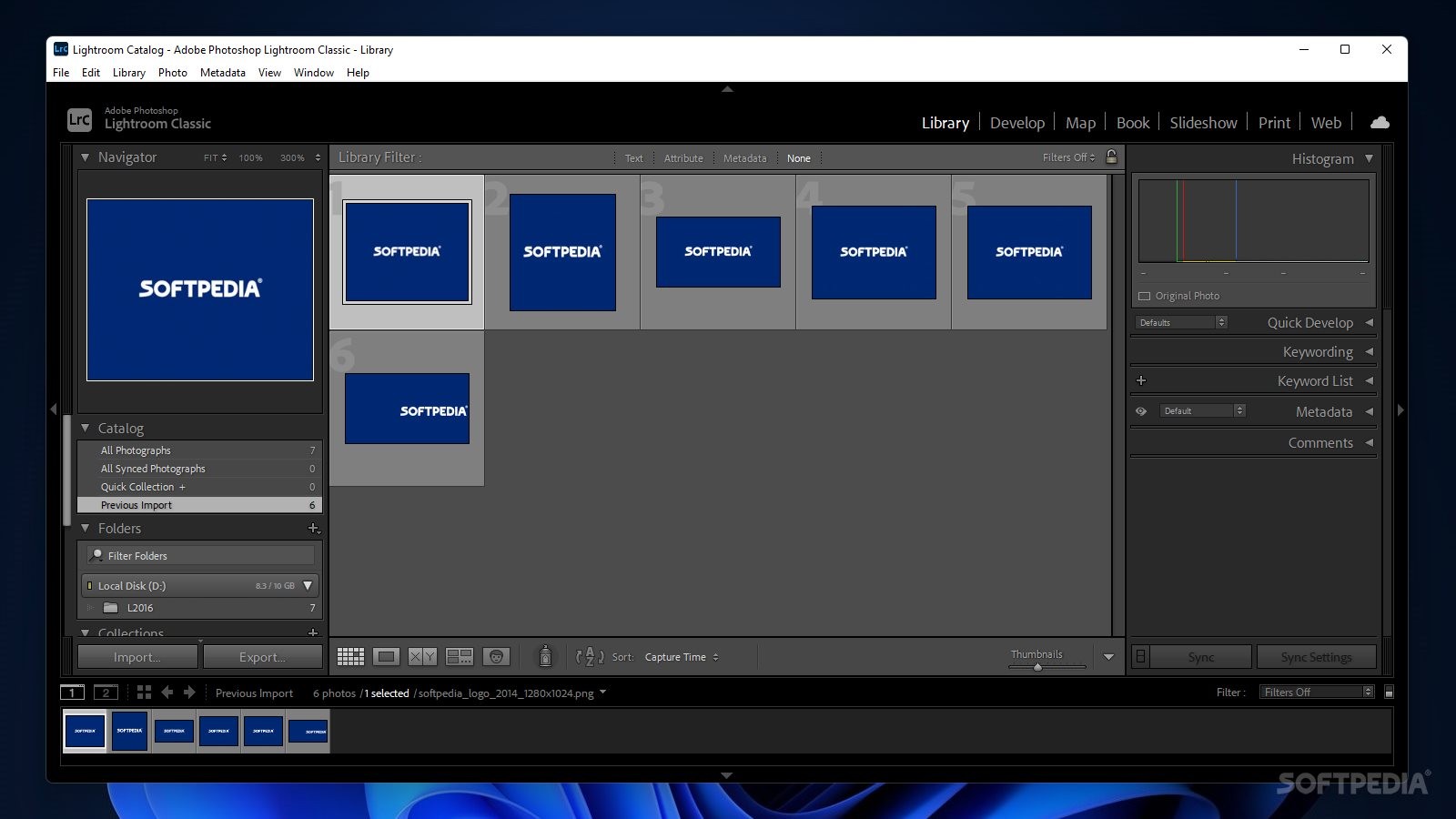
Experiencing the world through photography has seen a tremendous evolution, from the development of the first film cameras, and processing in dark rooms, up to today’s impressively capable graphics suites. The rise of software such as Adobe Photoshop has opened a new realm of possibilities for designers and photographers, but the latter were always “plagued” by the need for increased workflow capabilities when working with multiple images simultaneously.
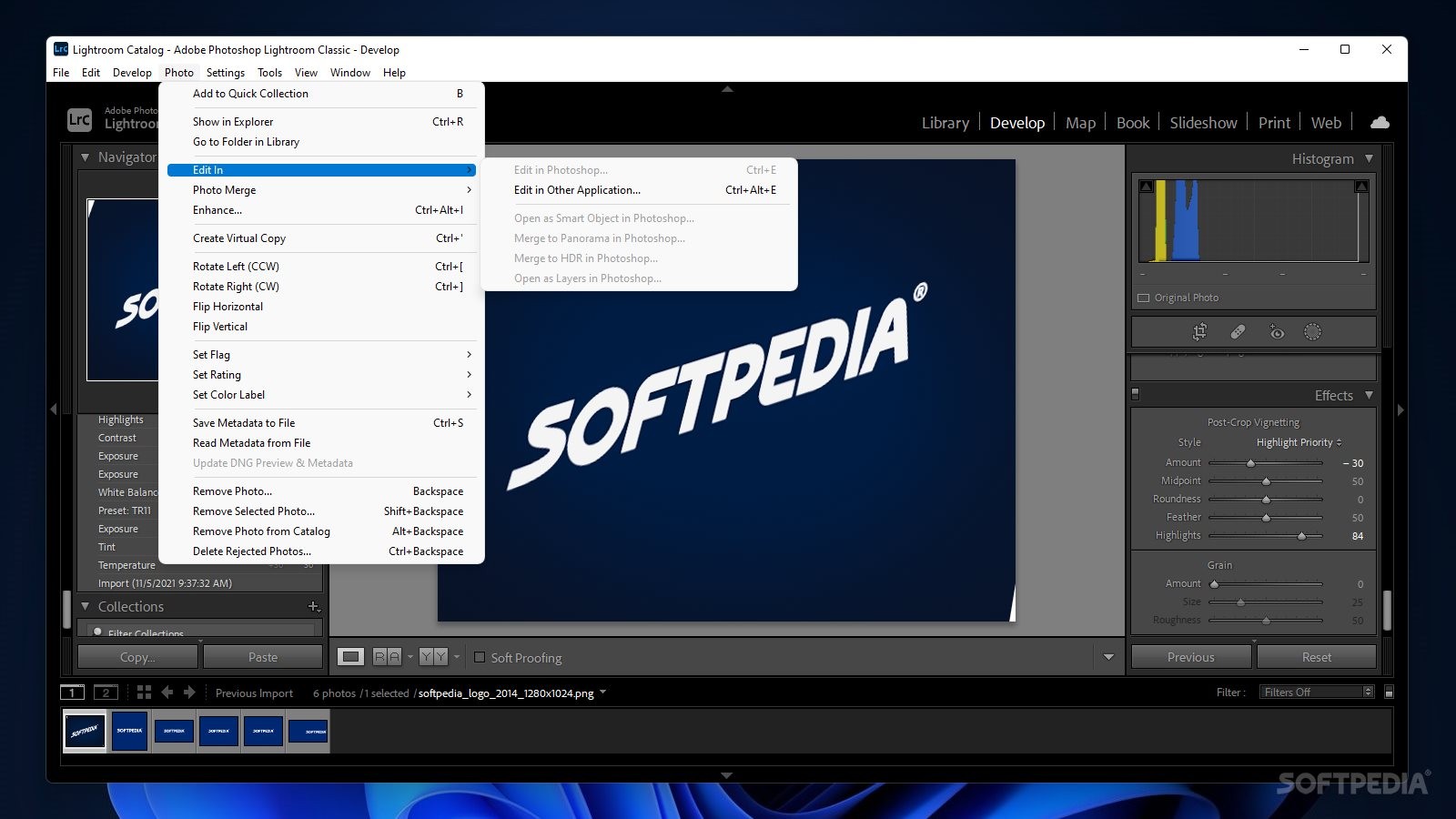
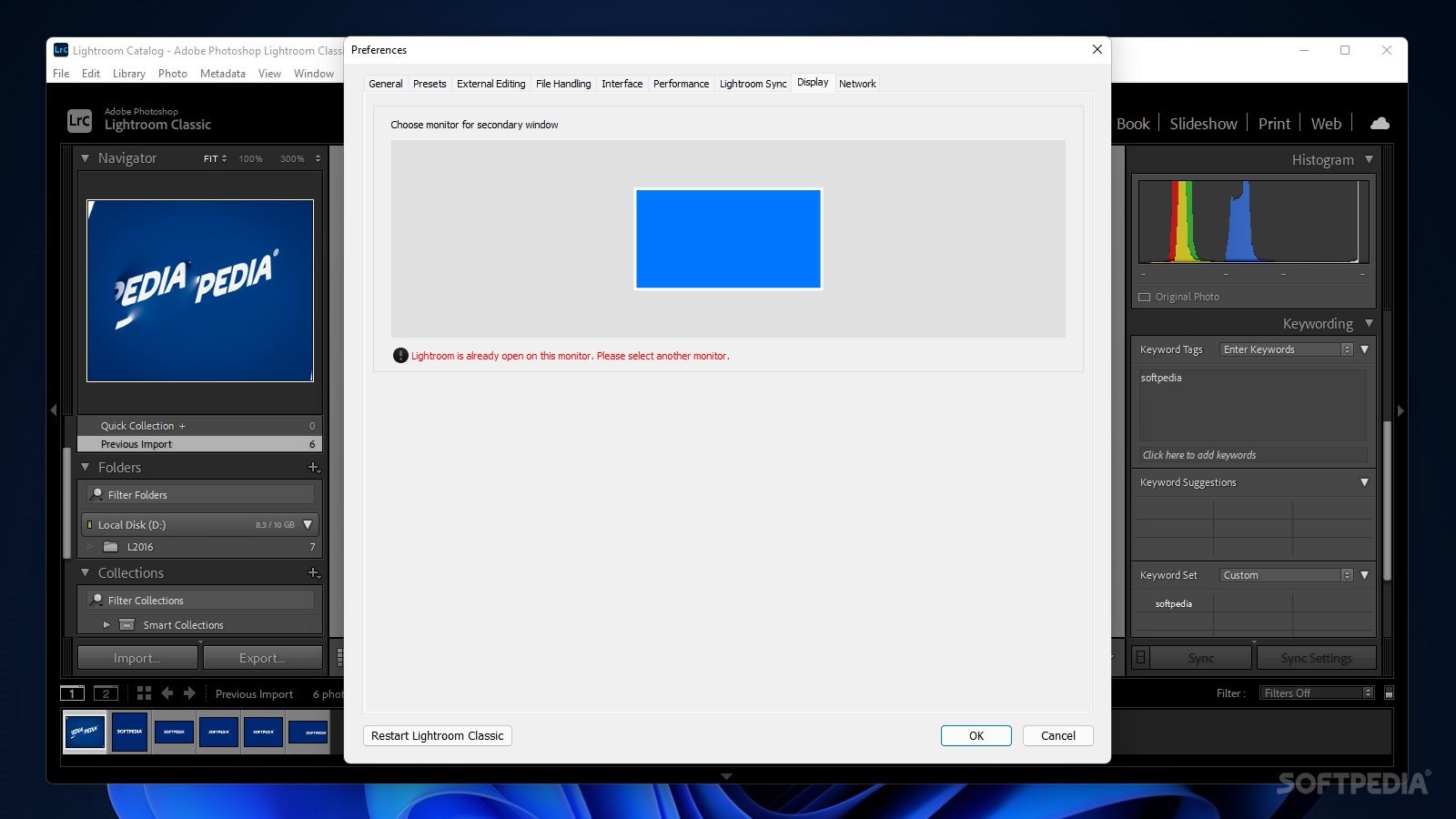
And speaking of darkroom processing, this is where Adobe Photoshop Lightroom Classic steps in, as its current analogue in the digital realm, offering users Photoshop-grade capabilities into a package that is streamlined to the maximum for efficient processing.
For those who are accustomed to working with Adobe Photoshop, the required workflow for importing and editing multiple images can be quite tiring, especially when dealing with countless images. And although the latest iterations of Adobe Camera RAW have seen the development of increased bulk processing capabilities, these just won’t do when efficiency truly matters.
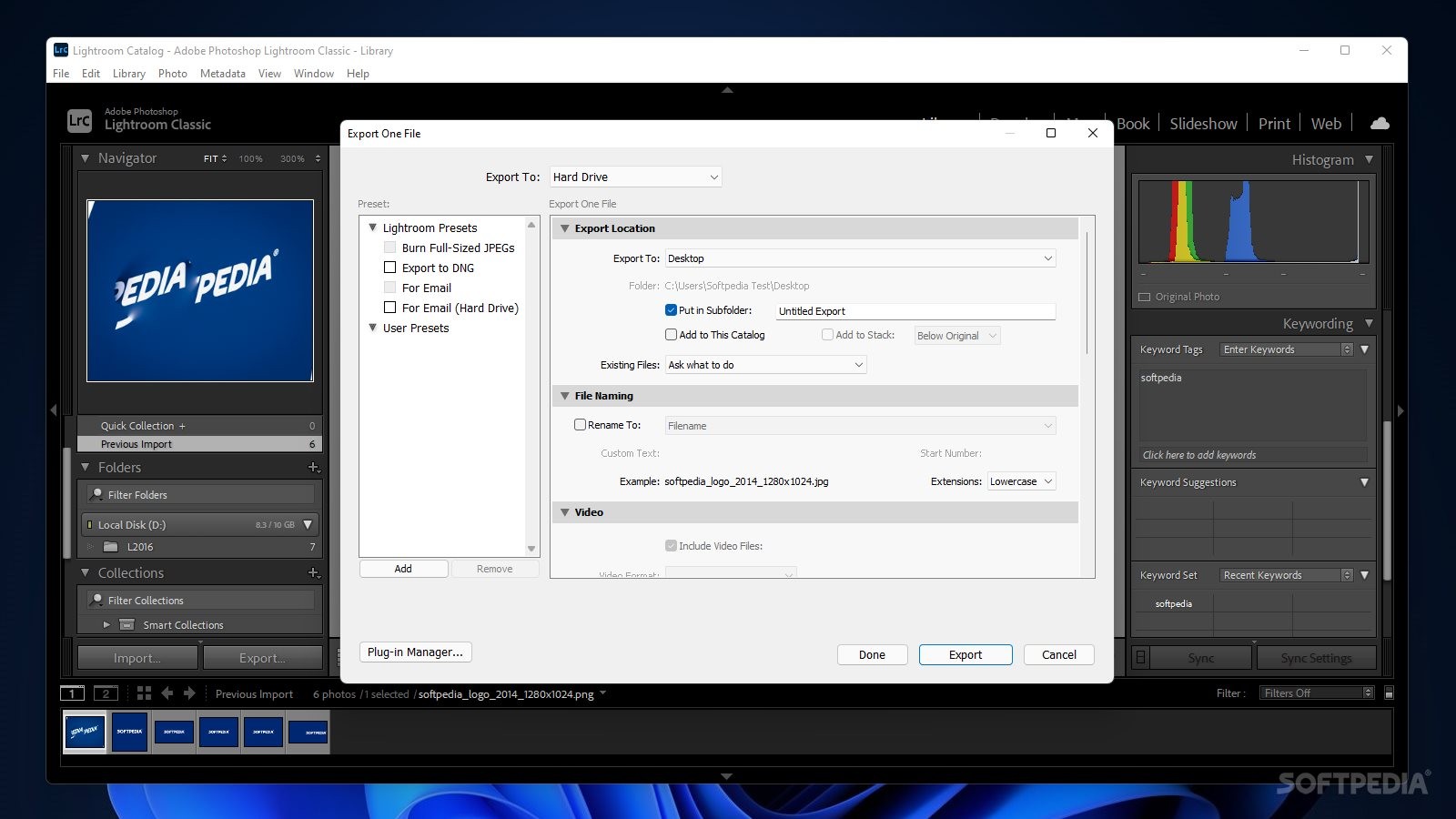
With Lightroom, however, from start to finish, the entire process is a breeze, as if it were designed by photographers for photographers. In just a few clicks, one can complete an entire workflow for importing, processing, and exporting hundreds of images. All, thanks to the intelligent tab sequence, that takes images from the library to the printing process, seamlessly.
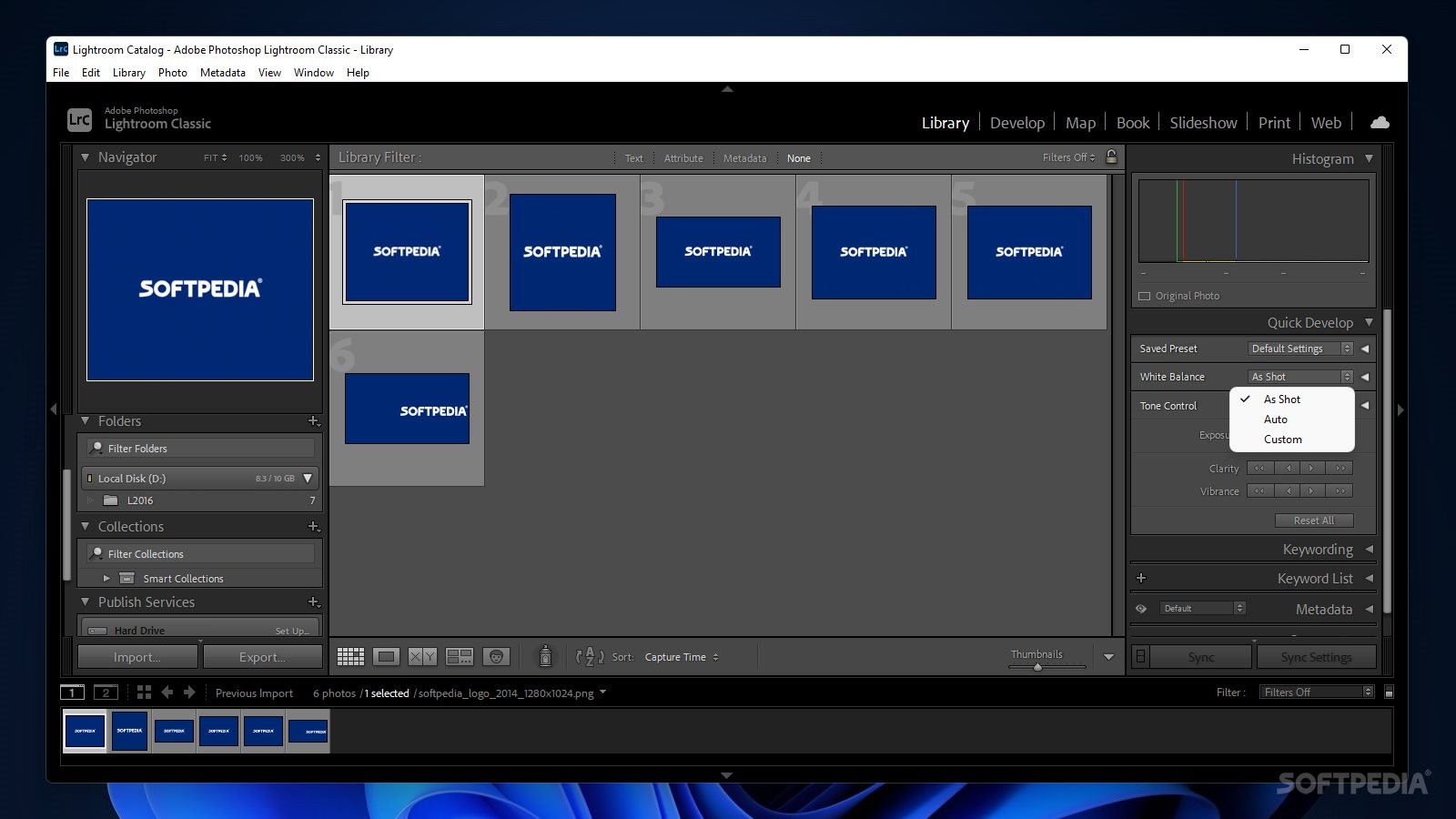
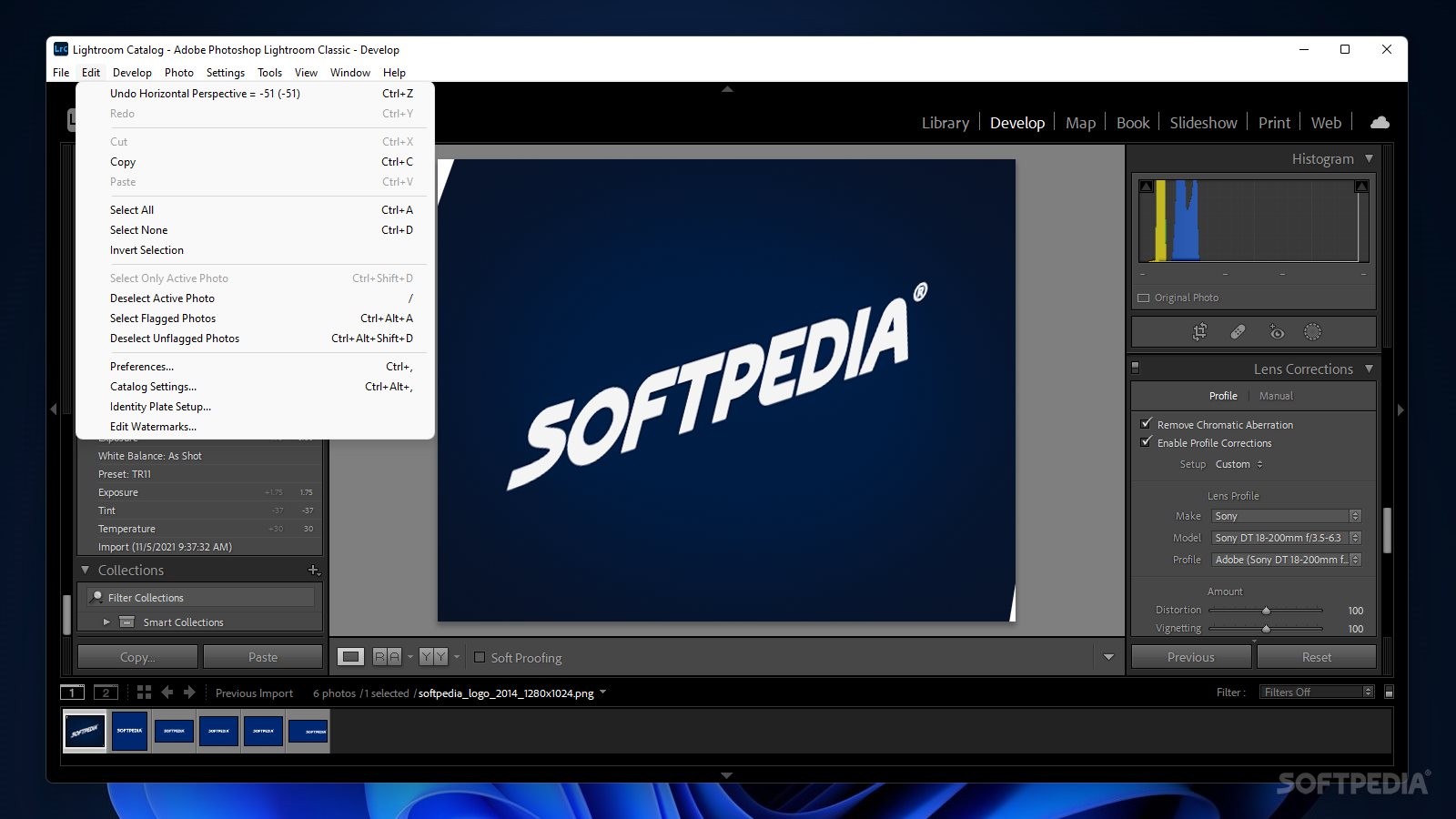
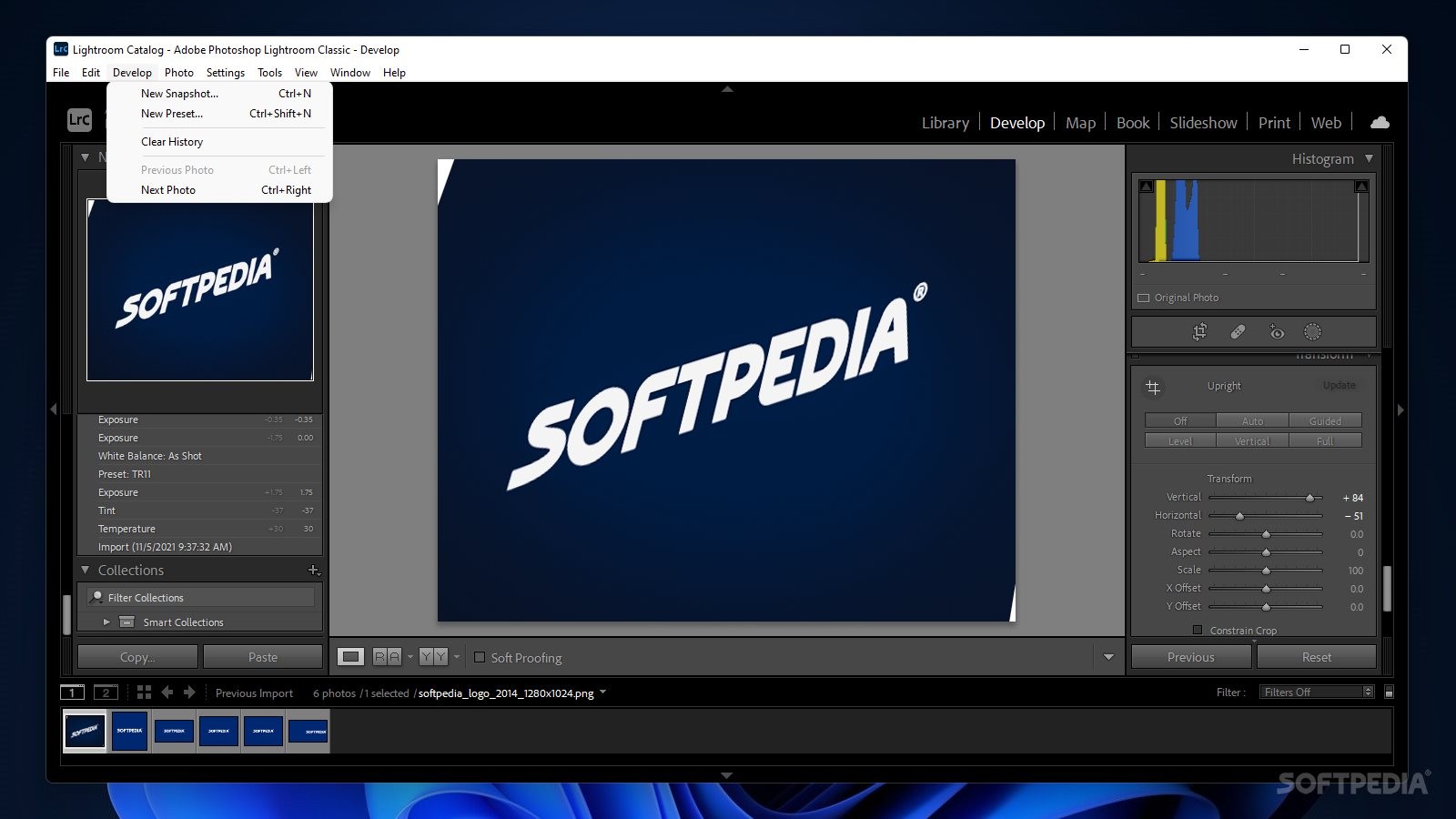
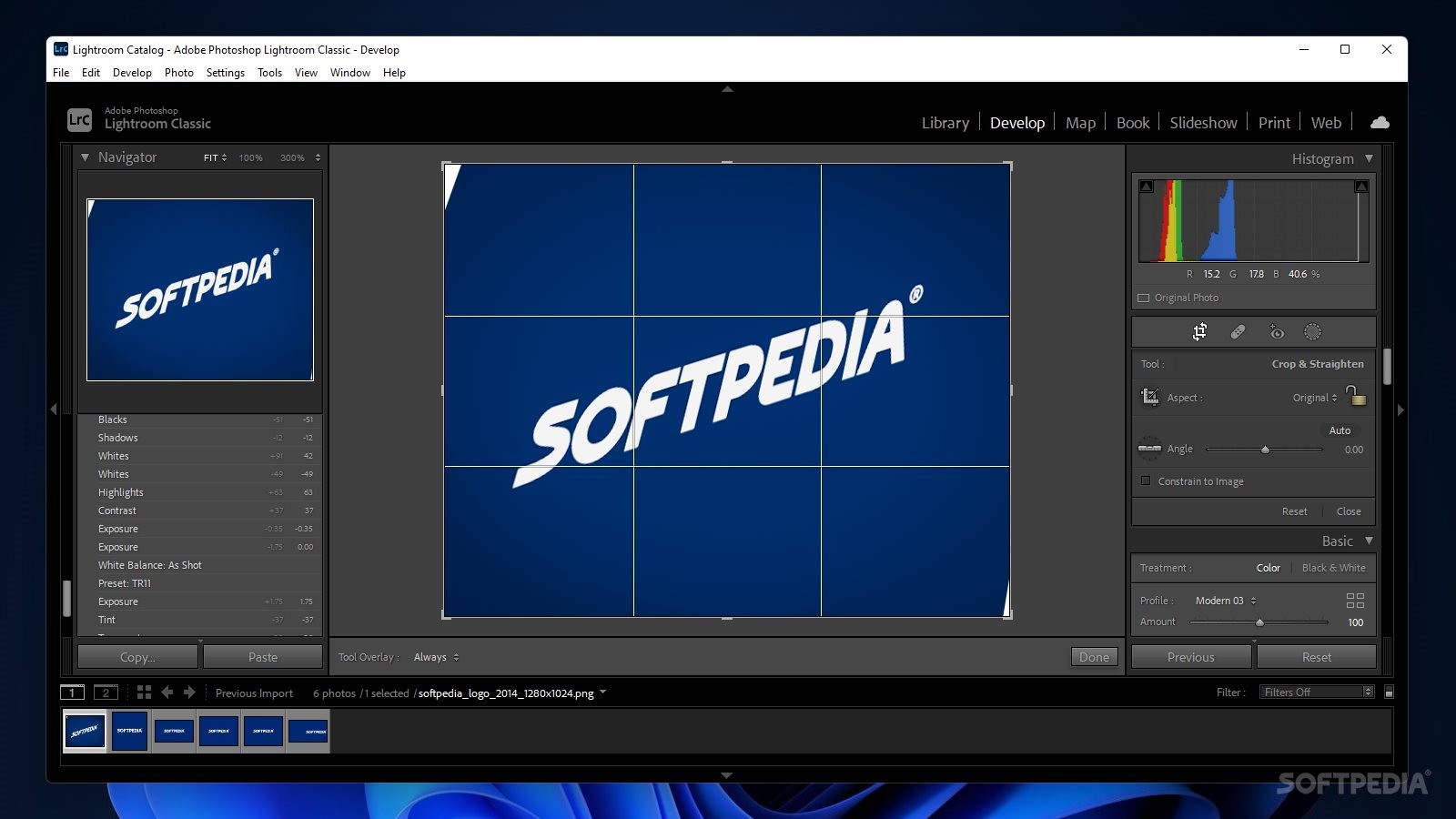
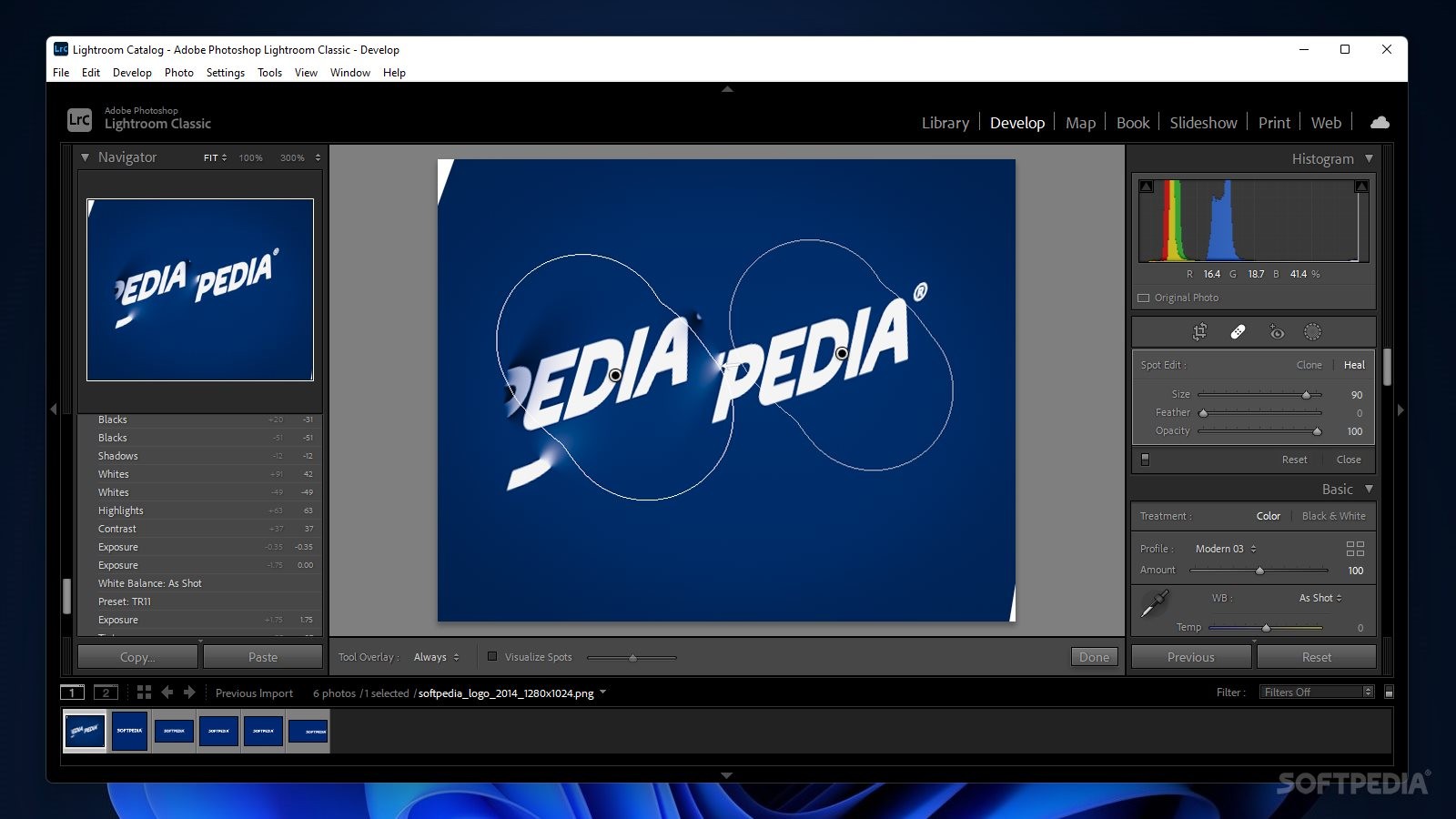
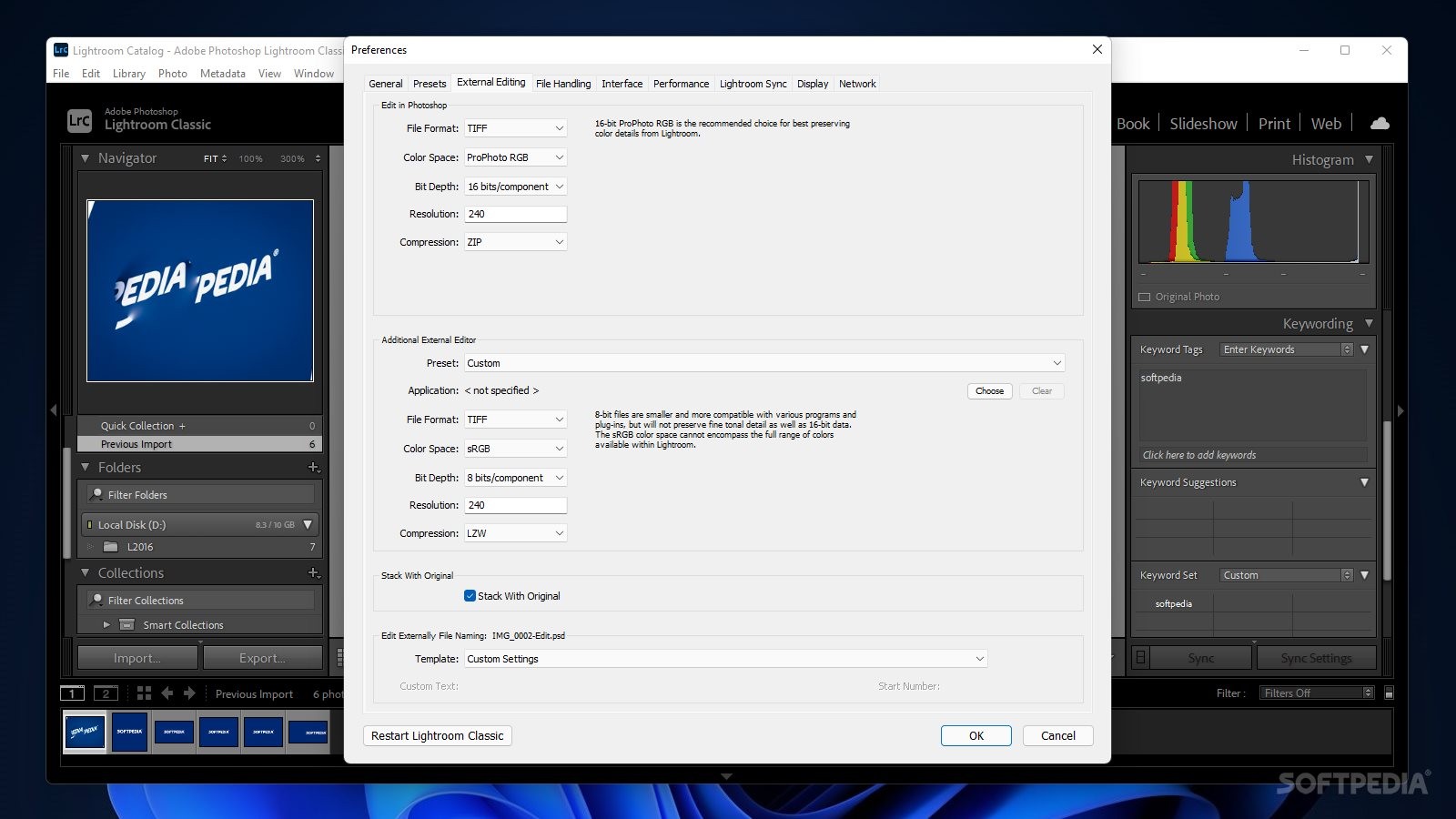
Assessing the image processing capabilities of this application can be a task that is far beyond the scope of a simple test. However, we couldn’t help but notice the well-structured approach that is linked to the actual editing. For instance, one can perform slight changes right from the importing stage, even before entering the main development module.
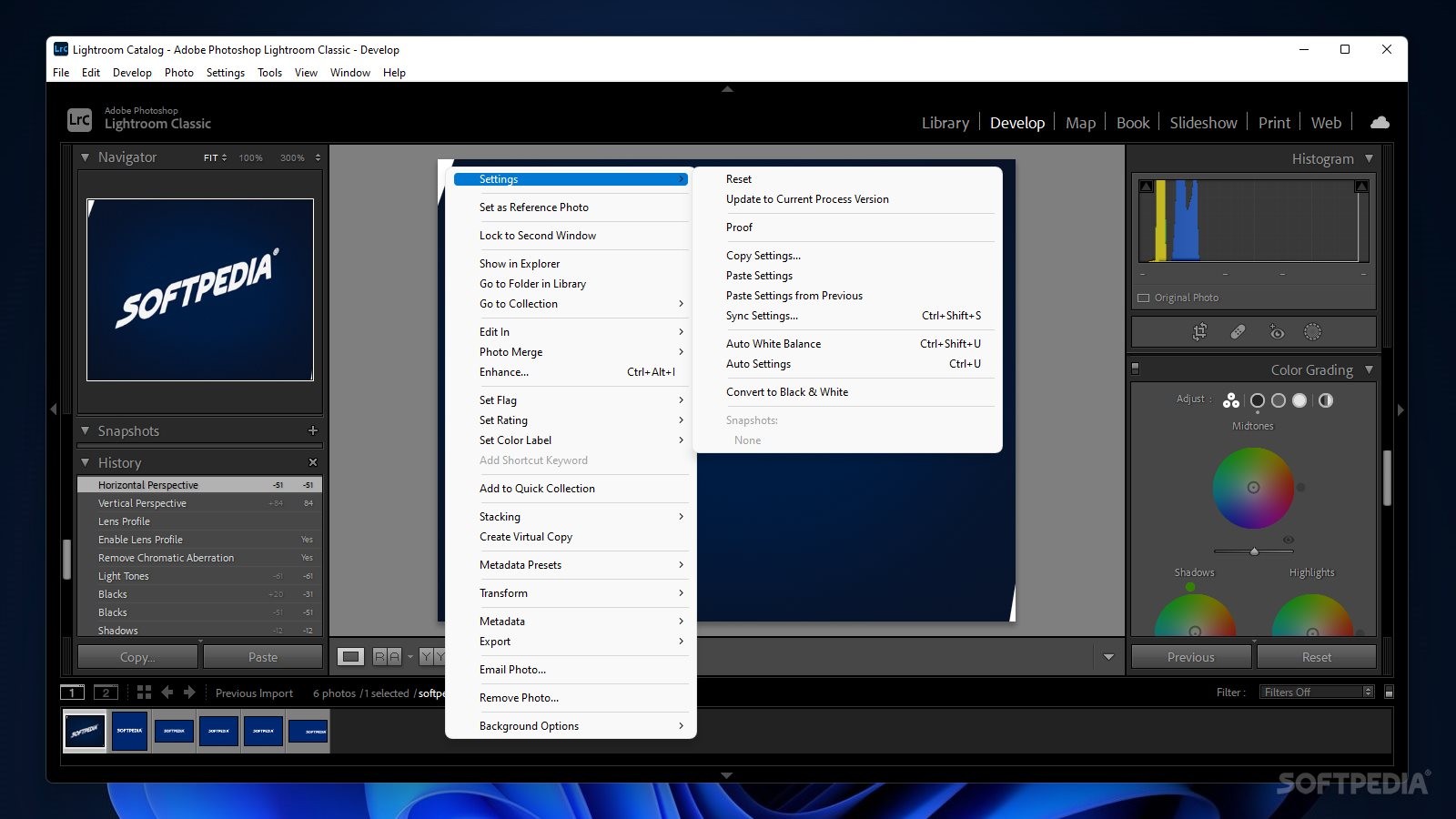
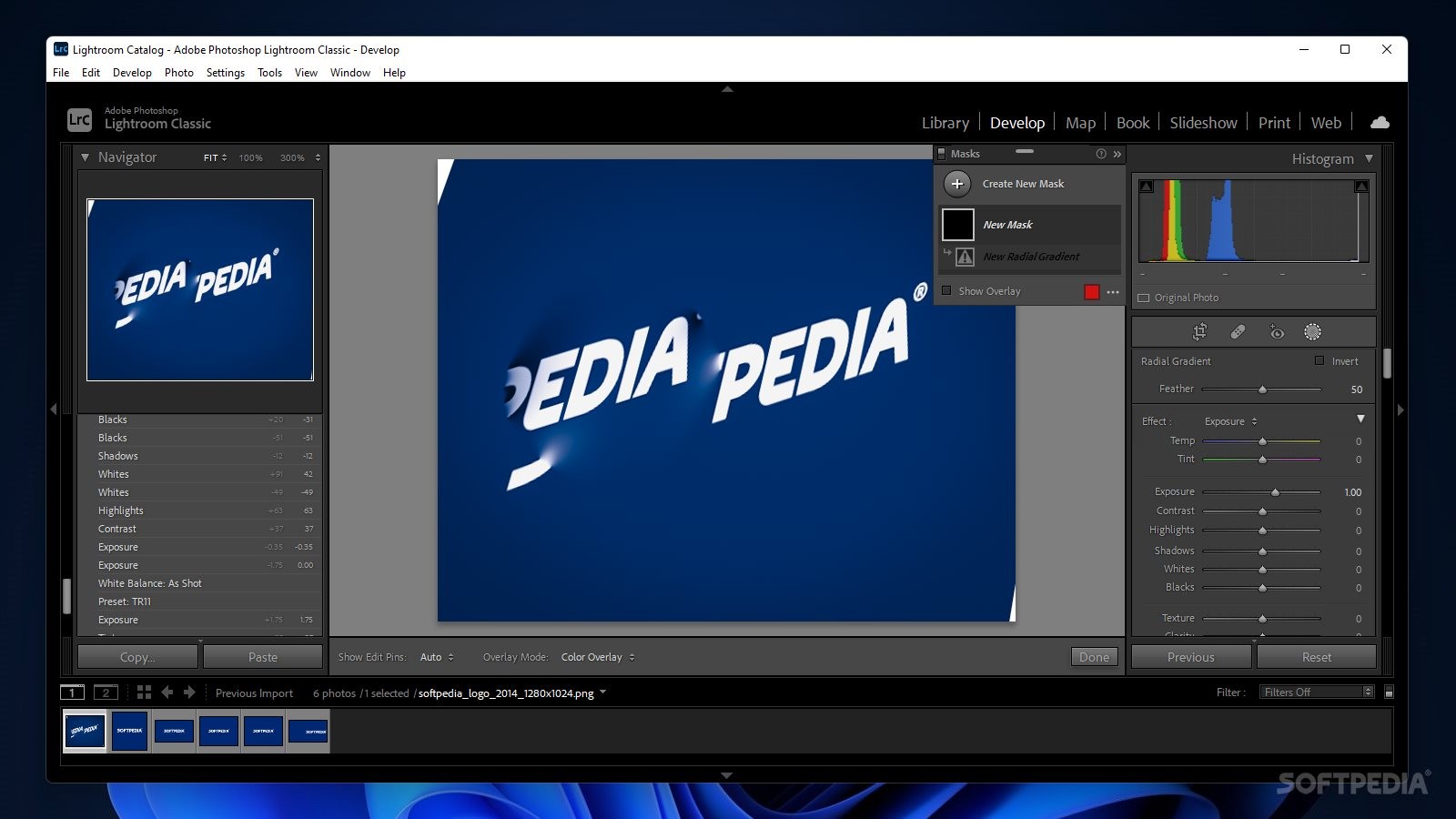
Here, neatly classified into categories that encompass some of the most commonly used and required photography processing techniques, the available features constitute a wonderful sequence, which addresses image processing from the basics, such as exposure and tonal adjustments, all the way up to the more specific tasks, such as lens corrections and color grading.
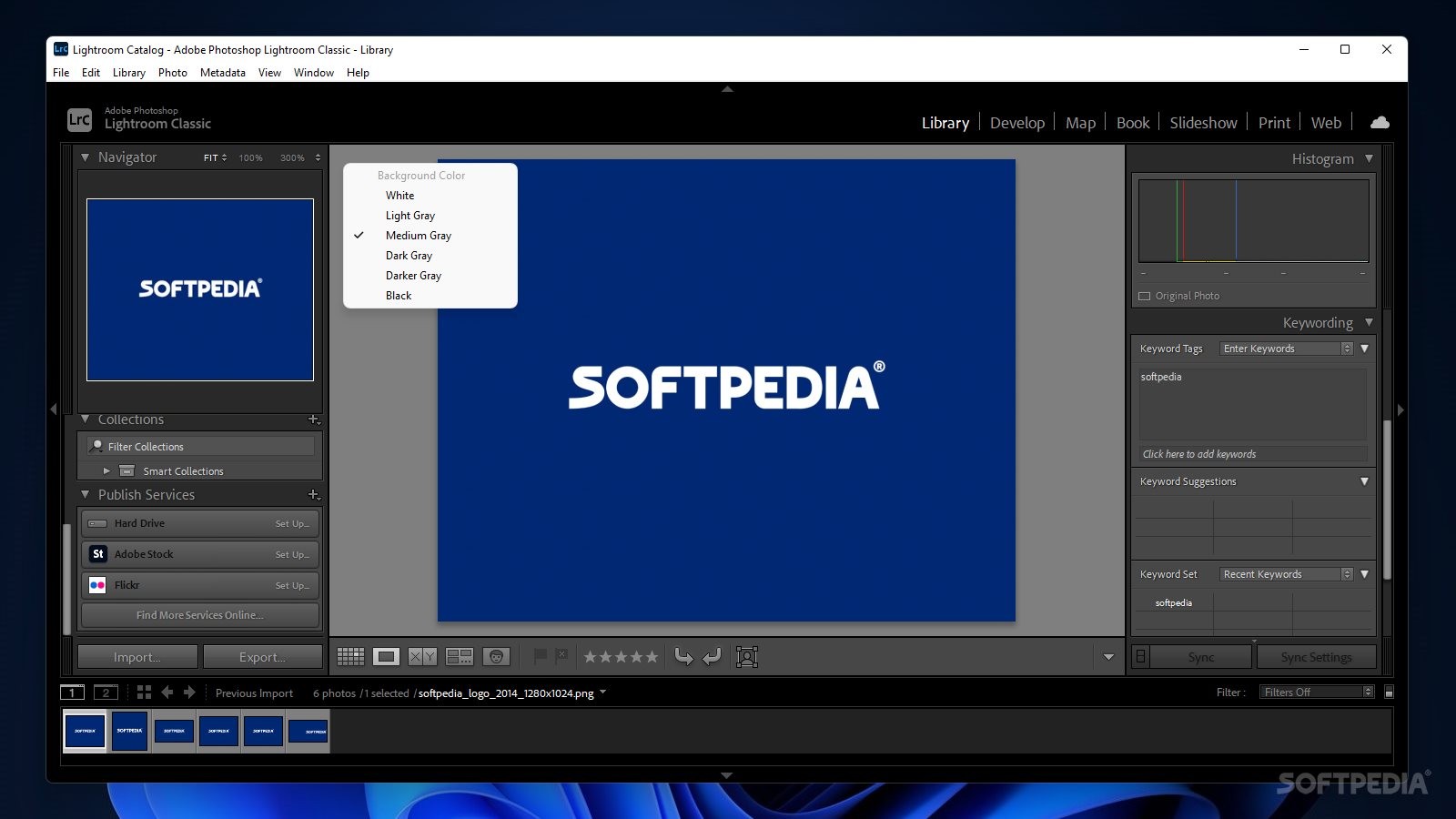
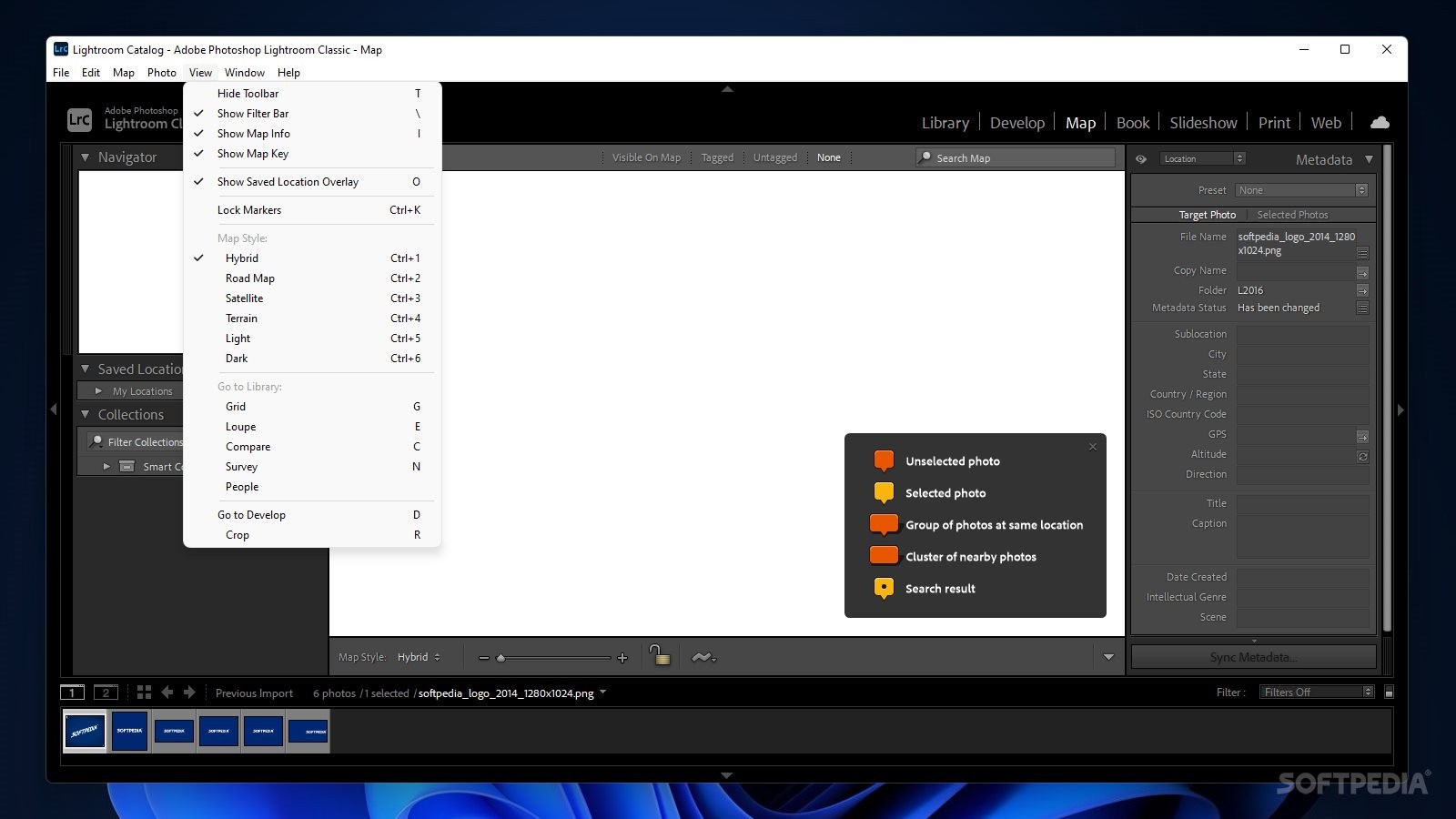
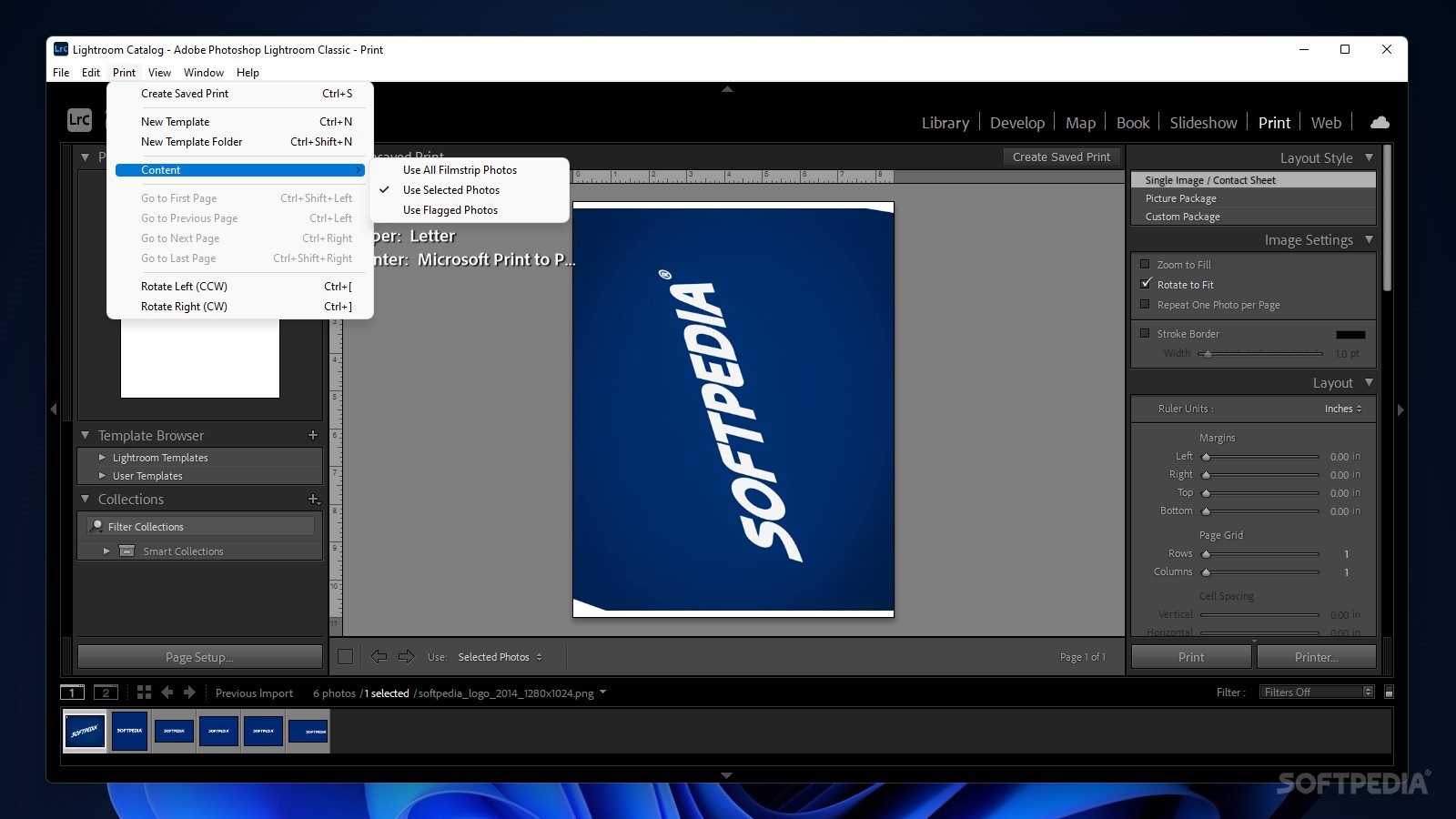
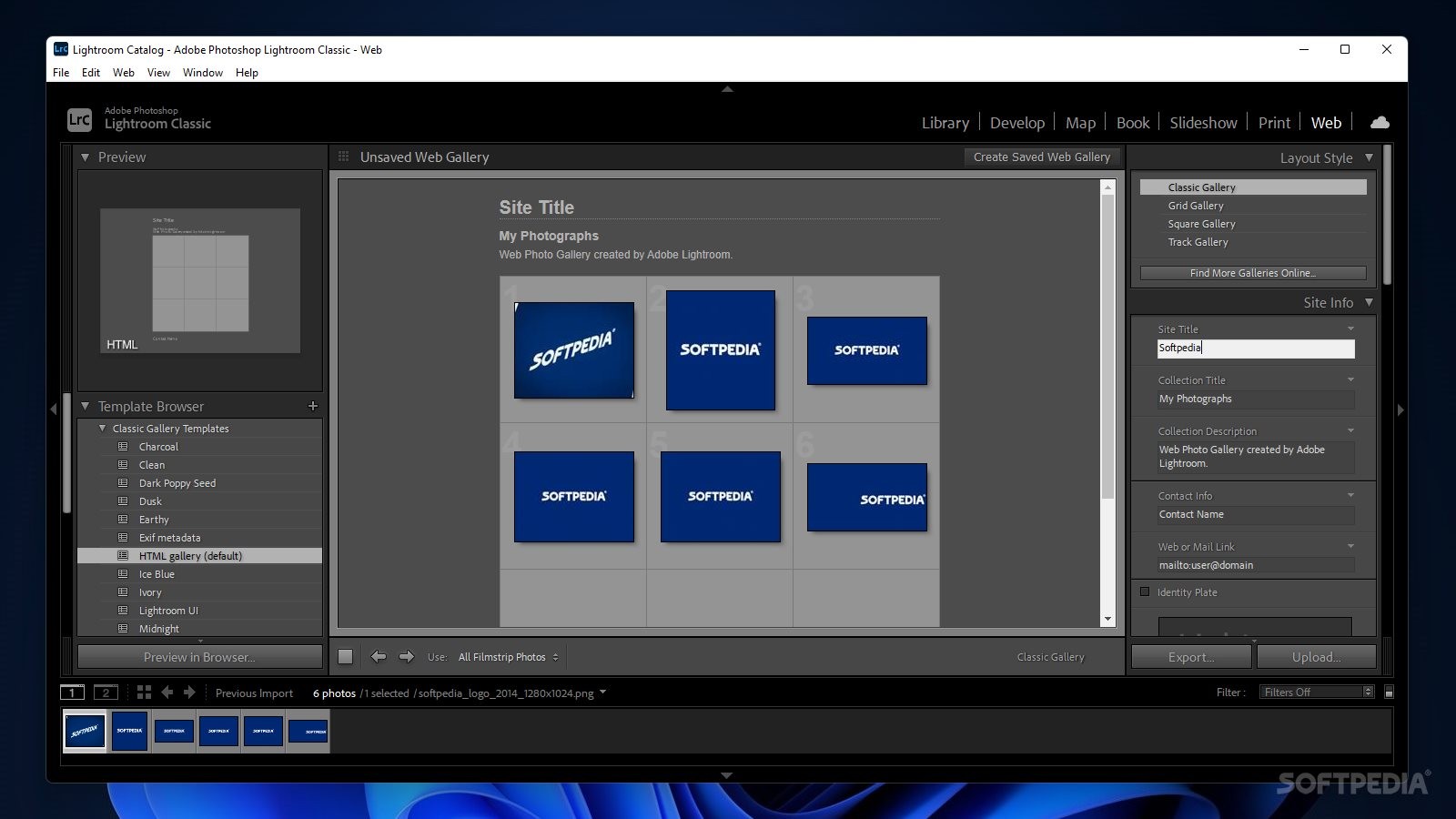
The capabilities of Lightroom don’t end with the actual processing. Again, thanks to a thoughtful design, which addresses the requirements of modern photography from camera to actual print, the application comes equipped with dedicated modules for preparing images for printing, web presentation, as well as book framing.
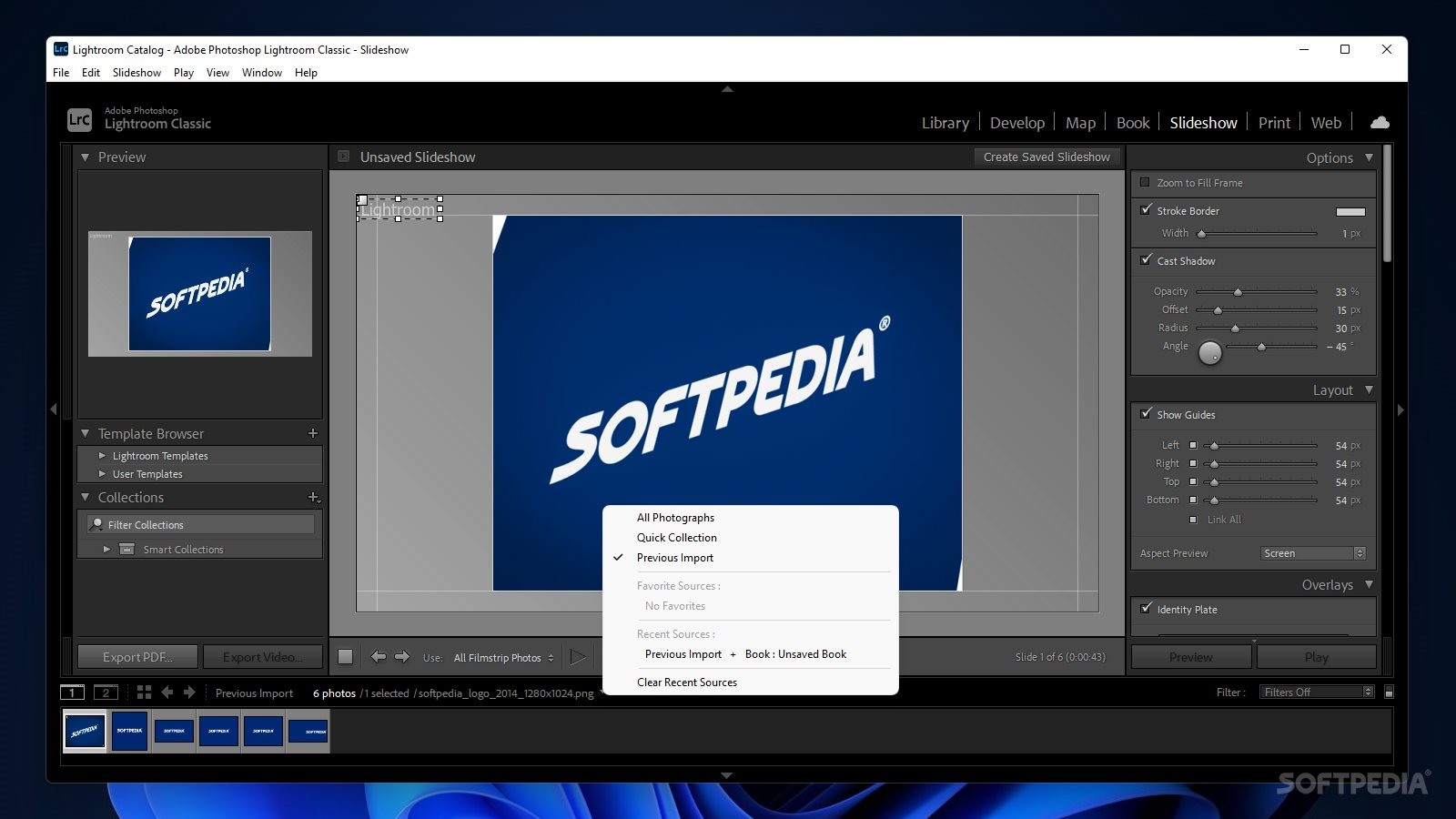
Soft proofing and slideshows are standard features, but worth mentioning, as their importance in previewing the finished product can sometimes be crucial for last-minute, detrimental changes.
As if the cries of photographers all around the world were heard by the development team at Adobe, their response with the emergence of Lightroom and its latest iterations addresses the requirements of modern digital photography very aptly and it does so with style. Thanks to a well-designed approach and structure, it manages to distill but also expand (where required), the essential Photoshop photography processing capabilities, into a package that emphasizes batch processing and workflow efficiency. From camera to framed print.
Download Hubs
Adobe Photoshop Lightroom Classic is part of these download collections: Slideshow Creator, RAW Viewer, Make Slideshows, View CALS
What's new in Adobe Photoshop Lightroom Classic CC 2024 13.2:
- Fixes:
- Select the Spot Removal tool and Flag photo as a pick has the wrong shortcuts
Adobe Photoshop Lightroom Classic CC 2024 13.2
add to watchlist add to download basket send us an update REPORT- runs on:
-
Windows 11
Windows 10 64 bit - file size:
- 2.7 MB







- main category:
- Multimedia
- developer:
- visit homepage
calibre

Microsoft Teams

4k Video Downloader

Bitdefender Antivirus Free

paint.net

Zoom Client

ShareX

IrfanView

7-Zip

Windows Sandbox Launcher

- IrfanView
- 7-Zip
- Windows Sandbox Launcher
- calibre
- Microsoft Teams
- 4k Video Downloader
- Bitdefender Antivirus Free
- paint.net
- Zoom Client
- ShareX